








TL;DR
- Privacy-first knowledge work: Logseq encrypts locally and puts your notes under your control—no cloud lock-in, no per-seat billing.
- Cost scales with your team, not against it: Docmost and Wiki.js eliminate per-user licensing entirely; host once, add unlimited team members.
- Own your data and exit freely: BookStack and Outline store content in portable formats (HTML, Markdown) so migration is a copy-paste, not a migration project.
Why teams leave Confluence
Confluence's pricing model compounds painfully as teams grow. At Standard tier ($5.42/user/month), a 20-person team pays over $1,300 annually just to maintain the same feature set; Premium ($10.44/user/month) doubles that burden. The per-seat cost never decreases—it scales linearly with headcount, and the governance and admin features teams actually need sit locked behind higher tiers.
Beyond cost, Confluence creates structural lock-in. Content lives in Atlassian's proprietary storage format, tightly coupled to Jira and the wider Atlassian ecosystem. Exporting your knowledge base is technically possible but lossy and cumbersome; the result is that teams often stay not because Confluence is the best fit, but because leaving feels like a project in itself.
For organizations that prioritize data sovereignty, privacy, or simply want to avoid recurring per-user fees, open-source alternatives remove both the cost trap and the exit friction. Self-hosted wikis and knowledge bases let you own the infrastructure, control the data format, and migrate freely—without Atlassian's cloud data residency policies or licensing overhead.
Quick comparison
| Name | License | Self-Hosted | Data Format / Portability | Real-time Collaboration | Best For |
|---|---|---|---|---|---|
| Logseq | AGPL-3.0 | Yes | Markdown + local storage | Yes | Privacy-focused, personal & team notes |
| Outline | — | Yes | Markdown | Yes | Fast, beautiful collaborative wikis |
| Wiki.js | AGPL-3.0 | Yes | Markdown / HTML export | Limited | Modern, feature-rich wikis |
| Docmost | AGPL-3.0 | Yes | Markdown-compatible | Yes | Confluence alternative, unlimited users |
| BookStack | MIT | Yes | HTML / Markdown export | No | Documentation & structured knowledge bases |
| Kanboard | MIT | Yes | — | Limited | Task & project management (not primary wiki) |
| Colanode | Apache-2.0 | Yes | Local-first, portable | Yes | Teams wanting Slack + Notion combined |
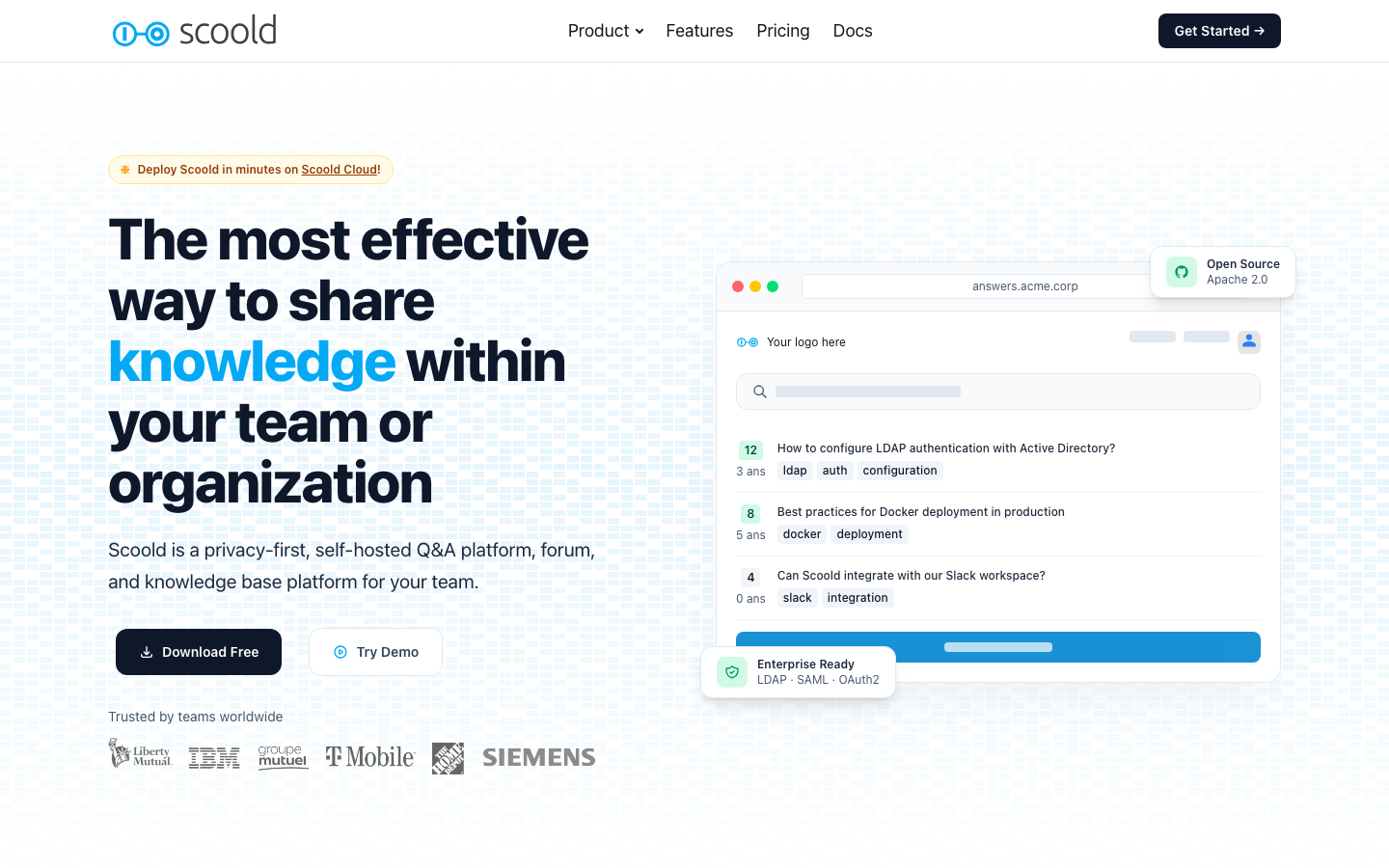
| Scoold | Apache-2.0 | Yes / Hosted | — | No | Q&A and internal knowledge communities |
Top open-source alternatives to Confluence
Logseq
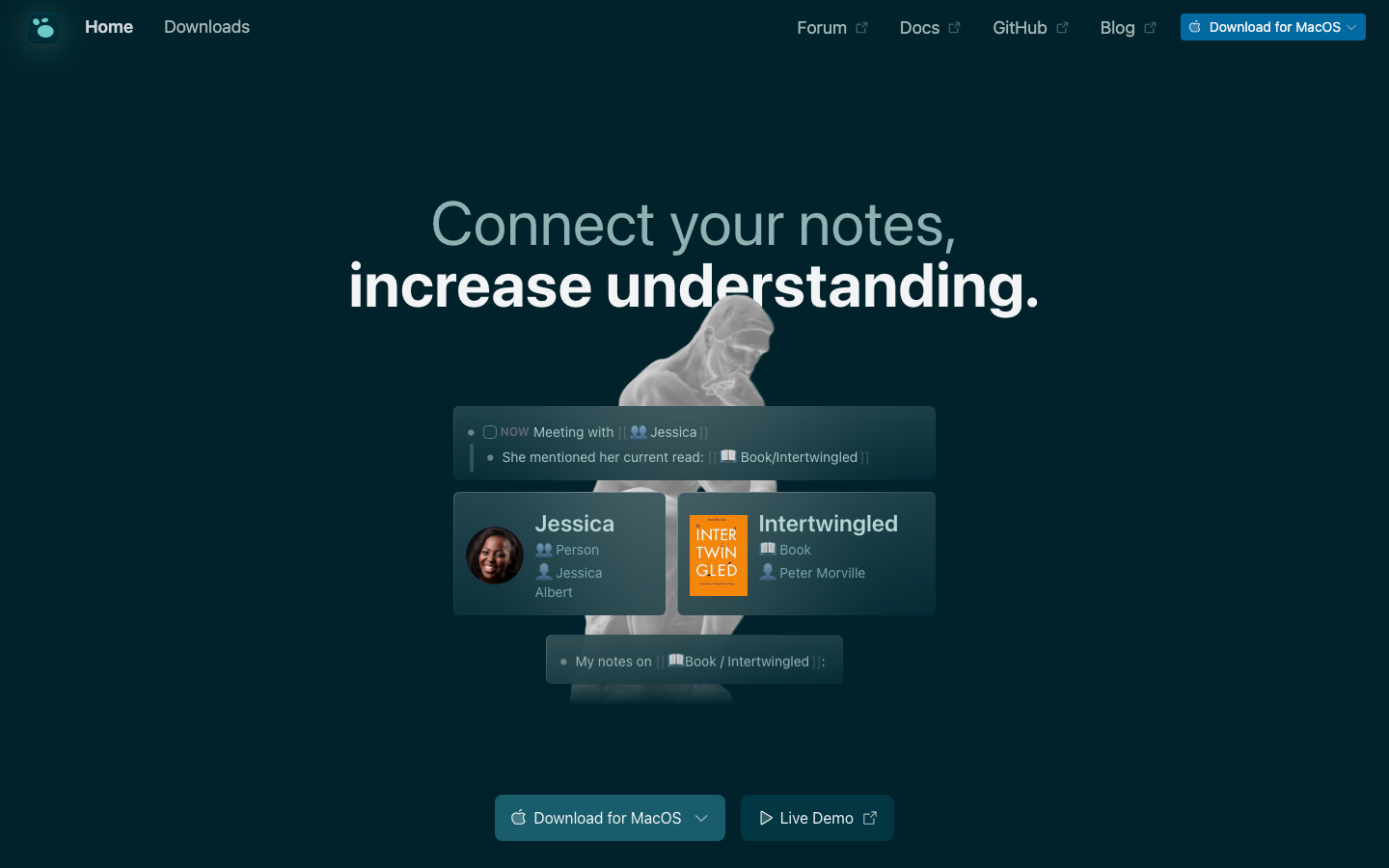
A privacy-first platform for knowledge management built around local-first storage and end-to-end encryption. Logseq syncs across devices without storing your notes on Atlassian servers, and the entire codebase is open under AGPL-3.0. It's ideal for teams that treat documentation as a living, interconnected graph rather than a linear hierarchy.
Pros:
- Local-first architecture means your data never leaves your control; encryption is built in.
- Markdown-native format ensures portability and longevity.
- Real-time collaboration and sync across team members without vendor lock-in.
Cons:
- Steeper learning curve for teams accustomed to traditional wiki hierarchies.
- Community-driven development means feature velocity depends on volunteer contributors.
Outline
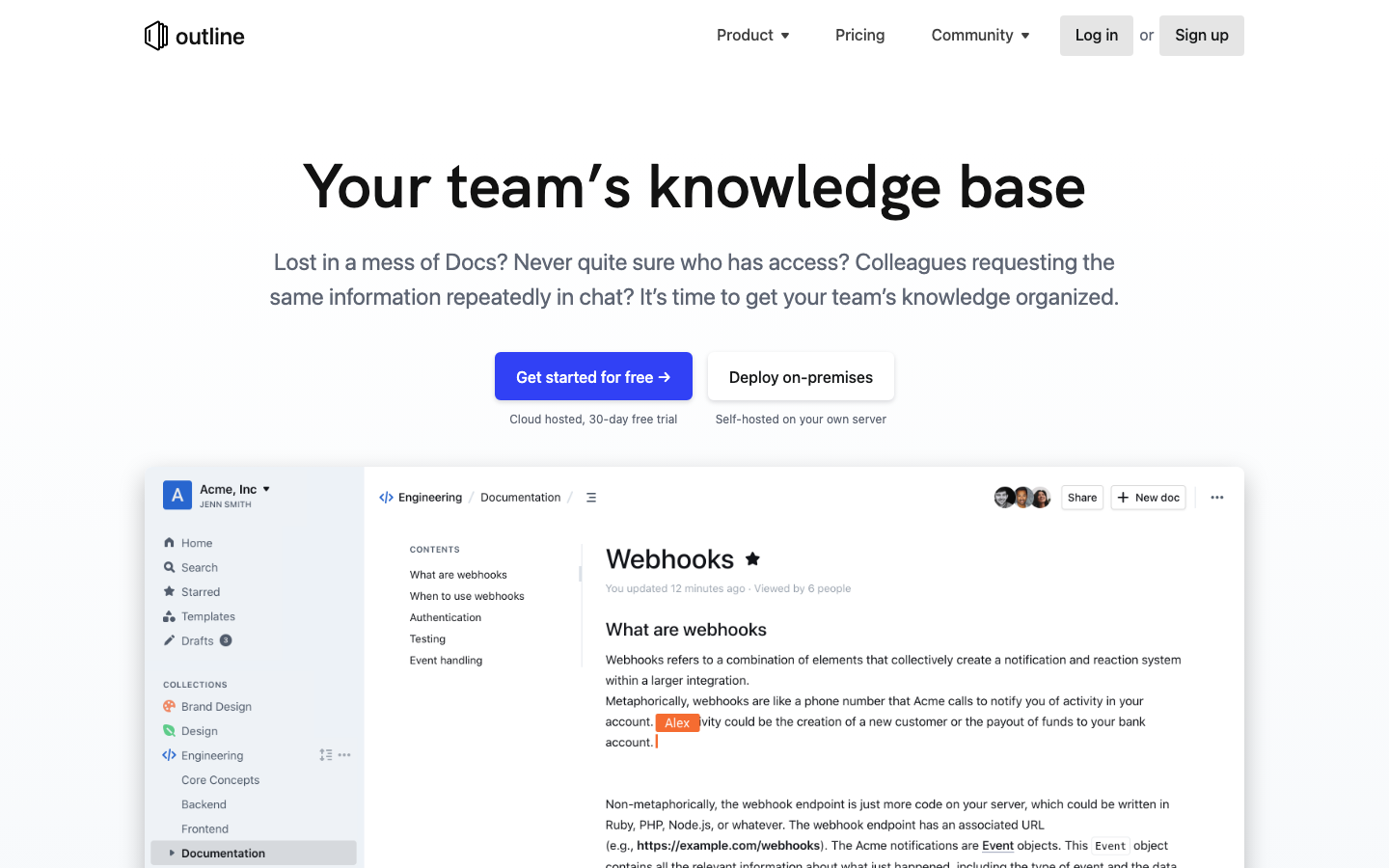
The fastest knowledge base for growing teams, built on TypeScript with a focus on real-time collaboration and markdown compatibility. Outline is beautiful, feature-packed, and designed to feel responsive even with large document collections. It's a direct competitor to Confluence in terms of UX and capability.
Pros:
- Exceptionally fast search and document rendering.
- Real-time collaborative editing with a polished interface.
- Markdown-compatible and straightforward to self-host.
Cons:
- License not declared; verify terms before production deployment.
- Less mature ecosystem than Confluence for third-party integrations.
Wiki.js
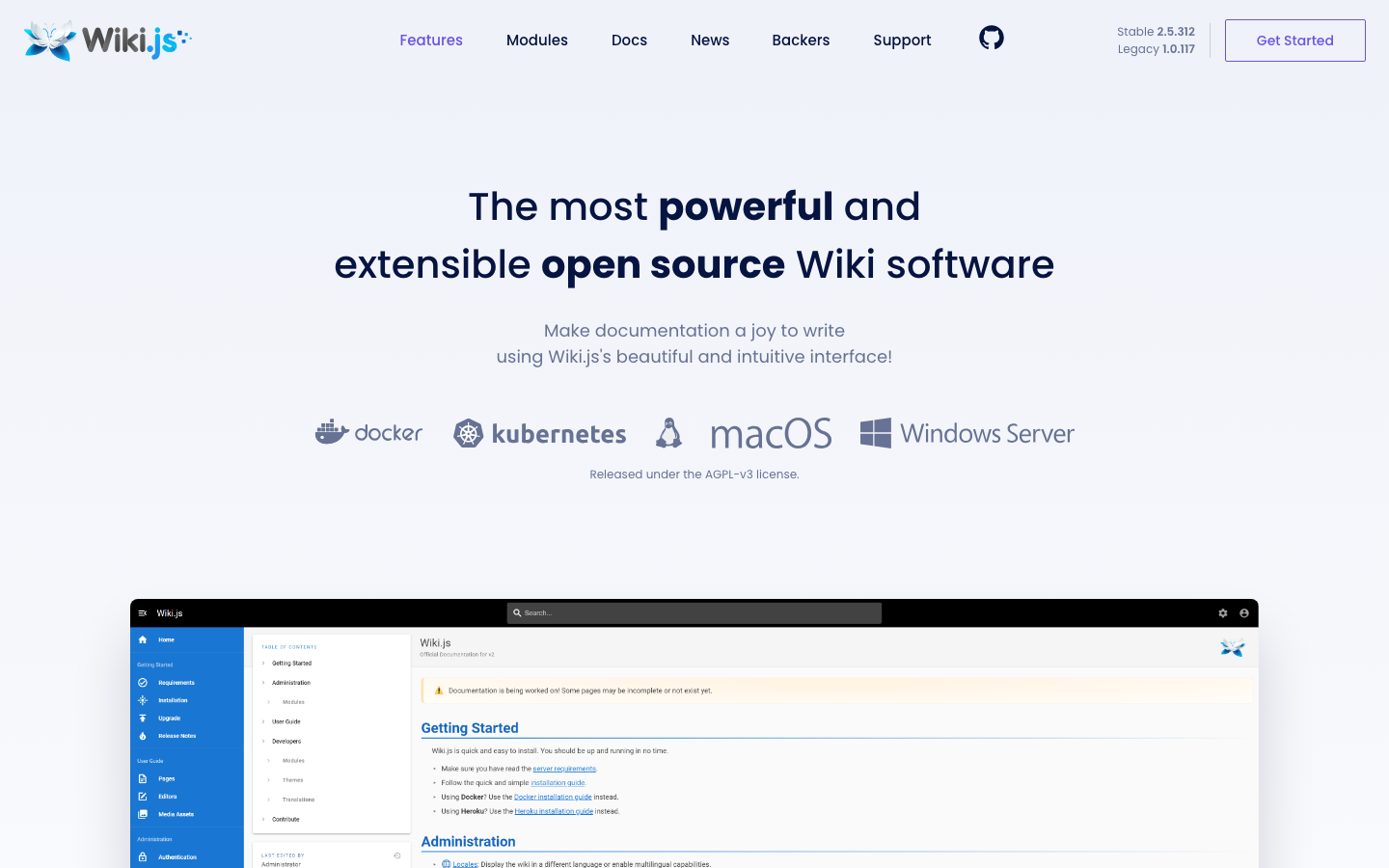
A modern, powerful wiki app built on Node.js with a clean admin interface and strong markdown support. Wiki.js is AGPL-3.0 licensed and purpose-built for knowledge bases, making it a solid choice for organizations that want a traditional wiki experience without Confluence's pricing.
Pros:
- Lightweight and fast; minimal resource overhead.
- Excellent markdown and HTML export capabilities for portability.
- Mature feature set: versioning, permissions, search, and theming.
Cons:
- Real-time collaboration is limited compared to Outline or Docmost.
- Smaller community than larger alternatives.
Docmost
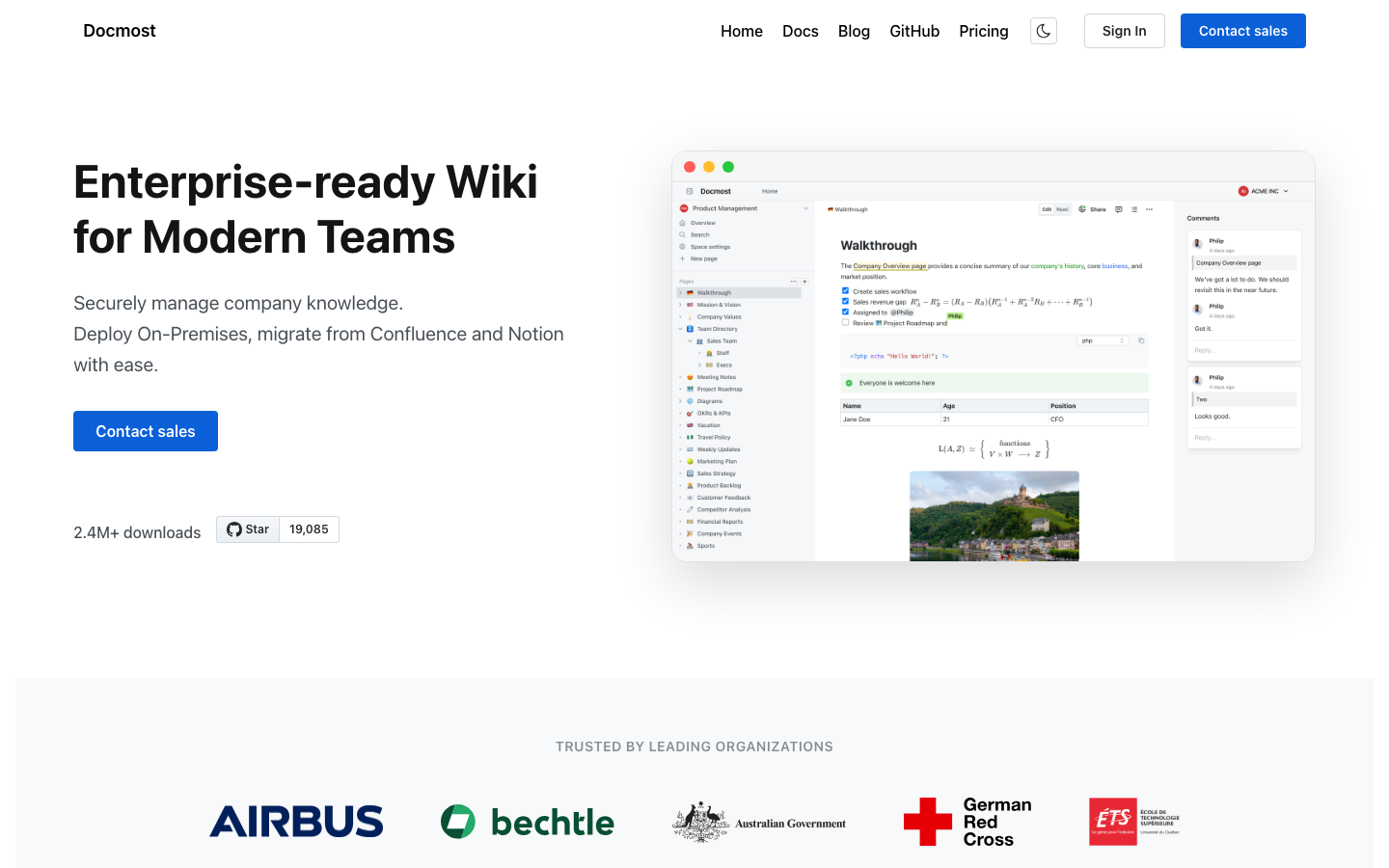
An open-source collaborative wiki and documentation platform explicitly positioned as an alternative to Confluence and Notion. Docmost is AGPL-3.0 licensed, TypeScript-based, and removes per-user licensing entirely—add as many team members as you need for a single deployment.
Pros:
- Unlimited user seats; cost does not scale with headcount.
- Markdown-compatible and designed for real-time collaboration.
- Explicitly built as a Confluence alternative, so feature parity on common workflows.
Cons:
- Younger project with a smaller user base than Confluence or Outline.
- Feature set still maturing; some advanced governance features may be missing.
BookStack
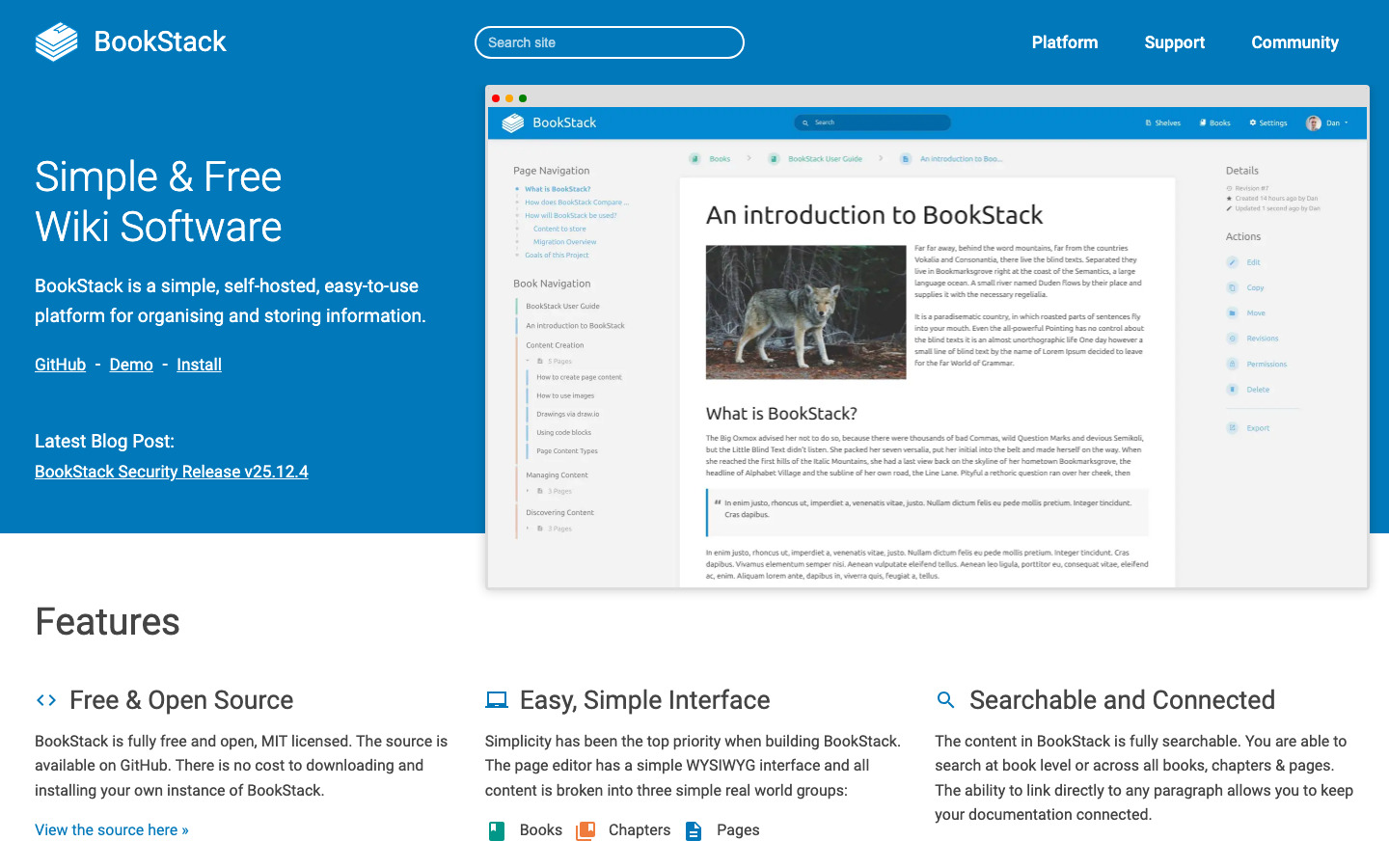
A platform to create documentation and wiki content built with PHP and Laravel. BookStack is MIT-licensed, self-hosted, and optimized for structured, hierarchical documentation—books, chapters, and pages. It's ideal for teams that prioritize organization and long-form content over real-time collaboration.
Pros:
- Simple, intuitive hierarchical structure (books → chapters → pages).
- Excellent HTML and Markdown export for data portability.
- Lightweight; runs on modest server resources.
Cons:
- No real-time collaborative editing; better suited for asynchronous workflows.
- Less emphasis on team communication features compared to Confluence.
Kanboard
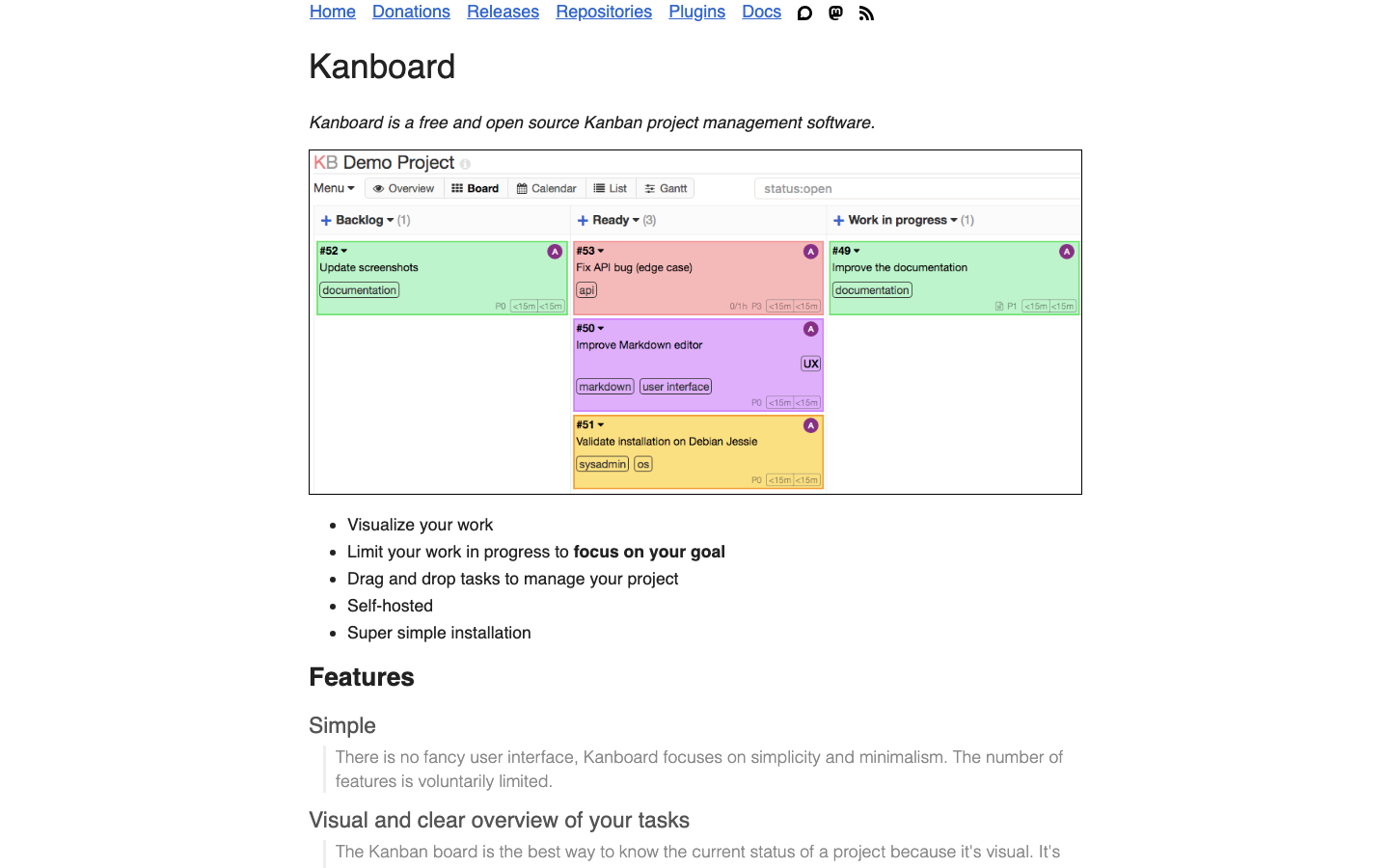
A Kanban project management software built with PHP and MIT-licensed. While primarily a task and project management tool, Kanboard can serve as a lightweight alternative for teams that need visual workflow management alongside documentation.
Pros:
- Simple, focused Kanban interface; low cognitive overhead.
- Self-hosted and MIT-licensed; full control over deployment.
- Lightweight and fast.
Cons:
- Not designed as a primary knowledge base or wiki; documentation features are minimal.
- Better suited as a complement to a wiki rather than a Confluence replacement.
Colanode
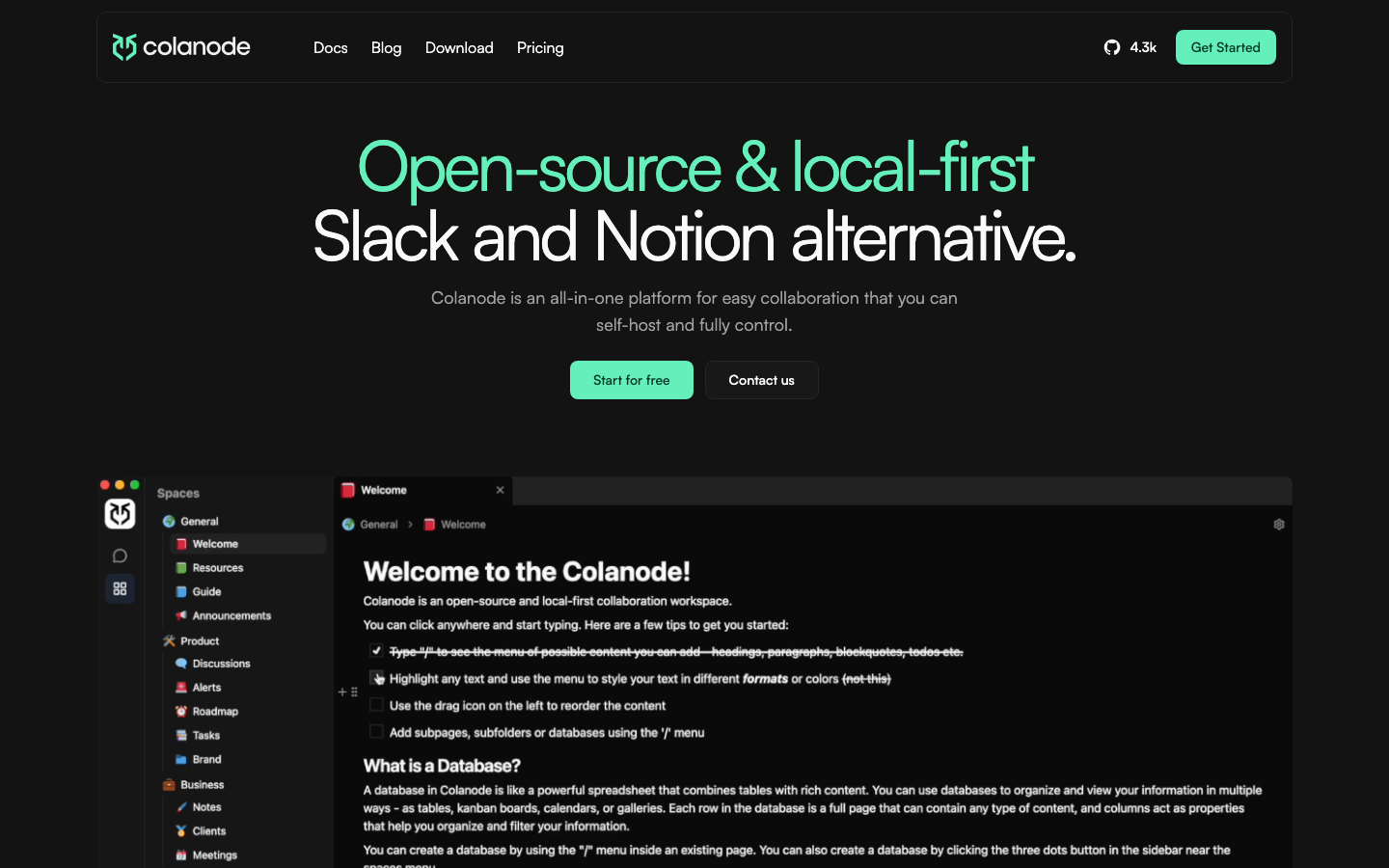
An open-source, local-first alternative that combines Slack-like messaging with Notion-like documentation in a single tool. Colanode is Apache-2.0 licensed and emphasizes data ownership and portability, making it a good fit for teams that want unified communication and knowledge work without multiple vendors.
Pros:
- Combines team chat and collaborative documentation in one platform.
- Local-first architecture prioritizes data control and privacy.
- Real-time collaboration across messaging and docs.
Cons:
- Smaller project with a narrower feature set than mature wikis.
- Best suited for teams comfortable with unified platform trade-offs.
Scoold
The Stack Overflow clone for your team, available both self-hosted and as a managed service. Scoold is Apache-2.0 licensed and built in Java, designed to foster Q&A-driven knowledge communities rather than traditional wiki hierarchies.
Pros:
- Q&A format encourages peer learning and reduces duplicate documentation.
- Self-hosted or managed hosting options; flexibility in deployment.
- Good for teams that benefit from threaded, searchable knowledge communities.
Cons:
- Different paradigm from Confluence; requires buy-in to Q&A culture.
- Not a traditional wiki, so unsuitable for teams needing hierarchical documentation.
How to choose
If your team values privacy and local control, start with Logseq. If you need a direct Confluence replacement with unlimited users and collaborative editing, Docmost or Outline are your best bets. For structured, hierarchical documentation with minimal overhead, BookStack excels. Teams that want fast search and beautiful UX should evaluate Outline or Wiki.js. Finally, if your team thrives on Q&A-driven knowledge sharing, Scoold offers a fundamentally different but valuable model. In all cases, the per-seat cost disappears—you're paying for infrastructure, not licensing.