













TL;DR
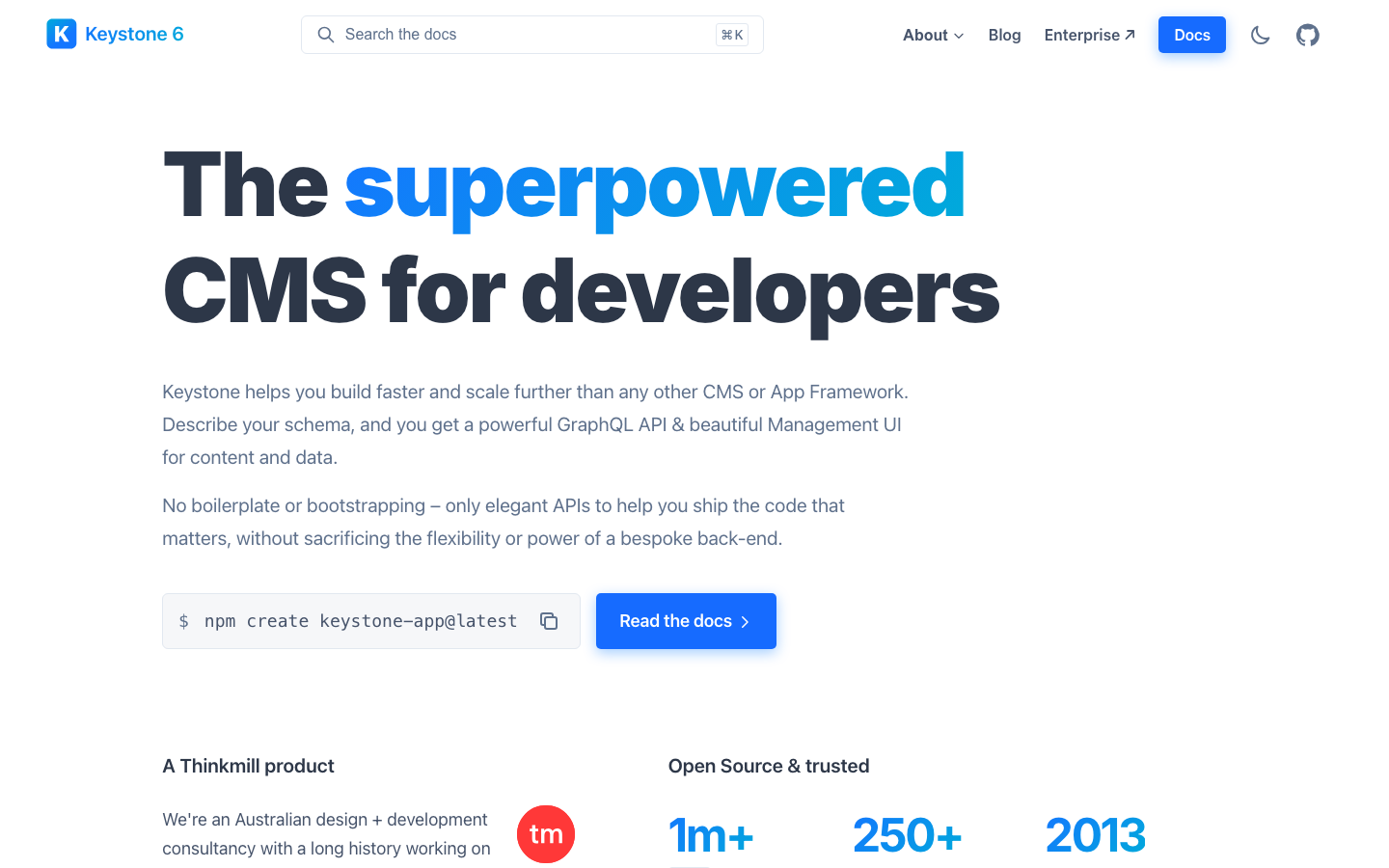
- Product teams managing content across channels on a tight budget: Keystone gives you a full GraphQL headless CMS with React admin UI, self-hosted and open-source, so you own your API costs and content model.
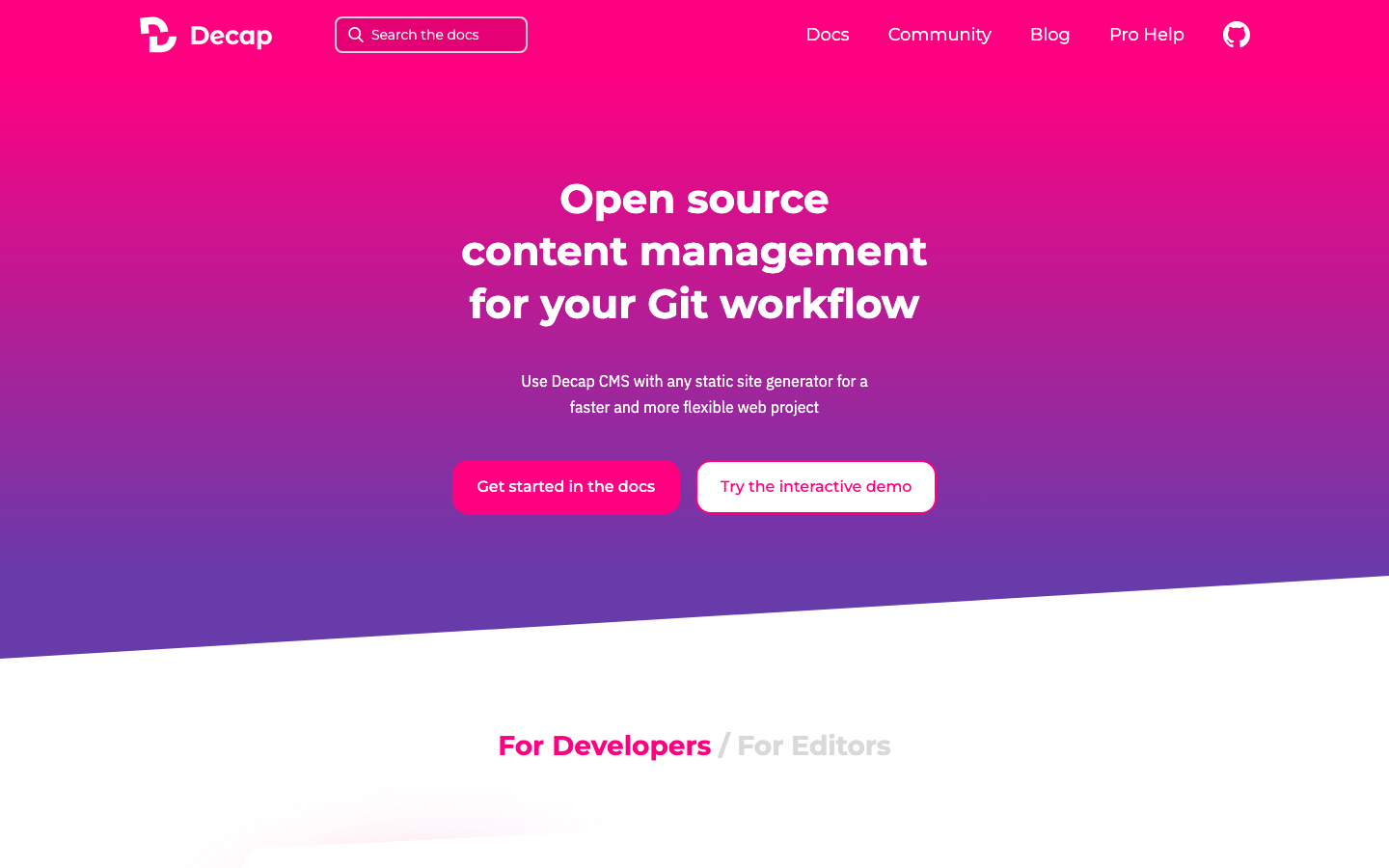
- Static site teams wanting Git-native workflows: Decap CMS turns your Git repository into a content backend with zero server overhead—ideal for marketing sites and documentation that don't need a heavyweight server.
- Enterprise teams needing a complete content + commerce stack: Pimcore combines PIM, DAM, CDP, and CMS in one platform, letting you scale without per-API-call penalties or vendor lock-in on your data model.
Why teams leave Contentful
A product team ships their first feature using Contentful's generous free tier. Six months later, as content grows and API calls climb—hitting 500k calls/month across staging, preview, and production—they get a bill shock: overages. The free tier caps at 100k calls; the Basic plan at $300/month includes only a fraction more, and every call beyond that costs money. They realize the pricing model isn't about the software—it's about usage taxation.
The structural problem is multi-layered. Contentful's pricing is usage-based: API calls, bandwidth, and seat licenses all accumulate. Hard quotas on the Basic plan (48 content types, 3 locales, ~20 users) force teams into tier upgrades even when they're not hitting true capacity limits. More fundamentally, content lives behind Contentful's proprietary cloud API. Migrating a complex content model out—especially if you've built deeply into their schema—is non-trivial. You're not just paying for the software; you're paying per transaction, and your content model becomes sticky by design.
For e-commerce teams, this compounds. Each product sync, inventory update, or content delivery across channels is an API call. For teams managing multiple locales or running A/B tests, the locale and content-type caps force expensive plan jumps. Self-hosted alternatives eliminate the per-call tax, put content ownership back in your hands, and let you scale without renegotiating licensing every quarter.
Quick comparison
| Name | License | Self-Hosted | Plugin Ecosystem | Headless / API | Best For |
|---|---|---|---|---|---|
| Decap CMS | MIT | Yes (Git-based) | Moderate | REST / Git-native | Static sites, marketing, documentation |
| Keystone | MIT | Yes | Moderate | GraphQL | Headless CMS, product teams, custom backends |
| Umbraco CMS | MIT | Yes | Strong (.NET ecosystem) | REST / GraphQL | .NET teams, traditional + headless hybrid |
| Apostrophe | License not declared | Yes | Moderate | REST + in-context editing | Full-stack JS, hybrid editing workflows |
| Kinto | License not declared | Yes | Minimal | REST / JSON sync | Data sync, offline-first, simple JSON stores |
| Pimcore | License not declared | Yes | Strong (modules) | REST / GraphQL | E-commerce, PIM, multi-channel content + commerce |
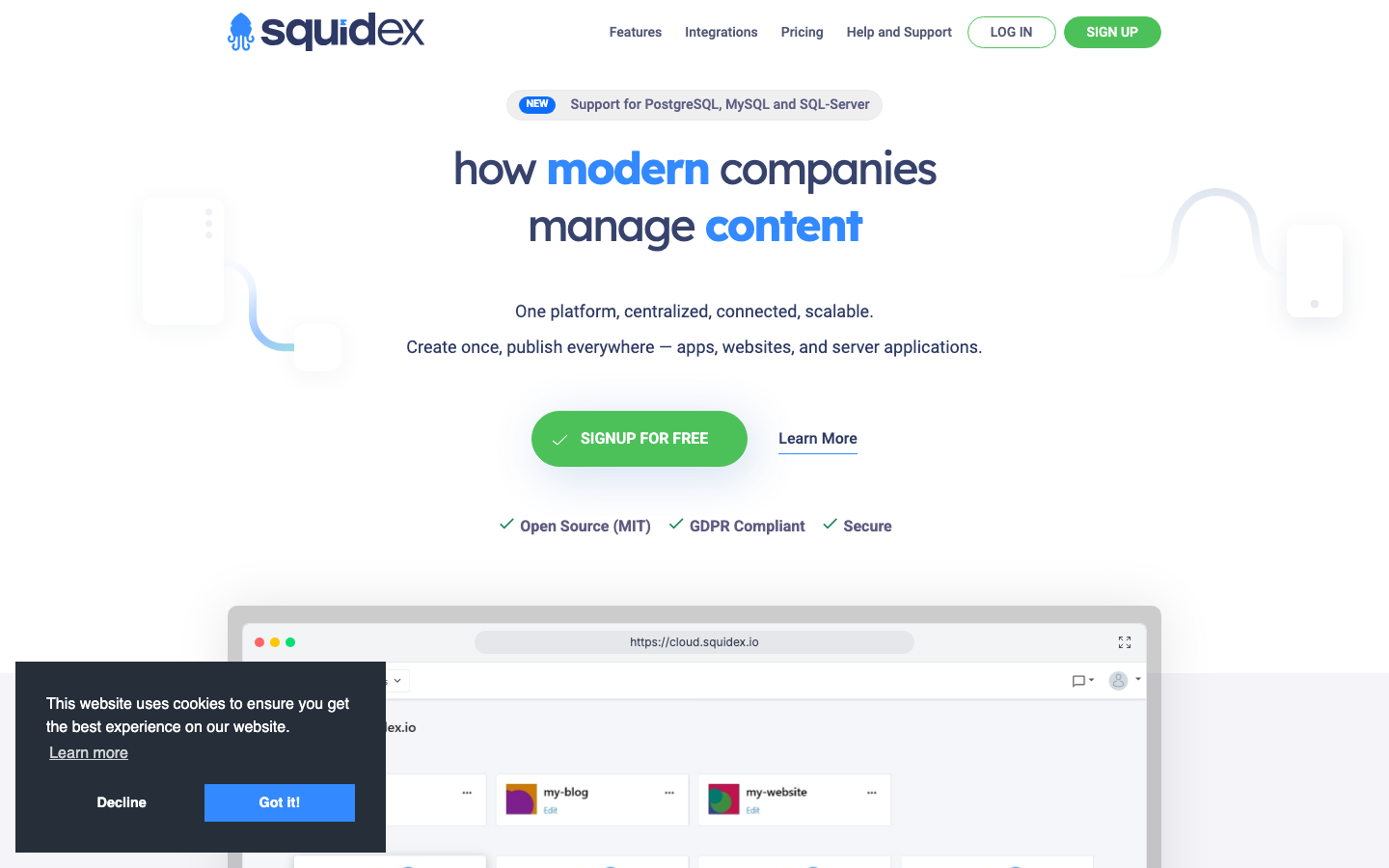
| Squidex | MIT | Yes | Moderate (.NET) | REST / GraphQL | Headless-first, .NET teams, content APIs |
| Winter | MIT | Yes | Moderate (Laravel) | REST / Blade templates | Laravel teams, traditional + headless, rapid builds |
Top open-source alternatives to Contentful
Decap CMS
A Git-based headless CMS that treats your Git repository as the content backend. It pairs a visual editor UI with version control, so every content change is a commit. No server to run, no API call metering—just static files and Git.
Pros:
- Zero hosting costs and no per-API-call charges; content versioning is native to Git.
- Perfect for teams already using static site generators (Hugo, Jekyll, Gatsby, Next.js).
- MIT licensed and highly portable; easy to fork and customize.
Cons:
- Not ideal for real-time collaboration on large teams; Git merge conflicts can become friction.
- Limited to file-based workflows; scaling to thousands of content items requires discipline.
Keystone
A headless CMS built on Node.js with GraphQL as its native query language and React powering the admin UI. It's designed for teams who want a self-hosted backend they can extend and own.
Pros:
- GraphQL-first API makes it natural for modern frontend frameworks; no API call metering.
- Flexible schema definition and extensibility through JavaScript; good for custom workflows.
- MIT licensed; self-hosted means your content and queries stay under your control.
Cons:
- Steeper learning curve for teams unfamiliar with GraphQL or Node.js.
- Smaller ecosystem of pre-built plugins compared to legacy CMS platforms.
Umbraco CMS
A .NET-based CMS with a long history in enterprise content management. It supports both traditional in-context editing and headless API delivery via REST and GraphQL.
Pros:
- Strong .NET ecosystem integration; ideal if your team is already invested in Microsoft stack.
- Mature plugin marketplace and large community; lots of pre-built solutions.
- Flexible hybrid architecture—edit in-context or headless, depending on use case.
Cons:
- Heavier resource footprint than lightweight alternatives; requires .NET runtime.
- Learning curve for teams coming from simpler, JavaScript-based systems.
Apostrophe
A full-stack Node.js CMS that uniquely combines in-context editing (edit content where it appears on the page) with headless architecture. Built in JavaScript, it's designed for teams that want both editing comfort and API flexibility.
Pros:
- In-context editing reduces friction for content teams; no need to learn a separate admin UI.
- Full-stack JavaScript means developers can extend both frontend and backend in one language.
- Headless-capable; you can use it as a pure API or with its built-in rendering.
Cons:
- Smaller community and fewer third-party integrations than larger platforms.
- Less mature ecosystem for e-commerce-specific features.
Kinto
A lightweight, generic JSON document store with built-in sharing, synchronization, and offline-first capabilities. It's minimal by design—a data backend, not a full CMS UI.
Pros:
- Extremely lightweight and fast; excellent for offline-first and mobile-first applications.
- Built-in sync and sharing primitives; great for collaborative or distributed content scenarios.
- Self-hosted and no metering; pay once, scale freely.
Cons:
- No built-in admin UI; requires you to build or integrate a separate editor.
- Better suited as a data layer than a complete CMS solution for traditional content teams.
Pimcore
An open-core platform combining PIM (Product Information Management), MDM (Master Data Management), CDP (Customer Data Platform), DAM (Digital Asset Management), and CMS in one. Built in PHP, it's enterprise-scale and designed for complex, multi-channel commerce and content scenarios.
Pros:
- Unified product, asset, and content management eliminates data silos and sync headaches.
- No per-API-call pricing; scale your commerce operations without transaction taxes.
- Strong e-commerce and omnichannel capabilities; built for teams managing inventory, pricing, and content together.
Cons:
- Higher complexity and steeper deployment curve; requires more infrastructure and operational knowledge.
- Larger resource footprint; not suitable for small teams or simple content sites.
Squidex
A headless CMS built on .NET with REST and GraphQL APIs. It's designed specifically for headless-first workflows and offers a clean, modern admin UI.
Pros:
- Clean, intuitive admin interface; good for teams new to headless CMS.
- REST and GraphQL support; flexible API choice for different client needs.
- .NET-native; good fit for teams already using the Microsoft ecosystem.
Cons:
- Smaller community and fewer integrations compared to larger open-source projects.
- Less mature marketplace for plugins and extensions.
Winter
A free, open-source CMS built on Laravel. It combines traditional in-context editing with headless capabilities, making it a good fit for teams who want flexibility without leaving the PHP/Laravel world.
Pros:
- Laravel-native; seamless for teams already using Laravel; rapid development and familiar patterns.
- Hybrid architecture supports both traditional and headless workflows.
- MIT licensed and self-hosted; no vendor lock-in or usage-based pricing.
Cons:
- Smaller community compared to legacy PHP CMS platforms.
- Less mature plugin ecosystem; more DIY required for complex features.
How to choose
For static and marketing sites, start with Decap CMS—it's the lightest lift, Git-native, and costs nothing to host. For product teams building custom backends, choose Keystone if you're JavaScript-focused, or Squidex / Umbraco CMS if you're on .NET; all three give you GraphQL and full control over your API costs. For e-commerce teams managing products, inventory, and multi-channel content, Pimcore is the only platform here that eliminates the per-call tax while unifying PIM and CMS—critical for scaling without cost surprises. For teams wanting in-context editing without complexity, Apostrophe or Winter offer hybrid workflows. For data-heavy, offline-first scenarios, Kinto is a specialized tool—not a full CMS, but a powerful sync layer.
The core decision: Do you need a full CMS or a data backend? Are you on .NET, Node.js, PHP, or language-agnostic? How important is the admin UI versus API flexibility? Once you answer those, the list narrows quickly.