





TL;DR
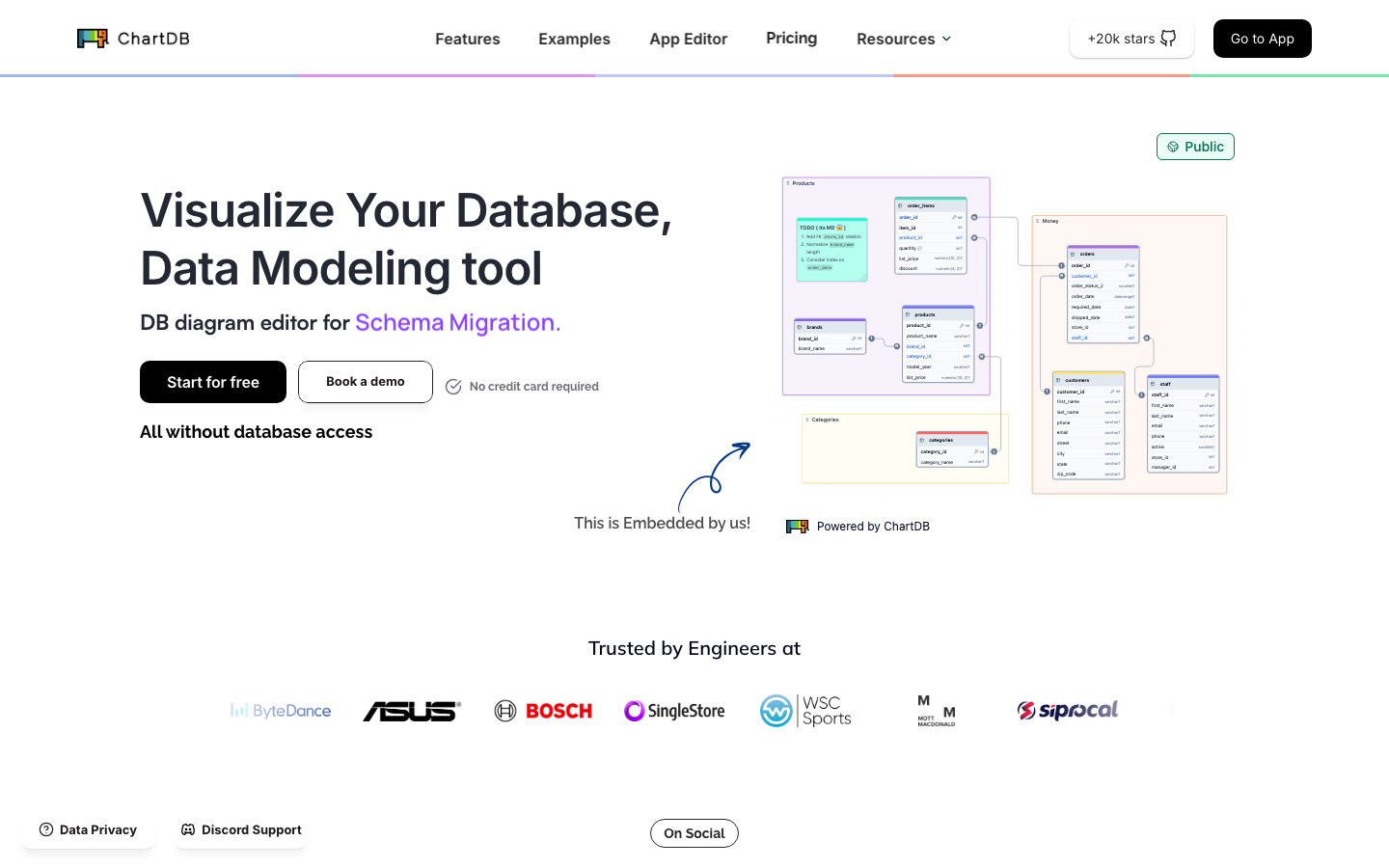
- You need instant visual schema design without vendor lock-in: ChartDB lets you diagram and iterate on database structure in the browser, then export or sync — no subscriptions, no seat licensing.
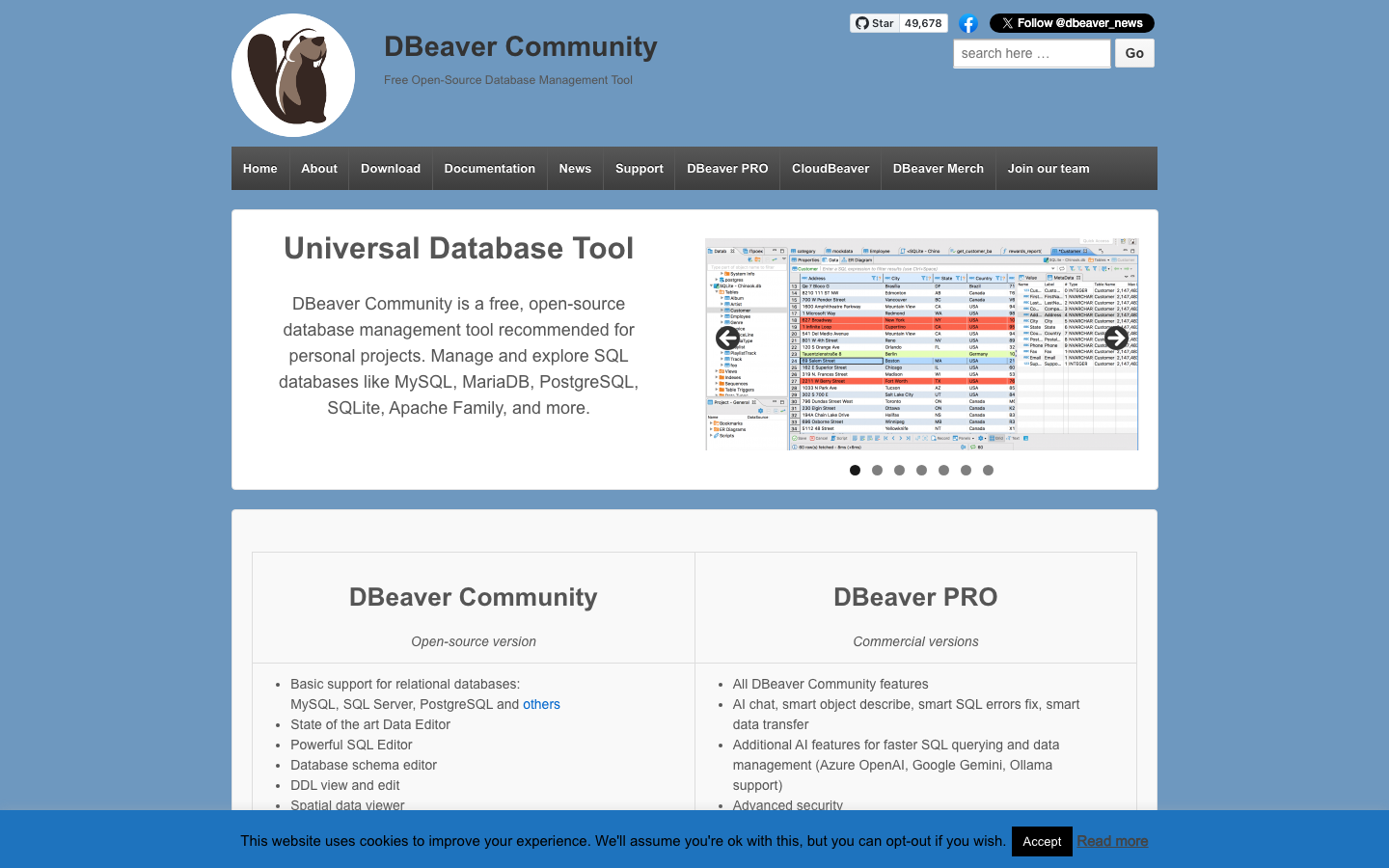
- Your team runs multiple database engines across dev and production: DBeaver connects to PostgreSQL, MySQL, Oracle, SQL Server, SQLite and dozens more from a single free desktop client, eliminating the per-seat cost of maintaining separate tools.
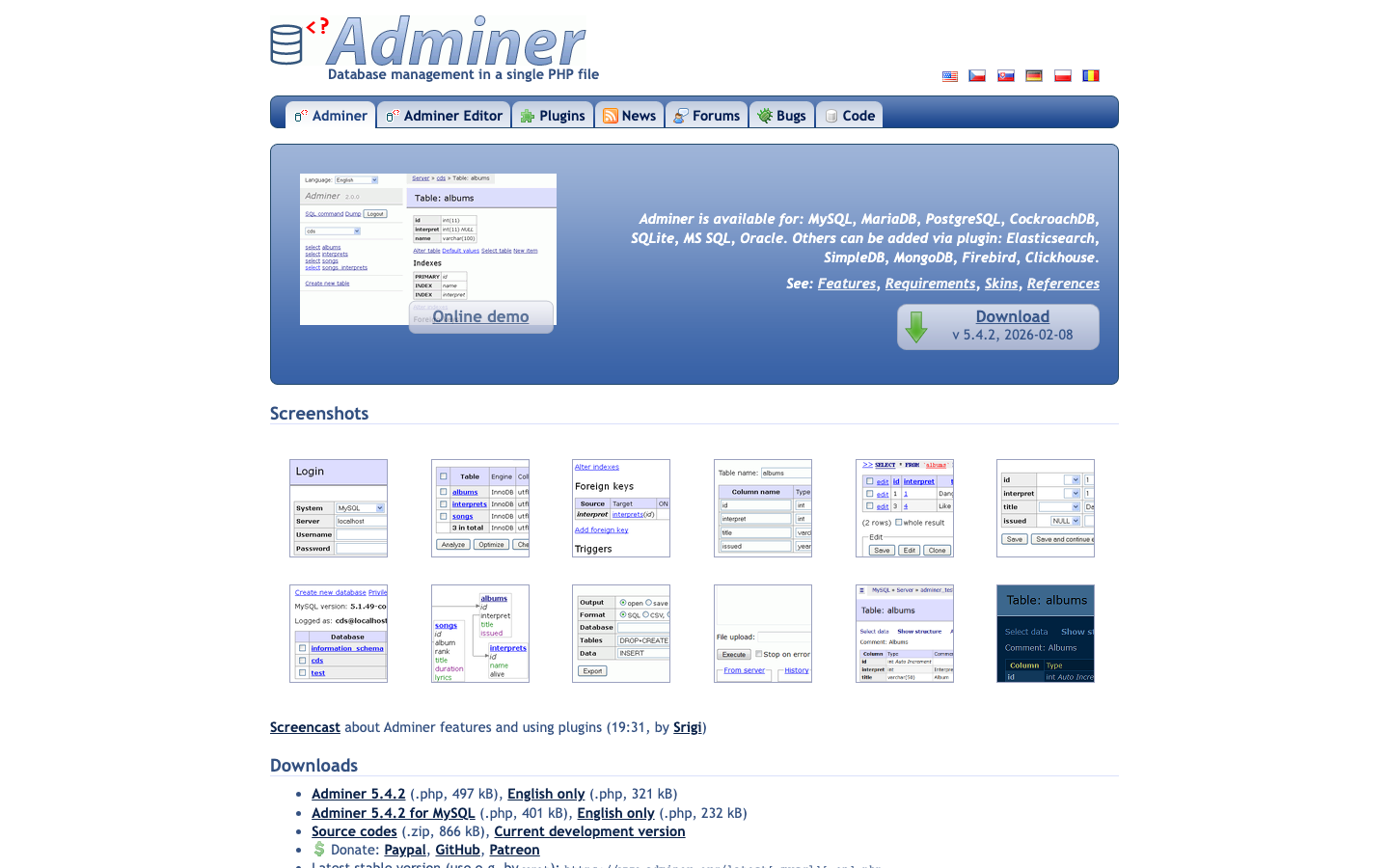
- You want a lightweight, self-hosted database UI for your infrastructure: Adminer deploys as a single PHP file, requires no installation ceremony, and gives you full admin access without recurring per-user fees.
Why teams leave Datagrip
DataGrip's core friction point is straightforward: per-user annual subscription licensing. For a team of five developers, that compounds into a material recurring cost just to browse schemas and write SQL — and the bill grows with headcount. Beyond pricing, there's the lock-in angle. DataGrip ties you into JetBrains' proprietary account system and ecosystem; if you switch IDEs or want to decouple your database tooling from your code editor, you're starting over. Teams that operate their own infrastructure, or those sensitive to vendor dependency, find the trade-off harder to justify when free, open-source alternatives deliver the core feature set — multi-database connectivity, SQL editing, schema inspection — without the subscription tether or account dependency. The polish and IDE integration DataGrip offers is real, but for many shops, that premium doesn't outweigh zero cost and full control.
Quick comparison
| Name | License | Self-Hosted | API / Extensibility | Stack / Language | Best For |
|---|---|---|---|---|---|
| DBeaver | Apache-2.0 | Yes | Plugin system, JDBC drivers | Java | Multi-database universal client |
| Prisma | Apache-2.0 | Yes (ORM layer) | Type-safe query API, migrations | TypeScript / Node.js | Application-layer ORM and schema management |
| ChartDB | AGPL-3.0 | Yes | Web-based, SQL import/export | TypeScript | Visual database design and documentation |
| Adminer | License not declared | Yes | Single-file deployment, customizable | PHP | Lightweight self-hosted admin interface |
| CloudBeaver | Apache-2.0 | Yes | Web UI, multi-user, REST API | TypeScript | Team-based cloud database management |
| Azimutt | MIT | Yes | Web-based, SQL import, markdown docs | Elm | Database exploration and documentation |
Top open-source alternatives to Datagrip
DBeaver
DBeaver is a universal database client and IDE that connects to PostgreSQL, MySQL, Oracle, SQL Server, SQLite, MongoDB, and dozens of other engines from a single interface. The Community Edition is free and open-source, runs on Windows, macOS, and Linux, and includes SQL editing, schema browsing, data export, and basic ER diagramming. It's the closest feature parity replacement for DataGrip's core workflow.
Pros
- Single tool for 20+ database engines; eliminates per-engine tool sprawl.
- Rich SQL editor with syntax highlighting, autocomplete, and execution plans.
- No per-seat licensing; deploy on your own hardware and share across teams.
Cons
- Java-based UI can feel heavier than native editors; startup time is noticeable.
- Enterprise features (team collaboration, advanced admin) require the paid version.
Prisma
Prisma is a next-generation ORM for Node.js and TypeScript that shifts database interaction from raw SQL to type-safe, generated query APIs. It supports PostgreSQL, MySQL, MariaDB, SQL Server, SQLite, MongoDB, and CockroachDB, and includes schema management, migrations, and an introspective data model layer.
Pros
- Type safety at compile time; catch schema mismatches before runtime.
- Auto-generated migrations and schema versioning; no manual SQL drift.
- Excellent for application teams building on Node.js/TypeScript stacks.
Cons
- Requires application-layer integration; not a standalone GUI for ad-hoc queries.
- Learning curve if your team is SQL-first rather than ORM-first.
ChartDB
ChartDB is a browser-based database diagram editor that lets you visualize, design, and document schemas visually, then export or sync the result back to your database. It supports SQL import, collaborative editing, and markdown documentation generation.
Pros
- Zero installation; runs entirely in the browser.
- Visual schema design is faster than writing CREATE TABLE statements.
- Export to SQL, markdown, or sync directly to live databases.
Cons
- Focused on design and visualization, not day-to-day query execution or data browsing.
- AGPL-3.0 license requires careful review if you plan to embed or redistribute.
Adminer
Adminer is a single-file PHP database admin tool. Drop it into any web server, and you have a full database management interface for MySQL, PostgreSQL, SQLite, Oracle, and others. No installation, no config files — just one .php file.
Pros
- Trivial deployment; literally one file, no dependencies or build steps.
- Supports multiple database engines in a lightweight footprint.
- Ideal for shared hosting or minimal server environments.
Cons
- Minimal UI polish; feels utilitarian compared to DBeaver or DataGrip.
- Limited team collaboration features; designed for single-user or small-team access.
CloudBeaver
CloudBeaver is a web-based database manager built on the DBeaver codebase. It runs as a server, supports multi-user access, and provides a browser UI for querying, browsing, and administering databases across multiple engines.
Pros
- Web-native; no client installation required; access from any machine with a browser.
- Multi-user support with role-based access; better for team environments than single-file tools.
- Built on proven DBeaver logic; inherits broad database compatibility.
Cons
- Requires server infrastructure and configuration; more setup than desktop DBeaver.
- Team features and advanced admin are gated behind commercial licensing.
Azimutt
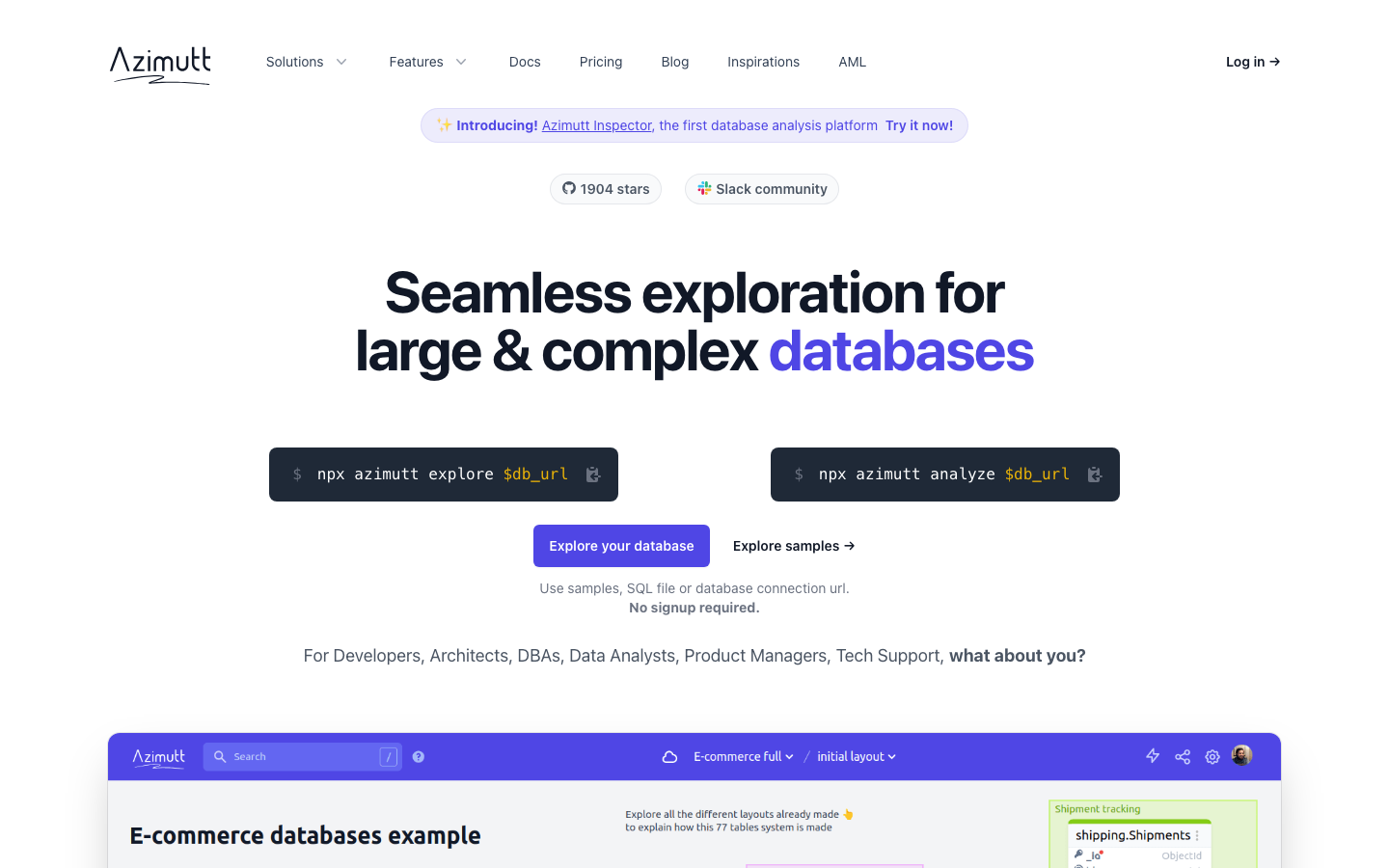
Azimutt is a web-based database explorer and documentation tool. Import your schema from SQL, connect to a live database, and explore relationships, generate markdown docs, and optimize queries. It emphasizes understanding and documenting existing databases rather than building from scratch.
Pros
- Excellent for reverse-engineering and documenting legacy schemas.
- MIT license; permissive for commercial and internal use.
- Interactive exploration; hover over tables to see relationships and dependencies.
Cons
- Lighter on design-from-scratch workflows compared to ChartDB.
- Smaller community and fewer integrations than DBeaver or Prisma.
How to choose
Solo developer or small team on a budget: Start with DBeaver. It's free, runs locally, and covers 90% of DataGrip's query and schema-browsing workflows without any subscription.
Node.js/TypeScript application team: Prisma shifts database work into your application code with type safety and migrations; pair it with DBeaver for ad-hoc queries.
Visual schema design and documentation: ChartDB for new designs, Azimutt for exploring and documenting existing databases.
Minimal server footprint or shared hosting: Adminer is hard to beat — one file, no fuss.
Distributed team needing web access: CloudBeaver trades some setup complexity for browser-based multi-user access without per-seat licensing.