




TL;DR
- Managing thousands of torrents without performance degradation? qBittorrent handles large libraries where Deluge slows down, with a modern built-in web UI and active maintenance.
- Need a lightweight, minimal-resource client for embedded or headless servers? Transmission strips away bloat, runs lean on older hardware, and requires zero plugin assembly.
- Looking for a unified download manager beyond just torrents? pyload extends into HTTP, FTP, and other protocols—useful if torrent handling is one part of a larger pipeline.
Why teams leave Deluge
The core issue is performance at scale. Users managing libraries past ~500 torrents hit noticeable slowdowns in Deluge's UI and indexing, while competitors handle thousands without strain. That ceiling forces teams to either cap their torrent activity or switch entirely.
Beyond raw speed, Deluge's release cadence compounds the problem. The jump from v1.x to v2.0 took years, and infrequent updates mean bug fixes, security patches, and modern feature parity arrive slowly—a real friction point for teams running production seedboxes or managing active download infrastructure. When you depend on a tool daily, waiting months for a fix or feature is costly.
The plugin architecture, while flexible, also creates friction. Features that competitors ship by default—like a polished web UI or sensible torrent-file handling—require assembly and maintenance. And there's a usability rough edge: Deluge creates files for torrents marked "do not download," cluttering directories and requiring manual cleanup. For teams managing infrastructure at scale, these small frictions compound into operational drag.
Self-hosted alternatives that are actively maintained, handle scale, and ship complete out of the box become attractive quickly.
Quick comparison
| Name | License | Self-Hosted | API / Extensibility | Stack / Language | Best For |
|---|---|---|---|---|---|
| qBittorrent | — | Yes | Web API, plugin system | C++ | Large torrent libraries, performance-critical workloads |
| Transmission | — | Yes | RPC API, minimal plugins | C++ | Lightweight, resource-constrained, headless deployments |
| pyload | — | Yes | Web UI, plugin hooks | Python | Multi-protocol download management, HTTP/FTP + torrents |
| bittorrent-tracker | MIT | Yes | Tracker protocol, Node.js native | JavaScript | Custom tracker implementations, protocol-level control |
Top open-source alternatives to Deluge
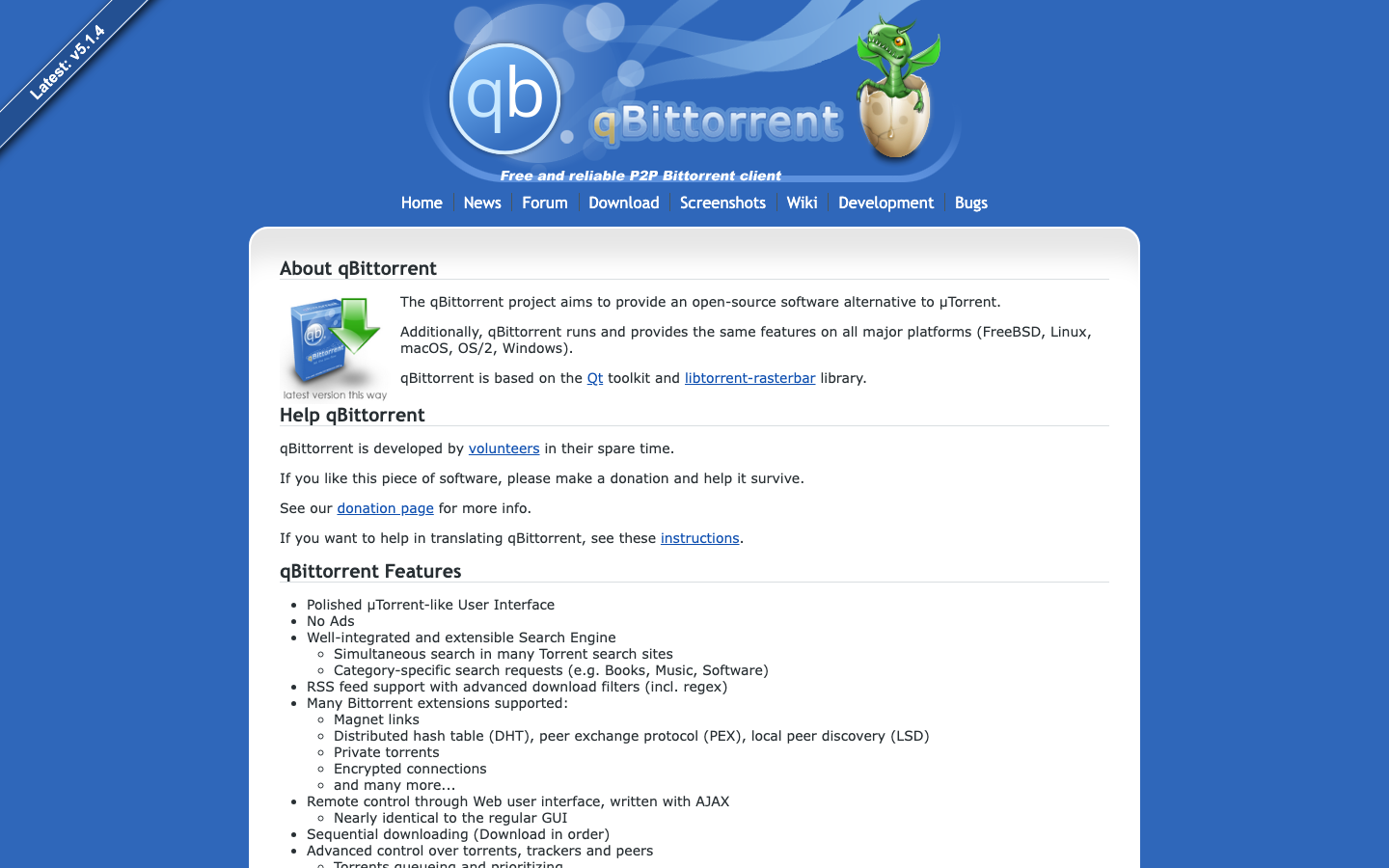
qBittorrent
A mature, feature-rich BitTorrent client written in C++ with a modern web UI built in. It's actively maintained, handles thousands of torrents without degradation, and ships with search, RSS, and torrent creation tools out of the box—no plugin assembly required.
Pros
- Handles large torrent libraries (5,000+) without the slowdowns Deluge exhibits past 500
- Built-in web UI is responsive and feature-complete; no separate daemon/UI layer friction
- Active development cycle with regular bug fixes and security updates
Cons
- Larger memory footprint than Transmission; not ideal for minimal-resource environments
- Learning curve steeper than Transmission if you're accustomed to Deluge's simplicity
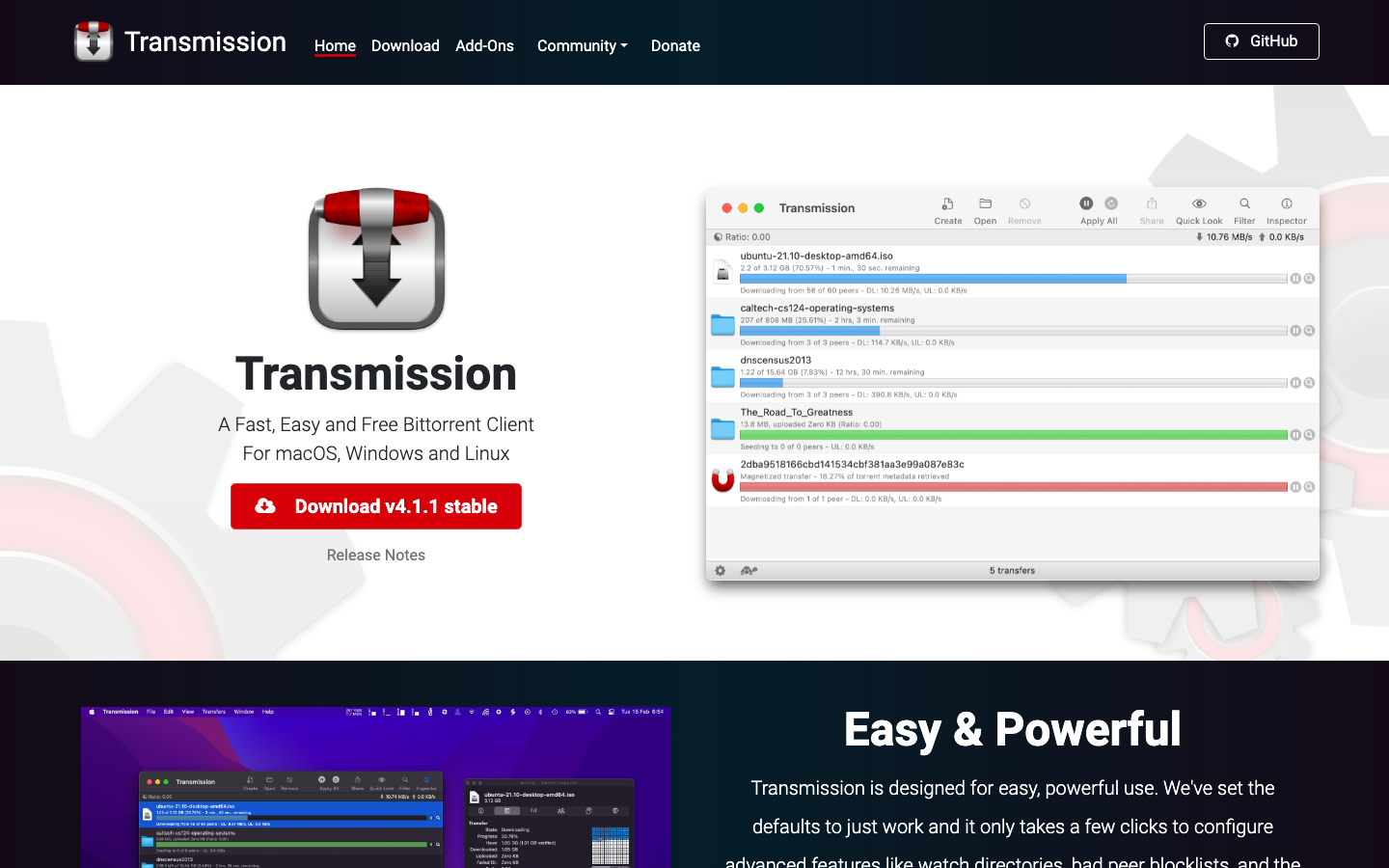
Transmission
A stripped-down, standards-focused BitTorrent client that prioritizes stability and minimal resource use. It runs on everything from NAS devices to Raspberry Pi, with a simple web UI and RPC API for automation.
Pros
- Extremely lightweight; runs well on older hardware and embedded systems
- Battle-tested stability and minimal dependencies; simple to deploy and maintain
- Straightforward configuration; no plugin ecosystem to manage
Cons
- Feature set is deliberately minimal; no built-in search, RSS, or torrent creation
- Slower release cycle than qBittorrent; fewer modern conveniences
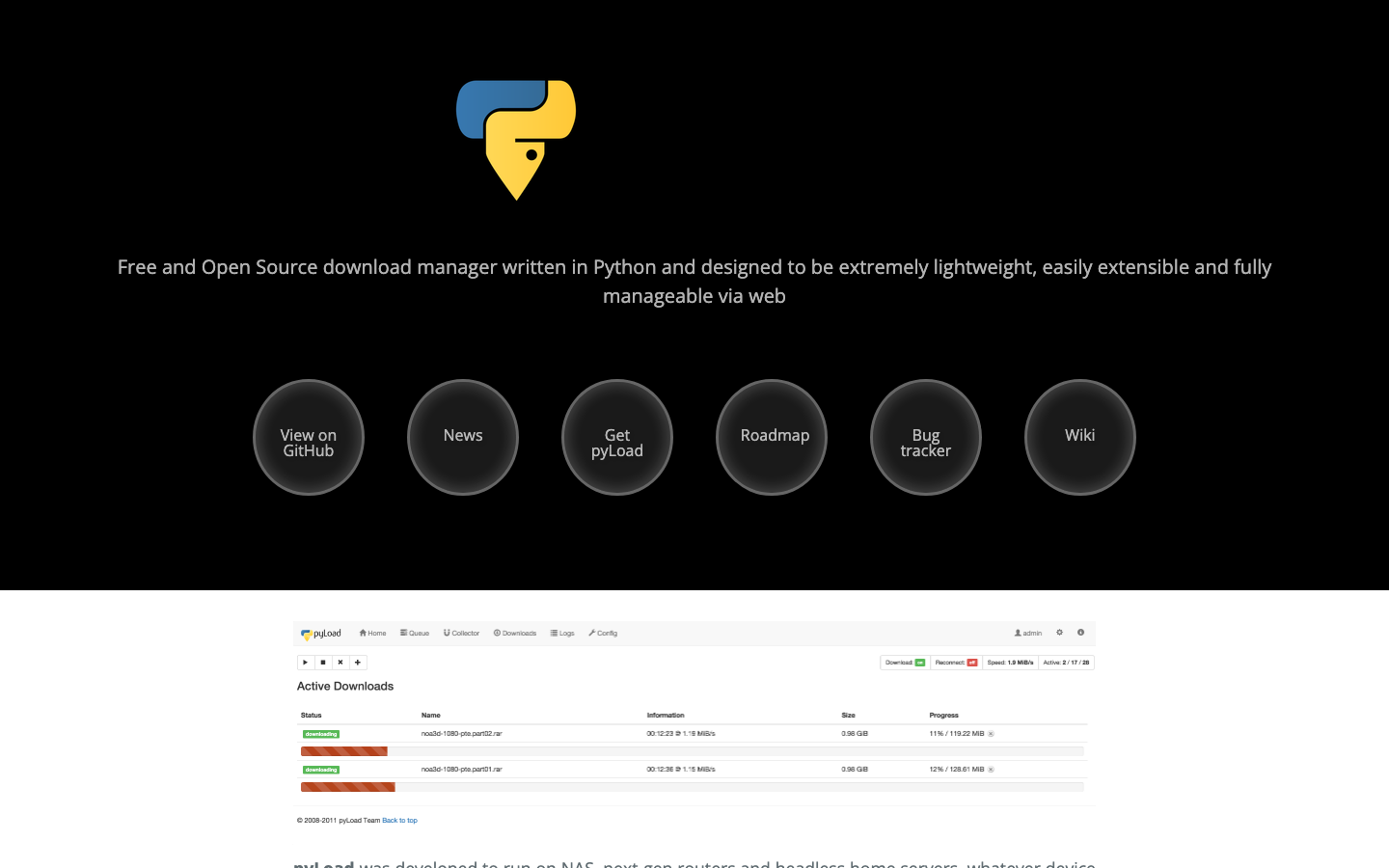
pyload
A download manager written in pure Python that handles torrents alongside HTTP, FTP, and other protocols. Useful if torrent management is part of a broader download pipeline and you want a single, unified interface.
Pros
- Multi-protocol support (torrents, HTTP, FTP) in one tool; reduces operational complexity if you manage mixed downloads
- Python-based; easy to extend and integrate into Python-heavy infrastructure
- Web UI included; self-hosted and fully configurable
Cons
- Smaller community and less active maintenance than qBittorrent or Transmission
- Python runtime adds overhead compared to C++ alternatives; not ideal for minimal-resource setups
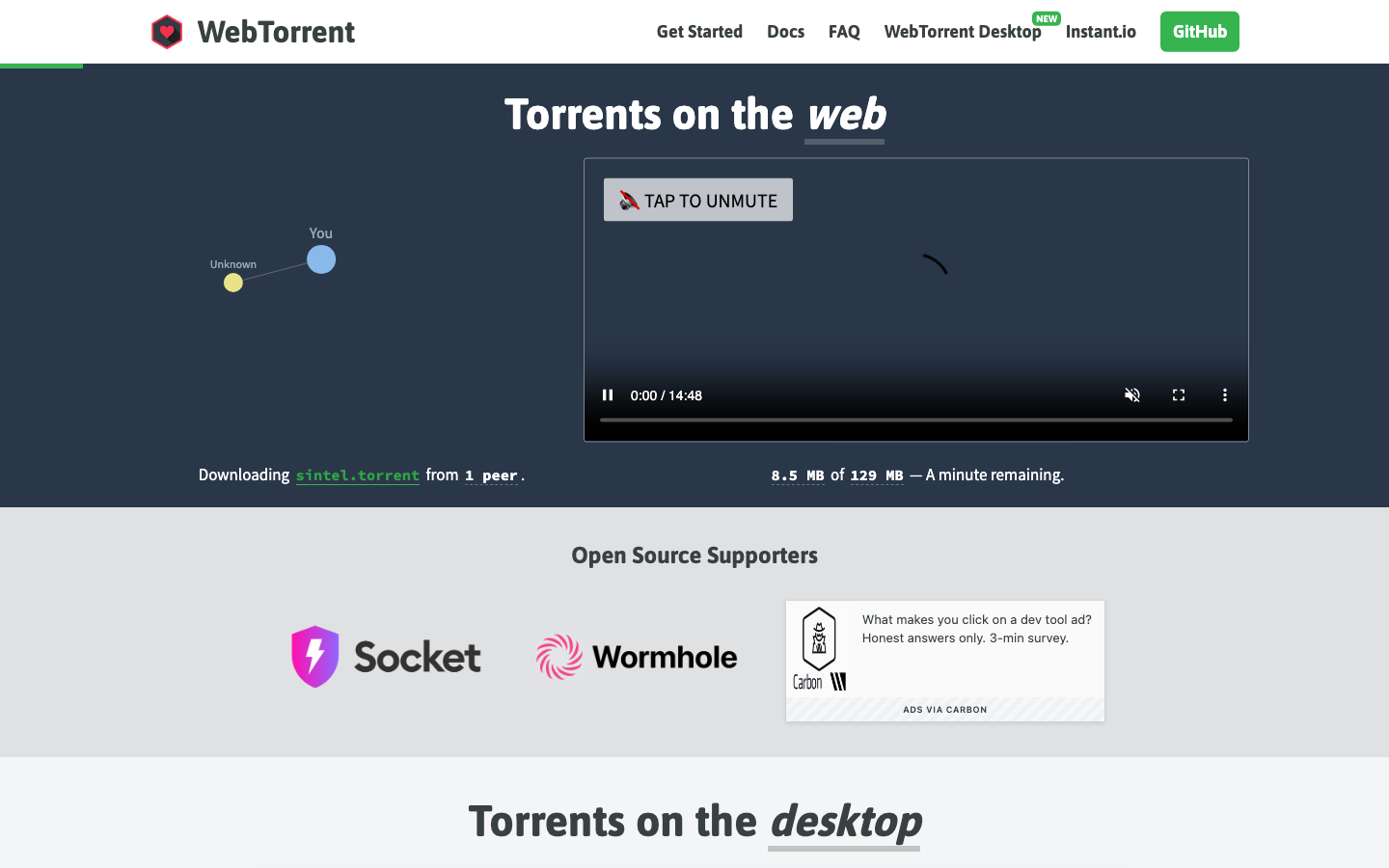
bittorrent-tracker
A lightweight BitTorrent tracker implementation in Node.js that works as both a client library and a standalone server. Useful if you need protocol-level control or are building custom tracker infrastructure.
Pros
- Full protocol implementation; useful for building custom trackers or integrating torrent tracking into larger Node.js applications
- MIT licensed; no licensing friction
- Minimal, focused codebase; easy to audit and modify
Cons
- Not a general-purpose torrent client; designed for tracker/protocol work, not everyday downloading
- Much smaller community; limited third-party tooling and documentation
How to choose
For most teams replacing Deluge: qBittorrent is the natural upgrade—it solves the performance and update-cadence problems directly, ships features by default, and is actively maintained.
For resource-constrained environments (NAS, Raspberry Pi, minimal VPS): Transmission trades features for stability and minimal footprint; you get a rock-solid, lightweight client that doesn't require ongoing tuning.
If torrents are one part of a larger download pipeline: pyload consolidates HTTP, FTP, and torrent handling in one interface, reducing operational overhead if you're already managing mixed protocols.
For protocol-level work or custom tracker infrastructure: bittorrent-tracker is a building block, not a replacement client—use it if you're implementing custom tracker logic or integrating torrent protocol support into a Node.js application.