














TL;DR
- Running a newsletter with growing subscribers? WriteFreely eliminates per-member fees entirely—you own the platform, the data, and the email pipeline on your own infrastructure.
- Need flexible, developer-friendly content architecture? Wagtail combines Django's maturity with a modern editorial UI, letting you shape the CMS to your stack rather than conforming to it.
- Publishing static content without recurring hosting bills? Decap CMS pairs Git-based workflows with static site generators, cutting operational overhead to near-zero while keeping full version control.
Why teams leave Ghost
The core friction is cost structure. Ghost(Pro)'s per-subscriber billing model means your platform fees scale with audience growth—the opposite of what most creators want. A newsletter with 10,000 paying members or a publication with multiple staff seats becomes expensive fast, and those costs compound monthly regardless of revenue.
Beyond pricing, teams cite three recurring constraints:
-
Limited control over the stack. Hosted Ghost locks you into their email service, member authentication, and data residency. If you need custom integrations, advanced SEO control, or to migrate member data elsewhere, you're constrained by what Ghost's API surface exposes.
-
Ownership and lock-in. Your content, subscriber list, and publishing workflows live on Ghost's infrastructure. Self-hosting open-source alternatives means you control the database, backups, and can migrate freely without vendor dependency.
-
Scaling economics. For content-heavy sites or communities, per-subscriber or per-seat fees create a ceiling on growth. Open-source self-hosting trades infrastructure management for cost predictability.
Quick comparison
| Name | License | Self-Hosted | Plugin Ecosystem | Headless / API | Best For |
|---|---|---|---|---|---|
| WordPress | — | ✓ | Extensive | ✓ | Blogs, small–medium sites, plugin-driven customization |
| Wagtail | BSD-3-Clause | ✓ | Django-based | ✓ | Content-heavy sites, editorial teams, custom workflows |
| Decap CMS | MIT | ✓ | Git-based | ✓ | Static sites, Jamstack, low-ops publishing |
| WriteFreely | AGPL-3.0 | ✓ | Limited | ✓ | Newsletters, community writing, subscription platforms |
| Apostrophe | — | ✓ | Node.js ecosystem | ✓ | Full-stack JS teams, in-context editing, headless + CMS hybrid |
| Ech0 | AGPL-3.0 | ✓ | Minimal | — | Personal blogs, lightweight self-hosted publishing |
| Publify | MIT | ✓ | Rails plugins | ✓ | Rails-based teams, traditional blogging platforms |
| Winter | MIT | ✓ | Laravel plugins | ✓ | PHP teams, Laravel ecosystem, rapid CMS builds |
Top open-source alternatives to Ghost
WordPress
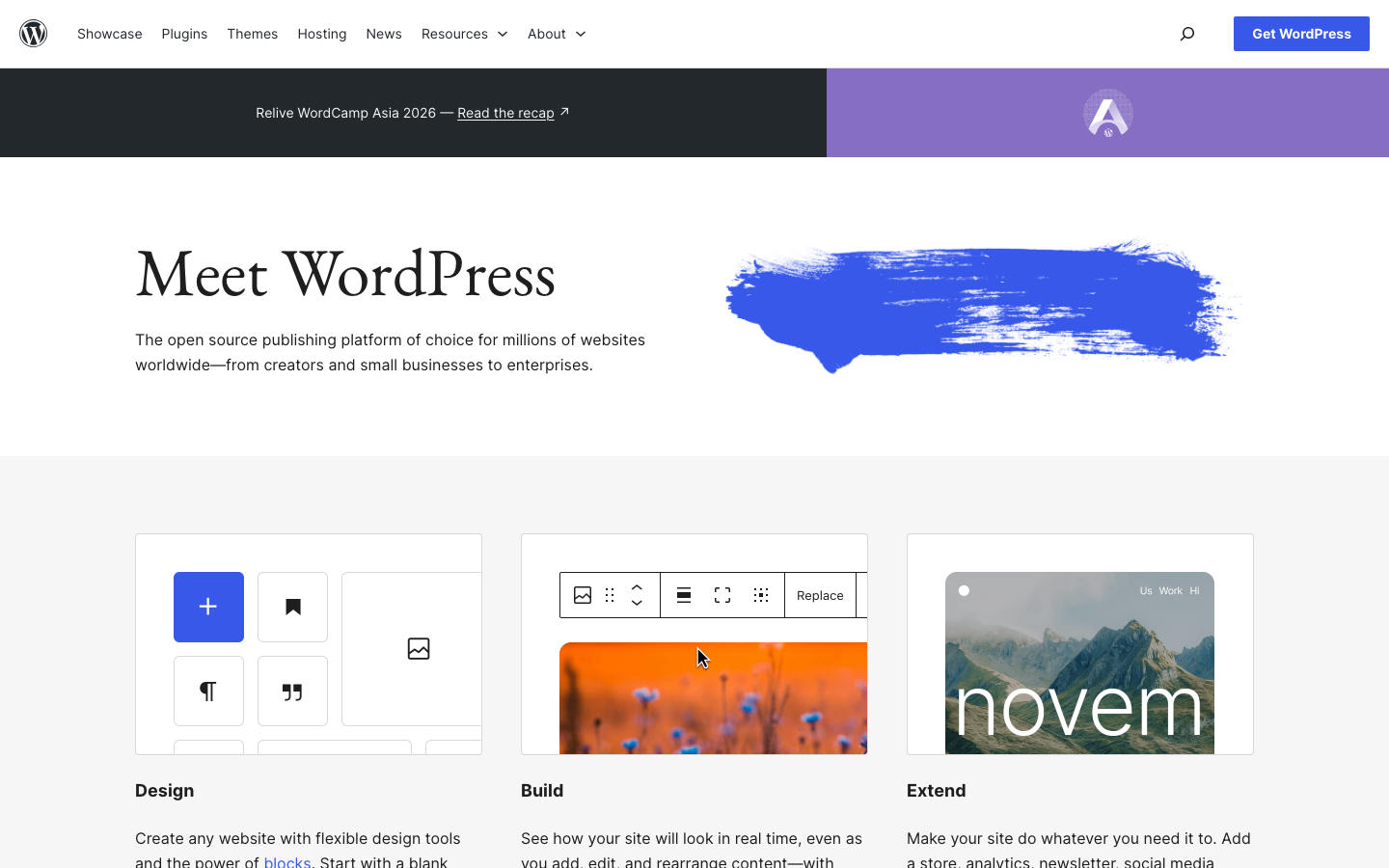
The most deployed CMS globally. WordPress remains relevant for teams wanting an established ecosystem, thousands of themes and plugins, and a large talent pool. Self-hosted WordPress eliminates per-subscriber fees entirely and gives you full data ownership.
Pros:
- Unmatched plugin and theme ecosystem; integrations exist for nearly everything
- Mature, well-documented, easy to find hosting and developer support
- Strong SEO and content management foundations
Cons:
- Requires active security maintenance; plugin quality varies widely
- Can become bloated with unnecessary plugins; performance tuning is common
Wagtail
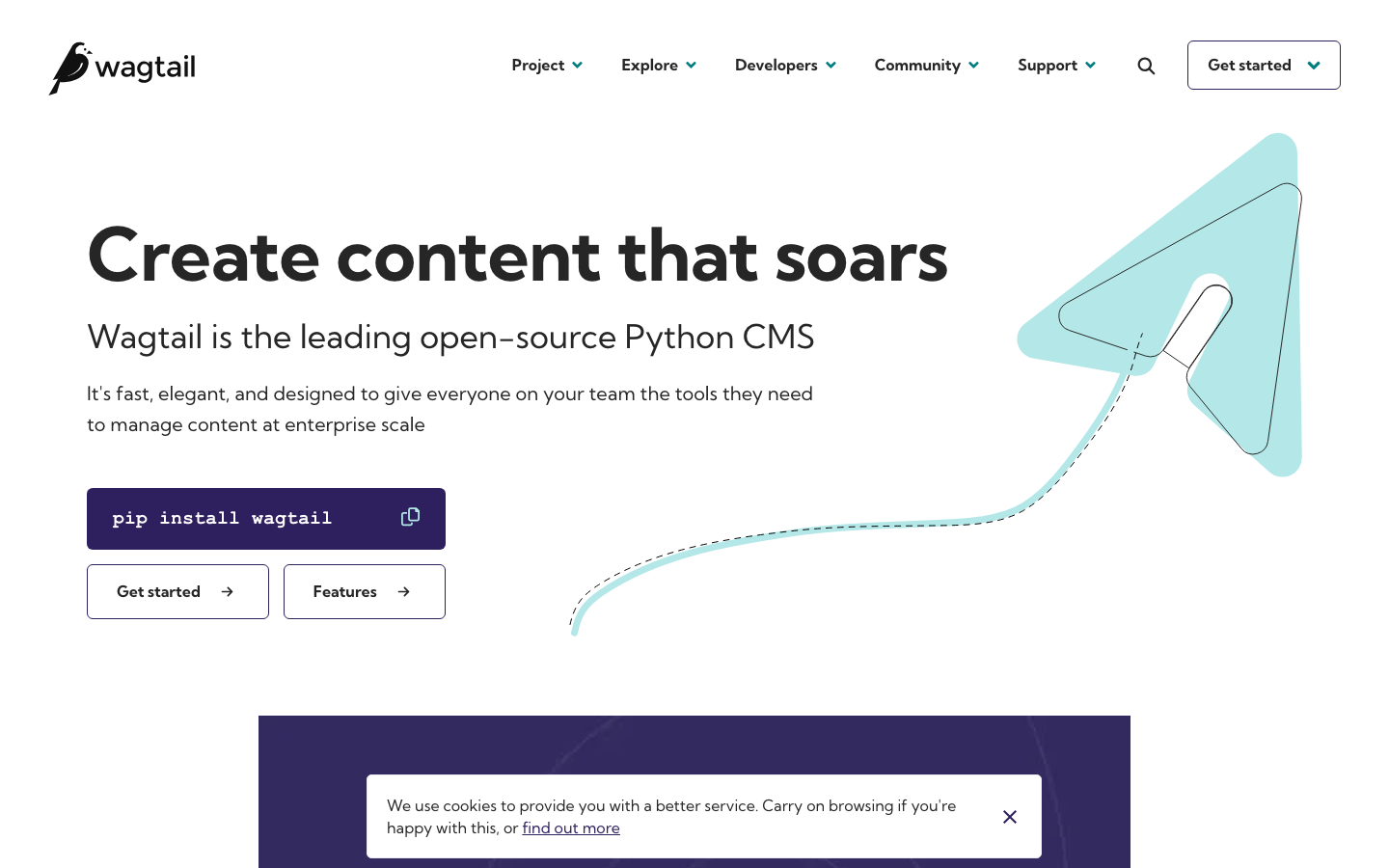
A Django-based CMS built for editorial teams and content-heavy organizations. Wagtail combines a modern, user-friendly admin interface with a powerful Python backend, letting you extend the CMS to match complex workflows without fighting the framework.
Pros:
- Exceptional flexibility for custom content types and editorial workflows
- Strong API-first design; headless by default
- Built on Django, so you inherit a mature web framework and security practices
Cons:
- Steeper learning curve for non-technical teams; requires Python knowledge to customize deeply
- Smaller plugin ecosystem than WordPress; more custom development needed
Decap CMS
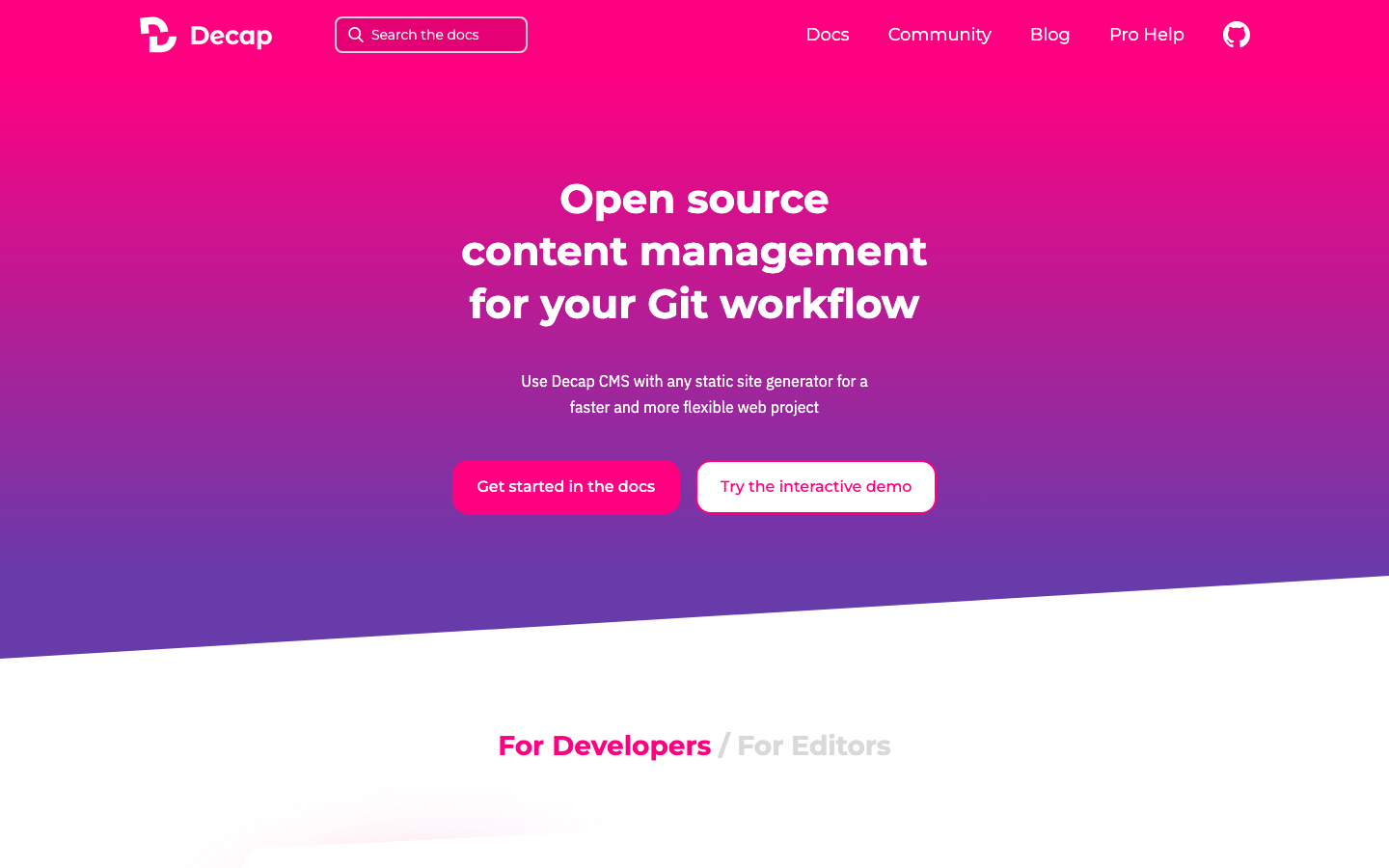
A Git-based headless CMS for static site generators. Content lives in your Git repository, giving you version control, easy rollbacks, and zero database overhead. Ideal for teams already using Jamstack workflows.
Pros:
- Minimal infrastructure; static output means cheap hosting and fast delivery
- Full version history and branching through Git; no database to maintain
- Works with any static site generator (Hugo, Jekyll, Next.js, etc.)
Cons:
- Not suited for high-frequency dynamic content or real-time collaboration
- Requires Git familiarity; editorial teams new to version control may struggle
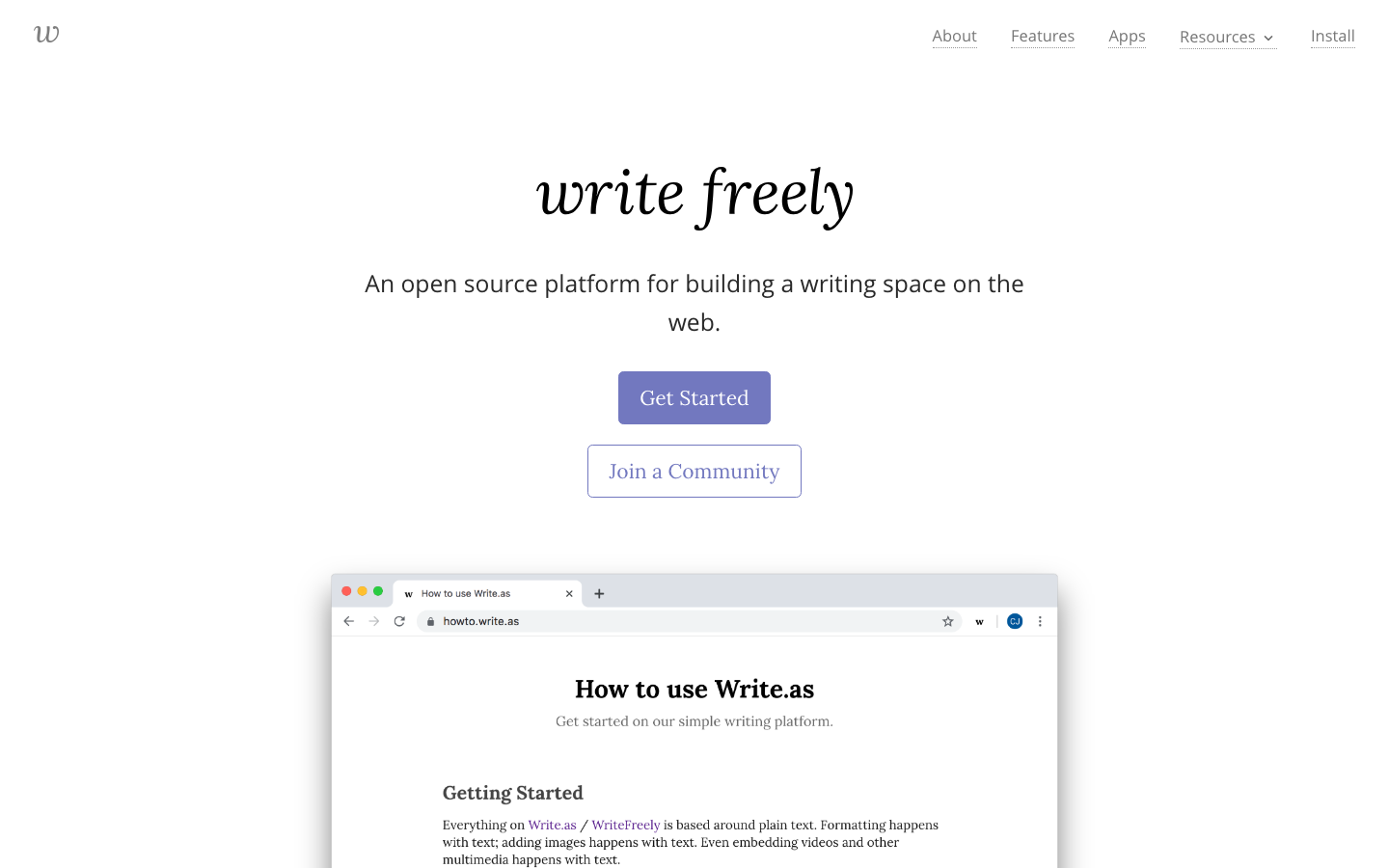
WriteFreely
A clean, Markdown-first publishing platform built for writers and communities. WriteFreely strips away unnecessary complexity and focuses on writing, reading, and federation. Perfect for newsletters, collaborative writing spaces, and subscription-based publications without per-subscriber fees.
Pros:
- Designed specifically for writers; distraction-free interface
- Native federation support; can build decentralized communities
- No per-subscriber billing; own your entire subscriber list and email pipeline
Cons:
- Smaller ecosystem and fewer integrations than WordPress or Wagtail
- Limited plugin extensibility; customization requires forking or code modification
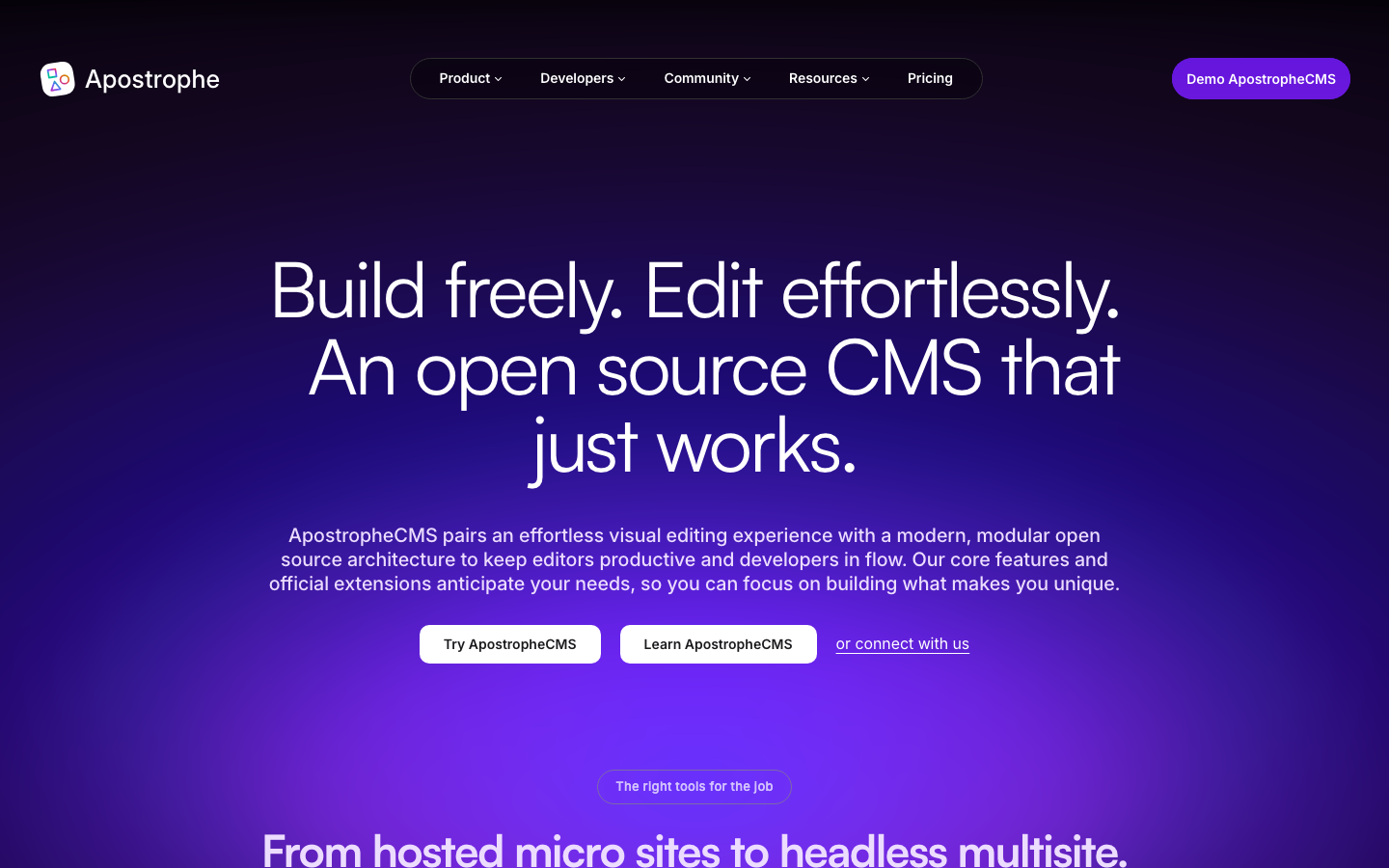
Apostrophe
A full-featured Node.js CMS combining in-context editing with headless architecture. Built for teams comfortable in the JavaScript ecosystem, Apostrophe lets you edit content directly on the page while exposing a complete REST API for decoupled frontends.
Pros:
- In-context editing; see changes in real-time on the live page
- Hybrid architecture; works as a traditional CMS or pure headless API
- Full-stack JavaScript; integrates seamlessly with modern Node.js stacks
Cons:
- License not declared; check project terms before use
- Smaller community than WordPress; fewer third-party modules
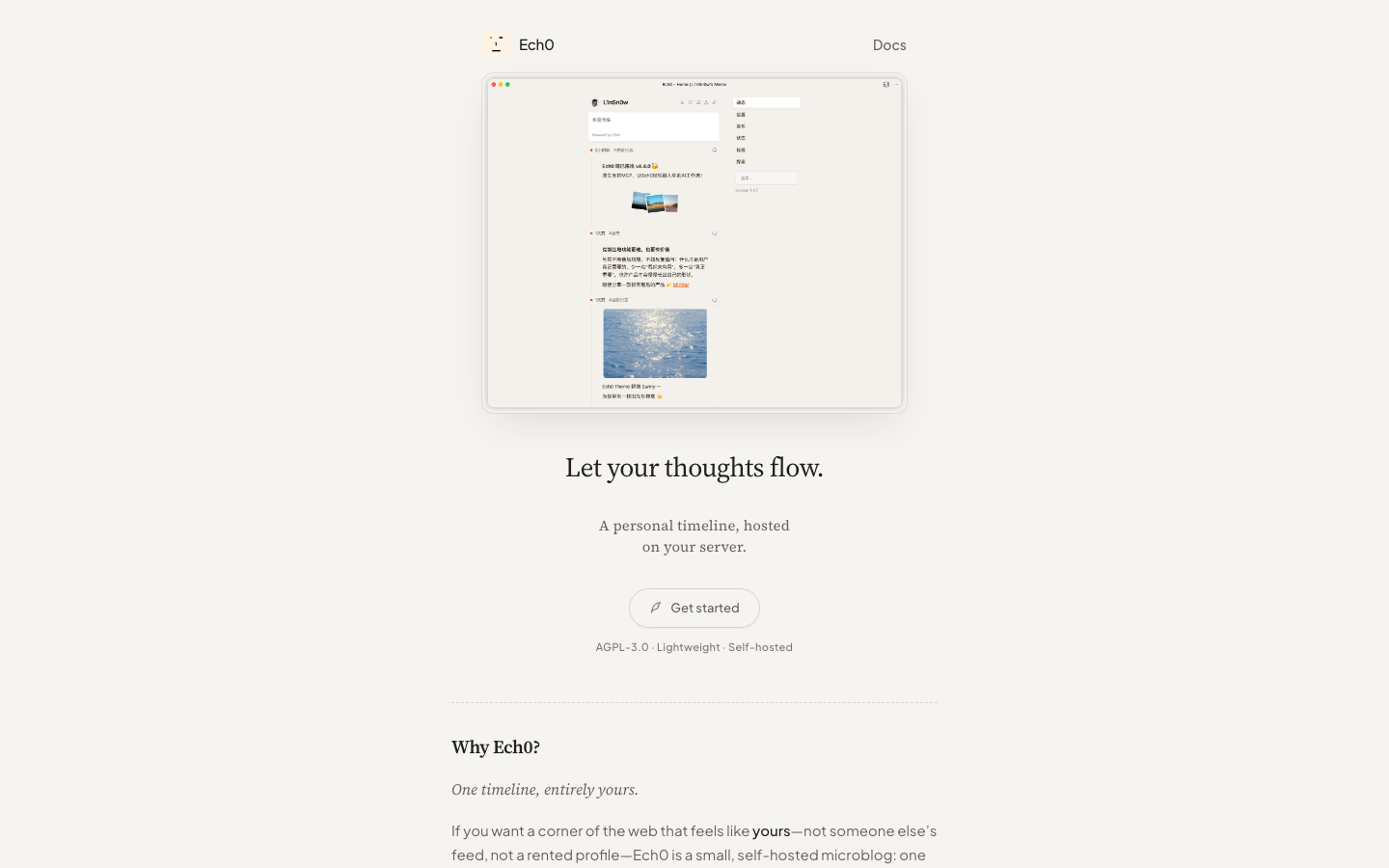
Ech0
A lightweight, self-hosted publishing platform designed for personal blogs and idea sharing. Ech0 prioritizes simplicity and low resource usage, making it easy to deploy on minimal infrastructure.
Pros:
- Minimal dependencies; runs efficiently on modest hardware
- Simple setup and straightforward publishing workflow
- AGPL-licensed; transparent, community-driven development
Cons:
- Very limited feature set; not suitable for complex editorial workflows or large teams
- Minimal plugin ecosystem; customization means modifying source code
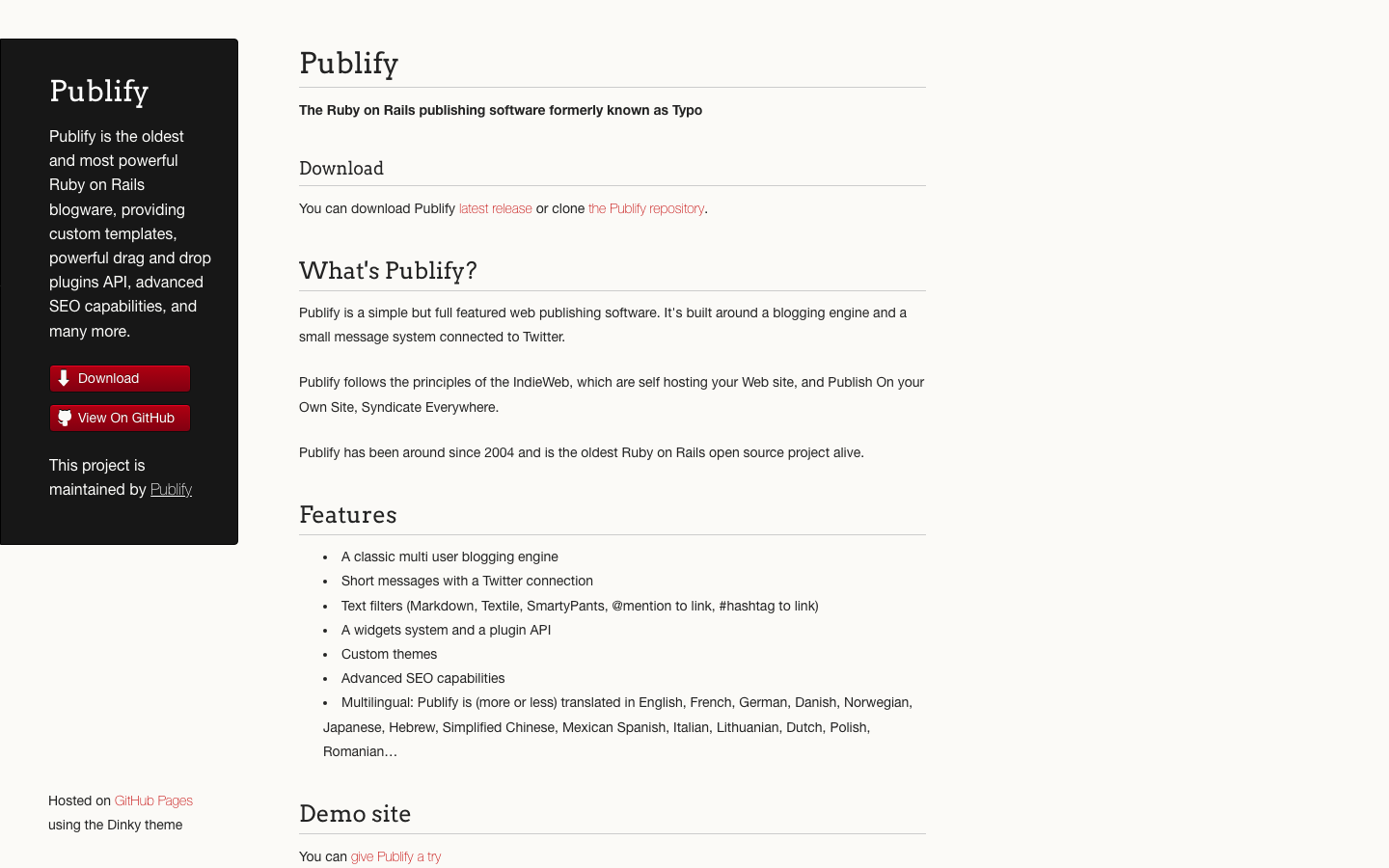
Publify
A Rails-based blogging and publishing platform. Publify is built for teams already invested in Ruby on Rails, offering a traditional blog CMS with Rails conventions and plugin support.
Pros:
- Native Rails integration; familiar patterns for Rails teams
- Mature codebase with a long history of stability
- MIT-licensed; clear licensing for commercial use
Cons:
- Smaller active community than WordPress; fewer modern features
- Rails expertise required for deep customization
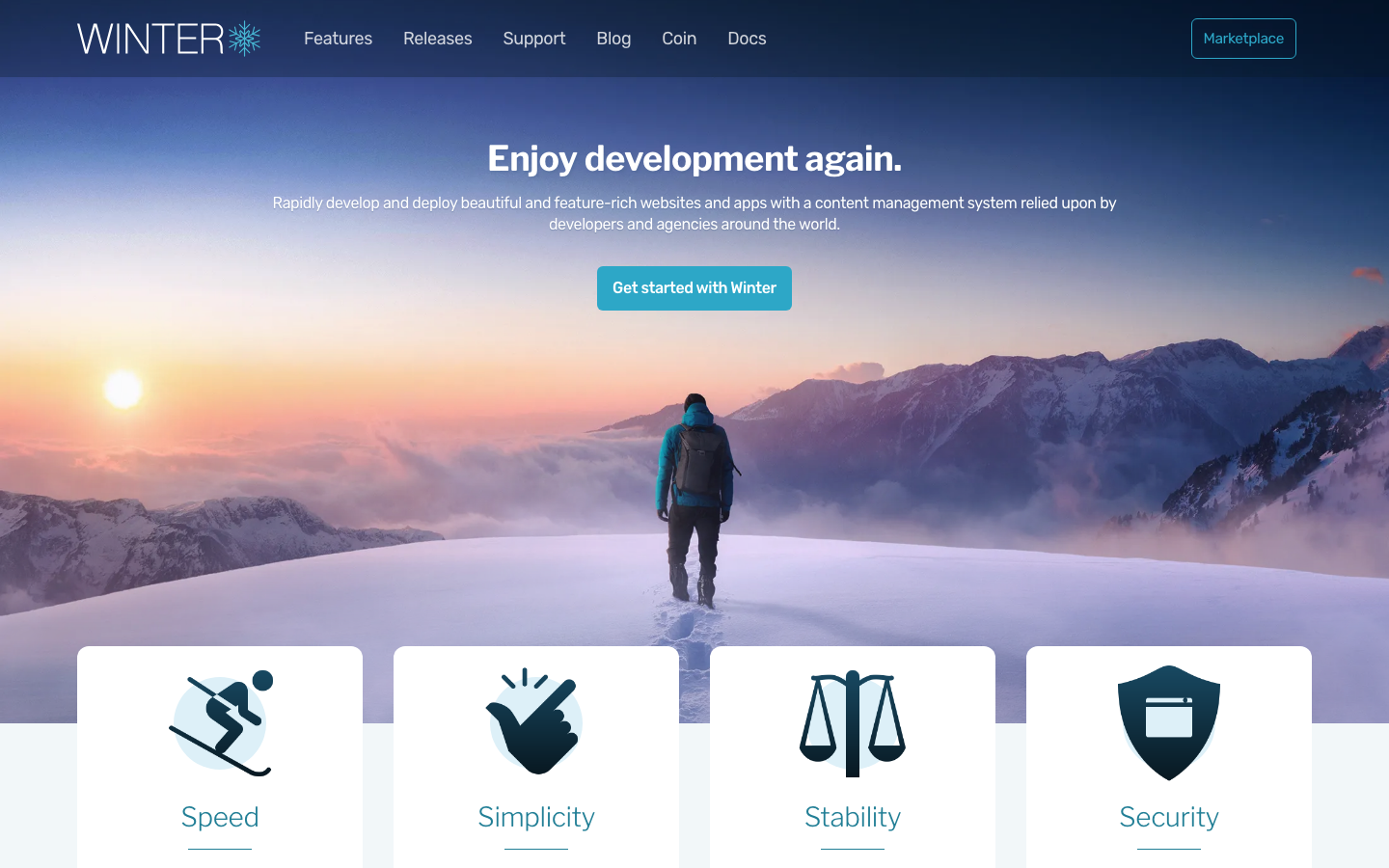
Winter
A Laravel-based CMS platform offering rapid content management in a PHP environment. Winter is designed for teams leveraging the Laravel ecosystem who want a modern CMS without the overhead of a hosted service.
Pros:
- Tight Laravel integration; use familiar Laravel patterns and plugins
- MIT-licensed and actively maintained
- Good balance of features and simplicity for PHP teams
Cons:
- Smaller ecosystem than WordPress; fewer third-party extensions
- Best suited to teams with Laravel experience; steeper curve for PHP newcomers
How to choose
Start with your team's technical foundation: WordPress if you need maximum plugin ecosystem and broad hosting support; Wagtail or Apostrophe if you're building custom editorial workflows in Python or JavaScript respectively. For cost-conscious publishers prioritizing subscriber ownership, WriteFreely is purpose-built to eliminate per-member fees. If you're already on Rails or Laravel, Publify or Winter keep you in your ecosystem. For minimal-ops static publishing, Decap CMS is unbeatable. Finally, assess maintenance burden: WordPress requires ongoing security vigilance; Wagtail and Apostrophe demand developer capacity; lightweight options like Ech0 suit solo publishers willing to trade features for simplicity.