








TL;DR
- Need a lightweight desktop mail client that respects your inbox. Mailspring is fast, open-source, and works across Mac, Windows, and Linux without cloud lock-in.
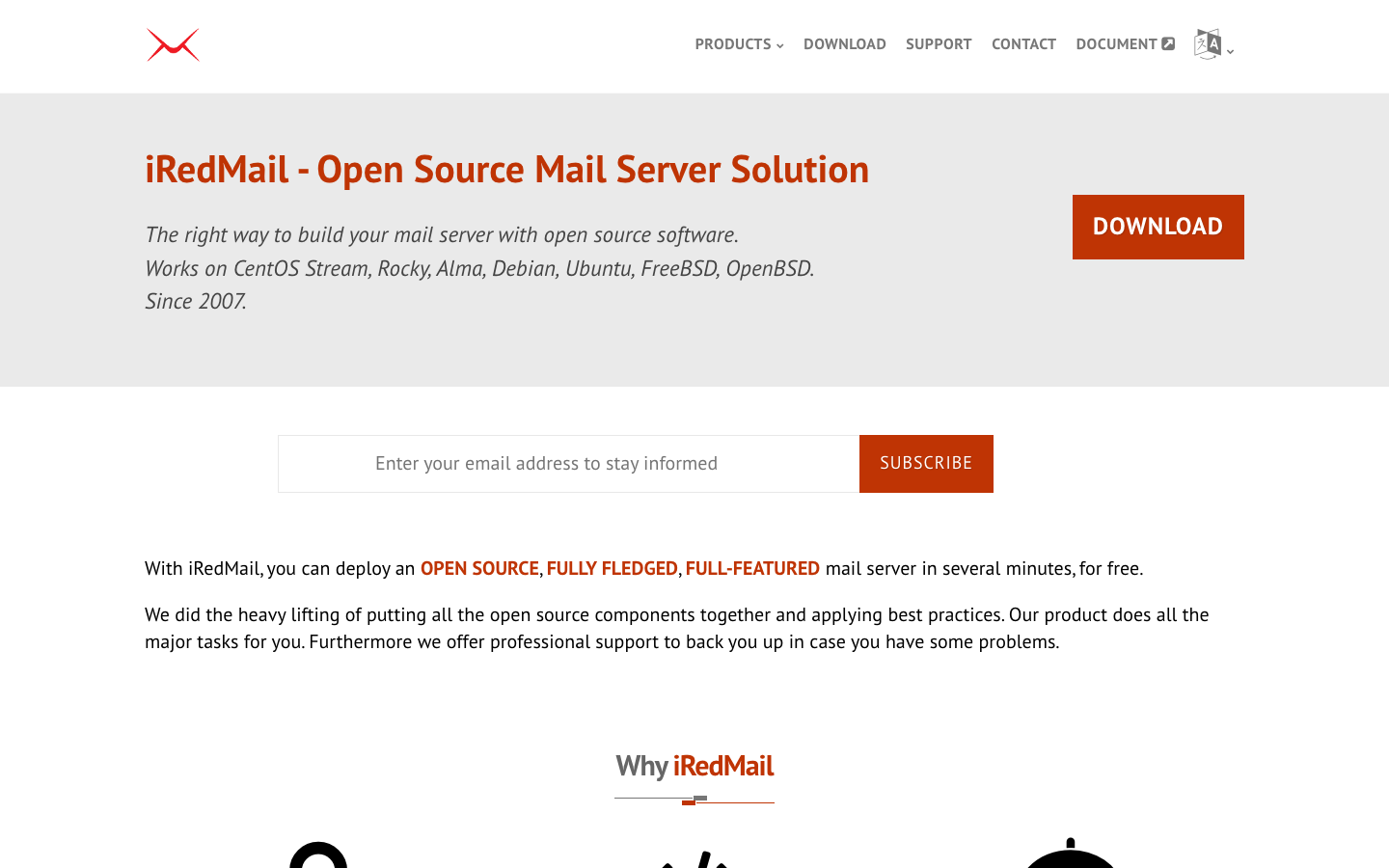
- Running a privacy-first email service for your organization. Deploy iRedMail on your own infrastructure to own the entire mail stack and eliminate third-party access to message content.
- Want encrypted email with a web interface and zero surveillance. Tutanota encrypts messages, contacts, and calendar entries client-side, removing the advertising-company middle layer entirely.
Why teams leave Gmail
The most immediate friction point is storage and cost. Gmail's free tier shares just 15 GB across Gmail, Drive, and Photos—tight for any organization handling documents and attachments. Once you exceed that, Google Workspace pricing climbs, and as of 2025, Gemini AI bundling has increased per-seat costs by roughly $2/user/month, making it expensive to scale.
The deeper issue is privacy and control. Gmail's business model has historically involved content scanning to build advertising profiles. Google can access your messages; your mail, identity, and data are entangled across the entire Google ecosystem. You cannot opt out of this relationship without leaving the platform entirely. Migration away is non-trivial—email addresses, forwarding rules, and contact lists are sticky. For teams handling sensitive communications, client communications, or regulated data, this arrangement is untenable.
Open standards–based mail clients and self-hosted stacks offer a clear alternative: you control the infrastructure, own the data, and eliminate an advertising company's access to your communications.
Quick comparison
| Name | License | Self-Hosted | Deliverability Setup | API / Automation | Best For |
|---|---|---|---|---|---|
| Mailspring | GPL-3.0 | No (client only) | — | Limited | Desktop-first teams, multi-platform mail clients |
| Thunderbird Android | Apache-2.0 | No (client only) | — | — | Mobile users, IMAP/SMTP clients |
| Tutanota | GPL-3.0 | No (hosted service) | Tutanota's infrastructure | Limited | Privacy-conscious users, encrypted communication |
| Roundcube Mail | License not declared | Yes | Depends on backend MTA | Plugins available | Webmail interface, shared hosting |
| iRedMail | GPL-3.0 | Yes (full stack) | Complete; includes Postfix, Dovecot | Full; extensible | Organizations needing complete mail sovereignty |
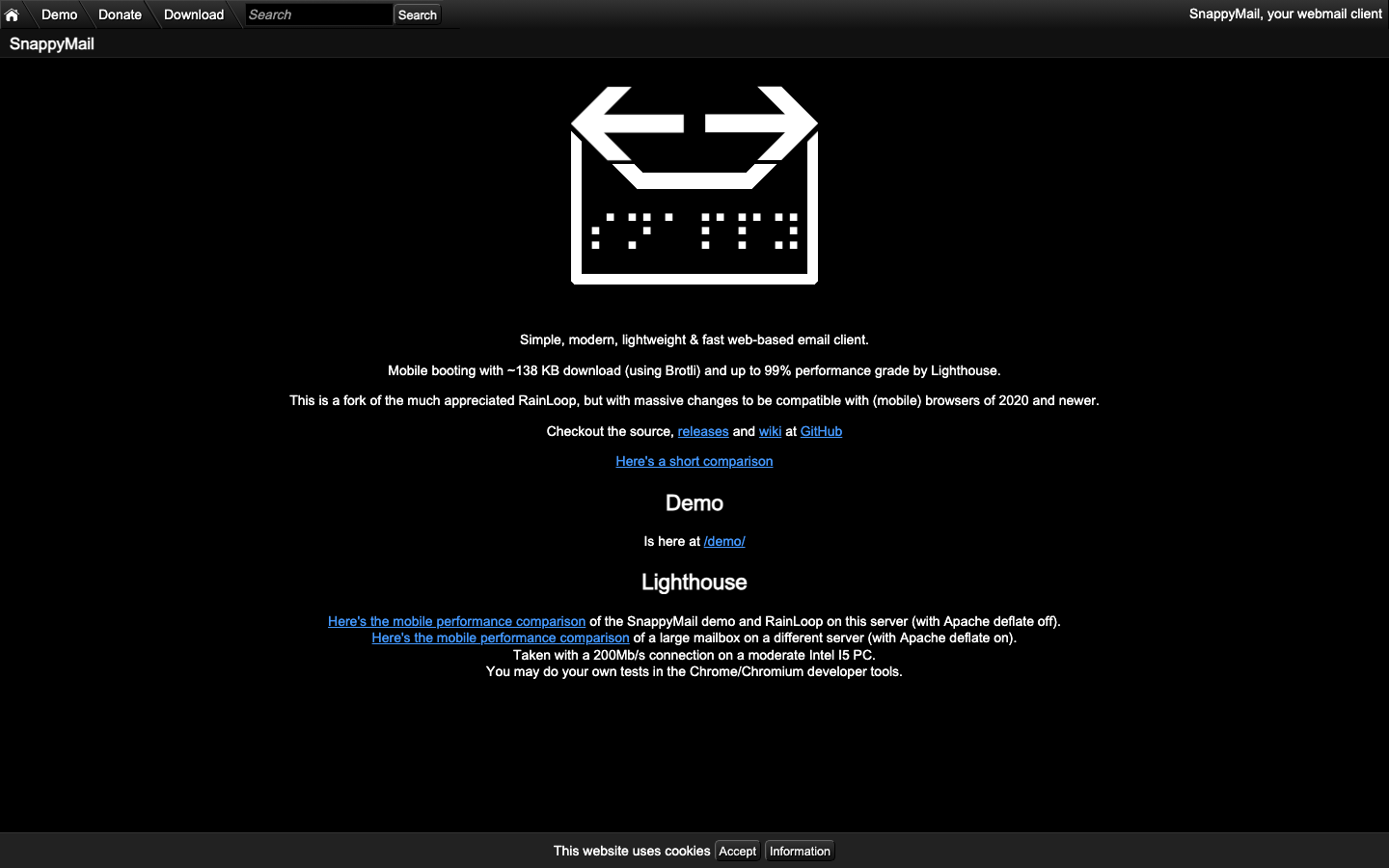
| Snappymail | AGPL-3.0 | Yes | Depends on backend MTA | Limited | Lightweight webmail, minimal resource footprint |
| Cypht | LGPL-2.1 | Yes | Aggregator; no native sending | IMAP/SMTP/JMAP support | Multi-account aggregation, existing mail backends |
Top open-source alternatives to Gmail
Mailspring
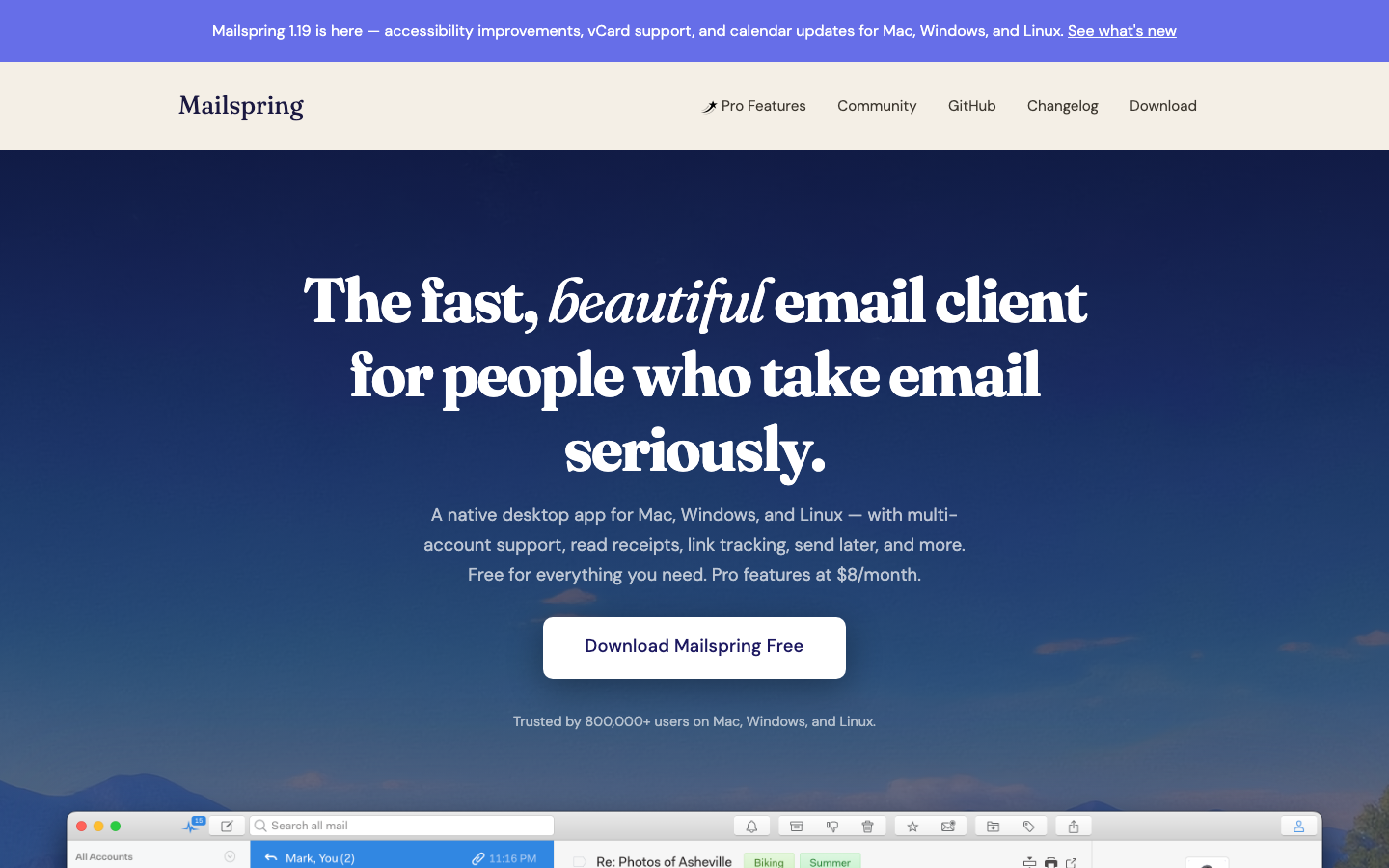
A fast, visually polished mail client for Mac, Windows, and Linux that treats your email as a local-first application. It syncs with standard IMAP/SMTP accounts and works with any mail provider—or your own server. No vendor lock-in, no cloud requirement.
Pros:
- Snappy performance and modern UI reduce friction for power users.
- Works with any IMAP/SMTP backend, including self-hosted mail servers.
- Fully open-source; you can audit and fork the codebase.
Cons:
- Desktop-only; no web or mobile interface built-in.
- Does not include a mail server or backend infrastructure.
Thunderbird Android
The official Android port of Thunderbird (formerly K-9 Mail), giving you a lightweight, standards-based email client on mobile. Supports IMAP, SMTP, and modern authentication without forcing you into a proprietary ecosystem.
Pros:
- Lightweight and fast on mobile devices.
- Full IMAP/SMTP support; works with any mail server.
- Active development and strong community.
Cons:
- Android-only; no iOS or desktop version from this project.
- Requires a mail server elsewhere (does not host mail).
Tutanota
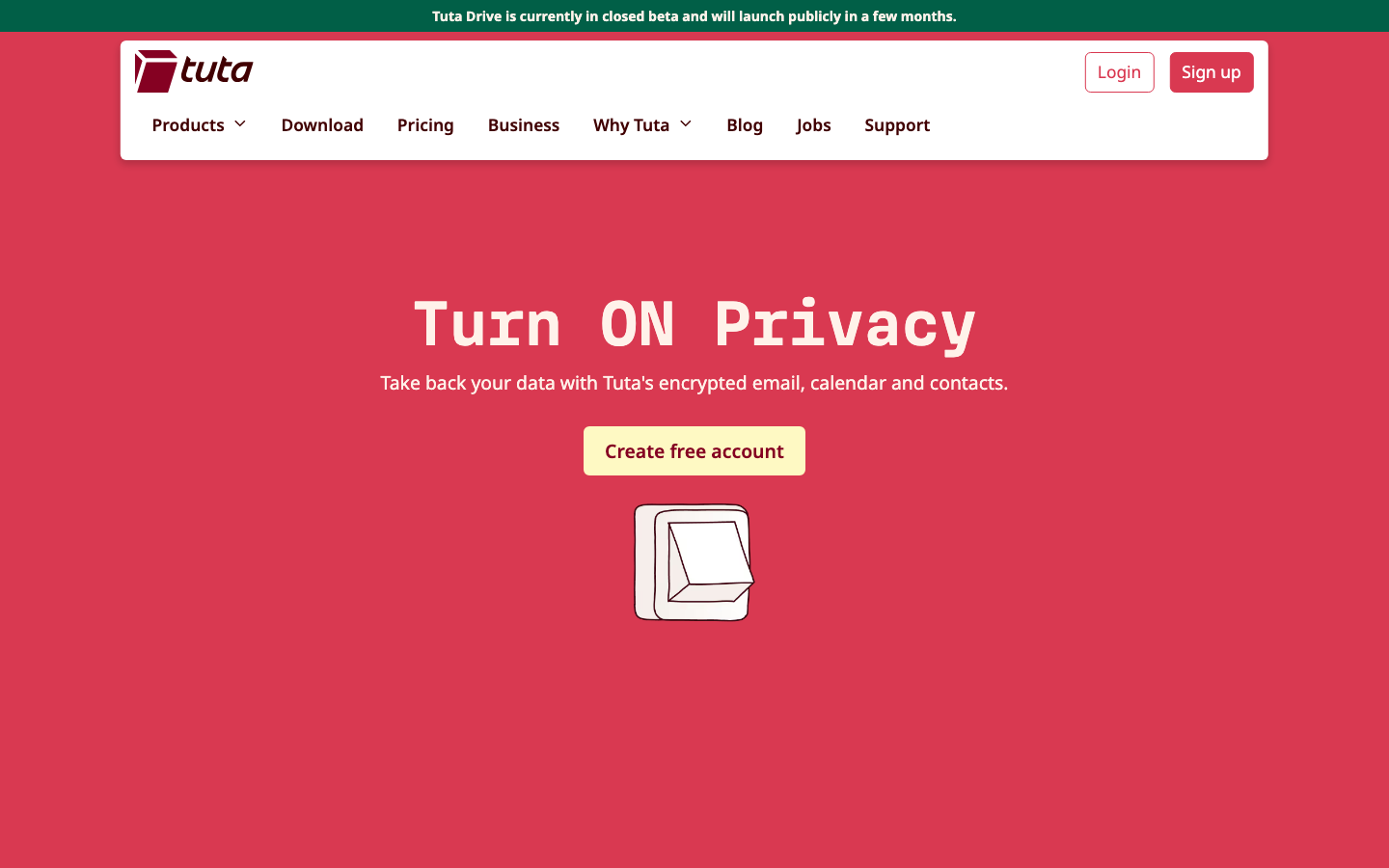
An email service with end-to-end encryption built in. Emails, contacts, and calendar entries are encrypted on your device before they leave it, meaning even Tutanota's servers cannot read your messages. No advertising, no profile building.
Pros:
- Zero-knowledge architecture; encryption happens client-side.
- No advertising or data harvesting.
- Web and mobile apps; seamless across devices.
Cons:
- Hosted service only; you do not control the infrastructure.
- Emails to non-Tutanota users require a password-protected link (not true end-to-end encryption).
Roundcube Mail
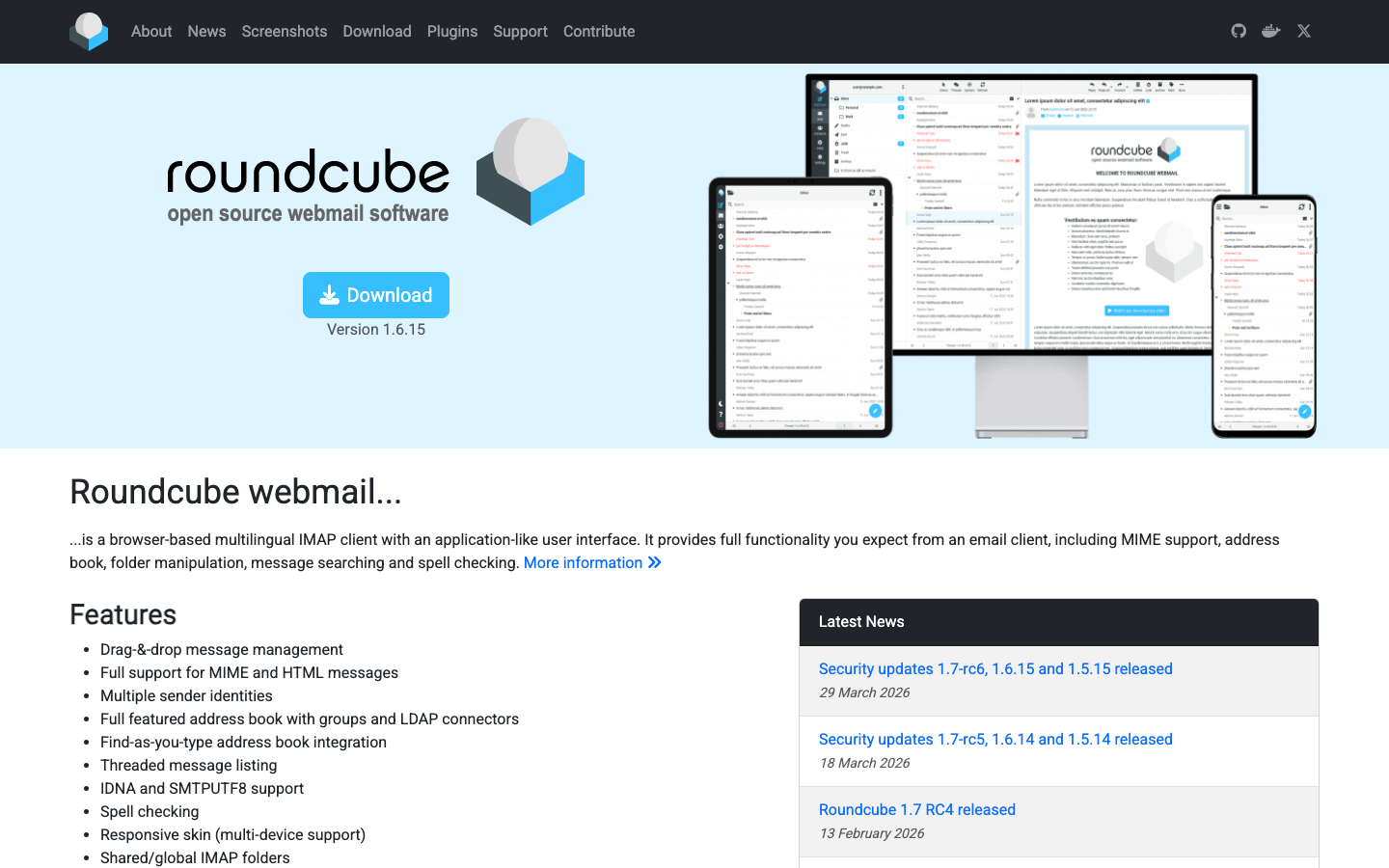
A browser-based webmail interface built in PHP. Deploy it on your own server or shared hosting and point it at your IMAP backend. Familiar web UI, plugin ecosystem, and no vendor lock-in.
Pros:
- Lightweight and easy to self-host on minimal infrastructure.
- Plugin architecture allows customization and feature extension.
- Works with any IMAP/SMTP backend.
Cons:
- Requires manual setup and maintenance of the web application.
- Security and deliverability depend entirely on your backend mail server.
iRedMail
A complete, production-ready mail server distribution for Linux and BSD. Bundles Postfix, Dovecot, SpamAssassin, and other components into a single deployment. You own the entire stack: receiving, filtering, storage, and delivery.
Pros:
- Full mail server sovereignty; no third-party access to message content.
- Battle-tested components (Postfix, Dovecot) with strong deliverability.
- Includes spam filtering, backup, and user management out of the box.
Cons:
- Requires Linux/BSD system administration expertise and infrastructure investment.
- Ongoing maintenance, security patches, and monitoring are your responsibility.
Snappymail
A lightweight, modern webmail client built in PHP. Minimal resource footprint, fast rendering, and a clean interface. Self-host it and connect to any IMAP/SMTP backend.
Pros:
- Very lightweight; runs on low-spec servers.
- Modern, responsive UI.
- Simple setup and minimal dependencies.
Cons:
- Smaller community and fewer plugins than Roundcube.
- Does not include a mail server; you must provide IMAP/SMTP backend.
Cypht
A webmail aggregator that pulls messages from multiple mail accounts via IMAP, SMTP, JMAP, or Exchange Web Services. Useful if you need a single inbox across multiple mail servers without managing a centralized mail server yourself.
Pros:
- Aggregates multiple mail accounts into one interface.
- Supports multiple protocols (IMAP, SMTP, JMAP, EWS).
- Lightweight and self-hostable.
Cons:
- Designed for aggregation, not as a primary mail server.
- Requires existing mail backends to function.
How to choose
For individuals or small teams on a budget: Start with Mailspring (desktop) or Thunderbird Android (mobile) if you want a client-only solution that works with existing mail. If you want privacy and simplicity without self-hosting, Tutanota is the fastest path.
For organizations with IT resources: Deploy iRedMail on your own servers if you need complete sovereignty and can manage the infrastructure. Pair it with Roundcube Mail or Snappymail as the webmail frontend.
For multi-account management without self-hosting: Use Cypht to aggregate mail from existing providers, or combine Mailspring with your preferred IMAP/SMTP backend.
The key decision: Do you want to self-host mail infrastructure (iRedMail), use a client-only approach (Mailspring, Thunderbird), or choose a privacy-first hosted service (Tutanota)? Each eliminates Gmail's lock-in and advertising model, but with different operational trade-offs.