



TL;DR
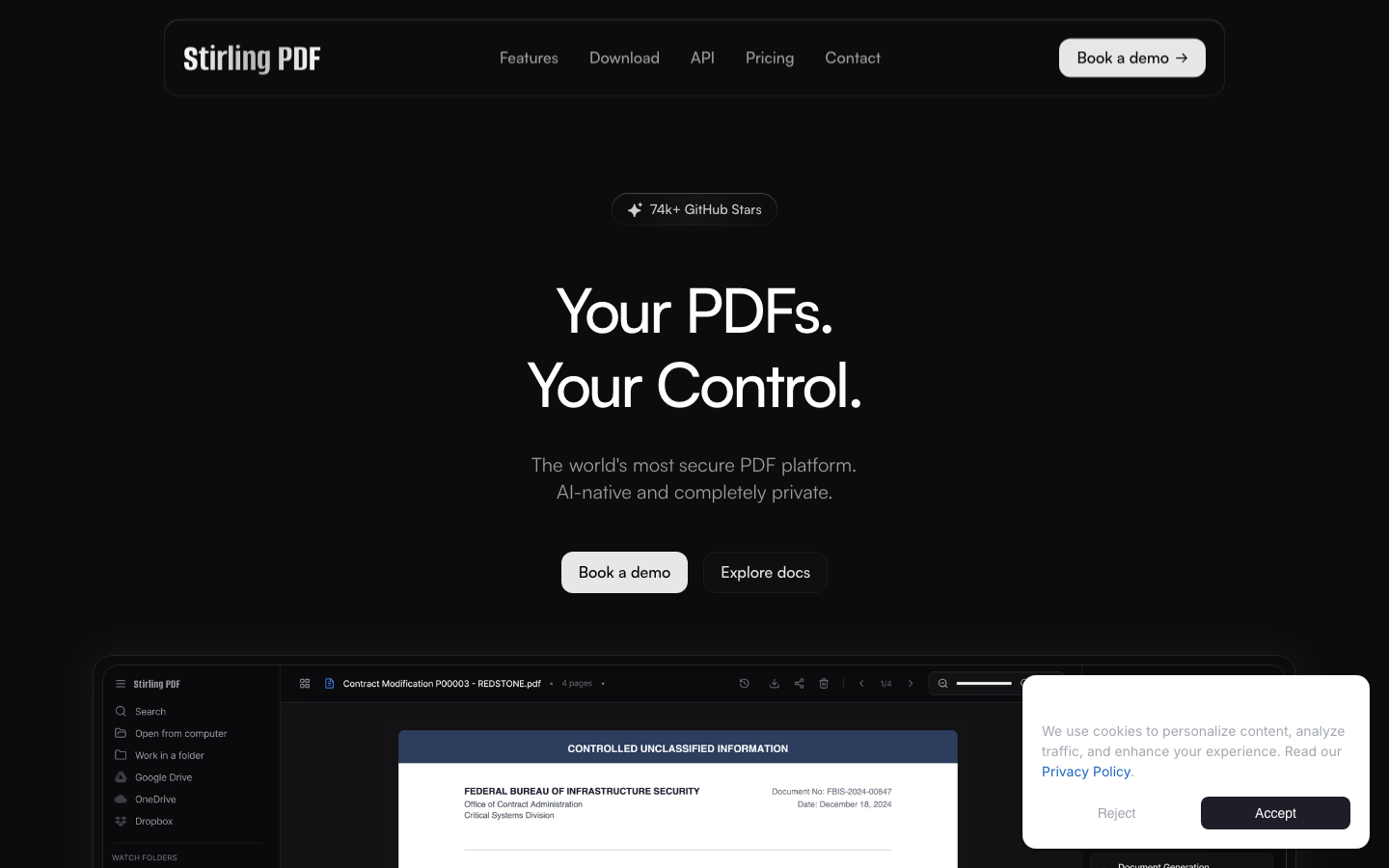
- Keeping PDFs fully offline and processing them locally? Stirling-PDF is the most mature self-hosted option, battle-tested by 77k+ GitHub stars and deployable on any device.
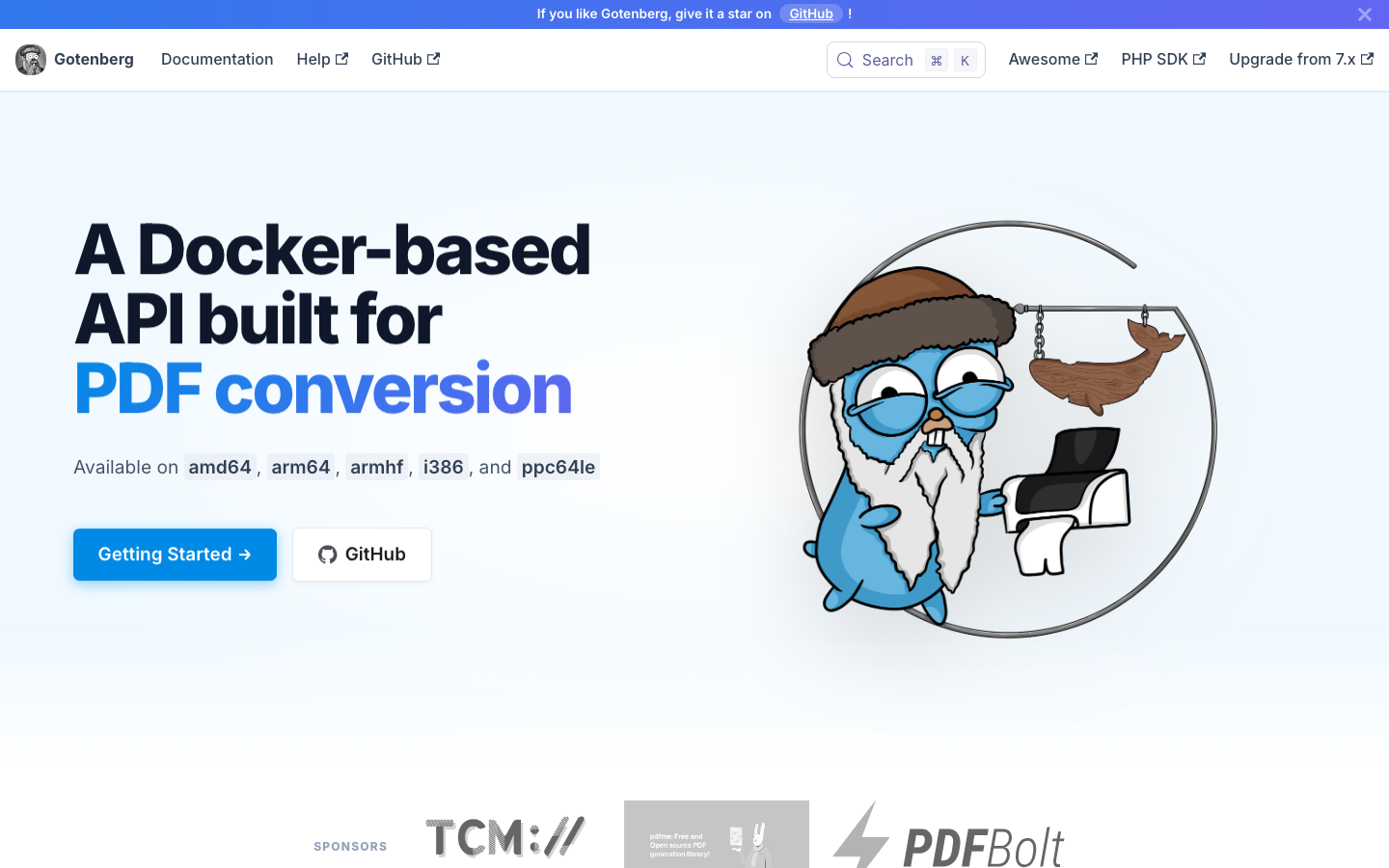
- Building a document conversion API for your infrastructure? Gotenberg provides a developer-friendly HTTP API that turns multiple formats into PDFs without cloud dependencies.
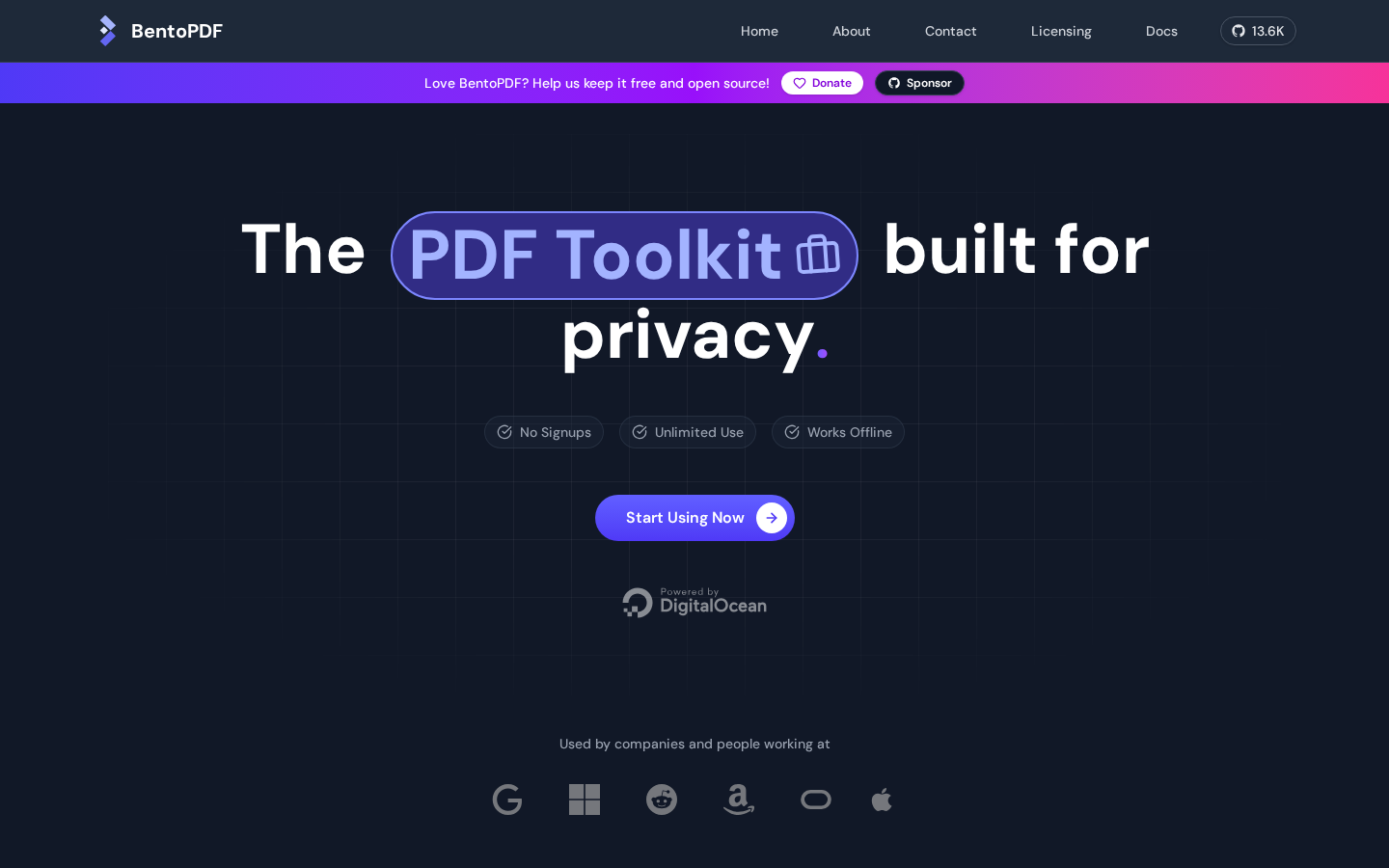
- Need privacy-first browser-based editing without uploads? BentoPDF processes everything client-side—documents never leave your machine and there's no server to manage.
Why teams leave iLovePDF
The core issue is architectural: iLovePDF is a cloud platform, which means every file you process gets uploaded to its servers. For confidential documents—contracts, payroll, medical records, legal filings—that round-trip is a hard blocker, regardless of deletion policies. On the free tier, you hit walls immediately: file uploads are capped around 15 MB, daily task limits kick in, ads clutter the interface, and meaningful editing features sit behind a paywall. Scale your usage or automate document pipelines, and you're forced into a subscription with ongoing per-task or per-file costs.
Open-source alternatives invert this model entirely. Self-hosted tools keep every document on your own infrastructure—nothing ever leaves your network. Browser-based tools process PDFs locally, so the document never enters a network request. No size caps, no daily limits, no ads, no subscription tiers. You own the entire pipeline, control retention, and can audit exactly what happens to sensitive data.
Quick comparison
| Name | License | Self-Hosted | API / Extensibility | Stack / Language | Best For |
|---|---|---|---|---|---|
| Stirling-PDF | — | ✅ Yes | Web UI + Docker | TypeScript | All-in-one desktop/web PDF editing and management |
| BentoPDF | AGPL-3.0 | ✅ Browser-based (no server) | Client-side JavaScript | JavaScript | Privacy-first browser editing, zero server overhead |
| Gotenberg | MIT | ✅ Yes | HTTP REST API | Go | Document-to-PDF conversion pipelines and automation |
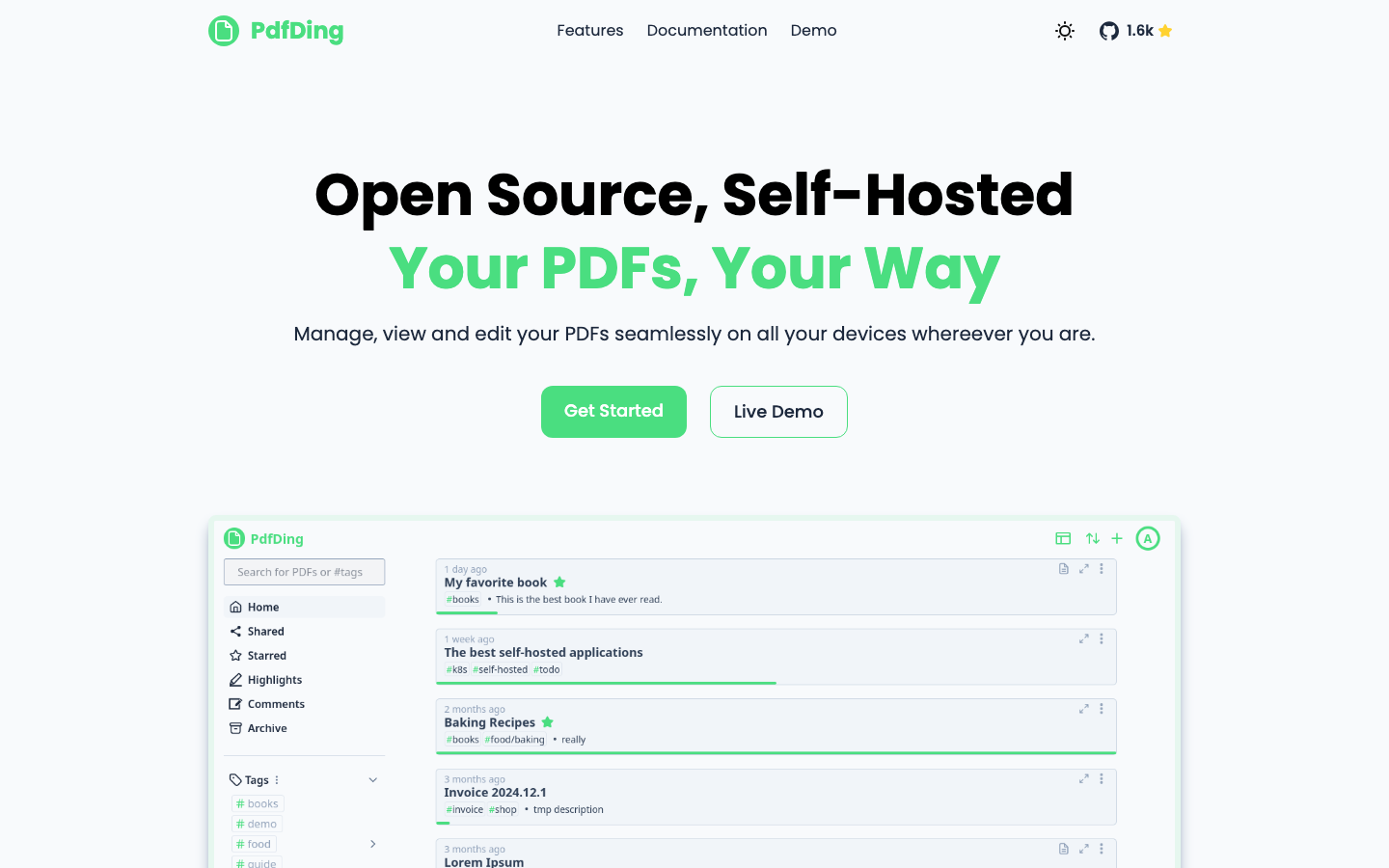
| PdfDing | AGPL-3.0 | ✅ Yes | Web UI + self-hosted | Python | Multi-device PDF management and viewing |
Top open-source alternatives to iLovePDF
Stirling-PDF
A self-hosted PDF application with 77k+ GitHub stars—the most popular open-source PDF tool on the platform. It runs on any device, offers a polished web interface, and handles editing, conversion, merging, splitting, and more without cloud dependencies. Deploy it in Docker, keep all documents internal, and scale without licensing friction.
Pros
- Mature ecosystem with extensive feature coverage and active community
- Works on desktop, server, or embedded systems
- No upload limits or daily task caps
Cons
- Requires self-hosting infrastructure (though Docker makes this straightforward)
- Learning curve steeper than cloud platforms for non-technical users
BentoPDF
A privacy-first PDF toolkit that processes everything in your browser—no server, no uploads, no network round-trips. Documents stay on your machine; the tool is pure client-side JavaScript that you can run offline or self-host as a static site.
Pros
- Zero privacy footprint; documents never leave your device
- No server to maintain or secure
- AGPL-3.0 license ensures transparency
Cons
- Limited to browser-based editing (no native desktop app)
- Smaller community than Stirling-PDF; fewer integrated features
Gotenberg
A developer-friendly HTTP API for converting documents (Office, HTML, Markdown, images) into PDFs at scale. Written in Go, it's lightweight, fast, and designed for automation—perfect for teams building document pipelines or integrating PDF generation into applications.
Pros
- Purpose-built for API-driven workflows and batch processing
- MIT license with minimal restrictions
- Minimal resource footprint; runs efficiently in containerized environments
Cons
- Not a user-facing editor; focused on conversion and generation
- Requires API integration; not suitable for ad-hoc manual editing
PdfDing
A self-hosted PDF manager, viewer, and editor with a focus on seamless multi-device experience. Built in Python, it provides a web interface for organizing, viewing, and editing PDFs across desktop, tablet, and mobile without cloud storage.
Pros
- Full-featured management and editing in one package
- AGPL-3.0 ensures community-driven development
- Designed for multi-device sync without proprietary cloud
Cons
- Smaller user base means fewer third-party integrations
- Requires Python environment and self-hosting setup
How to choose
Solo developers or small teams handling sensitive documents: Start with BentoPDF if you want zero infrastructure overhead, or Stirling-PDF if you need a full feature set and can dedicate a server. Teams building document automation or APIs: Gotenberg is purpose-built for this—integrate it into your pipeline and forget about it. Organizations managing document libraries across devices: PdfDing handles viewing, editing, and organization in one self-hosted package. All four remove the privacy and cost constraints of cloud platforms; pick based on whether you prioritize simplicity (browser-based), features (full-stack), automation (API), or management (multi-device sync).