



TL;DR
- Privacy first: slink puts image storage entirely on your infrastructure, eliminating the risk of account purges or content surveillance by a third party.
- Total cost of ownership: Self-hosting via XBackBone or pictshare eliminates per-gigabyte billing and surprise policy changes that force content deletion.
- Control and resilience: Running slink means your image URLs, retention policies, and access rules never depend on a vendor's legal exposure or regional compliance decisions.
Why teams leave Imgur
Imgur's business model has always been free hosting subsidized by advertising and user data. That model works until it doesn't. In May 2023, Imgur changed its terms of service and deleted all unregistered, anonymous uploads—wiping out years of embedded links across forums, documentation, and the wider web. The stated reason was commercial: advertisers and payment processors avoid platforms hosting explicit content, so Imgur purged it. More recently, Imgur was blocked entirely in the United Kingdom, cutting off access overnight for an entire region with no notice.
The structural problem is simple: when you upload to a free host, you do not own the retention policy, the content rules, or the legal decisions that affect your images. You own nothing. Account purges happen. Entire content categories vanish. Regional blocks happen. API rate limits tighten. And you have no recourse because the service is free and the terms are unilateral.
Self-hosting an image service flips that equation. Your images live on your infrastructure. Your URLs are stable because you control the DNS and the server. Your retention policy is yours to set. No advertiser pressure, no content bans, no sudden regional blocks. The trade-off is operational: you run the server, apply patches, and manage storage. But for teams that cannot afford to lose image links or have content deleted by someone else's policy, that trade-off is worth it.
Quick comparison
| Name | License | Self-Hosted | API / Extensibility | Stack / Language | Best For |
|---|---|---|---|---|---|
| slink | AGPL-3.0 | ✓ Full | REST API, webhook support | PHP | Simple, focused image sharing with minimal overhead |
| XBackBone | AGPL-3.0 | ✓ Full | ShareX integration, extensible | PHP | Teams using ShareX or needing a general-purpose file manager |
| pictshare | License not declared | ✓ Full | Image resize API, pastebin support | PHP | Projects needing image hosting + resizing + paste service in one |
Top open-source alternatives to Imgur
slink
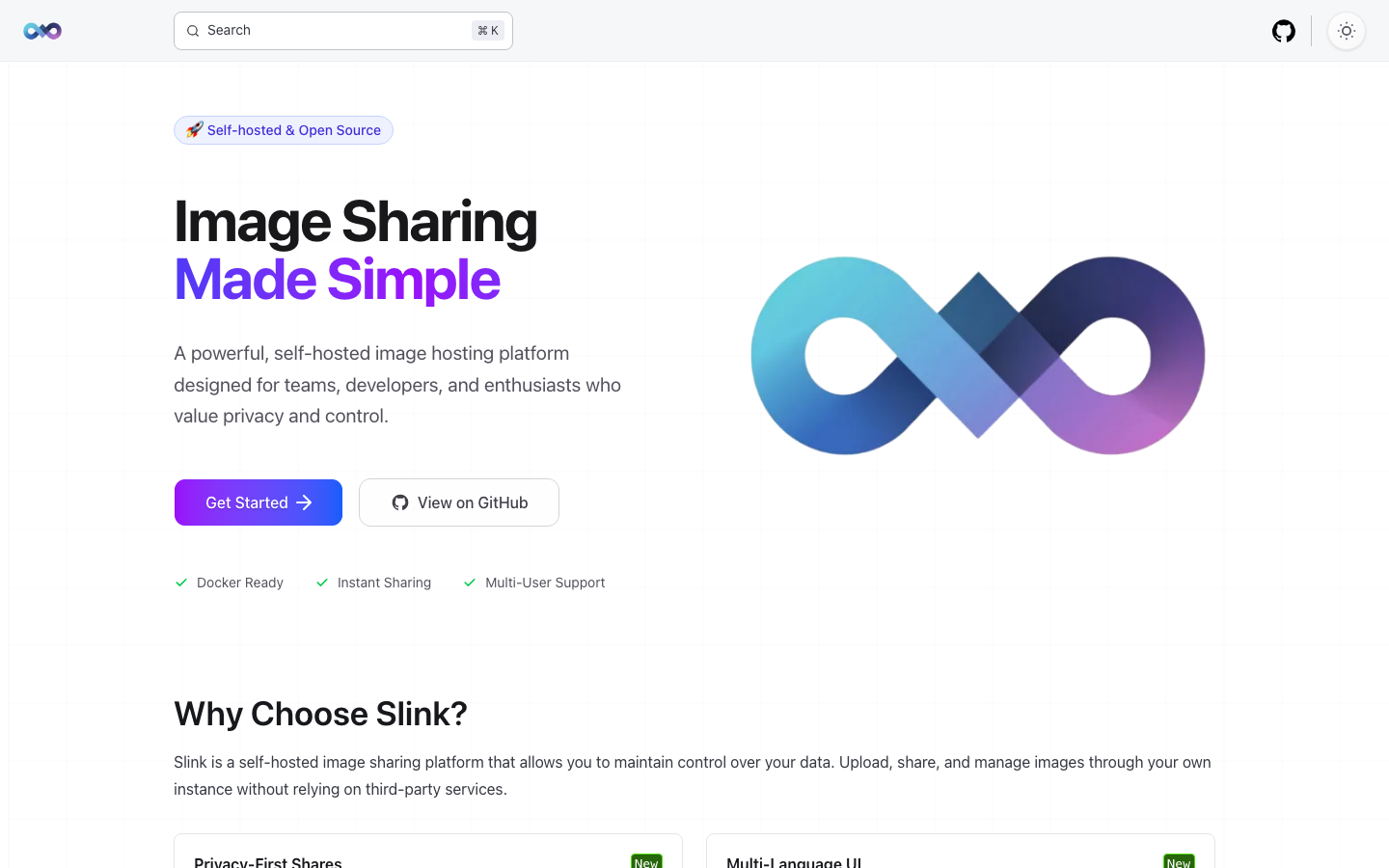
A lightweight, self-hosted image sharing service designed for simplicity. slink handles uploads, generates shareable links, and lets you retain full control over where images live and how long they persist. It's built in PHP and distributed under AGPL-3.0.
Pros
- Minimal dependencies and low resource footprint—easy to deploy on modest infrastructure.
- REST API allows programmatic uploads and integration with scripts or third-party tools.
- AGPL license guarantees the source stays open; no risk of proprietary forks locking you in.
Cons
- Smaller community and fewer integrations compared to larger projects.
- Limited built-in features for image manipulation or advanced metadata handling.
XBackBone
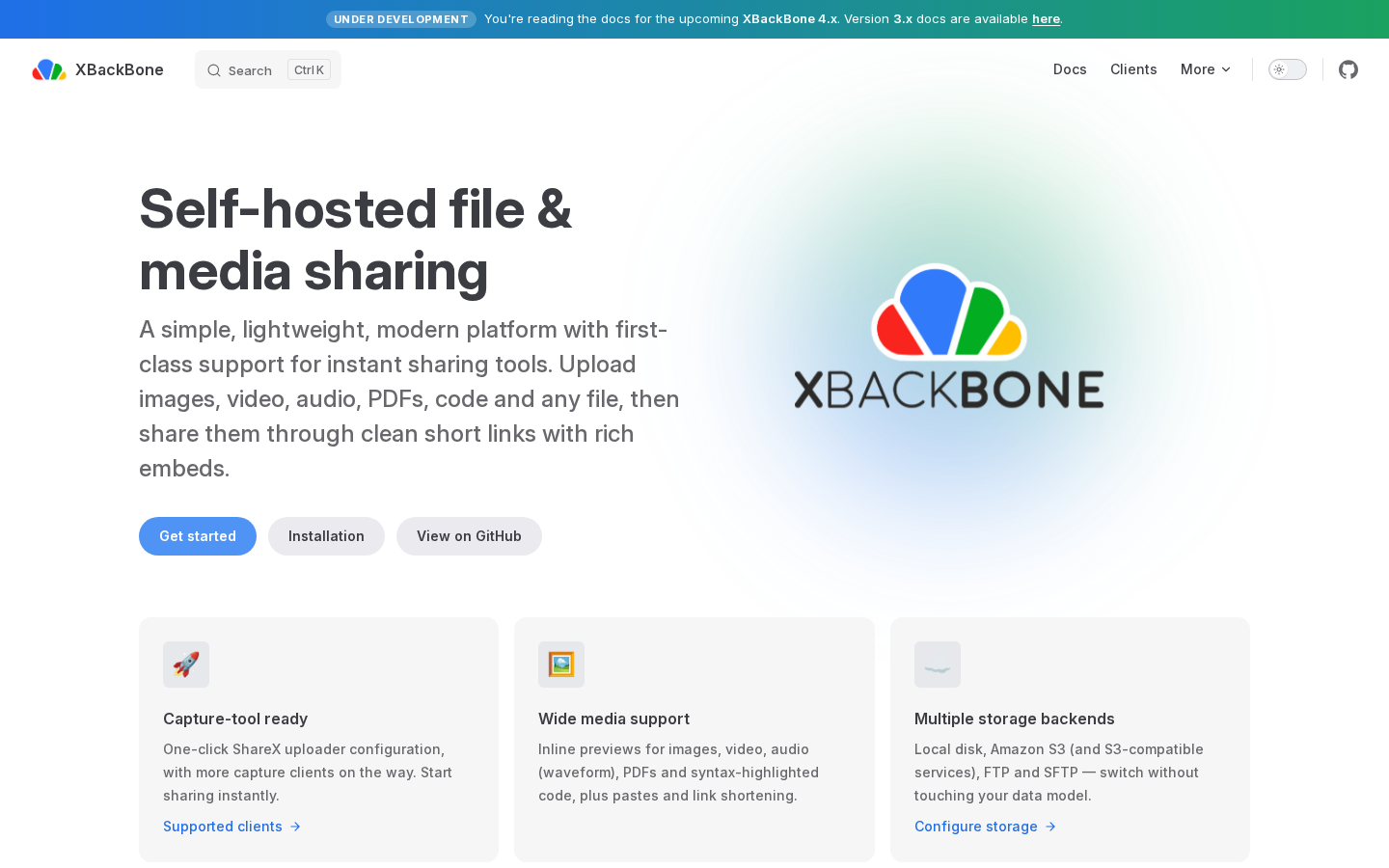
A lightweight file manager with first-class support for ShareX, a popular screenshot and screen-recording tool. XBackBone handles images, videos, and other files, making it ideal for teams already using ShareX for workflow automation. It's also AGPL-licensed PHP.
Pros
- Native ShareX integration means screenshots and recordings upload directly from the desktop with a single keystroke.
- Works as a general-purpose file manager, not just an image host—useful for distributing other assets.
- Extensible architecture allows custom backends and storage providers.
Cons
- Broader scope means more moving parts to maintain than a single-purpose image host.
- Requires more configuration to get full benefit from all features.
pictshare
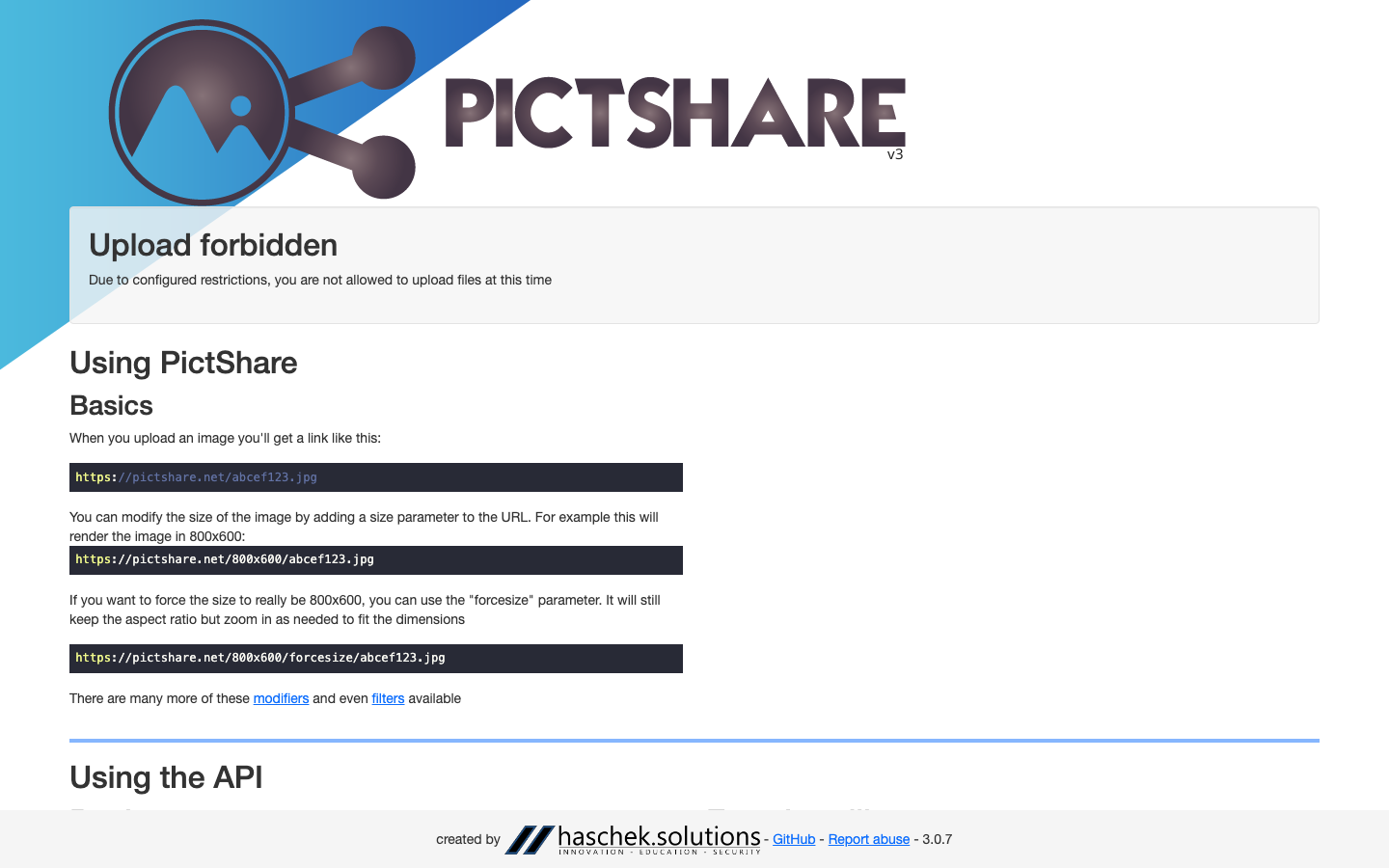
An open-source image, video, and pastebin hosting service with a built-in image resizing API. pictshare combines three common needs—image hosting, video hosting, and text paste—into one deployable package. License is not declared in the repository.
Pros
- All-in-one: images, mp4 videos, and pastes in a single service reduces operational complexity.
- Resizing API lets you generate thumbnails or scaled versions on the fly without external image processing.
- Simple upload and API design makes integration straightforward.
Cons
- Lack of declared license creates ambiguity around redistribution and modification rights.
- Less active development and community compared to projects with larger star counts.
How to choose
If your priority is simplicity and you only need image hosting, slink is the smallest, most focused option. If your team uses ShareX and needs a file manager that integrates seamlessly with screenshot workflows, XBackBone is the natural fit. If you want images, videos, and pastes all in one service and don't mind managing a slightly broader codebase, pictshare reduces the number of services to run. All three eliminate the risk of account purges, content bans, and regional blocks—the core lesson from Imgur's 2023 and 2025 disruptions. Choose based on feature scope and deployment comfort, not on free hosting promises you cannot control.