




TL;DR
-
Teams managing large-scale web archives should start with ArchiveBox, which captures full-fidelity copies (HTML, PDFs, media, metadata) of everything you save and runs entirely on your own servers.
-
For collaborative teams who need annotation and real-time sharing, linkwarden offers a modern interface with tagging, highlighting, and team workspaces—all self-hosted and exportable.
-
Budget-conscious small teams often prefer linkding or wallabag because both are lightweight, Docker-friendly, and require minimal infrastructure investment to own your reading queue permanently.
Why teams leave Instapaper
A team of three researchers suddenly loses access to 18 months of saved articles when their company's subscription lapses for a billing cycle—not because the articles disappeared, but because Instapaper's export format doesn't preserve all their highlights and reading state, and they're now locked out of their own notes.
This is the core problem with Instapaper and other hosted read-it-later services: your saved content, reading queue, and annotations live on servers controlled by a company that can change pricing, pivot business models, or simply shut down. Pocket's July 2025 shutdown proved this isn't theoretical—beloved services do vanish. Instapaper has changed ownership multiple times, and each transition brings uncertainty about data continuity and cost. Even when export is available, HTML and CSV formats are lossy; you lose the reading experience, metadata, and organizational context that made the service valuable in the first place. For teams building institutional knowledge or managing compliance-sensitive reading archives, this vendor lock-in is untenable. Open-source self-hosted alternatives eliminate that risk by putting your infrastructure and data under your control, with formats designed for long-term portability and no surprise price increases.
Quick comparison
| Name | License | Self-Hosted | Data Format / Portability | Real-time Collaboration | Best For |
|---|---|---|---|---|---|
| ArchiveBox | MIT | ✓ Yes | HTML, JSON, WARC, media files | — | Full-fidelity web archiving & compliance |
| linkwarden | AGPL-3.0 | ✓ Yes | JSON export, markdown | ✓ Yes | Teams needing annotation & sharing |
| wallabag | MIT | ✓ Yes | JSON, ePub, PDF export | — | Simple, lightweight read-later workflow |
| linkding | MIT | ✓ Yes | HTML, JSON, Netscape bookmark format | — | Minimal, fast personal or small-team setup |
| LinkAce | GPL-3.0 | ✓ Yes | JSON export | — | Link archiving with tagging & categorization |
Top open-source alternatives to Instapaper
ArchiveBox
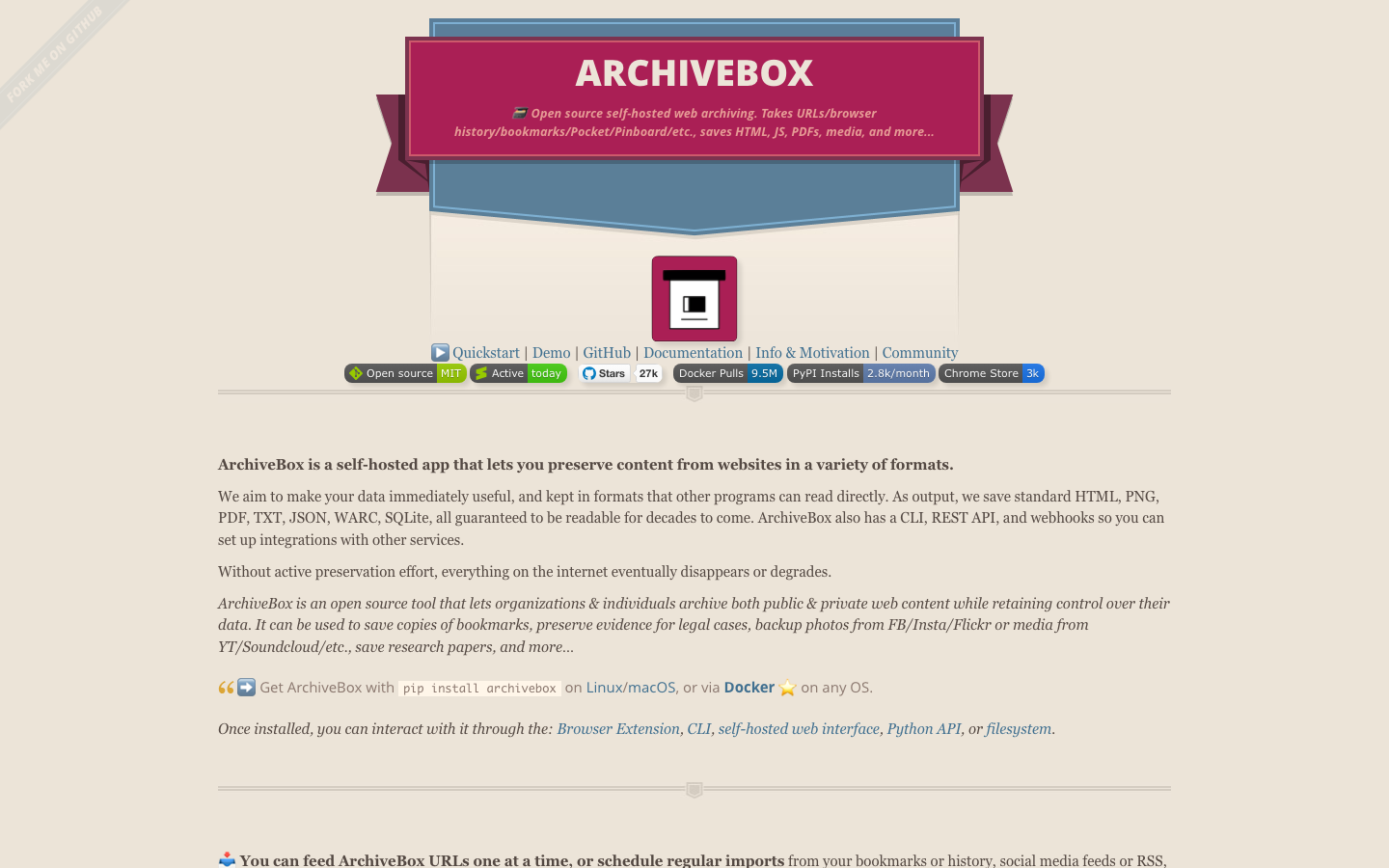
ArchiveBox is a self-hosted web archiving engine that captures complete snapshots of web pages—HTML, JavaScript, PDFs, images, and metadata—and stores them in portable, standards-based formats (WARC, JSON). It integrates directly with browser history, Pocket exports, Pinboard feeds, and other sources, making it ideal for teams migrating away from other services. With 27,265 GitHub stars, it's the most mature project in this space for serious archiving needs.
Pros:
- Captures full-fidelity page snapshots (not just links), including media and interactive content
- Multiple export formats (WARC, JSON) ensure long-term portability and compliance
- Powerful search and tagging across thousands of archived pages
Cons:
- Steeper learning curve; requires more server resources for large archives
- Not designed for real-time team collaboration or annotation
linkwarden
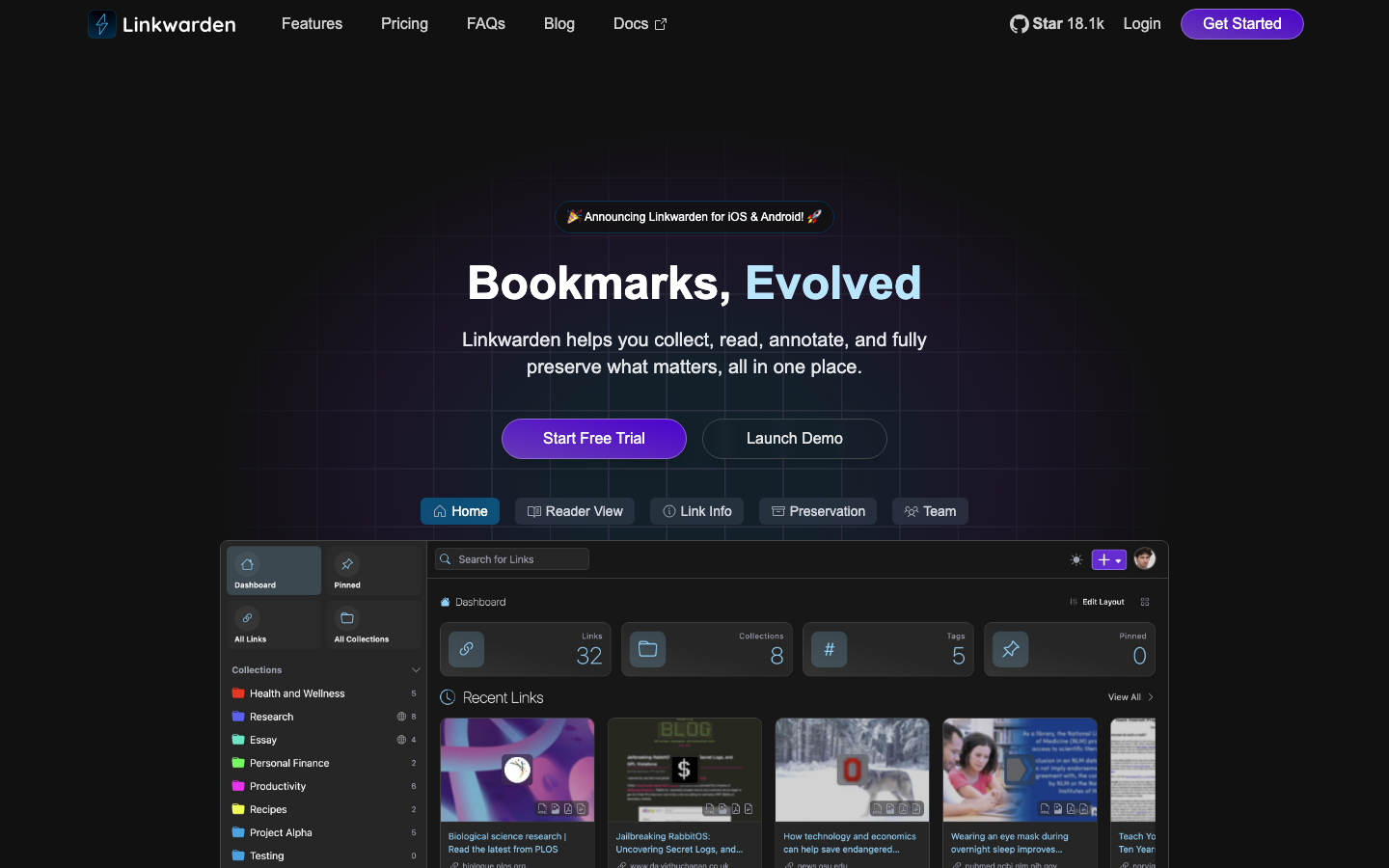
linkwarden is a modern, collaborative bookmark and article manager built for teams. It lets you save URLs, annotate with highlights and notes, organize into collections, and share workspaces with teammates—all on your own server. Written in TypeScript with a polished interface, it bridges the gap between personal note-taking and team knowledge management.
Pros:
- Real-time collaboration: multiple team members can annotate and organize the same collections
- Clean, fast interface with full-text search and tagging
- Exports to JSON and markdown, preserving your annotations and structure
Cons:
- Younger project (18,294 stars) with smaller ecosystem compared to ArchiveBox
- AGPL-3.0 license requires careful review if you plan to modify and redistribute
wallabag
wallabag is a lightweight, PHP-based read-it-later service that captures articles, removes ads and distractions, and stores them for offline reading. It's the closest spiritual successor to Instapaper among open-source options, with a focus on simplicity and the core save-and-read workflow. With 12,638 stars, it has a stable, long-running community.
Pros:
- Dead simple to set up and maintain; minimal server footprint
- Distraction-free reading interface similar to Instapaper
- Exports to JSON, ePub, and PDF for portability
Cons:
- Limited collaboration features; designed primarily for individual use
- Less suitable for teams needing shared annotations or real-time synchronization
linkding
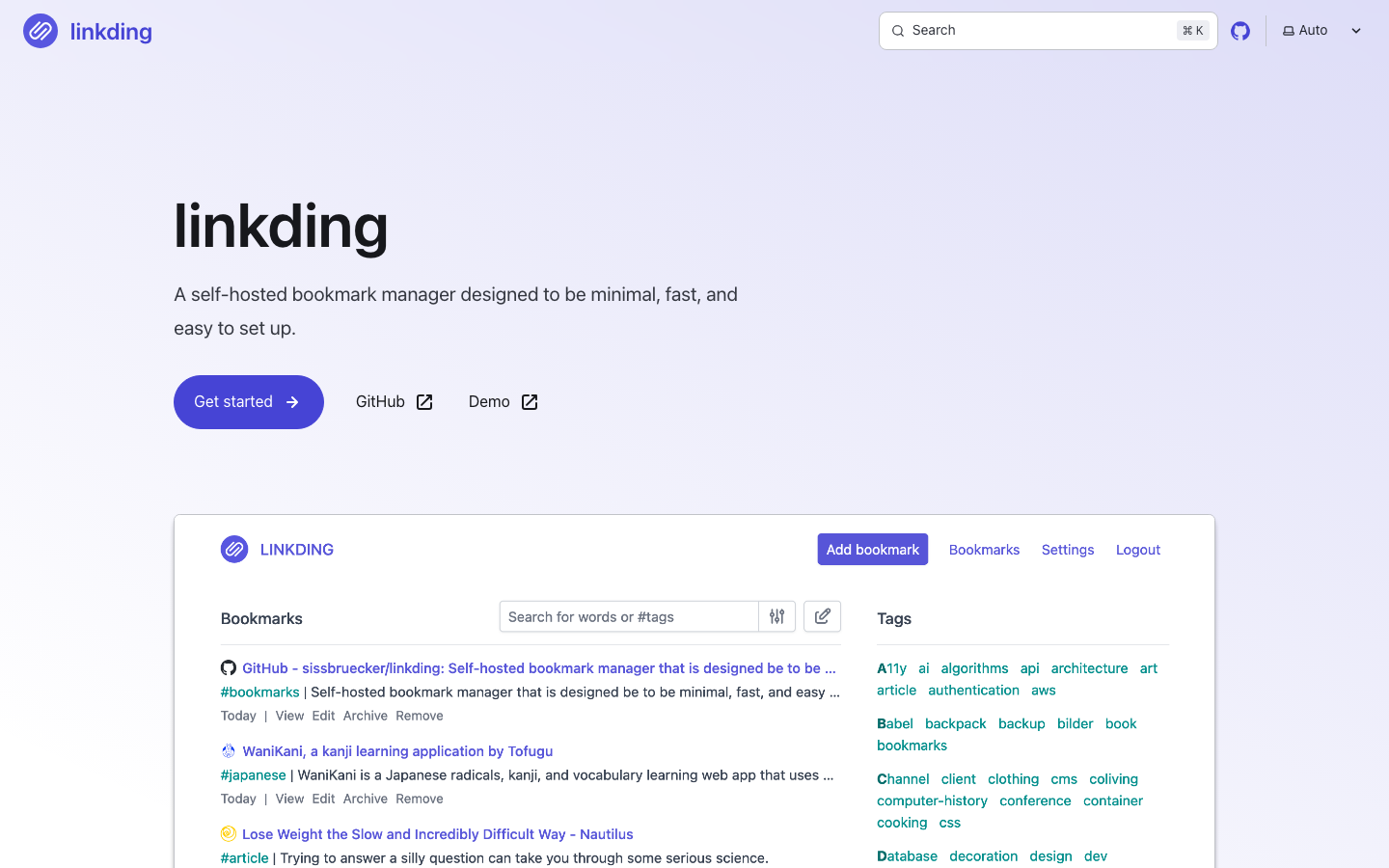
linkding is a minimal, Docker-first bookmark manager emphasizing speed and ease of deployment. If you want to own your bookmarks with zero fuss, linkding gets you there in minutes with a tiny codebase and a no-frills interface.
Pros:
- Extremely lightweight and fast; runs on minimal hardware
- Docker setup is straightforward; great for self-hosters new to containerization
- Supports standard bookmark import/export (Netscape format, HTML, JSON)
Cons:
- Minimal feature set; no built-in annotation or highlighting
- No collaboration features; best suited to individual users or read-only team sharing
LinkAce
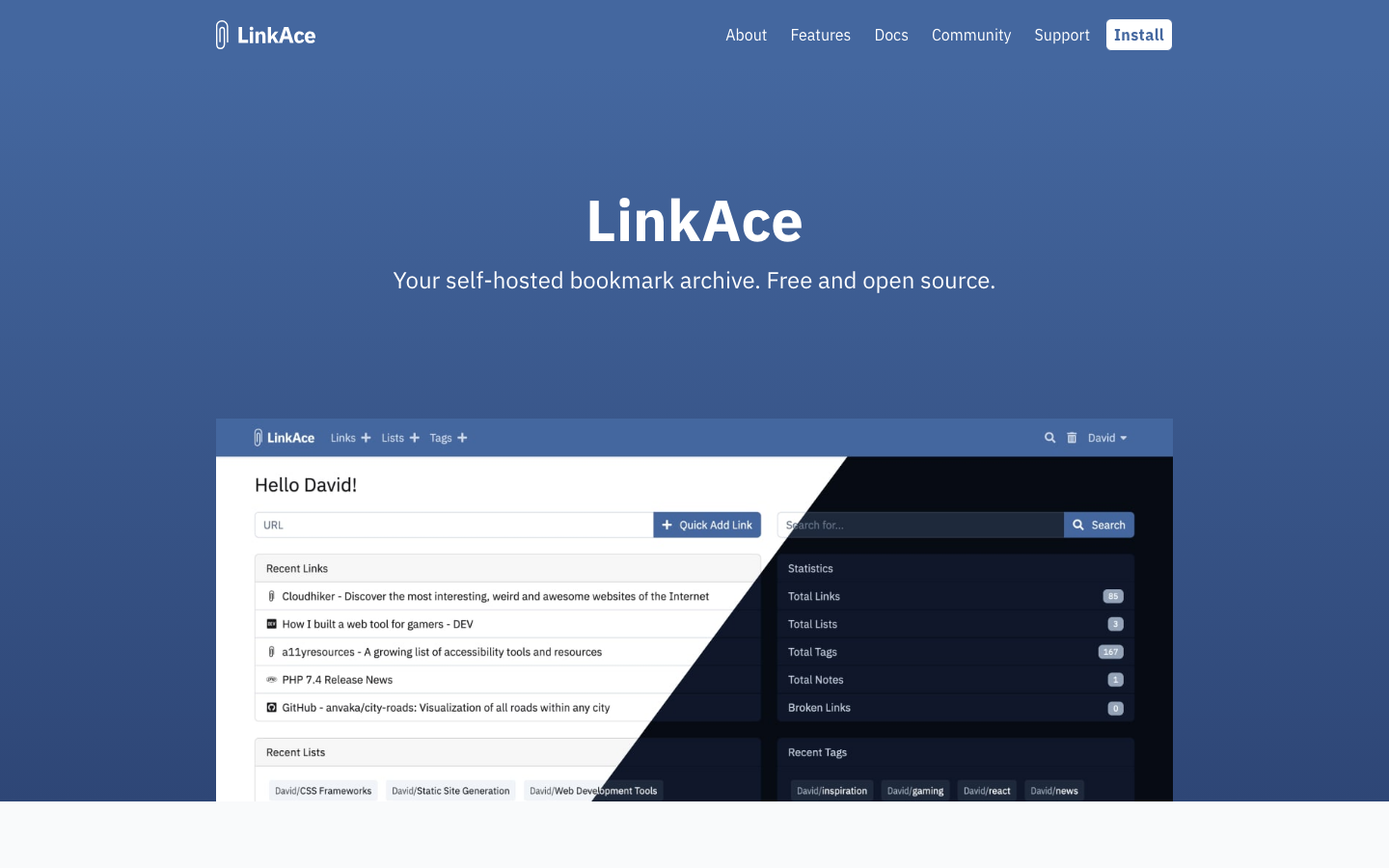
LinkAce is a self-hosted link archive with tagging, categorization, and full-text search. It's designed to be a personal or team link repository, letting you organize and rediscover saved URLs without relying on a third party.
Pros:
- Flexible tagging and categorization system for organizing large link collections
- JSON export for data portability
- Written in PHP; runs on standard shared hosting
Cons:
- Smaller community (3,281 stars) and less active development than alternatives
- Focused on link archiving rather than article reading; doesn't capture full page content
How to choose
Start with your team size and workflow: Solo users or small teams that just want to own their reading queue should lean toward wallabag or linkding—both are fast to deploy and require minimal maintenance. If your team needs to annotate, highlight, and share reading together, linkwarden is the better choice despite slightly higher complexity. For compliance, research, or institutional archives where you need full-fidelity snapshots of web content for audit trails or long-term reference, ArchiveBox is the gold standard. If you're primarily organizing and categorizing links rather than reading articles, LinkAce offers a lightweight tagging-first approach. In all cases, prioritize whichever project matches your server comfort level and collaboration needs—the main win is that your data stays yours, and you'll never face a surprise shutdown or price hike again.