







TL;DR
- Single-person or small team needing mail + calendaring without operational overhead: Mail-in-a-Box trades feature breadth for a one-click deployment that handles the hardest part—deliverability configuration—out of the box.
- Organizations running Docker who want Exchange-like groupware with modern DevOps workflows: Stalwart combines mail, calendar, and contacts in a single Rust binary with native support for IMAP, CalDAV, and CardDAV, eliminating the component-juggling that plagues self-hosted setups.
- Teams prioritizing privacy and control with the engineering capacity to manage complexity: SOGo delivers full groupware (webmail, calendaring, address books, resource sharing) and integrates natively with Outlook and Apple clients—the closest architectural peer to Kopano's feature set.
Why teams leave Kopano
Self-hosting groupware demands operational maturity most organizations underestimate. Kopano's core promise—data sovereignty and no per-seat licensing—is real, but the execution burden falls entirely on your team: SPF, DKIM, DMARC, reverse DNS, TLS configuration, and IP reputation management are non-negotiable. A misconfigured PTR record or a shared IP block blacklisted by a major ISP means your mail silently vanishes into spam folders, and debugging that takes weeks.
The second friction point is lock-in disguised as flexibility. Once your organization is running Kopano, switching costs are high: you own the infrastructure, the data migration, the client reconfiguration (ActiveSync, CalDAV endpoints, etc.). There's no vendor to call if things break at 2 a.m.—there's just your on-call engineer. For teams without dedicated ops or email infrastructure expertise, this becomes a slow-motion operational disaster.
Smaller teams and budget-conscious organizations are increasingly choosing alternatives that either eliminate the deliverability problem through simplification (one-click mail servers) or distribute the complexity across proven, modular components (Docker-based stacks) rather than betting on a monolithic self-hosted suite.
Quick comparison
| Name | License | Self-Hosted | Deliverability Setup | API / Automation | Best For |
|---|---|---|---|---|---|
| Mail-in-a-Box | CC0-1.0 | Yes (single box) | Automated; guided setup wizard | Limited; basic | Solo operators, small teams, simplicity-first |
| mailcow-dockerized | GPL-3.0 | Yes (Docker) | Manual but well-documented | REST API, webhooks | Docker-native teams, multi-tenant hosting |
| Stalwart | License not declared | Yes | Manual; modern protocol support | JMAP (standard API) | Teams valuing modern architecture, unified binary |
| Mailu | License not declared | Yes (Docker) | Guided; Docker-first | Limited | Small to mid-size orgs, Docker-first deployments |
| SOGo | GPL-2.0 | Yes | Manual | CalDAV, CardDAV, IMAP standards | Kopano-like groupware, Outlook/Apple integration |
| Wildduck | EUPL-1.2 | Yes | Manual; API-first design | Extensive REST API | Developers, high-volume mail, custom integrations |
Top open-source alternatives to Kopano
Mail-in-a-Box
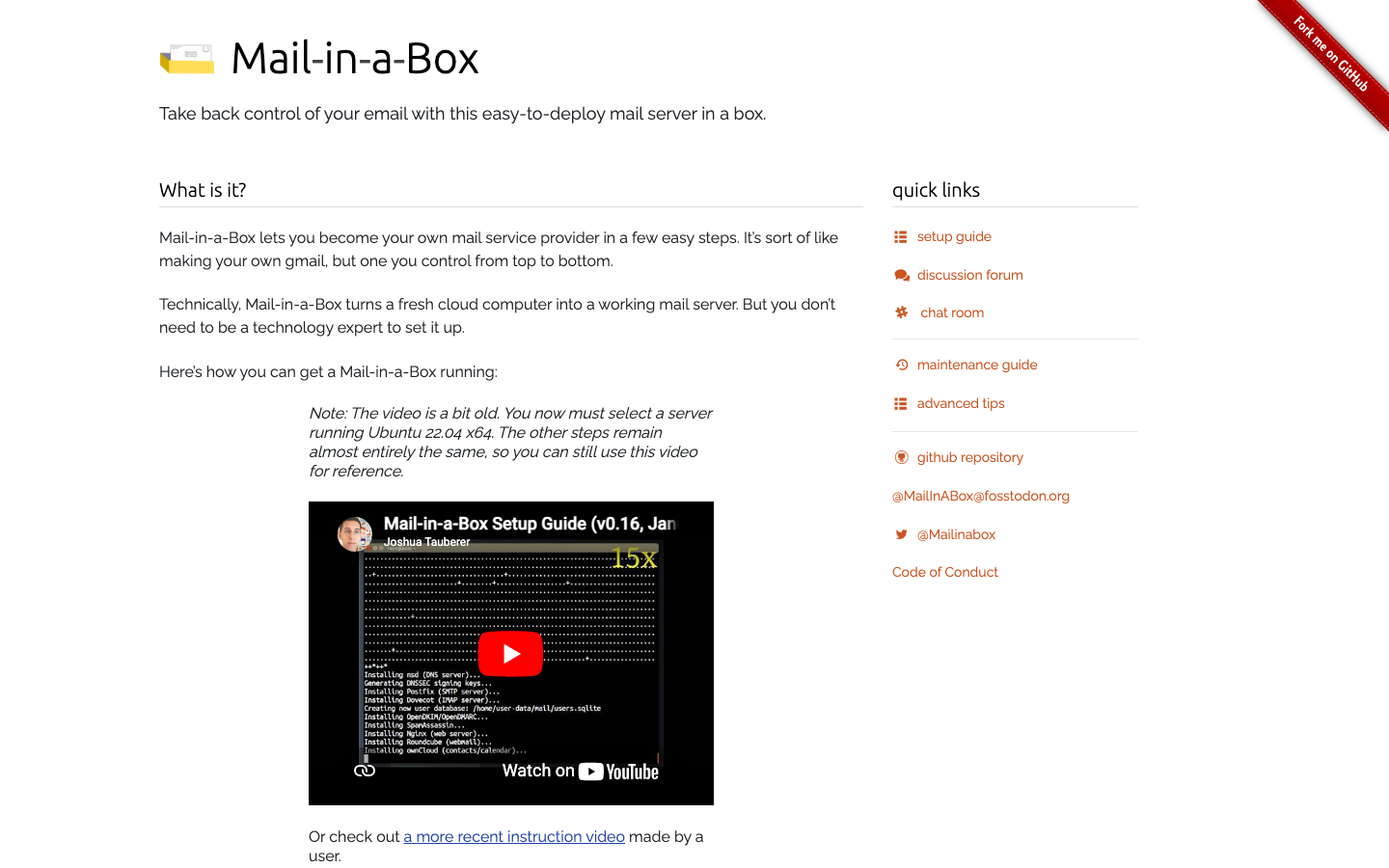
Mail-in-a-Box is a one-click mail server deployment for individuals and small teams. It bundles SMTP, IMAP, CalDAV, CardDAV, webmail, and DNS management into a single system image, designed to run on a commodity VPS. The philosophy is radical simplification: one domain, one box, one admin.
Pros:
- Deliverability is pre-wired; DNS and TLS configuration happen automatically during setup.
- Lowest operational overhead of any self-hosted option; suitable for non-engineers.
- Includes calendar and contacts alongside mail.
Cons:
- Not designed for multi-domain or multi-tenant scenarios.
- Lacks the advanced groupware features (resource sharing, delegation, permission hierarchies) that Kopano offers.
mailcow-dockerized
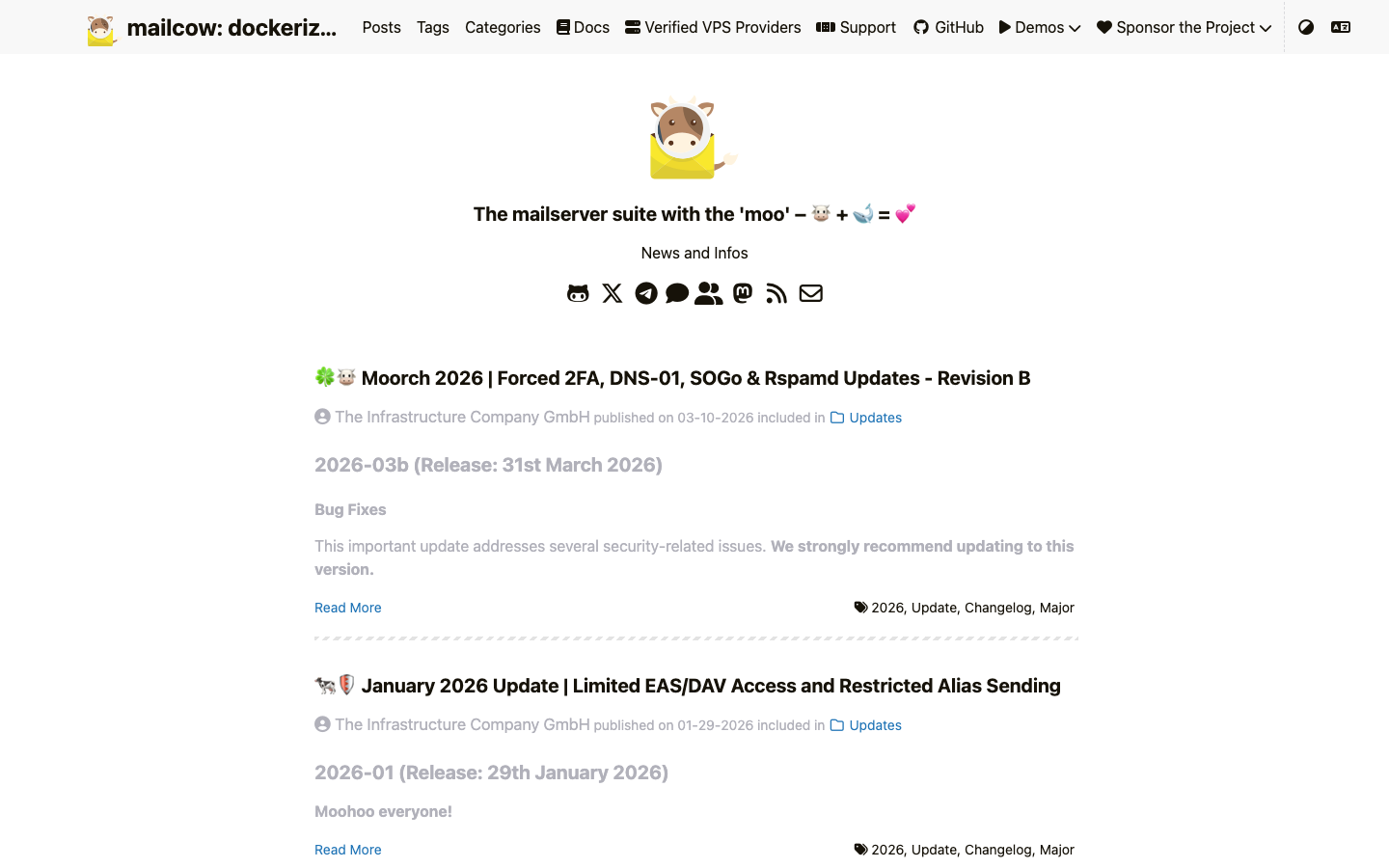
mailcow is a full-stack mail server suite containerized for Docker. It includes postfix, dovecot, SOGo webmail, and a web admin UI, with support for multi-domain and multi-tenant configurations. It's the choice for teams running containerized infrastructure who want to avoid cloud mail services.
Pros:
- Modular Docker architecture; scales and integrates cleanly into existing container stacks.
- REST API and webhooks enable automation and integration.
- Well-documented; active community.
Cons:
- Deliverability configuration is manual and requires DNS/mail infrastructure knowledge.
- Operational complexity is higher than Mail-in-a-Box; not suitable for teams without Docker experience.
Stalwart
Stalwart is a unified mail and collaboration server written in Rust, supporting IMAP, JMAP, SMTP, CalDAV, CardDAV, and WebDAV in a single binary. It's a modern rethinking of the monolithic groupware server, eliminating the component fragmentation common in traditional stacks.
Pros:
- Single binary; no dependency hell or component mismatch.
- JMAP (modern, JSON-based mail API) alongside traditional IMAP and CalDAV.
- Built for performance and concurrency from the ground up.
Cons:
- Younger project; smaller community than mailcow or Mail-in-a-Box.
- License not declared; verify legal compliance before production use.
Mailu
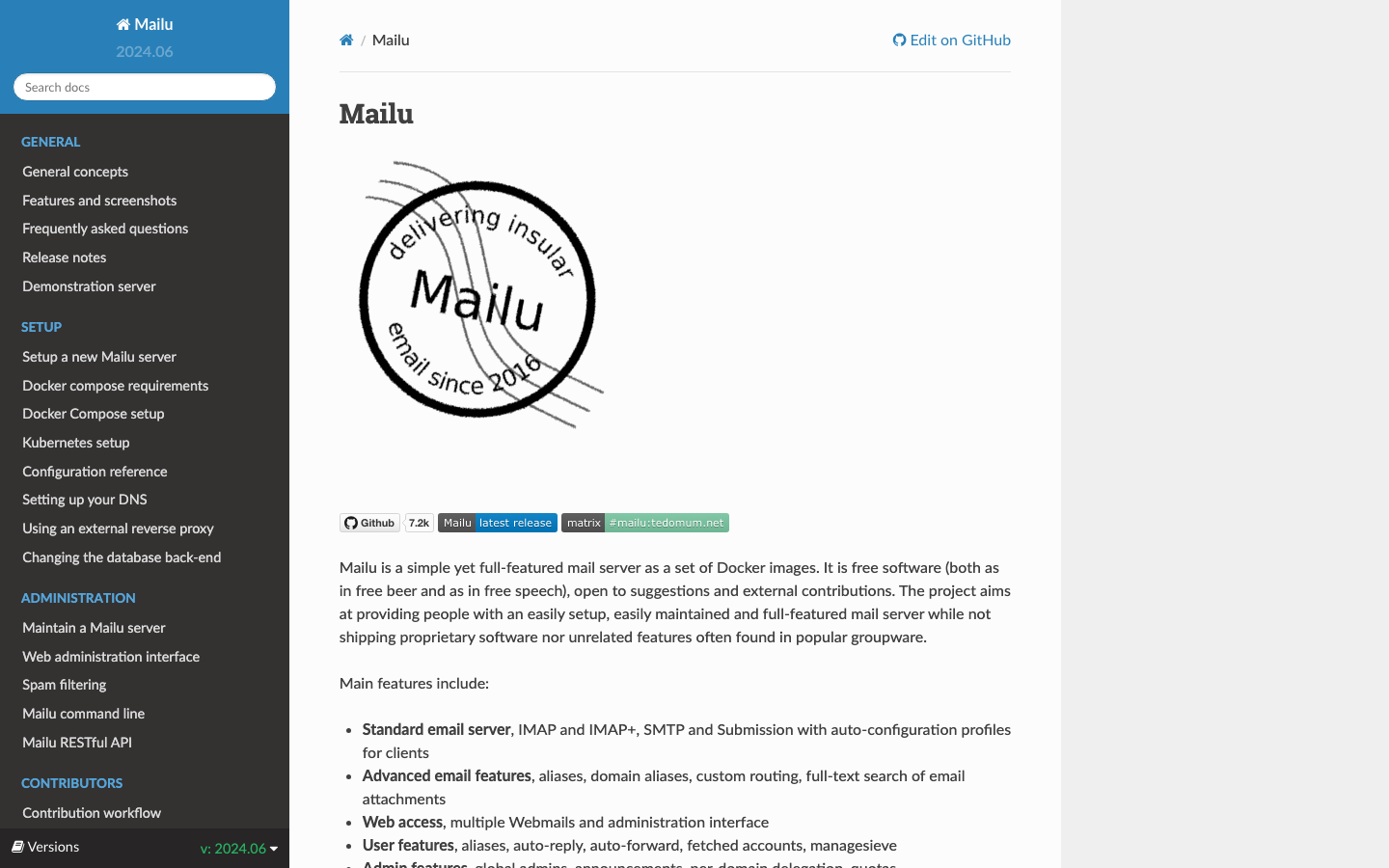
Mailu is a Docker-based mail server distribution designed for simplicity and portability. It packages postfix, dovecot, and a web admin UI with sensible defaults, targeting small to mid-size organizations that want to avoid SaaS mail.
Pros:
- Lightweight and quick to deploy on Docker; lower resource footprint than mailcow.
- Guided setup reduces configuration errors.
- Includes webmail and basic contacts.
Cons:
- Fewer advanced features than Kopano (no resource sharing, limited delegation).
- License not declared.
SOGo
SOGo is a true groupware suite offering webmail, calendaring, address books, resource management, and permission handling. It uses open standards (IMAP, CalDAV, CardDAV) for native client connectivity and is the closest architectural equivalent to Kopano in this list.
Pros:
- Feature parity with Kopano: calendars, contacts, resource sharing, delegation.
- Native integration with Outlook, Apple iCal, and mobile clients without plugins.
- Proven in enterprise deployments; mature codebase.
Cons:
- Steeper learning curve for deployment and customization.
- Requires careful configuration of underlying IMAP backend and database.
Wildduck
Wildduck is an opinionated mail server designed for developers and high-volume mail operations. It prioritizes API-first design, with extensive REST endpoints for mail manipulation, user management, and custom workflows.
Pros:
- Powerful REST API enables custom automation and integration.
- Designed for scalability and concurrent connections.
- Suitable for organizations building mail into larger platforms.
Cons:
- No built-in calendar or contacts; mail-only.
- Requires developer expertise to set up and extend; not a turnkey solution.
How to choose
Mail-in-a-Box if you're a solo founder or small team with one domain and no ops team—accept the simplicity trade-off. mailcow-dockerized or Mailu if you're already Docker-native and have multiple domains or users; both are production-ready with active communities. SOGo if you need Kopano-level groupware features and have the infrastructure team to manage it—it's the direct replacement. Stalwart if you're building new infrastructure and want a modern, unified architecture without legacy component debt. Wildduck only if mail is part of a larger platform and you have developers on staff to build integrations. In all cases, budget for deliverability expertise: even the simplest option requires understanding SPF, DKIM, and IP reputation.