








TL;DR
- Multi-step workflow automation without per-step billing: dagu lets you define declarative, file-based workflows that scale from laptop to cluster without metering each module, making complex automation predictable and cheap.
- Visual AI agent and integration building: Flowise and dify provide low-code interfaces for agentic workflows and integrations, keeping your logic self-hosted and extensible instead of locked into a proprietary cloud.
- Event-driven ops automation at scale: st2 (StackStorm) is purpose-built for DevOps and SRE teams who need auto-remediation, incident response, and ChatOps without vendor constraints or operation-count penalties.
Why teams leave Make
Make's pricing model charges per operation — each module step in a workflow consumes units from your plan allotment. A moderately complex scenario with conditional branches, data transforms, and API calls can burn through a "generous" plan far faster than the headline suggests. Teams scaling automation discover that workflow complexity and volume directly inflate costs in ways that feel opaque until the bill arrives.
Beyond pricing, the deeper friction is lock-in. Your scenarios, integrations, and automation logic live entirely on Make's cloud. Migrating to another platform means rebuilding workflows from scratch; there is no portable format, no local version control, no ability to audit or version-control your automations as code. For organizations with compliance requirements, multi-tenant SaaS concerns, or simply a need to own their infrastructure, this is a non-starter.
Open-source alternatives invert both problems. Self-hosted platforms like dagu, st2, and huginn run on your infrastructure, cost nothing to operate at scale (no per-step or per-execution meters), and store workflows as declarative files or code you control. You can version them, audit them, and migrate them freely. Cloud-first tools like dify and Flowise still let you self-host, avoiding the SaaS trap entirely.
Quick comparison
| Name | License | Self-Hosted | API / Extensibility | Stack / Language | Best For |
|---|---|---|---|---|---|
| dify | — | Yes | REST API, plugin system, LLM integrations | TypeScript | AI agents and agentic workflows |
| Flowise | — | Yes | Node-based visual builder, custom nodes | TypeScript | Visual AI agent and chatbot design |
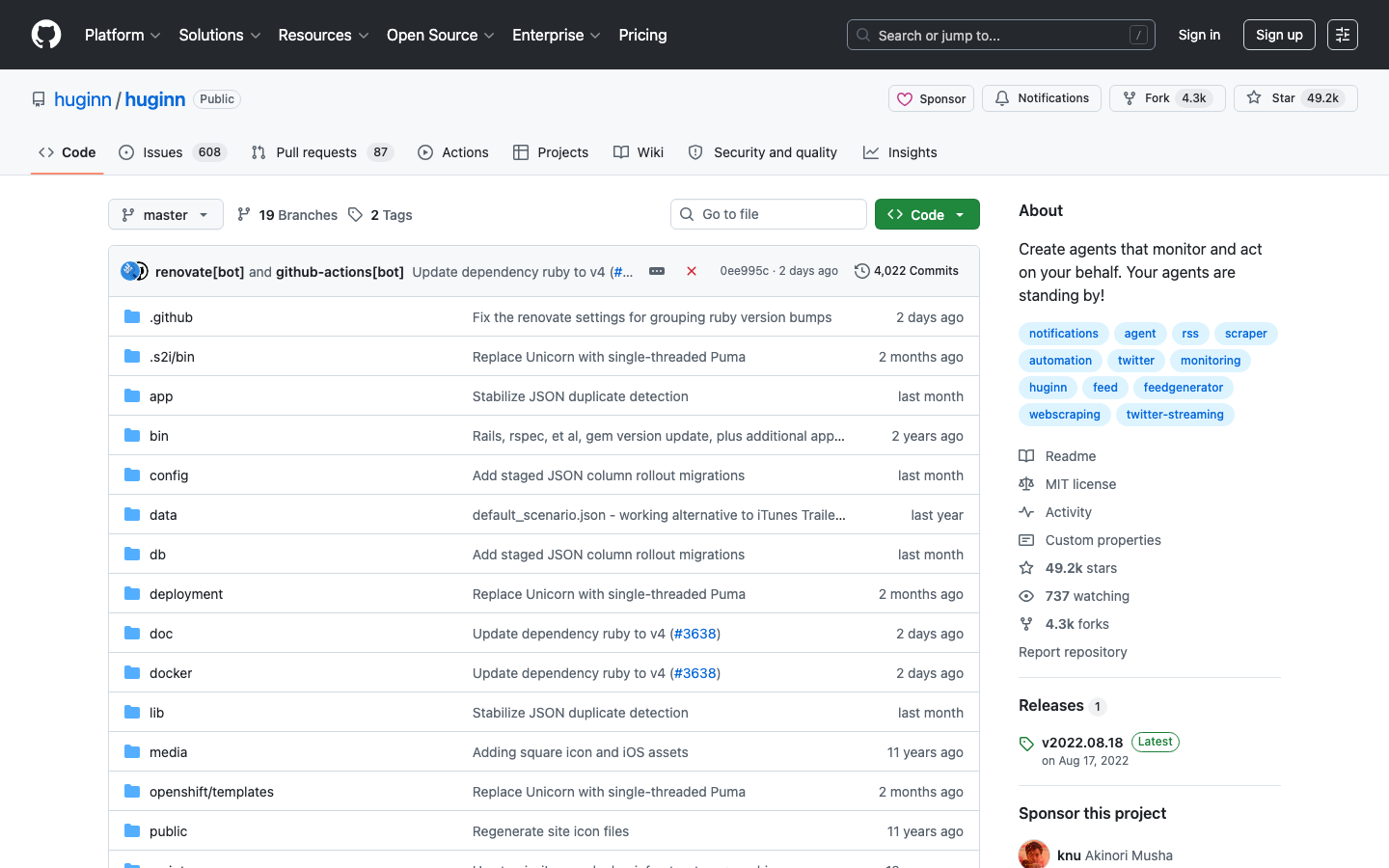
| huginn | MIT | Yes | Custom agents, webhook support, extensible | Ruby | Personal automation and monitoring agents |
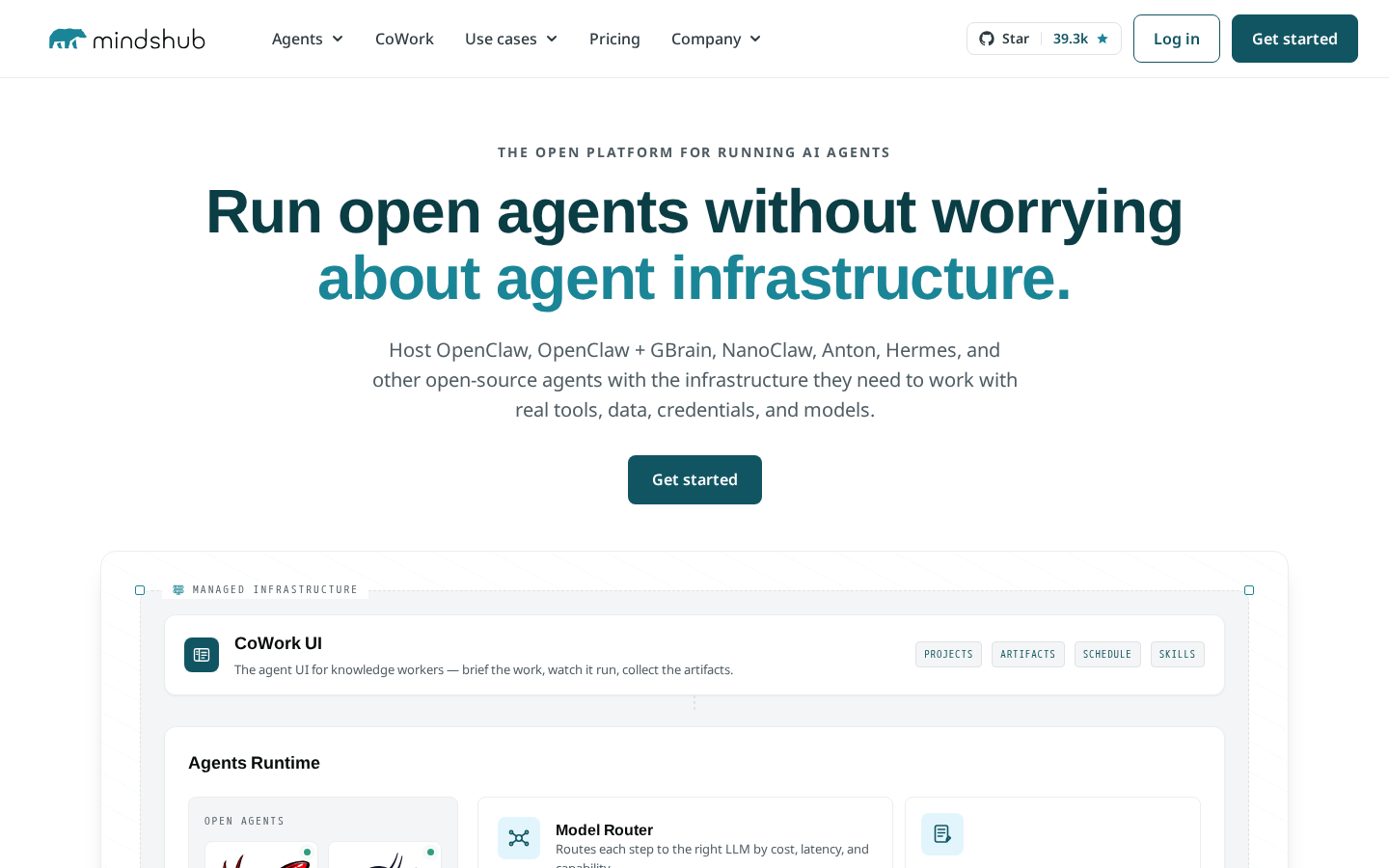
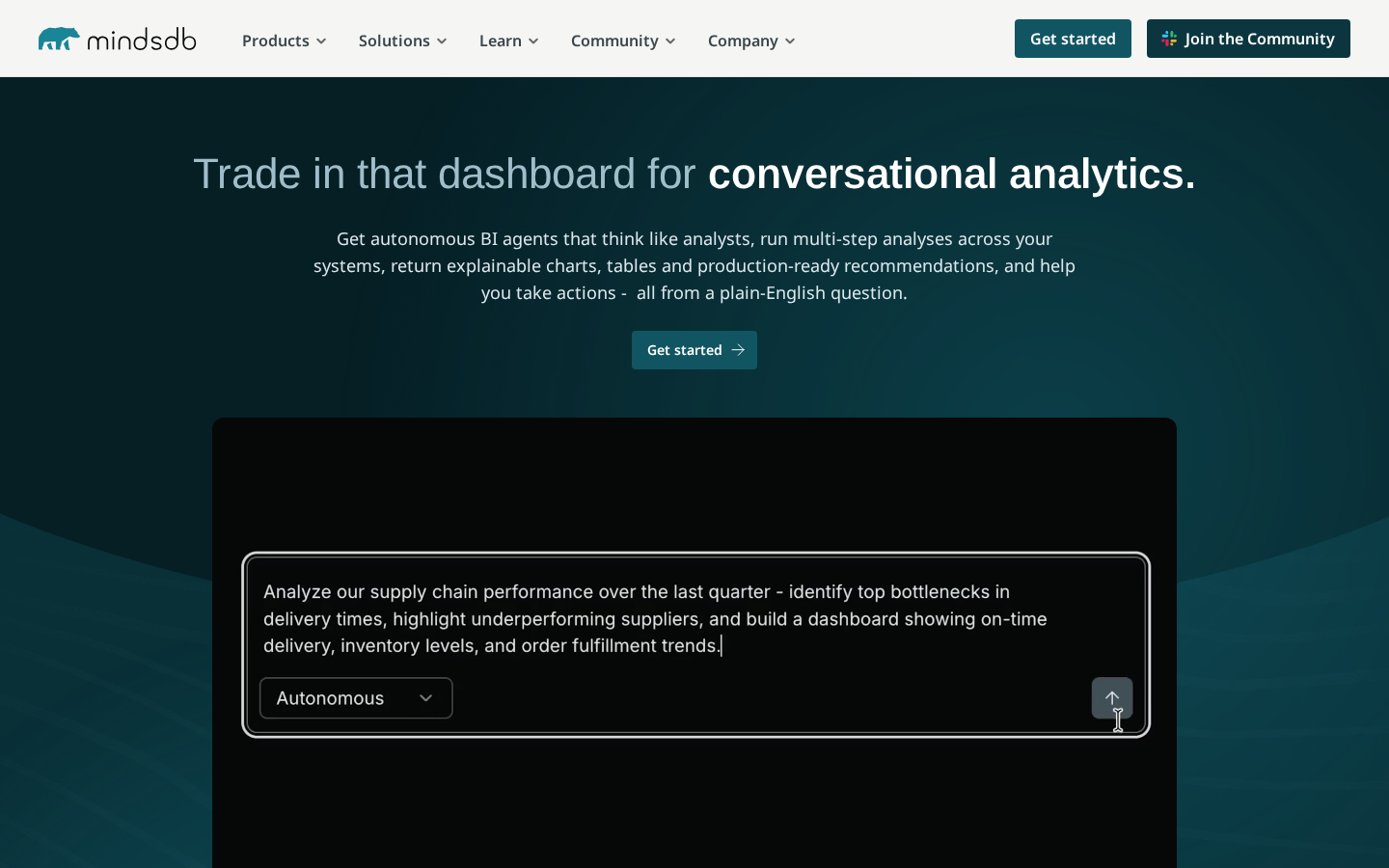
| minds-platform | — | Yes | Python-based extensibility, model control | Python | Production AI systems with full control |
| nango | — | Yes | OAuth, API sync, AI-powered integrations | TypeScript | Product integrations and API connectors |
| st2 | Apache-2.0 | Yes | 160+ integration packs, 6000+ actions, ChatOps | Python | DevOps automation, incident response, remediation |
| dagu | GPL-3.0 | Yes | File-based DAG definitions, distributed execution | Go | Lightweight workflow orchestration, DAGs |
Top open-source alternatives to Make
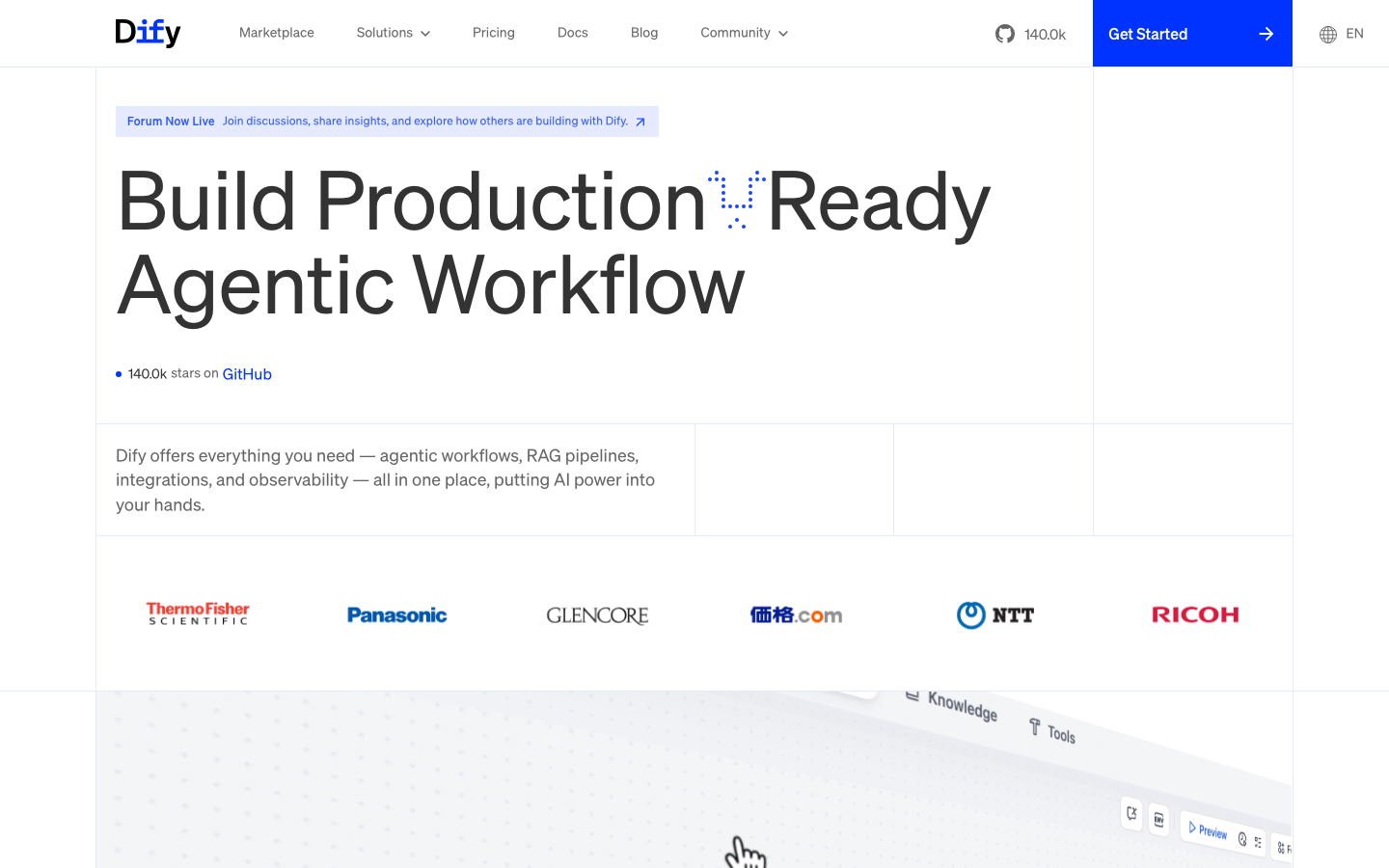
dify
A production-ready platform for agentic workflow development with a visual builder and built-in LLM integrations. Designed to let teams build and deploy AI agents without code, with full self-hosting capability.
Pros
- Massive community (139k+ stars); battle-tested in production
- Unified interface for prompt engineering, agent orchestration, and workflow automation
- Self-hosted or cloud, your choice — no vendor lock-in
Cons
- Steeper learning curve for non-technical users compared to Make's drag-and-drop simplicity
- Ecosystem and integration library smaller than Make's 1000+ apps
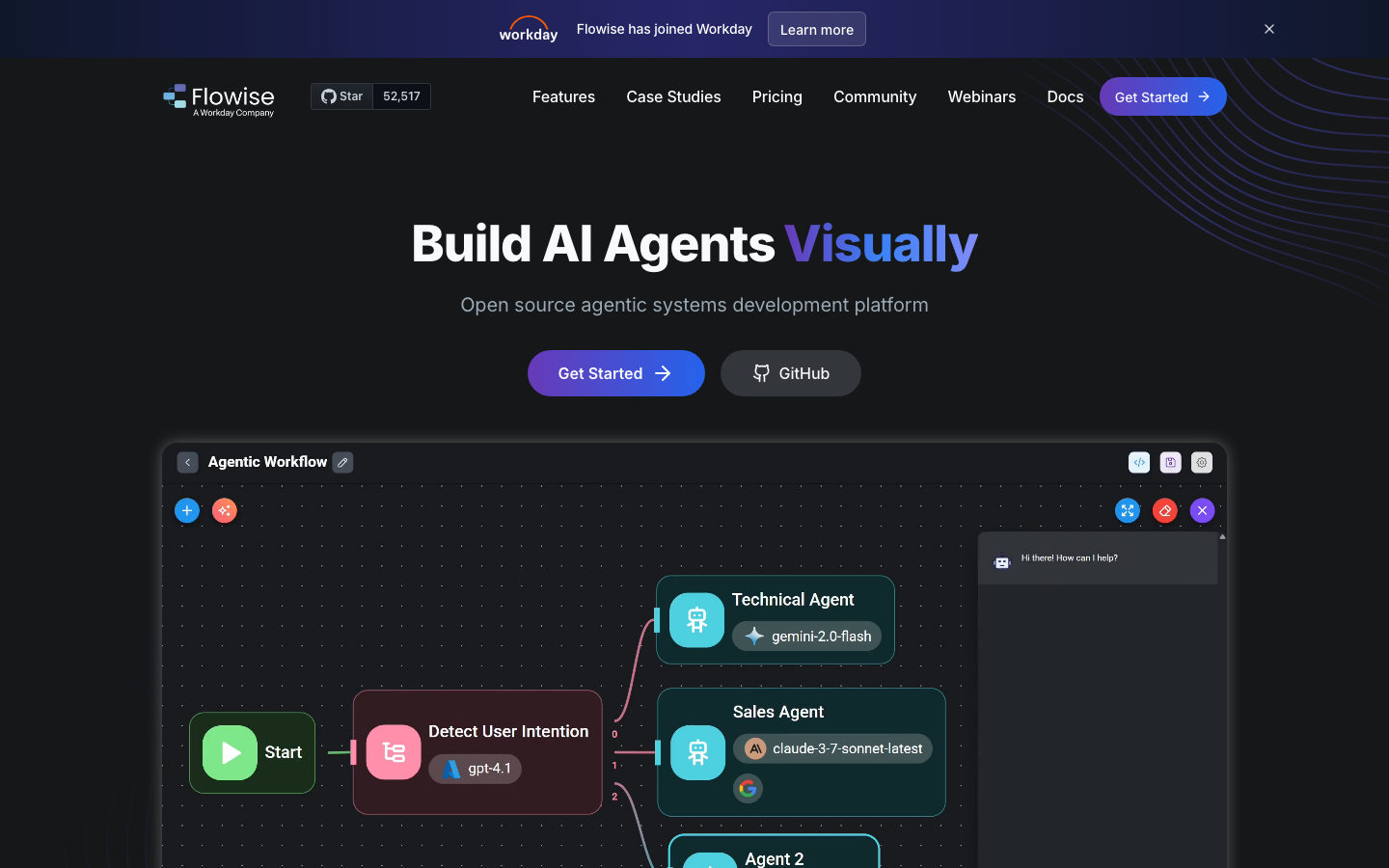
Flowise
Build AI agents and chatbots visually by connecting LLM nodes, retrieval systems, and tools in a low-code DAG editor. Runs entirely on your infrastructure.
Pros
- Intuitive node-based UI familiar to automation veterans
- Tight LLM integration (OpenAI, Hugging Face, local models)
- Lightweight and fast to deploy
Cons
- Narrower scope than Make — optimized for AI agents, not general workflow automation
- Smaller community and fewer pre-built integrations
huginn
A system for building agents that monitor websites, APIs, and services, then act on your behalf by sending emails, posting to webhooks, or triggering other agents. Written in Ruby, fully open-source.
Pros
- MIT-licensed and mature (14+ years of development)
- Flexible agent model; easy to chain agents together
- Lightweight and runs on modest hardware
Cons
- UI is functional but dated; steeper setup curve than Make
- Ruby ecosystem means fewer integrations than JavaScript/Python alternatives
minds-platform
A platform for building production-ready AI systems with full control over models, data, and deployment. Emphasizes sovereignty and extensibility for teams that need to own their AI stack.
Pros
- Deep Python integration; ideal for ML-heavy workflows
- Designed for enterprises requiring on-prem or air-gapped deployment
- Full model and data control — no third-party model dependencies
Cons
- Steeper onboarding for non-ML teams
- Smaller ecosystem compared to Make or dify
nango
A framework for building product integrations with AI assistance. Simplifies OAuth, API sync, and connector development, letting teams ship integrations faster without manual boilerplate.
Pros
- Purpose-built for integration development; reduces boilerplate significantly
- AI-assisted code generation for connectors
- TypeScript-native, familiar to modern teams
Cons
- Narrower scope than Make — focused on integrations, not general automation
- Newer and smaller community than broader automation platforms
st2
StackStorm (aka "IFTTT for Ops") is event-driven automation for DevOps and SREs. Includes a rules engine, 160+ integration packs with 6000+ actions, ChatOps, and auto-remediation workflows.
Pros
- Purpose-built for operations teams; unmatched breadth of integrations (6000+ actions)
- Event-driven model ideal for incident response and auto-remediation
- Apache-licensed and battle-tested at scale
Cons
- Steeper learning curve; requires ops mindset, not intuitive for business users
- Smaller community than Make, though deeply embedded in DevOps orgs
dagu
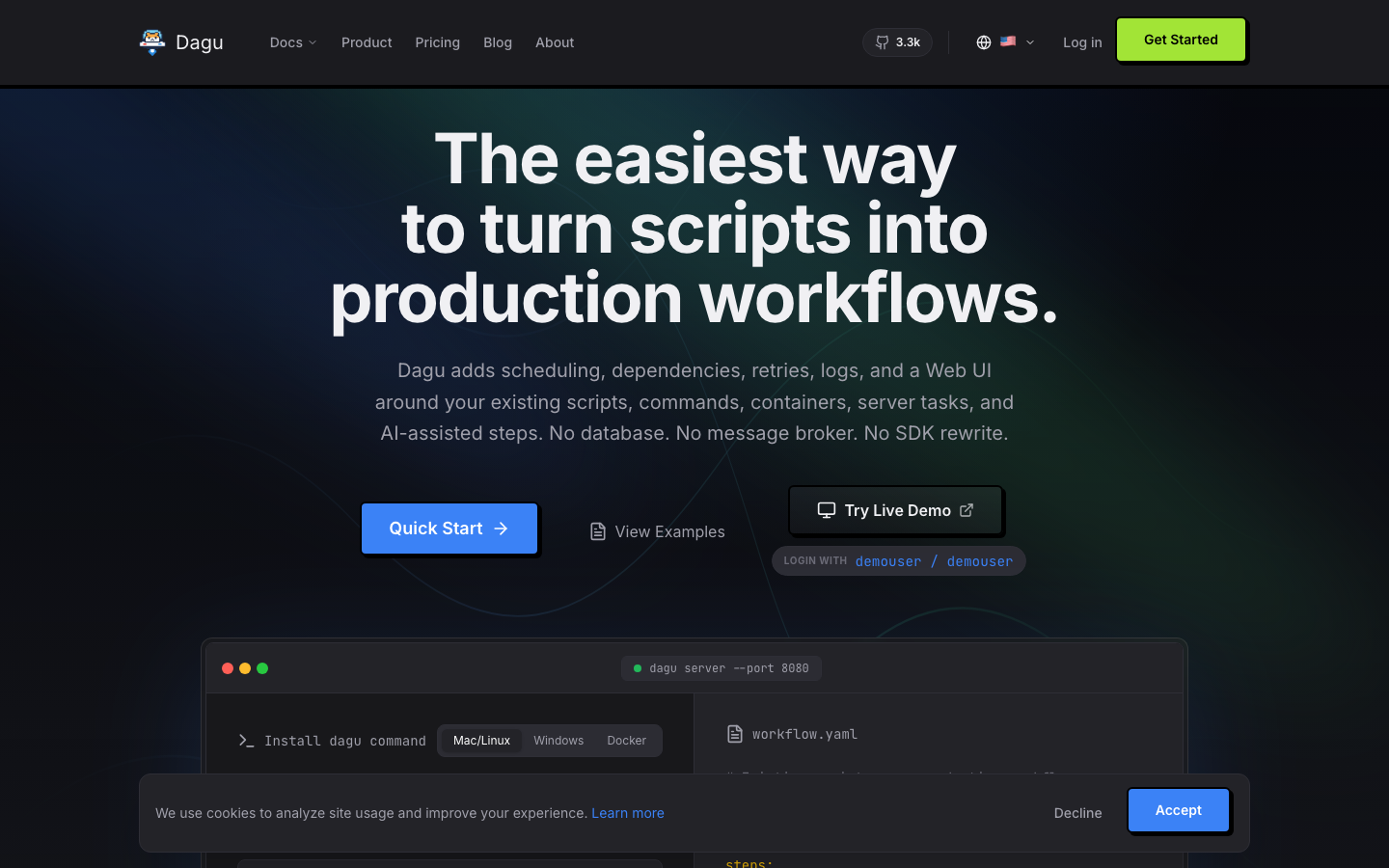
A lightweight workflow engine built as a single binary. Workflows are declarative, file-based DAGs that scale from laptop to distributed cluster. Air-gapped ready and designed for sovereign AI-agent orchestration.
Pros
- Minimal dependencies; one binary that runs anywhere
- File-based workflows integrate naturally with Git and CI/CD
- Predictable cost and performance — no per-step metering
Cons
- No visual builder; requires writing YAML/code for workflows
- Smaller ecosystem; fewer pre-built integrations than Make
How to choose
For AI agents and agentic workflows: Start with dify or Flowise if you want a visual builder, or minds-platform if you need full model control and Python extensibility.
For DevOps and incident response: st2 is purpose-built; its 6000+ actions and event-driven model beat general-purpose platforms.
For lightweight, scalable DAG workflows: dagu is minimal and Git-friendly, ideal if you want workflows-as-code without a UI.
For personal automation and monitoring: huginn is mature, MIT-licensed, and runs on a single server.
For product integrations: nango cuts boilerplate and integrates AI assistance for connector development.
All seven are self-hostable, avoiding Make's lock-in and per-step billing. Choose based on your team's skill level, scope (AI agents vs. ops vs. integrations), and infrastructure constraints.