



















TL;DR
- Running your own mail server without per-seat licensing? docker-mailserver and mailinabox let you deploy a complete SMTP+IMAP+filtering stack in minutes, eliminating CAL costs.
- Need calendar, contacts, and email in one place? Stalwart and mailcow-dockerized bundle CalDAV and CardDAV so teams keep full data ownership without Microsoft's ecosystem lock-in.
- Looking for straightforward Docker-based mail with admin UI? Mailu and mailcow-dockerized offer polished web interfaces and container-native scaling for small to mid-size teams.
Why teams leave Microsoft Exchange
Microsoft Exchange's licensing model—built on per-seat costs and Client Access Licenses (CALs)—becomes a significant expense as organizations grow. Beyond licensing, teams face steep switching costs: migrating mailboxes, calendars, and contacts off Exchange is notoriously difficult, creating vendor lock-in. Data residency and compliance obligations are also bound to Microsoft's terms and infrastructure, limiting flexibility for organizations with strict data sovereignty requirements.
Open-source alternatives shift control back to your organization. By self-hosting, you own your data, eliminate per-contact pricing, and gain the freedom to move or modify your infrastructure without negotiating with a vendor. You also avoid hidden API send limits and can implement custom mail rules, retention policies, and security workflows tailored to your exact needs. For teams that value privacy, deliverability transparency, and long-term cost predictability, these alternatives remove the friction that makes Exchange feel like a necessary evil.
Quick comparison
| Name | License | Self-Hosted | Deliverability Setup | API / Automation | Best For |
|---|---|---|---|---|---|
| docker-mailserver | MIT | Yes | SMTP, SPF, DKIM, DMARC, antispam/antivirus | Docker Compose, LDAP | Small teams, simple deployments |
| mailinabox | CC0-1.0 | Yes | One-click SMTP + DNS setup | REST API, automation-friendly | Non-technical admins, single-server setups |
| mailcow-dockerized | GPL-3.0 | Yes | Full mail stack with UI | Web UI, REST API | Mid-size orgs wanting polished interface |
| Stalwart | License not declared | Yes | SMTP, IMAP, JMAP, CalDAV, CardDAV, WebDAV | Protocol-native (JMAP) | Teams needing unified mail + calendar + contacts |
| Mailu | License not declared | Yes | SMTP, SPF, DKIM, DMARC, filtering | Docker-native, API available | Docker-first deployments, scaling |
| roundcubemail | License not declared | Yes | IMAP frontend only | Plugin architecture | Webmail UI layer (pairs with other servers) |
| ejabberd | License not declared | Yes | XMPP, MQTT, SIP focus | Protocol APIs | Real-time messaging, not traditional email-first |
| maddy | GPL-3.0 | Yes | Composable mail pipeline, SMTP/IMAP | Go-based scripting | Developers, custom mail workflows |
Top open-source alternatives to Microsoft Exchange
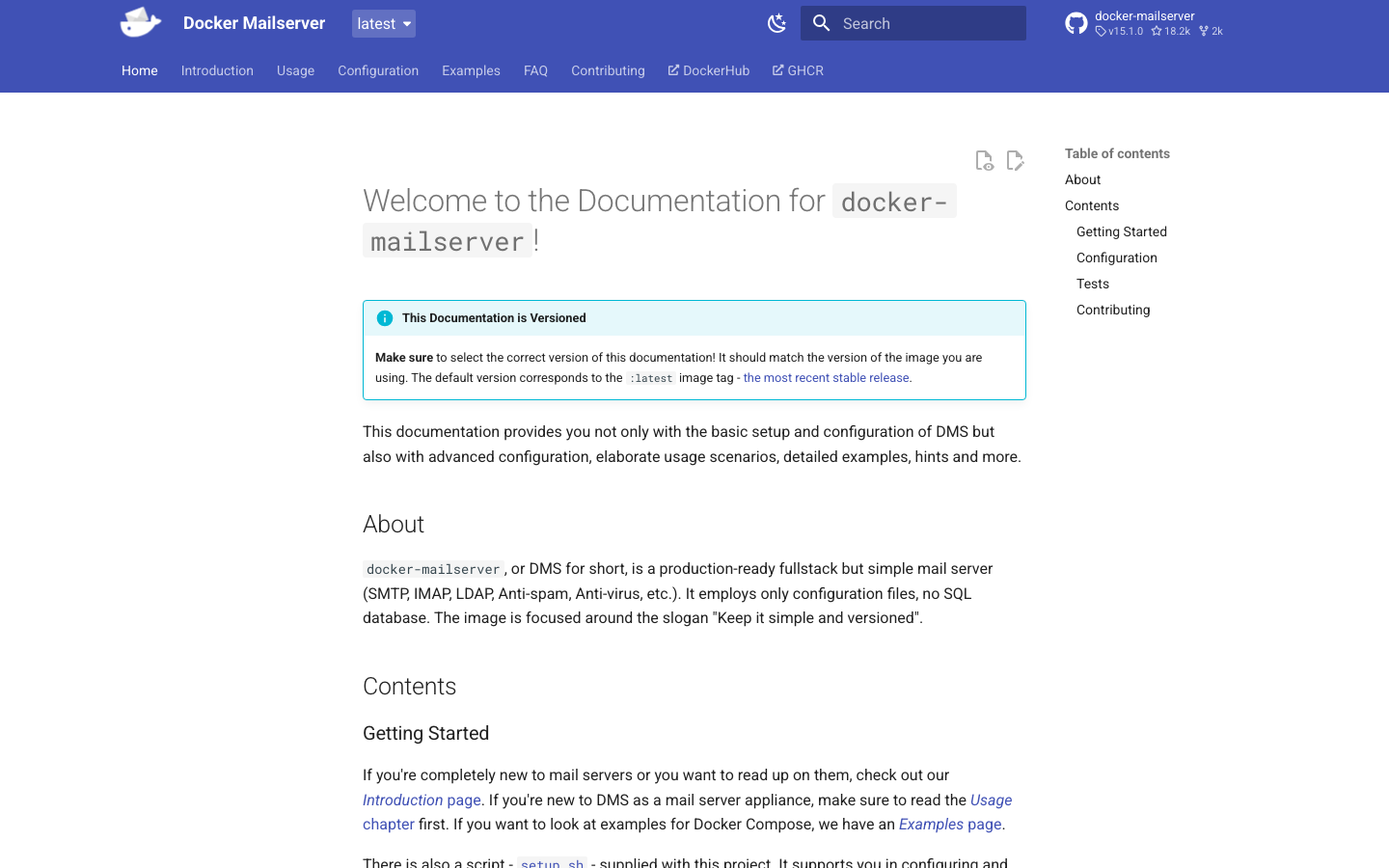
docker-mailserver
A production-ready, containerized mail server that bundles SMTP, IMAP, LDAP, antispam, and antivirus into a single Docker Compose stack. It's designed to be simple to deploy while remaining feature-complete enough for real workloads. With 18k+ GitHub stars, it's the most popular lightweight option in this category.
Pros
- MIT license and minimal dependencies make it easy to audit and modify.
- Comprehensive antispam and antivirus built in; no need for separate services.
- Strong community and well-documented Docker setup.
Cons
- Lacks native calendar (CalDAV) and contacts (CardDAV) — you'll need separate services for groupware features.
- Web UI is basic; most admin work happens via config files or CLI.
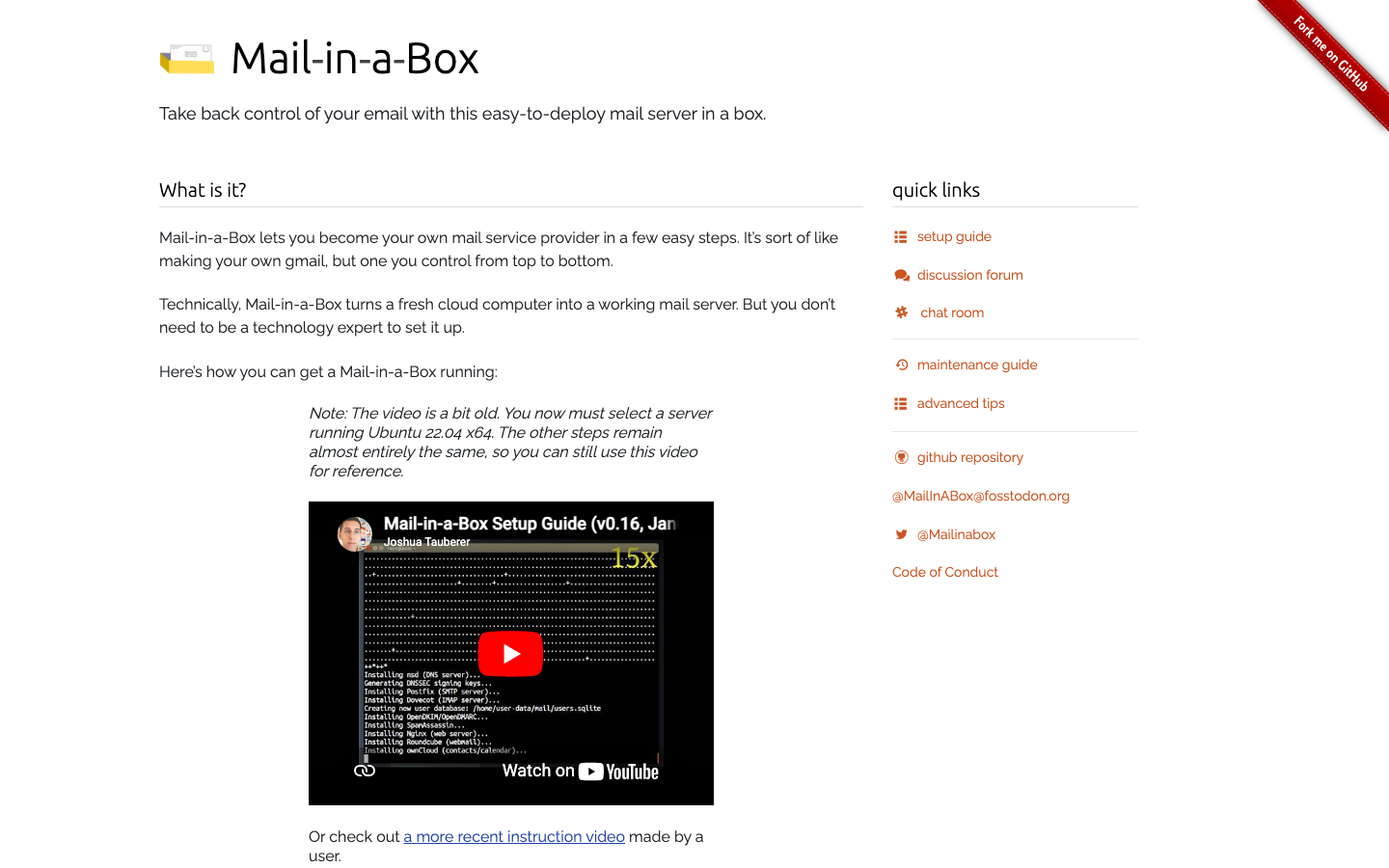
mailinabox
Mail-in-a-Box abstracts away the complexity of mail server setup into a single-click, one-server deployment. It handles DNS validation, SSL, user management, and spam filtering automatically, making it ideal for individuals and small organizations who want to escape Exchange without becoming mail-ops experts.
Pros
- Easiest onboarding: one-click install, automatic DNS and SSL setup.
- Includes webmail, contacts, and calendar in one box.
- CC0-1.0 public domain license offers maximum freedom.
Cons
- Single-server architecture limits horizontal scaling for larger teams.
- Fewer customization hooks than more modular alternatives.
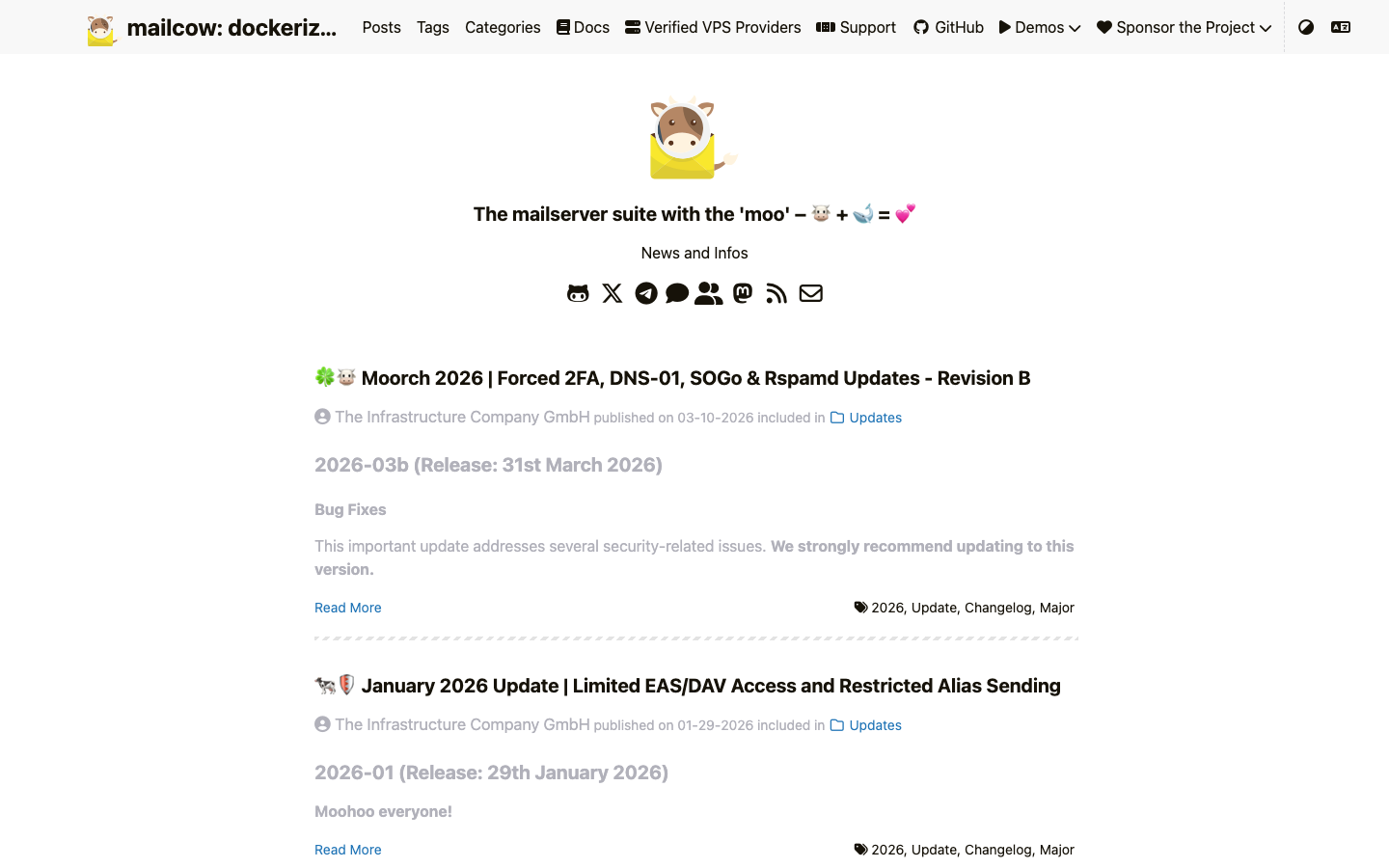
mailcow-dockerized
A fully dockerized mail server suite with a polished web UI for mail, calendar, contacts, and admin tasks. It combines production-grade mail handling with an intuitive dashboard, making it a strong middle ground between simplicity and control.
Pros
- Comprehensive web UI for users and admins; no CLI required for daily operations.
- Docker-native and scales well with container orchestration.
- Includes SOGo for calendar and contacts out of the box.
Cons
- GPL-3.0 license may have implications if you plan to redistribute or embed heavily.
- Slightly heavier resource footprint than minimal alternatives.
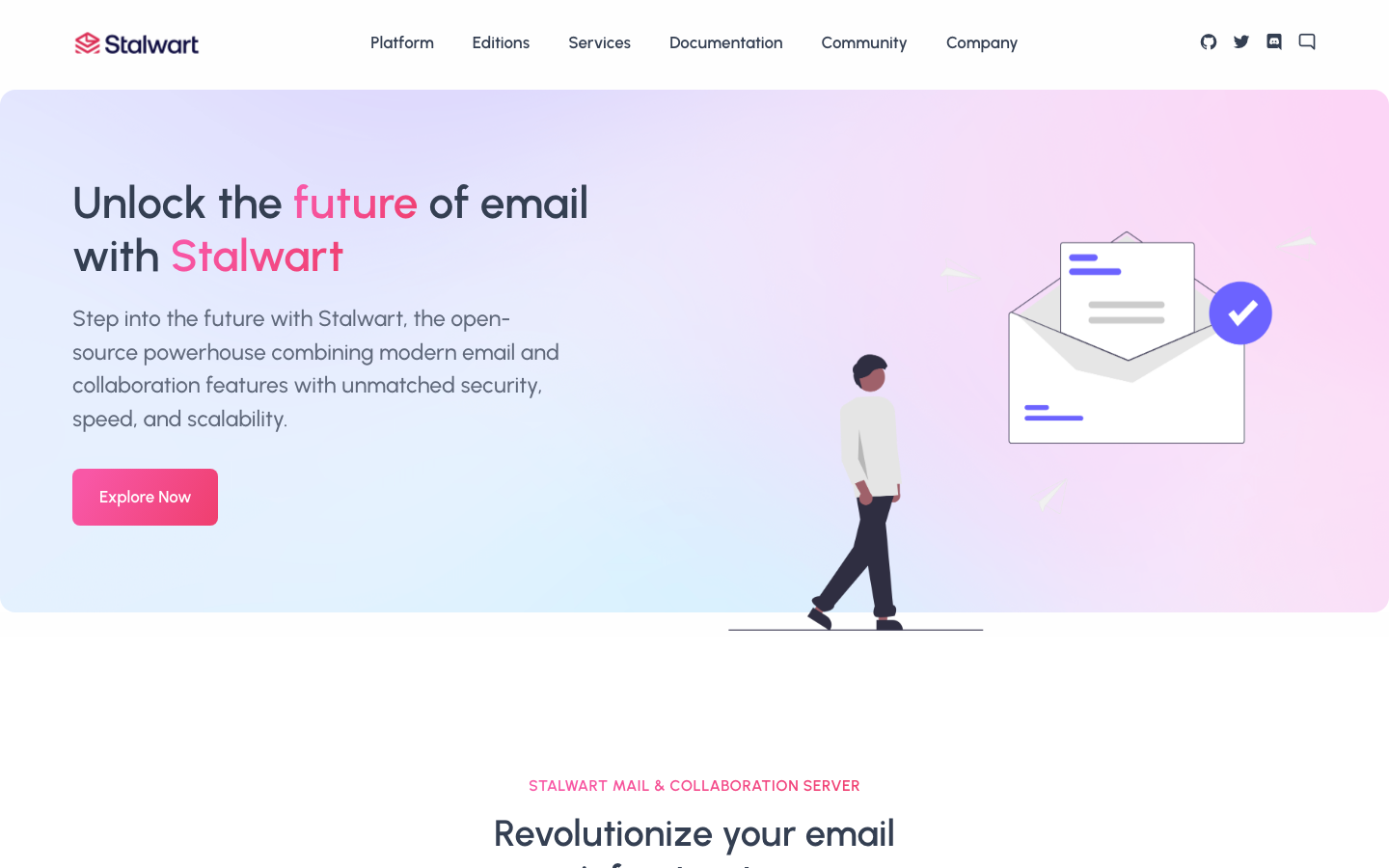
Stalwart
An all-in-one mail and collaboration server written in Rust, supporting IMAP, JMAP, SMTP, CalDAV, CardDAV, and WebDAV. It's designed as a true Exchange alternative, bundling email, calendaring, and contacts with modern protocol support and security-first architecture.
Pros
- JMAP support brings modern, REST-like email protocol capabilities.
- CalDAV and CardDAV native, eliminating the need for bolt-on groupware.
- Rust-based, offering memory safety and strong performance.
Cons
- License not declared; clarify licensing terms before deployment.
- Newer project with a smaller community than docker-mailserver or mailinabox.
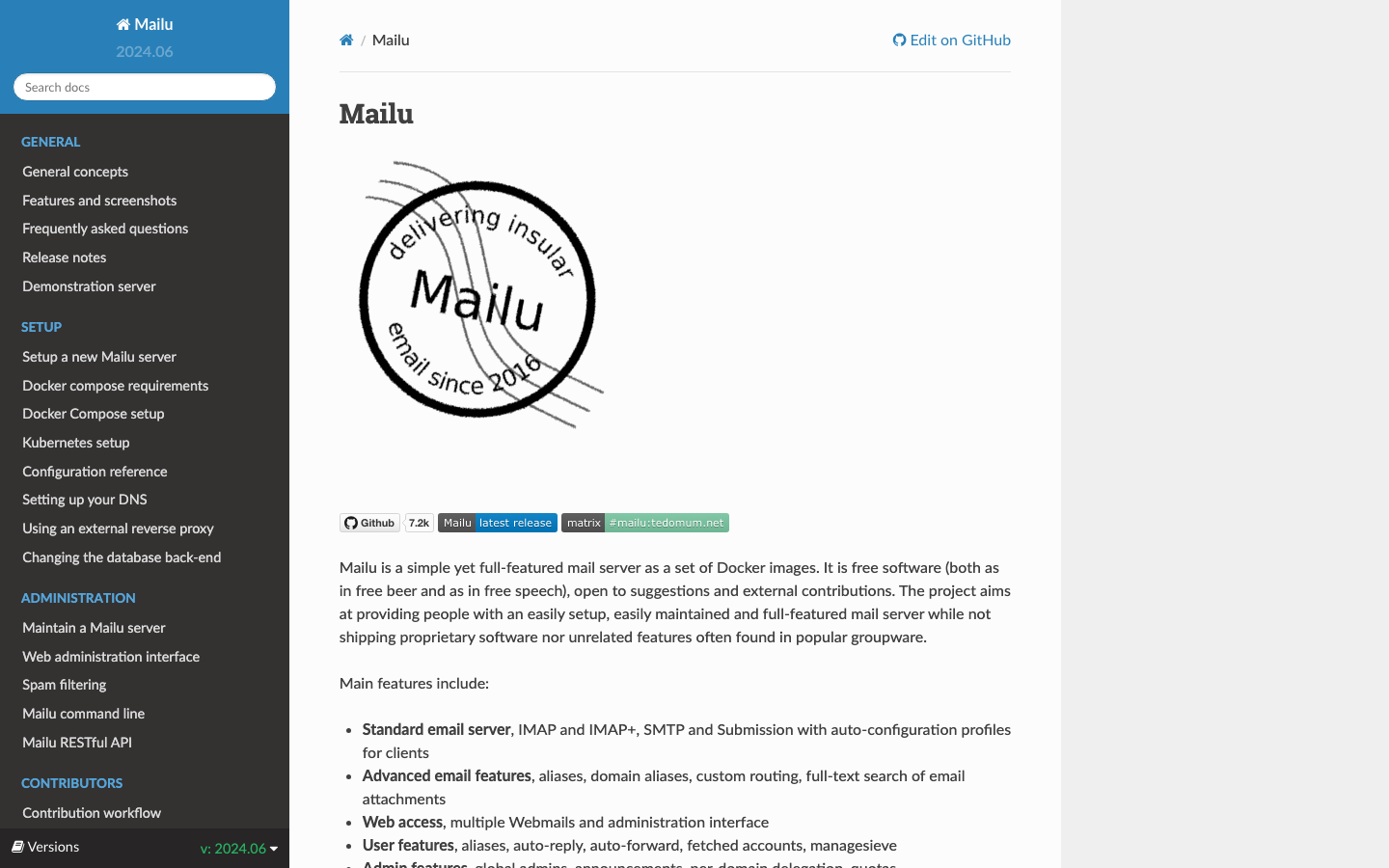
Mailu
A mail server distributed as Docker images, emphasizing containerization and cloud-native deployment. It provides SMTP, IMAP, webmail, and filtering in a modular Docker setup, suitable for teams already invested in container infrastructure.
Pros
- Docker-first design; scales naturally with Kubernetes or Swarm.
- Clean separation of concerns (one service per container).
- Lightweight and efficient for cloud deployments.
Cons
- License not declared; confirm licensing before use.
- Fewer built-in admin UI features compared to mailcow; more config-file-driven.
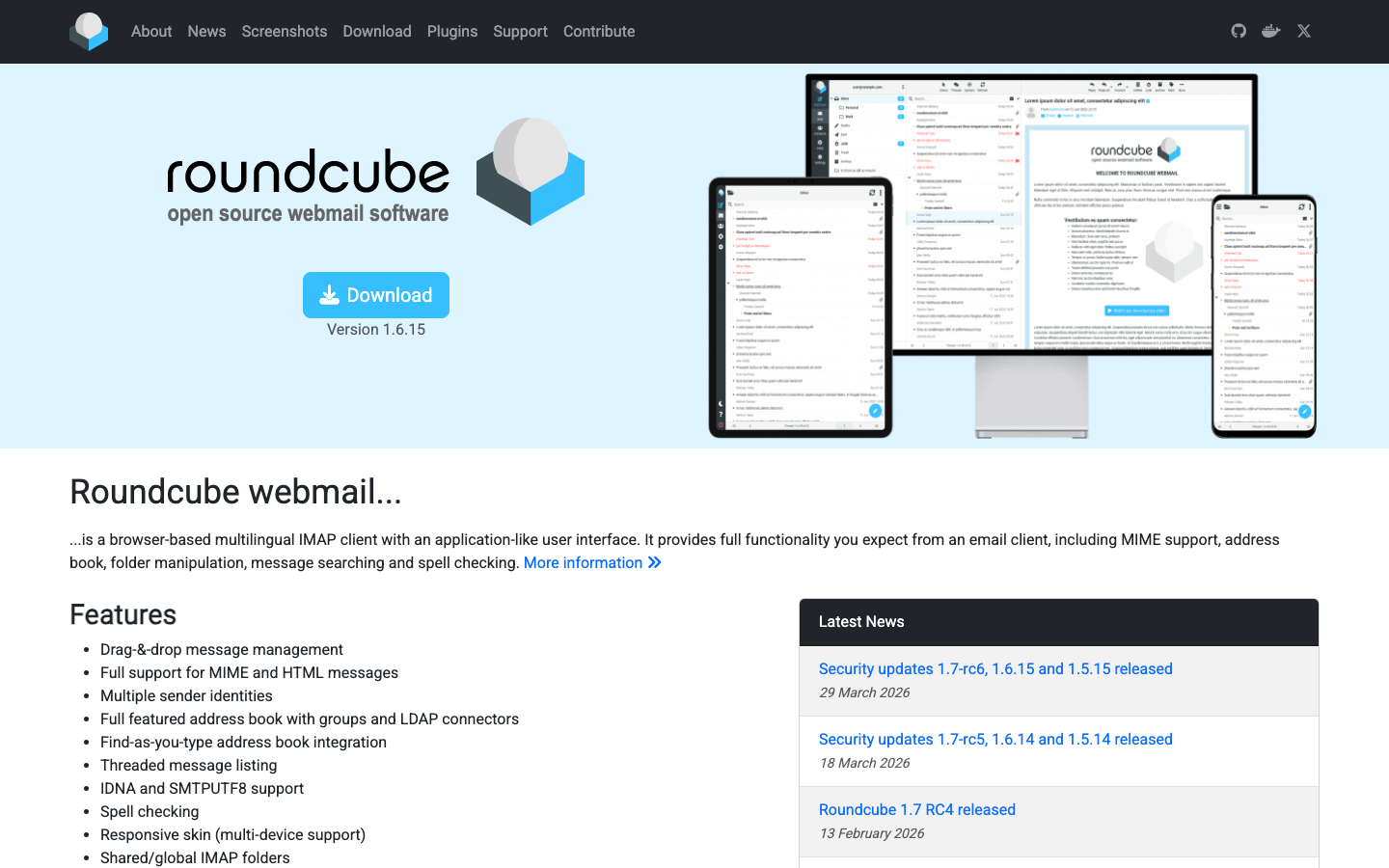
roundcubemail
A webmail client written in PHP that provides a familiar inbox interface. It connects to any IMAP server (including Exchange, but more commonly paired with open-source backends) and is widely deployed as the user-facing layer.
Pros
- Mature, stable codebase with broad hosting support.
- Plugin architecture allows customization without forking.
- Works with any IMAP backend, so it's flexible in hybrid setups.
Cons
- Webmail UI only — not a mail server itself; you must pair it with docker-mailserver, mailcow, or another backend.
- License not declared; verify before production use.
ejabberd
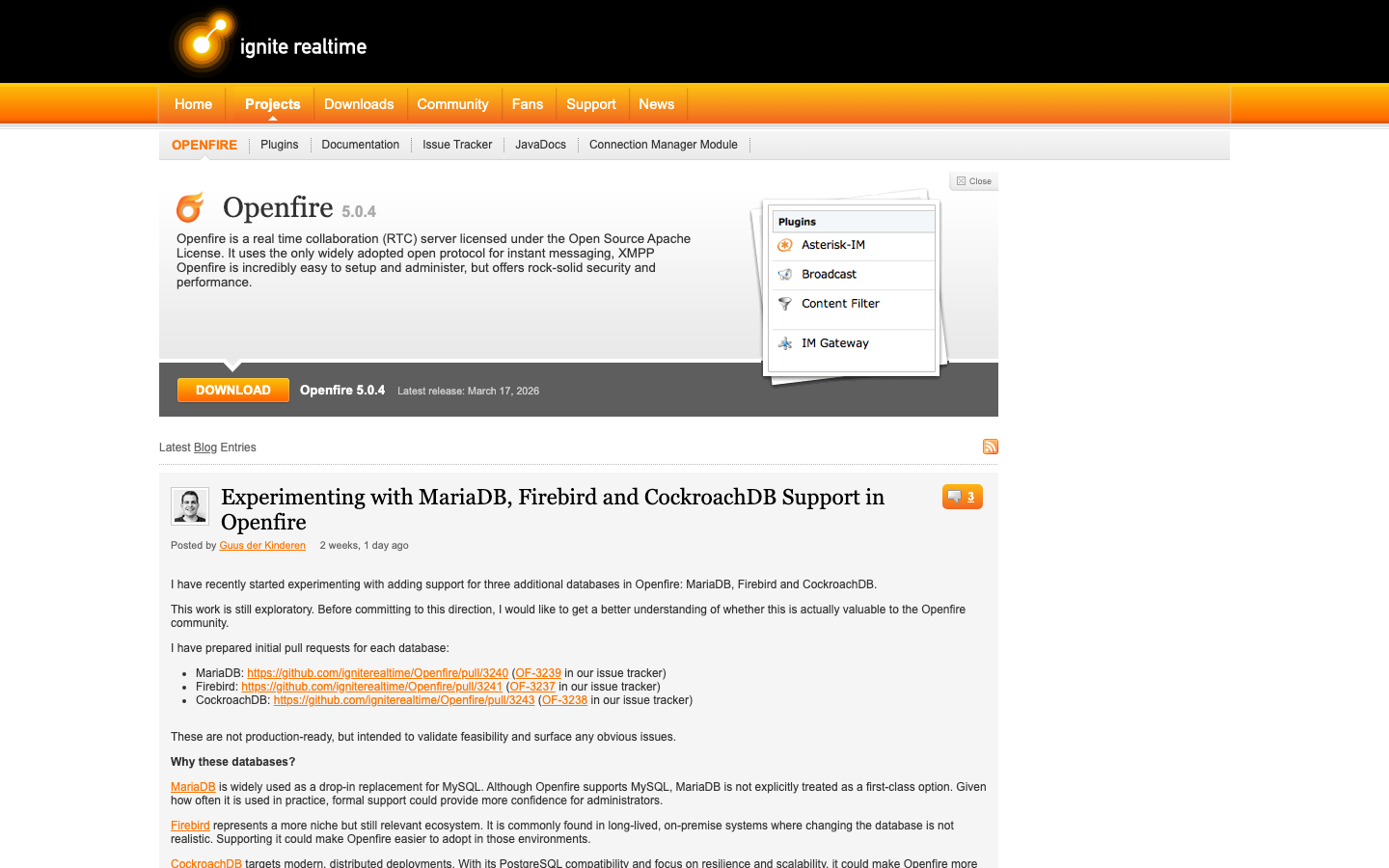
A robust, scalable messaging platform built on XMPP, MQTT, and SIP protocols. While it can handle email-like messaging, it's primarily designed for real-time chat and presence, not traditional SMTP/IMAP mail.
Pros
- Massive scale and reliability; used by large-scale deployments.
- Multi-protocol support (XMPP, MQTT, SIP) for unified communications.
- Erlang-based, offering fault tolerance and hot-code reloading.
Cons
- Not a traditional mail server; lacks SMTP/IMAP focus and calendar integration.
- Overkill for teams seeking a straightforward Exchange replacement.
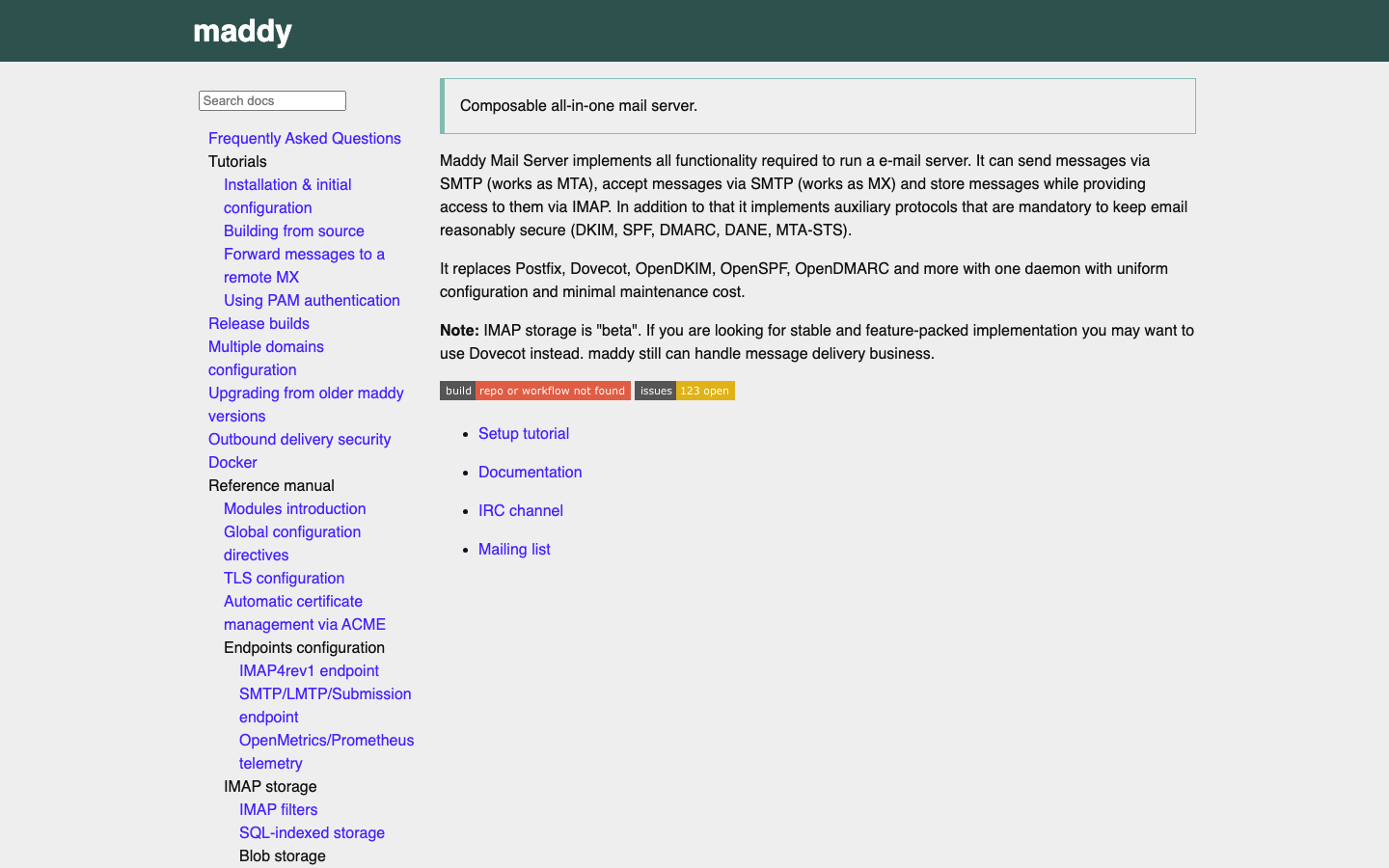
maddy
A composable, all-in-one mail server written in Go, emphasizing flexibility through a pipeline-based configuration model. It handles SMTP, IMAP, and filtering with a developer-friendly approach to customization.
Pros
- Go-based, providing fast startup, low memory footprint, and easy cross-platform builds.
- Composable pipeline architecture lets you build exactly the mail flow you need.
- GPL-3.0 license is clear and permissive for most use cases.
Cons
- Steeper learning curve; configuration is more code-like than UI-driven.
- Smaller community and fewer third-party integrations than docker-mailserver.
How to choose
For a one-click, all-in-one setup, choose mailinabox — it's unbeatable for single-server deployments where simplicity matters most.
For mid-size teams needing a polished UI and groupware features, mailcow-dockerized or Stalwart offer calendar and contacts alongside mail, reducing the number of systems to manage.
For container-native and highly scalable deployments, docker-mailserver or Mailu give you the modularity and cloud-friendliness to grow without rearchitecting.
For developers wanting maximum control and custom mail workflows, maddy rewards deeper configuration knowledge with powerful customization.
For webmail-only needs (pairing with an existing mail backend), roundcubemail is the standard choice.