





TL;DR
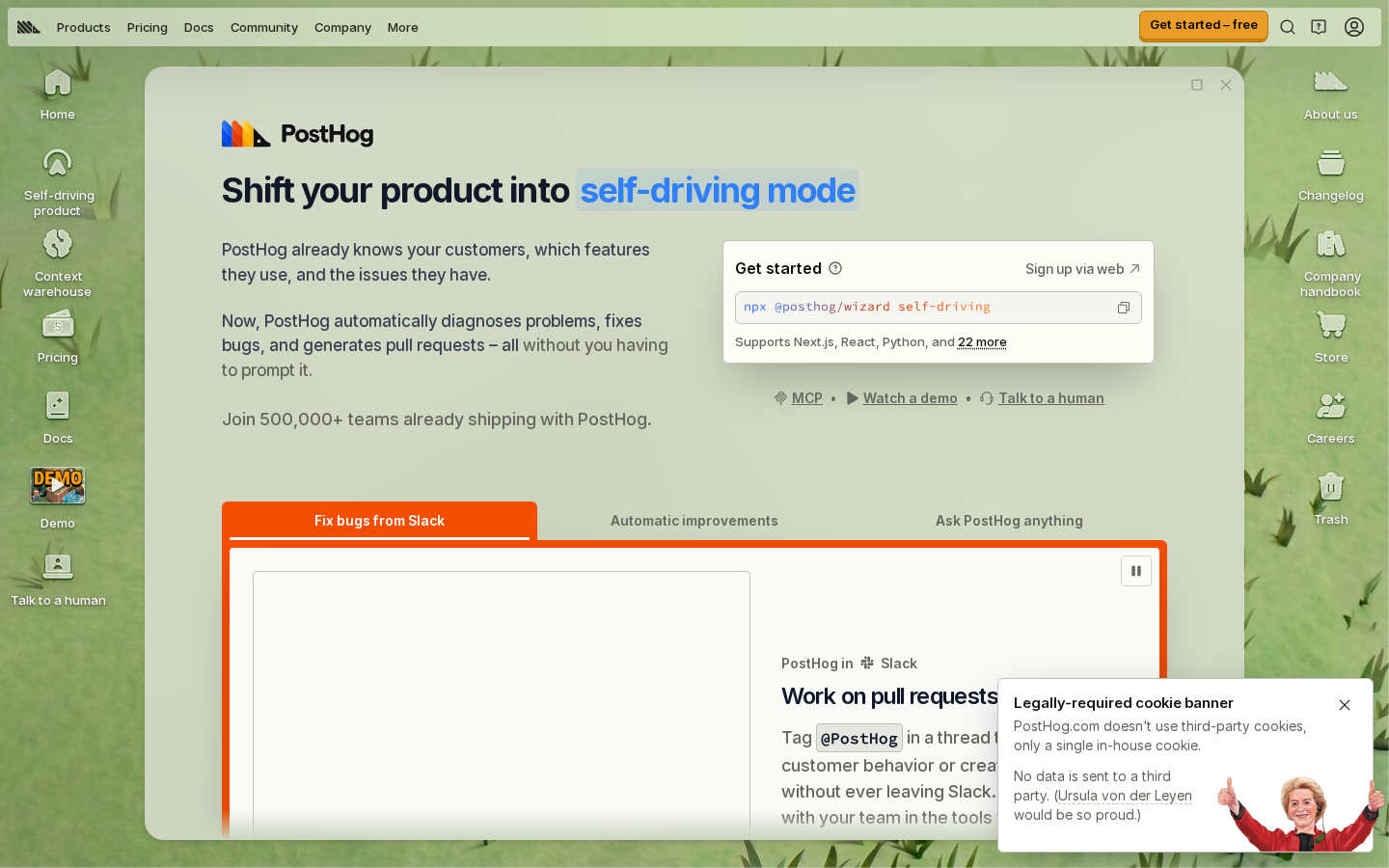
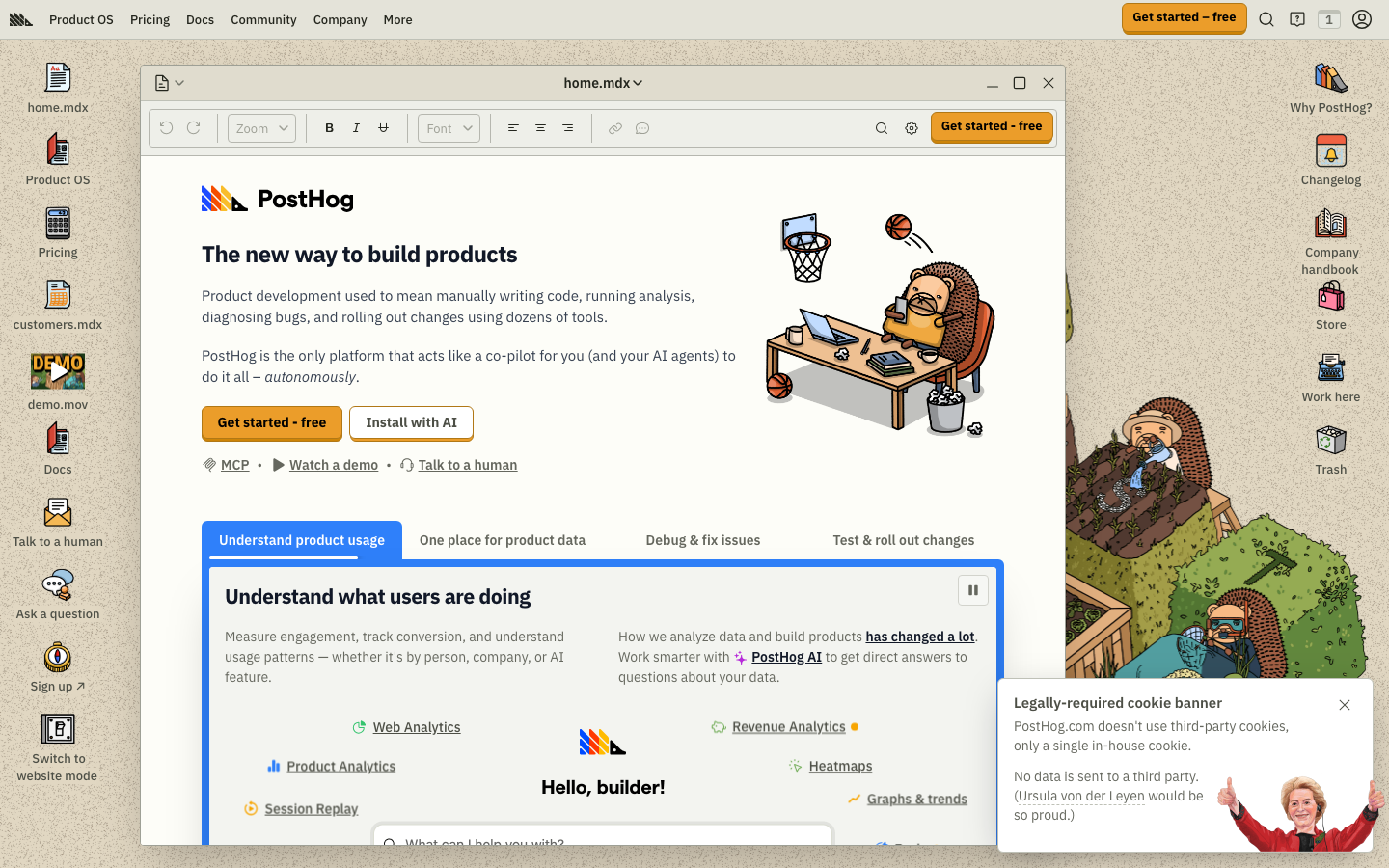
- Product teams tracking heavy user interactions: PostHog bundles product analytics with session replay, feature flags, and experimentation—eliminating the need to stitch together multiple vendors and dodging per-event billing entirely.
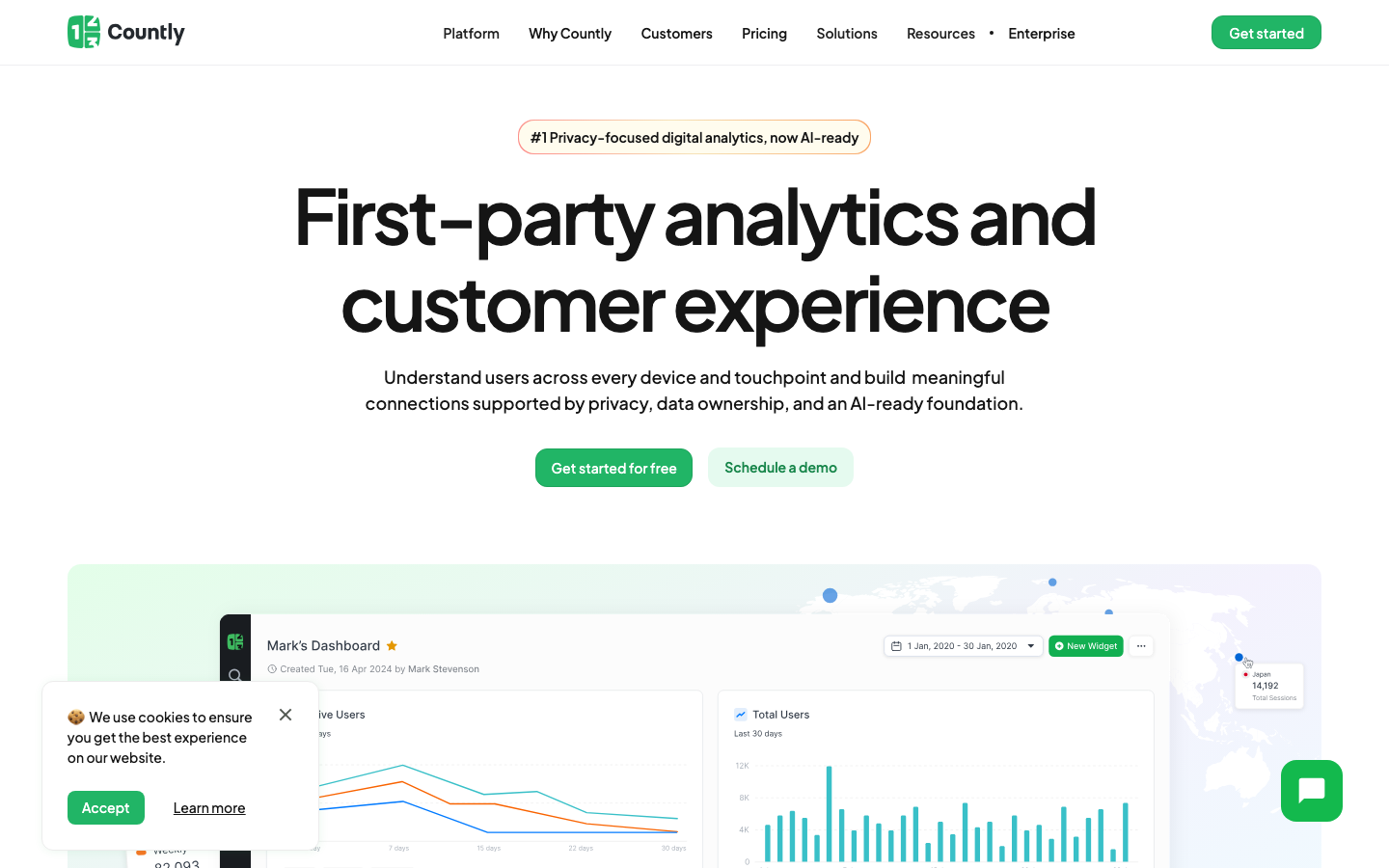
- Mobile-first and IoT companies: Countly is built for privacy-first tracking across devices and environments, with built-in engagement tools that don't penalize you for instrumentation depth.
- Lean startups and privacy-conscious teams: Litlyx or Aptabase offer lightweight, GDPR-compliant self-hosted analytics you can spin up in minutes, with no surprise bills as you scale.
Why teams leave Mixpanel
A product team instruments their app to track user flows: button clicks, feature adoption, drop-off points, A/B test conversions. It works great for the first month. Then the bill arrives.
Mixpanel's event-based pricing model—roughly $0.28 per 1,000 events after you exceed 1 million monthly events—sounds reasonable until your product team realizes every interaction counts. A single user session can generate dozens of events. Multiply that across thousands of daily active users, and you're burning through event allowances faster than you can predict. Teams that instrument heavily (which is exactly what you should do to understand user behavior) hit overage tiers without warning, turning analytics from a fixed cost into an unpredictable, scaling liability.
Beyond billing shock, there's a subtler problem: your behavioral data lives in Mixpanel's cloud. You can query it through their dashboard and API, but you don't own the raw event stream. If you need to run custom analyses, integrate with your data warehouse, or comply with data residency requirements, you're constrained by what Mixpanel's interface allows. Self-hosted open-source alternatives flip this model: you pay for infrastructure (which stays flat or scales predictably), you own the data completely, and you can query and integrate however your analytics team needs.
Quick comparison
| Name | License | Self-Hosted | Data Ownership | Query Flexibility | Best For |
|---|---|---|---|---|---|
| PostHog | Apache-2.0 | ✓ | Full | SQL + UI dashboards | All-in-one product analytics + experimentation |
| Countly | — | ✓ | Full | Dashboards + API | Mobile, IoT, privacy-first tracking |
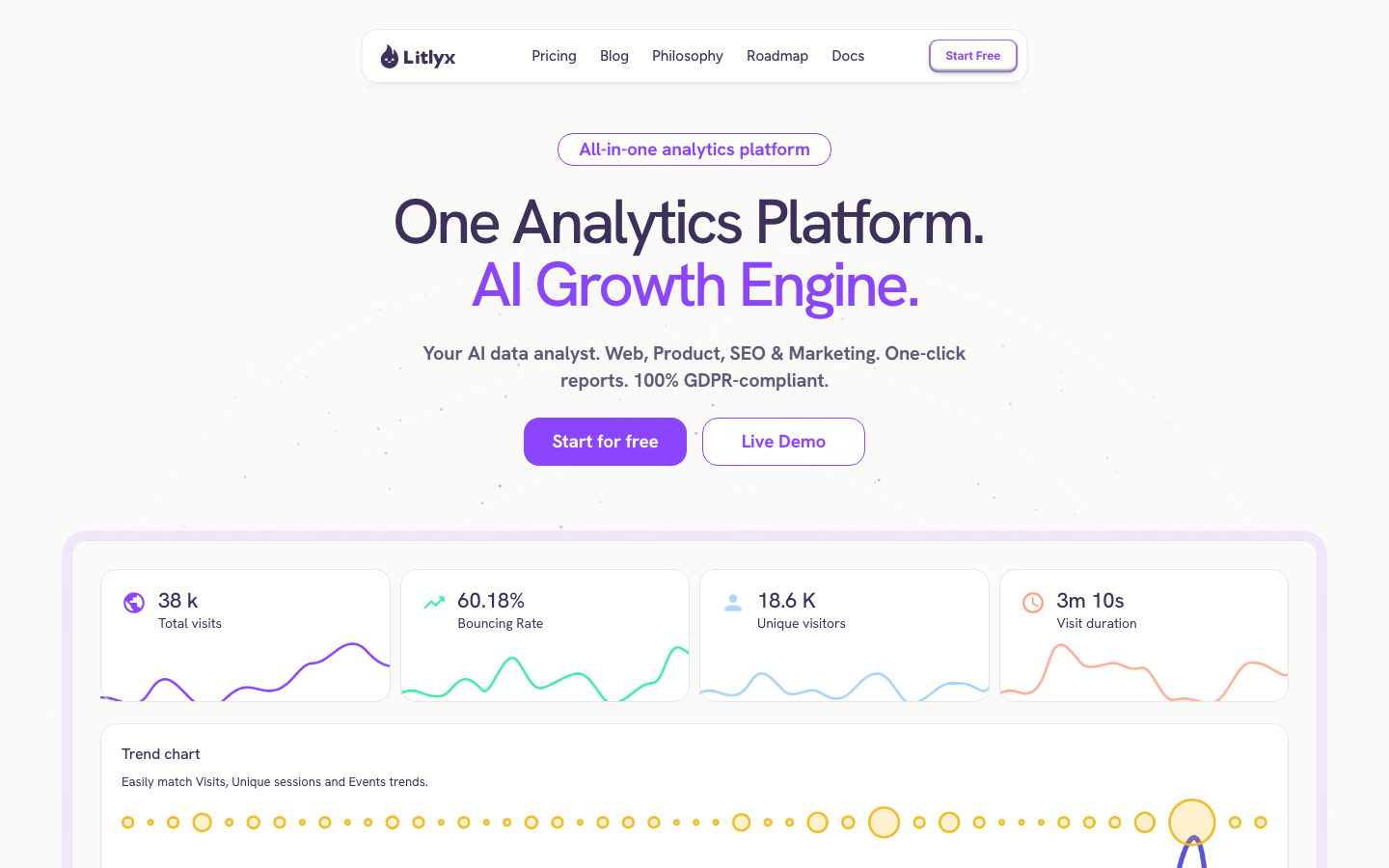
| Litlyx | Apache-2.0 | ✓ | Full | AI-powered dashboards | Quick setup, GDPR compliance, simple reporting |
| Aptabase | AGPL-3.0 | ✓ | Full | Dashboard + API | Mobile and desktop app analytics |
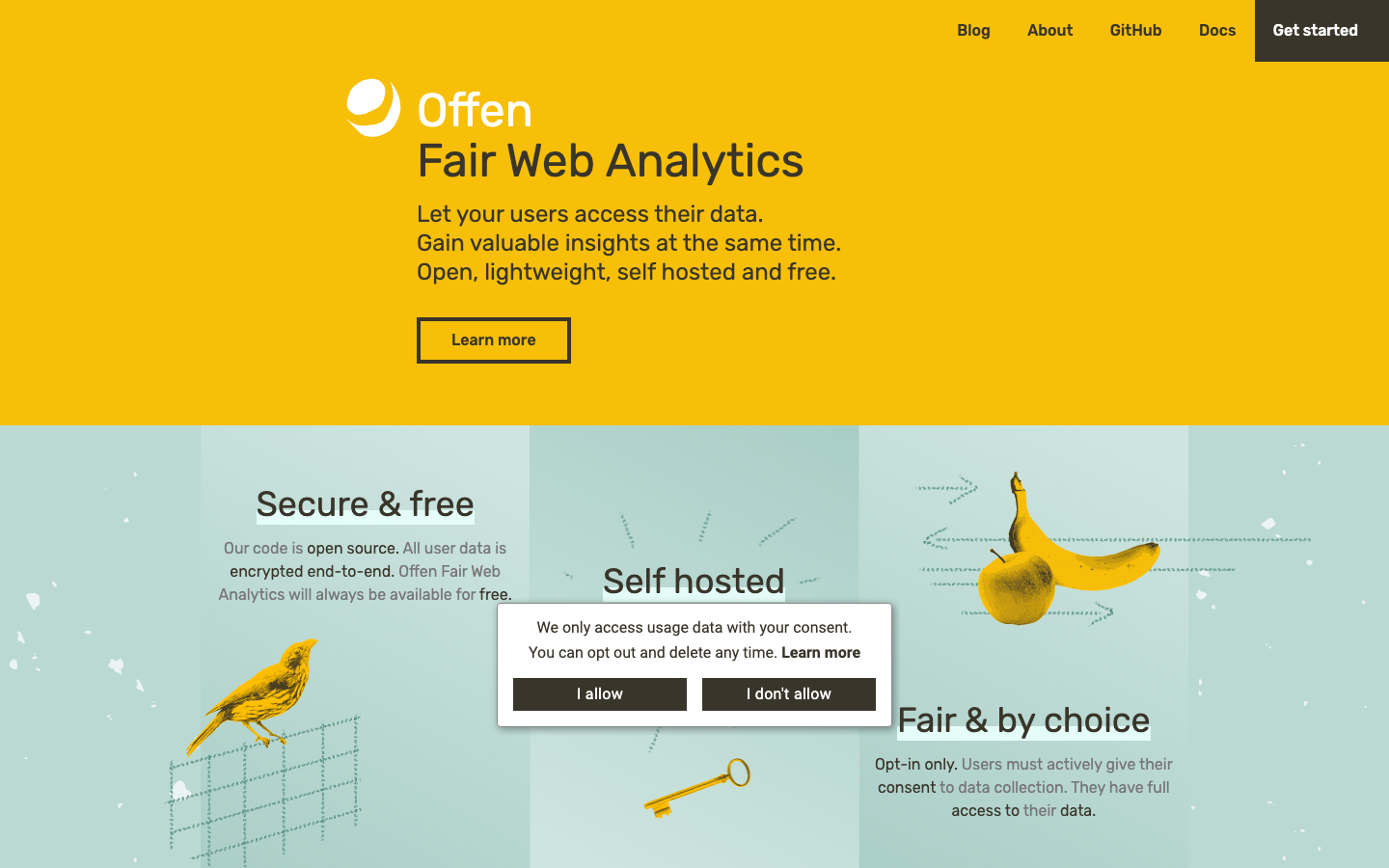
| Offen | Apache-2.0 | ✓ | Full | Dashboard interface | Fair-trade web analytics, user consent focus |
Top open-source alternatives to Mixpanel
PostHog
PostHog is a comprehensive product analytics platform that goes beyond event tracking—it includes session replay, feature flags, A/B testing, error tracking, and a built-in data warehouse. Built for developers, it's self-hosted by default and eliminates per-event billing entirely.
Pros:
- All-in-one stack: analytics, experimentation, feature flags, and session replay eliminate vendor sprawl and multi-tool bills.
- Full SQL access to your event data; query whatever you need without dashboard-only constraints.
- Transparent, infrastructure-based pricing: scale your instance without surprise per-event overages.
Cons:
- Requires more operational overhead than SaaS—you're running and maintaining the infrastructure.
- Steeper learning curve for teams used to Mixpanel's simpler UI.
Countly
Countly is a privacy-first analytics platform designed for mobile, desktop, IoT, and web applications. It emphasizes data residency, user consent management, and engagement features built into the core product.
Pros:
- Purpose-built for multi-device environments; handles mobile and IoT tracking natively.
- Privacy and compliance by design: GDPR and data-residency controls are first-class, not bolt-ons.
- Engagement tools (push notifications, in-app messaging) integrated, reducing tool count.
Cons:
- Less mature SQL querying than PostHog; dashboards are the primary interface.
- Smaller community and ecosystem compared to PostHog.
Litlyx
Litlyx is a lightweight, AI-powered analytics dashboard that emphasizes simplicity and speed. You can deploy it in under a minute, and it's fully self-hosted and GDPR compliant.
Pros:
- Fastest time-to-value: setup in seconds, minimal configuration overhead.
- AI-assisted insights; the dashboard surfaces trends and anomalies automatically.
- Deliberately simple: no overwhelming feature creep, just the analytics you need.
Cons:
- Limited customization and advanced querying; better for high-level dashboards than deep dives.
- Smaller feature set than PostHog or Countly.
Aptabase
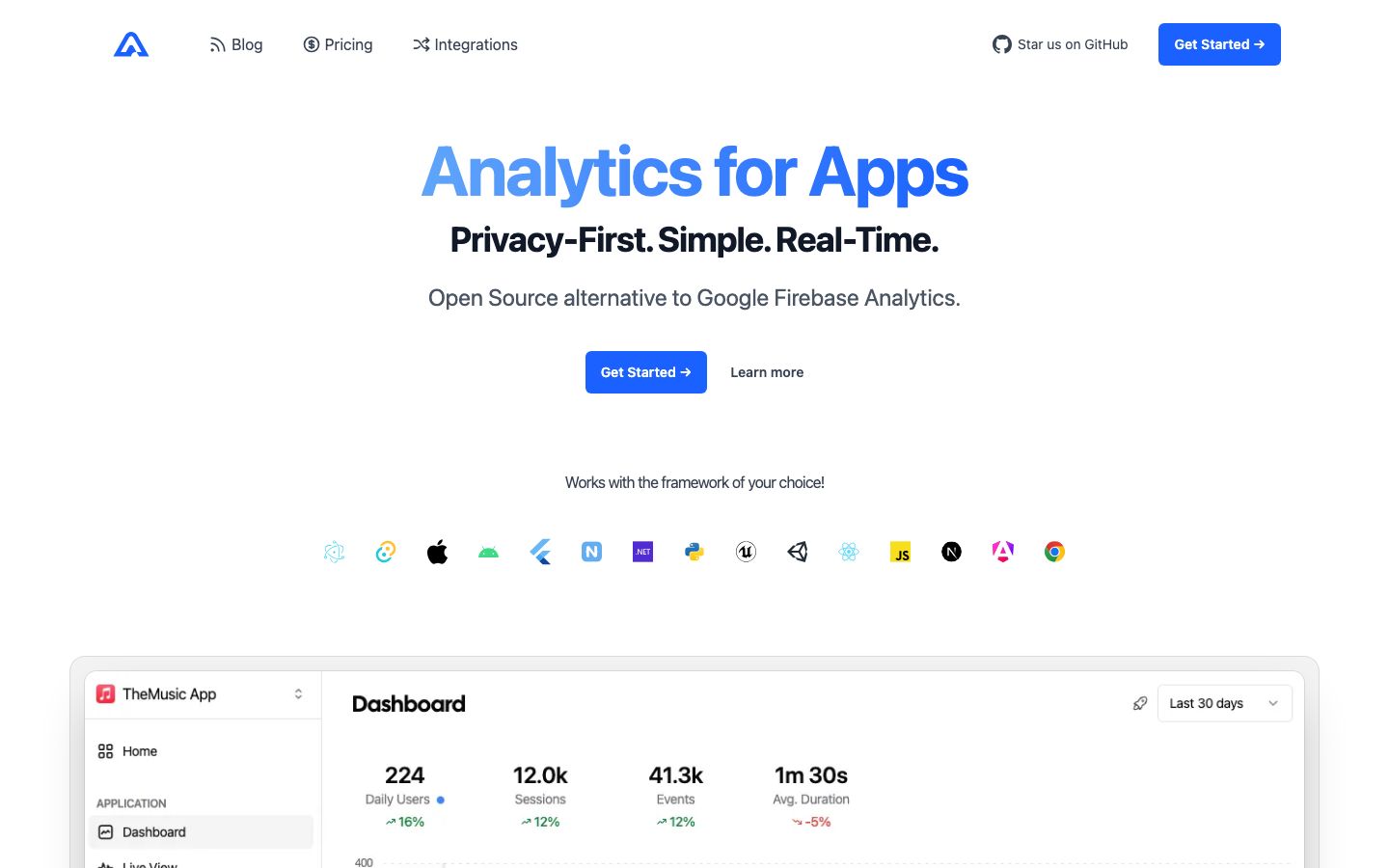
Aptabase is a privacy-first analytics tool for mobile, desktop, and web apps. It's lightweight, self-hosted, and designed to be privacy-compliant out of the box.
Pros:
- Minimal, focused feature set: tracks what matters for app analytics without bloat.
- Strong privacy defaults; built for teams that care about user data protection.
- Simple deployment and low operational burden.
Cons:
- Fewer integrations and extensions than larger platforms.
- Less suitable for complex experimentation or multi-product analytics.
Offen
Offen is a "fair-trade" web analytics platform that emphasizes user consent and transparency. It's self-hosted, open source, and designed as an ethical alternative to traditional analytics.
Pros:
- User-centric design: visitors can opt in and see what data is collected about them.
- Transparent, fair business model baked into the product philosophy.
- Lightweight and easy to self-host.
Cons:
- Narrower scope than PostHog or Countly; primarily focused on web analytics, not mobile or product experimentation.
- Smaller community and fewer integrations.
How to choose
Start with your scale and pain point. If you're hitting Mixpanel's per-event overage bills and need full data ownership, any of these five will save you money immediately. For teams building complex products with heavy instrumentation, PostHog offers the broadest feature set and SQL-level control. If mobile or IoT is your focus, Countly is purpose-built. For startups and small teams that want analytics running in minutes with minimal ops overhead, Litlyx or Aptabase are faster paths. Finally, if user privacy and consent are core to your brand, Offen aligns your analytics tool with your values. All five eliminate the per-event meter—you'll pay for infrastructure you control, not a bill that scales with every click.