

TL;DR
- Cut per-seat licensing costs: Plane eliminates Monday's headcount-based pricing by letting you self-host with no per-user fees on core features.
- Own your project data: Focalboard gives you full sovereignty over boards and workflows instead of storing everything in Monday's proprietary platform.
- Predictable spending without feature gates: Leantime replaces Monday's tiered automation and integration limits with a single self-hosted deployment that scales without usage caps.
Why teams leave Monday.com
Monday.com's cost model compounds as your team grows. You pay per seat, and the bill climbs with headcount—but that's only the start. Advanced features like automation runs, integrations, and dashboards sit behind higher pricing tiers and monthly action limits, so your total cost grows twice over: once for people, again for usage. If you need serious automation or many integrations, you're locked into premium plans with capped monthly actions that force you to buy more.
Beyond cost, there's the data lock-in problem. Your boards, workflows, and project metadata live entirely on Monday's proprietary platform. Exporting and migrating to another system is friction-heavy. You're also bound to their API rate limits and integration ecosystem—if they don't support a tool you need, you're stuck or forced to build custom workarounds.
Open-source alternatives flip this model. You self-host, own the data, and pay nothing per seat on core features. No surprise tier upgrades, no monthly action caps, no vendor lock-in. You trade Monday's polished templates and pre-built integrations for cost predictability and genuine control.
Quick comparison
| Name | License | Self-Hosted | API / Extensibility | Stack / Language | Best For |
|---|---|---|---|---|---|
| Plane | AGPL-3.0 | Yes | REST API, webhooks, extensible modules | TypeScript | Teams replacing Jira, Linear, or Monday with modern UX |
| Focalboard | License not declared | Yes | Plugin architecture, REST API | TypeScript | Trello/Notion users wanting self-hosted boards |
| NocoBase | License not declared | Yes | Highly extensible, plugin system, API | TypeScript | Low-code app builders needing custom workflows |
| Leantime | AGPL-3.0 | Yes | REST API, modular plugins | PHP | Non-technical PMs, neurodivergent-friendly design |
| Kanboard | MIT | Yes | Plugin system, REST API | PHP | Lightweight Kanban teams, minimal overhead |
| Taiga | MPL-2.0 | Yes | REST API, webhooks, extensible | Python | Agile/Scrum teams in cross-functional orgs |
Top open-source alternatives to Monday.com
Plane
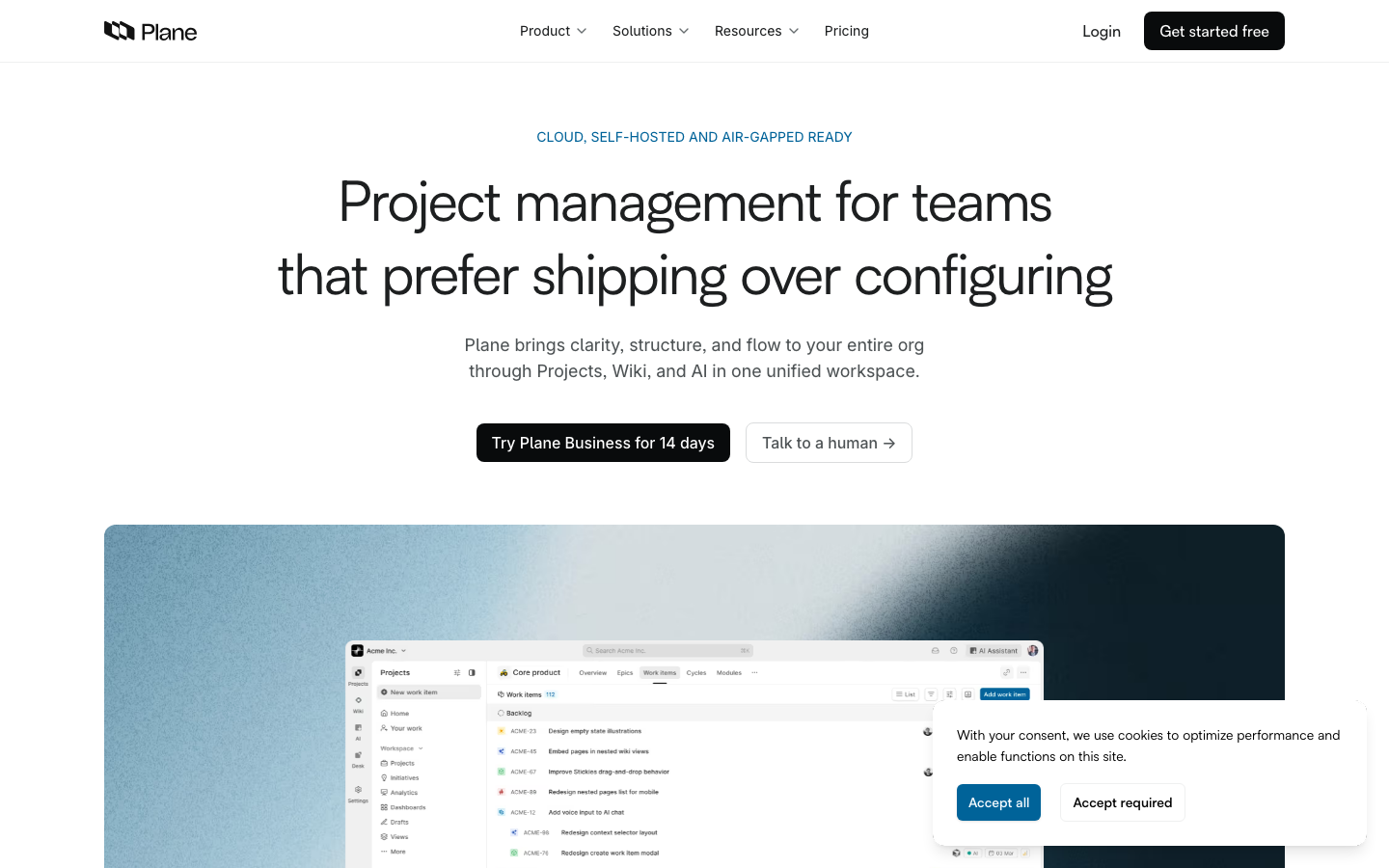
Plane is a modern project management platform built as a Jira, Linear, Monday, and ClickUp alternative. It handles tasks, sprints, docs, and triage with a polished interface and TypeScript foundation. At 48k+ stars, it's the most actively developed option in this category.
Pros
- Modern, clean UI that rivals Monday's templates without the licensing cost
- Full sprint planning, issue triage, and documentation in one platform
- REST API and webhook support for custom integrations and automation
Cons
- Steeper learning curve if your team is used to simpler Kanban-only tools
- Self-hosting requires infrastructure maintenance; managed hosting available but adds cost
Focalboard
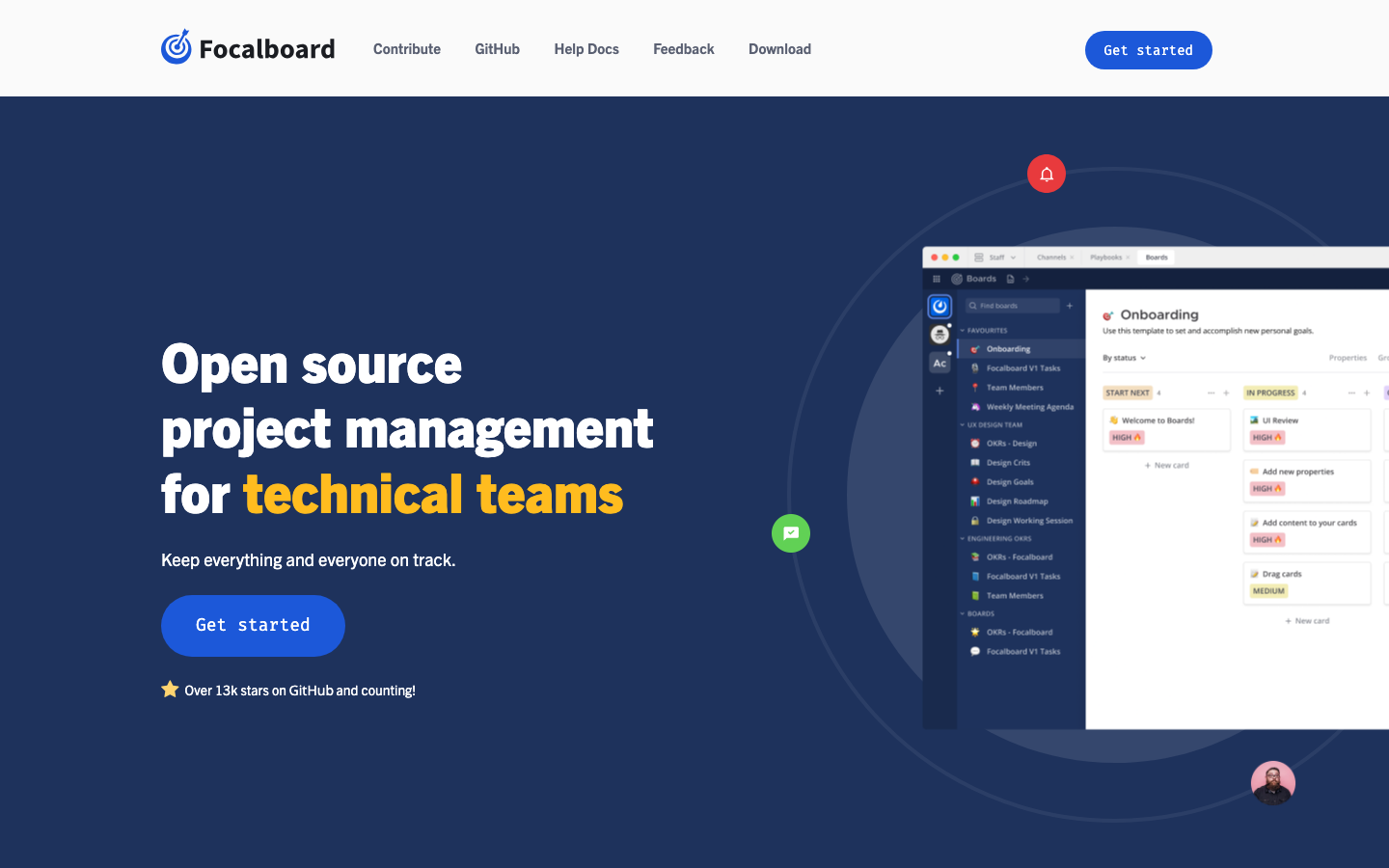
Focalboard is a self-hosted alternative to Trello, Notion, and Asana. It provides boards, timelines, and task tracking with a focus on simplicity and data ownership. With 26k+ stars, it's a mature choice for teams prioritizing ease of use.
Pros
- Intuitive board and timeline views with minimal learning curve
- No per-seat licensing; one deployment serves unlimited users
- REST API and plugin architecture for customization
Cons
- Fewer advanced features (automation, reporting) than Plane or Monday
- Community-driven; smaller ecosystem of pre-built integrations
NocoBase
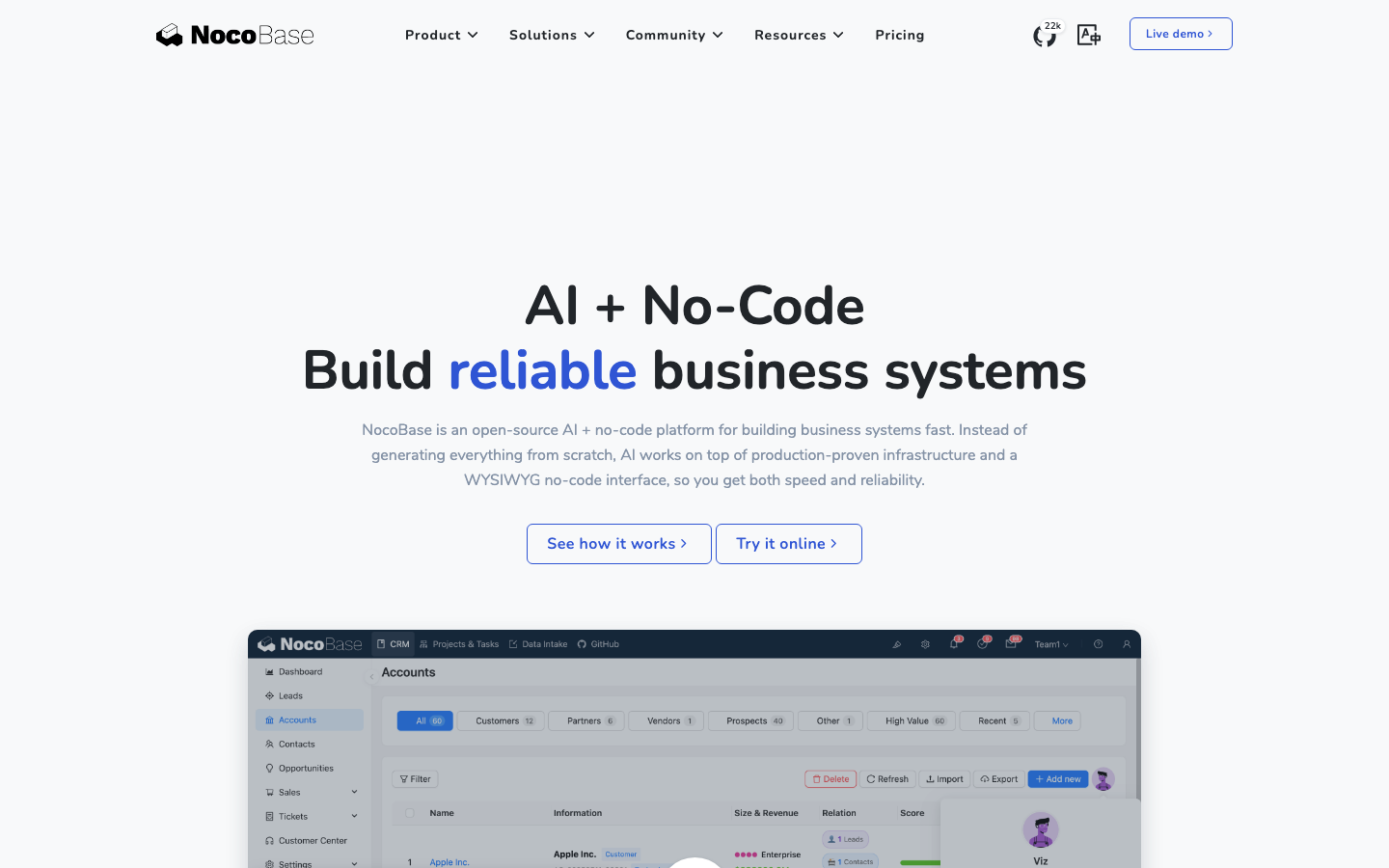
NocoBase is an extensible, AI-powered no-code/low-code platform for building business applications and enterprise solutions. It goes beyond project management to let you design custom workflows and databases.
Pros
- Highly modular and extensible plugin system for custom apps
- No-code interface for non-technical users to build workflows
- Self-hosted with full data control and no usage-based billing
Cons
- Steeper onboarding for teams new to no-code platforms
- Requires more infrastructure and DevOps knowledge than simpler alternatives
Leantime
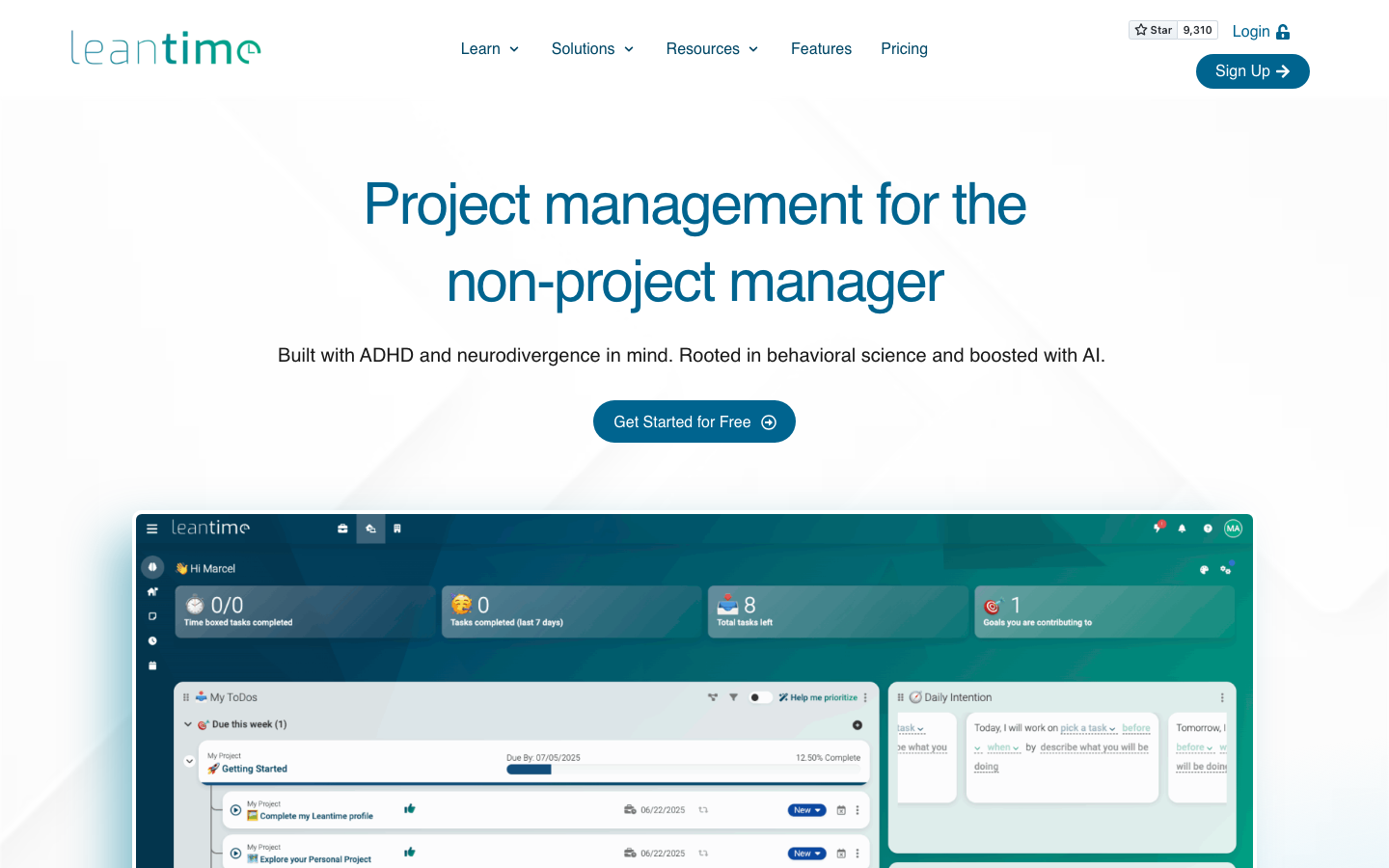
Leantime is a goals-focused project management system designed for non-project managers, built with ADHD, autism, and dyslexia in mind. It emphasizes clarity and accessibility over complexity.
Pros
- Neurodivergent-friendly design reduces cognitive load for all teams
- Goals-first approach helps non-technical PMs stay organized
- Simple self-hosting with REST API for integrations
Cons
- Smaller feature set than Plane; no native Scrum/sprint planning
- Smaller community means fewer third-party integrations and templates
Kanboard
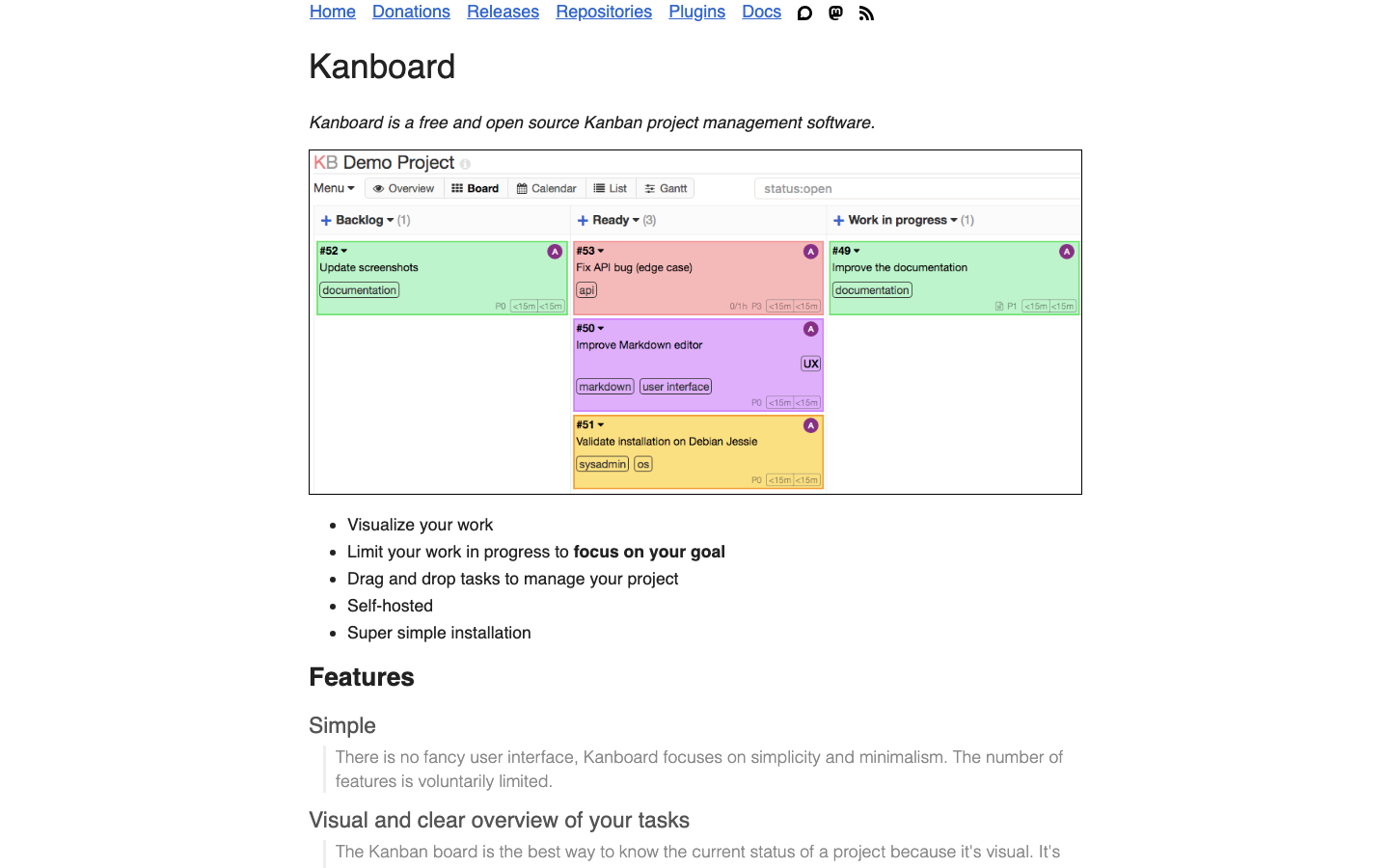
Kanboard is a lightweight Kanban project management tool focused on simplicity and speed. At 9.5k+ stars, it's the leanest option for teams that need pure task flow without extra complexity.
Pros
- Minimal overhead; runs on modest hardware and deploys in minutes
- MIT license allows commercial use and modifications without restriction
- Straightforward REST API and plugin system for basic customization
Cons
- Limited beyond Kanban boards; no sprint planning, timelines, or reporting
- Smaller ecosystem; fewer integrations and templates than heavier platforms
Taiga
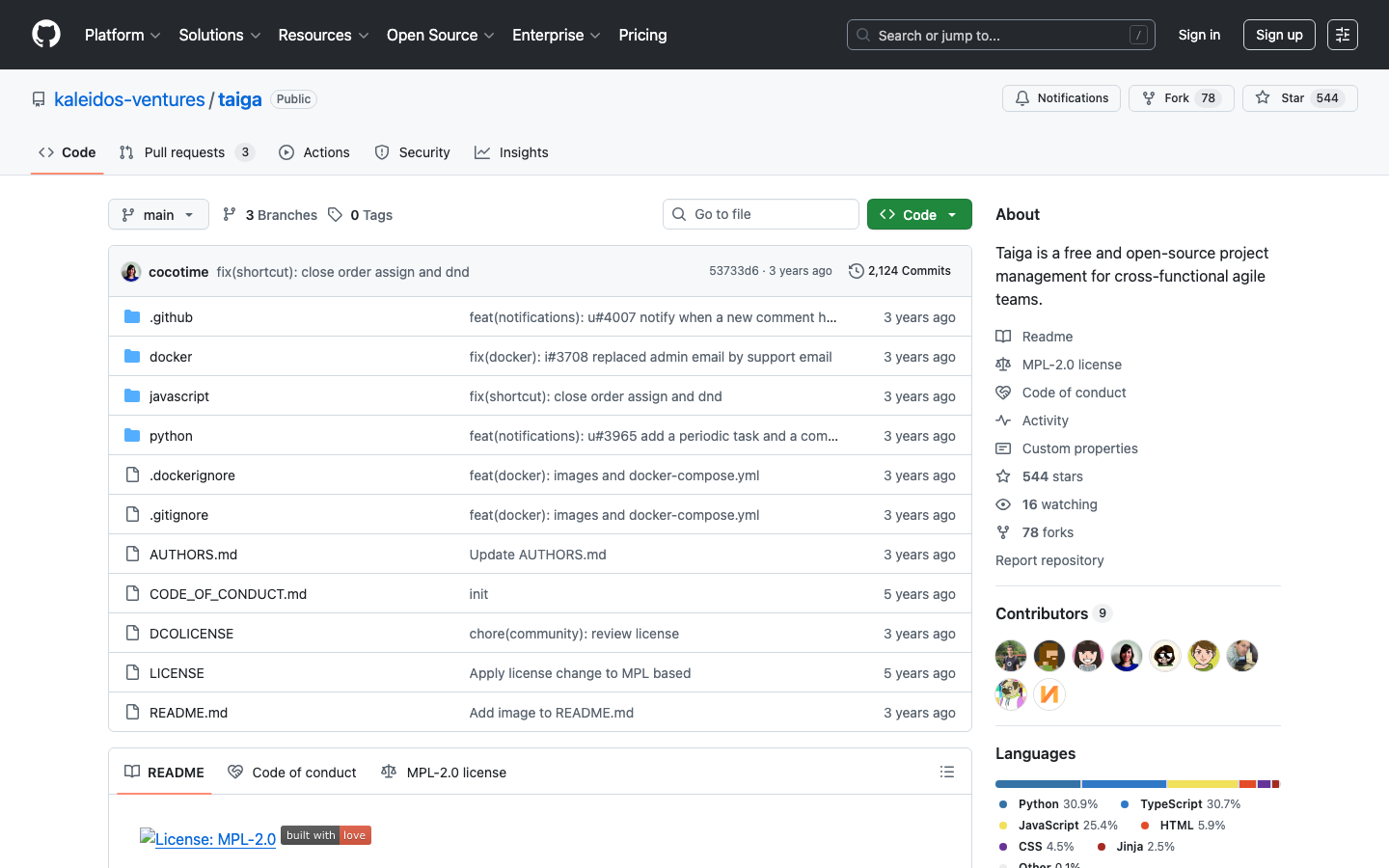
Taiga is a free, open-source project management platform built for cross-functional agile teams. It emphasizes Scrum and Kanban workflows with strong sprint and backlog management.
Pros
- Purpose-built for Scrum and agile; excellent sprint planning and backlog tools
- REST API and webhook support for custom automation
- MPL-2.0 license balances openness with commercial use
Cons
- Smaller community (560 stars) means fewer resources and slower updates
- Heavier than Kanboard; more suited to mid-size agile teams than tiny startups
How to choose
Start with Plane if your team is large, technical, or migrating from Monday, Jira, or Linear—you want modern UX and comprehensive features without per-seat fees. Pick Focalboard if you're a Trello or Notion user wanting a lightweight self-hosted board system with minimal setup. Choose Leantime if your team includes non-technical PMs or neurodivergent members who benefit from clarity-first design. Go with Kanboard if you're a small team that only needs Kanban and wants the smallest possible footprint. Select Taiga if you're running Scrum sprints and need strong backlog and sprint planning. For custom workflows and low-code apps, NocoBase is your platform.