




TL;DR
- Cost matters most? DBeaver eliminates per-seat licensing entirely while covering every database type Navicat does—no subscription surprises.
- Self-hosting and control are non-negotiable. Adminer runs on your own infrastructure as a single PHP file, leaving zero dependency on vendor servers or SaaS uptime.
- Building modern applications at scale? Prisma replaces both the GUI and the ORM layer, giving your team type-safe database access without licensing friction.
Why teams leave Navicat
Navicat's cost structure—per-seat licenses or recurring subscriptions—adds up fast across development teams. A single developer managing multiple database engines faces a meaningful annual expense; scale that to five or ten team members, and the licensing cost becomes a line item that catches budget review scrutiny. Open-source alternatives eliminate that recurring charge entirely.
Beyond cost, many teams chafe at the proprietary model itself. Navicat is closed-source software you rent, not own. If the vendor changes terms, raises prices, or discontinues support for a database engine you rely on, you have limited recourse. You're also bound to their release schedule and feature roadmap—if they don't prioritize something you need, you wait or pay for workarounds.
Self-hosted and privacy-conscious teams have additional friction: Navicat is a desktop or cloud-hosted tool controlled by the vendor. Open-source alternatives let you run the same database tools on your own infrastructure, audit the code, and maintain full control over where your schema metadata and query history live. For regulated industries or organizations with strict data residency requirements, that control is essential.
Quick comparison
| Name | License | Self-Hosted | API / Extensibility | Stack / Language | Best For |
|---|---|---|---|---|---|
| DBeaver | Apache-2.0 | Yes | Plugin architecture, REST API (Enterprise) | Java | Universal database GUI; teams needing multi-engine support |
| Prisma | Apache-2.0 | Yes (self-host schema studio) | GraphQL API, extensible client | TypeScript / Node.js | Modern application development; type-safe ORM workflows |
| Adminer | License not declared | Yes | Single-file deployment | PHP | Lightweight, zero-dependency database admin; shared hosting |
| CloudBeaver | Apache-2.0 | Yes | REST API, extensible architecture | TypeScript | Web-based team database access; air-gapped or centralized deployments |
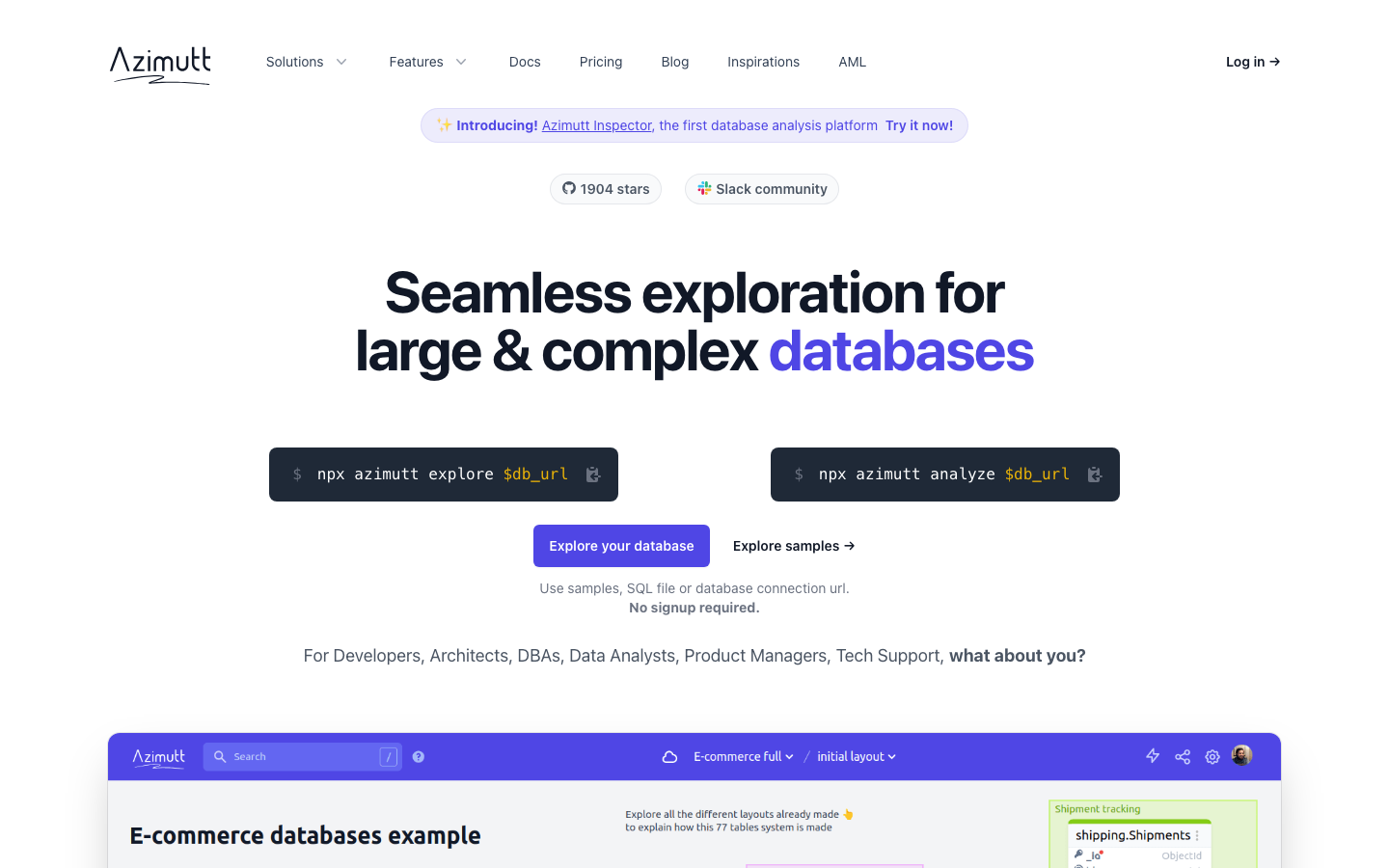
| Azimutt | MIT | Yes | Documentation & schema visualization API | Elm | Database exploration, documentation, and optimization |
Top open-source alternatives to Navicat
DBeaver
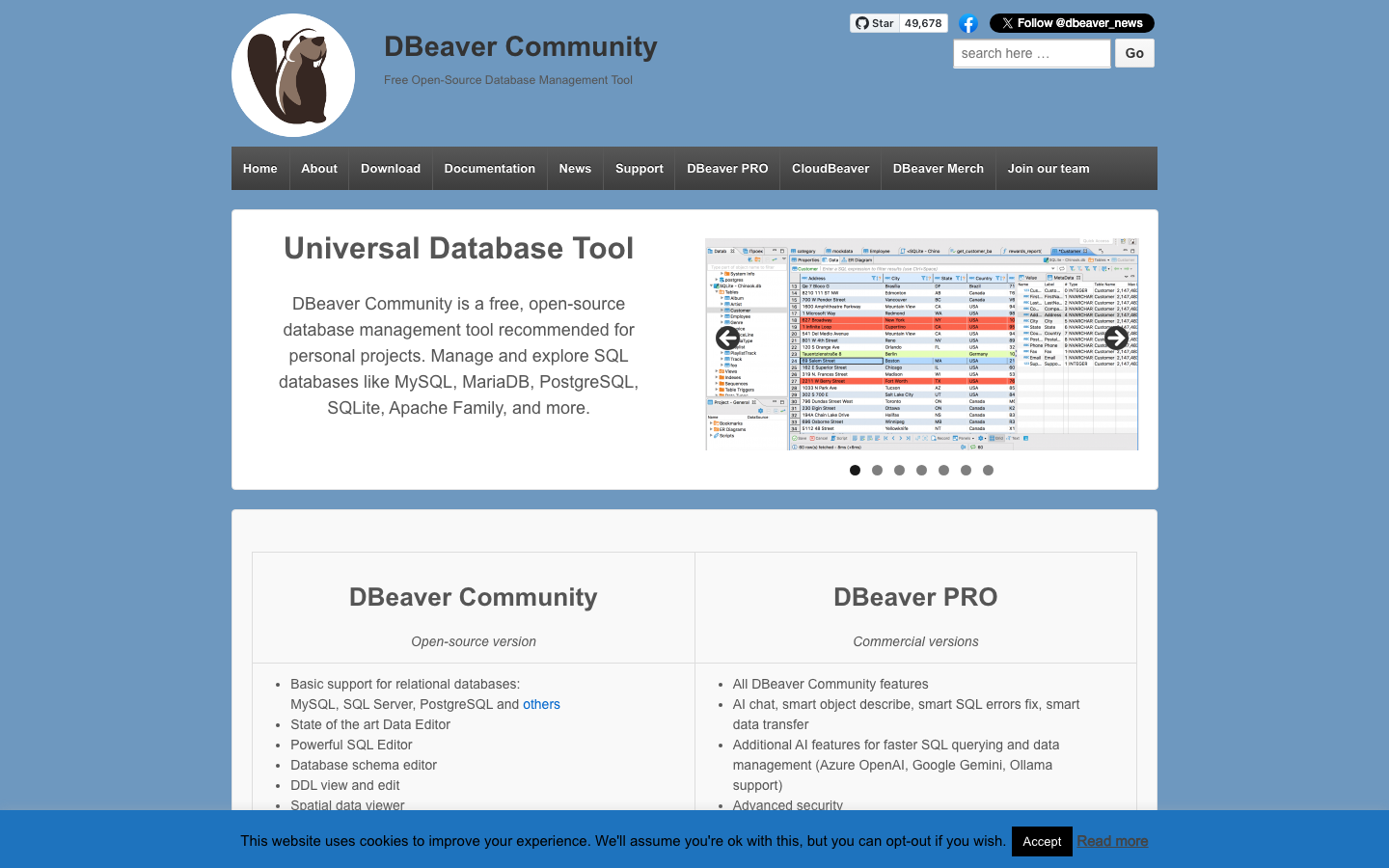
A universal database GUI supporting MySQL, PostgreSQL, Oracle, SQL Server, SQLite, and dozens of other engines in a single interface. Written in Java and available as a desktop app or web-based version, DBeaver covers the full Navicat workflow—schema browsing, SQL editing, data export, and administration tasks—without licensing fees.
Pros
- Supports virtually every major database engine; switch between PostgreSQL and Oracle in the same session.
- Rich feature set rivals Navicat: query builder, ER diagrams, data comparison, backup/restore utilities.
- Active community and frequent updates; enterprise version available for teams needing advanced features.
Cons
- Java-based, so startup time and memory footprint are heavier than lightweight alternatives.
- Some advanced features (team collaboration, cloud sync) are enterprise-only.
Prisma
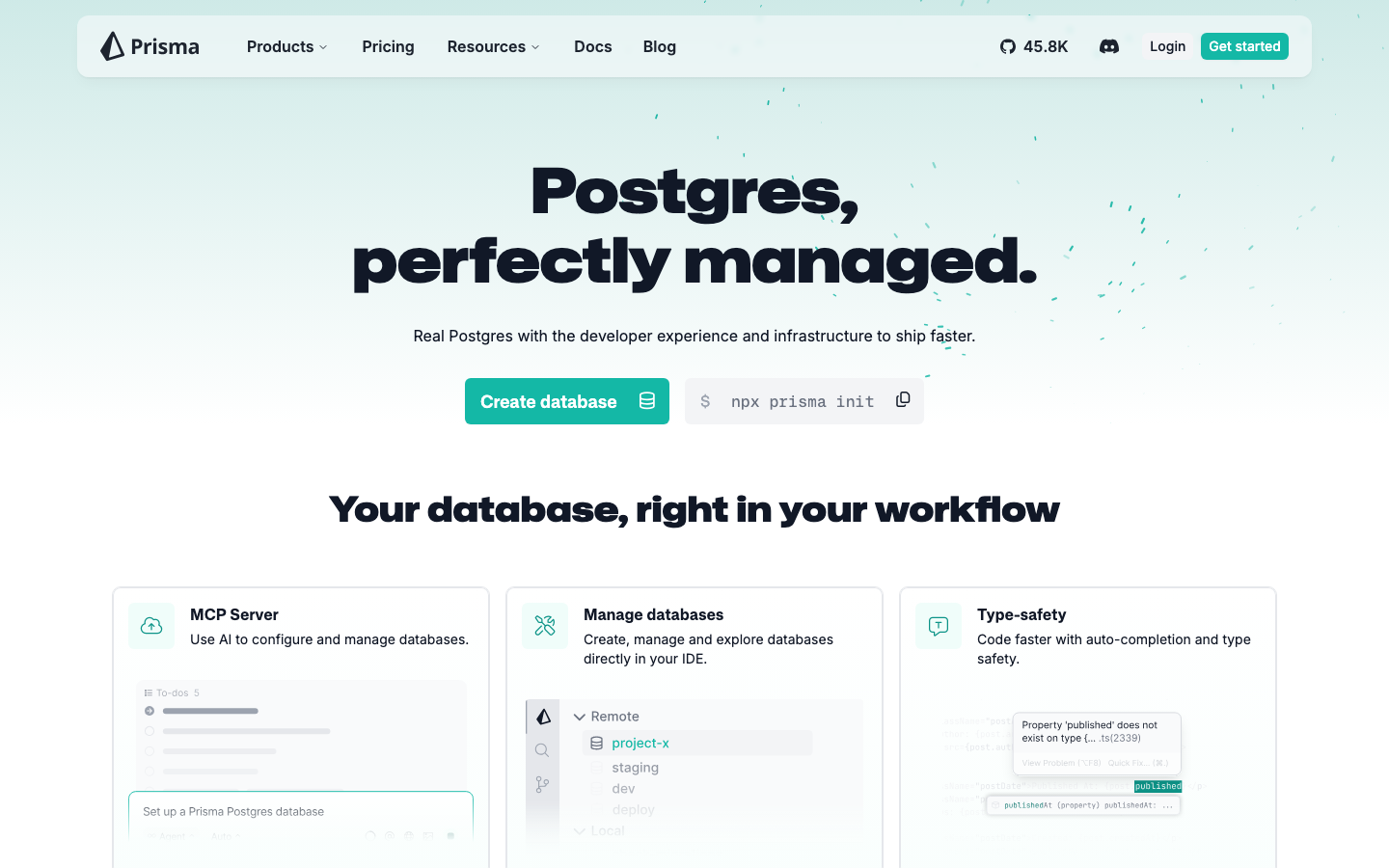
A next-generation ORM and database toolkit for Node.js and TypeScript, supporting PostgreSQL, MySQL, MariaDB, SQL Server, SQLite, MongoDB, and CockroachDB. Rather than replacing Navicat's GUI directly, Prisma eliminates the need for it by providing type-safe database access in code, with a built-in schema studio for visual database design and migration.
Pros
- Type-safe by default; catch database errors at compile time, not runtime.
- Unified API across multiple database engines; write once, run anywhere.
- Prisma Studio provides a lightweight GUI for browsing and editing data without leaving your development environment.
Cons
- Requires Node.js/TypeScript; not suitable for teams using other languages or non-application database administration.
- Learning curve if your team is unfamiliar with ORMs.
Adminer
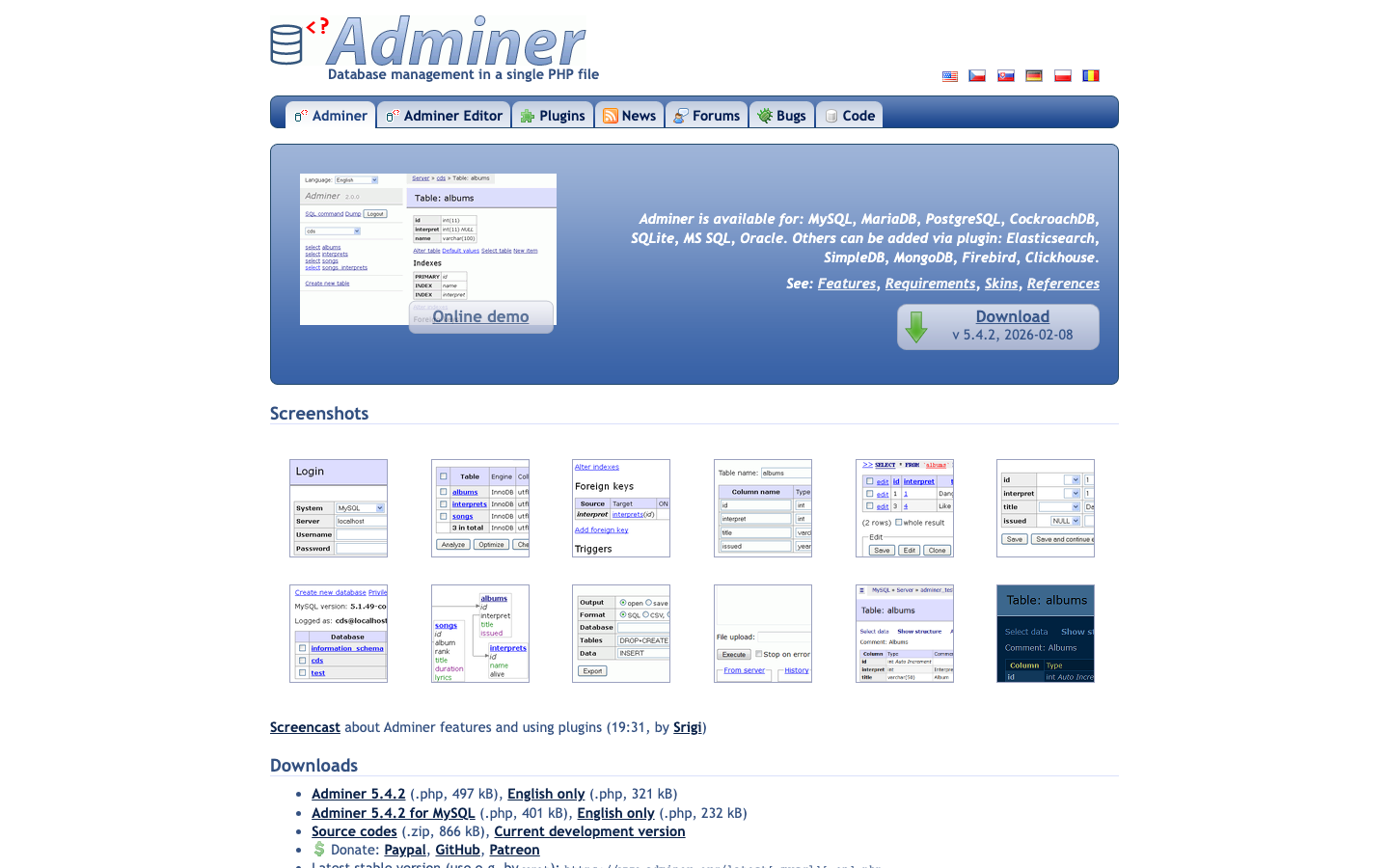
A single-file PHP database administration tool that runs on any web server. Deploy it to your shared hosting, VPS, or internal server, and manage MySQL, PostgreSQL, SQLite, Oracle, and other databases through a browser interface.
Pros
- Minimal footprint; literally one PHP file with no external dependencies or installation complexity.
- Works everywhere PHP runs; ideal for shared hosting or minimal infrastructure.
- Fast and responsive; no bloat or startup overhead.
Cons
- Simpler feature set than DBeaver or Navicat; lacks advanced tools like ER diagrams or query builders.
- Less active development and community compared to larger projects.
CloudBeaver
A web-based database management platform offering centralized, team-friendly access to multiple databases. Built on the same engine as DBeaver but designed for collaborative, cloud-first workflows—useful for distributed teams or organizations that want to avoid installing desktop software.
Pros
- Web-native; no desktop installation required; works from any browser.
- Team collaboration built in; role-based access control and shared connections.
- Self-hosted or managed; you control the deployment and data residency.
Cons
- Smaller community and fewer third-party extensions than DBeaver.
- Web interface can feel slower than a native desktop app for heavy SQL work.
Azimutt
A visual database exploration and documentation tool designed to help teams understand and optimize their database schemas. While not a full replacement for Navicat's administration features, Azimutt excels at schema visualization, relationship mapping, and collaborative documentation.
Pros
- Beautiful, intuitive schema visualization and ER diagram generation.
- Supports multiple database engines; import and explore existing schemas.
- MIT licensed; lightweight and self-hostable.
Cons
- Focused on exploration and documentation, not data editing or administration; you'll still need another tool for SQL execution and data manipulation.
- Smaller project with a narrower feature scope than Navicat.
How to choose
For teams replacing Navicat's core GUI: Start with DBeaver. It covers the widest range of databases and workflows in a single free tool.
For modern application teams: Prisma shifts the paradigm—instead of a separate database GUI, you get type-safe access in your code and a lightweight schema studio, eliminating Navicat entirely.
For minimal infrastructure or shared hosting: Adminer is your answer; deploy the single PHP file and move on.
For distributed teams needing web-based access: CloudBeaver provides the centralized, collaborative experience without the per-seat licensing.
For schema documentation and team alignment: Pair Azimutt with one of the above for visualization and documentation, then use another tool for day-to-day administration.