






TL;DR
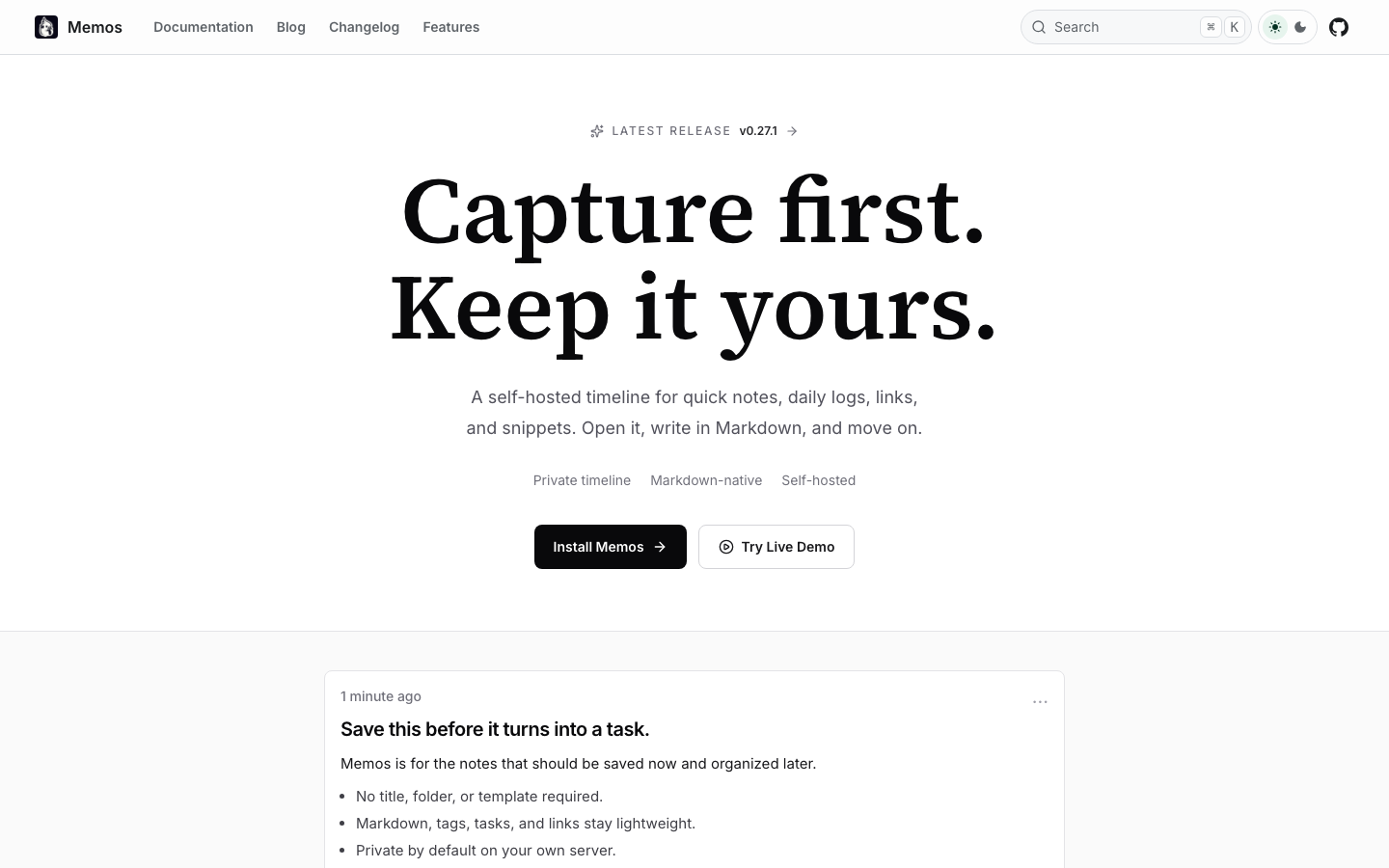
- Individual researchers and knowledge workers who want Obsidian's simplicity without the sync subscription should start with memos — a lightweight, self-hosted Markdown note-taking tool that puts you in control of cross-device sync.
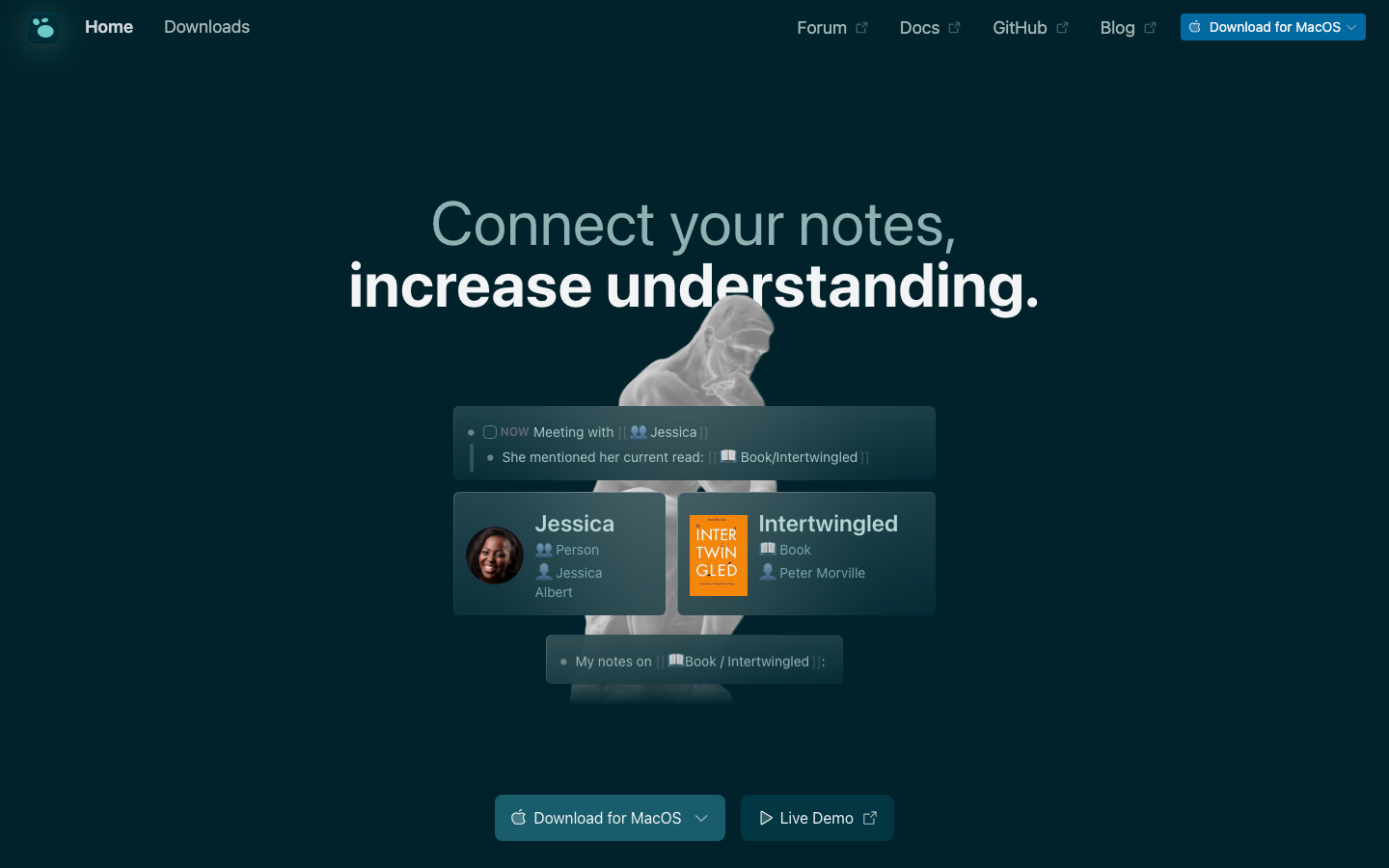
- Teams building a shared knowledge base benefit most from logseq, a privacy-first, open-source platform designed for collaborative knowledge management without per-seat licensing fees.
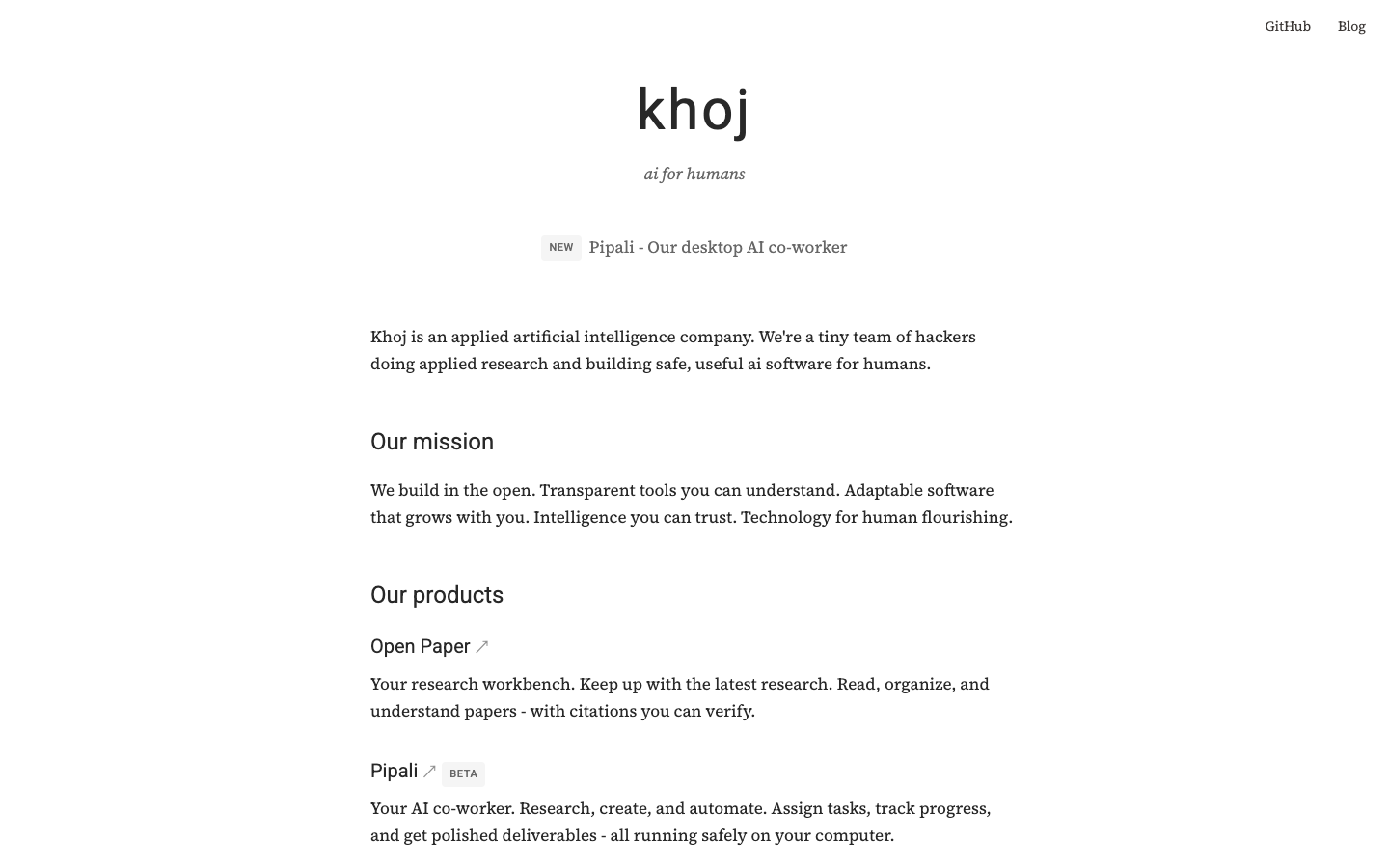
- Organizations needing AI-powered research and automation can turn to khoj, which layers self-hostable AI capabilities on top of your local documents and web sources, letting you build custom agents without vendor lock-in.
Why teams leave Obsidian
A team of five people—researchers, product managers, a designer—starts with Obsidian's free core. It's perfect for a few months: local files, Markdown, instant sync across their laptops. Then someone needs to publish findings to stakeholders. Another wants to sync notes to their phone. A third asks if the team can share a vault. Suddenly the bill is $5/month per person for Sync, $10/month for Publish, and the math gets uncomfortable fast.
The friction isn't just cost; it's control. Obsidian's Sync and Publish services are proprietary, hosted by Obsidian Inc. Your notes are Markdown (portable), but the convenience layer—the thing that makes multi-device and team workflows actually work—lives in a closed system. If you want to move to a different sync provider, or self-host your publishing infrastructure, you can't. You export your vault and rebuild elsewhere. And for organizations with compliance or privacy requirements, hosting your team's knowledge graph on someone else's servers isn't an option at all.
Open-source alternatives solve this by design: your notes stay in standard formats, your sync infrastructure runs on your own hardware, and there's no per-user subscription model. The upfront cost is your time to set up and maintain; the long-term cost is zero.
Quick comparison
| Name | License | Self-Hosted | Data Format / Portability | Real-time Collaboration | Best For |
|---|---|---|---|---|---|
| memos | MIT | ✓ Yes | Markdown + SQLite backend | — | Quick capture, personal notes, lightweight self-hosted sync |
| logseq | AGPL-3.0 | ✓ Yes | Markdown/Org-mode, local files | ✓ Yes (via plugins/federation) | Team knowledge bases, graph-based organization, privacy-first collaboration |
| khoj | AGPL-3.0 | ✓ Yes | Markdown, PDFs, web sources, local LLMs | — | AI-assisted research, document Q&A, custom agents, autonomous workflows |
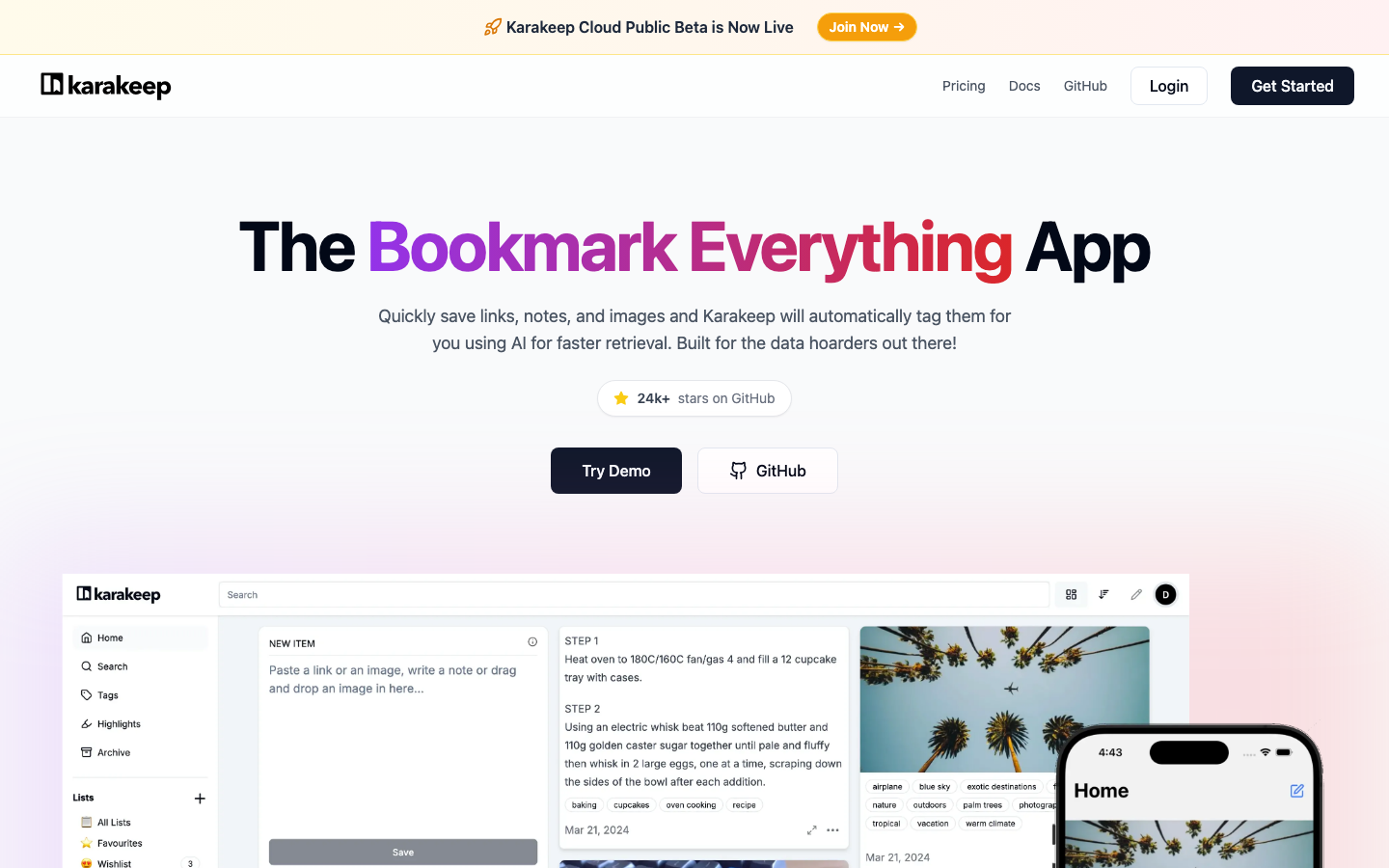
| karakeep | AGPL-3.0 | ✓ Yes | Web captures, notes, images; full-text indexed | — | Bookmark management, visual note-taking, AI auto-tagging |
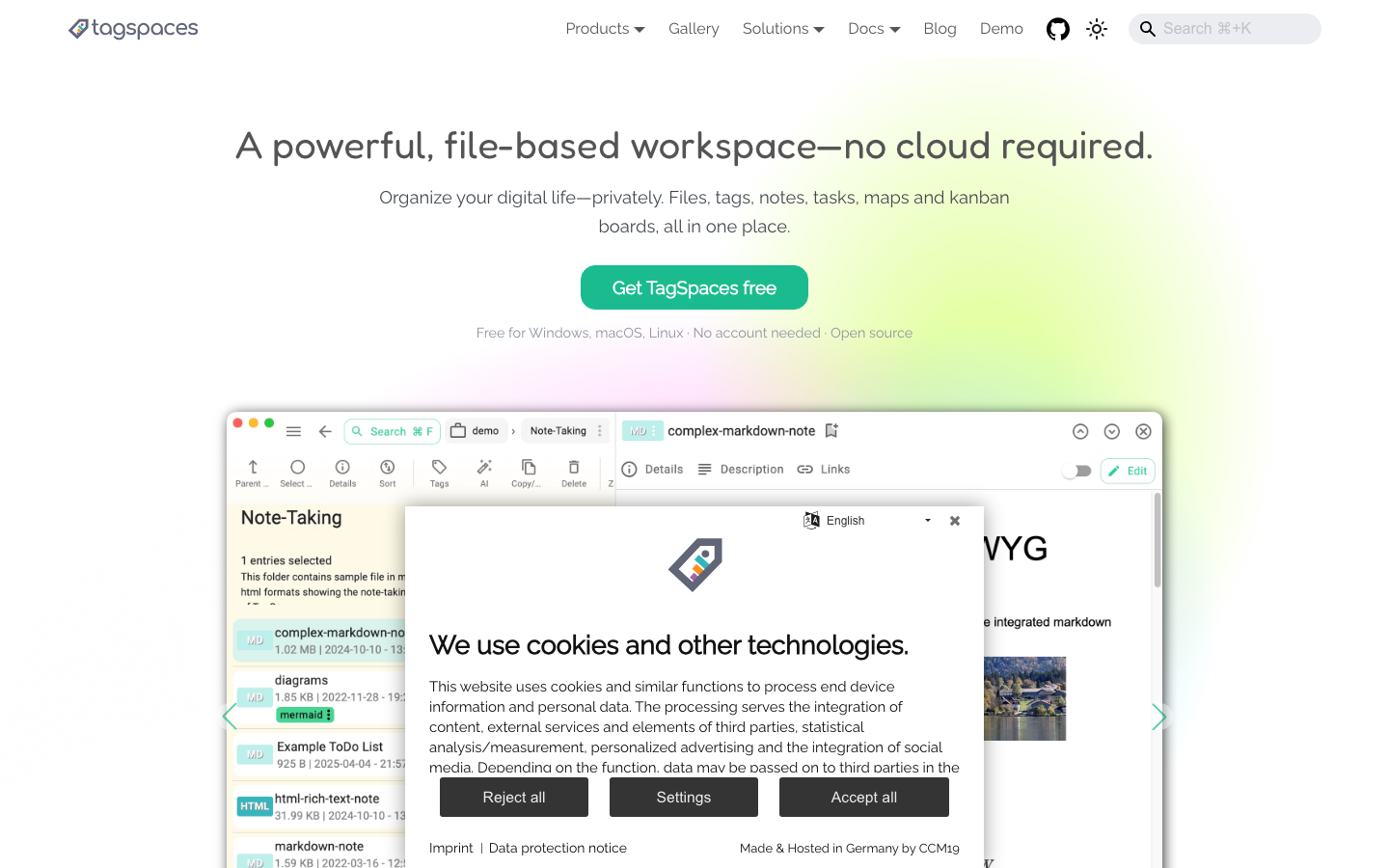
| tagspaces | AGPL-3.0 | ✓ Yes | Native file formats (no conversion) | — | Document management, offline-first tagging, file organization |
Top open-source alternatives to Obsidian
memos
A lightweight, self-hosted note-taking tool built for quick capture with Markdown-native storage. It's designed to be simple and fast—no bloat, no proprietary sync service. Deploy it on your own server and sync across devices without a subscription.
Pros:
- Minimal setup and resource footprint; runs on modest hardware.
- MIT license gives you full freedom to modify and redistribute.
- Markdown-native with straightforward data portability.
Cons:
- Smaller ecosystem and fewer integrations compared to Obsidian.
- Real-time collaboration features are limited; better suited for individual or small-team use.
logseq
A privacy-first, open-source platform for knowledge management and collaboration built on local Markdown or Org-mode files. It emphasizes graph-based linking and bidirectional references—similar to Obsidian's core strength—but with a focus on team workflows and open infrastructure.
Pros:
- AGPL license ensures transparency; community-driven roadmap.
- Supports collaborative features and federation for team knowledge bases.
- Graph visualization and outliner-style note-taking appeal to researchers and teams managing complex information.
Cons:
- Steeper learning curve than Obsidian for new users; more opinionated structure.
- Real-time collaboration requires additional setup (not built-in to the core).
khoj
Your AI second brain—a self-hostable platform that layers AI capabilities (GPT, Claude, Llama, Mistral, and others) on top of your local documents and web sources. Build custom agents, schedule automations, and run deep research without sending your data to a third-party AI company.
Pros:
- Use any LLM (open or proprietary) without vendor lock-in; run locally or on your own servers.
- Turn your documents and web sources into a searchable, queryable knowledge base with AI reasoning.
- AGPL license; fully self-hostable and free to get started.
Cons:
- Requires more infrastructure and AI/LLM knowledge to set up and optimize.
- Less suitable as a primary note-taking tool; better as a research and automation layer on top of existing notes.
karakeep
A self-hostable bookmark-everything app that captures links, notes, and images in one place, with AI-based automatic tagging and full-text search. Designed for teams and individuals who need to organize and retrieve web content and visual research.
Pros:
- Captures web content natively without lossy export; built-in full-text search.
- AI-powered auto-tagging saves time on organization.
- AGPL; self-hosted means your bookmarks and research stay private.
Cons:
- Focused on capture and tagging rather than deep knowledge linking; not a replacement for a full knowledge base system.
- Smaller community compared to Obsidian or logseq.
tagspaces
An offline-first, open-source document manager with tagging support. It works with native file formats on your disk—no conversion, no proprietary database—making it ideal for teams managing files and documents across multiple folders and projects.
Pros:
- Works with your existing files; no data lock-in or format conversion.
- Offline-first and lightweight; runs on Windows, Mac, Linux, and mobile.
- AGPL license; full control over your document infrastructure.
Cons:
- Oriented toward file and document tagging rather than interconnected note-taking or knowledge graphs.
- Limited real-time collaboration; better for shared file organization than live team editing.
How to choose
If you're an individual or small team replacing Obsidian's free tier, start with memos or logseq—both are straightforward to self-host and maintain Obsidian's Markdown simplicity. If your team needs collaborative knowledge management at scale, logseq is the closest match. If you're building research workflows or need AI-assisted document analysis, layer khoj on top of your notes. For teams focused on web research and visual content capture, karakeep is a strong fit. And if you're managing shared files and documents across projects, tagspaces keeps everything organized without format conversion. None of these require per-user subscriptions; your main cost is self-hosting infrastructure and setup time.