









TL;DR
- Privacy-first priority: Tutanota encrypts email, contacts, and calendar entries end-to-end across all devices, removing the provider's ability to access your message content — a hard boundary Outlook cannot offer.
- Control & cost: Self-hosting with iRedMail eliminates per-seat licensing entirely and keeps mail infrastructure under your team's ownership, avoiding the subscription treadmill that bundles Exchange Online, Teams, and OneDrive into one bill.
- Fast, lightweight client: Mailspring delivers a native desktop experience across Mac, Windows, and Linux without vendor lock-in, letting you connect any IMAP/SMTP account and own your workflow.
Why teams leave Outlook
Microsoft's Outlook ecosystem is engineered around per-user subscription seats. Once you adopt Exchange Online, you're licensing not just email but the broader Microsoft 365 stack — Teams, OneDrive, compliance tooling — with costs that compound as headcount grows. The free Outlook.com tier carries ads and storage caps; escaping those limits means committing to paid seats that bundle far more than most teams need.
Ownership is the second pain point. Outlook data lives in Microsoft's cloud governance, and the provider retains technical access to message content. Organizations handling sensitive communications, regulatory data, or operating in sovereignty-conscious jurisdictions find this unacceptable. Extracting mail history and contacts from Exchange Online is possible but friction-heavy, and proprietary formats make long-term portability uncertain.
The third friction: per-seat licensing creates artificial scarcity. Adding a contractor, consultant, or new hire means another monthly seat charge. Teams that want to control mail infrastructure, avoid per-contact costs, and keep data on servers they operate find open-source alternatives compelling — especially when combined with standard protocols (IMAP, SMTP, JMAP) that guarantee future mobility.
Quick comparison
| Name | License | Self-Hosted | Deliverability Setup | API / Automation | Best For |
|---|---|---|---|---|---|
| Mailspring | GPL-3.0 | No (client only) | Standard IMAP/SMTP | Limited; read/compose | Desktop users wanting fast, beautiful UI |
| Thunderbird Android | Apache-2.0 | No (client only) | Standard IMAP/SMTP | Limited | Mobile-first teams on Android |
| Tutanota | GPL-3.0 | No (SaaS) | Tutanota infrastructure | Limited; web-based | Privacy-sensitive orgs; end-to-end encryption required |
| Roundcube | License not declared | Yes | Depends on mail backend | Plugins available | Webmail interface; flexible hosting |
| OpenArchiver | AGPL-3.0 | Yes | Archiving layer | REST API for compliance | Legal/compliance teams; email retention & eDiscovery |
| iRedMail | GPL-3.0 | Yes | Full mail server stack | Postfix/Dovecot ecosystem | Complete mail infrastructure; self-hosted control |
| SnappyMail | AGPL-3.0 | Yes | Depends on mail backend | Plugins; webmail automation | Lightweight webmail; minimal resource footprint |
| Cypht | LGPL-2.1 | Yes | Aggregator (IMAP/SMTP/JMAP/EWS) | Limited; multi-account bridge | Multi-account users; Exchange integration without lock-in |
Top open-source alternatives to Outlook
Mailspring
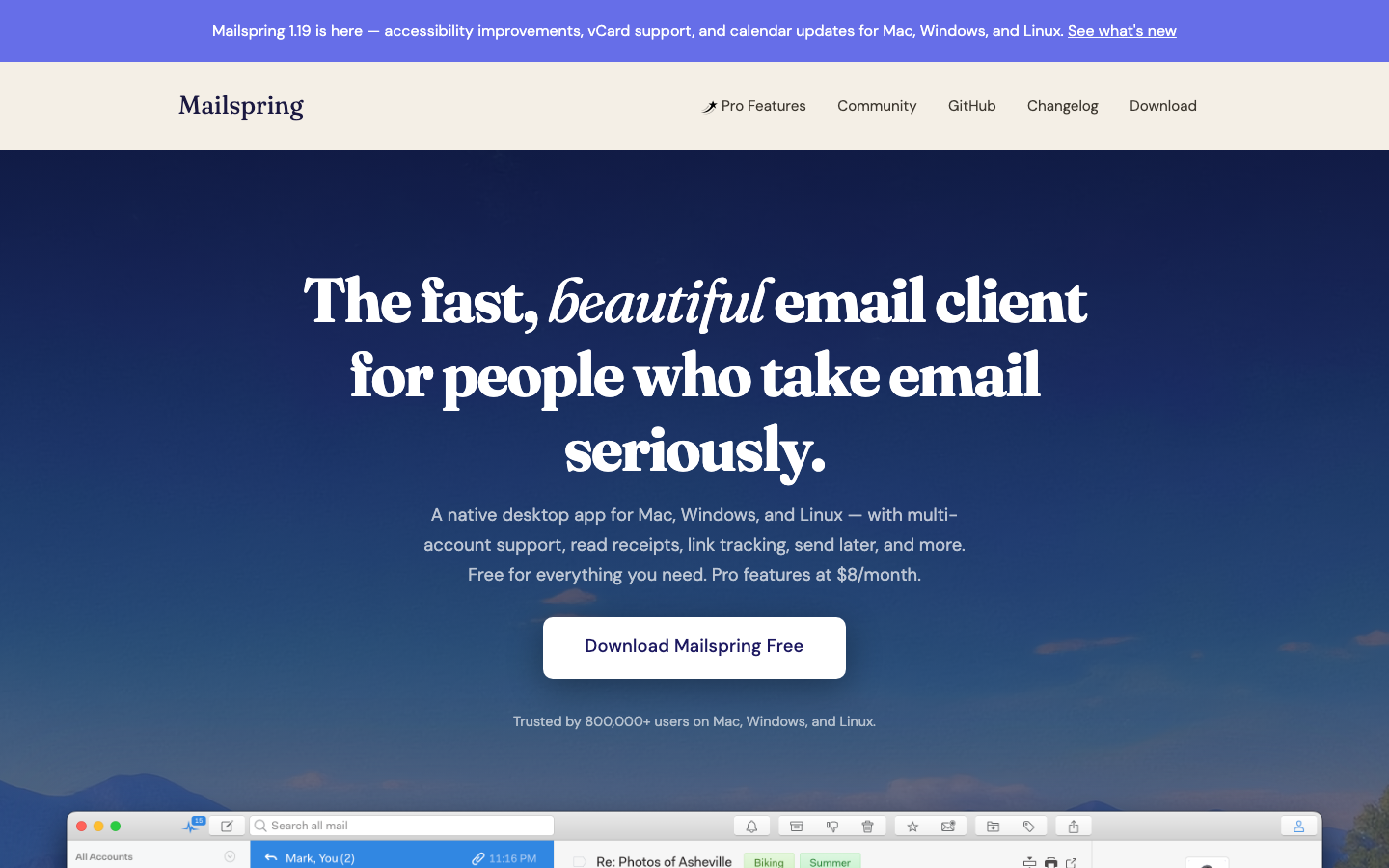
A native desktop mail client for macOS, Windows, and Linux that prioritizes speed and visual polish. Mailspring connects to any IMAP/SMTP account — Gmail, Outlook.com, self-hosted, or corporate mail — without vendor lock-in. It's built in JavaScript and licensed under GPL-3.0, with an active community and 17k GitHub stars.
Pros:
- Fast, responsive UI with excellent search and thread handling
- Works with any standards-compliant mail server; no platform lock-in
- Cross-platform consistency across Mac, Windows, Linux
Cons:
- Desktop-only; no native mobile experience (use Thunderbird Android separately)
- Limited automation and API surface compared to Outlook's deep integrations
Thunderbird Android
The open-source Android email client (formerly K-9 Mail), now under the Mozilla Thunderbird umbrella. Provides a full-featured mobile mail experience with support for IMAP, POP3, and SMTP on any Android device.
Pros:
- Mature, battle-tested Android app with strong community support
- Works with any mail server; no dependency on Microsoft's mobile infrastructure
- Apache-2.0 licensed; transparent development
Cons:
- Android-only; iOS users must look elsewhere
- No built-in calendar or contacts sync (separate apps needed for PIM)
Tutanota
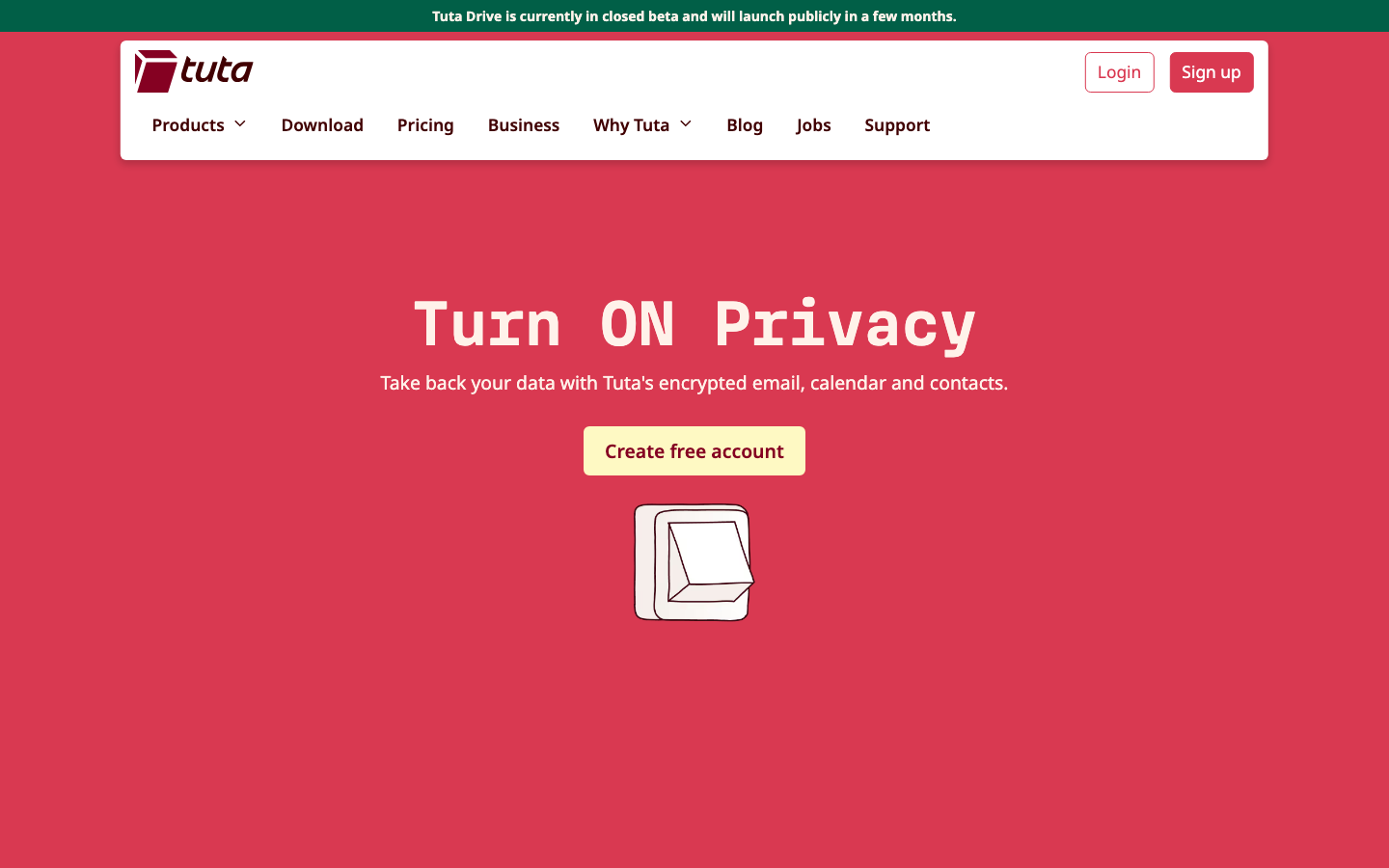
An email service and web client with end-to-end encryption for messages, contacts, and calendar entries on all devices. Tutanota runs its own infrastructure, offering encryption by default — a fundamental difference from Outlook's provider-accessible model.
Pros:
- End-to-end encryption of emails, contacts, and calendars; provider cannot read content
- No ads, no tracking; privacy-first business model
- Works across web, iOS, and Android with consistent encryption
Cons:
- Not self-hosted; you depend on Tutanota's infrastructure and governance (trade-off for encryption simplicity)
- Limited integration with existing corporate mail systems; migration from Outlook requires new accounts
Roundcube
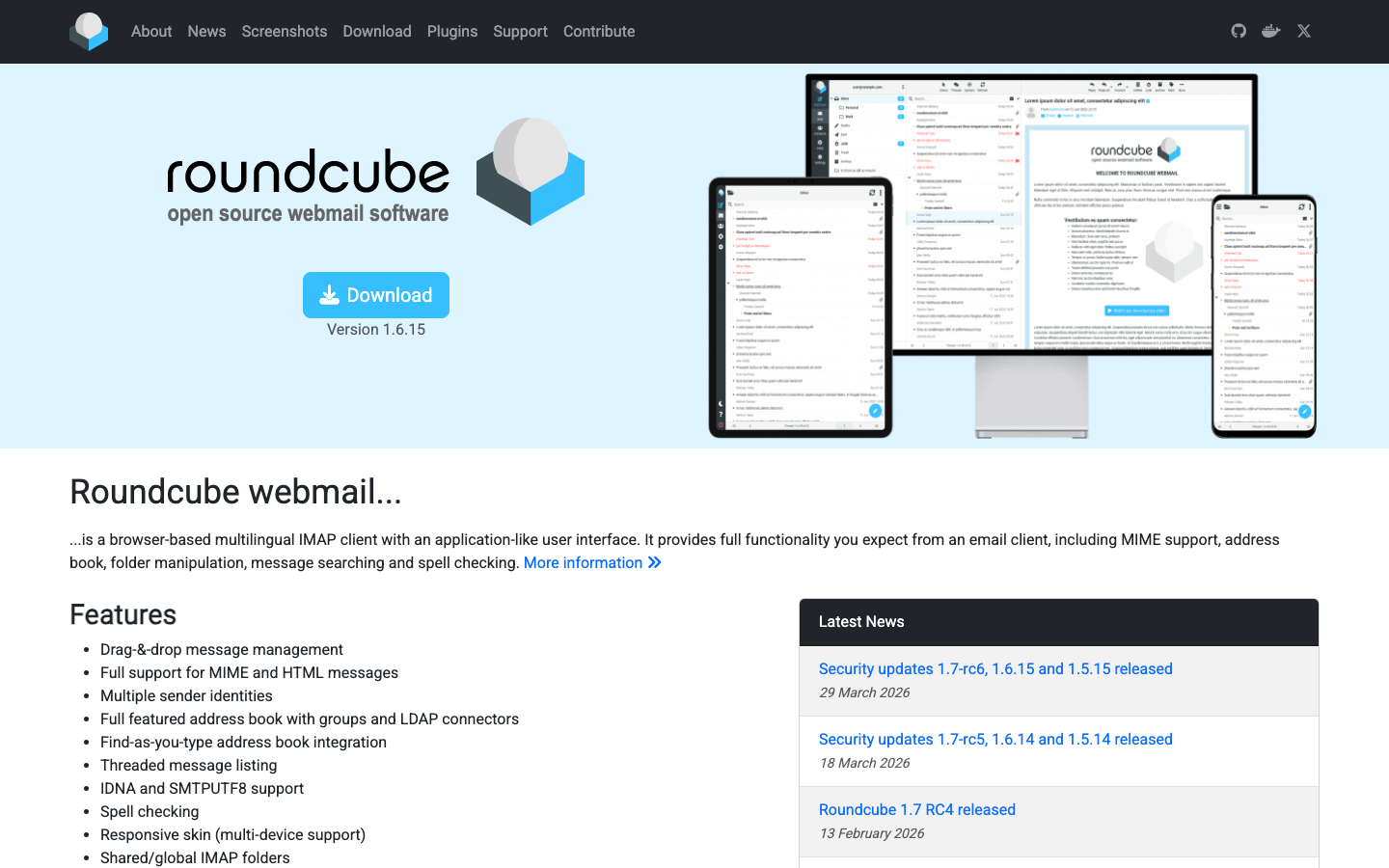
A browser-based webmail suite written in PHP, designed for easy deployment on shared or dedicated hosting. Roundcube provides a familiar Outlook-like interface without vendor lock-in, connecting to any IMAP/SMTP backend.
Pros:
- Flexible self-hosting; works with any mail server (Postfix, Dovecot, iRedMail, etc.)
- Plugin ecosystem for customization and automation
- No license lock-in; deploy on your own infrastructure
Cons:
- Requires PHP hosting and mail server setup; not a turnkey solution
- Security and performance depend entirely on your deployment and maintenance
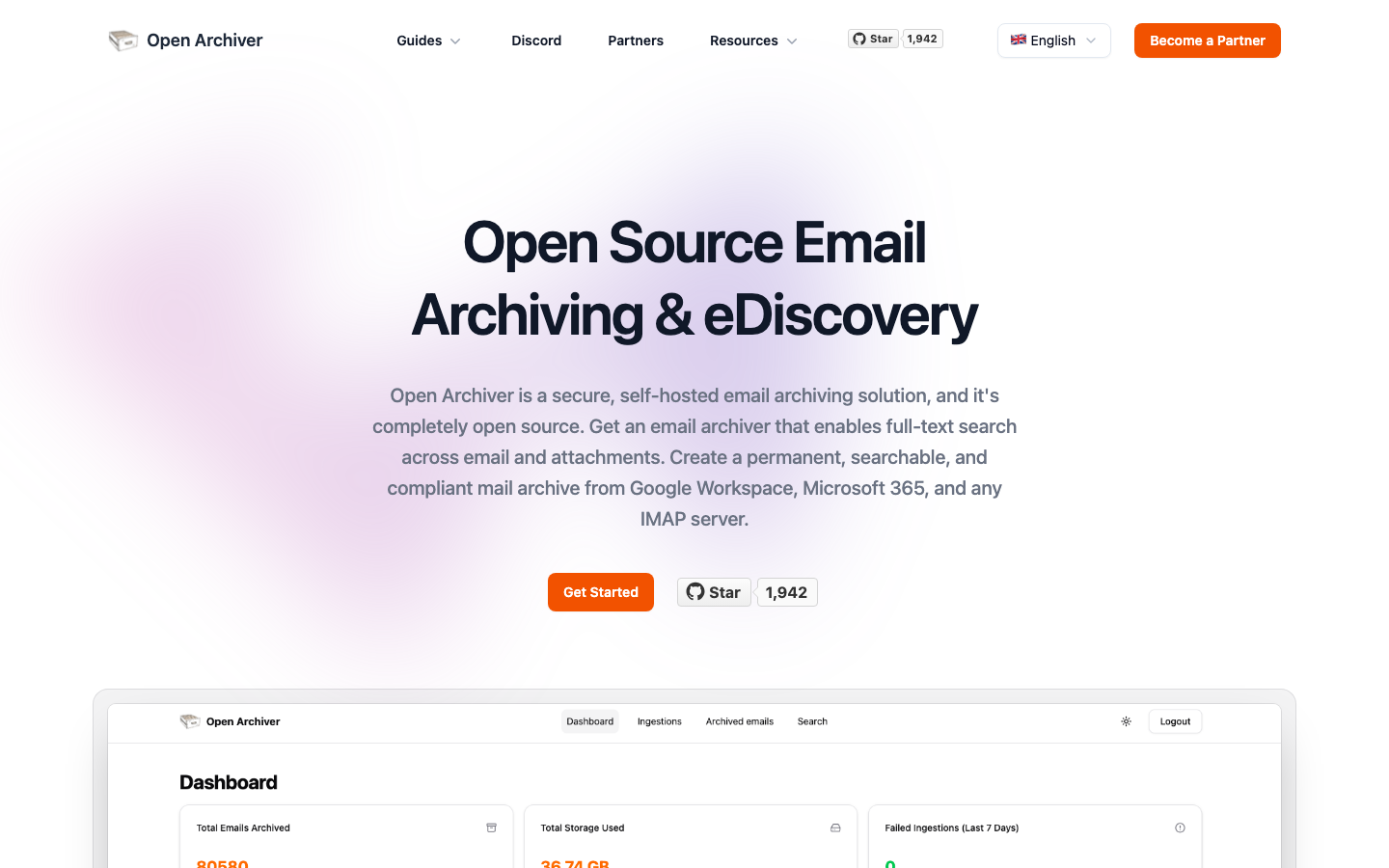
OpenArchiver
An open-source email archiving platform built for legal compliance and eDiscovery. OpenArchiver integrates with existing mail systems to capture, index, and retain email for regulatory and litigation holds.
Pros:
- Purpose-built for compliance and retention; automates legal holds and audit trails
- Self-hosted; data stays under your control
- REST API for integration with corporate workflows
Cons:
- Specialized tool; not a general-purpose mail client or server
- Requires separate mail infrastructure to archive from
iRedMail
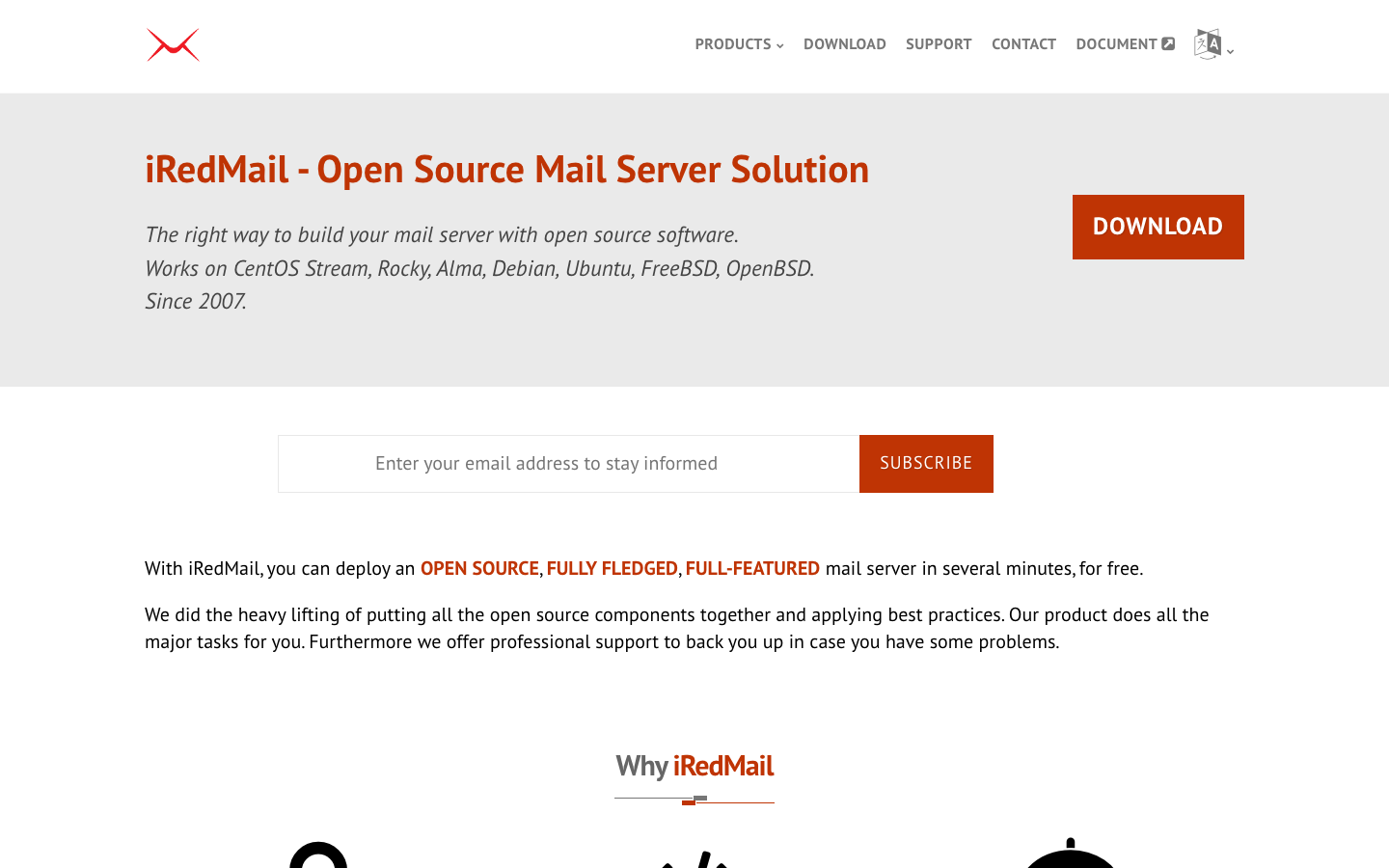
A full-featured, open-source mail server distribution for Linux and BSD. iRedMail bundles Postfix, Dovecot, and web admin tools into a single installer, eliminating the need for per-seat Exchange Online licensing.
Pros:
- Complete mail infrastructure under your control; no per-user subscription costs
- Supports IMAP, SMTP, JMAP, and ActiveSync (Exchange protocol compatibility)
- GPL-3.0 licensed; transparent, auditable codebase
Cons:
- Requires Linux/BSD server and sysadmin expertise to deploy and maintain
- No turnkey webmail UI included; pair with Roundcube or SnappyMail for web access
SnappyMail
A lightweight, modern webmail client written in PHP and JavaScript. SnappyMail is designed for minimal resource consumption while maintaining a clean, responsive interface comparable to Gmail.
Pros:
- Extremely lightweight; runs on modest hosting and low-memory servers
- Self-hosted; works with any IMAP/SMTP backend
- AGPL-3.0 licensed; community-driven development
Cons:
- Smaller ecosystem and plugin base than Roundcube
- Minimal built-in features; calendar and contacts require external integration
Cypht
A lightweight webmail aggregator that bridges multiple mail accounts (IMAP, SMTP, JMAP, Exchange Web Services) into a single interface. Cypht is ideal for teams that need to consolidate mail from diverse sources without vendor lock-in.
Pros:
- Supports multiple protocols including EWS (Exchange Web Services), allowing gradual migration away from Outlook
- Lightweight and modular; easy to self-host and customize
- LGPL-2.1 licensed; permissive for integration
Cons:
- Aggregator, not a full mail server; requires existing mail backends
- Smaller community and fewer plugins compared to Roundcube
How to choose
Desktop-first teams should start with Mailspring if they want a fast, beautiful client that works across Windows, Mac, and Linux without lock-in. Mobile-first Android users should pair it with Thunderbird Android. Organizations prioritizing privacy will find Tutanota the most straightforward path — encryption is built in, but you're adopting their service. Teams ready to self-host should evaluate iRedMail for full mail infrastructure control, then layer Roundcube or SnappyMail for webmail access. Compliance-heavy teams should add OpenArchiver to any mail backend. Multi-account power users can use Cypht to consolidate and gradually migrate away from Outlook without ripping-and-replacing everything at once.