











TL;DR
- Solo researchers and knowledge workers who need full-text search and offline access should start with ArchiveBox, which captures and stores entire web pages under your control.
- Teams managing shared reading lists will find linkwarden the fastest path to a collaborative bookmark manager with annotation and preservation built in.
- Content curators and RSS-first readers should lean on FreshRSS or wallabag to own their feed aggregation and reading workflow without platform risk.
Why teams leave Pocket
It was a Tuesday morning when a product manager realized her entire saved-article library—three years of research, competitor analysis, and industry clippings—had vanished. Mozilla shut down Pocket on July 8, 2025. By November 12, 2025, data export was disabled and deletion queues were running. For millions of users, the read-it-later tool they'd relied on had simply ceased to exist on someone else's timeline.
The structural problem is not unique to Pocket: it's the core vulnerability of free hosted services. When you save articles to a vendor's server, you're renting shelf space, not owning it. Strategic pivots, acquisitions, or simple business decisions can delete your library overnight, regardless of how much you depended on it. There's no negotiation, no warning period that matters, and by the time data export is disabled, recovery is impossible.
For teams, this creates three real risks:
- Vendor lock-in without portability. Pocket's export was a courtesy, not a guarantee. Once the service closes, your reading history, tags, and annotations are gone.
- No control over data retention. You cannot decide how long your research lives or where it's stored.
- Interrupted workflows. Every team member loses access simultaneously, with no fallback.
The cleanest argument for self-hosted, open-source alternatives is ownership: when you run the server and control the data, no acquisition or strategic pivot can delete your library.
Quick comparison
| Name | License | Self-Hosted | Data Format / Portability | Real-time Collaboration | Best For |
|---|---|---|---|---|---|
| RSSHub | AGPL-3.0 | Yes | RSS/Atom feeds | — | Converting any site to RSS |
| ArchiveBox | MIT | Yes | HTML, PDF, JSON, WARC; full-page snapshots | — | Complete web archiving & offline access |
| karakeep | AGPL-3.0 | Yes | JSON export; AI tagging | — | Bookmark everything with automatic organization |
| linkwarden | AGPL-3.0 | Yes | JSON/CSV export; collaborative | Yes | Team reading lists with annotations |
| FreshRSS | AGPL-3.0 | Yes | OPML, JSON; standard feed formats | — | News aggregation & feed management |
| wallabag | MIT | Yes | HTML, PDF, JSON, EPUB; Pocket import | — | Article reading & offline library |
| linkding | MIT | Yes | HTML, JSON; minimal, fast | — | Lightweight bookmark manager |
| NewsBlur | MIT | Yes | OPML, JSON; social news reader | Yes | Personal news + community discussion |
Top open-source alternatives to Pocket
RSSHub
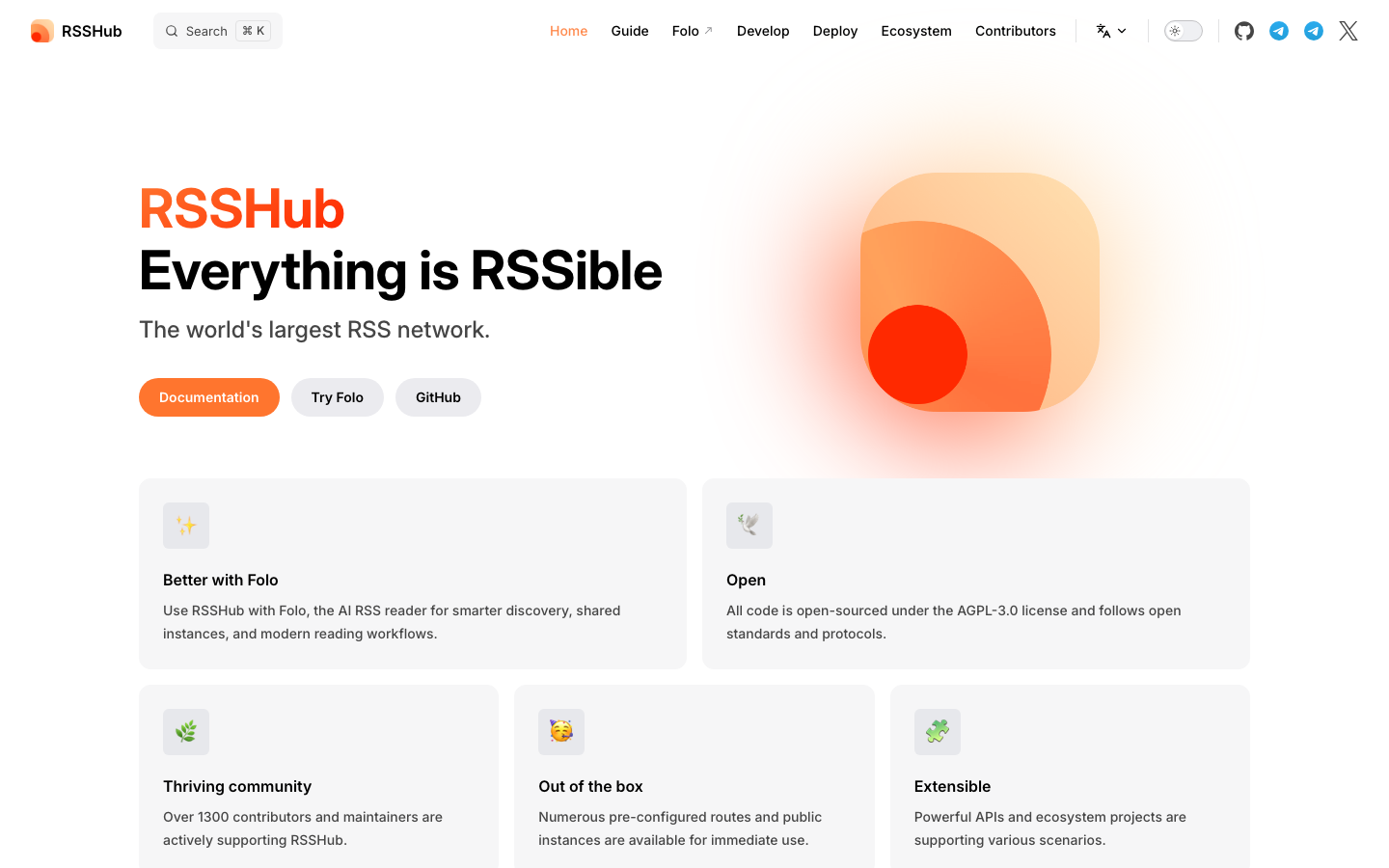
RSSHub turns any website into an RSS feed—a universal, open format that no single platform controls. It's a bridge tool: if you want to feed articles into your own read-later system, RSSHub extracts them as standard feeds you own and control.
Pros
- Converts virtually any site to RSS, breaking vendor lock-in at the source
- Decouples your reading workflow from proprietary APIs
- Lightweight and fast; easily self-hosted
Cons
- Requires a separate reader or aggregator to consume feeds
- Not a complete read-it-later solution on its own
ArchiveBox
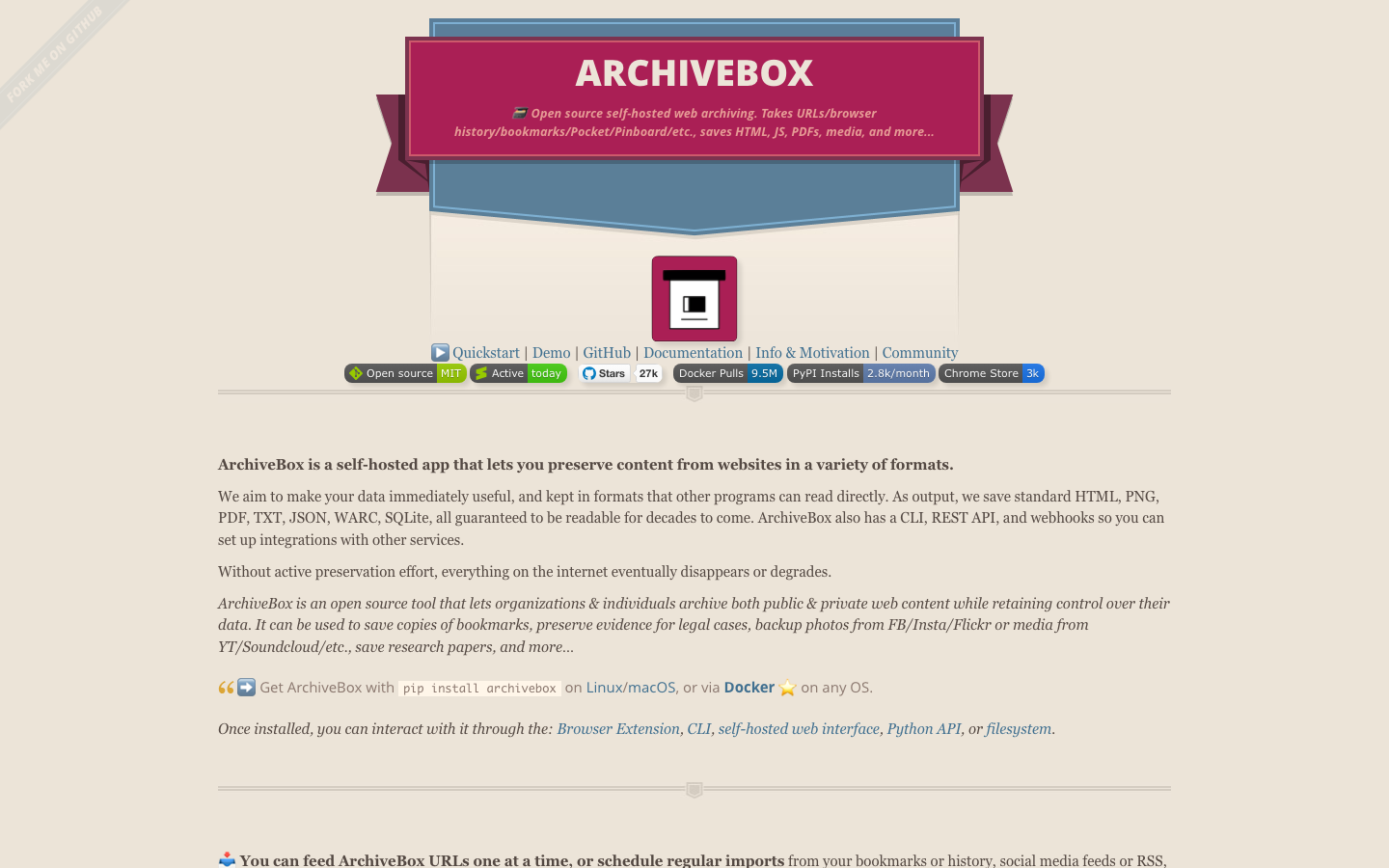
ArchiveBox is a full-stack web archiver that takes URLs, browser history, bookmarks, and Pocket exports, then saves them as HTML, PDFs, screenshots, and media files on your own server. It's designed for researchers, journalists, and anyone who needs to preserve the entire page, not just a link.
Pros
- Captures complete web pages, including JavaScript and media, for true offline access
- Accepts Pocket exports directly, easing migration
- WARC format support enables long-term archival and interoperability
Cons
- Storage-intensive; large libraries require significant disk space
- Setup and maintenance require more technical overhead than lighter tools
karakeep
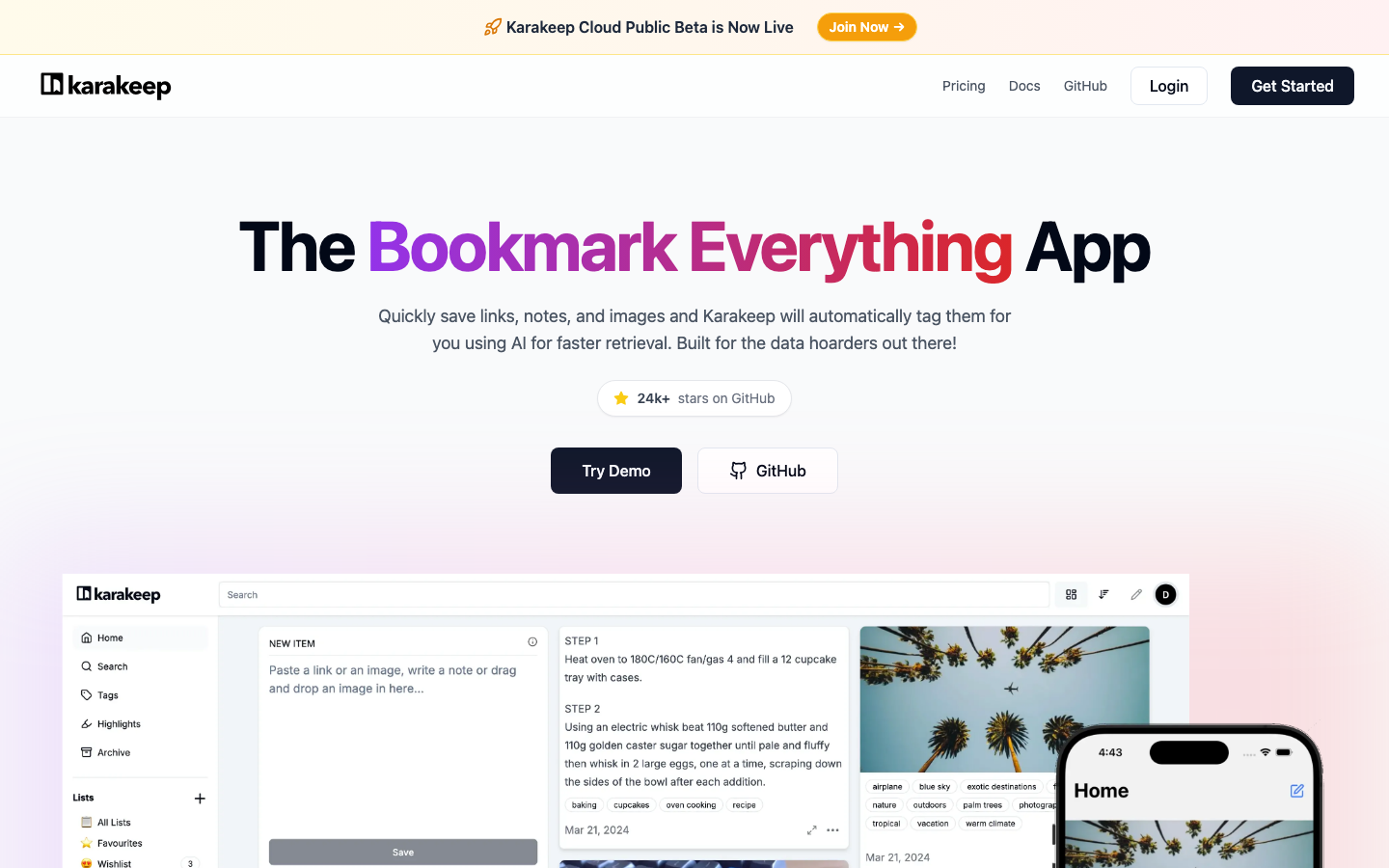
karakeep is a self-hostable bookmark-everything app that saves links, notes, and images with AI-based automatic tagging and full-text search. It's built for people who clip constantly and need their library to organize itself.
Pros
- Automatic tagging removes manual categorization friction
- Full-text search across all saved content
- Supports images and mixed media, not just articles
Cons
- AI tagging quality depends on model choice and configuration
- Smaller community and fewer integrations than established alternatives
linkwarden
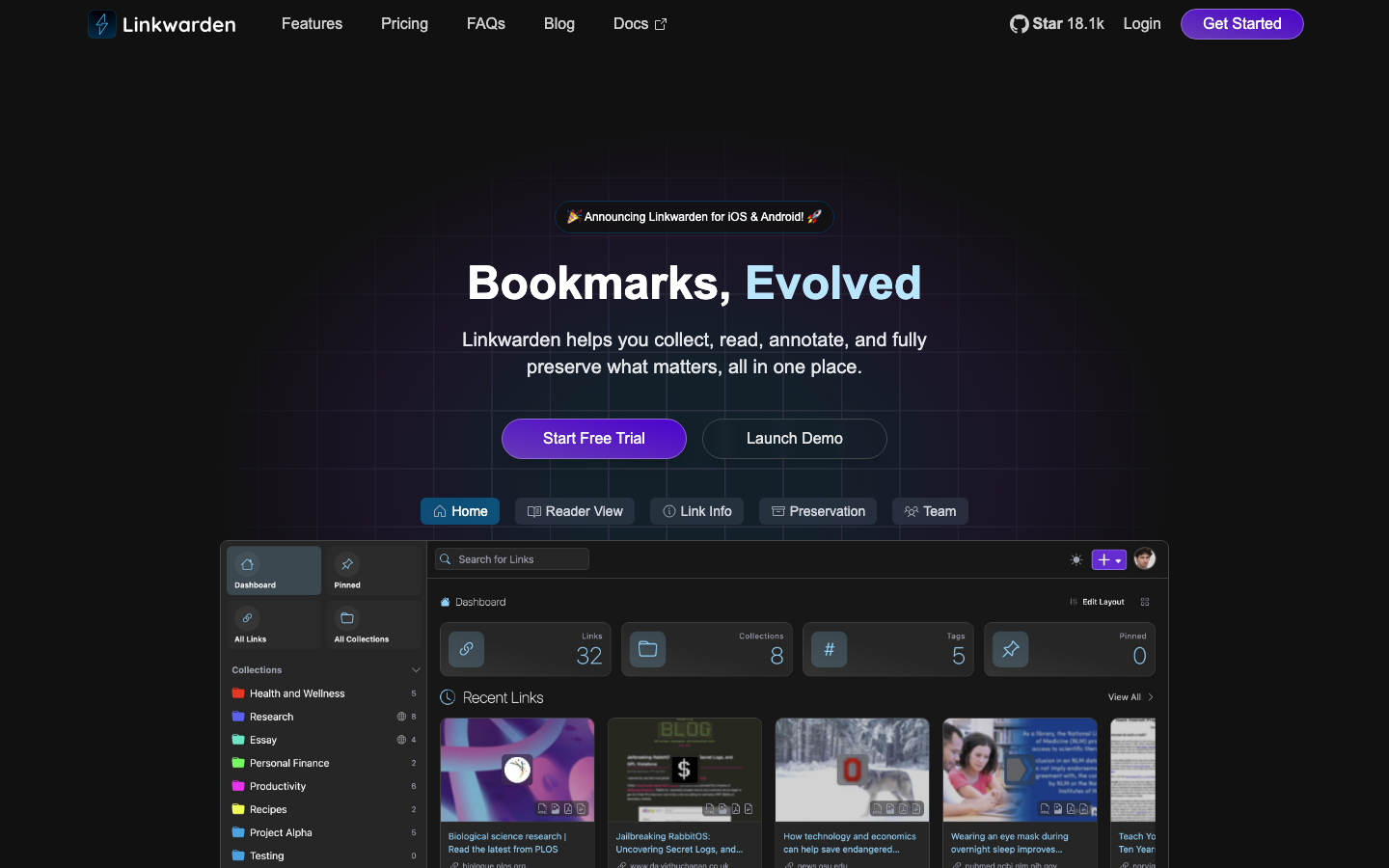
linkwarden is a collaborative bookmark manager designed for teams. It lets you collect, read, annotate, and fully preserve web content in one place, with real-time sharing and permission controls built in.
Pros
- Real-time collaboration and team sharing out of the box
- Built-in annotation and highlighting for reading research
- Fast, modern interface with full-text search
Cons
- Requires more infrastructure to run than minimal tools
- Learning curve steeper than simple bookmark managers
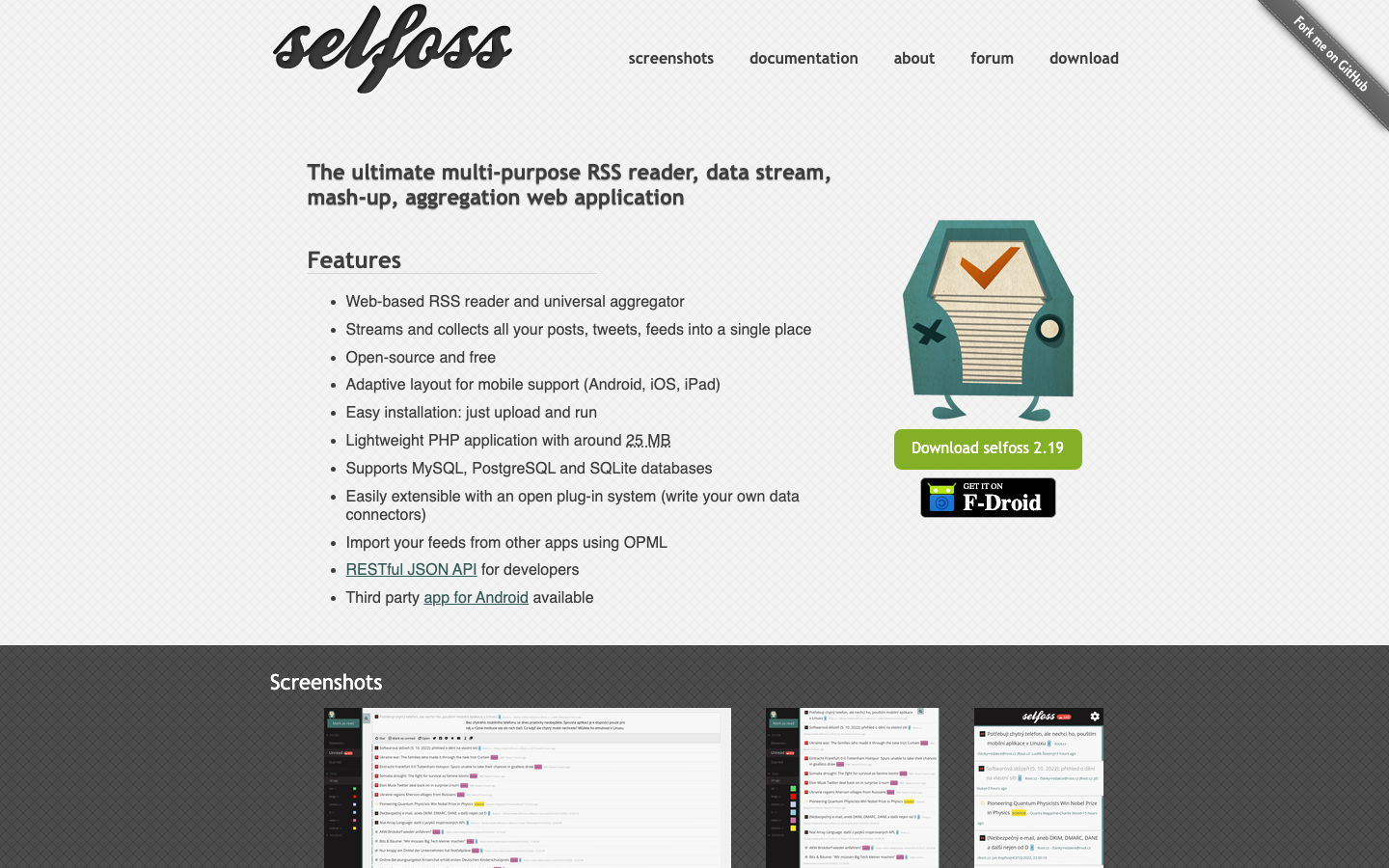
FreshRSS
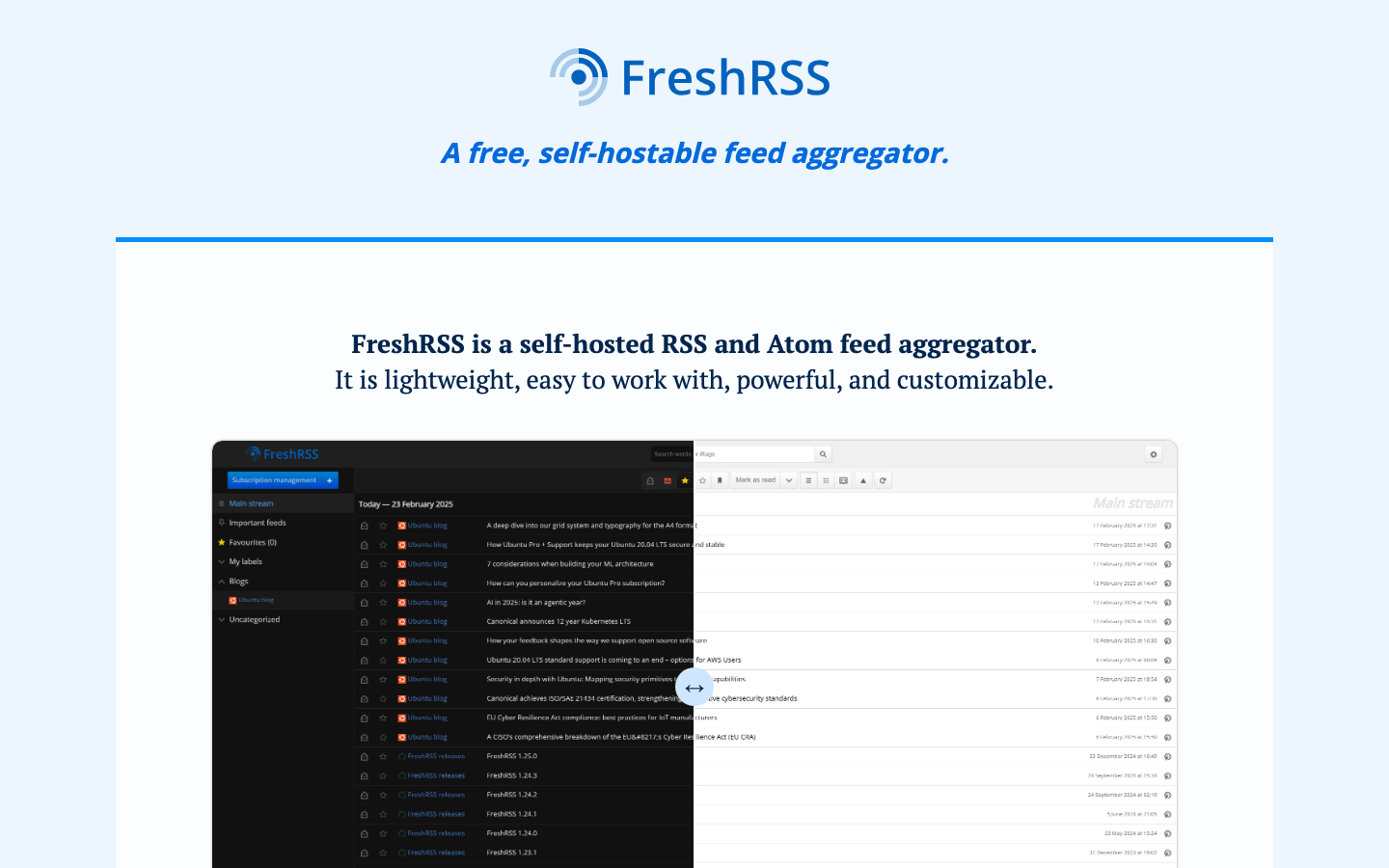
FreshRSS is a self-hosted news aggregator that brings RSS feeds under your control. It's the classic read-it-later pattern: subscribe to feeds, mark articles as read, and organize by category—all on your own server.
Pros
- Lightweight PHP application; runs on modest hardware
- Supports OPML import/export for easy feed migration
- Long-standing, stable open-source project with active maintenance
Cons
- Focused on feeds; doesn't capture non-RSS web content
- Minimal annotation and highlighting features compared to article-focused tools
wallabag
wallabag is a self-hosted article reader and library. Save web pages, read them offline, organize them by tags, and export your entire library as HTML, PDF, JSON, or EPUB. It explicitly supports Pocket imports, making migration straightforward.
Pros
- Direct Pocket import support; purpose-built for this migration
- Exports to multiple formats including EPUB for e-readers
- Lightweight PHP stack; easy to deploy
Cons
- No native collaboration features; single-user or manual sharing only
- Less sophisticated tagging and search than newer alternatives
linkding
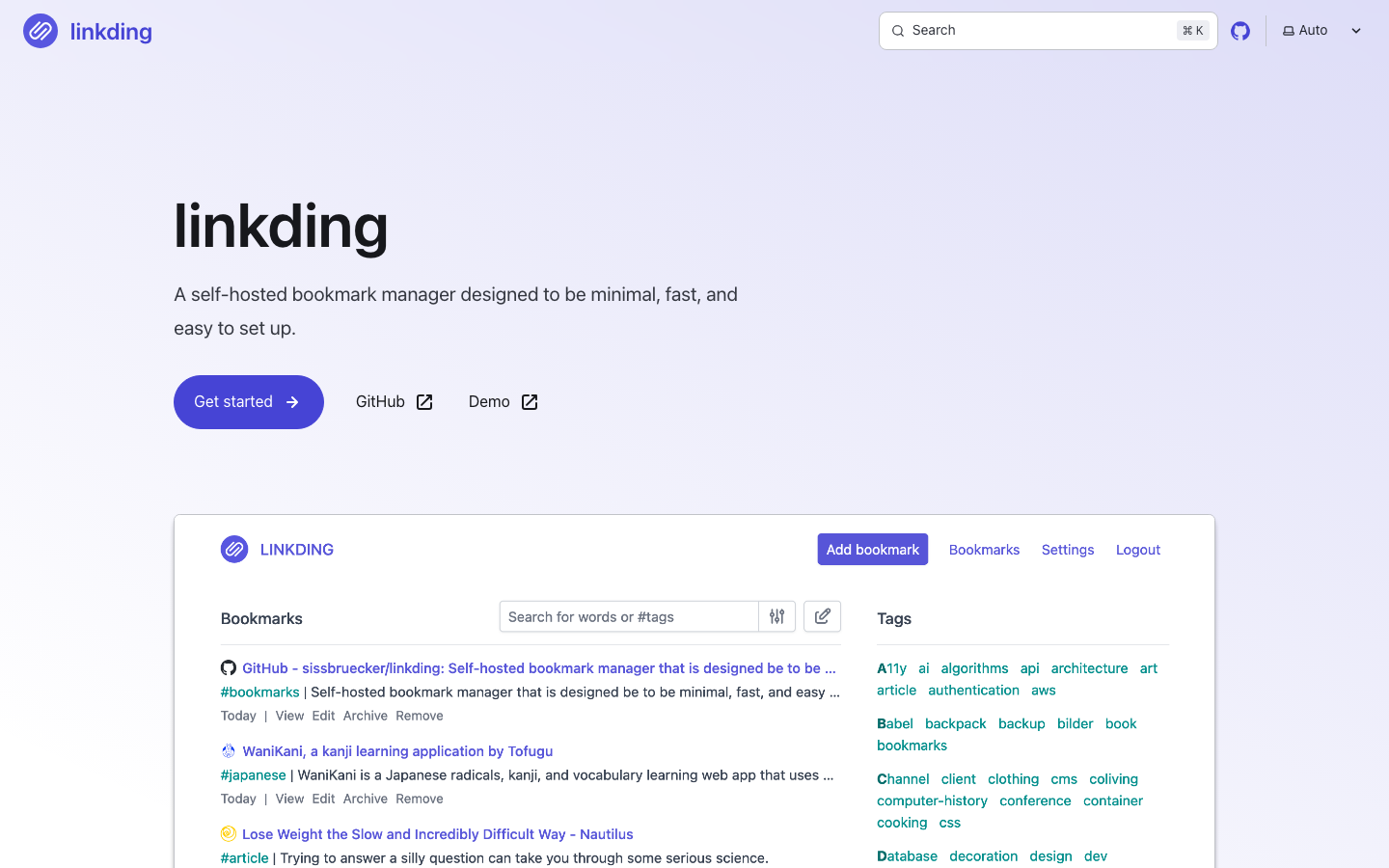
linkding is a minimal, fast self-hosted bookmark manager designed for simplicity. It prioritizes speed and ease of setup via Docker, making it ideal for teams that want to move quickly without configuration overhead.
Pros
- Minimal, fast interface with zero bloat
- Docker-ready; one-command deployment
- Lightweight Python codebase; runs on low-resource hardware
Cons
- Fewer features than full-featured alternatives (no annotation, limited tagging)
- Not designed for real-time team collaboration
NewsBlur
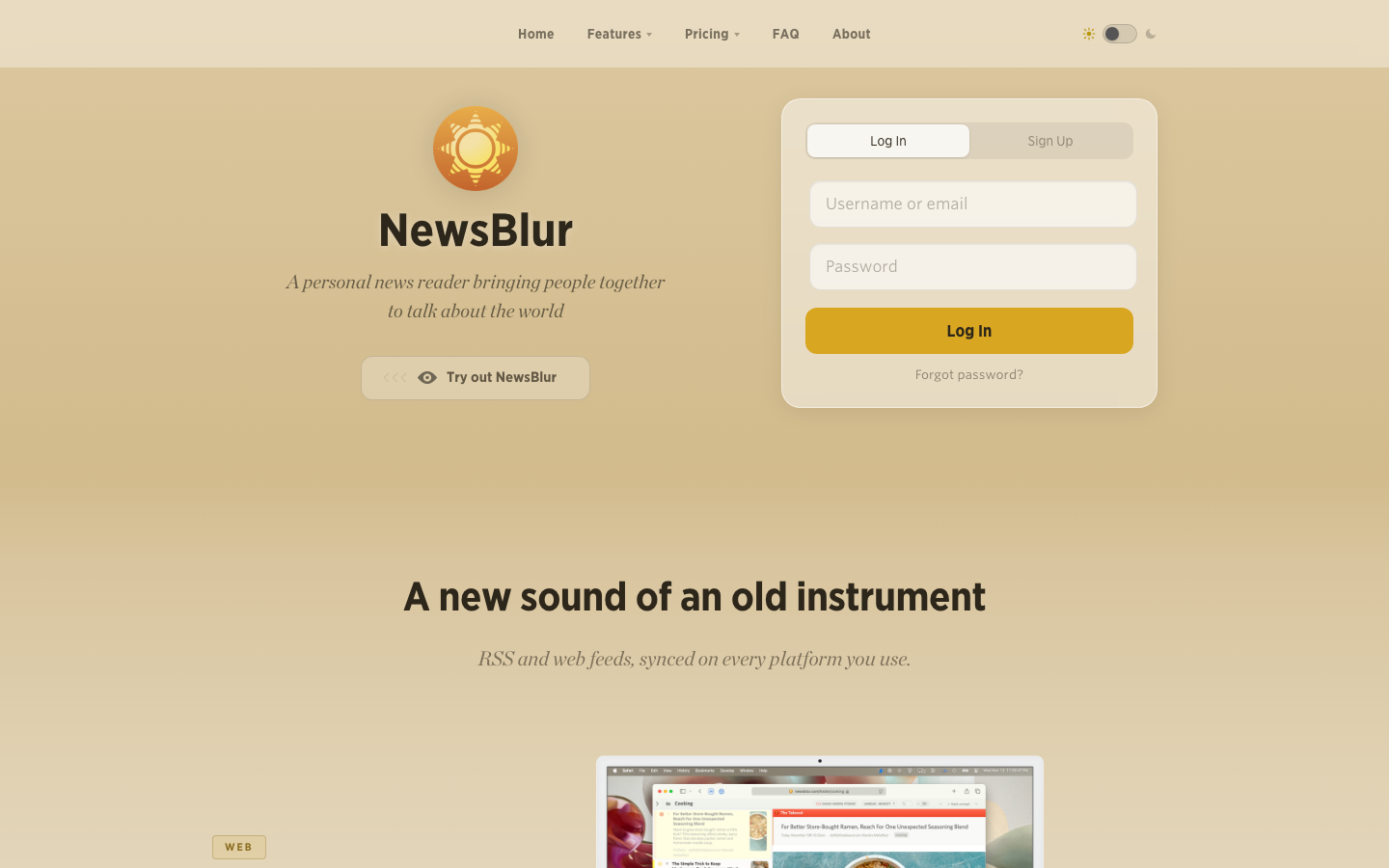
NewsBlur is a personal news reader that combines feed aggregation with social features, letting you discuss stories with others and build a shared reading experience. It's both a reader and a community.
Pros
- Real-time collaboration and social discussion built in
- Works as both a private reader and community platform
- OPML support for feed portability
Cons
- Social features add complexity if you only need a personal reader
- Requires more infrastructure than minimal alternatives
How to choose
Start with your primary use case. If you're archiving full pages for long-term research, ArchiveBox is the only choice. If you're migrating from Pocket and want the closest experience, wallabag has direct import support. If your team needs real-time collaboration, linkwarden or NewsBlur are the only options with sharing built in.
Consider infrastructure. linkding and FreshRSS run on minimal hardware; linkwarden and ArchiveBox need more resources. For teams, Docker support matters: linkding and wallabag make deployment fast.
Plan for portability. All eight projects support export, but formats vary. If you want to avoid future lock-in, prioritize tools that export to open standards: OPML for feeds, JSON for structured data, WARC for archives. This ensures you can migrate again without losing history.