











TL;DR
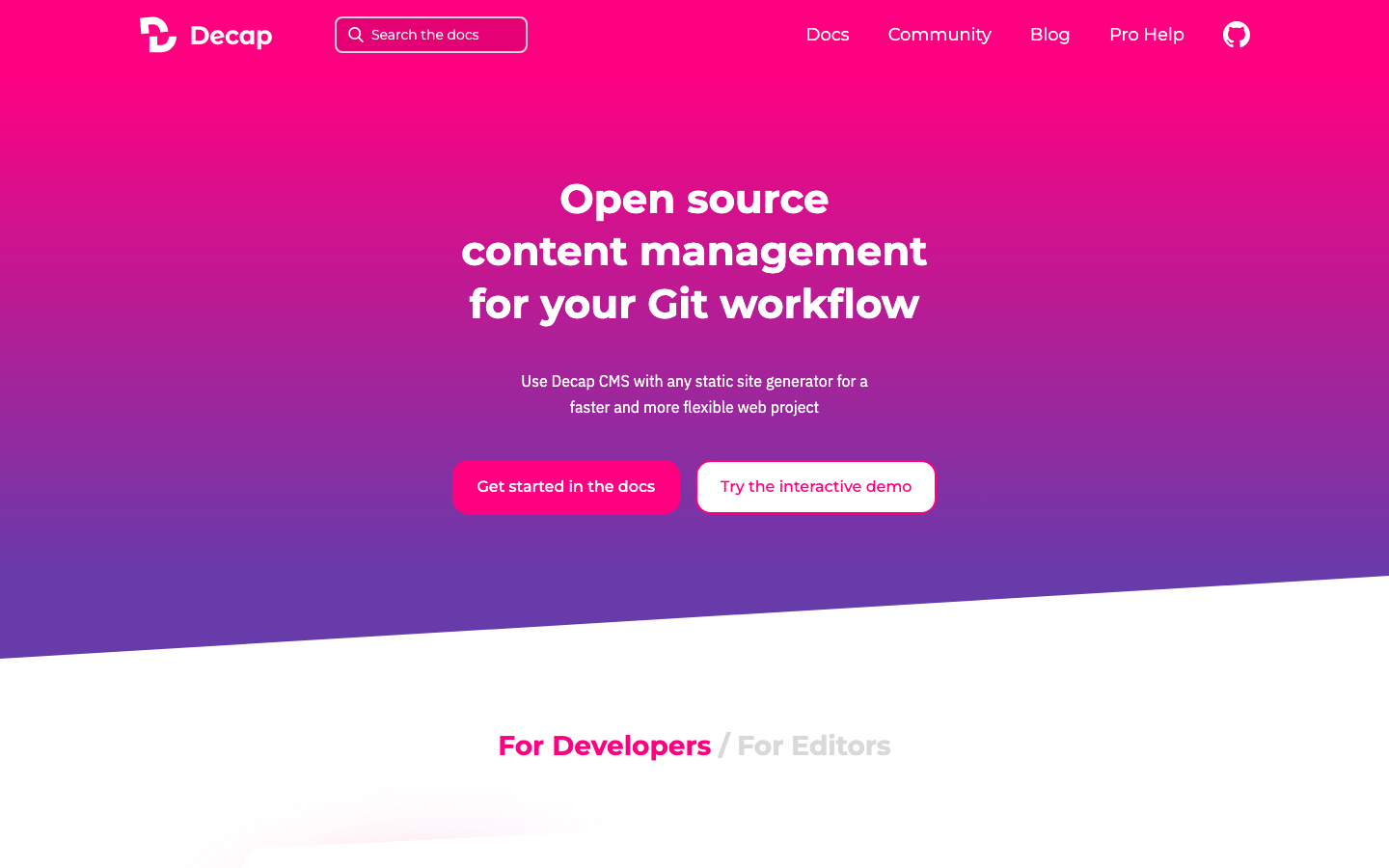
- Startups and small teams on a tight budget should evaluate Decap CMS if your content lives in Git and you're already using a static site generator—you'll eliminate per-seat fees entirely and keep everything in version control.
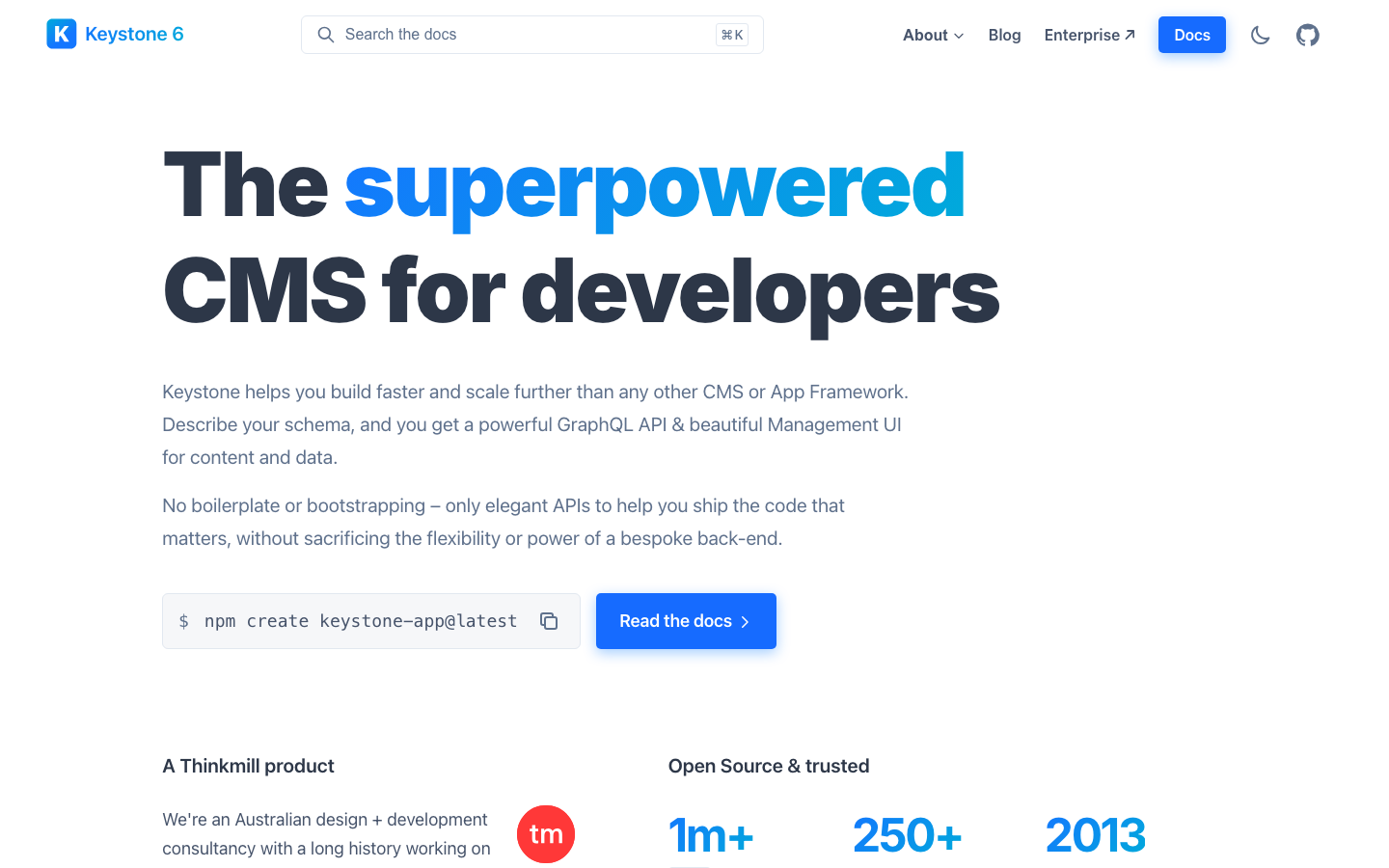
- Node.js teams building custom applications will find Keystone a natural fit: it's a full GraphQL headless CMS you can self-host, giving you control over scaling without usage overages.
- Enterprises managing product data, digital assets, and commerce together should explore Pimcore, which consolidates PIM, DAM, and CMS functions in one open-source platform, avoiding the vendor lock-in of specialized SaaS tools.
Why teams leave Sanity
Picture a growing e-commerce team in month six: content editors have multiplied, API calls spiked during a product launch, and the monthly bill arrived with overage charges they didn't anticipate. The Growth plan promised clarity, but every new seat, every asset stored, every API request beyond the tier limit triggered another line item. Within a year, a small team's "affordable" CMS had become a scaling tax.
Sanity's pricing model—per-seat plus usage—creates a structural problem for teams that grow or whose traffic patterns shift. You're not just paying for the software; you're paying for Sanity's infrastructure decisions, their API quotas, and their right to adjust pricing. If your project becomes successful, your cost-per-transaction climbs. If you want to move your content or reduce dependency on their cloud, you're locked into their hosted backend. There's no way to "own" the system or cap your expenses by deploying it yourself. For budget-conscious teams, for projects with unpredictable traffic, or for organizations that need to control their tech stack entirely, this model becomes unsustainable.
Quick comparison
| Name | License | Self-Hosted | Plugin Ecosystem | Headless / API | Best For |
|---|---|---|---|---|---|
| Decap CMS | MIT | Yes | Lightweight | REST / Git-based | Static sites, content in version control |
| Keystone | MIT | Yes | Node.js modules | GraphQL | Custom Node.js apps, full-stack JavaScript |
| Apostrophe | License not declared | Yes | Node.js ecosystem | REST / GraphQL | Full-stack JS, in-context editing |
| Pimcore | License not declared | Yes | Extensive plugins | REST / GraphQL | Product data, DAM, commerce, enterprise |
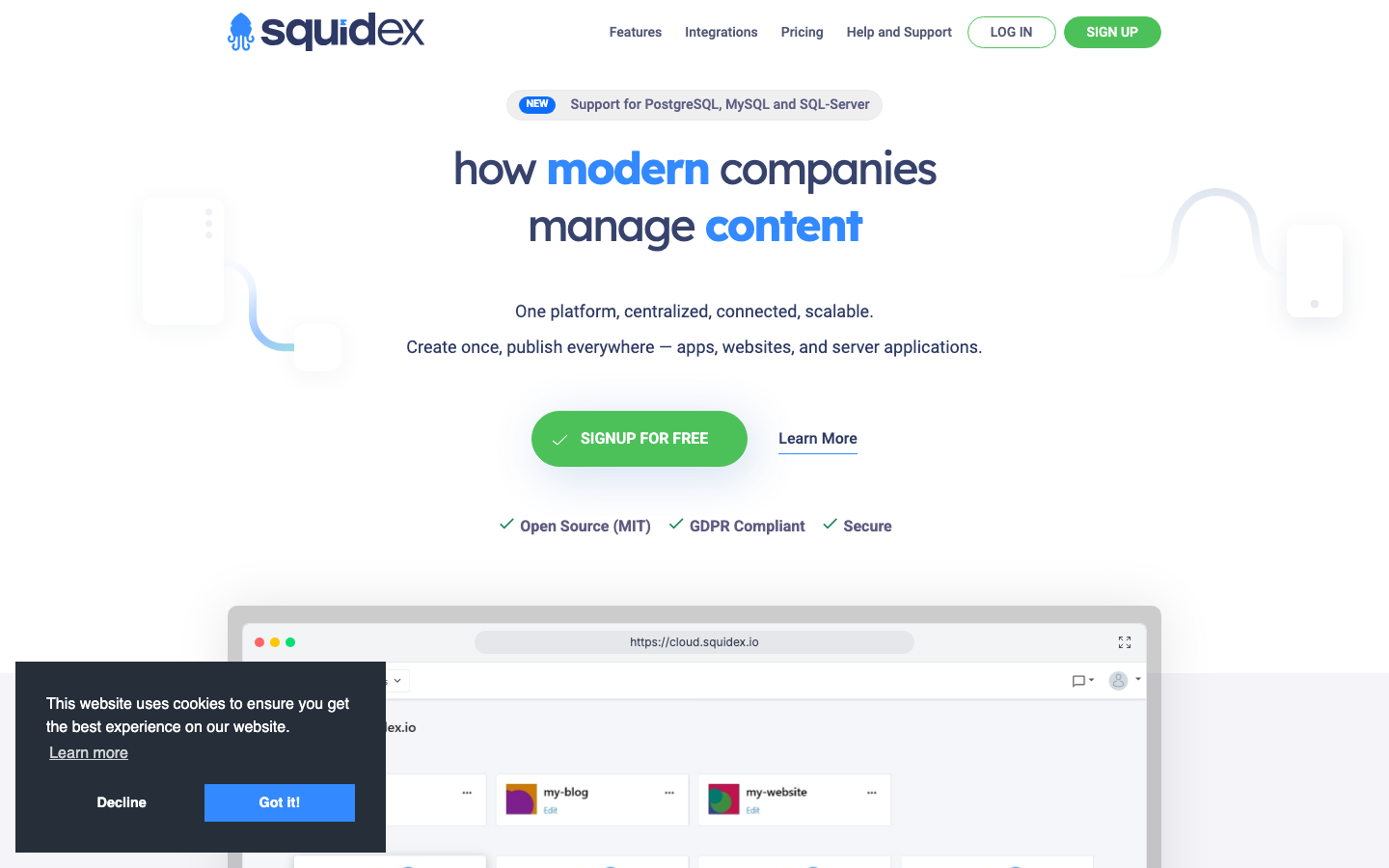
| Squidex | MIT | Yes | .NET ecosystem | REST / GraphQL | .NET teams, structured content |
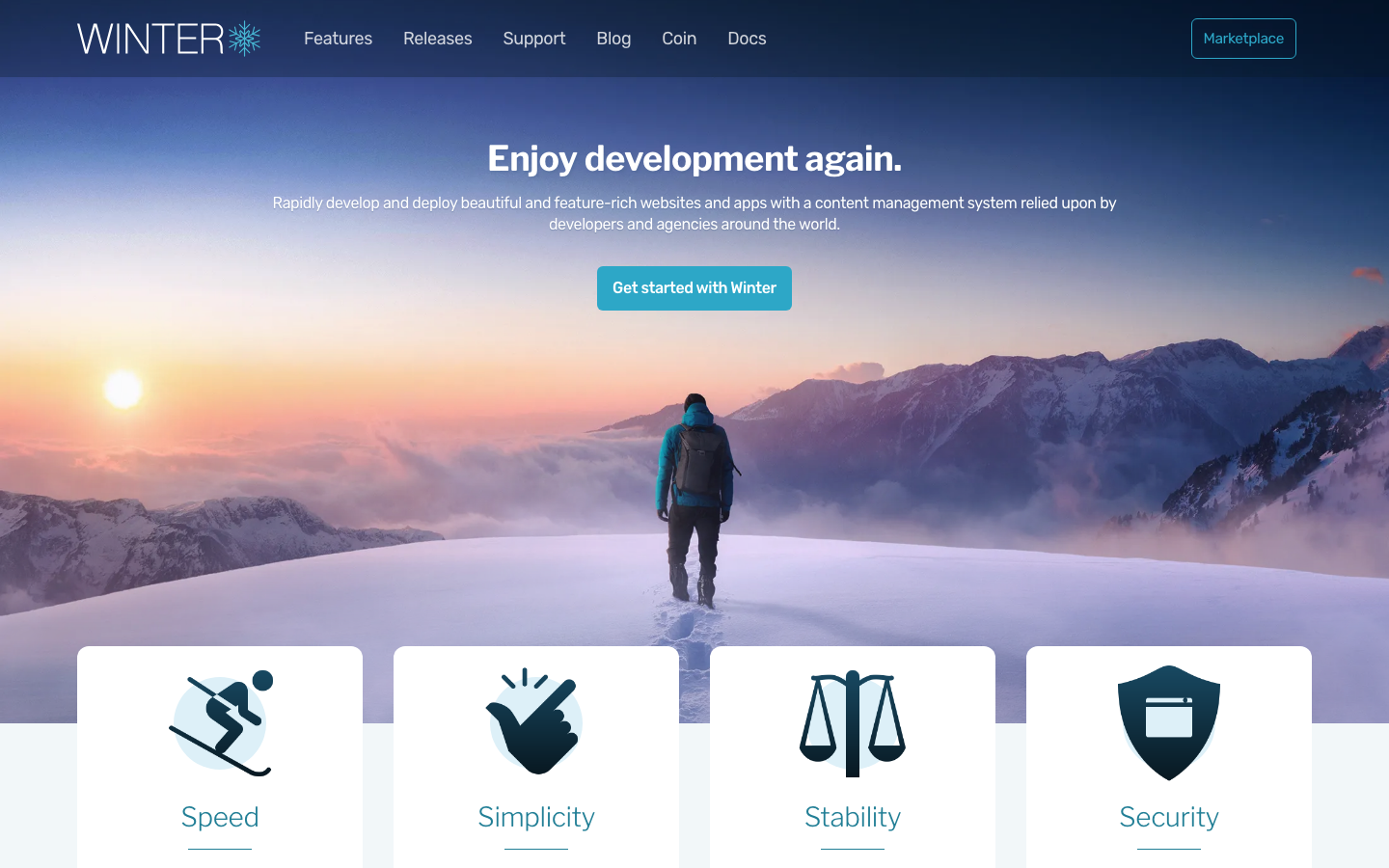
| Winter | MIT | Yes | Laravel ecosystem | REST | PHP teams, traditional web apps |
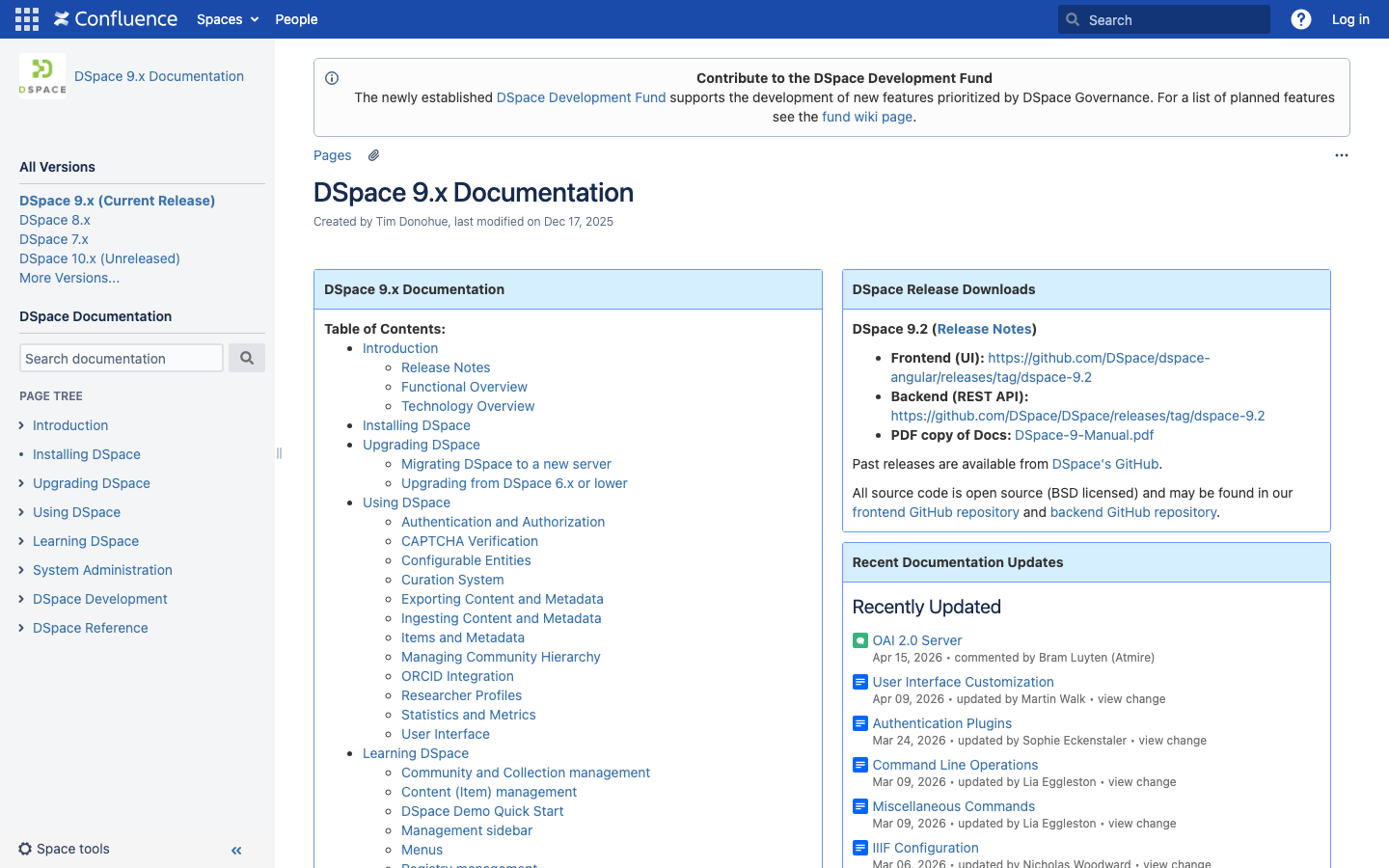
| DSpace | BSD-3-Clause | Yes | Limited | REST | Institutional repositories, digital assets |
| Automad | License not declared | Yes | Minimal | Flat-file templating | Small sites, flat-file simplicity |
Top open-source alternatives to Sanity
Decap CMS
A Git-based CMS that treats your repository as the source of truth, allowing non-technical editors to manage content through a web UI while keeping everything version-controlled. It pairs seamlessly with static site generators like Hugo, Jekyll, and Gatsby, making it ideal for teams already invested in the JAMstack.
Pros
- Zero hosting costs; content lives in your Git repo, reducing vendor dependency entirely
- Built-in version control and rollback for every change
- Lightweight and fast—no database or backend infrastructure needed
Cons
- Limited to static site workflows; not suitable for real-time, dynamic applications
- Smaller ecosystem compared to traditional CMS platforms
Keystone
A superpowered headless CMS built on Node.js and GraphQL, designed for teams that want to write custom content applications in JavaScript. You define your content schema in code, and Keystone generates a GraphQL API and admin UI automatically.
Pros
- Full control over your data model and API; deploy it wherever you want
- GraphQL-first design eliminates overfetching and gives frontend teams precision
- Self-hosted eliminates per-seat and usage-based pricing entirely
Cons
- Requires Node.js and JavaScript expertise; steeper learning curve for non-technical teams
- Admin UI is functional but less polished than commercial alternatives
Apostrophe
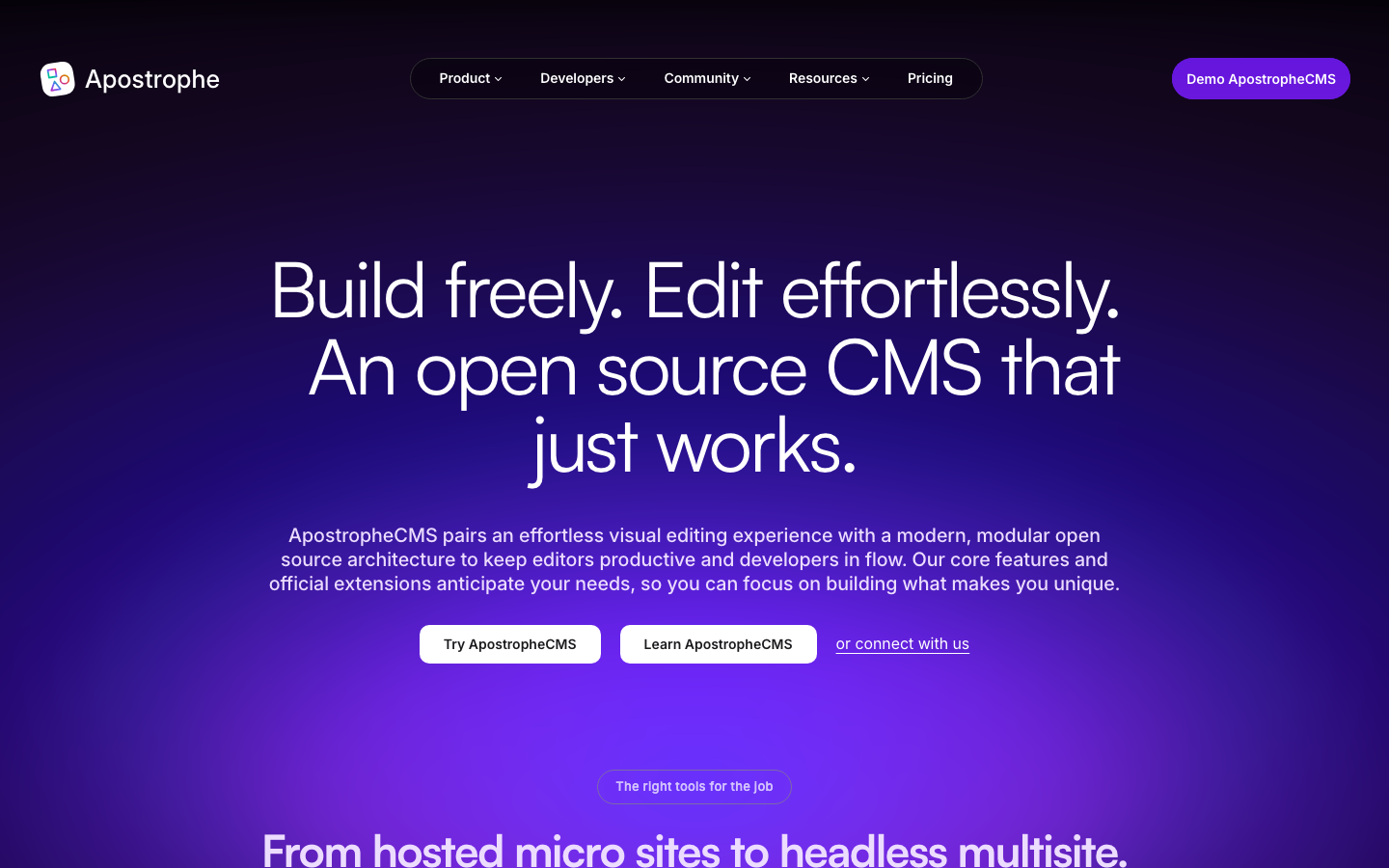
A full-featured, open-source CMS framework built on Node.js that combines in-context editing (edit content directly on the page) with a headless API. It's designed for teams that want both a traditional CMS experience and programmatic content access.
Pros
- In-context editing reduces the gap between content creators and the final page
- Full-stack JavaScript means one language across frontend and backend
- Flexible enough for both traditional and headless workflows
Cons
- Smaller community and ecosystem than Keystone or Decap
- Requires Node.js infrastructure and deployment knowledge
Pimcore
An open-source Data & Experience Management platform that consolidates PIM (Product Information Management), DAM (Digital Asset Management), CDP, and CMS capabilities in one system. It's built for enterprises managing complex product catalogs, digital assets, and multi-channel commerce.
Pros
- Single platform for product data, assets, and content eliminates tool fragmentation
- Extensive plugin ecosystem and REST/GraphQL APIs for integration
- Designed for large teams and high-volume asset management
Cons
- Steep learning curve and requires significant infrastructure investment
- PHP-based; not ideal for teams committed to JavaScript or other stacks
Squidex
A headless CMS and content management hub built in C# and .NET, offering REST and GraphQL APIs with a clean admin interface. It's positioned as a lightweight alternative to enterprise CMS platforms.
Pros
- Native .NET implementation; natural choice for .NET-first teams
- Structured content with flexible content types and validation rules
- Docker-ready for self-hosted deployment
Cons
- Smaller community than JavaScript-based alternatives
- .NET requirement limits accessibility for polyglot teams
Winter
A free, open-source, self-hosted CMS platform built on the Laravel PHP framework. It combines traditional CMS features with a plugin architecture, making it accessible to PHP developers.
Pros
- Built on Laravel, so PHP developers can extend it naturally
- No vendor lock-in; deploy on any server with PHP and a database
- Familiar CMS workflows for teams migrating from WordPress
Cons
- Smaller community and fewer plugins compared to WordPress
- PHP-based; not ideal for JavaScript-first teams
DSpace
An official digital asset management system designed for institutional repositories, research libraries, and organizations managing large collections of digital objects. It's built in Java and focused on preservation and discovery.
Pros
- Purpose-built for institutional and archival use cases
- Strong metadata and discovery features for research and collections
- Mature, battle-tested system for digital preservation
Cons
- Not a general-purpose CMS; designed specifically for repositories and archives
- Steeper operational overhead; requires Java and database expertise
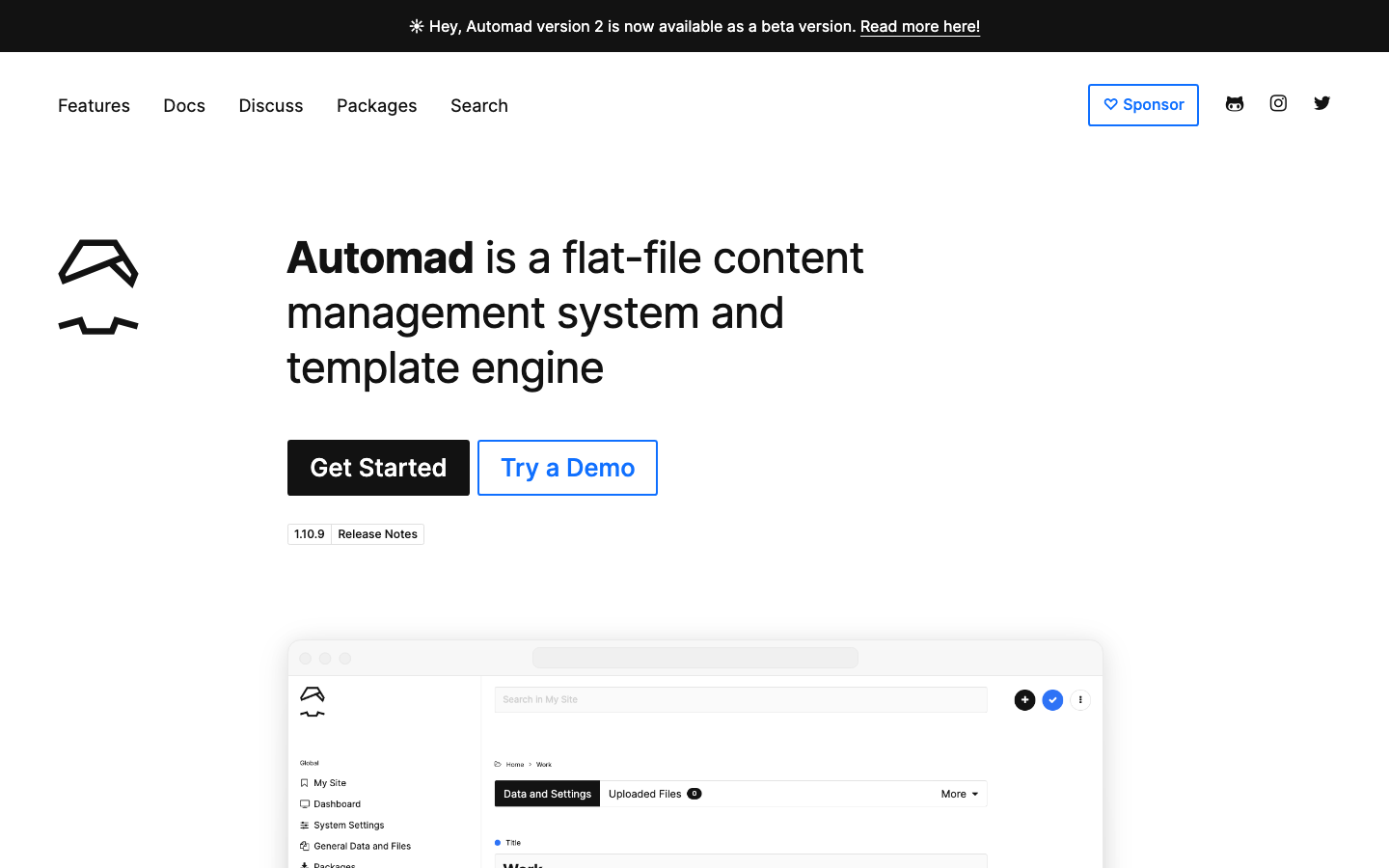
Automad
A flat-file content management system and template engine built in TypeScript. It stores content in flat files rather than a database, making it simple to version control and deploy.
Pros
- Minimal dependencies; flat-file storage keeps everything portable and version-controllable
- Lightweight and fast; suitable for small to medium sites
- Easy to understand and modify for developers
Cons
- Not suitable for large-scale projects or real-time collaboration
- Limited plugin ecosystem and community support
How to choose
Start by identifying your team's primary language and infrastructure: if you're JavaScript-native, Keystone or Apostrophe will feel natural and give you full control. If you're using a static site generator, Decap CMS eliminates infrastructure overhead entirely. For PHP teams, Winter bridges the gap; for .NET shops, Squidex is purpose-built. If you're an enterprise managing product data and assets at scale, Pimcore consolidates tools and avoids the per-seat trap. For all choices, the key advantage is the same: you own the system, you control scaling costs, and you're not paying Sanity's infrastructure tax on every growth milestone.