







TL;DR
- You need a Laravel-native alternative with flat-file flexibility: Winter gives you the same framework foundation as Statamic without per-site licensing, ideal for agencies building multiple client sites.
- Your team wants a mature, battle-tested ecosystem with zero licensing friction: WordPress remains the pragmatic choice for teams seeking maximum plugin depth and community support across any scale.
- Flat-file simplicity and minimal dependencies matter more than a large plugin marketplace: Bludit or Automad eliminate database complexity while keeping full code ownership and zero vendor lock-in.
Why teams leave Statamic
Statamic's per-site licensing model creates compounding costs as your project count grows—each new site means another license fee plus potential paid add-ons, turning what should be a straightforward CMS decision into a recurring expense line item. Beyond the financial friction, there's the deeper issue of vendor control: your content, configuration, and feature roadmap all depend on Statamic's release schedule and business decisions. Teams choosing open-source alternatives are solving for two concrete problems: eliminating per-deployment licensing overhead and gaining full ownership of the codebase so they can fork, modify, or maintain it independently if the vendor's direction diverges from their needs.
Quick comparison
| Name | License | Self-Hosted | API / Extensibility | Stack / Language | Best For |
|---|---|---|---|---|---|
| WordPress | GPL-2.0 | ✓ | REST API, hooks, plugins | PHP | Broad ecosystem, content-first sites |
| Wagtail | BSD-3-Clause | ✓ | REST API, Django ORM, Python extensibility | Python | Structured content, editorial workflows |
| Joomla | GPL-2.0 | ✓ | Component API, extensions | PHP | Community portals, complex permissions |
| Winter | MIT | ✓ | Laravel plugins, full framework access | PHP (Laravel) | Laravel teams, rapid multi-site deployments |
| Bludit | MIT | ✓ | Plugins, JSON/YAML data | PHP | Minimal overhead, flat-file workflows |
| MODX Revolution | GPL-2.0 | ✓ | Custom snippets, template tags | PHP | Template-first design, deep customization |
| Automad | License not declared | ✓ | Flat-file, template engine | TypeScript | Static-site-adjacent, developer control |
Top open-source alternatives to Statamic
WordPress
The largest open-source CMS ecosystem by adoption, WordPress powers content-driven sites across every industry. Its REST API, hook system, and plugin marketplace offer escape routes from vendor constraints while maintaining a shallow learning curve for most teams.
Pros:
- Unmatched plugin and theme ecosystem; nearly any feature exists as a package
- Mature REST API and headless CMS capabilities (with plugins like WP GraphQL)
- Hosting options range from free self-hosted to managed providers; zero licensing overhead
Cons:
- Monolithic architecture can feel bloated for headless-only workflows
- Security surface area grows with plugin count; requires active maintenance discipline
Wagtail
A Django-native CMS built for structured content and editorial workflows, Wagtail appeals to teams comfortable with Python and wanting a modern alternative to PHP-based systems. Its admin interface prioritizes content editors while exposing a powerful Python API for developers.
Pros:
- Excellent for structured content models and complex editorial hierarchies
- Full Django ORM and Python ecosystem at your fingertips; no artificial API boundaries
- BSD license and active open-source governance; no vendor lock-in risk
Cons:
- Smaller ecosystem than WordPress; fewer off-the-shelf integrations
- Steeper onboarding for teams unfamiliar with Django
Joomla
A mature, component-based CMS with strong multi-user and permission management, Joomla suits complex organizational content needs and community-driven sites. Its architecture supports deep customization through extensions and custom modules.
Pros:
- Powerful user and permission system; handles complex role hierarchies natively
- Large extension marketplace and long track record of stability
- Active community and hosting support available
Cons:
- UI and code patterns feel dated compared to modern CMS systems
- Smaller developer mindshare than WordPress; fewer contemporary integrations
Winter
A Laravel-based CMS that mirrors Statamic's philosophy but as pure open-source, Winter gives Laravel teams the same modern framework foundation without licensing friction. It supports both flat-file and database backends and is purpose-built for Laravel developers.
Pros:
- Laravel ecosystem integration; use any Laravel package directly in your CMS
- Flat-file or database flexibility; no architectural lock-in
- MIT license with no per-site costs; ideal for agencies running multiple projects
Cons:
- Smaller plugin ecosystem than WordPress; more DIY customization expected
- Less mature than Statamic; fewer third-party integrations out of the box
Bludit
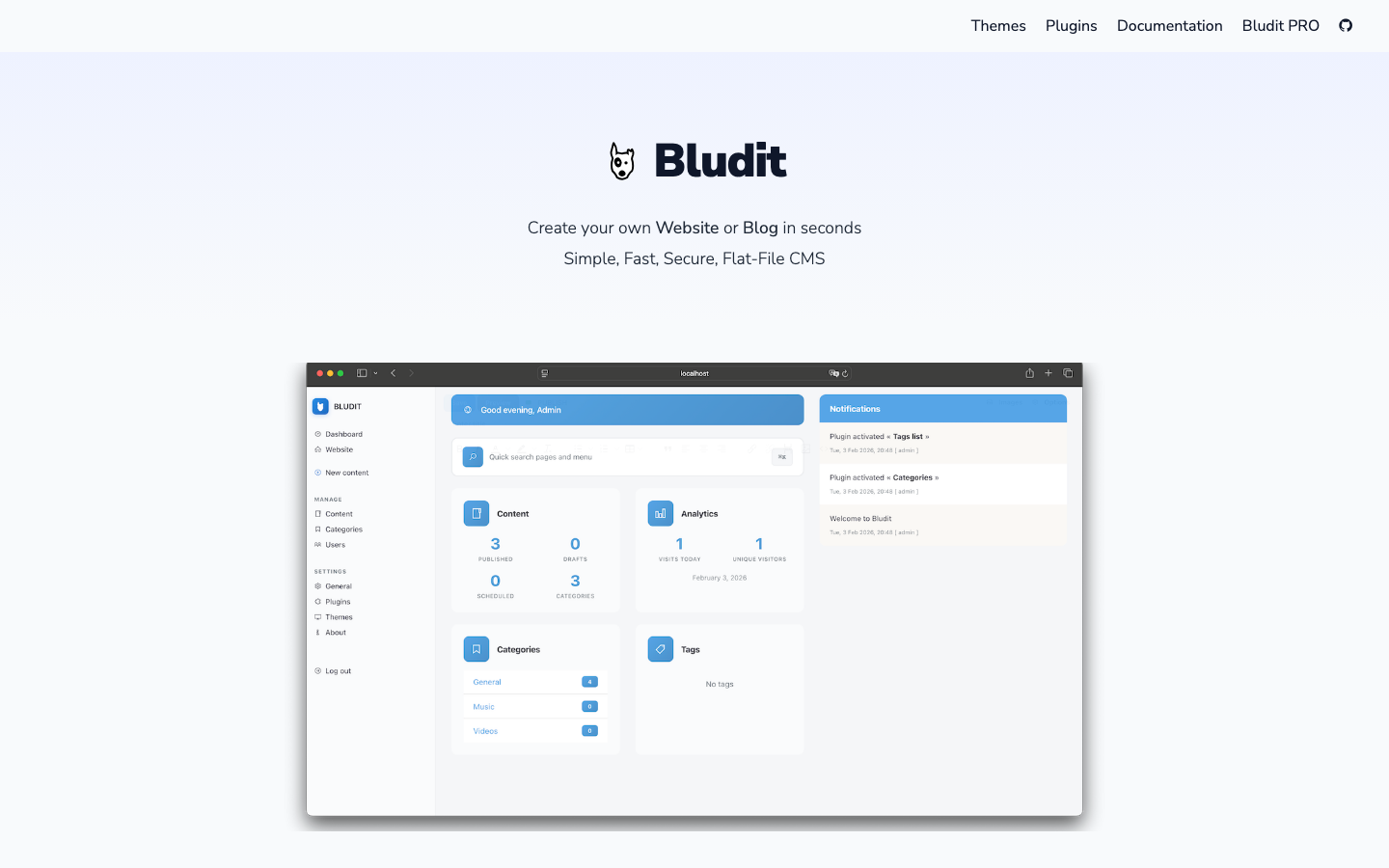
A lightweight, flat-file CMS designed for simplicity and speed, Bludit eliminates database complexity while keeping the full codebase transparent and modifiable. It's ideal for teams wanting a CMS that gets out of the way.
Pros:
- Minimal dependencies; runs on basic PHP hosting
- Flat-file architecture means content lives in portable, version-control-friendly files
- MIT license and straightforward codebase; easy to fork and customize
Cons:
- Smaller ecosystem; fewer plugins and themes than WordPress or Joomla
- Flat-file design doesn't scale well for very large content libraries
MODX Revolution
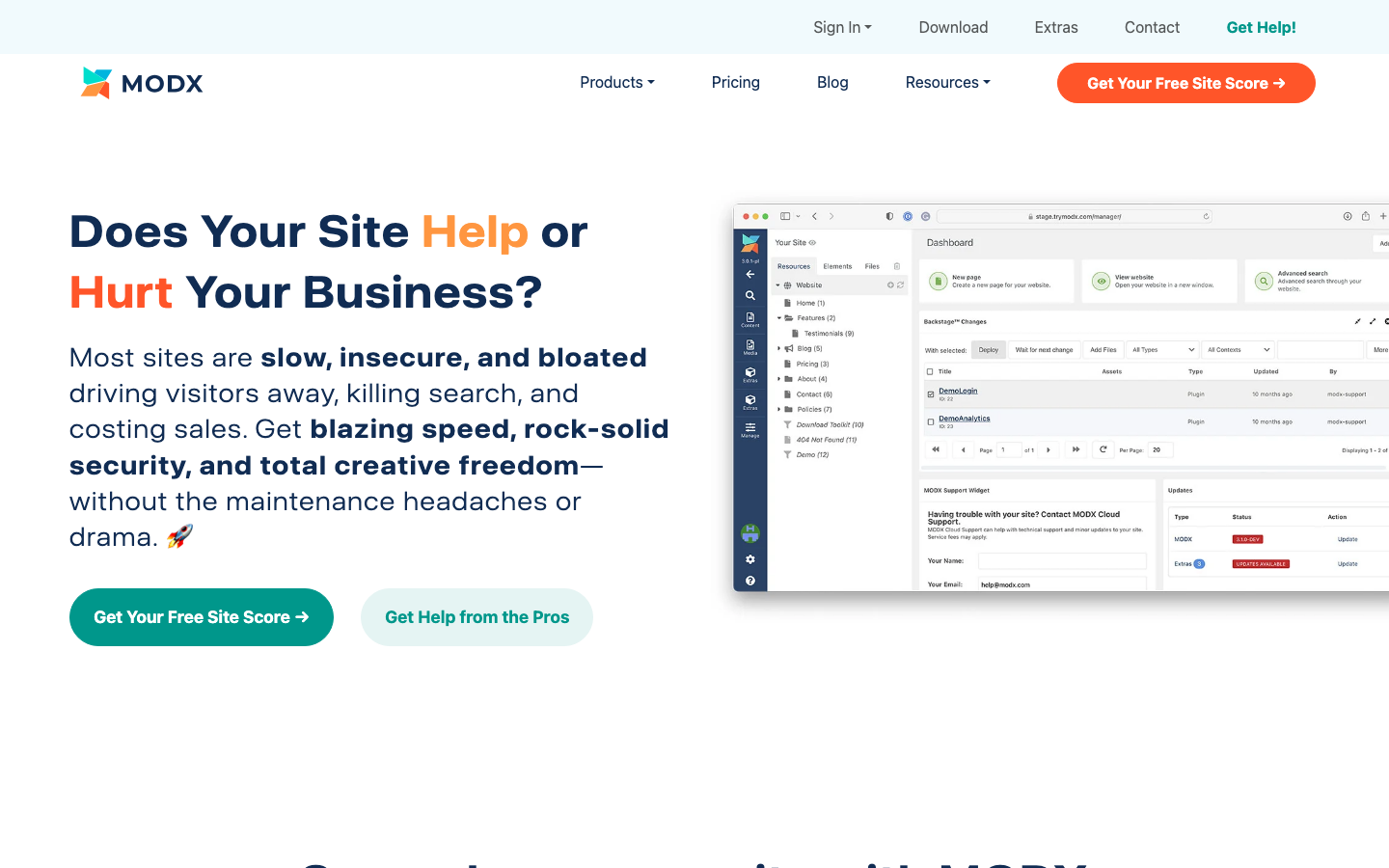
A template-first CMS that inverts the usual admin-interface-first approach, MODX Revolution appeals to developers who want granular control over markup and data flow. Its snippet system and custom template tags make it exceptionally flexible for unique designs.
Pros:
- Unmatched template control; build exactly the markup you need without abstraction layers
- Snippet-based extensibility is powerful for custom logic without plugin dependencies
- GPL license; full code ownership and active open-source community
Cons:
- Steeper learning curve; template-first philosophy requires different thinking than admin-UI-first systems
- Smaller ecosystem than WordPress; fewer pre-built solutions
Automad
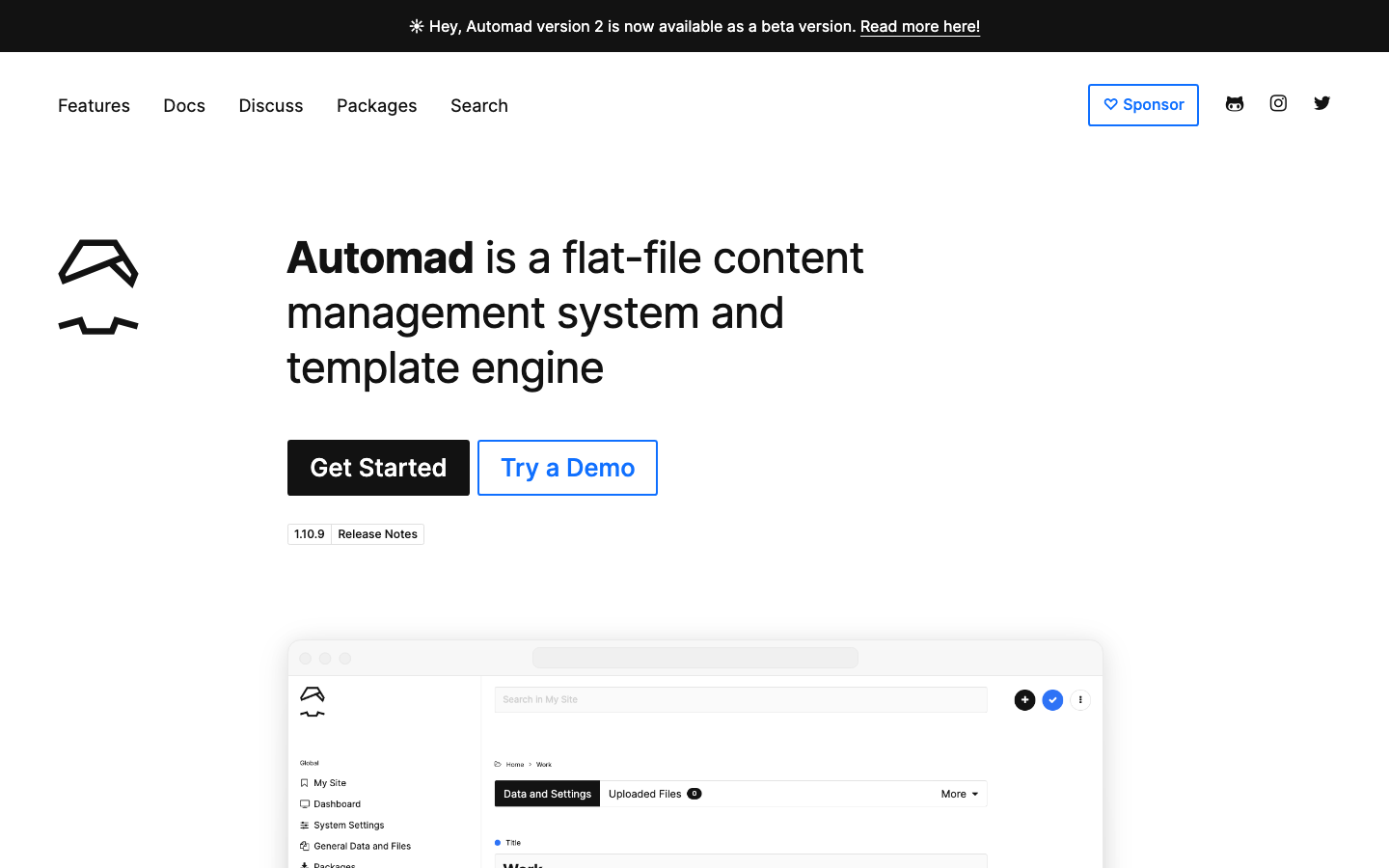
A flat-file CMS and template engine built in TypeScript, Automad targets developers who want source-code-level transparency and control. It's positioned at the intersection of static-site generators and traditional CMSs.
Pros:
- Flat-file architecture; content is portable, diff-able, and version-control-friendly
- TypeScript codebase appeals to JavaScript/Node.js teams
- Minimal abstractions; direct control over data and templates
Cons:
- Smallest community and ecosystem among these alternatives; fewer integrations
- License not declared; verify legal status before production use
How to choose
Start by asking whether your team's strength is in PHP or Python: if PHP, Winter is the closest ideological match to Statamic but without licensing costs, while WordPress offers the largest ecosystem if you're willing to accept more opinionated architecture. Python teams should evaluate Wagtail for its structured content and modern admin experience. If flat-file portability and code transparency are non-negotiable, Bludit or Automad eliminate database overhead entirely. For teams building many client sites, the licensing savings of any open-source option compound quickly—factor in not just the CMS cost, but the maintenance burden of your chosen ecosystem's maturity and your team's familiarity with its language and patterns.