






TL;DR
- Privacy first? FreshRSS gives you a full-featured, self-hosted RSS reader that keeps your subscription list and reading history on your own server—no third-party tracking or data residency surprises.
- Cost control matters. Deploy Miniflux or commafeed once and run them indefinitely on your infrastructure; no monthly seat fees, no surprise pricing tiers.
- Want feeds everywhere? glance transforms your self-hosted setup into a unified dashboard, while RSSHub lets you generate RSS feeds from sites that don't natively offer them—both keep you in control of the pipeline.
Why teams leave The Old Reader
The Old Reader's appeal is straightforward: it recreates Google Reader's clean, familiar interface without the need to self-host. But that convenience comes with a hidden cost structure. As a third-party SaaS, you're paying not just for the service itself, but for the risk of dependency. Google Reader's 2013 shutdown proved that even market-leading feed readers can vanish, and more recently, Pocket's 2025 closure reminded the industry that hosted services—no matter how established—operate on someone else's timeline and business model.
With The Old Reader, your feeds, folders, and reading history live on their servers. If they raise prices, change their feature set, or shut down operations, you face a painful export process with no guarantee your data will transfer cleanly to another platform. You're also trusting them with the metadata of everything you read—a privacy surface that grows with every subscription. Self-hosted alternatives eliminate this friction: you own the infrastructure, control the data format, and can migrate or modify your setup on your own terms.
Quick comparison
| Name | License | Self-Hosted | Data Format / Portability | Real-time Collaboration | Best For |
|---|---|---|---|---|---|
| RSSHub | AGPL-3.0 | Yes | JSON / RSS | — | Feed generation & discovery |
| glance | AGPL-3.0 | Yes | YAML config / feeds | — | Unified dashboard view |
| FreshRSS | AGPL-3.0 | Yes | OPML / JSON / database export | Yes (via sharing) | Full-featured self-hosted reader |
| v2 | Apache-2.0 | Yes | — | — | Minimalist, fast feed reading |
| NewsBlur | MIT | Yes | OPML / JSON | Yes (social & sharing) | Social discovery & discussion |
| commafeed | Apache-2.0 | Yes | OPML / Google Reader format | — | Google Reader enthusiasts |
Top open-source alternatives to The Old Reader
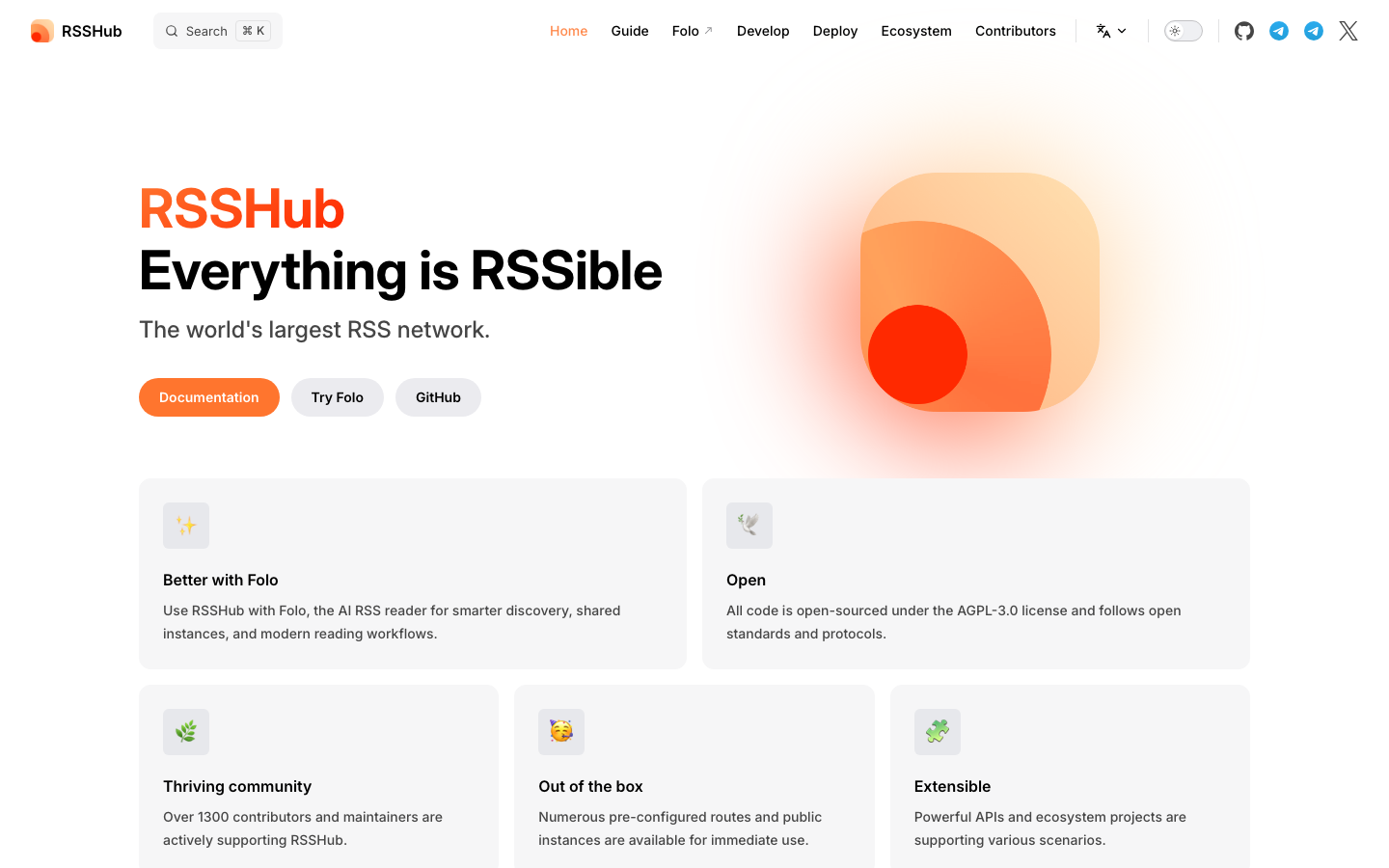
RSSHub
RSSHub is a universal RSS feed generator that transforms content from thousands of sites—many that don't offer native RSS—into standardized feeds you can consume in any reader. It's both a service you can self-host and a bridge that expands what's actually subscribable.
Pros
- Unlocks RSS feeds from social media, news sites, and services that have dropped feed support
- Highly modular; you can enable only the feed generators you need
- Large, active community constantly adding new feed sources
Cons
- Requires ongoing maintenance as site structures change
- Not a reader itself; you still need a separate feed aggregator to consume the output
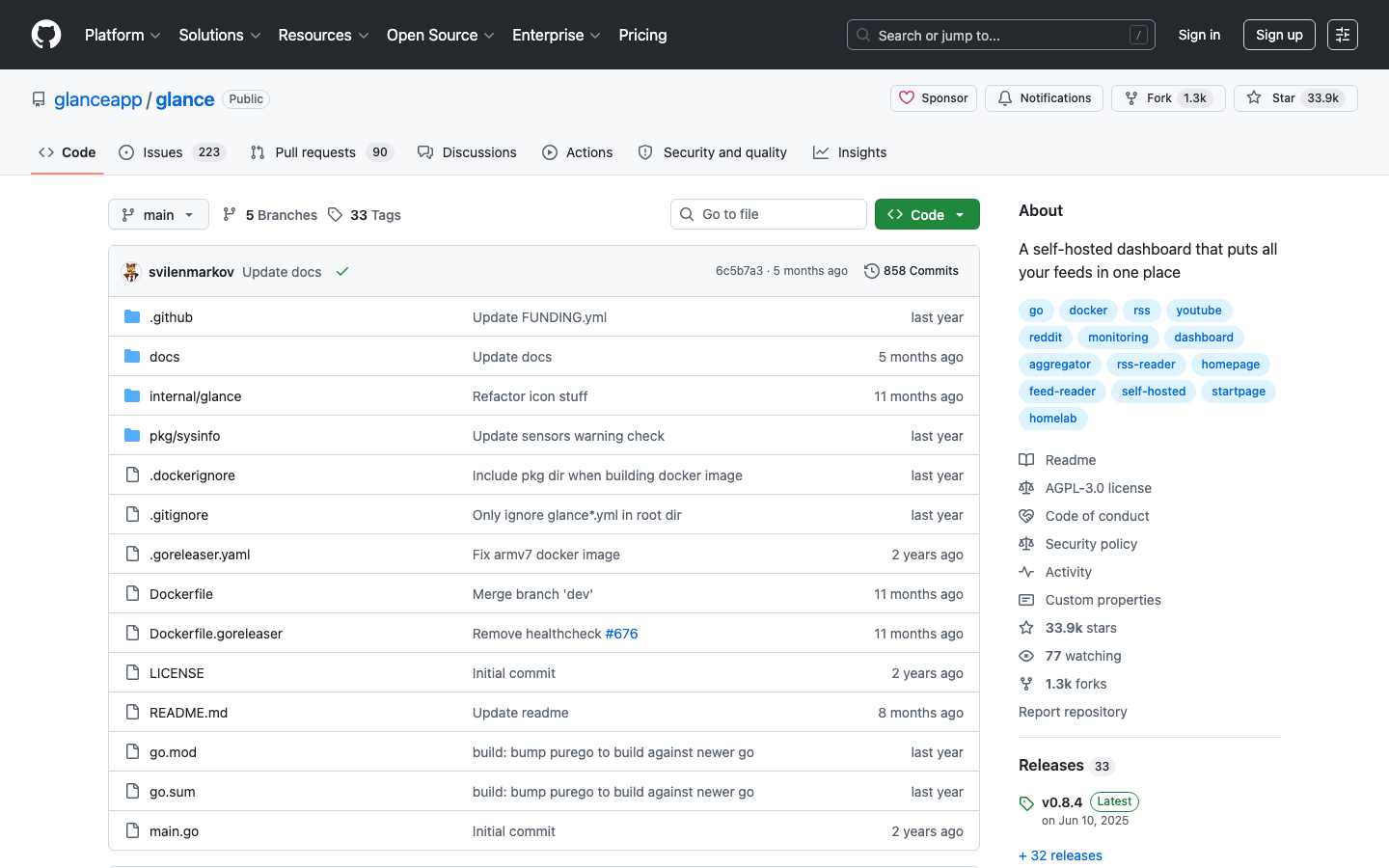
glance
Glance is a self-hosted dashboard that aggregates your RSS feeds, weather, calendar events, and other data sources into a single, fast-loading page. It's designed for people who want a unified view of their information without the overhead of a full-featured reader.
Pros
- Minimal, clean dashboard interface—fast to load and easy to customize
- Combines feeds with other data sources (weather, calendar, etc.) in one place
- Lightweight and low-resource, suitable for modest hardware
Cons
- Fewer advanced reader features (search, filtering, read state tracking) than full RSS readers
- Best suited for a dashboard view rather than deep feed reading workflows
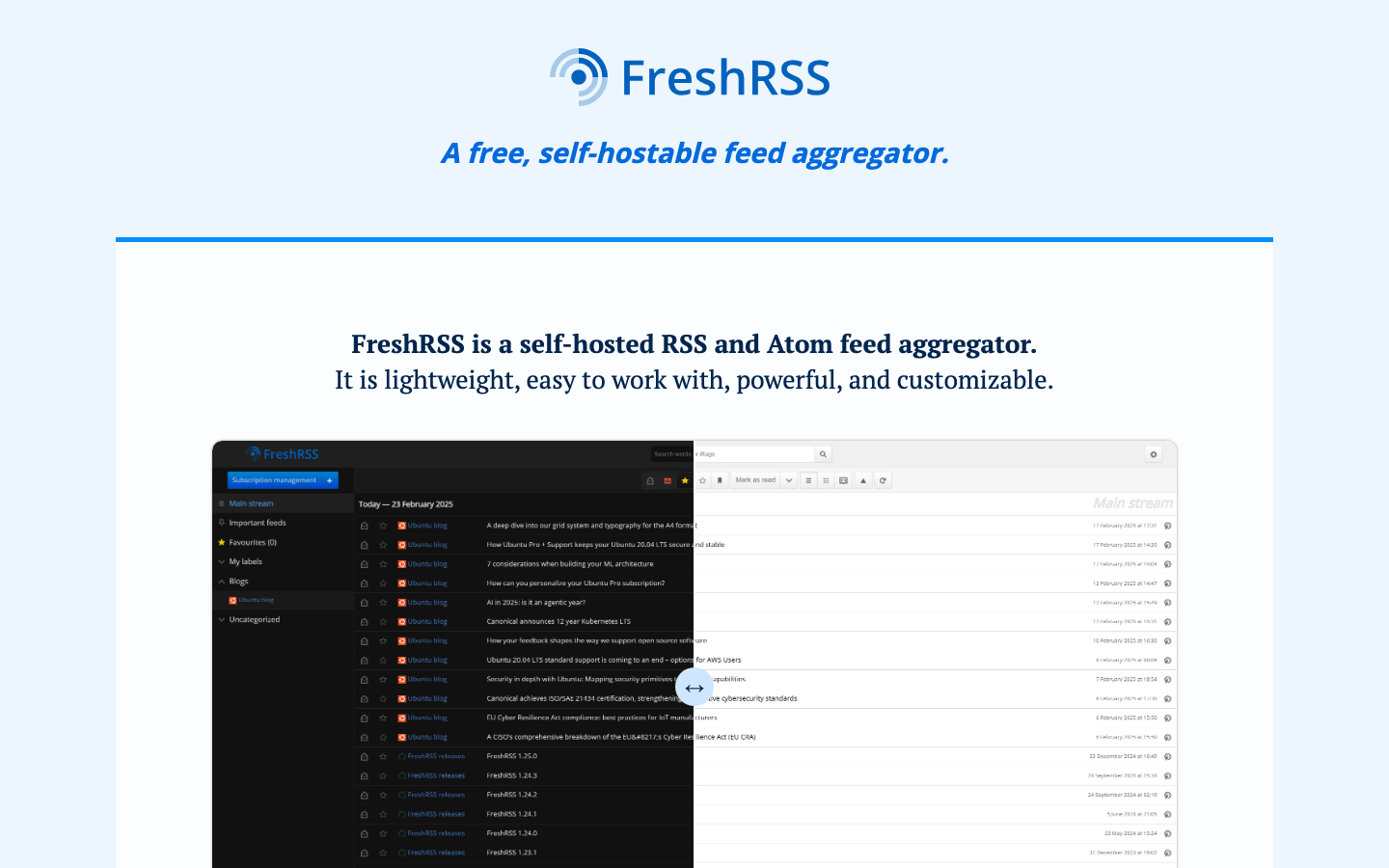
FreshRSS
FreshRSS is a full-featured, self-hosted RSS aggregator with a clean web interface, folder organization, and granular read-state tracking. It's the closest spiritual successor to Google Reader among open-source options, with support for sharing and collaborative reading.
Pros
- Complete RSS reader experience: subscriptions, folders, filtering, search, and read history all under your control
- Lightweight PHP codebase; runs on modest servers or shared hosting
- Supports OPML import/export and multiple authentication methods for team setups
Cons
- Requires PHP and database setup; not as simple as clicking "deploy" for non-technical users
- Mobile experience is functional but not as polished as some commercial readers
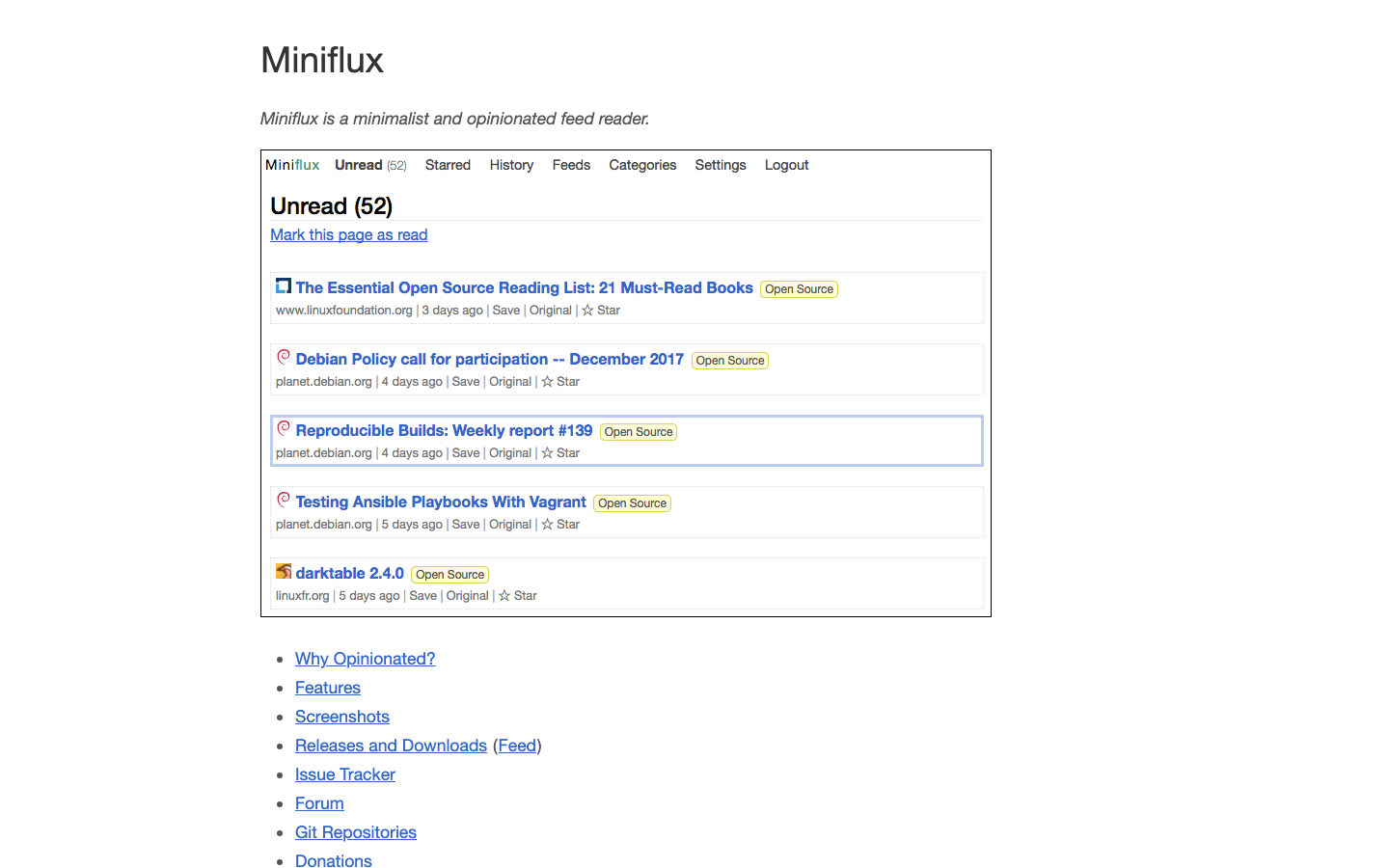
v2
v2 is a minimalist, opinionated feed reader built in Go with a focus on speed and simplicity. It strips away cruft and delivers a fast, no-nonsense reading experience.
Pros
- Single-binary deployment; extremely fast and low memory footprint
- Clean, distraction-free interface ideal for readers who prioritize speed
- Easy to self-host on minimal infrastructure
Cons
- Sparse feature set; no advanced filtering, social features, or collaboration tools
- Limited documentation compared to more established projects
NewsBlur
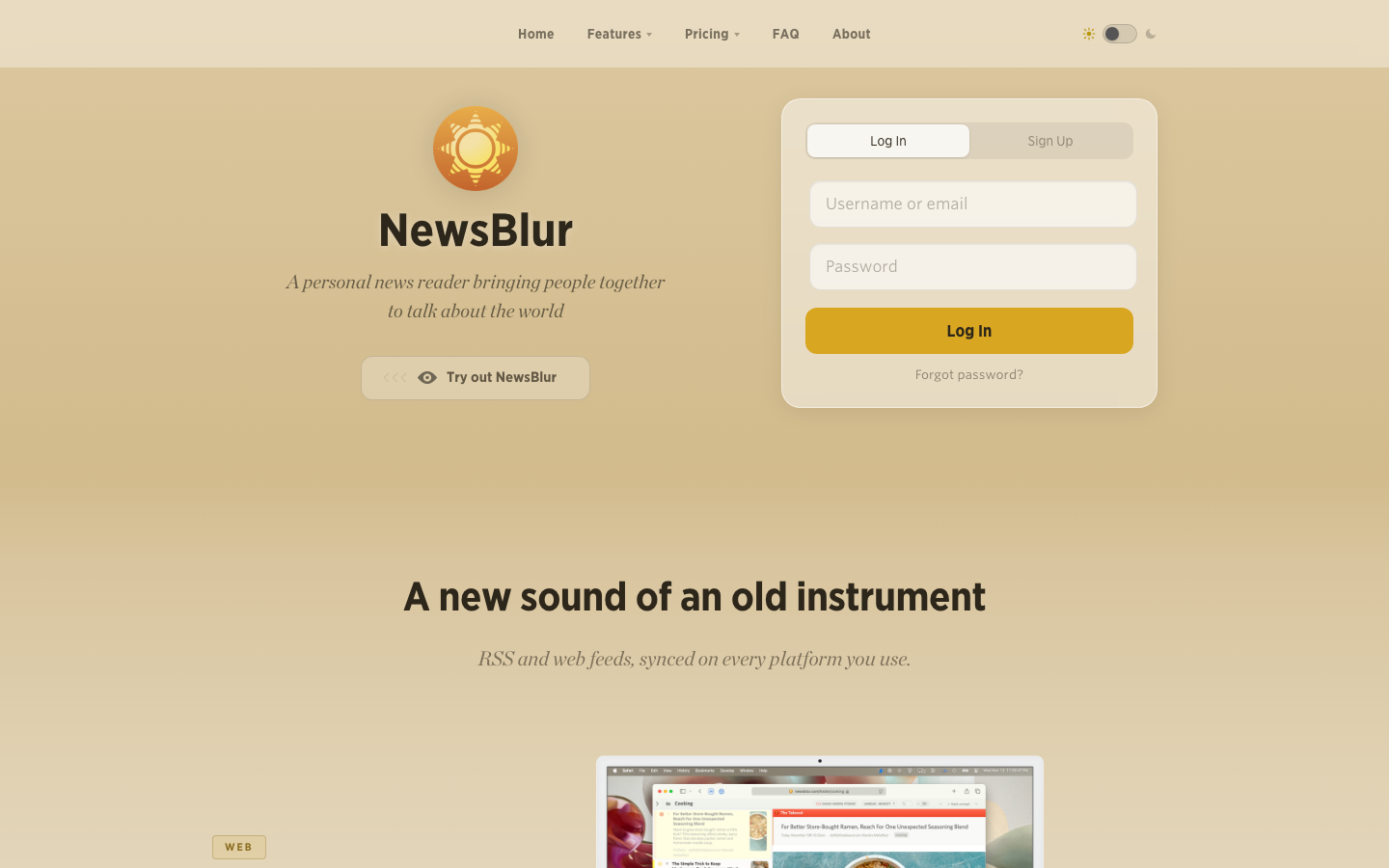
NewsBlur is a personal news reader with a strong emphasis on social features—you can follow other readers, see what they're reading, and discuss stories together. It's both self-hostable and available as a hosted service.
Pros
- Built-in social discovery and discussion; find readers with similar interests
- Rich interface with story saving, tagging, and intelligent filtering
- Flexible: run it yourself or use their hosted version as fallback
Cons
- Heavier resource requirements than minimalist readers; more suited to dedicated servers
- Social features add complexity if you just want a quiet, private reader
commafeed
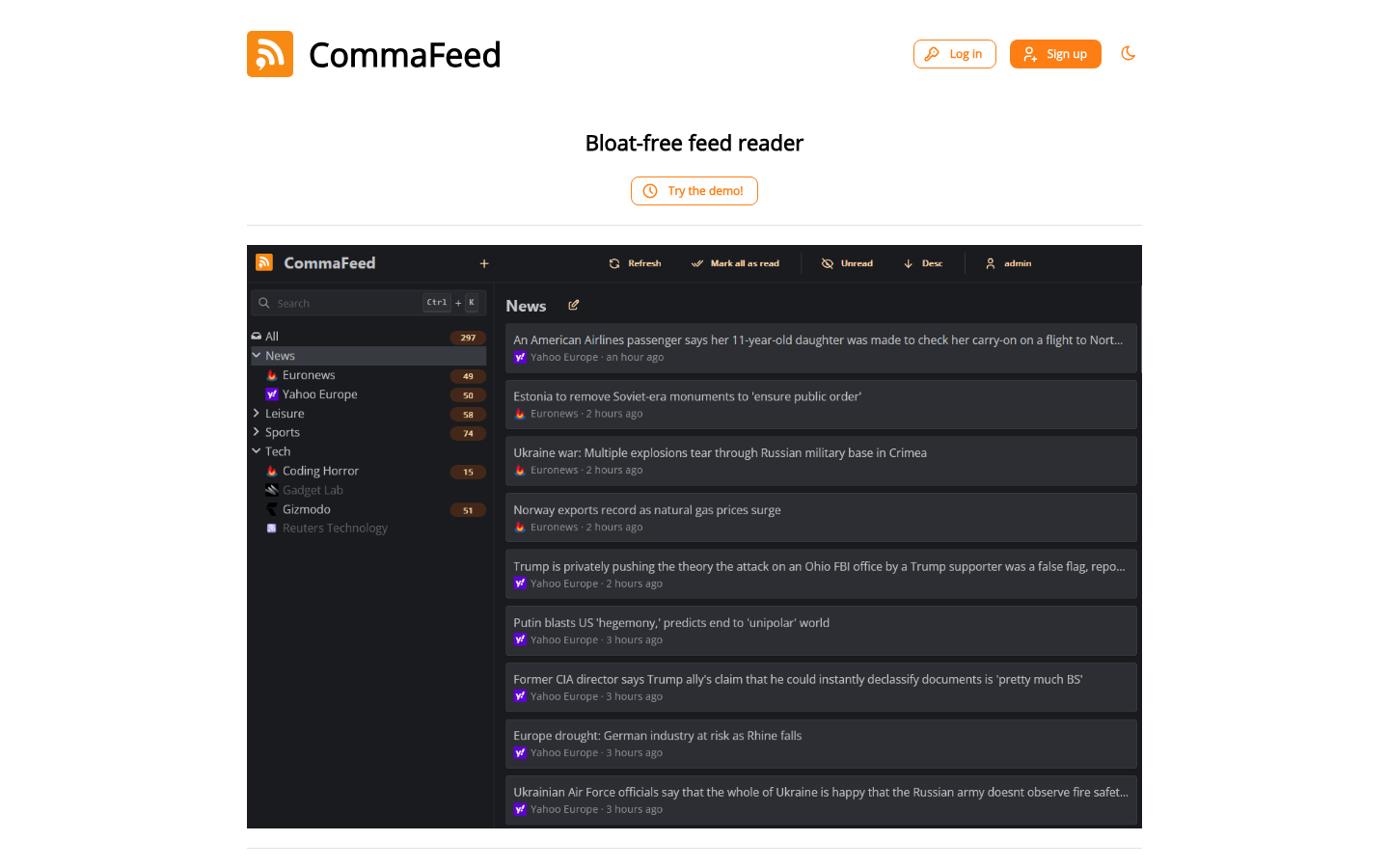
Commafeed is a self-hosted RSS reader explicitly designed to recreate the Google Reader experience. It supports the Google Reader API, making it compatible with mobile apps and third-party clients built for Reader.
Pros
- Drop-in replacement for Google Reader workflows; familiar interface and behavior
- Google Reader API compatibility means you can use existing mobile apps
- Lightweight Java application; straightforward to deploy
Cons
- Smaller community and slower release cycle than FreshRSS
- Mobile experience depends on third-party apps; no official mobile interface
How to choose
For a full-featured, team-ready reader: FreshRSS is the most mature option—it handles subscriptions, folders, sharing, and read state with a low resource footprint.
If you want Google Reader back exactly: commafeed is your match; it speaks the Reader API and recreates that specific workflow.
For minimalists and speed enthusiasts: v2 delivers a stripped-down, blazing-fast reader on almost any hardware.
If you want a unified dashboard: glance combines feeds with other data sources in a single view—best for people who don't need deep reader features.
To unlock feeds from non-RSS sources: RSSHub runs alongside any reader, generating feeds from sites that don't offer them natively.