







TL;DR
-
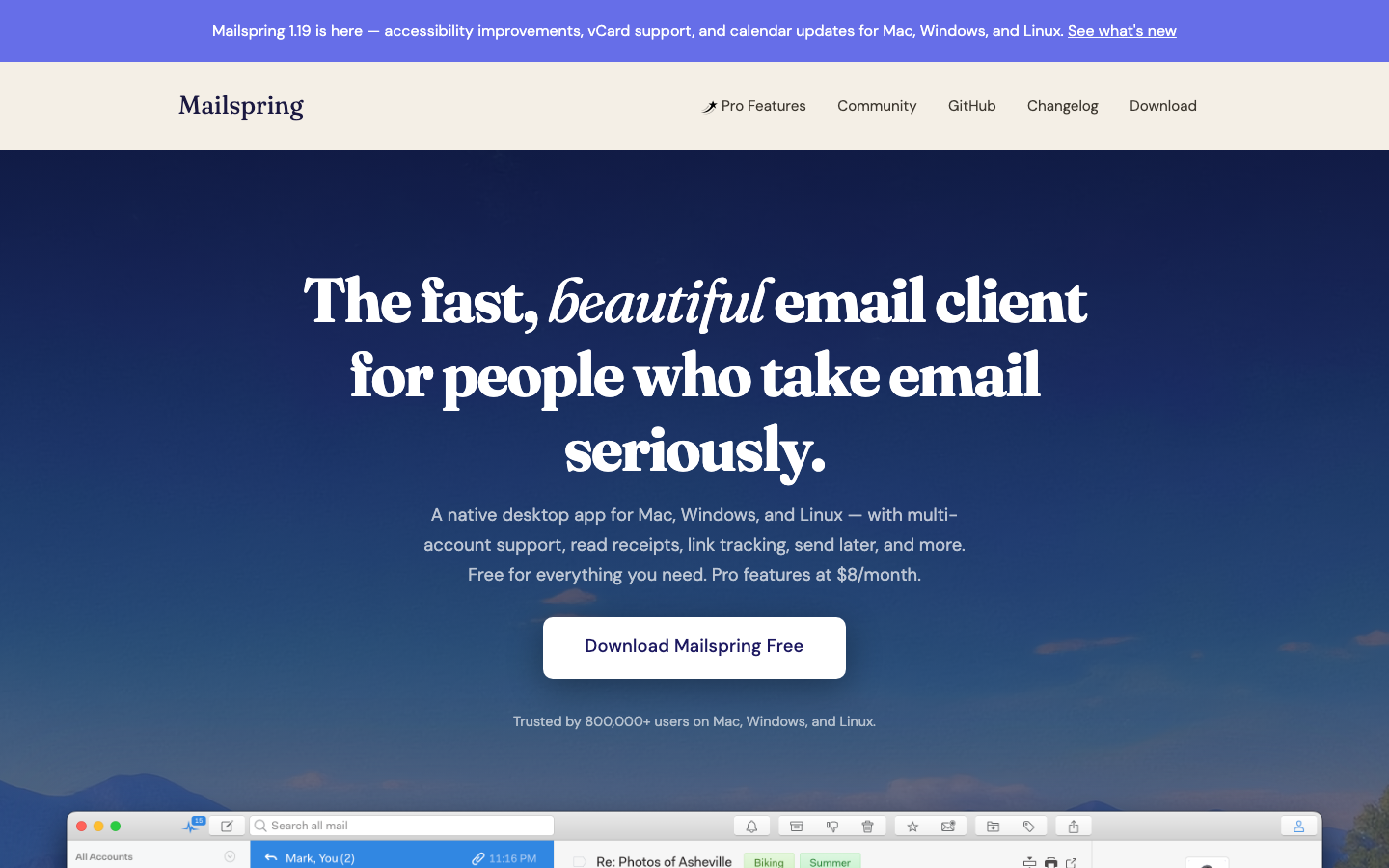
Need a desktop client that feels modern and integrates with any mail provider? Mailspring offers a polished alternative to Thunderbird with native support for Mac, Windows, and Linux, built entirely in the open.
-
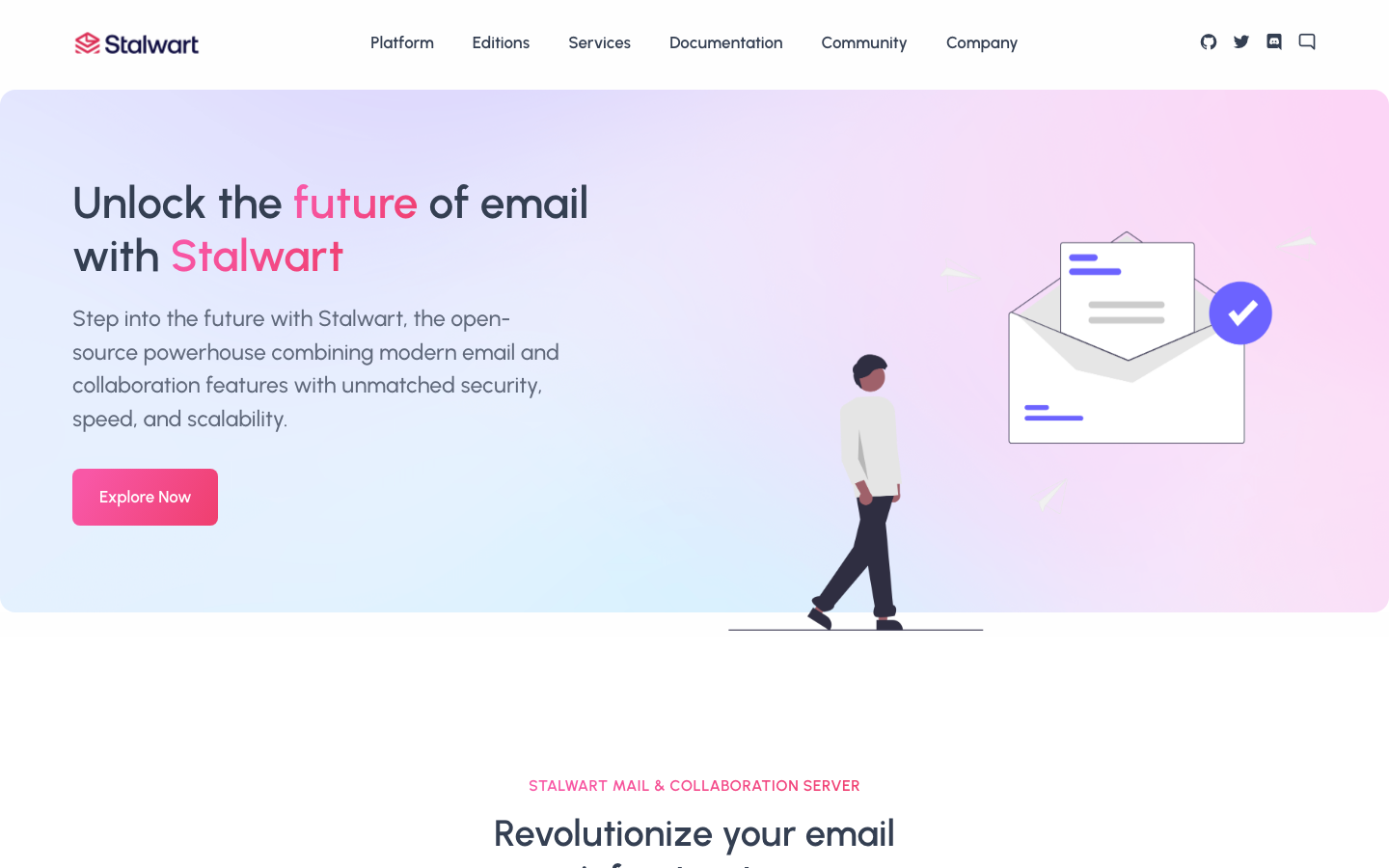
Running your own mail server and want a unified backend that handles IMAP, CalDAV, and CardDAV in one stack? Stalwart eliminates the need to patch together separate services—it's a single Rust-based server covering mail, calendar, and contacts.
-
Teams that need webmail without a desktop footprint should evaluate Roundcube for traditional IMAP-backed webmail or Snappymail for a lighter, faster interface that respects your server's resources.
Why teams leave Thunderbird
Thunderbird is a desktop-only client that requires you to assemble your own mail infrastructure. For teams already locked into Microsoft 365, Thunderbird offers escape from per-seat licensing and content scanning—but only if you're willing to operate your own mail server or connect to an external provider and manage deliverability yourself. That operational burden is the real friction point.
Teams seeking an all-in-one solution find Thunderbird incomplete: it handles mail, calendar, and contacts on the client side, but it has no server component. If you want to host mail yourself and avoid the complexity of running Postfix, Dovecot, and a separate CalDAV server, you're assembling a stack that Thunderbird alone cannot provide. Conversely, if you want to move away from webmail providers that track and scan your inbox, Thunderbird requires you to either trust a third-party IMAP host or run your own backend—neither is frictionless.
The trade-off is intentional: Thunderbird prioritizes data ownership and open standards over integrated convenience. For teams that value that trade-off, it's ideal. For teams that want zero-ops mail with full control, a unified server like Stalwart, or for teams that simply want a faster, more modern desktop client, alternatives exist.
Quick comparison
| Name | License | Self-Hosted | Deliverability Setup | API / Automation | Best For |
|---|---|---|---|---|---|
| Mailspring | GPL-3.0 | No | External (SMTP relay) | Limited | Modern desktop mail client |
| Thunderbird for Android | Apache-2.0 | No | External (SMTP relay) | Limited | Mobile mail on Android |
| Stalwart | License not declared | Yes | Built-in (SMTP server) | Yes (JMAP API) | Self-hosted unified mail + calendar + contacts |
| Roundcube | License not declared | Yes | External (SMTP relay) | Limited | Self-hosted webmail with IMAP backend |
| Snappymail | AGPL-3.0 | Yes | External (SMTP relay) | Limited | Lightweight, fast webmail interface |
| Cypht | LGPL-2.1 | Yes | External (SMTP relay) | Limited | Multi-account webmail aggregator (IMAP/JMAP/EWS) |
Top open-source alternatives to Thunderbird
Mailspring
A fast, modern desktop mail client for Mac, Windows, and Linux that speaks IMAP/SMTP like Thunderbird but with a contemporary UI and performance focus. Built entirely in the open (GPL-3.0), it connects to any mail provider and keeps mail local, eliminating vendor lock-in without requiring you to run a server.
Pros
- Native apps across all major desktop platforms with a unified, responsive interface
- Full IMAP/SMTP support; works with any mail provider or self-hosted backend
- Active development and a cleaner codebase than older desktop clients
Cons
- No built-in calendar or contacts—you assemble those separately (like Thunderbird, but without the add-ons ecosystem)
- Requires an external SMTP relay for sending; no integrated mail server component
Thunderbird for Android
The mobile complement to Thunderbird (formerly K-9 Mail), offering full-featured IMAP/SMTP mail on Android with the same open-standards approach and zero vendor lock-in.
Pros
- Lightweight and fast on mobile hardware
- Full support for IMAP folders, SMTP authentication, and encrypted connections
- Integrates naturally with Thunderbird desktop for a unified workflow
Cons
- Mobile-only; does not replace a desktop client
- No calendar or contacts in the mobile app itself
Stalwart
An all-in-one mail and collaboration server written in Rust, implementing IMAP, JMAP, SMTP, CalDAV, CardDAV, and WebDAV in a single binary. It is the server-side counterpart to Thunderbird's client—the piece Thunderbird assumes you'll provide elsewhere.
Pros
- Single unified backend for mail, calendar, contacts, and file sync—no patching together Postfix + Dovecot + Nextcloud
- Modern JMAP API support alongside IMAP for programmatic access and automation
- High performance and security focus (Rust); designed for self-hosted deployments at any scale
Cons
- Requires operational expertise to deploy and maintain (more complex than a desktop client)
- License not declared in our data; verify licensing terms before production use
Roundcube
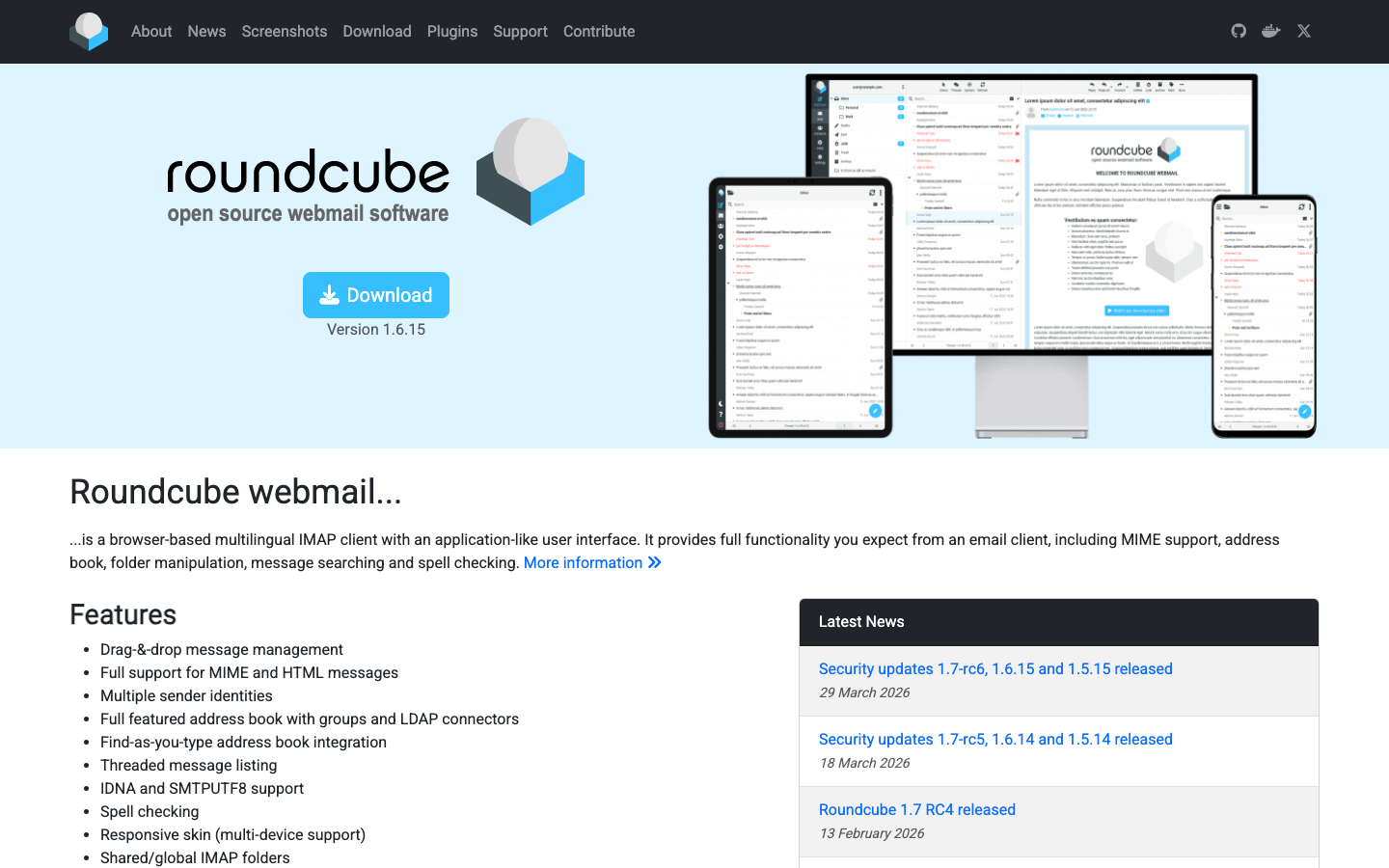
A mature, self-hosted webmail suite that connects to any IMAP backend and provides a browser-based interface for mail, contacts, and calendar. It is the webmail alternative to Thunderbird—no desktop app, but full control and no SaaS lock-in.
Pros
- Decades of stability and wide hosting support; many providers offer one-click install
- Works with any IMAP server; pairs naturally with self-hosted backends like Stalwart
- Extensible via plugins for custom workflows
Cons
- Heavier resource footprint than lighter webmail clients; requires PHP and a database
- License not declared; verify licensing before use in commercial contexts
Snappymail
A lightweight, modern webmail client (AGPL-3.0) designed as a faster, leaner alternative to Roundcube. It supports IMAP/SMTP, JMAP, and modern web standards.
Pros
- Minimal resource footprint; fast even on shared hosting or low-spec servers
- Contemporary UI with strong performance on slow connections
- JMAP support opens the door to modern mail APIs
Cons
- Smaller ecosystem and fewer plugins than Roundcube
- AGPL-3.0 license requires careful handling in commercial deployments
Cypht
A lightweight webmail aggregator that centralizes mail from multiple IMAP, JMAP, or Exchange (EWS) accounts in a single interface. It is purpose-built for users managing many inboxes without the overhead of a full webmail suite.
Pros
- Multi-account aggregation in one place; ideal for teams managing shared mailboxes or personal + work mail
- Minimal footprint; runs on modest hosting
- Support for IMAP, JMAP, and Exchange Web Services (EWS) for heterogeneous environments
Cons
- Lighter feature set than Roundcube; no calendar or contacts in the core product
- Smaller community and slower release cycle
How to choose
For a desktop-only workflow, choose Mailspring if you want a modern client, or stick with Thunderbird if you value its calendar and contacts integration. Both require external SMTP for sending.
For self-hosted infrastructure, Stalwart is the only unified server; pair it with Mailspring or Thunderbird for Android on clients. If you prefer webmail, Roundcube is the most feature-complete; Snappymail is faster and lighter.
For multi-account aggregation or resource-constrained hosting, Cypht is purpose-built. For teams that need both webmail and modern APIs, Snappymail's JMAP support is a forward-looking choice.
In all cases, the decision hinges on whether you want to operate a server (Stalwart) or delegate to an external provider (Mailspring, Roundcube, Snappymail, Cypht on a shared host).