
🙃 A delightful community-driven (with 2,500+ contributors) framework for managing your zsh configuration. Includes 300+ optional plugins (rails, git, macOS, hub, docker, homebrew, node, php, python, etc), 140+ themes to spice up your morning, and an auto-update tool that makes it easy to keep up with the latest updates from the community.
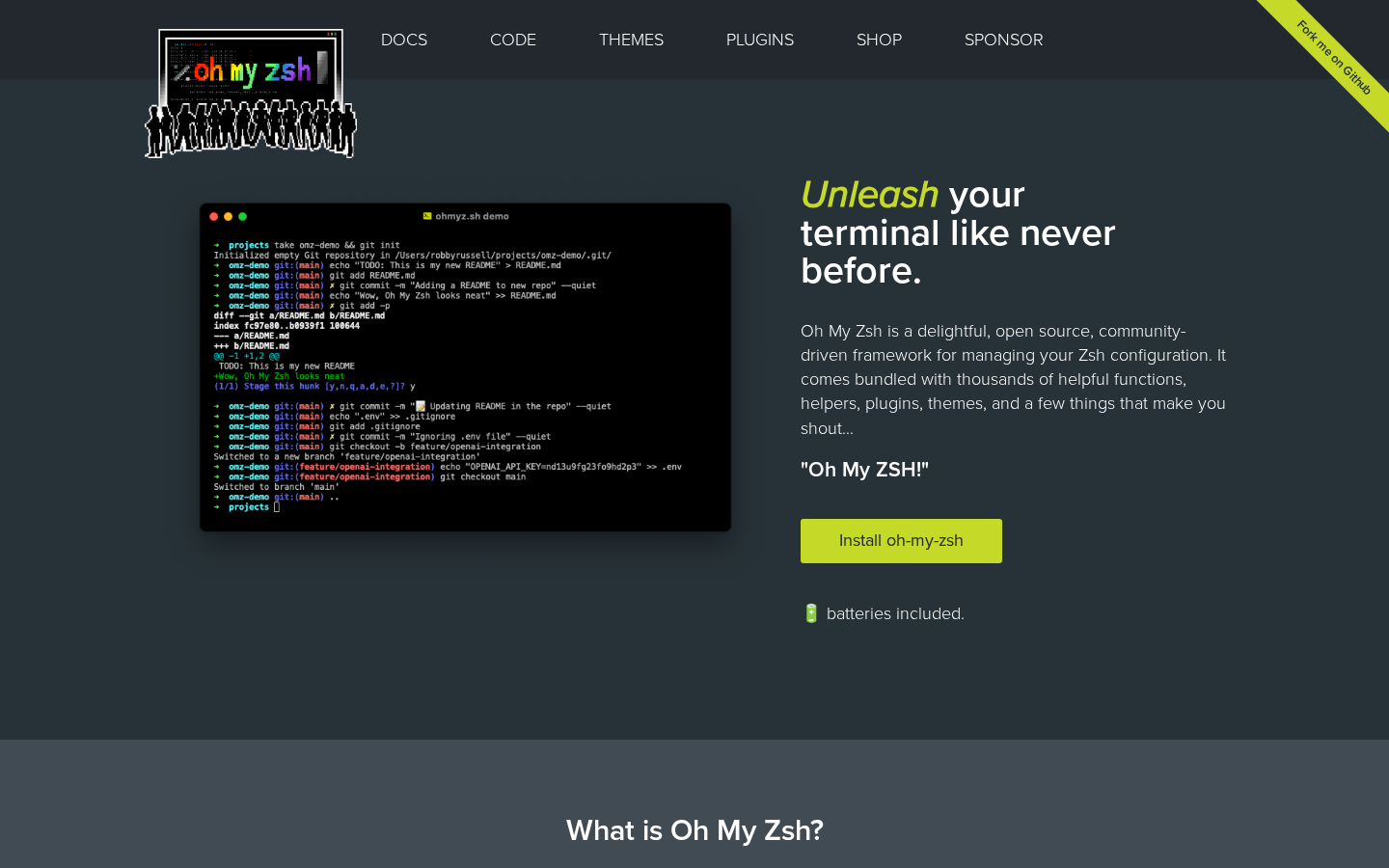
Oh My Zsh is a community-driven framework that transforms your zsh shell configuration with powerful plugins and beautiful themes. Built by over 2,500 contributors, it eliminates tedious terminal setup and lets you harness hundreds of productivity-enhancing tools right out of the box.
Oh My Zsh is designed for developers and power users who spend significant time in the terminal and want to maximize their productivity without manually configuring zsh. It's perfect for anyone using Linux, macOS, FreeBSD, Android, or Windows WSL2 who wants an out-of-the-box solution for shell configuration.

🌐 The Internet Computer! Free, Open-Source, and Self-Hostable.

:hedgehog: PostHog is the leading platform for building self-driving products. Our developer tools – AI observability, analytics, session replay, flags, experiments, error tracking, logs, and more – capture all the context agents need to diagnose problems, uncover opportunities, and ship fixes. Steer it all from Slack, web, desktop, or the MCP.

Infisical is the open-source platform for secrets, certificates, and privileged access management.

A self hosted virtual browser that runs in docker and uses WebRTC.

Weighs the soul of incoming HTTP requests to stop AI crawlers

Kodi is an award-winning free and open source home theater/media center software and entertainment hub for digital media. With its beautiful interface and powerful skinning engine, it's available for Android, BSD, Linux, macOS, iOS, tvOS and Windows.

Ready-to-use Media-over-QUIC / SRT / WebRTC / RTSP / RTMP / LL-HLS / MPEG-TS / RTP live media server and media proxy that allows to read, publish, proxy, record and playback real-time video and audio streams.

Free and Open Source Machine Translation API. Self-hosted, offline capable and easy to setup.

ActivityPub-federated video streaming platform using P2P directly in your web browser

Style and Grammar Checker for 25+ Languages
