
Free, open-source offline voice dictation for Windows, macOS, and Linux. A Wispr Flow alternative with an AI assistant that can read your screen on request and answer questions.
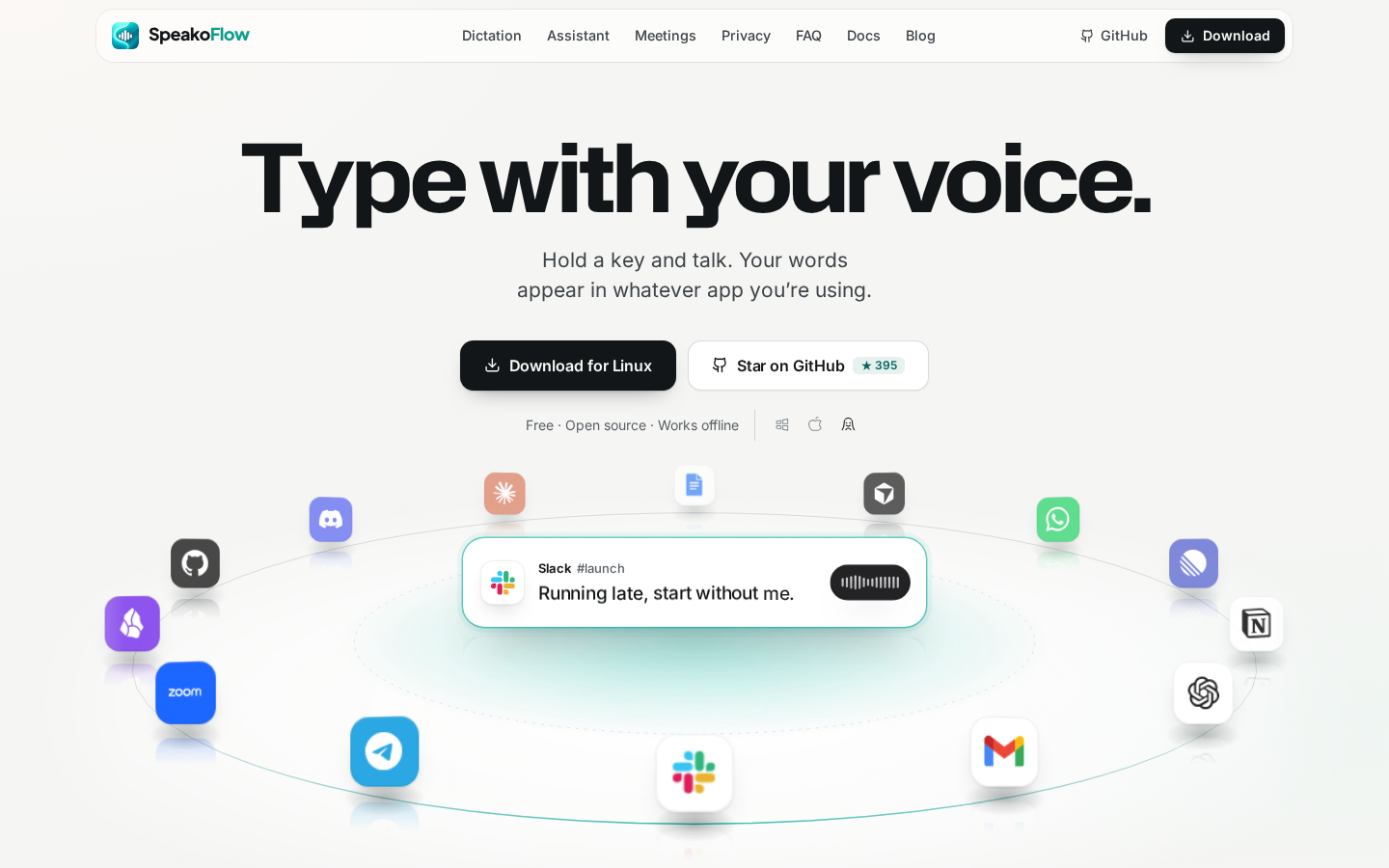
A free, open-source alternative to commercial dictation apps that brings offline voice-to-text and an AI assistant to Windows, macOS, and Linux. Talk to dictate in any application, ask questions with screen reading capabilities, and have hands-free conversations—all running locally on your machine by default.
SpeakoFlow is designed for privacy-conscious users, students, professionals, and anyone seeking a free alternative to commercial dictation software. It appeals to those who value offline-first workflows, open-source transparency, and the ability to integrate voice input seamlessly into their existing applications without relying on cloud services.

PhotoCraft: An open-source photo editor written from scratch in pure Rust

Open-source platform for creating safe, isolated production sandboxes for API, integration, and E2E testing.

🤖 Open-source, local-first alternative to Grok Bot, OpenAI dots and Claude Duet. Your own AI bots on any model: GPT, Claude, Gemini, Grok, DeepSeek, Kimi, GLM and 70+ more through one Modelflare key. Reach them in the app, WeChat or Feishu; they remember you, work in the background, run commands and use your computer. Pay per use.

The open-source alternative to Paper.design. A multiplayer design canvas where humans and AI agents design together, live. MCP built in.

The (local & cloud) folder built for your agents.
Open-source antivirus and firewall for AI agents: block risky tools, secret access, prompt injection, malicious packages, MCP servers, plugins, and skills at runtime.
A curated list of the best awesome AI plugins for AI assistants including Claude Code, OpenAI Codex / ChatGPT, Gemini, Antigravity, Pi / Oh My Pi, Grok, OpenCodek DSH, Kimi and More. https://hol.org/plugins

Open-source self-improving QA agent for software teams. A test harness with memory. Write tests in natural language for web and mobile. agent-qa learns from every run, adapts to UI changes, and catches regressions before you ship.

Awesome Prompts, Nano Banana, Nano Banana Pro, Sora2, GPT-4o, gpt-image-1

BetterDesk Console - Ultimate Free Remote Desktop Solution
