






TL;DR
- Teams prioritizing community-driven modularity should evaluate Pi-hole, which has the largest ecosystem and lets you plug in your own DNS resolver (like Unbound) rather than forcing an all-in-one stack.
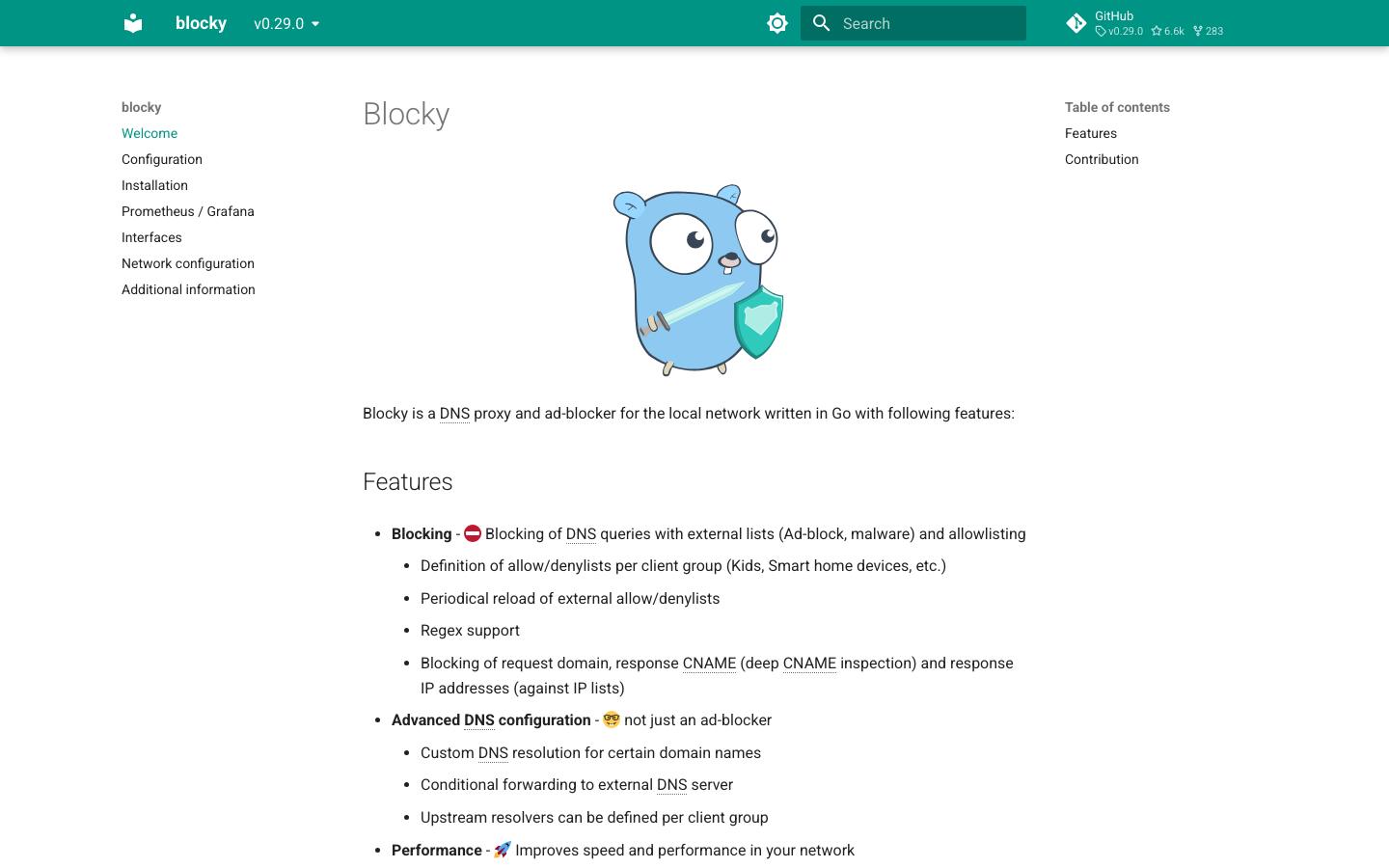
- Organizations running constrained hardware or wanting a minimal Go binary will find Blocky refreshingly lightweight and fast, with a single compiled artifact that needs no runtime dependencies.
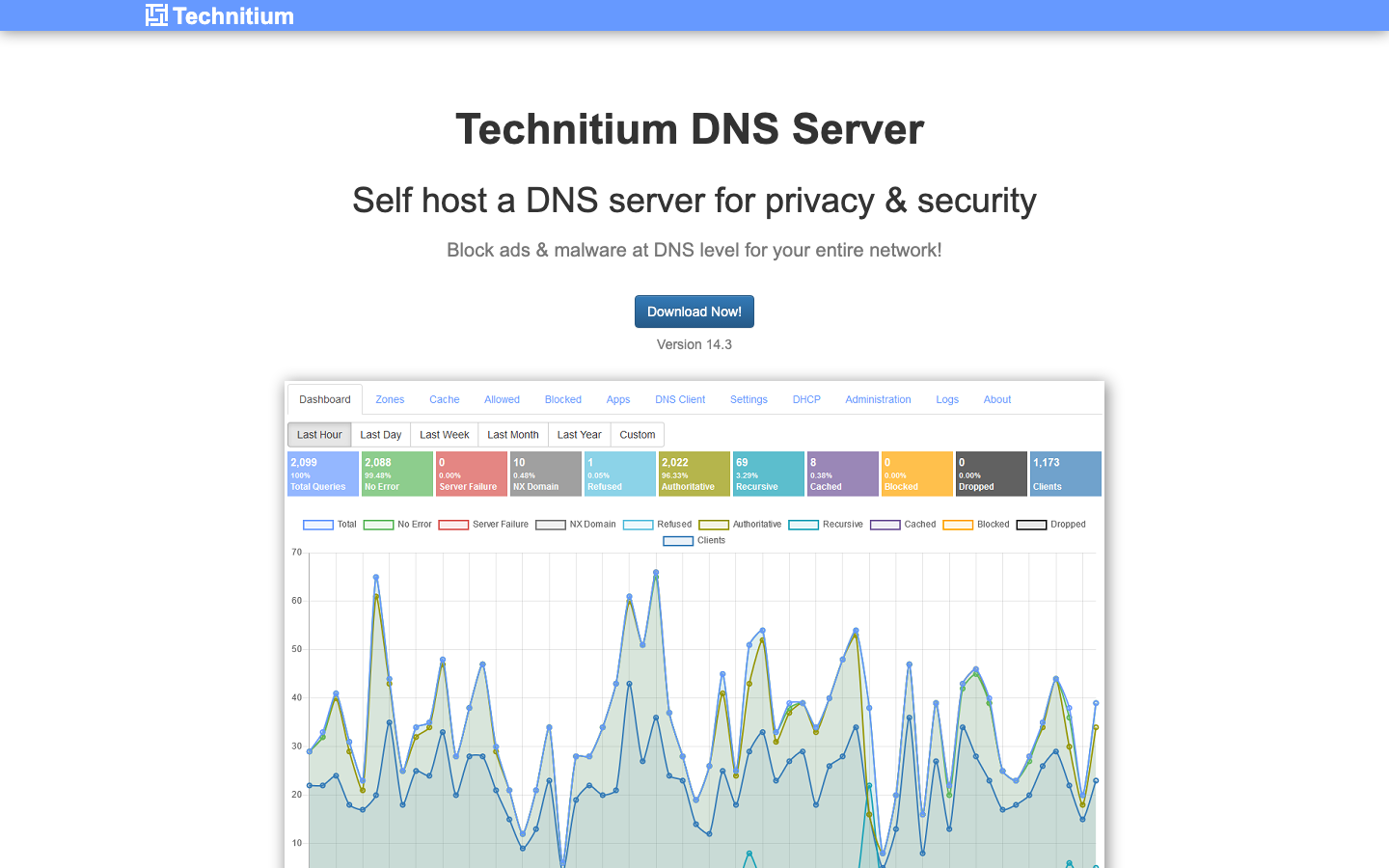
- Self-hosters seeking a full-featured DNS server with DNSSEC and plugin architecture can turn to Technitium DNS Server, which treats DNS as a first-class citizen rather than an ad-blocking wrapper.
Why teams leave AdGuard Home
A self-hosting team deploys AdGuard Home across their network, then six months in realizes they want to swap out the DNS resolver for something more specialized, or they need stricter per-group ACLs, or they're running it on a Raspberry Pi Zero and the feature breadth is eating RAM they don't have. They hit a wall: AdGuard Home's batteries-included design—encrypted DNS, per-client rules, parental controls—is powerful, but it's also opinionated and monolithic.
The deeper friction is structural. AdGuard Home is open source, but it's stewarded by a single commercial entity, AdGuard Inc. That means the project's long-term direction is tied to a vendor's business interests, not a broader independent community. For teams that have learned to distrust vendor lock-in—whether through past experience with SaaS pricing surprises, API rate limits, or sudden feature deprecations—running software controlled by one company feels like a step backward, even if the code is public.
Others simply need a different tool. Some want a modular stack where DNS and ad-blocking are separate concerns. Some need authoritative DNS with DNSSEC and a plugin system, not an ad-blocker-first appliance. Some are running on such constrained hardware that a single, ultra-light Go binary is the only option. All of these teams are looking for the same thing: open-source, self-hosted DNS infrastructure they can own and control entirely themselves.
Quick comparison
| Name | License | Self-Hosted | API / Extensibility | Stack / Language | Best For |
|---|---|---|---|---|---|
| Pi-hole | — | Yes | Modular; integrates external resolvers | Shell | Community-driven, modular DNS + ad-blocking |
| Technitium DNS Server | GPL-3.0 | Yes | Plugin architecture; authoritative + recursive | C# | Full-featured DNS server with DNSSEC |
| Blocky | Apache-2.0 | Yes | Extensible via config; minimal footprint | Go | Lightweight, fast ad-blocking on constrained hardware |
| Maza Ad Blocking | Apache-2.0 | Yes | Shell-based; minimal scripting | Bash | Ultra-simple, dependency-free ad-blocking |
Top open-source alternatives to AdGuard Home
Pi-hole
Pi-hole is a network-wide ad blocker and DHCP server that acts as a DNS sinkhole. It's the most popular project in this space, with a thriving community that has built integrations, dashboards, and plugins around it. The architecture is modular—you can replace the DNS resolver entirely with Unbound or another recursive resolver, keeping ad-blocking separate from DNS resolution.
Pros
- Largest community ecosystem and third-party integrations
- Modular design lets you swap resolvers and extend functionality
- Mature web UI with detailed query logs and per-client management
Cons
- Steeper learning curve for initial setup and resolver configuration
- Heavier resource footprint than minimal alternatives
Technitium DNS Server
Technitium DNS Server is a full-featured authoritative and recursive DNS server with built-in ad-blocking, DNSSEC support, and a plugin architecture. It's designed for teams that need DNS as a primary service, not just an ad-blocking appliance, and want extensibility through plugins rather than a fixed feature set.
Pros
- First-class DNS server with DNSSEC, zone management, and authoritative capabilities
- Plugin architecture for custom logic and integrations
- Single executable with a polished web interface
Cons
- Smaller community compared to Pi-hole; fewer third-party integrations
- C# runtime dependency (requires .NET)
Blocky
Blocky is a lightweight DNS proxy and ad-blocker written in Go, designed for speed and minimal resource consumption. It runs as a single compiled binary with no runtime dependencies, making it ideal for edge devices, containers, and constrained hardware where every megabyte of RAM matters.
Pros
- Ultra-fast, minimal footprint; single Go binary with no dependencies
- Excellent for Raspberry Pi, NAS, and containerized deployments
- Clean, config-file-driven approach
Cons
- Smaller community and fewer integrations than Pi-hole
- Less feature-rich than full DNS servers; focused on ad-blocking and caching
Maza Ad Blocking
Maza Ad Blocking is a native, bash-only ad blocker that requires no runtime dependencies—just a Unix shell and curl. It's the simplest option here, generating dnsmasq or hosts file entries from blocklists and running them locally.
Pros
- Completely dependency-free; runs on any Unix system with bash
- Minimal attack surface and resource use
- Easy to audit and understand (it's shell script)
Cons
- No web UI or advanced management features
- Limited to hosts file or dnsmasq integration; not a DNS server itself
- Best suited for single-device blocking, not network-wide deployment
How to choose
Start with your team's size and constraints. If you have a community or are comfortable with modularity, Pi-hole is the safe default—it has the most documentation, integrations, and peer support. If you're running on a Raspberry Pi Zero or a container with tight memory limits, Blocky will outperform anything else. If you need a real DNS server with DNSSEC and zone management, not just ad-blocking, Technitium DNS Server is built for that. For the absolute simplest setup on a single device with no dependencies, Maza Ad Blocking is unbeatable—but it's not a replacement for network-wide DNS management. In all cases, you're choosing a project backed by an independent community or transparent open-source governance, not a single vendor's roadmap.