












TL;DR
- Privacy & control first? puter gives you a full desktop environment on your own infrastructure—no vendor scanning your files or locking you into proprietary formats.
- Minimize total cost of ownership? Seafile bundles sync, sharing, and team collaboration without surprise AI unit charges or quote-only enterprise tiers hidden in the fine print.
- Simple, lightweight alternative? filebrowser or tinyfilemanager deploy in minutes on hardware you already own, eliminating per-user licensing entirely.
Why teams leave Box
Box's pricing model looks reasonable at first: $5–$15 per user per month for small teams. But the real cost arrives later. Mid-market organizations consistently report 30–60% cost overruns once you factor in Box's October 2025 AI Units consumption meter ($10 per 1,000 units, with a 10K annual minimum), Enterprise Advanced tier premiums (30–40% above Enterprise Plus), and quote-only add-ons for governance, security, and regional compliance. Once your team is embedded in Box's authentication layer, file formats, and collaboration workflows, switching becomes expensive enough that price increases meet almost no churn—textbook vendor lock-in.
Self-hosted and open-source alternatives sidestep this trap entirely. Your data lives on infrastructure you control. There are no surprise consumption meters, no proprietary scanning of file contents, and no authentication moat that makes exit prohibitively costly. When you own the storage layer, you own the negotiating power.
Quick comparison
| Name | License | Self-Hosted | E2E Encryption | Mobile / Desktop Sync | Best For |
|---|---|---|---|---|---|
| puter | AGPL-3.0 | ✓ | — | Web-first, mobile browser | Full desktop replacement, privacy-first teams |
| filebrowser | Apache-2.0 | ✓ | — | Web interface only | Simple, lightweight file access |
| seafile | License not declared | ✓ | ✓ | ✓ (desktop + mobile) | Team sync, sharing, and collaboration |
| filestash | AGPL-3.0 | ✓ | — | Web interface + mobile | Multi-backend file access (SFTP, S3, WebDAV) |
| core | AGPL-3.0 | ✓ | — | ✓ (via ownCloud clients) | Enterprise-scale file management and DAV |
| tinyfilemanager | GPL-3.0 | ✓ | — | Web interface only | Single-file deployment, minimal footprint |
| filegator | MIT | ✓ | — | Web interface only | Multi-user file management, permissioning |
| chibisafe | MIT | ✓ | — | Web interface only | Fast file vault, modern TypeScript stack |
Top open-source alternatives to Box
puter
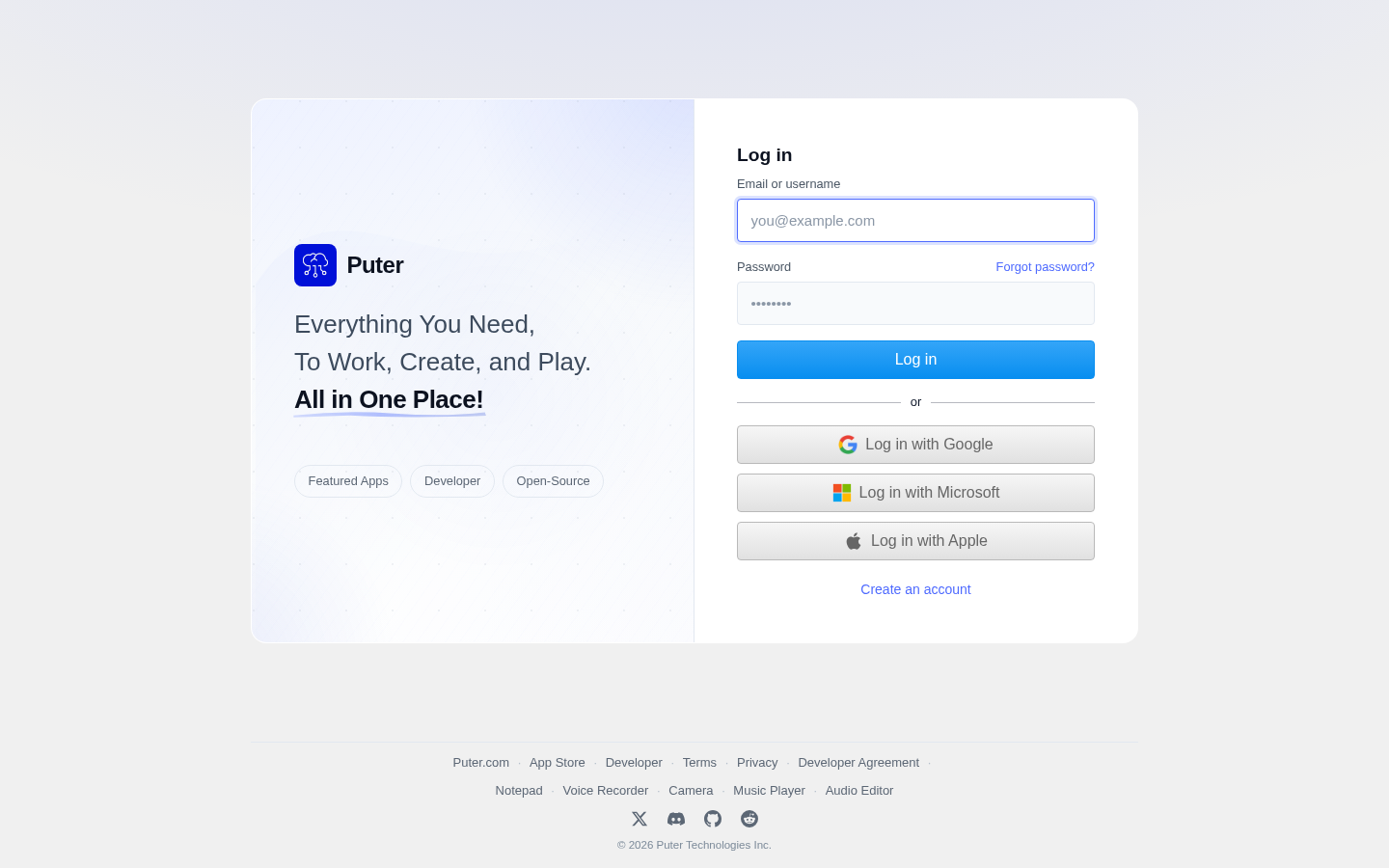
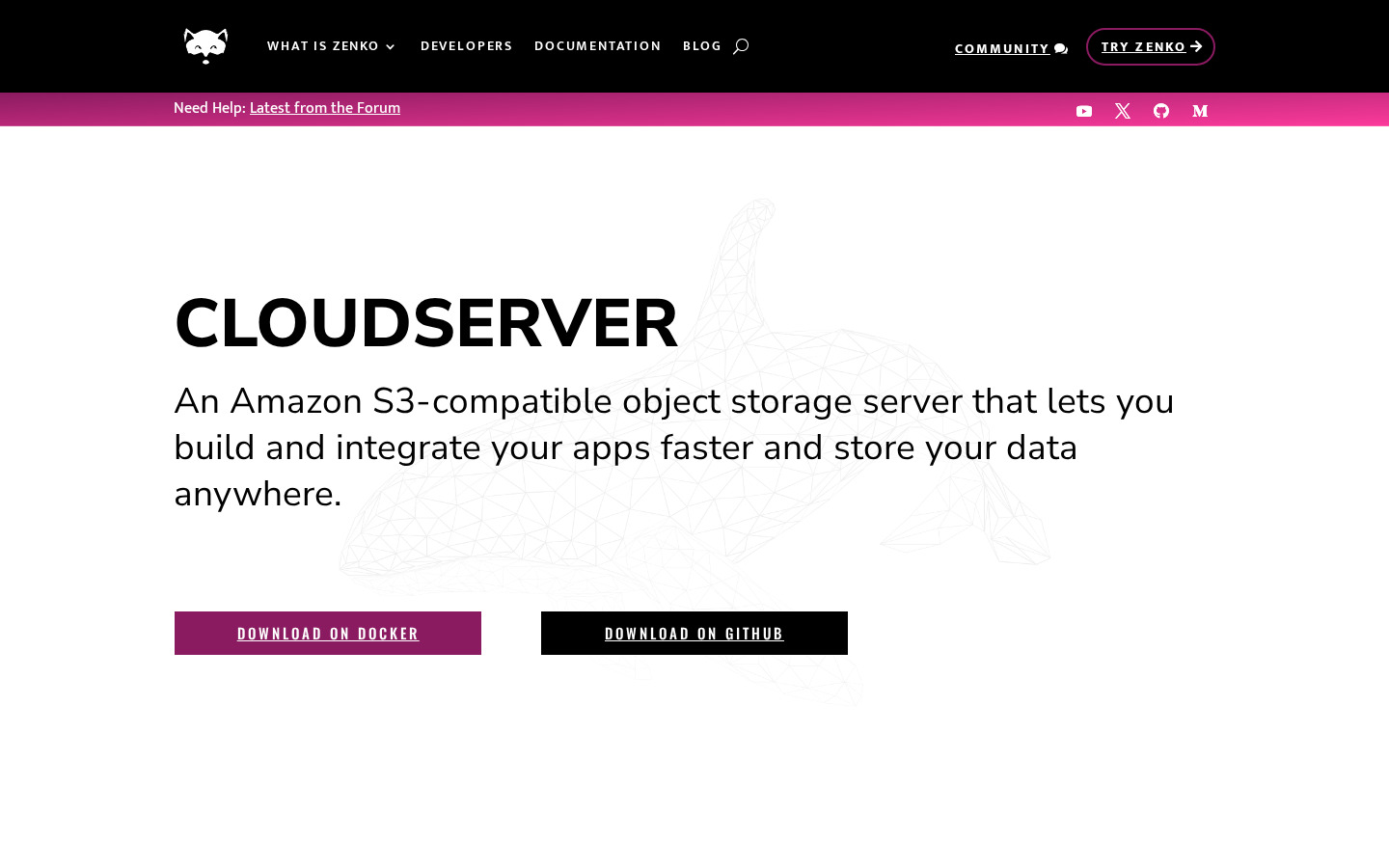
Puter is a full-featured desktop operating system that runs in your browser or on your own server. It includes file management, text editing, terminal access, and a complete application ecosystem—effectively a Box alternative that doubles as a privacy-focused workspace.
Pros
- Complete OS environment means no dependency on external SaaS for everyday work; everything is self-contained and portable.
- AGPL-3.0 license ensures modifications stay open; strong privacy by design.
- Web-first architecture works across devices without native client overhead.
Cons
- Smaller ecosystem compared to Box; fewer third-party integrations out of the box.
- Requires more infrastructure investment for production deployment.
filebrowser
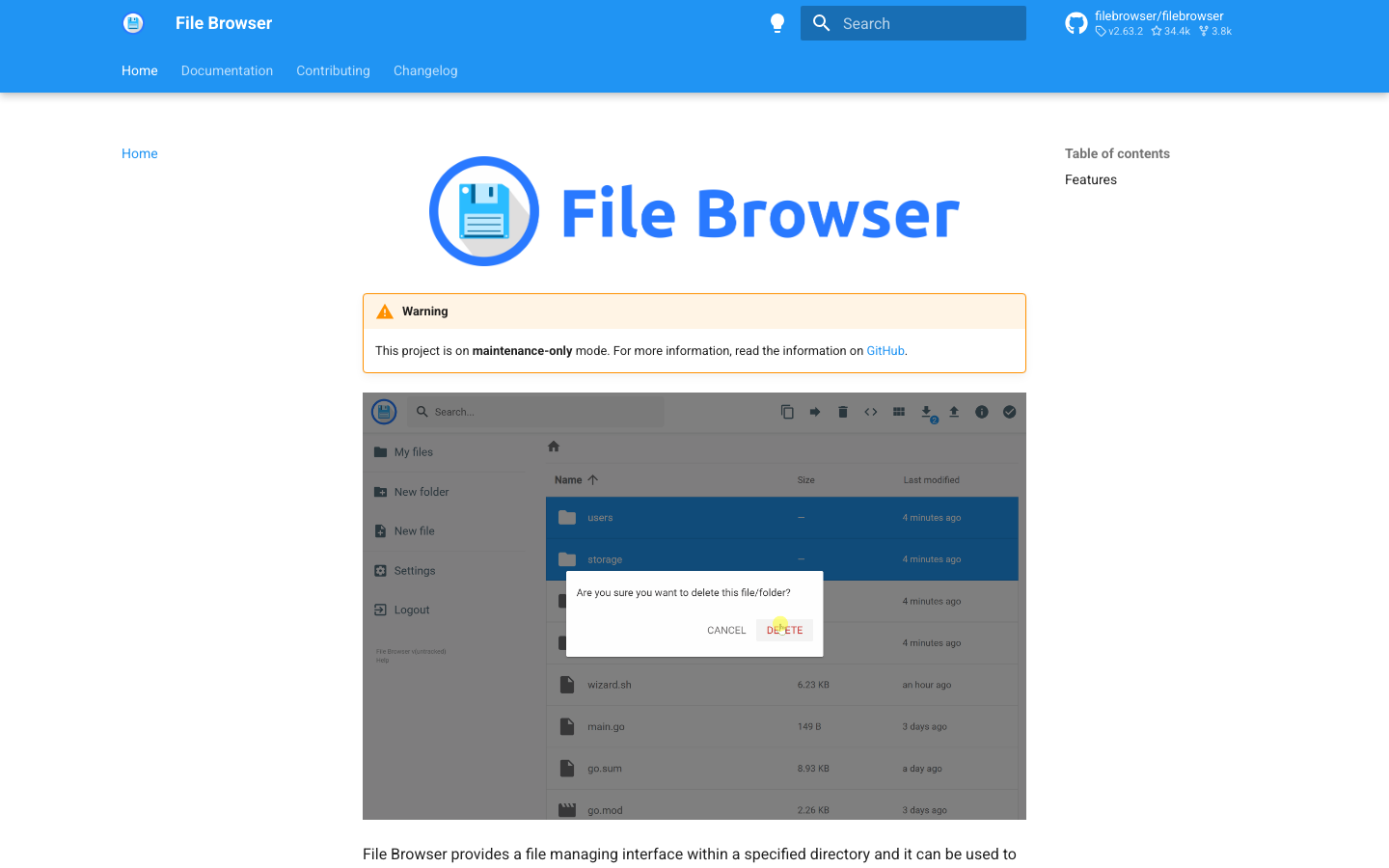
A lightweight, single-binary file manager that runs as a web service. Deploy it anywhere—your NAS, a VPS, or a Raspberry Pi—and access your files via browser.
Pros
- Minimal resource footprint; deploys in seconds with zero dependencies.
- Apache 2.0 license permits commercial and private use without restriction.
- Straightforward permission model suitable for small teams and home labs.
Cons
- No native desktop or mobile sync clients; web interface only.
- Limited collaboration features compared to Box (no built-in sharing workflows or comments).
seafile
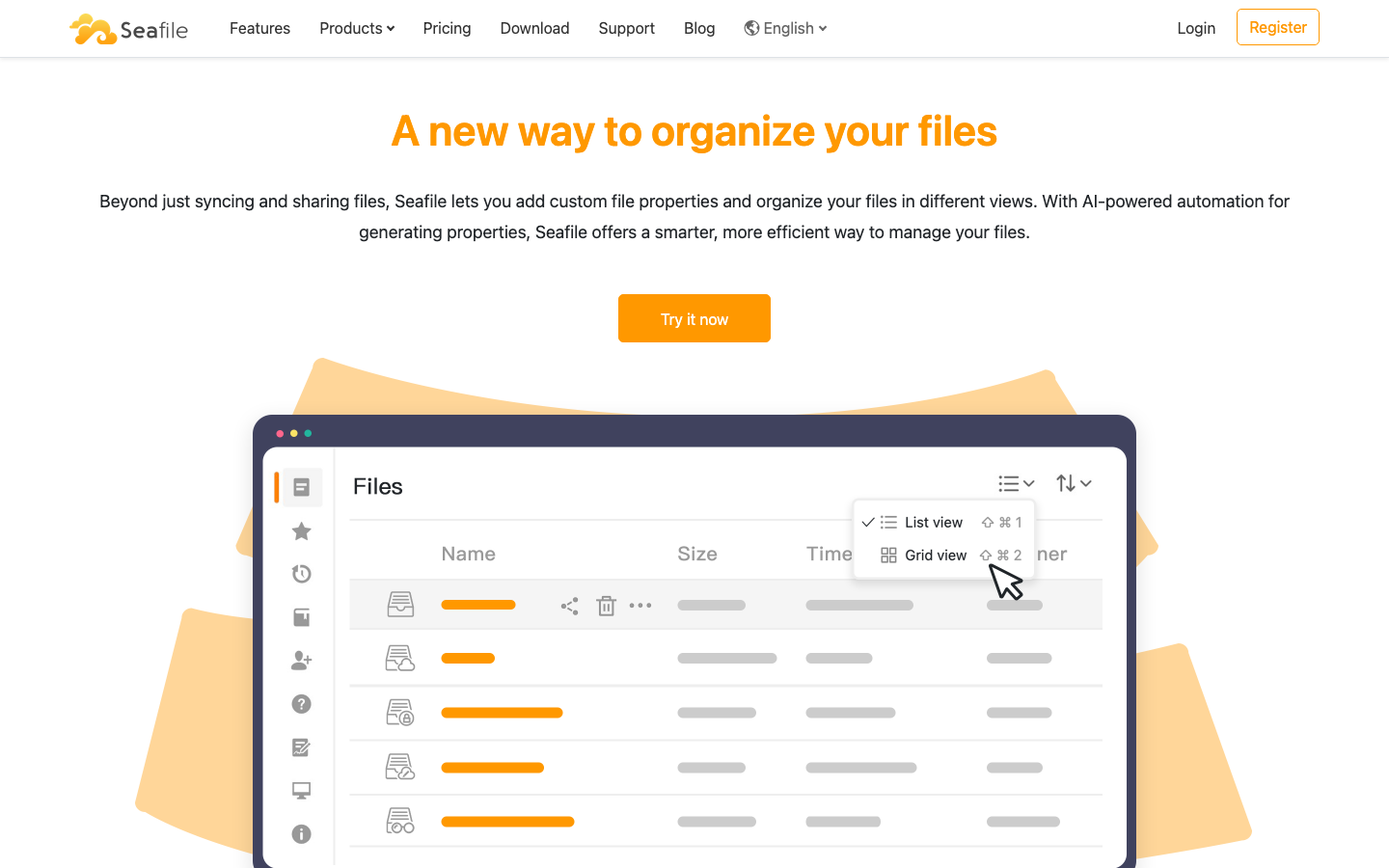
A file sync and sharing platform with extensible file properties, flexible views, and team collaboration. Designed as a Box alternative with emphasis on data ownership and sync reliability.
Pros
- End-to-end encryption available; your files remain private even from the server.
- Native desktop and mobile clients provide seamless sync like Dropbox or Box.
- Flexible permission model and team workflows scale from small groups to enterprises.
Cons
- License status not clearly declared; less transparency than AGPL alternatives.
- Setup and maintenance more involved than single-file solutions.
filestash
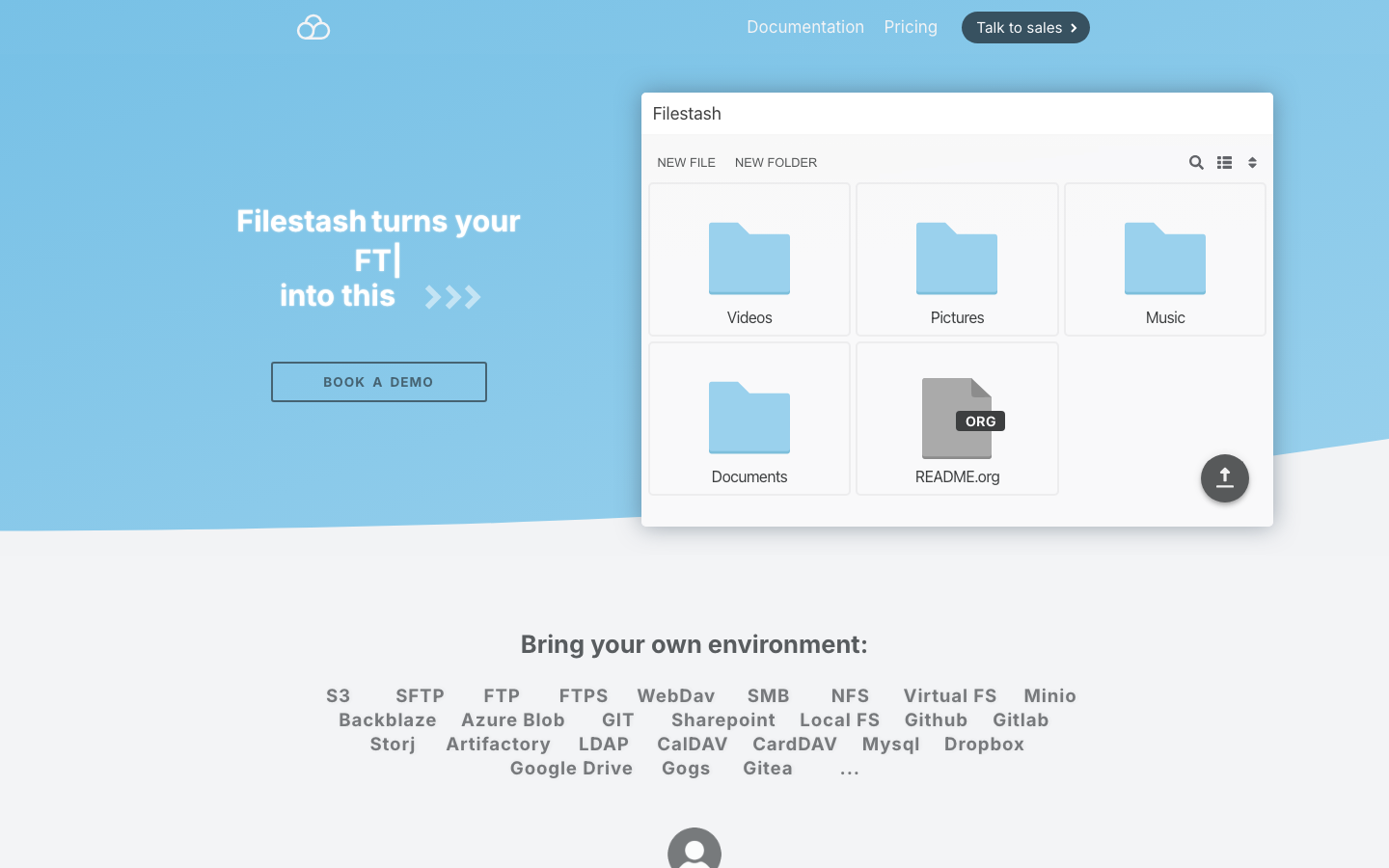
A universal file access layer that connects to SFTP, S3, WebDAV, Git, and other backends without FUSE. Think of it as a single interface to all your storage.
Pros
- Multi-backend support means you can unify access to disparate storage systems (on-prem, cloud, object storage).
- AGPL-3.0 ensures code transparency; strong for regulated industries.
- No lock-in to a single storage vendor.
Cons
- Primarily web-based; limited native sync client support.
- Requires familiarity with backend infrastructure (SFTP, S3, etc.).
core
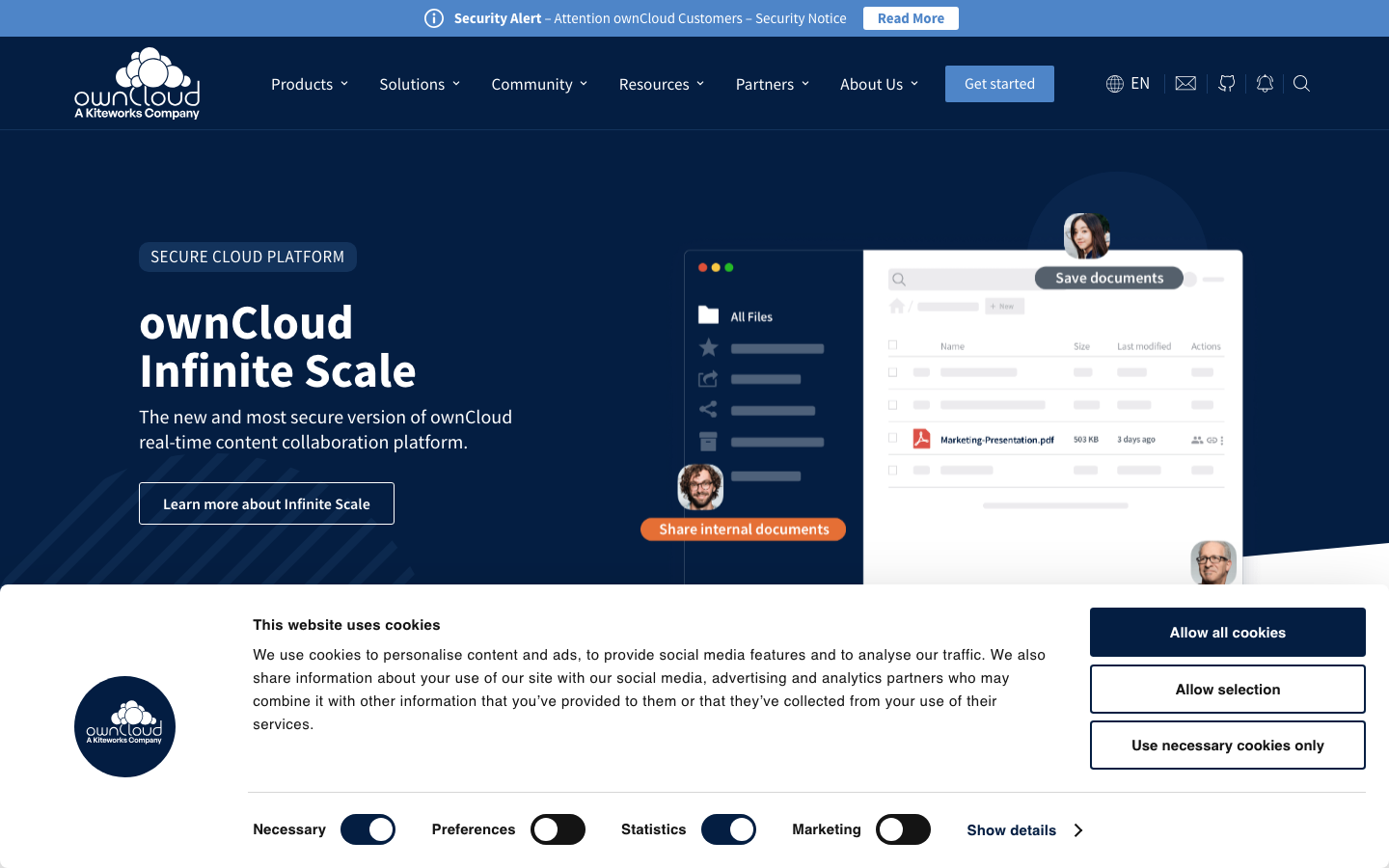
ownCloud's web server core, providing file storage, WebDAV support, and a full suite of collaboration tools. Enterprise-grade file management for teams that need DAV protocol support.
Pros
- WebDAV compliance enables broad client compatibility (Finder, Explorer, mobile apps).
- AGPL-3.0 license; mature, well-audited codebase suitable for regulated environments.
- Extensive app ecosystem and community support.
Cons
- Steeper learning curve and more complex deployment than lightweight alternatives.
- Requires ongoing maintenance and updates for production use.
tinyfilemanager
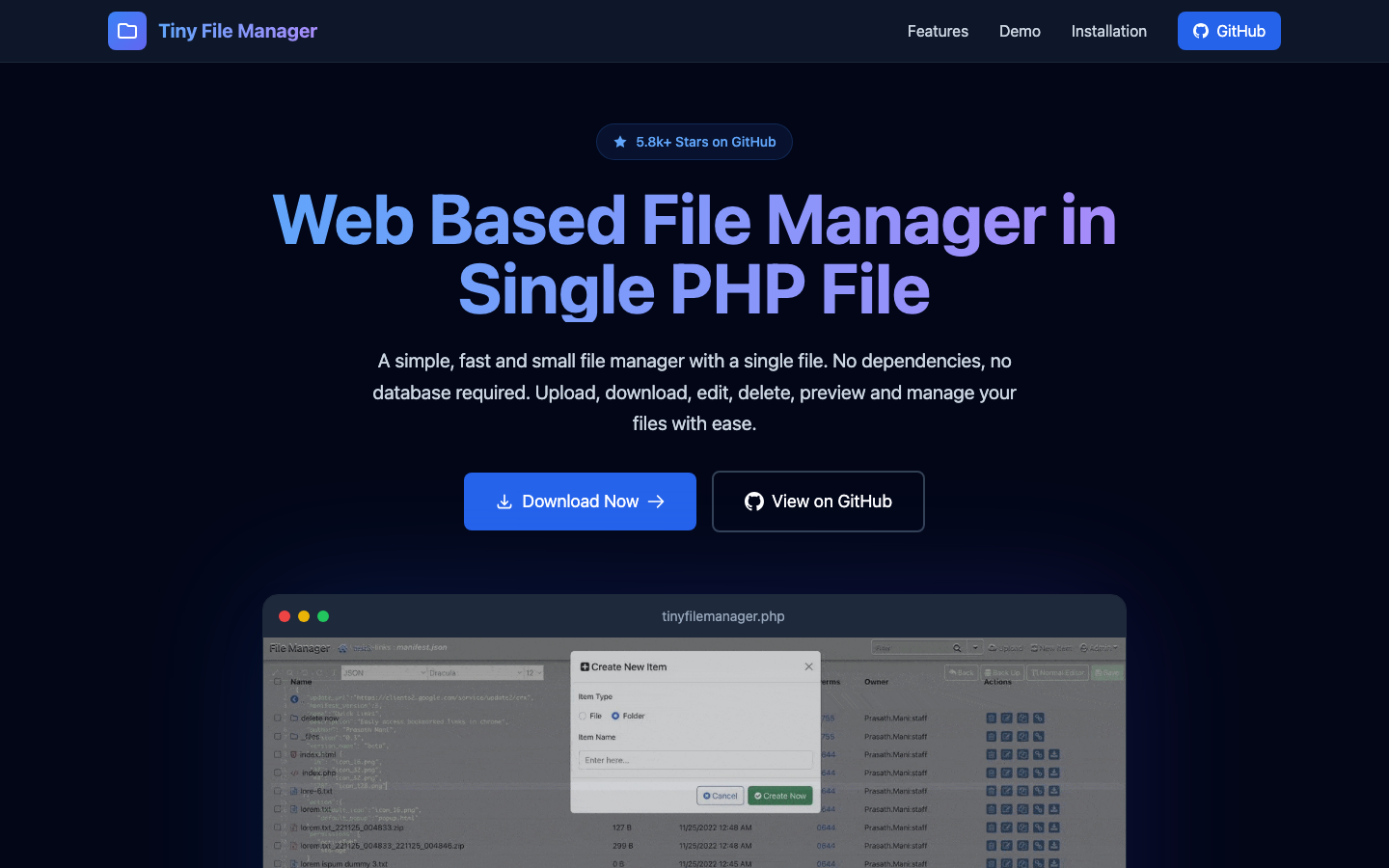
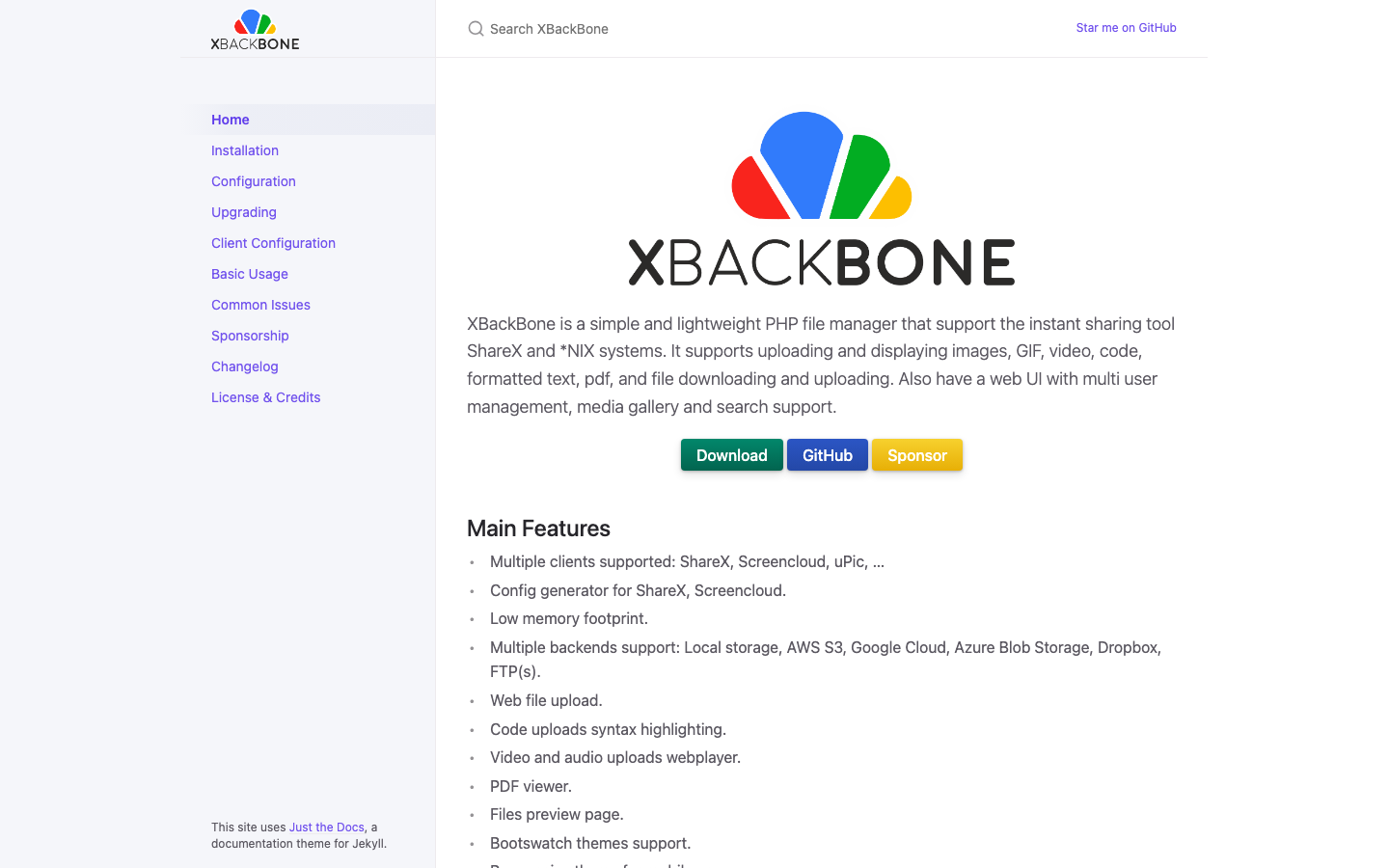
A single PHP file that acts as a complete file manager. Drop it on any web host and manage files instantly.
Pros
- Deployment is trivial: one file, no database, no build process.
- GPL-3.0 license; suitable for educational and non-commercial use.
- Minimal resource requirements; runs on shared hosting.
Cons
- No sync or mobile clients; web interface only.
- Limited to basic file operations; not suitable for complex team workflows or governance.
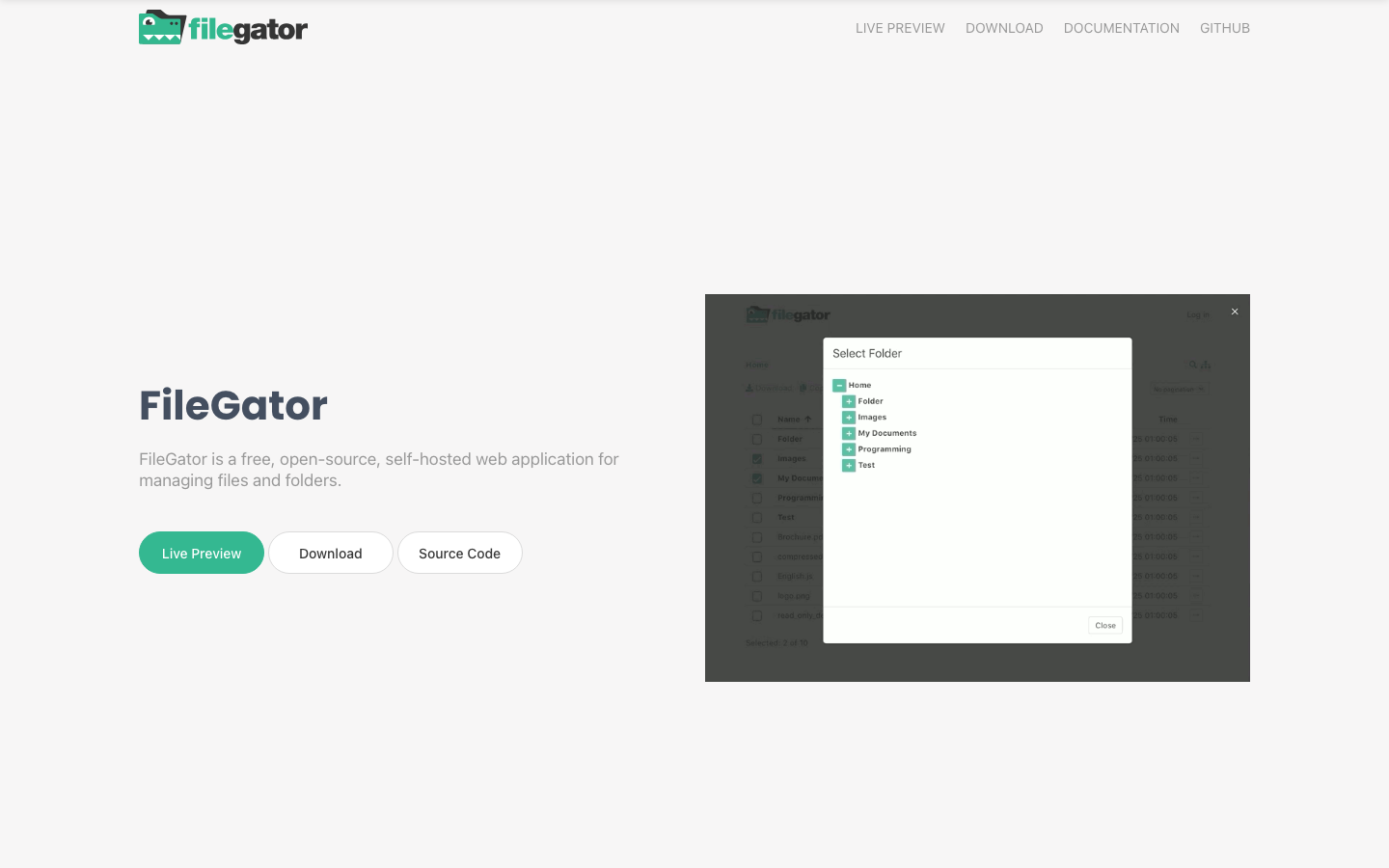
filegator
A multi-user file manager with granular permission controls and an intuitive web interface.
Pros
- MIT license permits unrestricted commercial and private use.
- Permission system designed for multi-user scenarios (teams, departments, external users).
- Straightforward setup and maintenance.
Cons
- No native sync or mobile clients.
- Smaller community and fewer integrations compared to larger projects.
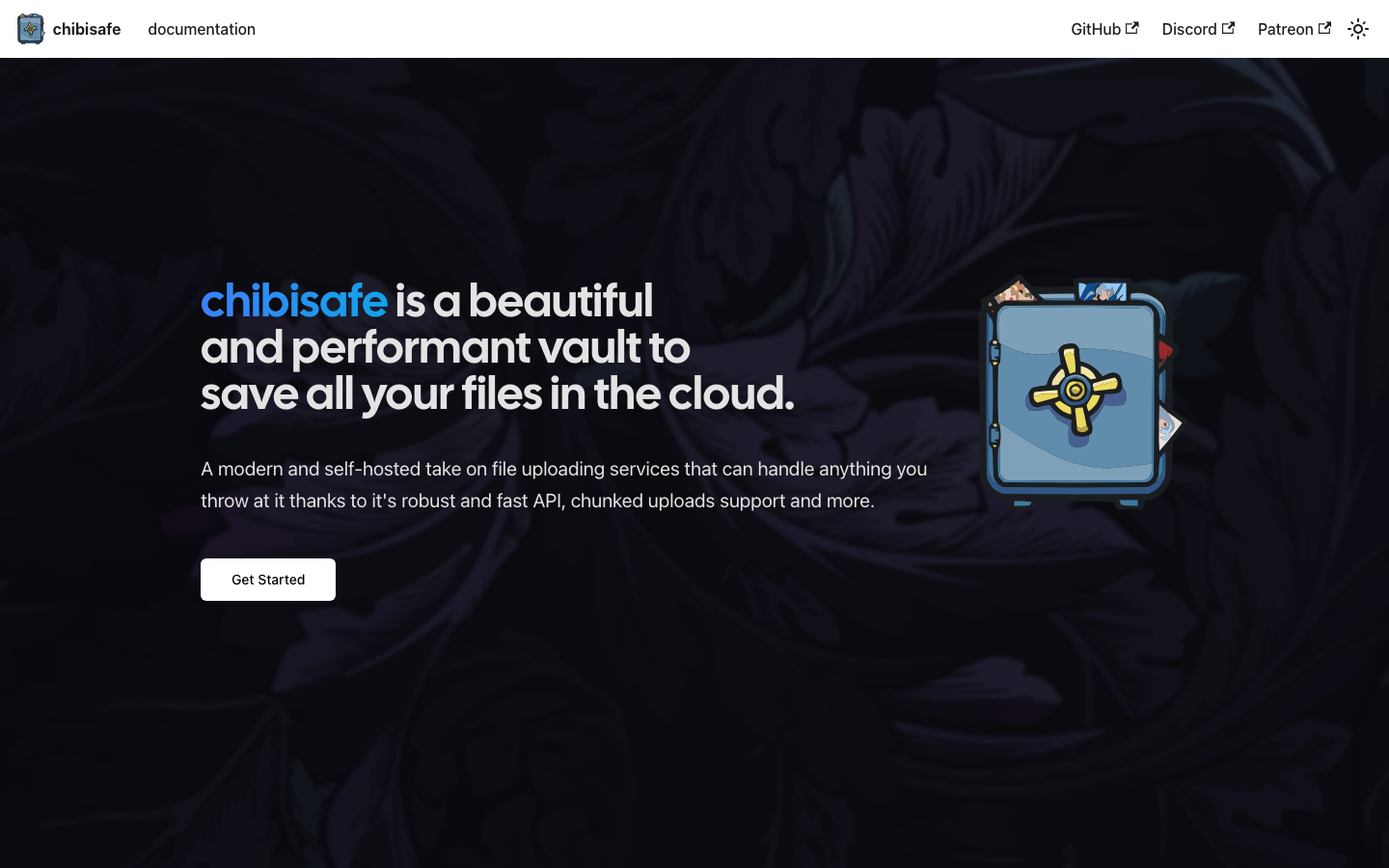
chibisafe
A modern, TypeScript-based file vault emphasizing speed and simplicity. Designed for fast uploads, sharing, and file organization.
Pros
- MIT license; modern codebase appeals to teams comfortable with JavaScript ecosystems.
- Fast upload and retrieval performance.
- Clean, contemporary UI.
Cons
- Newer project with smaller user base; less production history than alternatives.
- Limited collaboration features; better suited for file sharing than team workflows.
How to choose
For privacy-first, all-in-one environments: choose puter if your team wants a complete desktop replacement that avoids SaaS entirely.
For teams that need sync and sharing: seafile is the closest Box replacement, with native clients and end-to-end encryption.
For simplicity and minimal overhead: filebrowser or tinyfilemanager deploy instantly and cost almost nothing to run.
For multi-backend flexibility: filestash unifies access to existing storage infrastructure without forcing a single vendor.
For enterprise-scale DAV compliance: core is the mature choice, though it demands more operational investment.