






TL;DR
- Small teams and solo practitioners who need multi-event scheduling without per-user fees should evaluate Cal.com or Cal.DIY — both offer self-hosted infrastructure with team features baked into the core product.
- Organizations managing resource availability (rooms, equipment, staff) benefit from LibreBooking's resource-centric model and mobile-friendly interface, especially when scheduling is tied to asset management rather than just people.
- Groups coordinating one-off meetings or polls find Rallly's lightweight, collaborative approach faster to deploy than full appointment schedulers, trading booking automation for simplicity.
Why teams leave Calendly
A growing team hits the wall fast with Calendly's free tier. One person sets up a Basic account, adds a single event type for client calls, and everything works. Then the second team member needs their own event type. Or the sales lead wants to collect payment at booking. Or customer success needs to sync with multiple calendars. Suddenly the free plan is exhausted, and the bill jumps to $10+ per user per month — multiplied across a team of five, ten, or twenty.
The deeper friction is structural. Calendly's model is usage-based licensing: more features, more users, more integrations all trigger higher tiers. Your booking pages, your availability rules, and your invitee data live on Calendly's platform, behind their terms of service. You cannot self-host, cannot audit the infrastructure, and cannot own the scheduling logic. If Calendly's API hits a rate limit or a feature you need isn't available, you're stuck negotiating with support or migrating elsewhere — a painful lift after months of invitee links baked into emails and websites.
Open-source alternatives flip the economics. They let you self-host the entire scheduling engine, eliminating per-user licensing on core features. Multiple event types, team assignment, calendar integrations, and automations are usually available in the base product, not locked behind pricing tiers. You control the data, the uptime, and the roadmap. The trade-off is operational: you manage the infrastructure, and the UI may not match Calendly's polish. But for teams that can spare a developer or use managed hosting, the cost predictability and data ownership justify the switch.
Quick comparison
| Name | License | Self-Hosted | API / Extensibility | Stack / Language | Best For |
|---|---|---|---|---|---|
| Cal.com | — | Yes | Robust API, webhooks, integrations | TypeScript | Teams wanting production-grade scheduling infrastructure |
| Cal.DIY | MIT | Yes | API and extensibility available | TypeScript | Teams prioritizing open licensing and community forks |
| Rallly | AGPL-3.0 | Yes | Lightweight, poll-based model | TypeScript | Groups organizing meetings and group availability |
| Easy!Appointments | GPL-3.0 | Yes | Basic API, customizable via PHP | PHP | Small businesses and service providers |
| LibreBooking | GPL-3.0 | Yes | Resource-centric scheduling, extensible | PHP | Organizations managing shared resources and facilities |
Top open-source alternatives to Calendly
Cal.com
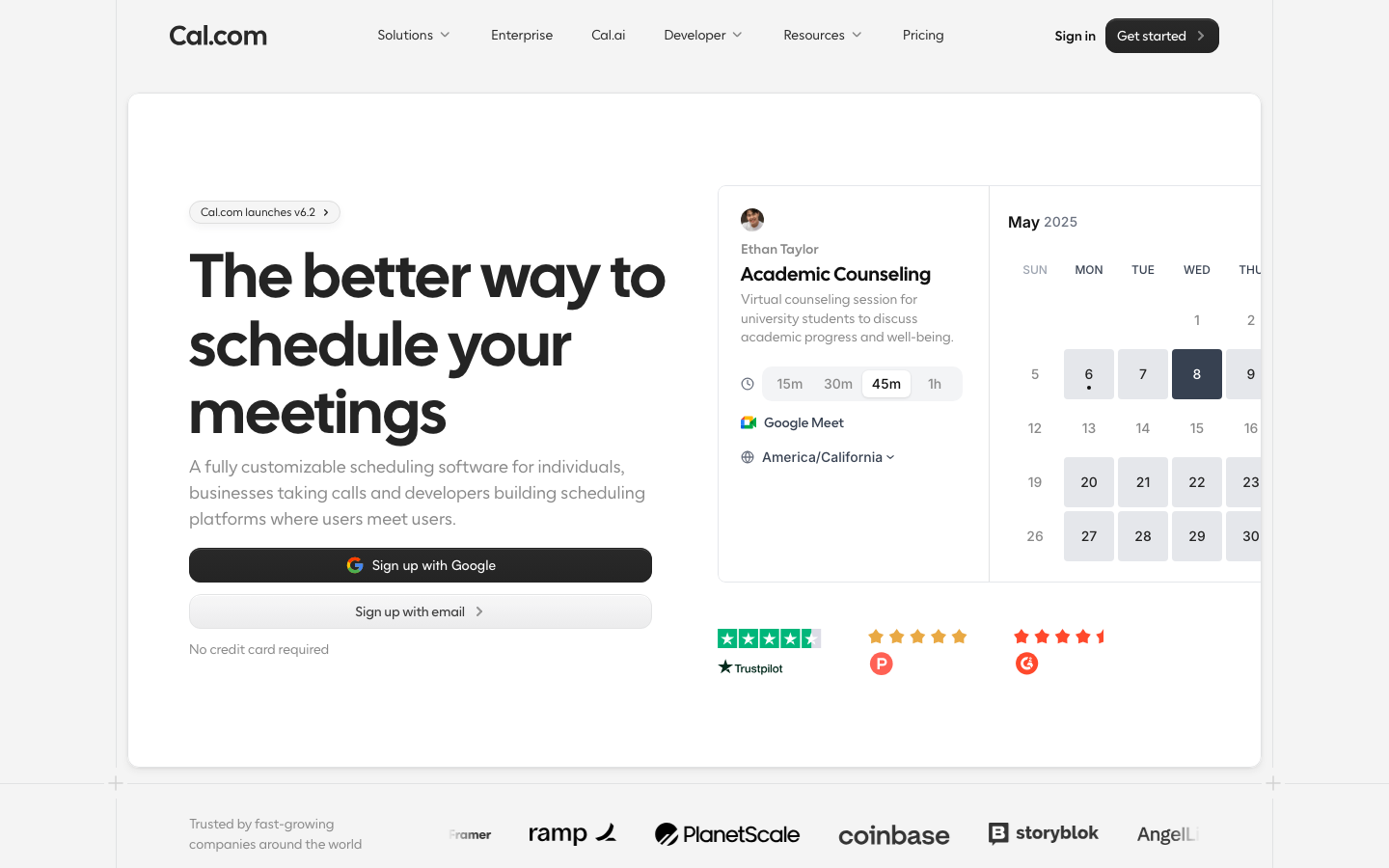
Cal.com is a self-hosted scheduling infrastructure designed to replicate and extend Calendly's core workflow — shareable booking links, multiple event types, team routing, and calendar sync — with full data ownership and no per-seat licensing. It supports payment collection, integrations (Zapier, webhooks, calendar platforms), and advanced automations, making it suitable for teams that have outgrown Calendly's free tier or need API-first scheduling.
Pros
- Multiple event types, team features, and payment collection included in the base product (no licensing tiers)
- Strong API and webhook support for custom workflows and integrations
- Active community and managed hosting options if self-hosting is not feasible
Cons
- Requires self-hosting or third-party managed hosting, adding operational overhead
- UI and UX are functional but less polished than Calendly's consumer-grade design
Cal.DIY
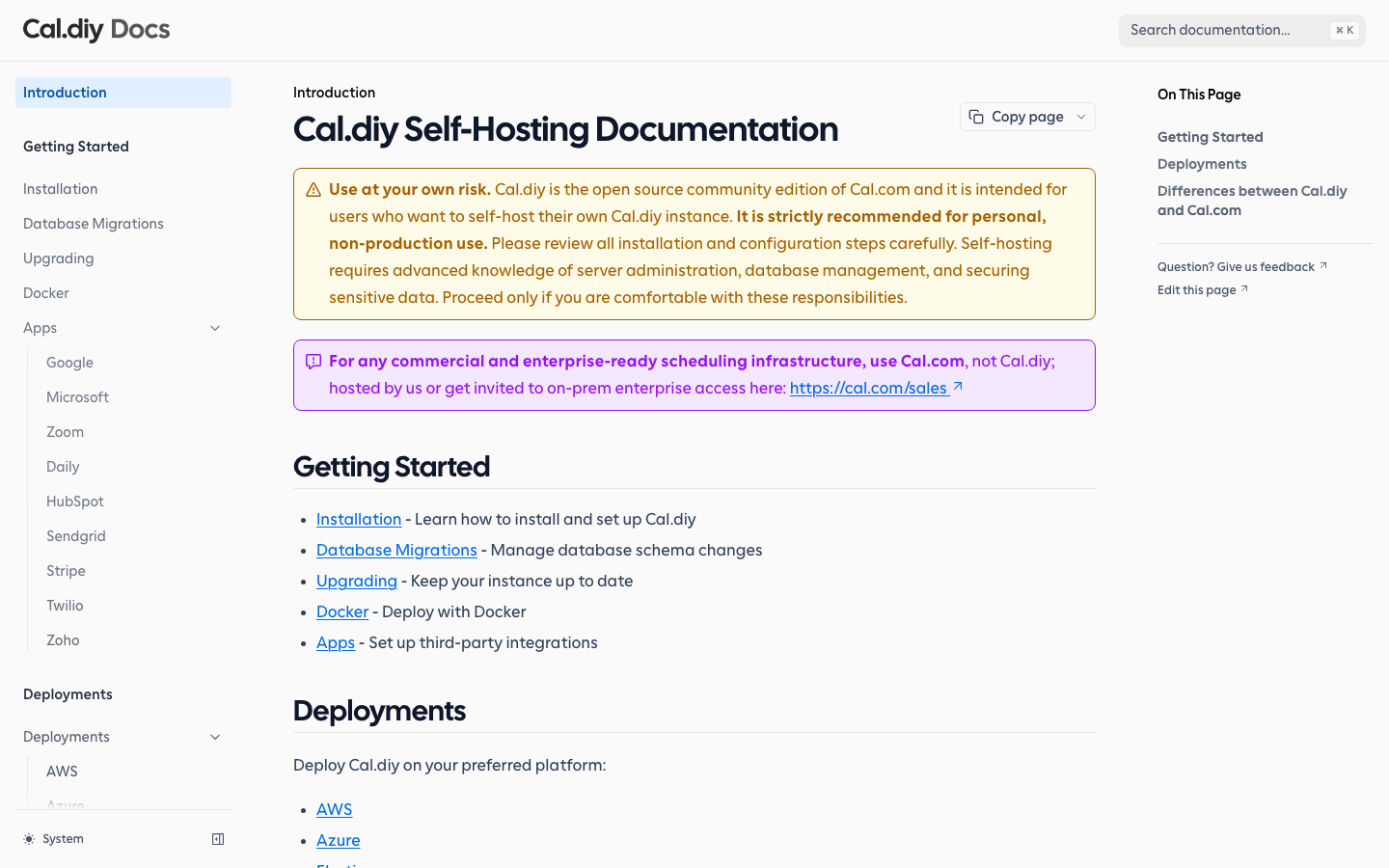
Cal.DIY is a MIT-licensed fork and variant of the Cal.com scheduling engine, emphasizing community ownership and ease of customization. It offers the same core booking-link and team-scheduling model with explicit open-source licensing, appealing to organizations that prioritize license clarity and the ability to fork or modify the codebase without ambiguity.
Pros
- MIT license provides clear legal freedom for commercial and private use
- Identical feature set to Cal.com (multi-event, team routing, integrations)
- Lower friction for teams wanting to customize or extend the scheduling engine
Cons
- Smaller community and fewer managed-hosting partners than Cal.com
- Still requires self-hosting infrastructure or third-party hosting setup
Rallly
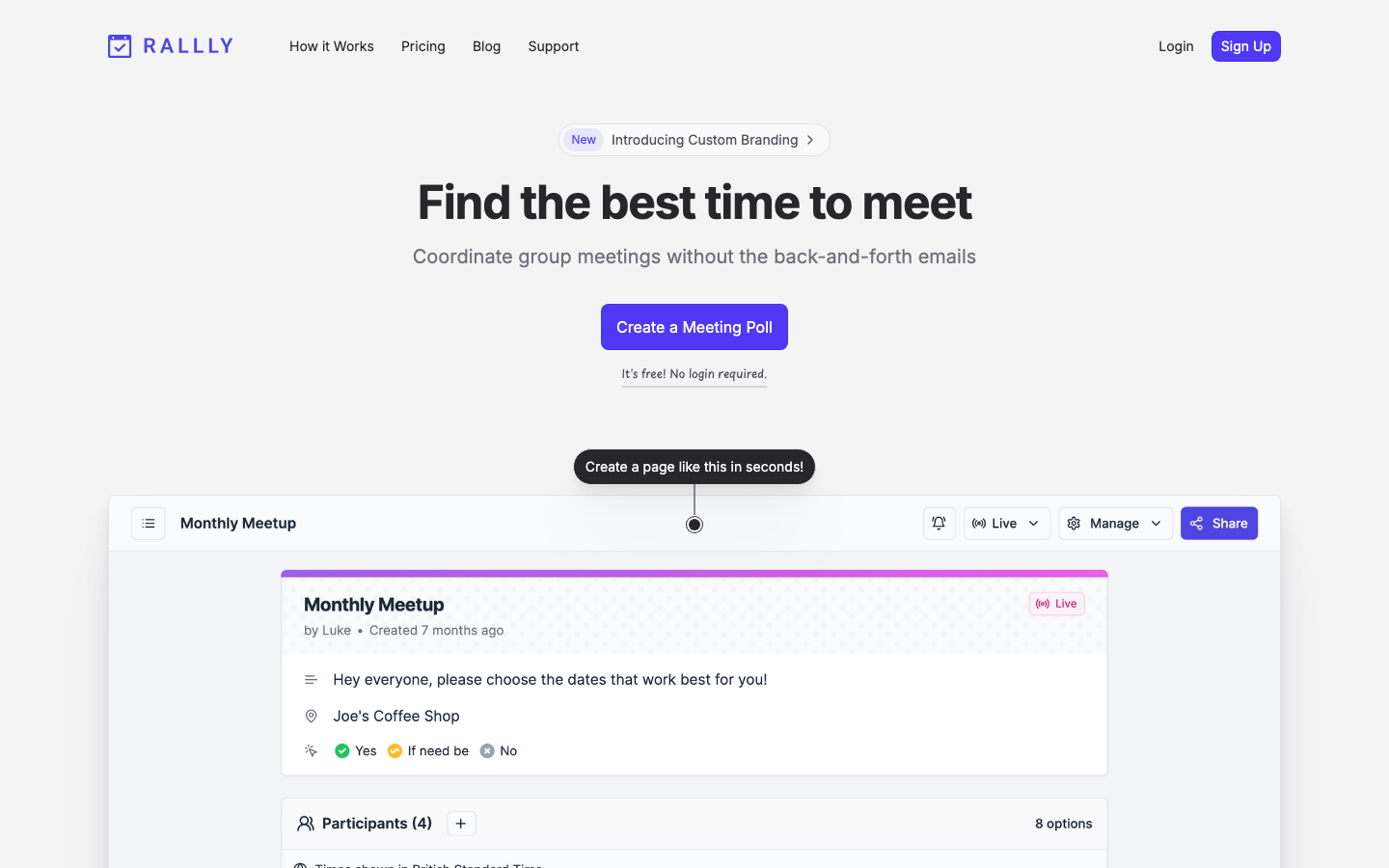
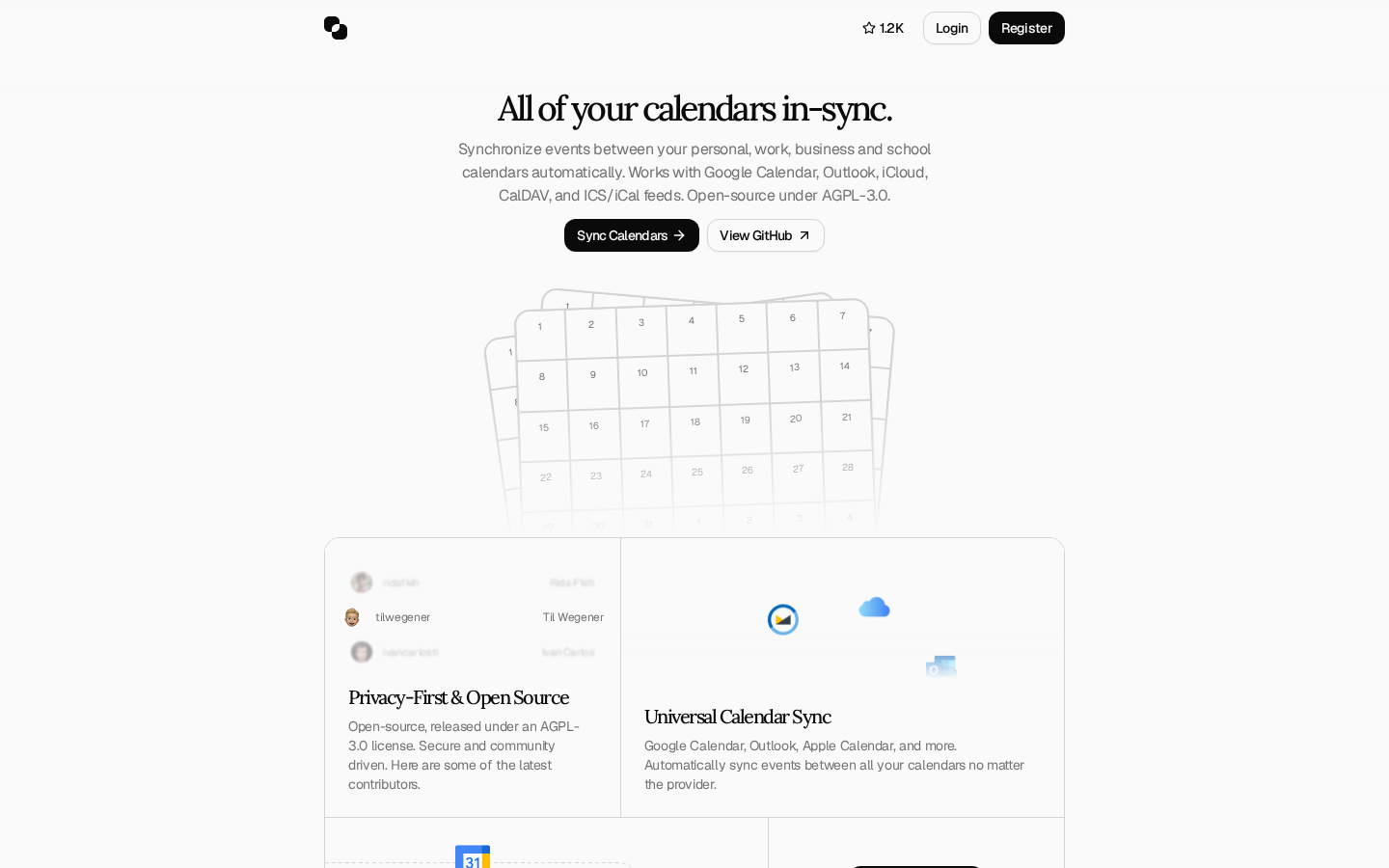
Rallly is a lightweight, open-source polling and scheduling tool focused on group coordination — finding the best time for a meeting by collecting availability from multiple participants. It is not a full appointment scheduler like Calendly; instead, it replaces the back-and-forth email chains with a simple, shareable poll.
Pros
- Fast to deploy and minimal setup overhead; ideal for ad-hoc meeting coordination
- AGPL-3.0 license is permissive for most use cases
- Lower resource footprint than full scheduling suites
Cons
- Not designed for recurring bookings or client-facing appointment scheduling
- Lacks payment collection, advanced automations, and team management features
Easy!Appointments
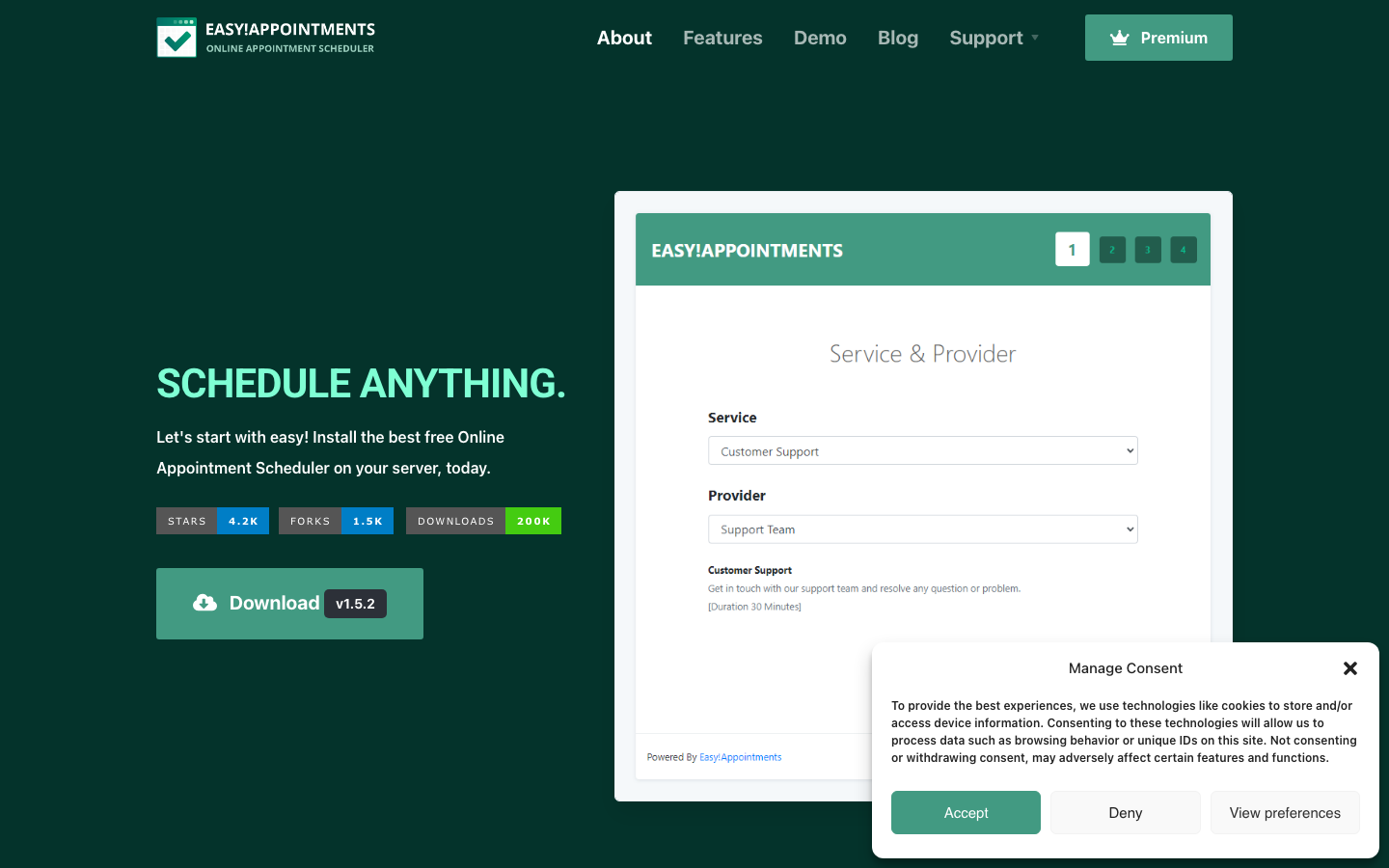
Easy!Appointments is a self-hosted appointment scheduler built in PHP, targeting small businesses and service providers. It provides booking links, staff calendars, service management, and email notifications — a simpler, self-contained alternative to Calendly's booking workflow.
Pros
- Lightweight and quick to self-host on standard PHP hosting
- Includes staff management, service categories, and customer notifications
- GPL-3.0 license allows modification and redistribution
Cons
- PHP-based architecture is less modern than TypeScript alternatives and may require more DevOps familiarity
- API and extensibility are basic; custom integrations require more manual work
LibreBooking
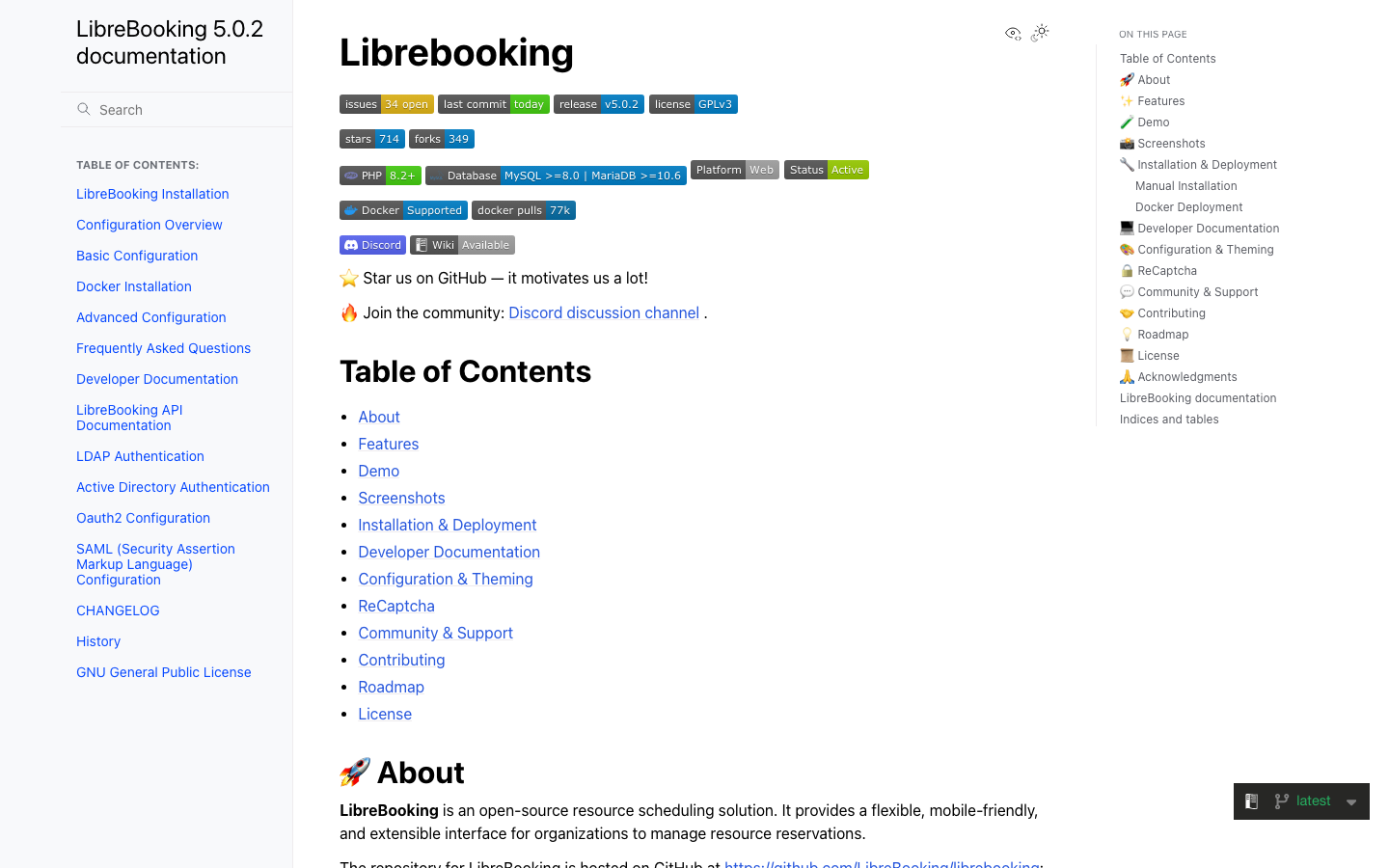
LibreBooking is a resource-scheduling platform designed for organizations managing shared facilities, equipment, or staff availability — libraries, coworking spaces, equipment rental, or healthcare providers. It emphasizes mobile-friendly interfaces and resource-centric workflows rather than individual appointment slots.
Pros
- Specialized for resource and facility scheduling, not just people-to-people meetings
- Mobile-friendly design suits field staff and on-the-go booking
- GPL-3.0 license and self-hosted model give full control over data and uptime
Cons
- Narrower use case than Calendly; not ideal if you need individual booking pages for freelancers or consultants
- PHP stack and smaller community mean fewer third-party integrations out of the box
How to choose
Team size and budget are the primary drivers. Solo practitioners and small teams (under 5 people) hit Calendly's free limits immediately; Cal.com or Cal.DIY eliminate per-user fees and offer the full feature set from day one. Use case matters next: if you are coordinating one-off group meetings, Rallly is faster and lighter; if you manage shared resources (rooms, equipment, facilities), LibreBooking is purpose-built. Operational capacity is the deciding factor — all five projects require self-hosting or a managed-hosting partner, so choose based on your team's willingness to manage infrastructure. If you need a managed SaaS without per-user fees, Cal.com offers commercial hosting; if you want maximum license clarity and community control, Cal.DIY and Easy!Appointments are solid bets.