











TL;DR
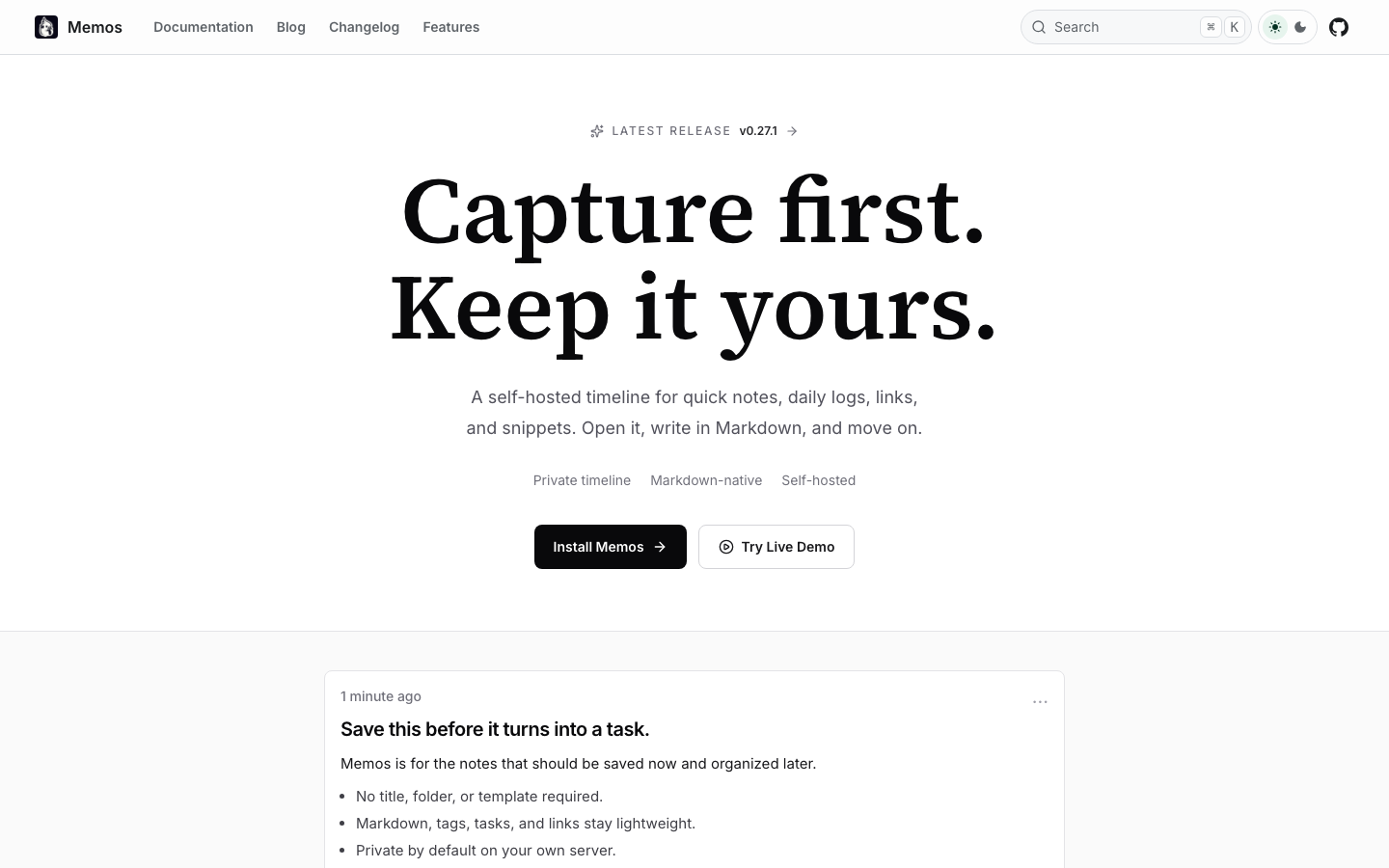
- Privacy first? memos keeps your notes entirely self-hosted and markdown-native, with zero cloud dependency or vendor tracking.
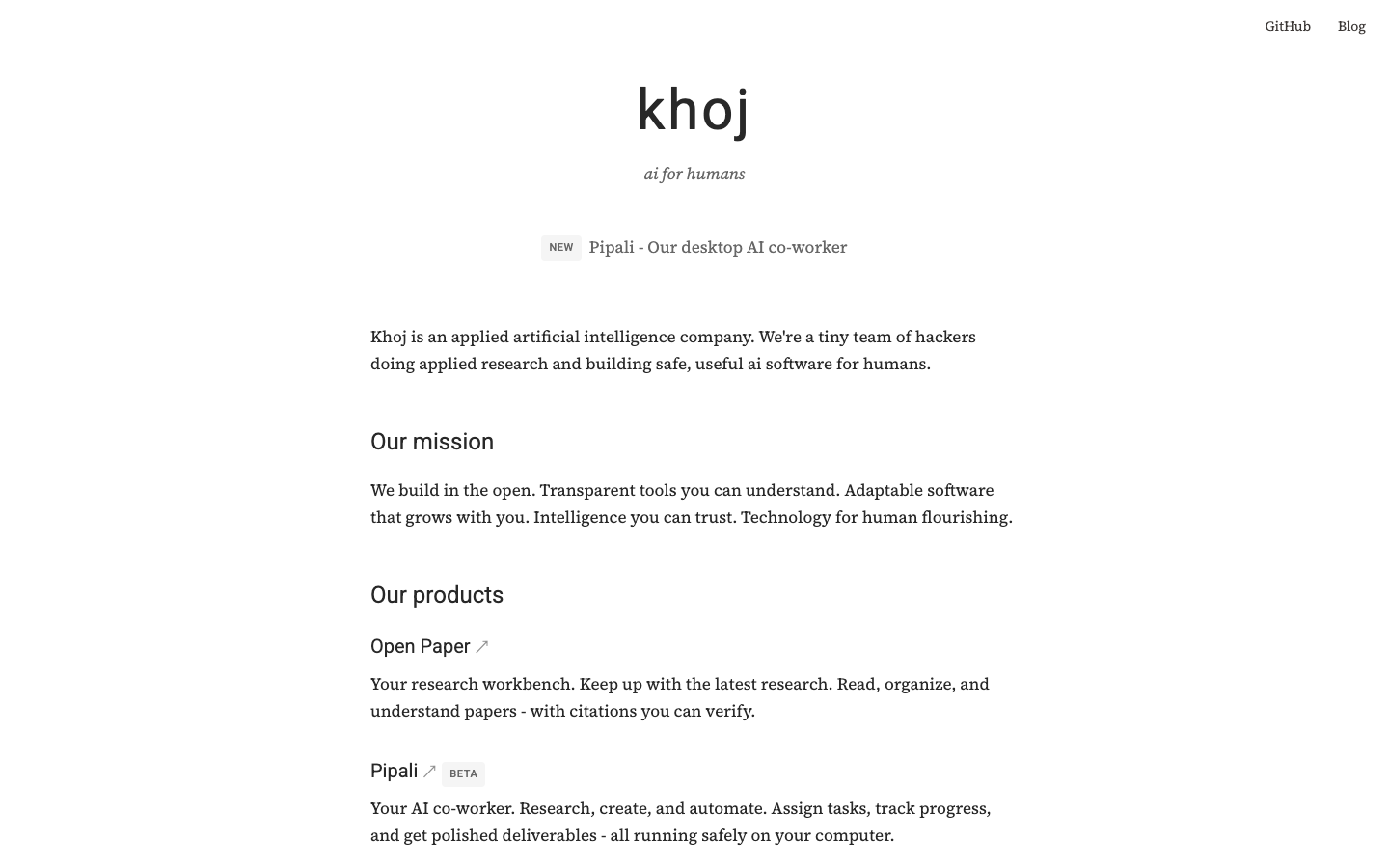
- Cost matters most? khoj layers AI-powered search and research on top of local documents—free to self-host, no per-seat licensing.
- Want full control over your knowledge base? paperless-ngx turns document chaos into a searchable, indexed archive you own completely.
Why teams leave Evernote
Evernote's pricing trajectory tells the story. When Bending Spoons acquired the platform, annual plans roughly doubled: Personal jumped from $49.99 to $129.99, while Professional climbed to $169.99. For teams, per-seat costs add up fast. But the real sting isn't just price—it's the hostage situation that follows.
The free tier was gutted to a mere 50 notes, one notebook, and single-device access as of August 2024. For users with thousands of accumulated notes, this isn't a pricing increase; it's a paywall on work already done. The proprietary .enex export format and deep feature lock-in make leaving feel risky: you can technically export, but you're never quite sure what you'll lose in translation.
This is the vendor squeeze in slow motion. Your knowledge base becomes collateral, held hostage to the next pricing decision. It's exactly why teams now demand open, portable, local-first alternatives where the data stays theirs and the format stays standard.
Quick comparison
| Name | License | Self-Hosted | Data Format / Portability | Real-time Collaboration | Best For |
|---|---|---|---|---|---|
| memos | MIT | Yes | Markdown, portable export | — | Quick, lightweight personal notes |
| paperless-ngx | GPL-3.0 | Yes | PDF, searchable index | — | Document archiving & retrieval |
| khoj | AGPL-3.0 | Yes | Local files + web sources | — | AI-powered research & knowledge synthesis |
| ArchiveBox | MIT | Yes | HTML, PDF, media snapshots | — | Web content preservation & offline access |
| karakeep | AGPL-3.0 | Yes | Markdown, full-text indexed | — | Link & image curation with auto-tagging |
| linkwarden | AGPL-3.0 | Yes | Markdown annotations, portable | Yes | Collaborative bookmark & article management |
| wallabag | MIT | Yes | HTML articles, read-it-later | — | Save and organize web articles offline |
| linkding | MIT | Yes | HTML exports, tag-based | — | Minimal, fast bookmark management |
Top open-source alternatives to Evernote
memos
A lightweight, self-hosted note-taking tool built for speed and simplicity. Everything is markdown-native, and your data lives on your infrastructure—no cloud, no vendor. With 59k GitHub stars, it's the closest spiritual successor to early Evernote: capture-first, organize-later.
Pros
- Fully self-hosted; complete data ownership and portability.
- Markdown-native ensures your notes are future-proof and tool-agnostic.
- Minimal, distraction-free interface optimized for quick capture.
Cons
- Limited real-time collaboration features for distributed teams.
- Smaller ecosystem means fewer integrations compared to Evernote's app marketplace.
paperless-ngx
A community-driven document management system that scans, indexes, and archives everything. If your "notes" are really documents, receipts, contracts, and PDFs, this is the answer. It transforms a pile of paper into a searchable, tagged knowledge base you control.
Pros
- Powerful OCR and full-text search across thousands of documents.
- GPL-3.0 license ensures the project remains open and community-driven.
- Excellent for teams managing shared document libraries.
Cons
- Steeper learning curve; requires more setup than simple note-taking tools.
- Focused on documents rather than quick, freeform notes.
khoj
Your AI second brain. Search and synthesize knowledge from your own documents, the web, or custom LLMs (GPT, Claude, Llama, Mistral, Qwen). Schedule automations, build agents, and turn any model into your personal research assistant—all self-hosted and free.
Pros
- AI-powered search and synthesis without vendor lock-in to OpenAI or Anthropic.
- Works with local LLMs, so your data never leaves your server.
- Flexible enough to handle documents, web sources, and custom workflows.
Cons
- Requires LLM infrastructure (local or API); adds complexity to deployment.
- Newer project; smaller community than memos or paperless-ngx.
ArchiveBox
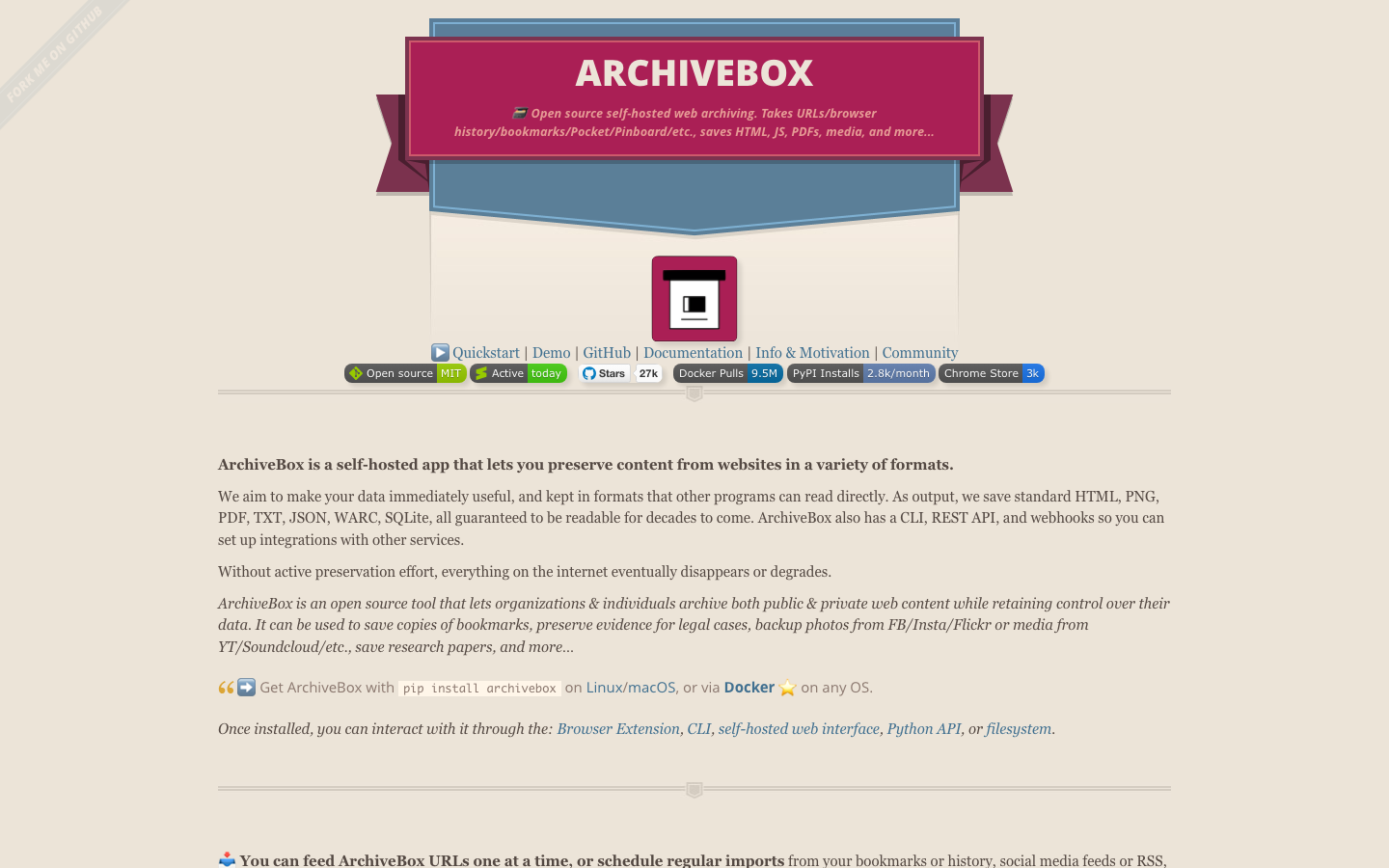
Open-source web archiving that captures everything: URLs, browser history, bookmarks, Pocket lists, PDFs, media, and more. It's a personal Internet Archive for your research, bookmarks, and reference material.
Pros
- Preserves entire web pages (HTML, JS, PDFs, media) so content never disappears.
- Works offline; your archive is completely portable and searchable.
- Handles bulk imports from Pocket, Pinboard, browser history, and more.
Cons
- Best for archiving web content, not general note-taking.
- Disk-intensive for large archives; requires significant storage.
karakeep
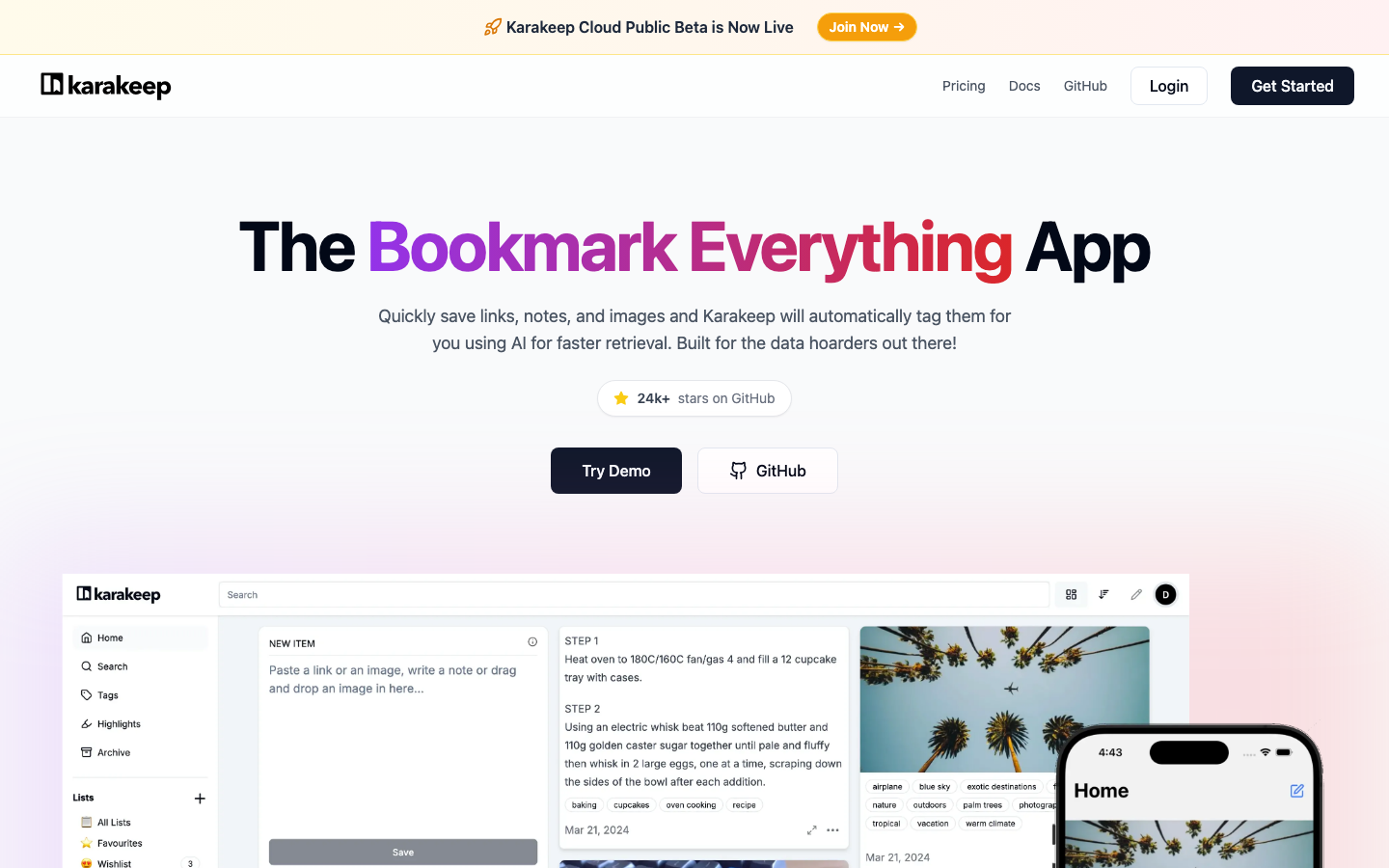
A self-hosted bookmark and note app that captures links, images, and notes with AI-powered automatic tagging and full-text search. Think of it as a modern, intelligent bookmark manager that learns your organizational patterns.
Pros
- Automatic tagging saves hours of manual organization.
- Full-text search across links, notes, and images in one place.
- Self-hosted and AGPL-licensed; your data stays yours.
Cons
- Smaller community; fewer third-party integrations.
- AI tagging requires some computational resources.
linkwarden
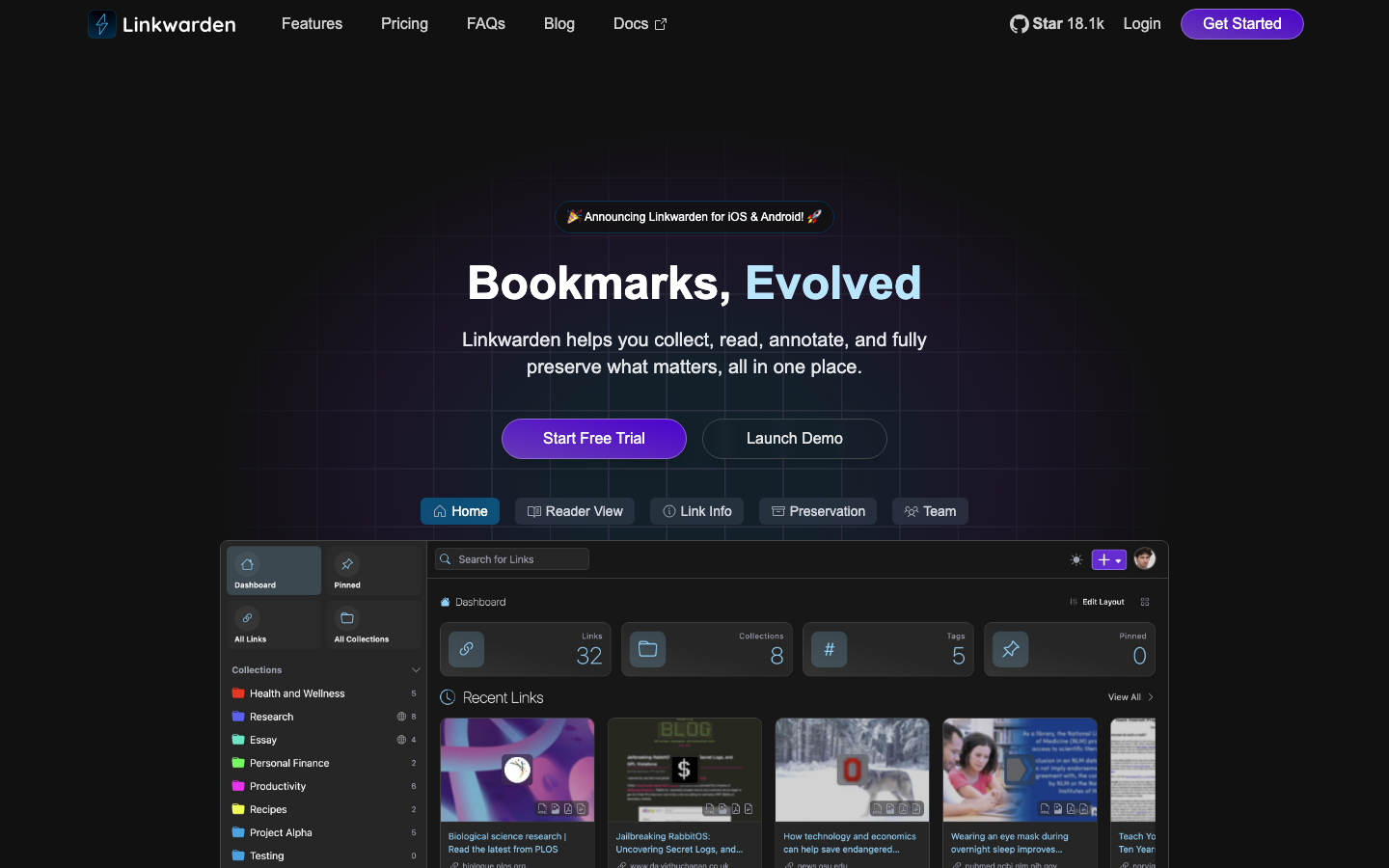
A collaborative bookmark manager designed for teams. Collect, annotate, and preserve links and articles in a shared workspace with full-text search and tag-based organization.
Pros
- Built-in real-time collaboration; teams can share and annotate together.
- AGPL-3.0 ensures it stays open and community-driven.
- Clean interface for managing research and reference materials.
Cons
- More specialized for bookmarking than general note-taking.
- Requires more resources to run than minimal alternatives like linkding.
wallabag
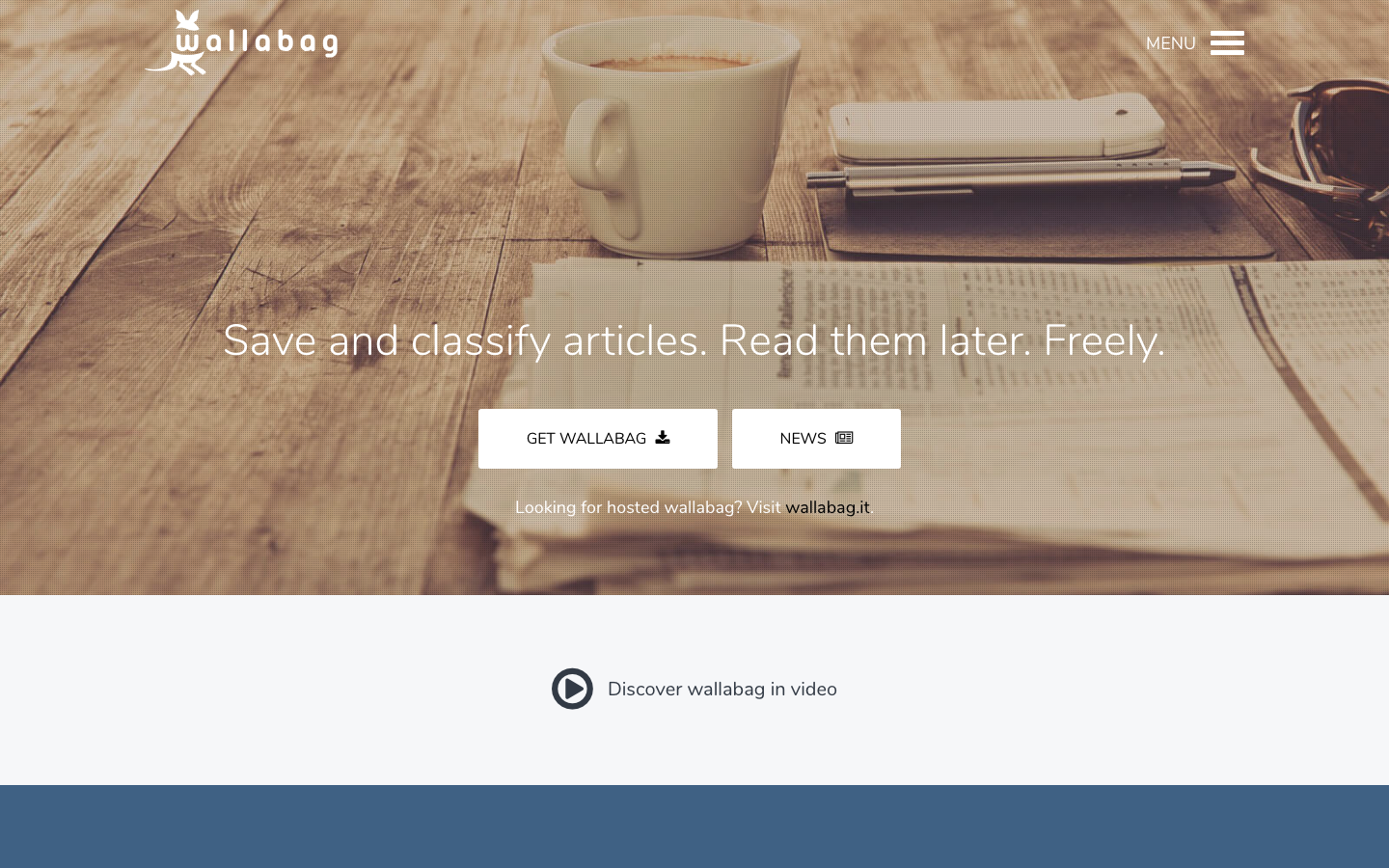
A self-hosted read-it-later service. Save web articles, classify them, read them offline, and build a personal archive of the content that matters to you—all without depending on Pocket or Instapaper.
Pros
- Simple, focused tool for saving and organizing articles.
- MIT license; lightweight and easy to self-host.
- Supports bulk imports from Pocket and other services.
Cons
- Narrower scope; designed for articles, not general knowledge management.
- Limited collaboration features for team use.
linkding
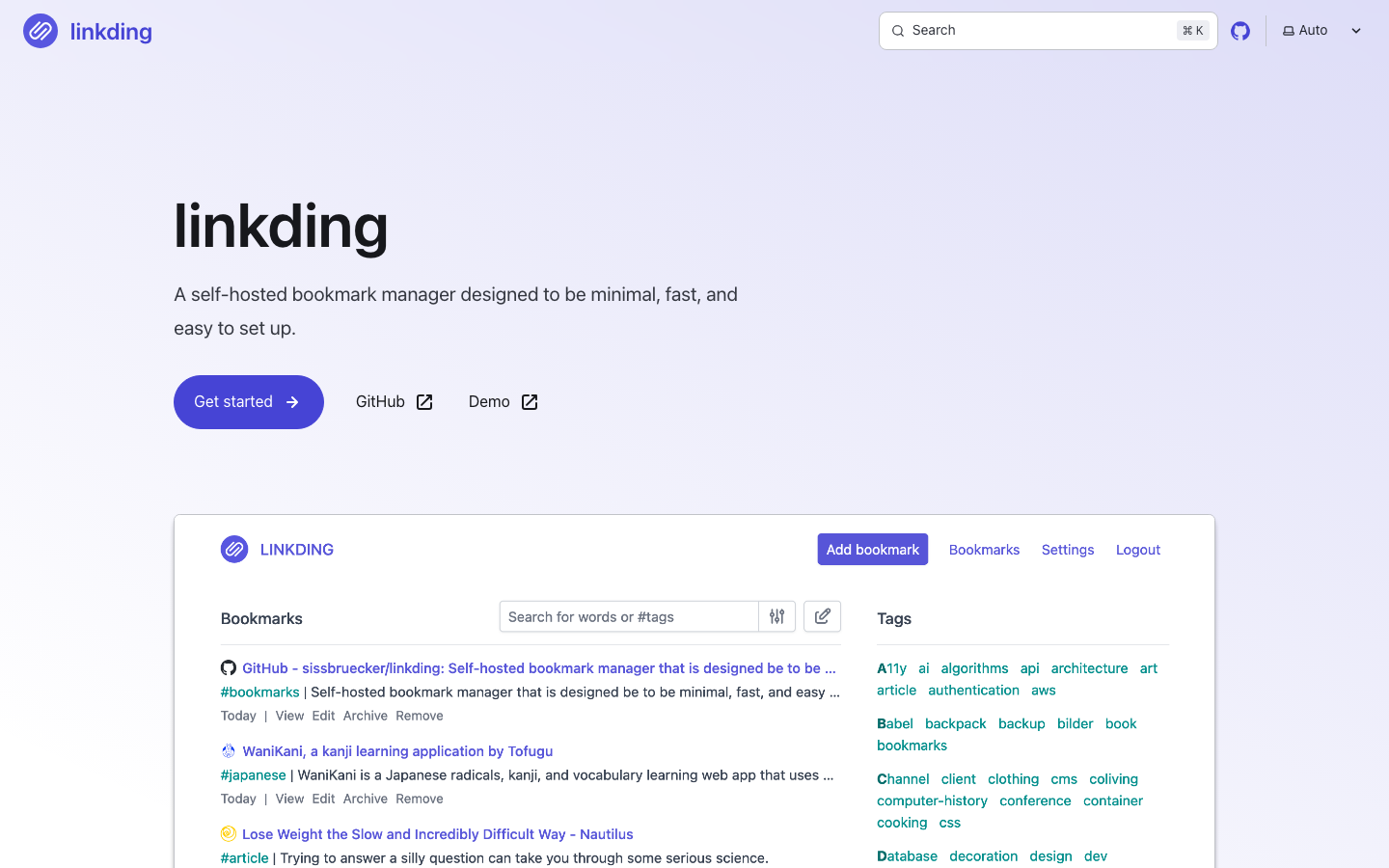
A minimal, fast bookmark manager designed to be deployed in minutes with Docker. No bloat, no complexity—just bookmarks, tags, and search.
Pros
- Extremely lightweight; minimal resource footprint and fast setup.
- MIT license; perfect for self-hosting on modest hardware.
- Fast full-text search even with thousands of bookmarks.
Cons
- Minimalist by design; fewer features than richer alternatives.
- Best for individuals or small teams; limited collaboration.
How to choose
Solo note-taker? Start with memos—it's the simplest, fastest path to owning your notes. Drowning in documents? paperless-ngx is your archive. Need AI-powered research? khoj adds intelligence without vendor lock-in. Team managing shared knowledge? linkwarden is built for collaboration. If you're coming from Evernote specifically, the key question is: are you capturing notes, bookmarks, articles, or documents? The answer determines which tool fits best—but all eight keep your data yours and your options open.