



TL;DR
- Privacy first: Deploy anonaddy on your own infrastructure to eliminate any dependence on Mozilla's servers or policies.
- Maximum control: Self-host app to own your entire email-masking system, domain, and forwarding rules without per-mask caps or subscription tiers.
- Simplicity with ownership: Choose onetimesecret if you need a lightweight, MIT-licensed tool to keep sensitive data out of chat logs and email trails entirely.
Why teams leave Firefox Relay
Firefox Relay's free tier stops at 5 email masks—a hard ceiling that forces users toward paid plans as their account footprint grows. Beyond cost, the real friction emerges from architectural dependence: your aliases live on Mozilla's infrastructure, subject to Mozilla's domain reputation, pricing changes, and service continuity. The shared mozmail.com domain has become a liability; many signup forms now recognize and reject it outright, making masks unreliable exactly when you need them most. The 10 MB attachment limit silently fails larger messages, creating a hidden failure mode.
More fundamentally, this is a vendor lock-in problem. If Mozilla changes pricing, deprecates the service, or tightens policies, your entire alias infrastructure disappears with it. You cannot migrate masks to another provider or reclaim them on your own domain. Self-hosted alternatives flip this model: you control the domain, the server, the forwarding rules, and the data. There is no per-mask billing, no shared-domain reputation risk, and no exit cost—only the operational responsibility of running your own mail infrastructure.
Quick comparison
| Name | License | Self-Hosted | API / Extensibility | Stack / Language | Best For |
|---|---|---|---|---|---|
| app | AGPL-3.0 | Yes | REST API, webhook support | Python | Full-featured alias management at scale |
| anonaddy | AGPL-3.0 | Yes | REST API, browser extension | PHP | Privacy-focused teams wanting lightweight deployment |
| onetimesecret | MIT | Yes | REST API, command-line tools | Ruby | Ephemeral secret sharing outside email/chat |
Top open-source alternatives to Firefox Relay
app
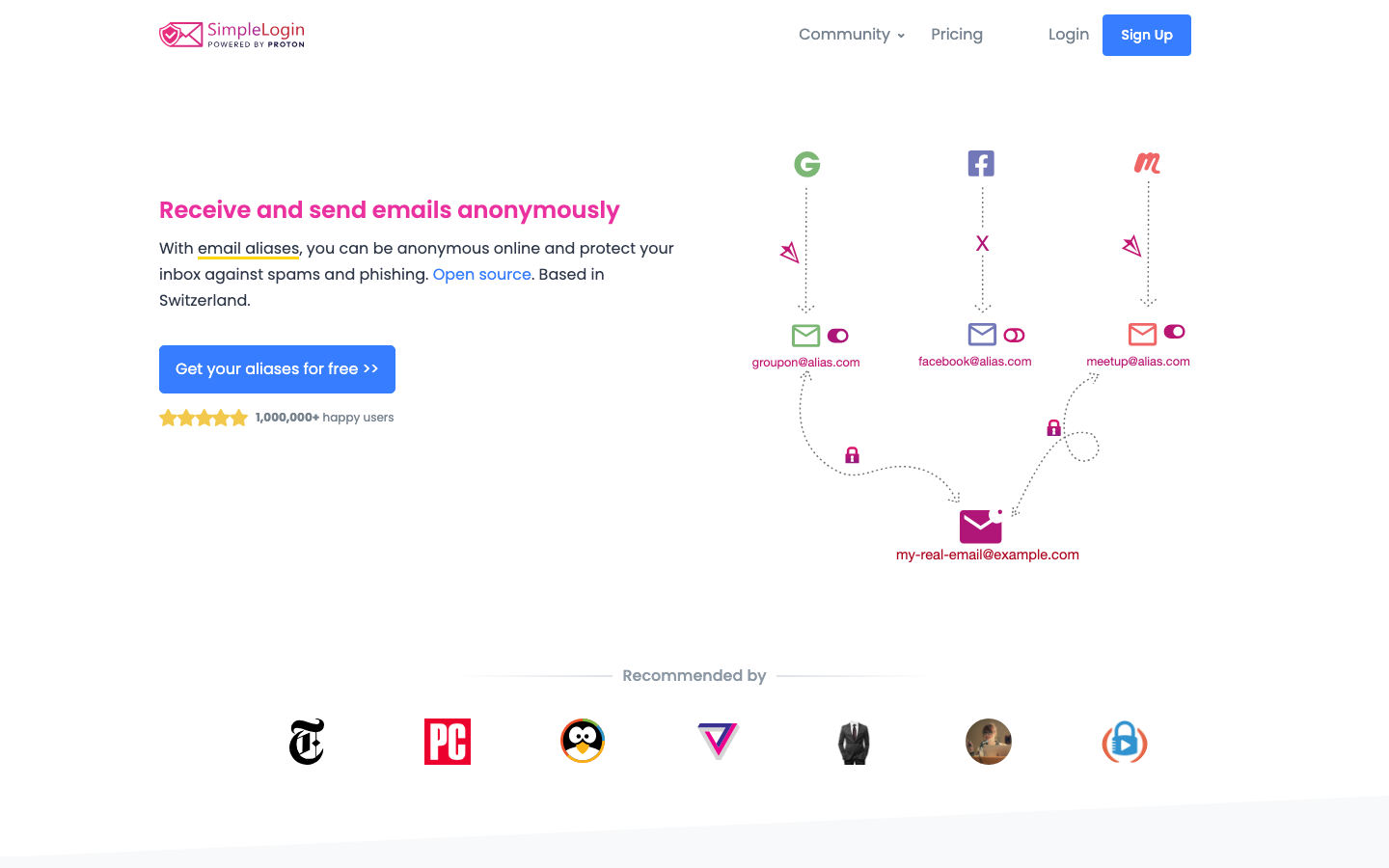
The SimpleLogin back-end and web application is a full-stack email-masking platform built in Python. It handles unlimited aliases on your own domain, supports custom forwarding rules, and exposes a REST API for programmatic alias creation and management. Deploy it on any server and own the entire forwarding pipeline.
Pros
- Unlimited aliases and no per-mask caps; reply from any alias without a Premium tier.
- REST API and webhook support enable integration into signup flows, password managers, and CI/CD pipelines.
- Mature, well-starred project (6,685 GitHub stars) with active maintenance and a clear upgrade path from Mozilla's constraints.
Cons
- Requires Python runtime and database administration; not a zero-configuration solution.
- AGPL-3.0 license requires any modifications to be released; proprietary forks are not permitted.
anonaddy
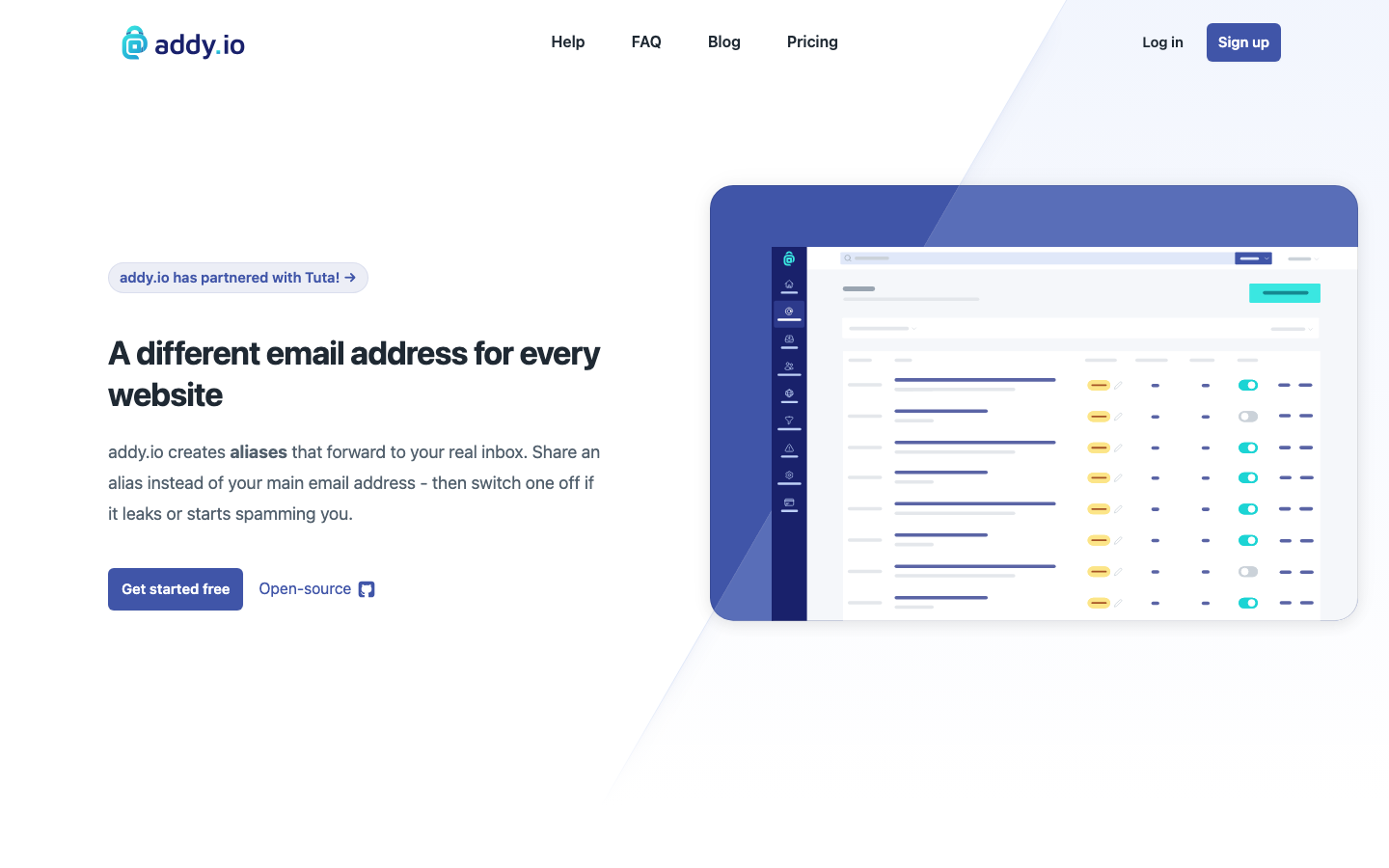
anonaddy is a lightweight PHP-based email forwarding system designed for privacy and simplicity. Create unlimited aliases on your own domain, set up catch-all forwarding, and use the browser extension to generate masks on the fly. It prioritizes a small footprint and straightforward deployment.
Pros
- Minimal dependencies and fast PHP deployment; runs on shared hosting or dedicated servers.
- Browser extension and REST API make alias generation seamless during signup workflows.
- Your domain, your rules—no shared-domain reputation issues and no hidden attachment limits.
Cons
- Smaller community and fewer integrations than larger projects; some advanced features may require custom development.
- AGPL-3.0 license applies; any self-hosted modifications must be open-sourced.
onetimesecret
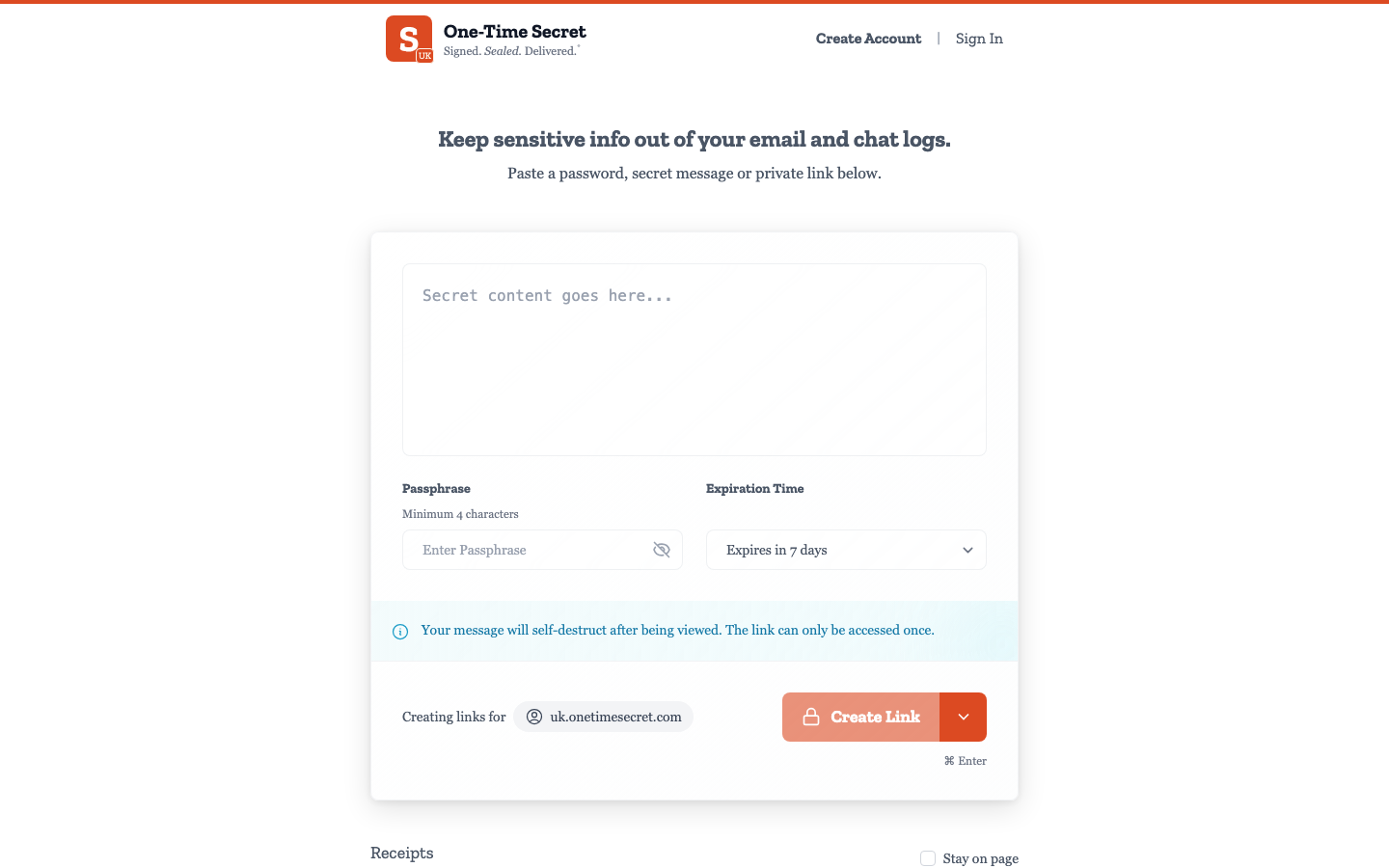
onetimesecret is a Ruby-based secret-sharing tool designed to keep passwords, API keys, and sensitive data out of email inboxes and chat logs entirely. Generate ephemeral links that expire after a single view or a set time window, ensuring secrets never sit in plaintext in forwarded messages.
Pros
- MIT license offers the most permissive terms; fork, modify, and deploy without open-sourcing your changes.
- Simple REST API and command-line interface; integrates easily into scripts and automation.
- Solves a complementary problem to email masking: it removes the need to email secrets in the first place.
Cons
- Not a direct email-forwarding replacement; best used alongside alias services, not instead of them.
- Smaller GitHub presence (2,765 stars) and narrower use case; fewer integrations with password managers and signup flows.
How to choose
Choose app if you need a feature-complete, production-grade alias system with API-first design and you have the ops capacity to run Python services. Pick anonaddy if you want a lightweight, PHP-friendly deployment that works on modest infrastructure and prioritizes simplicity. Use onetimesecret if your team's primary pain point is secrets leaking into email and chat—it is not a Firefox Relay replacement, but a complementary tool that eliminates the need to send sensitive data through email at all. For teams migrating from Firefox Relay, start with app or anonaddy; layer onetimesecret on top if your workflow involves frequent credential sharing.