







TL;DR
-
Remote-first engineering teams should evaluate Screego, which strips video conferencing down to its core strength: fast, low-friction screen sharing for pair programming and code review without the overhead of a full platform.
-
Organizations handling sensitive data or operating under data residency rules will find Mirotalksfu or Galene compelling because both run entirely on your own infrastructure with no cloud dependency or third-party data brokerage.
-
Teams scaling beyond 50 concurrent participants need Jitsi Videobridge, a battle-tested SFU (Selective Forwarding Unit) that can handle hundreds of conferences per server—something consumer-grade platforms struggle with without per-seat licensing.
Why teams leave Google Meet
A product manager schedules a 90-minute planning session with 12 people across three time zones. Forty minutes in, mid-discussion, Google Meet drops the call. The 60-minute wall on the free tier has been hit. Someone scrambles to restart the meeting; context is lost; frustration sets in.
But the real friction runs deeper than timeout limits. Google's 2025 Workspace price increase bundled Gemini AI into every paid plan—whether teams wanted it or not—pushing per-user costs to $7–$22/month. For a 50-person team, that's $350–$1,100/month just to remove the 60-minute cap. Meanwhile, the platform is tightly woven into Google's ecosystem (Calendar, Gmail, Drive), creating switching costs that feel deliberate. And critically, your meeting data lives inside Google's advertising-driven business model, a non-starter for organizations under GDPR, HIPAA, or data sovereignty mandates.
Teams that have built workflows around Meet discover they're also paying for features they don't use and accepting privacy trade-offs that weren't explicitly negotiated. Self-hosted open-source alternatives eliminate that lock-in and put data control back where it belongs.
Quick comparison
| Name | License | Self-Hosted | Federation | E2E Encryption | Best For |
|---|---|---|---|---|---|
| Screego | GPL-3.0 | ✓ | — | — | Screen sharing for developers |
| Janus Gateway | GPL-3.0 | ✓ | — | — | WebRTC infrastructure & media routing |
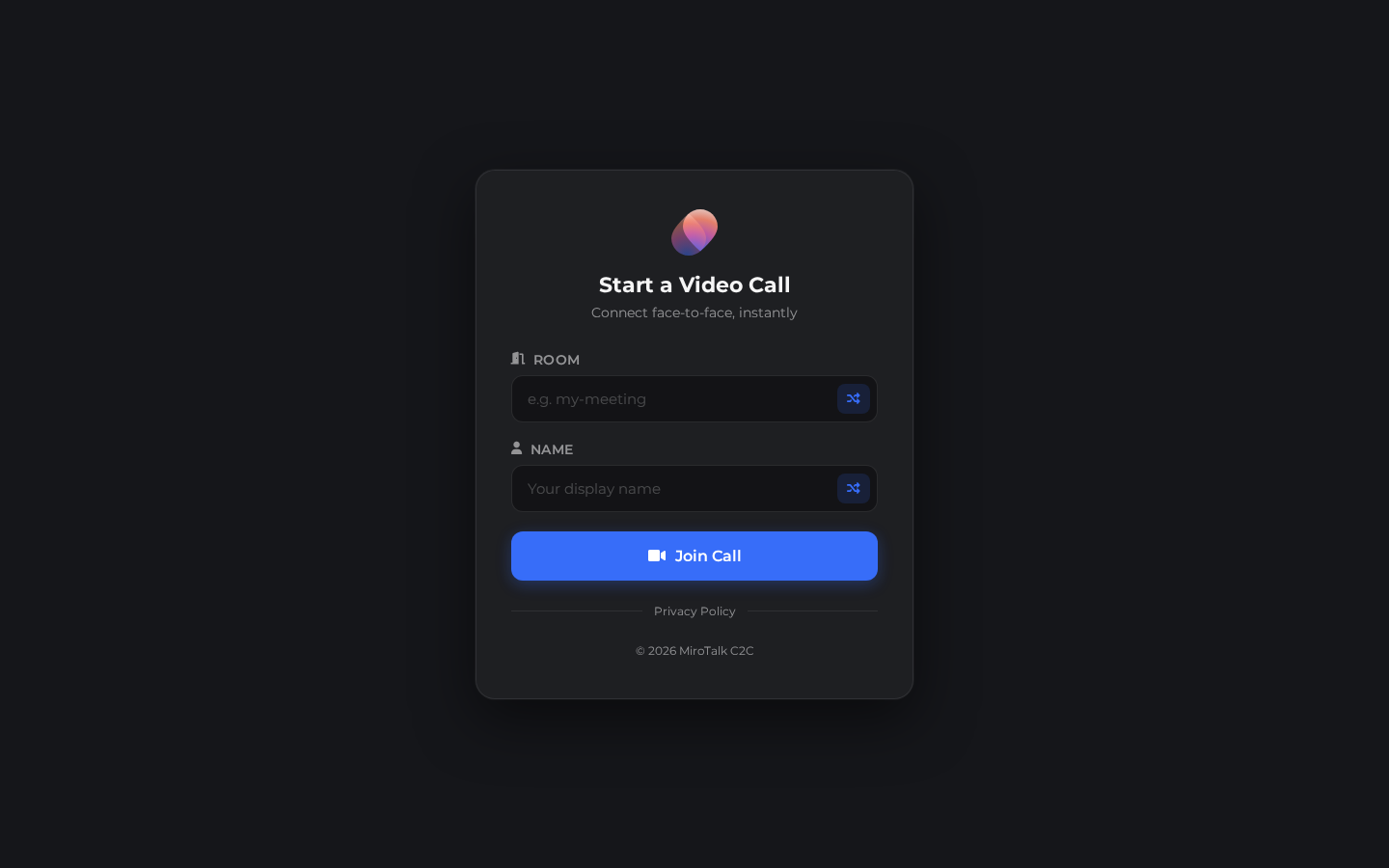
| Mirotalk | AGPL-3.0 | ✓ | — | ✓ | P2P video conferencing, small teams |
| Jitsi Videobridge | Apache-2.0 | ✓ | ✓ | — | Scalable SFU for large deployments |
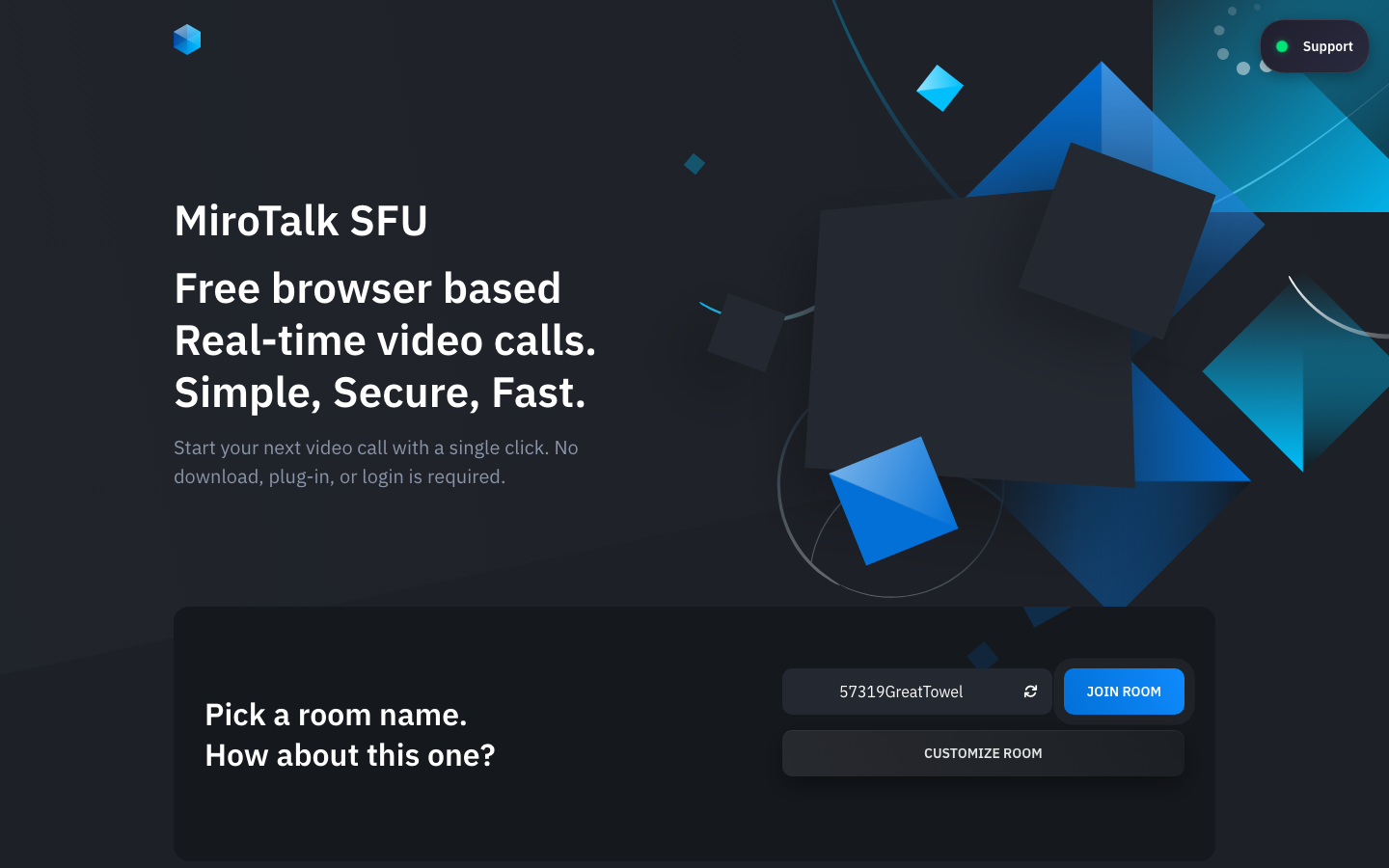
| Mirotalksfu | AGPL-3.0 | ✓ | — | ✓ | Self-hosted Zoom alternative |
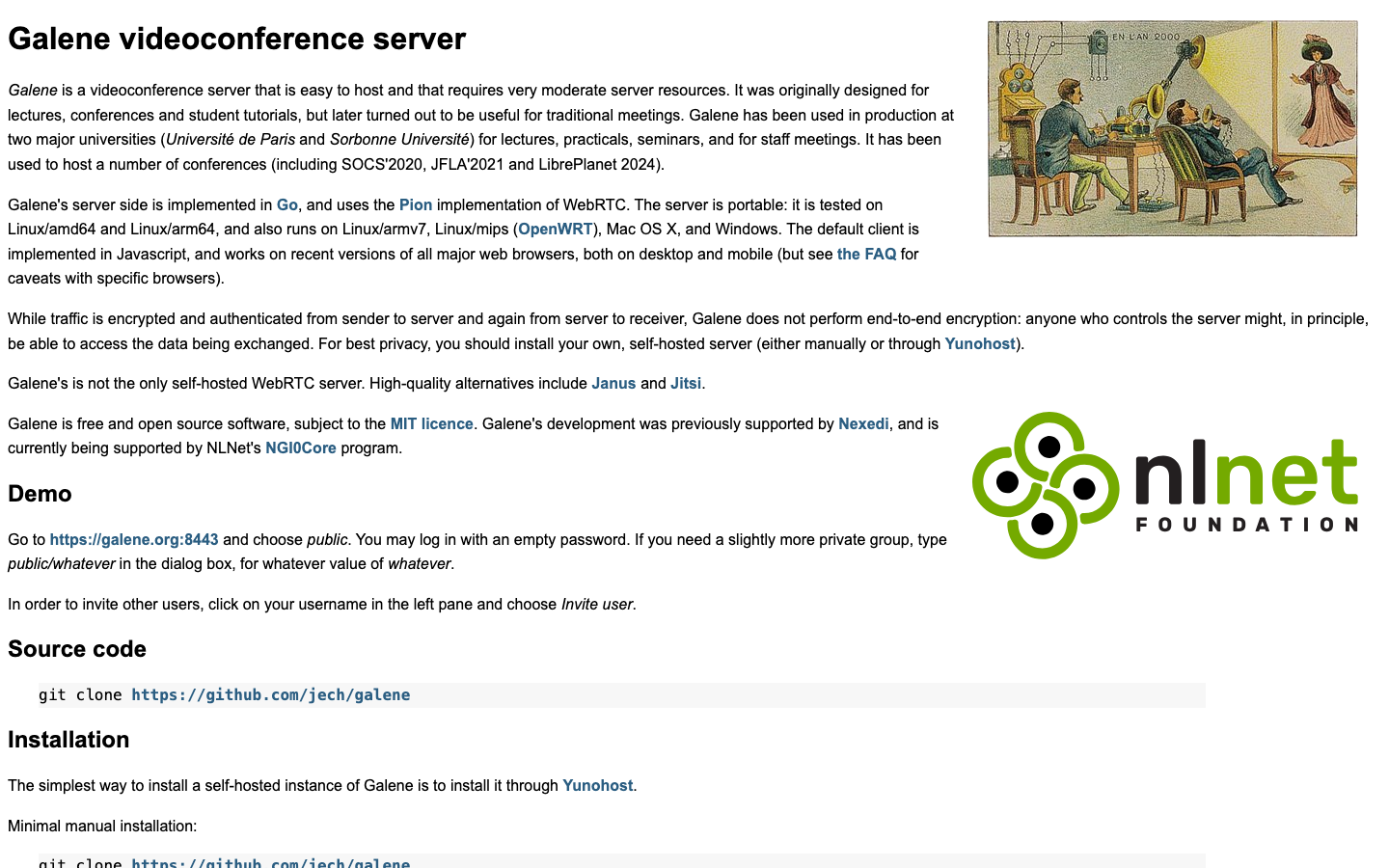
| Galene | MIT | ✓ | — | — | Lightweight, low-resource video server |
| OpenMeetings | license not declared | ✓ | — | — | Full-featured meeting platform with recording |
Top open-source alternatives to Google Meet
Screego
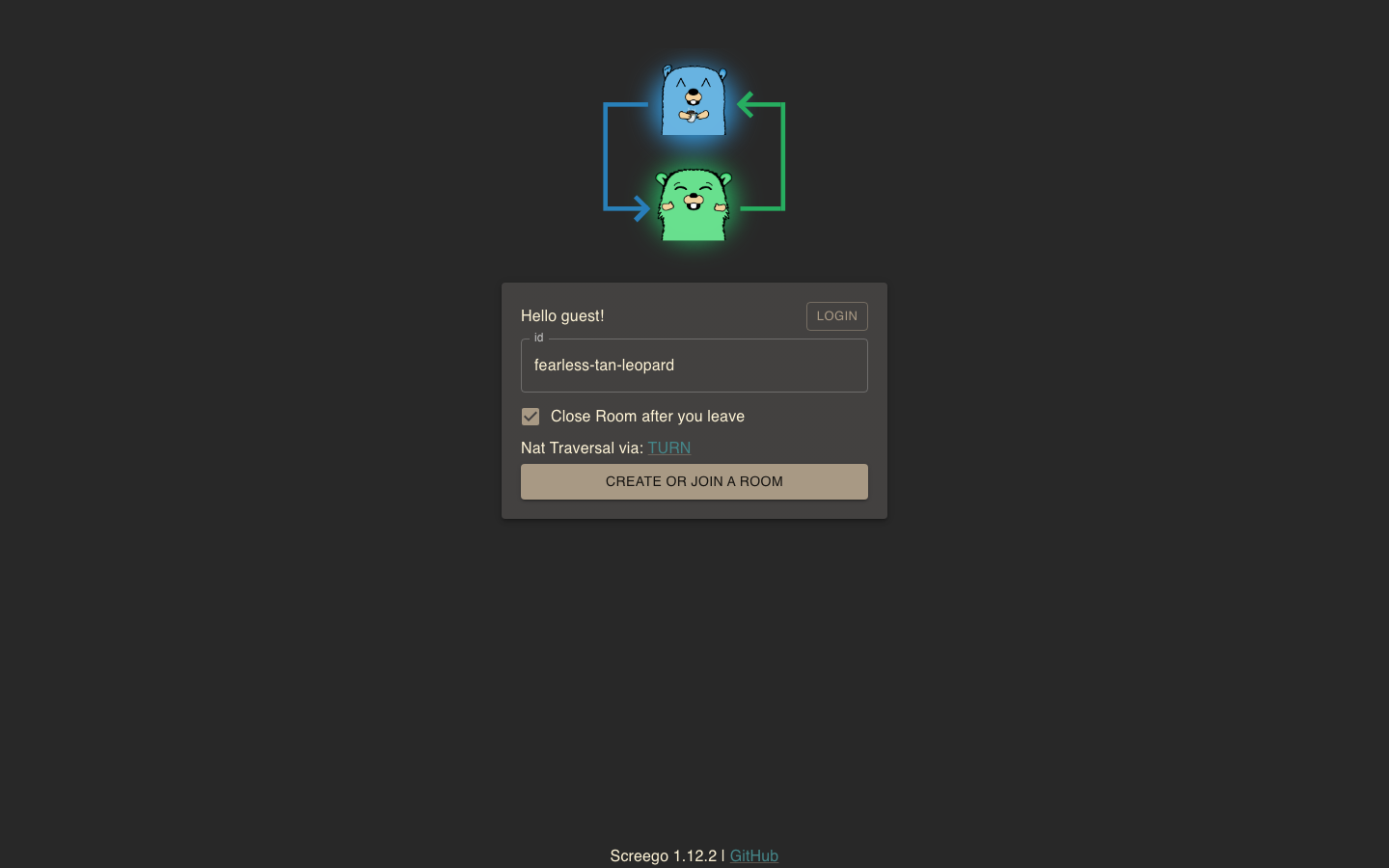
Screego is a lightweight screen-sharing server built for developers who need to collaborate on code without the bloat of a full conferencing platform. Written in Go, it prioritizes speed and simplicity—spin it up in minutes and share screens with minimal latency.
Pros:
- Extremely fast deployment; minimal resource footprint
- Purpose-built for pair programming and technical collaboration
- No per-user licensing or feature paywalls
Cons:
- Screen sharing only; no video conferencing capability
- Limited to technical use cases; not a full meeting platform
Janus Gateway
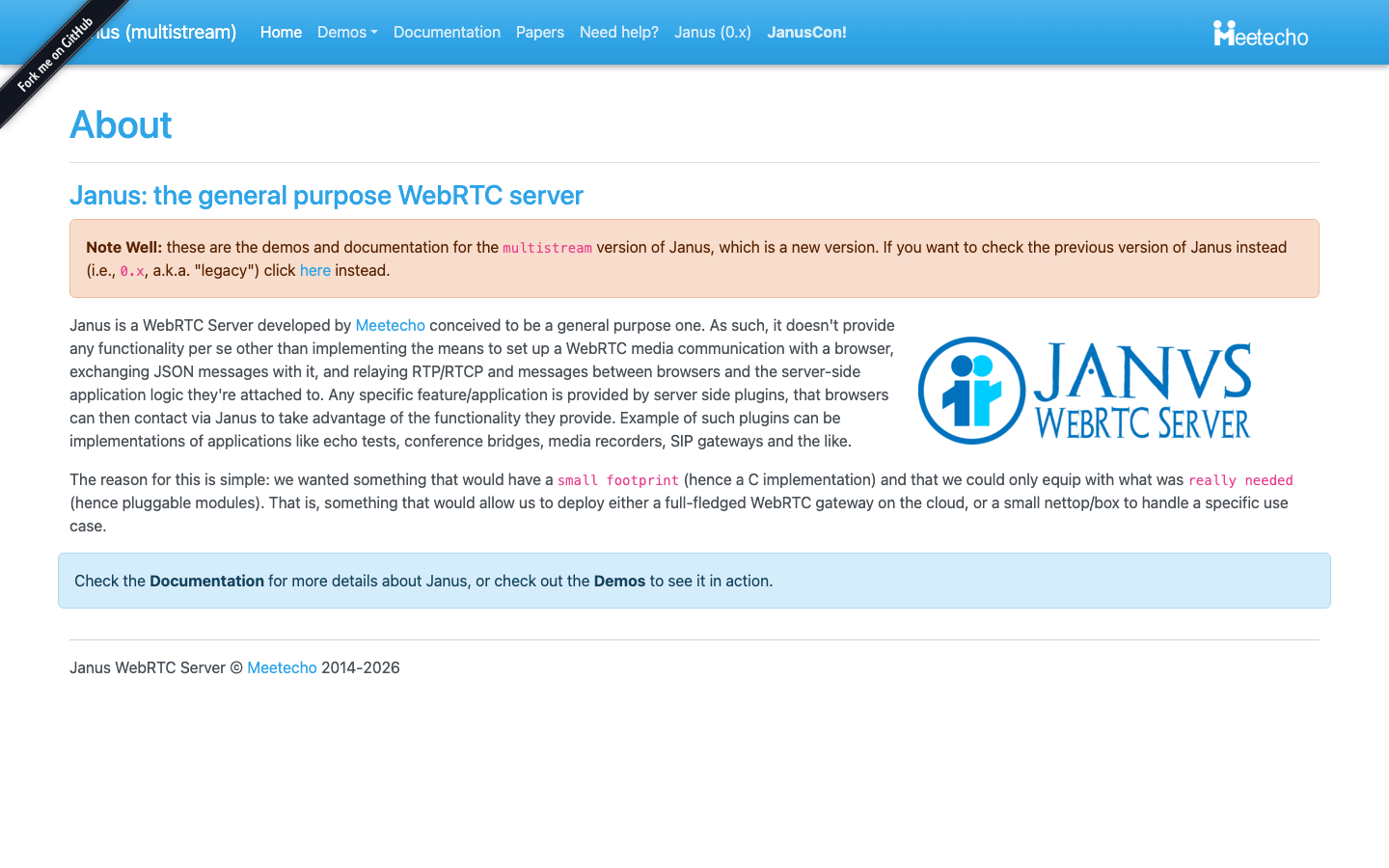
Janus is a WebRTC server designed for developers building custom media applications. It's a low-level infrastructure component—a router and media processor—rather than an out-of-the-box meeting platform.
Pros:
- Highly flexible; suitable for building custom video applications
- Mature, battle-tested in production environments
- GPL-3.0 ensures code transparency
Cons:
- Requires significant technical expertise to deploy and configure
- Not suitable for non-technical teams seeking a ready-to-use solution
Mirotalk
Mirotalk is a peer-to-peer (P2P) video conferencing platform emphasizing end-to-end encryption and privacy. Media flows directly between participants rather than through a central server, reducing latency and keeping conversations truly private.
Pros:
- E2E encryption by default; no server-side recording of content
- P2P architecture scales without server cost; works well for small to medium teams
- Self-hosted; full data control
Cons:
- P2P doesn't scale as smoothly for large meetings (50+ participants); server-based SFU architecture is more reliable at scale
- Fewer enterprise features (recording, breakout rooms) than full platforms
Jitsi Videobridge
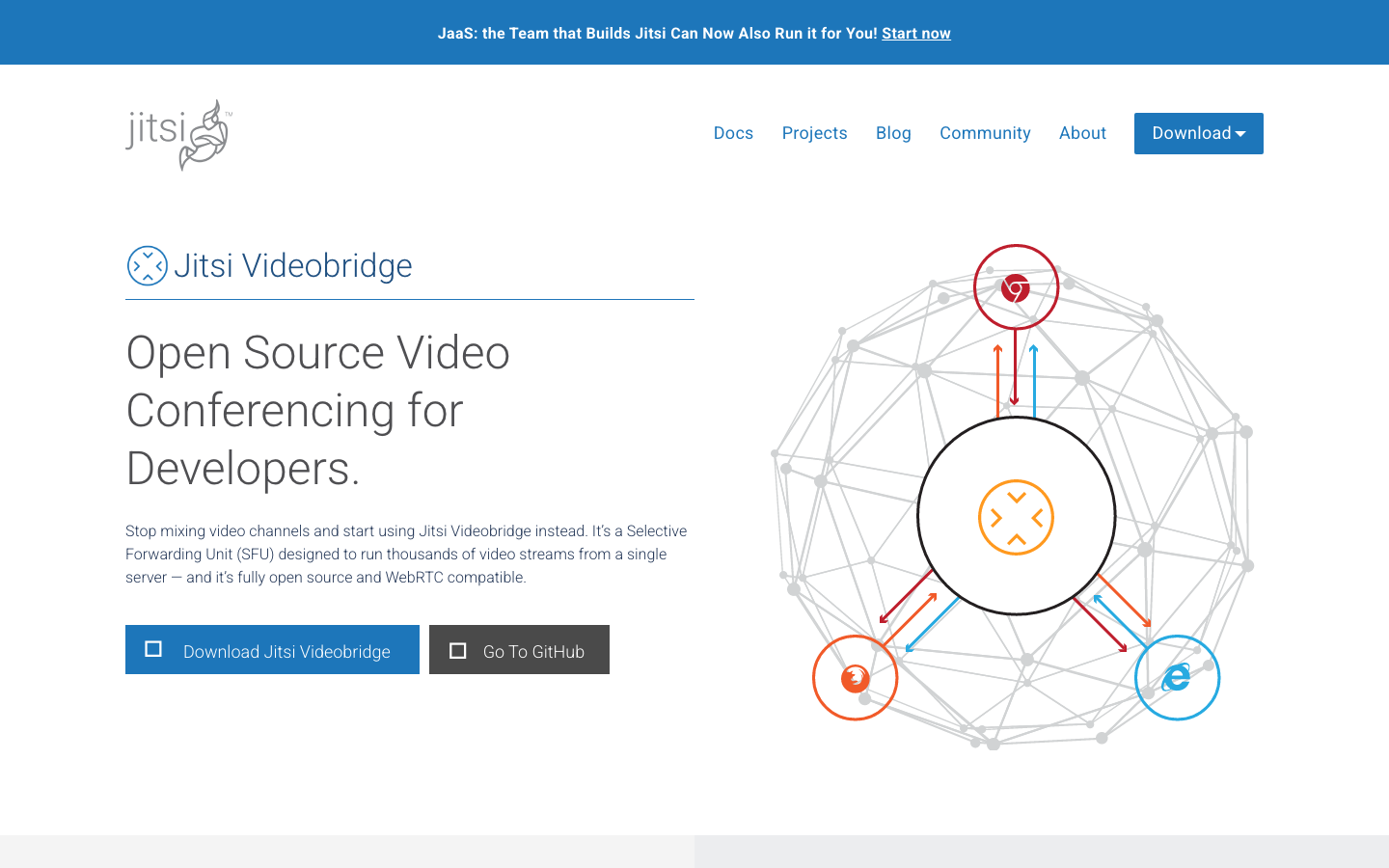
Jitsi Videobridge is a production-grade SFU (Selective Forwarding Unit) that routes video between participants efficiently. It's the backbone of many large-scale self-hosted video deployments and can handle hundreds of concurrent conferences per server.
Pros:
- Proven at scale; trusted by organizations running thousands of meetings
- SFU architecture is more bandwidth-efficient than peer-to-peer for large groups
- Federation support allows interconnected deployments across multiple servers
Cons:
- Requires integration with a signaling layer and frontend (not a complete out-of-the-box solution)
- More operational overhead than lighter alternatives
Mirotalksfu
Mirotalksfu is a modern, self-hosted video conferencing platform built on SFU architecture. It's positioned as a direct alternative to Zoom, with a focus on ease of deployment and real-time collaboration features.
Pros:
- Complete platform; no integration required; deploy and use immediately
- SFU architecture handles large meetings efficiently
- E2E encryption and self-hosted data control
Cons:
- Less mature than some alternatives; smaller community relative to Jitsi
- Feature set still expanding; some enterprise integrations may be missing
Galene
Galene is a lightweight videoconference server emphasizing simplicity and low resource consumption. Written in Go, it's designed to run on modest hardware while delivering reliable real-time communication.
Pros:
- Minimal resource requirements; runs on cheap VPS or even embedded hardware
- Clean, straightforward codebase; easy to audit and modify
- MIT license offers maximum flexibility
Cons:
- Smaller ecosystem and community compared to Jitsi or Mirotalk
- Fewer built-in features (e.g., recording, breakout rooms); may require custom development
OpenMeetings
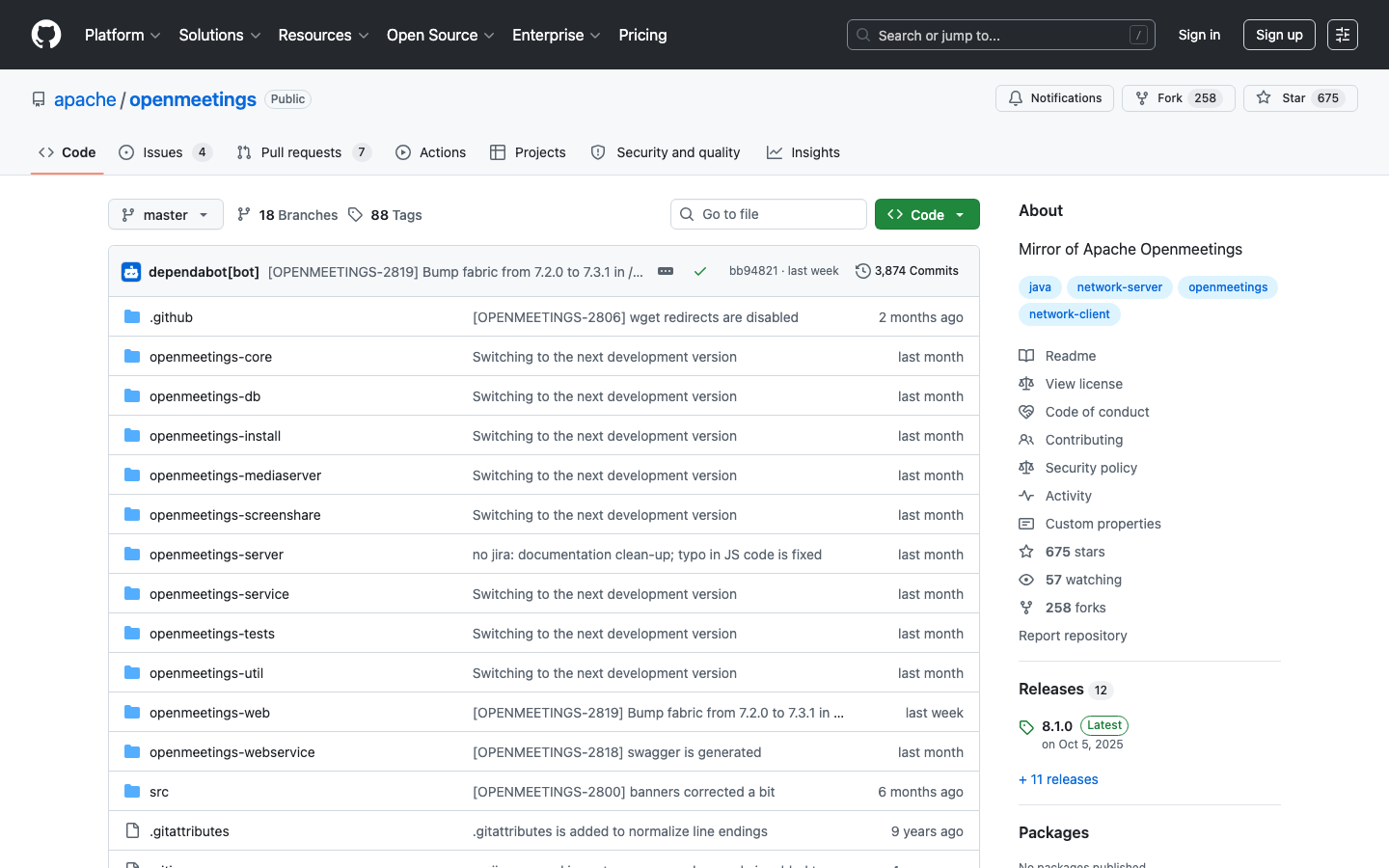
OpenMeetings is a comprehensive, feature-rich meeting platform offering video conferencing, screen sharing, whiteboarding, and recording in a single package. Built in Java, it's designed for organizations needing a full-featured collaboration suite.
Pros:
- Extensive feature set; integrated whiteboarding, recording, and chat
- Suitable for large enterprises; mature codebase
- Self-hosted; no vendor lock-in
Cons:
- Higher resource footprint and operational complexity than lighter alternatives
- License status not declared; verify licensing before production use
How to choose
Start by defining your constraint: If you need only screen sharing and your team is technical, Screego is the fastest path. For teams under 20 people prioritizing privacy and simplicity, Mirotalk or Galene are ideal. If you're scaling to 50+ participants or need federation across multiple data centers, Jitsi Videobridge is the proven choice, though it requires more setup. For organizations wanting a complete, ready-to-deploy alternative to Zoom with modern architecture, Mirotalksfu bridges that gap. Finally, if your team requires whiteboarding, native recording, and an all-in-one suite, OpenMeetings has the feature density—but verify its licensing terms first. In all cases, self-hosting eliminates Google's per-user pricing and keeps your data off advertising-driven platforms.