











TL;DR
- Engineering teams doing pair/mob work should evaluate screego for its lightweight, developer-focused screen sharing without the infrastructure overhead of a full video stack.
- Organizations needing voice-first, low-latency communication will find Mumble a proven alternative that trades video for exceptional audio quality and minimal resource use.
- Teams wanting a modern, scalable SFU without operational burden should pilot MiroTalk SFU or MiroTalk to sidestep both Jitsi's self-host complexity and 8x8's per-user pricing model.
Why teams leave Jitsi Meet
A small product team starts with Jitsi Meet's public instance. It works fine for weekly standups—no signup, no cost, no drama. But as usage grows, so do concerns: the shared instance feels like a commons, and they worry about data residency. They decide to self-host for control.
Six weeks later, the infrastructure bill has grown quietly. A modest Jitsi deployment needs 2 vCPUs, 4GB RAM, 25GB SSD, and 1Gbps bandwidth just to handle a handful of concurrent meetings. Tuning the WebRTC stack, managing TURN servers, and patching security updates become recurring tasks that weren't in the budget. When they check 8x8's managed Jitsi offering, they see $0.35 per monthly active user—a per-head tax that scales with team size, not infrastructure.
The core tension: Jitsi Meet is free and open, but "free" means either accepting a shared public instance (privacy and control trade-offs) or paying the operational cost of production self-hosting (staff time, servers, bandwidth). For many teams, neither option feels clean. The 8x8 pricing path locks you into metered usage. The self-host path locks you into DevOps.
This is where alternatives matter. Some teams don't need video at all—they need audio. Others can live with P2P architectures that don't require a heavy SFU. Still others want a managed SFU but without the per-user meter.
Quick comparison
| Name | License | Self-Hosted | Federation | E2E Encryption | Best For |
|---|---|---|---|---|---|
| screego | GPL-3.0 | Yes | — | — | Developer screen sharing |
| Janus Gateway | GPL-3.0 | Yes | — | — | Custom WebRTC applications |
| Mumble | License not declared | Yes | Yes | Yes | Low-latency voice chat |
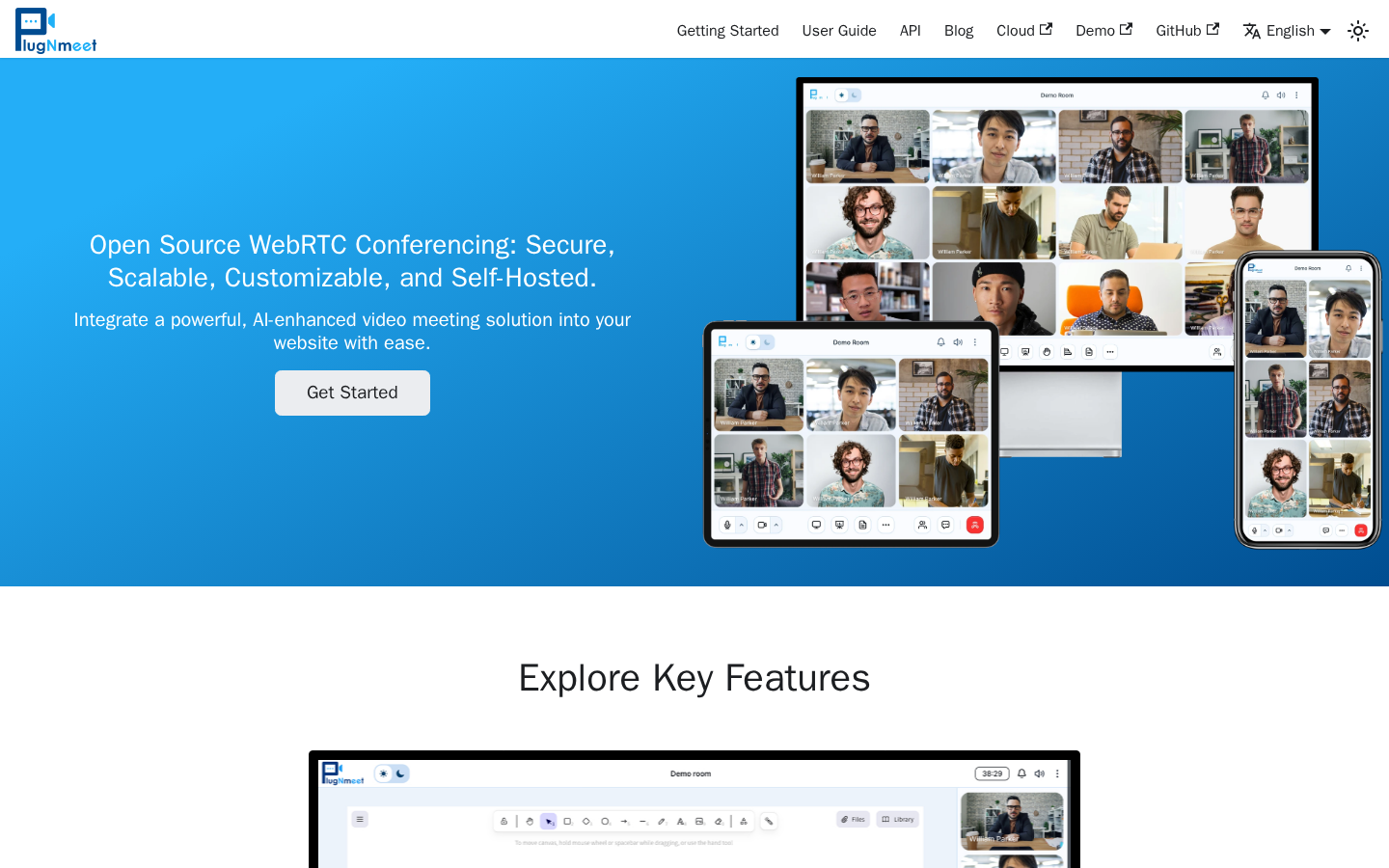
| MiroTalk | AGPL-3.0 | Yes | — | Yes | P2P video conferencing |
| Jitsi Videobridge | Apache-2.0 | Yes | — | — | Scalable SFU infrastructure |
| MiroTalk SFU | AGPL-3.0 | Yes | — | Yes | Modern SFU alternative to Zoom |
| c-toxcore | GPL-3.0 | Yes | Yes | Yes | Decentralized P2P messaging |
| Apache Openmeetings | License not declared | Yes | — | — | Full-featured meeting suite |
Top open-source alternatives to Jitsi Meet
screego
A lightweight, self-hosted screen-sharing server built for developers. It strips away video conferencing complexity and focuses on what engineers actually do: show code, debug together, and move on. Written in Go, it's minimal and fast.
Pros:
- Extremely low resource footprint compared to full video conferencing stacks
- Simple deployment—single binary, minimal config
- Perfect for pair programming and technical walkthroughs without bloat
Cons:
- Screen sharing only; no voice or video chat built-in (you pair it with audio separately)
- Smaller ecosystem and community than Jitsi
Janus Gateway
A modular WebRTC server written in C that lets you build custom real-time communication applications. It's not a turnkey video conferencing product; it's a foundation for developers who want to compose their own stack.
Pros:
- Highly flexible; design exactly the communication features you need
- Mature and battle-tested in production deployments
- Lower overhead than monolithic platforms when you only enable the modules you use
Cons:
- Requires significant engineering effort to build a usable conferencing UI
- Steeper learning curve; not a "download and run" solution
Mumble
A low-latency, open-source voice chat application with a strong following in gaming and technical communities. It prioritizes audio quality and responsiveness over features like video.
Pros:
- Exceptional audio codec and sub-100ms latency—ideal for real-time collaboration
- Federation support; communities can run their own servers and interoperate
- End-to-end encryption and strong privacy posture
- Minimal bandwidth and CPU use
Cons:
- Voice-only; no video or screen sharing
- Smaller ecosystem than modern video platforms; UI feels dated to some users
MiroTalk
A self-hosted, peer-to-peer (P2P) WebRTC video conferencing platform emphasizing privacy and ease of deployment. Built on JavaScript, it runs end-to-end encrypted calls without a central server managing the media stream.
Pros:
- P2P architecture means no expensive SFU infrastructure; bandwidth costs stay low
- End-to-end encrypted by design
- Simple to self-host; can run on modest hardware
Cons:
- P2P scales poorly for large meetings (typically 4–8 participants before quality degrades)
- Relies on TURN servers for NAT traversal, which can introduce latency and cost
Jitsi Videobridge
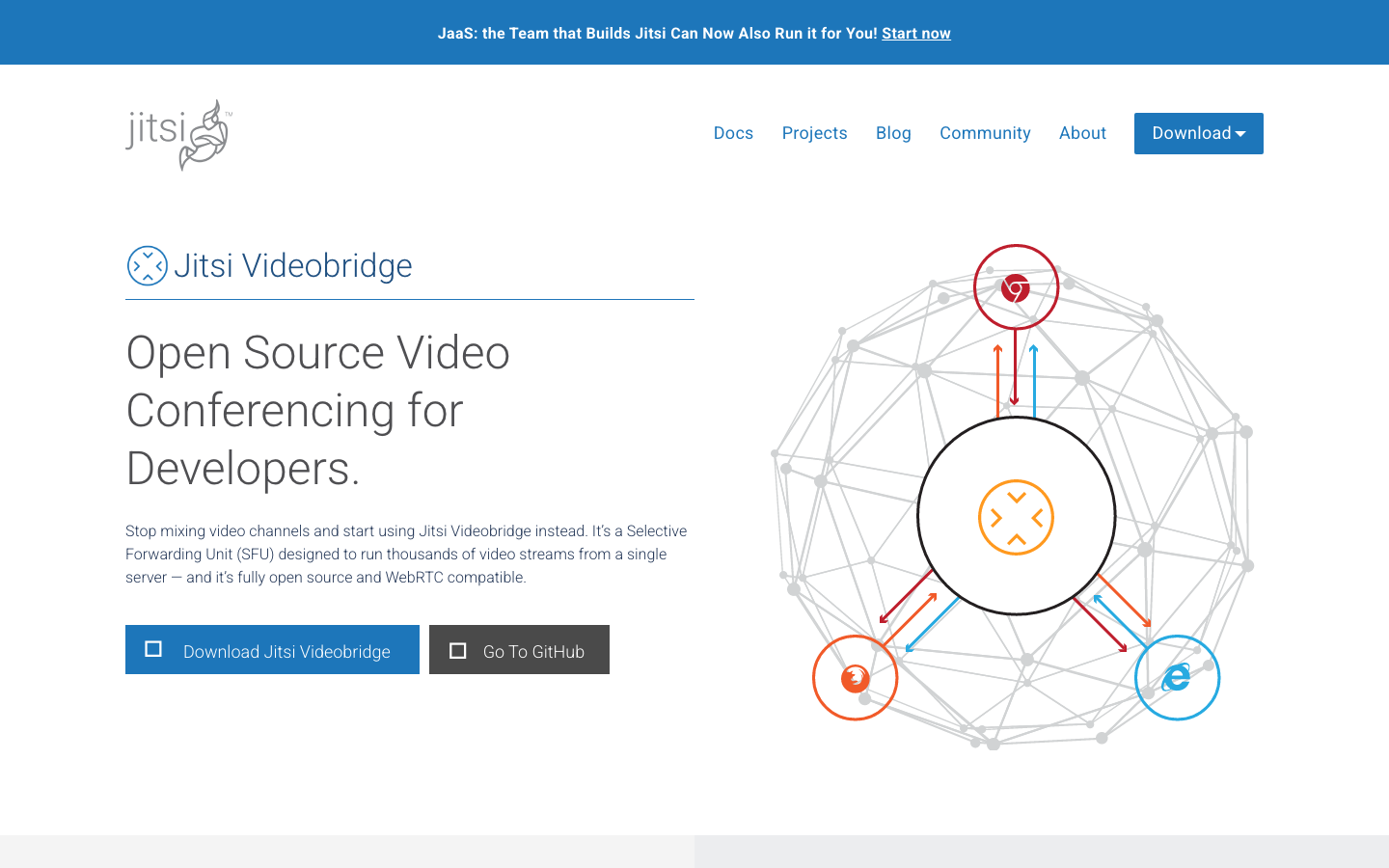
The SFU (Selective Forwarding Unit) component at the heart of Jitsi Meet, now available as a standalone project. It's the infrastructure layer that routes video streams efficiently, letting you build a scalable conferencing platform.
Pros:
- Proven, production-grade SFU used by thousands of Jitsi deployments
- Apache 2.0 license; permissive for commercial use
- Highly scalable; can handle hundreds of concurrent conferences per server
Cons:
- Not a complete product; you must integrate it with a signaling server, UI, and authentication
- Requires deep WebRTC knowledge to deploy and tune
MiroTalk SFU
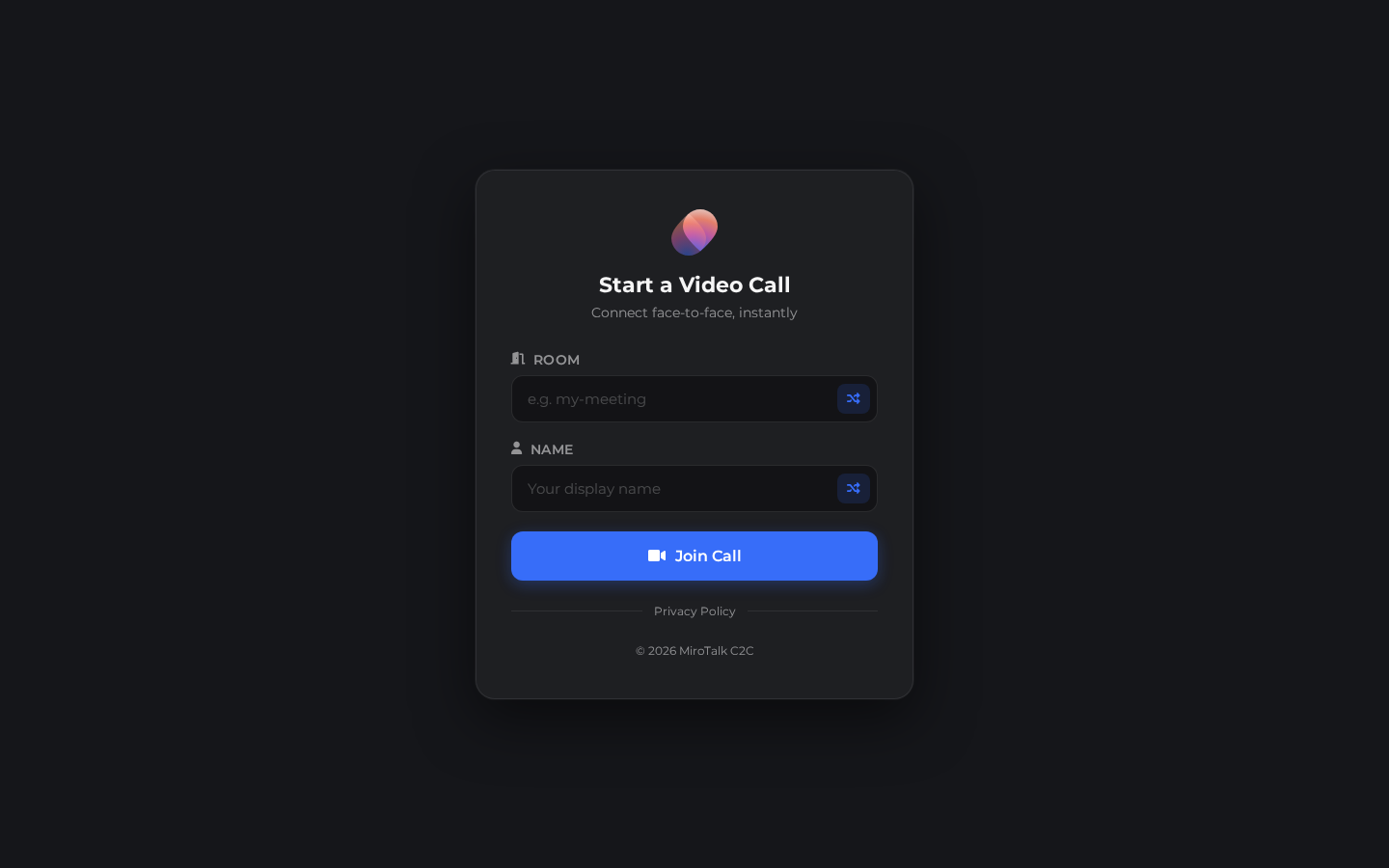
A modern, self-hosted video conferencing platform using SFU (Selective Forwarding Unit) architecture. Marketed as a Zoom alternative, it combines the scalability of an SFU with a ready-to-use web interface and end-to-end encryption.
Pros:
- SFU architecture scales to larger meetings than P2P without per-user cloud pricing
- End-to-end encryption; privacy by default
- Modern UI and straightforward self-hosting; less operational burden than Jitsi
Cons:
- Smaller community and fewer third-party integrations than Jitsi
- Still requires dedicated infrastructure, though less tuning-heavy than Jitsi
c-toxcore
A decentralized P2P messaging and communication library (the core of the Tox protocol). It enables text, voice, and video without relying on central servers, using DHT and direct connections.
Pros:
- Fully decentralized; no server dependency
- Strong end-to-end encryption and privacy guarantees
- Federation by design; peers discover and connect directly
Cons:
- Immature ecosystem; few polished client applications and limited documentation
- P2P architecture means NAT traversal complexity and inconsistent connectivity
- Not suitable for teams expecting Zoom-like reliability and UX
Apache Openmeetings
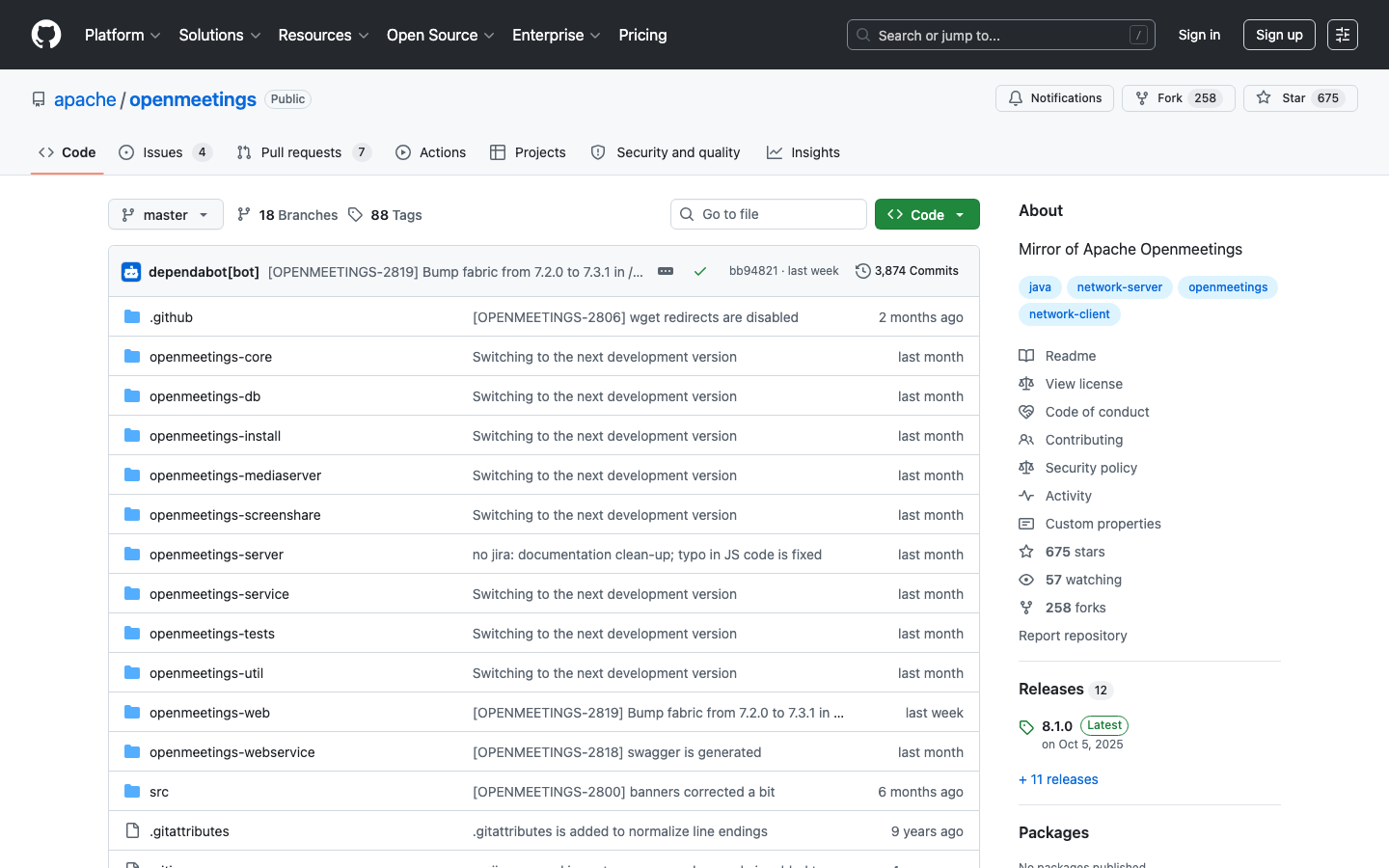
A comprehensive, self-hosted conferencing suite offering video, audio, screen sharing, recording, and whiteboarding. Built in Java, it's a full-featured alternative to proprietary platforms.
Pros:
- Rich feature set: video, audio, screen sharing, recording, whiteboarding all built-in
- Supports LDAP/Active Directory integration for enterprise authentication
- Long history; used in large organizations
Cons:
- Heavier resource footprint and more complex deployment than lightweight alternatives
- Smaller active community and less frequent updates than Jitsi
How to choose
For voice-first teams or low-bandwidth environments, Mumble is the clear winner—it's battle-tested, federated, and uses a fraction of the resources.
For small to medium teams wanting a modern, privacy-first video platform without Jitsi's operational burden, MiroTalk SFU offers a good middle ground: SFU scalability, end-to-end encryption, and simpler deployment.
For developers building custom communication features, invest in Janus Gateway or Jitsi Videobridge if you have the engineering capacity; both are modular and production-grade.
For teams that cannot self-host at all, c-toxcore and MiroTalk offer P2P options, though with trade-offs in scale and NAT handling.
For feature-rich, all-in-one conferencing, Apache Openmeetings covers more ground, but expect higher operational overhead.