








TL;DR
- Privacy first: Pi-hole keeps all your DNS queries and blocklists on hardware you control—no cloud dependency, no query logging on external servers.
- Lightweight deployments: blocky offers fast, minimal DNS filtering in Go, perfect for teams that want ad-blocking without the overhead of heavier solutions.
- Full administrative control: Self-hosting any of these alternatives means no per-query billing, no vendor lock-in, and complete ownership of your filtering rules and logs.
Why teams leave NextDNS
NextDNS operates as a managed cloud service: you get ad and tracker blocking out of the box, but your DNS queries and filtering configuration live on their servers. That model creates two friction points.
First is the cost structure. A free tier capped by monthly query limits means power users or larger teams hit the paywall quickly—and once you do, you're paying per query indefinitely. There's no ceiling; usage scales your bill. Self-hosted alternatives flip this: after the one-time hardware cost (often just a Raspberry Pi), DNS filtering is free, with no per-query fees or surprise overages.
Second is ownership. Your DNS data and filtering rules are locked into NextDNS's infrastructure. If you want to change blocklists, audit your query logs, or migrate away, you're dependent on their platform's continuity and terms. Self-hosted solutions eliminate that dependency entirely—your data stays on your network, your rules are yours to modify or export, and you're not subject to service changes or discontinuation.
For teams building infrastructure or managing privacy-sensitive networks, the combination of usage-based billing and external data custody makes NextDNS feel like a long-term liability rather than a foundation.
Quick comparison
| Name | License | Self-Hosted | API / Extensibility | Stack / Language | Best For |
|---|---|---|---|---|---|
| Pi-hole | — | Yes | REST API, custom DNS records | Shell | Network-wide ad blocking with web UI and broad device support |
| AdGuardHome | GPL-3.0 | Yes | REST API, filtering rules, custom upstreams | Go | Teams wanting a polished, feature-rich self-hosted DNS filter |
| DnsServer | GPL-3.0 | Yes | REST API, zone management, DNSSEC | C# | Advanced DNS operations and zone control on Windows/Linux |
| blocky | Apache-2.0 | Yes | Configuration-driven, rule-based filtering | Go | Lightweight, fast deployments in containerized or minimal environments |
| maza-ad-blocking | Apache-2.0 | Yes | Bash-based, minimal dependencies | Shell | Ultra-lightweight systems with no runtime overhead |
Top open-source alternatives to NextDNS
Pi-hole
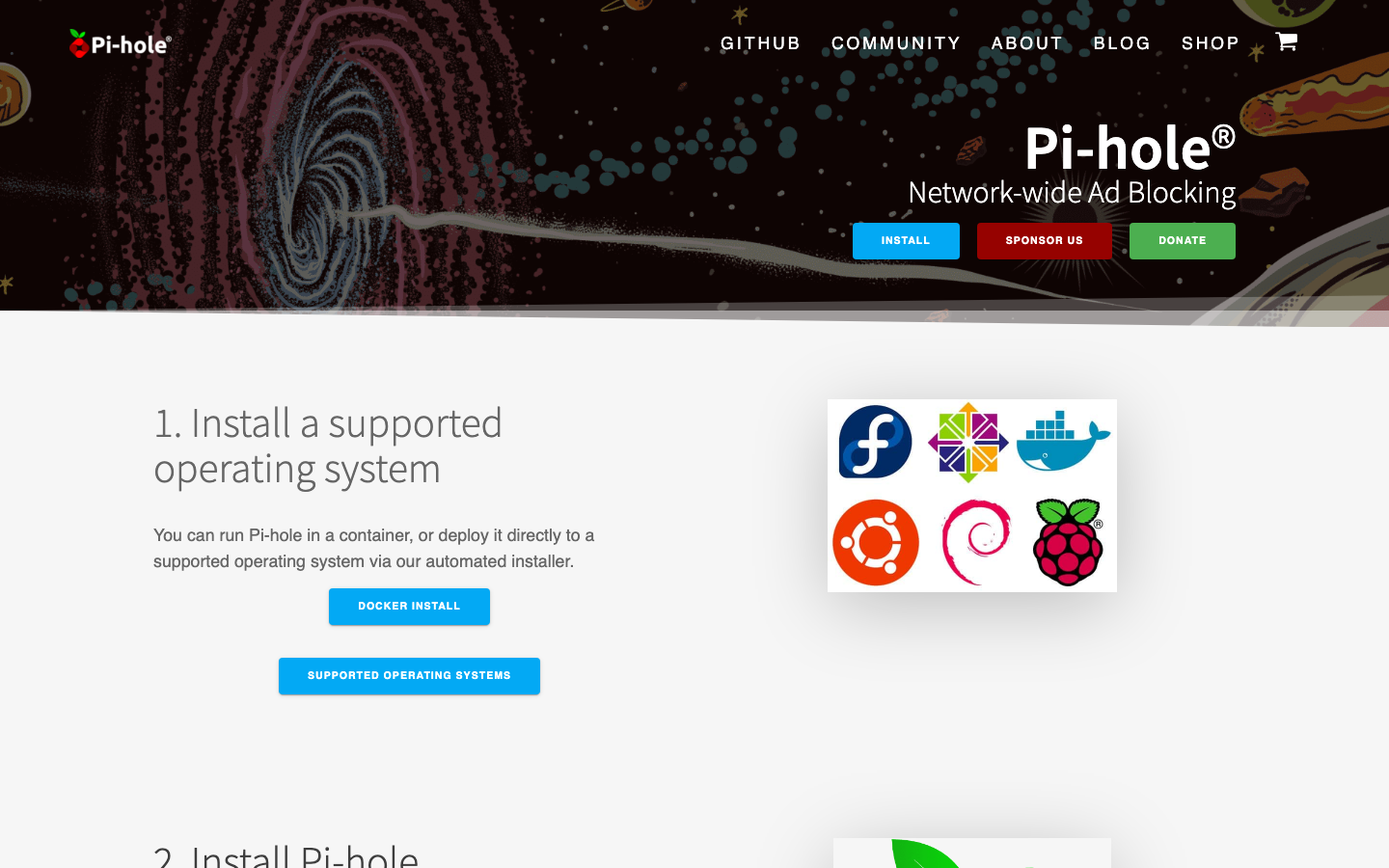
The most widely adopted self-hosted DNS blocker, Pi-hole runs on any Linux box—including a $35 Raspberry Pi—and provides network-wide ad and tracker blocking via a polished web dashboard. It intercepts DNS requests at the network level, so every device on your LAN benefits without per-device configuration. Blocklists are fully customizable, and all query logs stay local.
Pros:
- Mature ecosystem with extensive community documentation and blocklist support
- Web UI makes configuration and monitoring accessible to non-technical users
- REST API allows automation and integration with other tools
Cons:
- Requires Linux and some initial setup (though Raspberry Pi installers simplify this)
- Query log storage can grow large on high-traffic networks without pruning
AdGuardHome
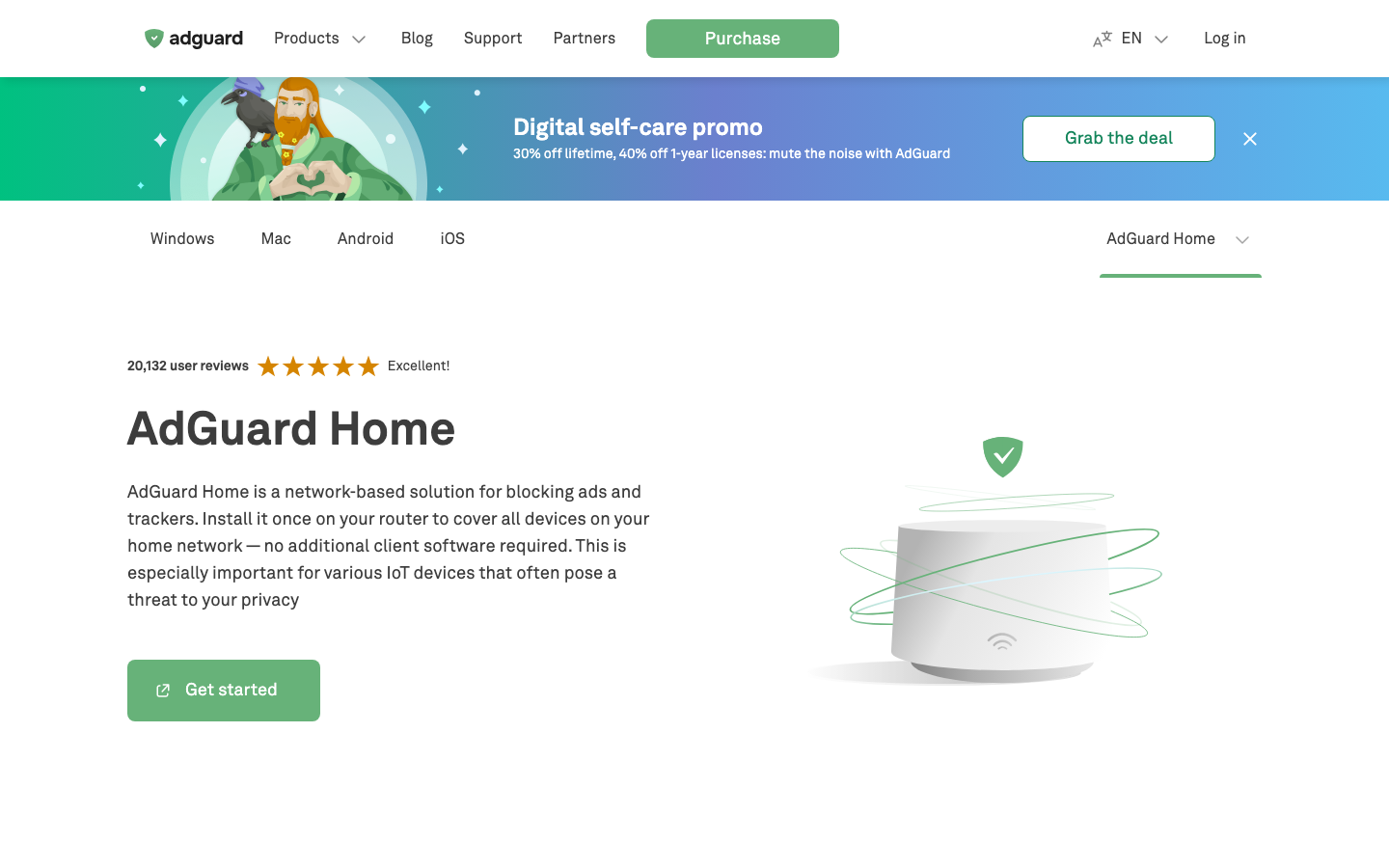
A feature-complete DNS filtering server written in Go, AdGuardHome combines ad blocking, malware protection, and parental controls in a single binary. It's lighter than Pi-hole in footprint but richer in filtering options, with support for custom filtering rules, upstream DNS selection, and DHCP server functionality. Setup takes minutes on Windows, macOS, or Linux.
Pros:
- Single binary deployment—no dependencies or language runtimes required
- Advanced filtering logic (regex rules, per-client settings, query rewriting)
- Clean, modern web interface with real-time stats
Cons:
- Smaller community than Pi-hole, so fewer pre-built blocklists and integrations
- DHCP and DNS in one service can complicate network design if you already have a DHCP server
DnsServer
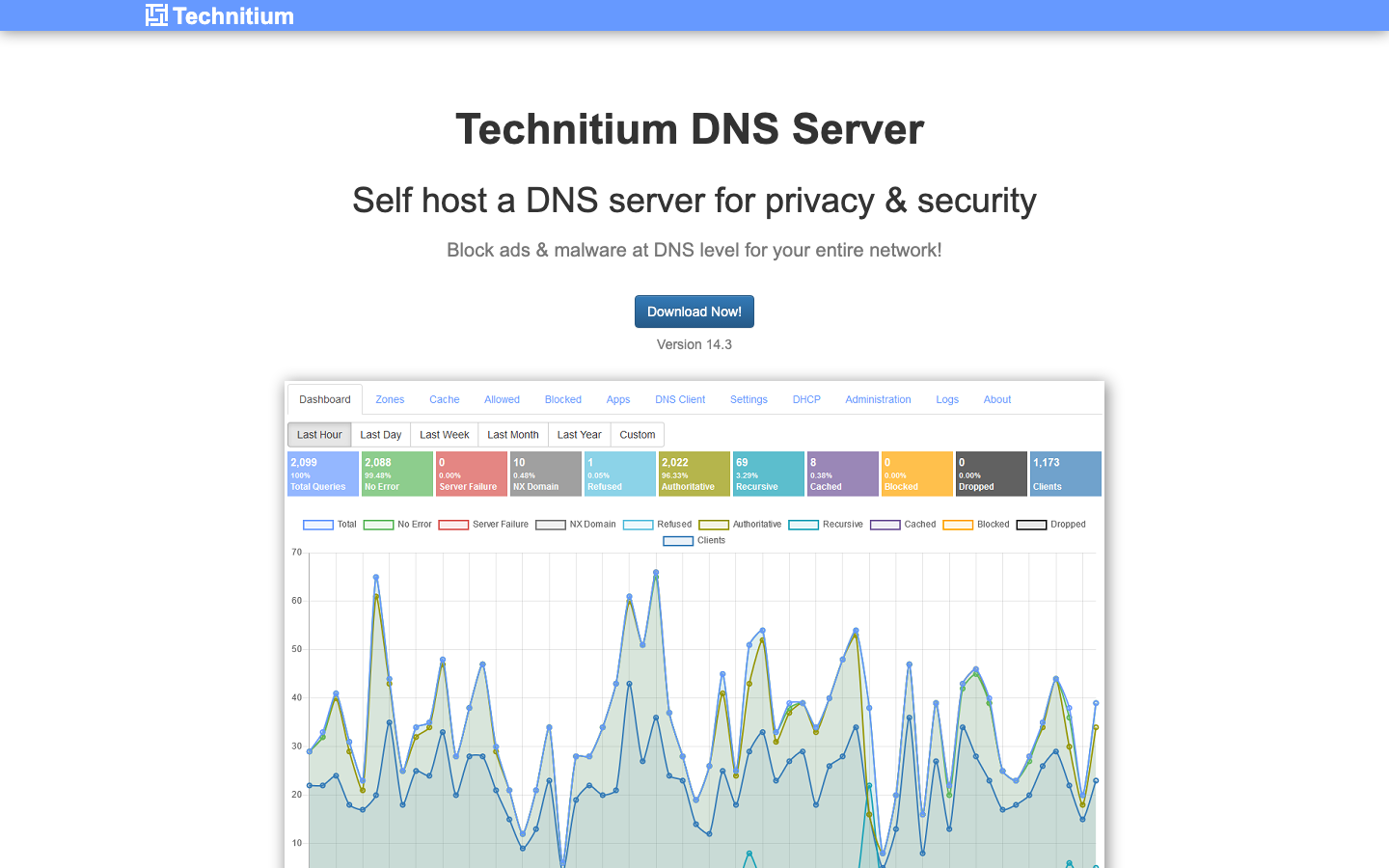
Technitium DNS Server is a full-featured DNS server for teams needing zone management, DNSSEC, and advanced DNS operations alongside ad blocking. Written in C#, it runs on Windows and Linux and exposes a REST API for programmatic control, making it suitable for infrastructure automation.
Pros:
- Comprehensive DNS feature set: zone transfers, DNSSEC, conditional forwarding, and query logging
- REST API enables integration with infrastructure-as-code and monitoring tools
- Suitable for hybrid setups combining authoritative DNS with ad blocking
Cons:
- Steeper learning curve; designed for DNS operators rather than home-lab users
- Larger memory footprint than lighter alternatives, less ideal for constrained hardware
blocky
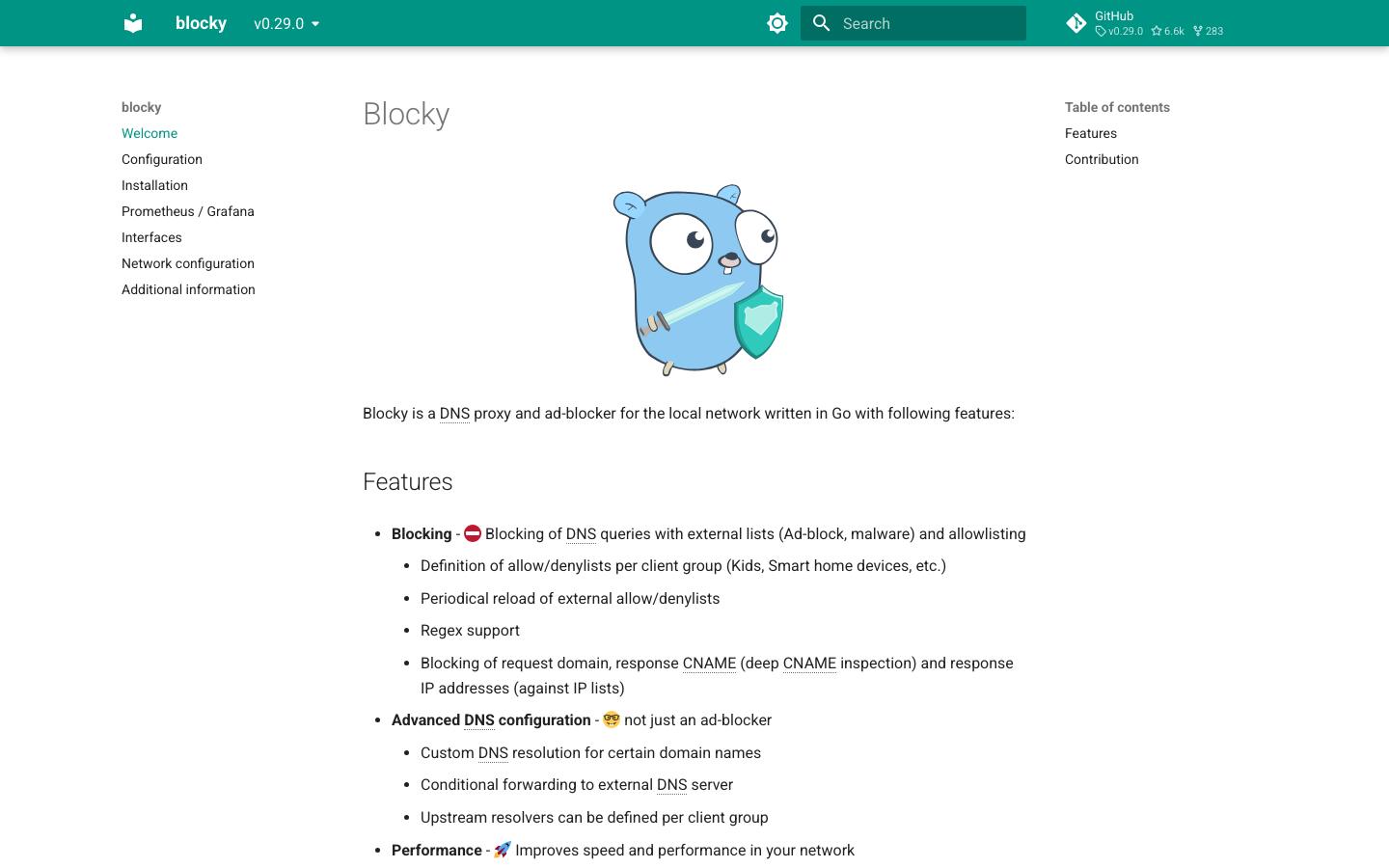
A fast, minimal DNS proxy written in Go, blocky is built for containerized and lightweight deployments. It focuses on performance and simplicity: configuration is file-based, filtering is rule-driven, and it ships as a single binary with virtually no overhead. Perfect for Docker, Kubernetes, or minimal VPS setups.
Pros:
- Extremely lightweight and fast, ideal for resource-constrained or containerized environments
- Configuration-as-code approach integrates cleanly with CI/CD and infrastructure automation
- Active development and modern Go codebase
Cons:
- No built-in web UI—all configuration is via YAML or command-line flags
- Smaller community and fewer pre-packaged blocklists compared to Pi-hole
maza-ad-blocking
A minimalist ad blocker written entirely in Bash, maza-ad-blocking requires only a shell and curl. It's the lightest option here, designed for systems where even Go or .NET runtimes are overhead. Install and run it on any Unix-like system—even older hardware or embedded devices.
Pros:
- Zero dependencies beyond Bash; runs on nearly any Linux or Unix system
- Trivially auditable source code (it's shell scripts)
- Minimal memory and CPU footprint
Cons:
- No web UI or REST API; configuration and monitoring are command-line only
- Smaller feature set and community, fewer pre-built blocklists
How to choose
Pick Pi-hole if your team values ease of use and a large ecosystem—it's the most forgiving entry point and works well for home labs and small office networks. Choose AdGuardHome if you want similar simplicity but prefer a single binary and more advanced filtering rules without the Pi-hole footprint. Use DnsServer if you're operating authoritative DNS or need zone management alongside ad blocking. Go with blocky if you're deploying in containers or infrastructure-as-code environments where configuration files and minimal footprint matter more than a web UI. Reserve maza-ad-blocking for ultra-constrained systems—it's powerful for its size, but only if your team is comfortable with command-line administration.