





TL;DR
- Need encrypted DNS out of the box without bolting on extra services? AdGuardHome ships DoH/DoT built-in and requires no external resolver dependency.
- Running on minimal hardware and want a lightweight Go-based alternative? blocky trades some UI polish for speed and a smaller footprint on resource-constrained networks.
- Prefer pure bash with zero runtime dependencies for a single-purpose ad blocker? maza-ad-blocking keeps deployment trivial and auditing straightforward on Unix systems.
Why teams leave Pi-hole
Pi-hole's core DNS blocking engine has not evolved to meet modern encrypted DNS expectations. The hardest fact: Pi-hole does not ship encrypted upstream DNS (DoH/DoT) natively, forcing operators to manually layer on tools like Unbound or cloudflared just to secure their DNS queries. This architectural gap means extra maintenance surface and more moving parts to debug.
Beyond encryption, control becomes the second pain point. Pi-hole's per-client filtering and policy granularity lag behind newer alternatives—teams with multiple devices or departments needing different blocking rules hit the tool's limits quickly. There is also a fundamental technical ceiling: DNS-level blocking cannot defeat ads served from the same domain as content (first-party ad delivery), so relying on Pi-hole alone leaves a significant class of ads unblocked.
The result is vendor lock-in by omission. Organizations outgrow Pi-hole not because of pricing or sudden API changes, but because the tool was designed for a narrower use case. A modern DNS resolver should combine encrypted queries, fine-grained per-device policies, and a maintainable architecture—features that force Pi-hole users to either accept limitations or migrate to a fresh codebase.
Quick comparison
| Name | License | Self-Hosted | API / Extensibility | Stack / Language | Best For |
|---|---|---|---|---|---|
| AdGuardHome | GPL-3.0 | ✓ | REST API, extensible filtering rules | Go | Teams needing encrypted DNS + modern UI + policy control |
| DnsServer | GPL-3.0 | ✓ | — | C# / .NET | Windows-first environments; full-featured DNS server |
| blocky | Apache-2.0 | ✓ | — | Go | Lightweight deployments; resource-constrained networks |
| maza-ad-blocking | Apache-2.0 | ✓ | — | Shell / Bash | Minimal dependencies; Unix purists; simple auditing |
Top open-source alternatives to Pi-hole
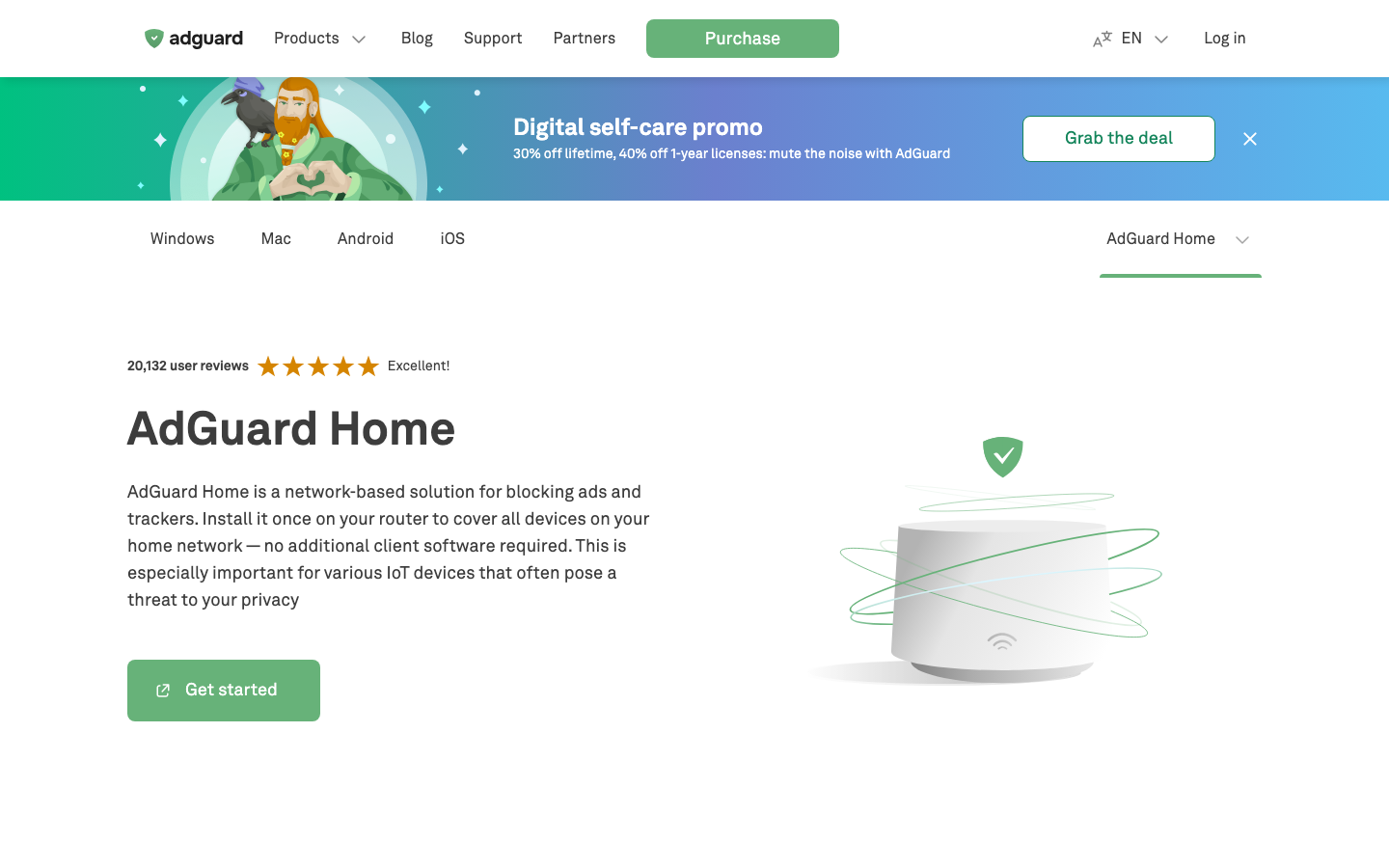
AdGuardHome
A network-wide DNS server that blocks ads and trackers while offering encrypted DNS (DoH/DoT), per-client filtering rules, and a modern web dashboard. It is the most direct Pi-hole replacement and addresses the core gap: encrypted upstream DNS is built-in, not bolted on.
Pros
- Encrypted DNS (DoH/DoT) and encrypted upstreams out of the box; no external resolver needed.
- Per-client and per-domain filtering policies; fine-grained control over what gets blocked for whom.
- Active development and a polished web UI; lower operational friction than Pi-hole for teams scaling beyond single-purpose blocking.
Cons
- Slightly higher memory footprint than minimal alternatives like blocky.
- Learning curve for policy configuration if you are used to Pi-hole's simpler allowlist/blocklist model.
DnsServer
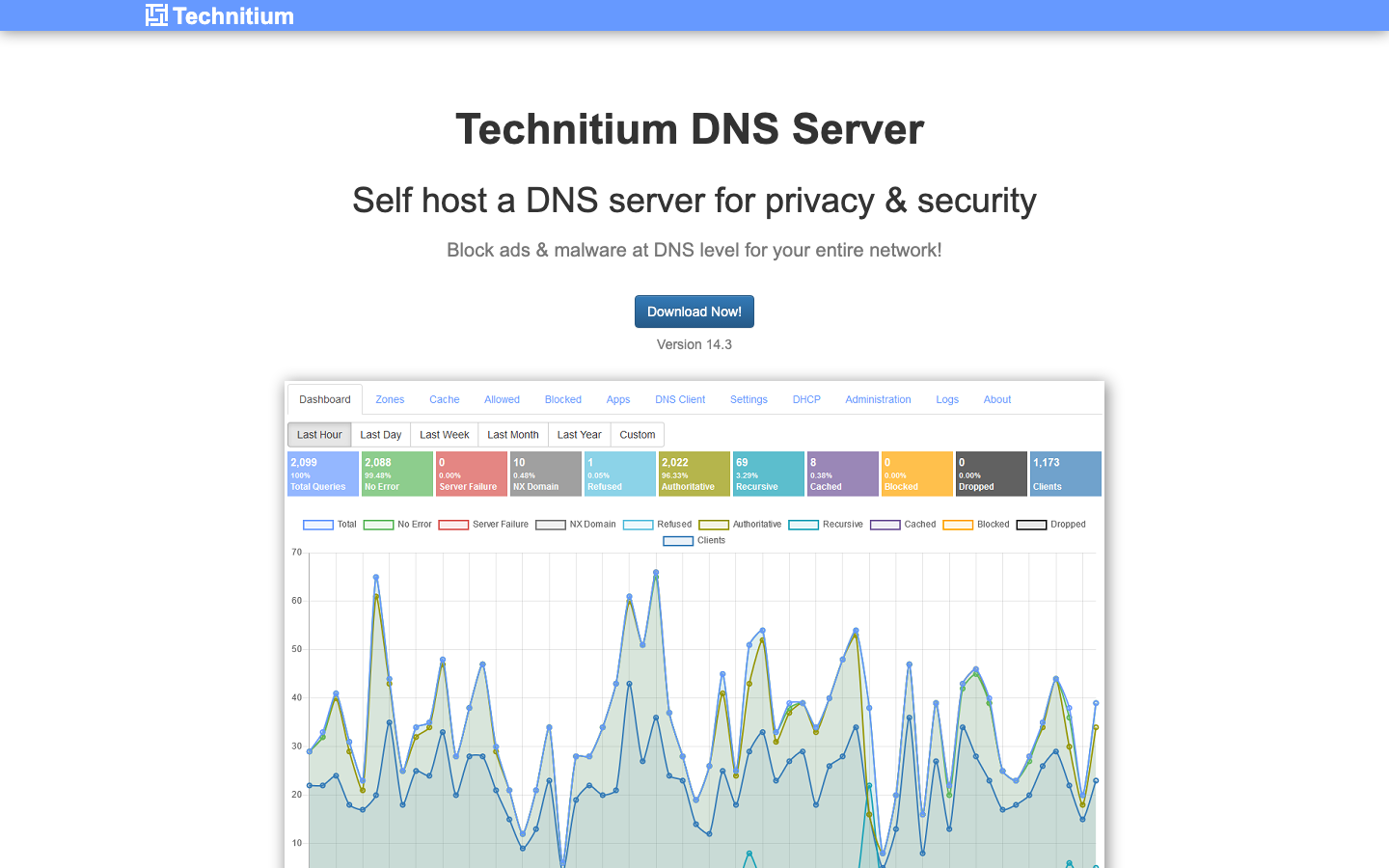
Technitium DNS Server is a full-featured DNS resolver written in C# with built-in ad blocking, DNSSEC validation, and zone management. It targets operators who want a complete DNS infrastructure replacement rather than just an ad-blocking layer.
Pros
- Comprehensive DNS feature set (zone hosting, DNSSEC, query logging, conditional forwarding).
- Windows-native implementation; natural fit for .NET shops and Windows Server deployments.
- Single unified tool for DNS infrastructure rather than ad-blocking bolt-on.
Cons
- Steeper learning curve; overkill for teams that only need ad blocking and encrypted DNS.
- Smaller community and fewer third-party integrations compared to AdGuardHome.
blocky
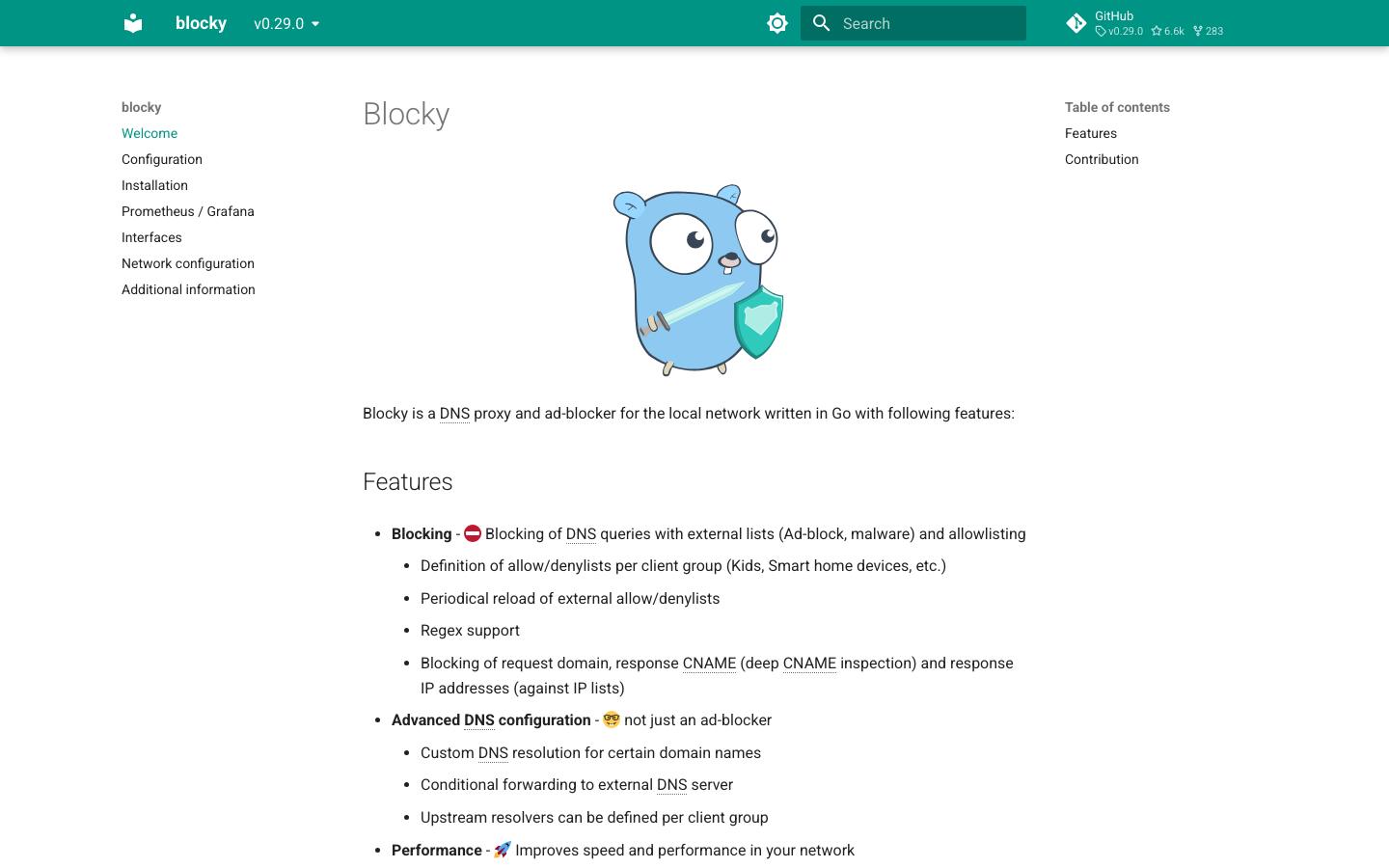
A lightweight, fast DNS proxy written in Go that blocks ads and trackers for local networks. It prioritizes minimal resource consumption and startup speed, making it ideal for embedded systems, containers, and bandwidth-constrained environments.
Pros
- Minimal memory and CPU footprint; runs efficiently on Raspberry Pi, NAS, or containerized setups.
- Written in Go; single binary deployment with no runtime dependencies.
- Async-first architecture; handles high query volumes without degradation.
Cons
- Web UI is functional but less polished than AdGuardHome; configuration leans toward YAML files.
- Smaller ecosystem of plugins and integrations; fewer pre-built filter lists out of the box.
maza-ad-blocking
A pure-Bash ad blocker that modifies the local hosts file to block ad domains. It is the simplest and most transparent option, with zero runtime dependencies beyond a POSIX shell.
Pros
- Trivial to audit and modify; entire codebase is shell script.
- No daemon, no service, no extra layers; just a hosts file update.
- Minimal attack surface; no web API or complex daemon to secure.
Cons
- Hosts-file blocking cannot match the performance or flexibility of DNS-level blocking; does not scale to large filter lists.
- No encrypted DNS, per-client policies, or remote management; purely local, manual operation.
How to choose
Start with team size and infrastructure maturity. If you are a single operator or small team running a home lab or small office, blocky or maza-ad-blocking offer simplicity and low overhead. If you need per-device policies, encrypted DNS, and a web UI without extra tooling, AdGuardHome is the pragmatic choice—it closes Pi-hole's architectural gaps without overcomplicating the stack.
For Windows-native environments or teams that want full DNS server capabilities (zone hosting, DNSSEC), DnsServer justifies its complexity. For Unix purists who distrust daemons and want maximum auditability, maza-ad-blocking is defensible if you accept the hosts-file trade-off.
The key differentiator is encrypted DNS maturity: if your upstream resolver is unencrypted, you lose privacy at the point it matters most. All four alternatives support it; AdGuardHome and DnsServer make it native. Pi-hole forces you to solve that yourself.