








TL;DR
- Data teams prioritizing cost control and self-hosting should start with Apache Superset: mature, Apache-licensed, and free to run on your own infrastructure with no per-user fees.
- Organizations needing rapid BI adoption without heavy engineering benefit from Metabase: simple UI, broad database support, and low operational overhead compared to enterprise platforms.
- Teams building AI-driven analytics or embedding dashboards at scale find Redash or Chartbrew more flexible: both support custom queries, API-first workflows, and avoid vendor lock-in to Microsoft's ecosystem.
Why teams leave Power BI
A team's analytics budget grows quietly. They start with Power BI Pro—$10/user/month seemed reasonable—but as dashboards multiply and data volumes climb, they hit the wall: Microsoft's April 2025 price increase bumps Pro to $14/user/month, and worse, they realize their most complex reports need Premium Per User ($24/month) or Fabric capacity to avoid throttling and data-refresh limits. The real friction isn't just the price hike; it's the architecture. Power BI is tightly bound to Microsoft 365 and the broader Fabric ecosystem, creating sticky lock-in. Your data lives in Microsoft's cloud, your models are proprietary, and expanding capabilities often means renting more Microsoft infrastructure. For teams with data-residency requirements—whether for compliance or sovereignty—or those who simply want to own their analytics stack, this dependency becomes untenable. Open-source alternatives sidestep these constraints: you control infrastructure, data stays where you put it, and per-user licensing disappears.
Quick comparison
| Name | License | Self-Hosted | Data Ownership | Query Flexibility | Best For |
|---|---|---|---|---|---|
| Apache Superset | Apache-2.0 | ✓ Yes | ✓ Full | ✓ SQL & custom viz | Large teams, data-heavy orgs, cost-conscious enterprises |
| Worldmonitor | — | — | — | ✓ AI-powered aggregation | Real-time geopolitical & infrastructure monitoring |
| Metabase | — | ✓ Yes | ✓ Full | ✓ Native queries | Small-to-mid teams, fast BI rollout, minimal ops |
| MindsDB | — | ✓ Yes | ✓ Full | ✓ AI agent queries | ML-driven analytics, predictive dashboards |
| Redash | BSD-2-Clause | ✓ Yes | ✓ Full | ✓ SQL, APIs, NoSQL | Engineering teams, multi-source dashboards, embedded analytics |
| Datasette | Apache-2.0 | ✓ Yes | ✓ Full | ✓ SQL exploration | Data exploration, publishing, lightweight deployment |
| Evidence | MIT | ✓ Yes | ✓ Full | ✓ SQL + markdown | Developers, version-controlled BI, rapid iteration |
| Chartbrew | — | ✓ Yes | ✓ Full | ✓ SQL, APIs, NoSQL | Embedded dashboards, multi-tenant SaaS, AI-assisted design |
Top open-source alternatives to Power BI
Apache Superset
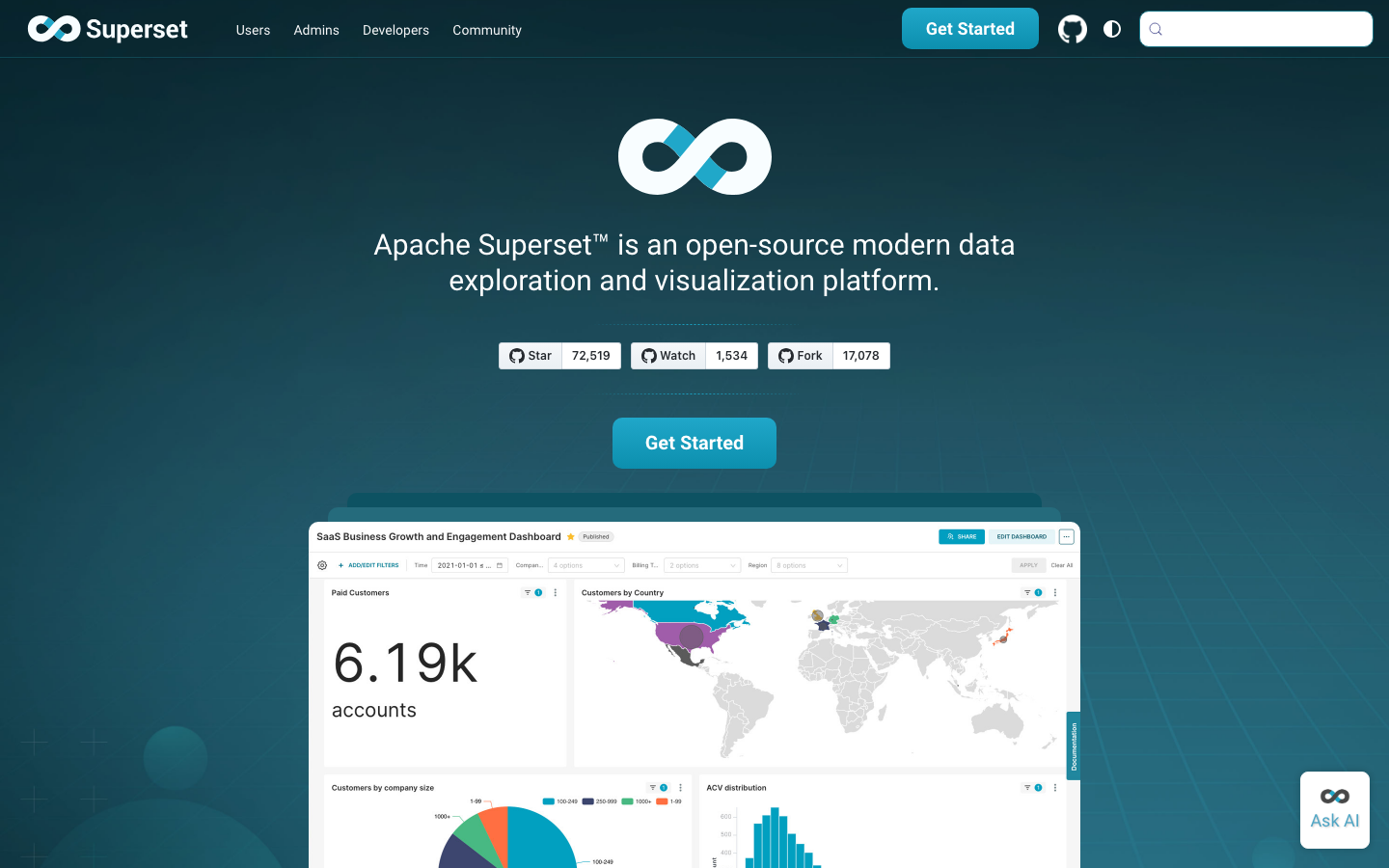
Apache Superset is a mature, enterprise-grade data visualization and exploration platform that runs on your own infrastructure. It connects to virtually any SQL database, supports complex custom visualizations, and requires no per-user licensing—a sharp contrast to Power BI's per-seat model. Superset is production-ready and widely adopted by large data teams.
Pros:
- Completely self-hosted; full data ownership and no cloud lock-in
- No per-user fees; unlimited dashboards and users on a single deployment
- Rich SQL querying, drilldown, and custom visualization support
Cons:
- Steeper learning curve for non-technical users compared to Metabase
- Requires more infrastructure and operational overhead than SaaS alternatives
Worldmonitor
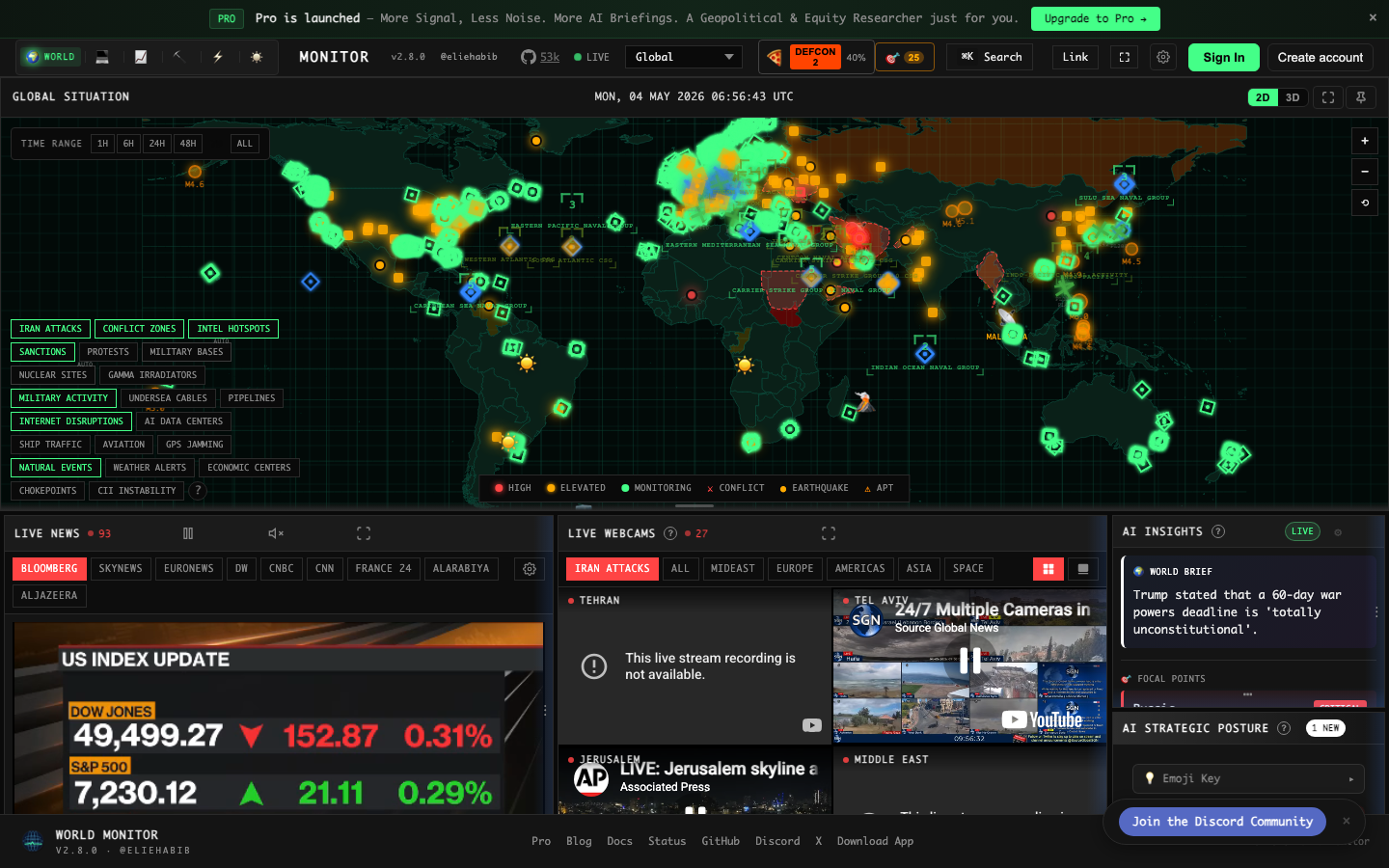
Worldmonitor is a specialized real-time intelligence dashboard powered by AI-driven news aggregation, geopolitical monitoring, and infrastructure tracking. It's built for situational awareness rather than traditional business analytics, making it unique in the open-source landscape.
Pros:
- Real-time global data feeds with AI-powered aggregation
- Unified interface for monitoring multiple data streams simultaneously
- Specialized for intelligence and infrastructure use cases
Cons:
- Narrower scope than general-purpose BI tools; not suitable for standard business reporting
- Requires understanding of its specific domain focus
Metabase
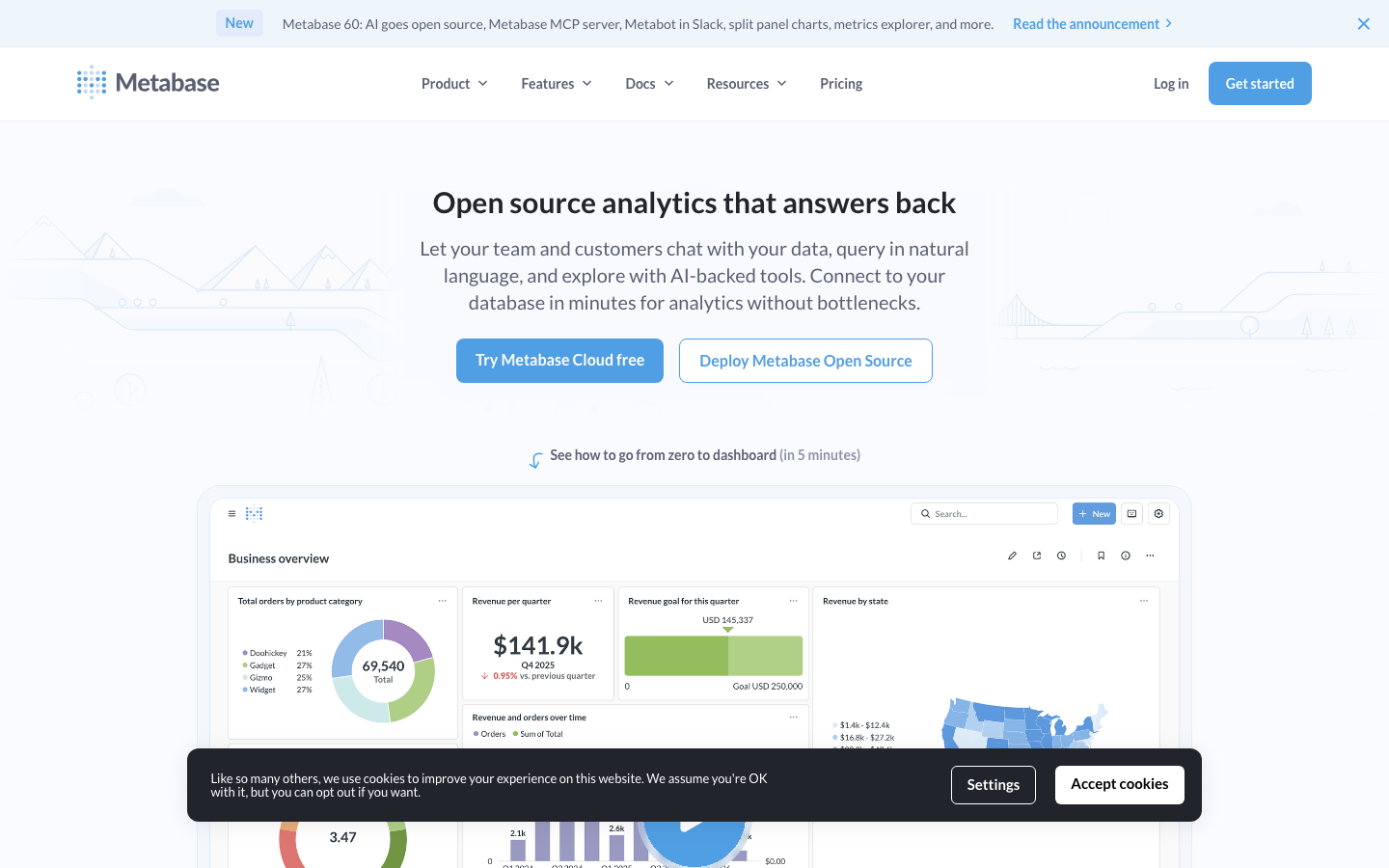
Metabase is the fastest way to add BI to any organization: a clean, intuitive interface that lets non-technical users explore data and build dashboards without writing SQL. It self-hosts easily, supports dozens of databases, and ships with smart features like auto-generated insights and drill-through navigation.
Pros:
- Minimal setup and learning curve; strong for rapid BI adoption
- Excellent UX for business users; no SQL knowledge required
- Self-hosted with full data control; no per-user licensing
Cons:
- Less flexible for complex, custom analytics than Superset or Redash
- Query customization options are more limited than SQL-first tools
MindsDB
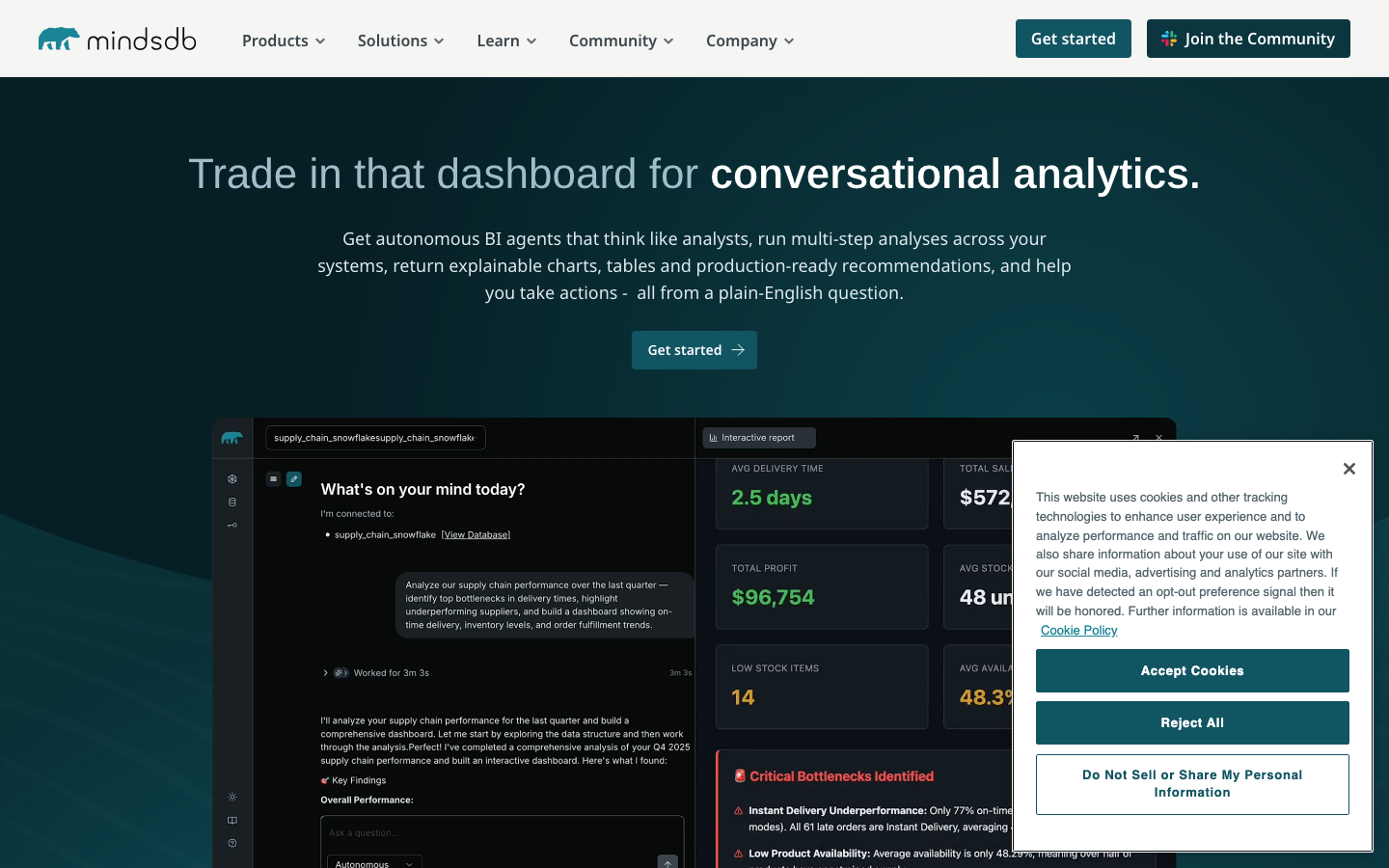
MindsDB is an AI Data Vault that acts as a query engine for AI agents, allowing them to securely access and analyze data from any datasource. It bridges analytics and machine learning, enabling predictive dashboards and AI-driven insights without moving data out of your infrastructure.
Pros:
- Built-in ML and AI agent support; enables predictive analytics natively
- Secure multi-datasource querying without data movement
- Ideal for teams adopting AI-powered decision-making
Cons:
- Requires familiarity with AI/ML concepts; steeper learning curve than traditional BI
- Smaller community and fewer integrations than Superset or Metabase
Redash
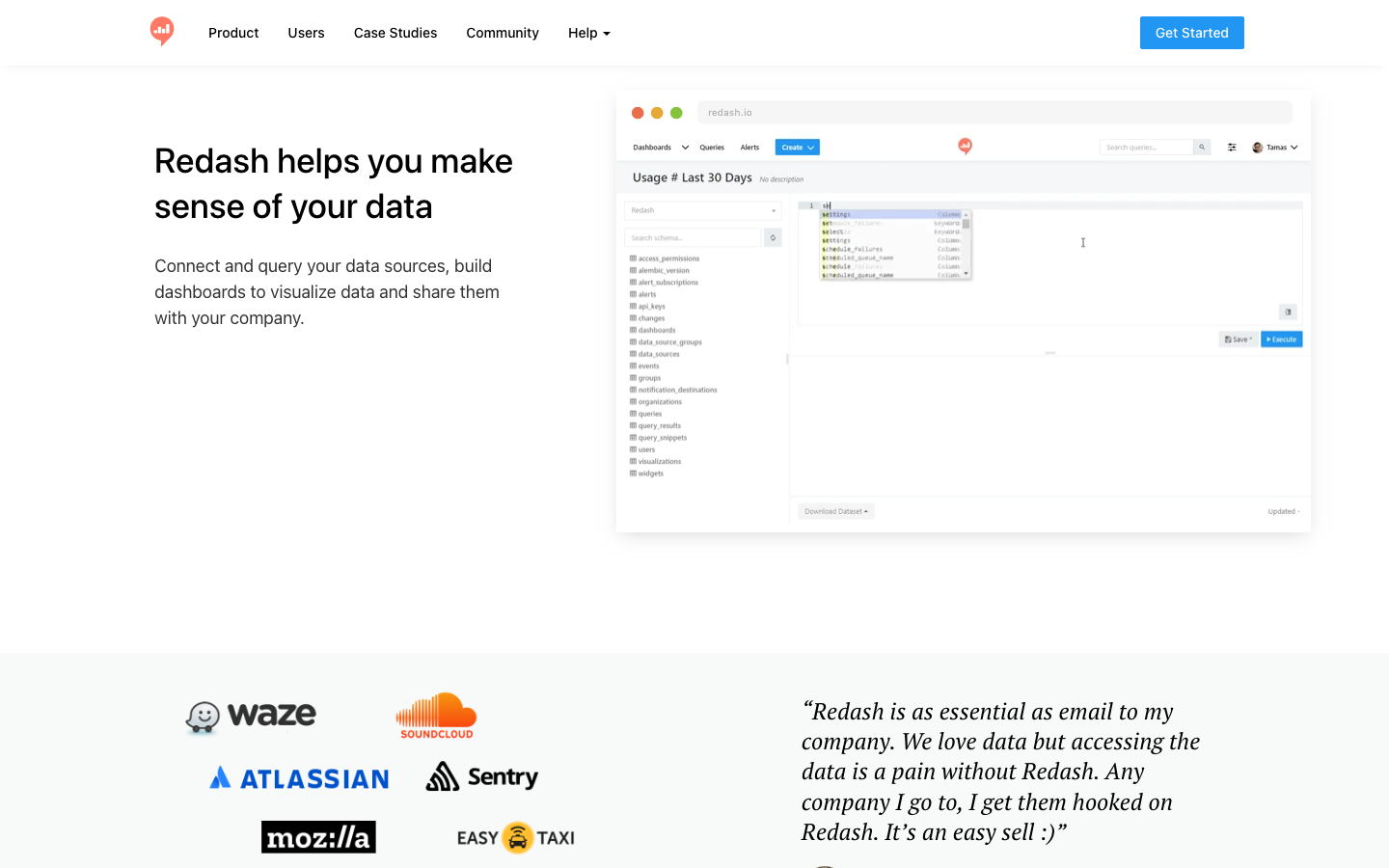
Redash is a query-and-visualization platform designed for teams who live in SQL and APIs. It emphasizes multi-source dashboarding, collaborative query building, and embeddable charts, making it a favorite among data engineers and analytics engineers.
Pros:
- SQL-first design with powerful query editor and version control
- Supports APIs, SQL databases, and NoSQL sources in a single dashboard
- Excellent for embedding analytics into applications
Cons:
- Requires SQL fluency; less beginner-friendly than Metabase
- Smaller active community than Superset or Metabase
Datasette
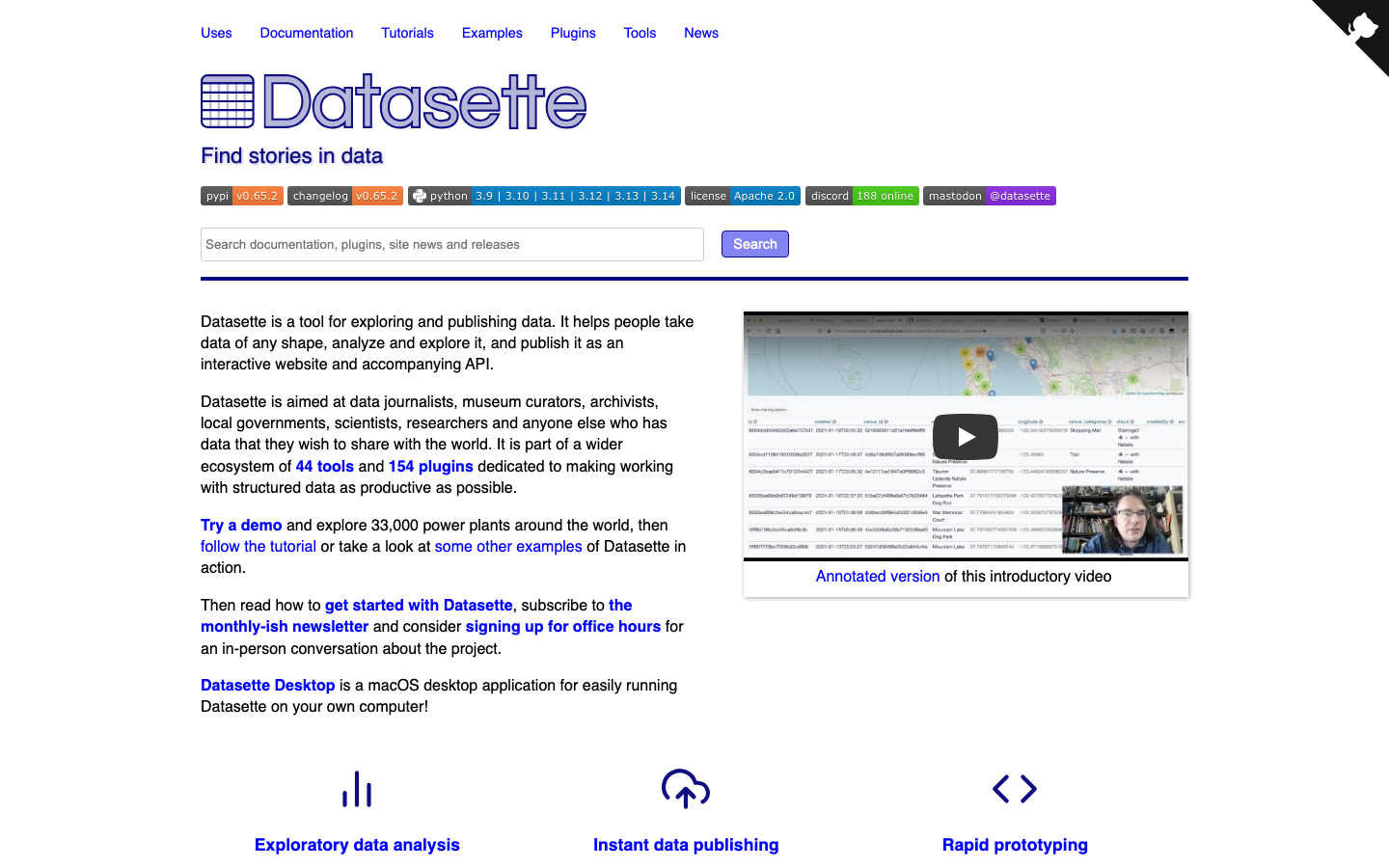
Datasette is a lightweight, open-source tool for exploring and publishing data as interactive, shareable web interfaces. It turns any SQLite database (or other SQL source) into a browsable, queryable web application with minimal configuration.
Pros:
- Extremely fast to deploy; minimal dependencies and infrastructure
- Excellent for data exploration, publishing, and ad-hoc analysis
- Apache-2.0 licensed; fully open and hackable
Cons:
- More focused on exploration than polished dashboard creation
- Limited visualization options compared to Superset or Metabase
Evidence
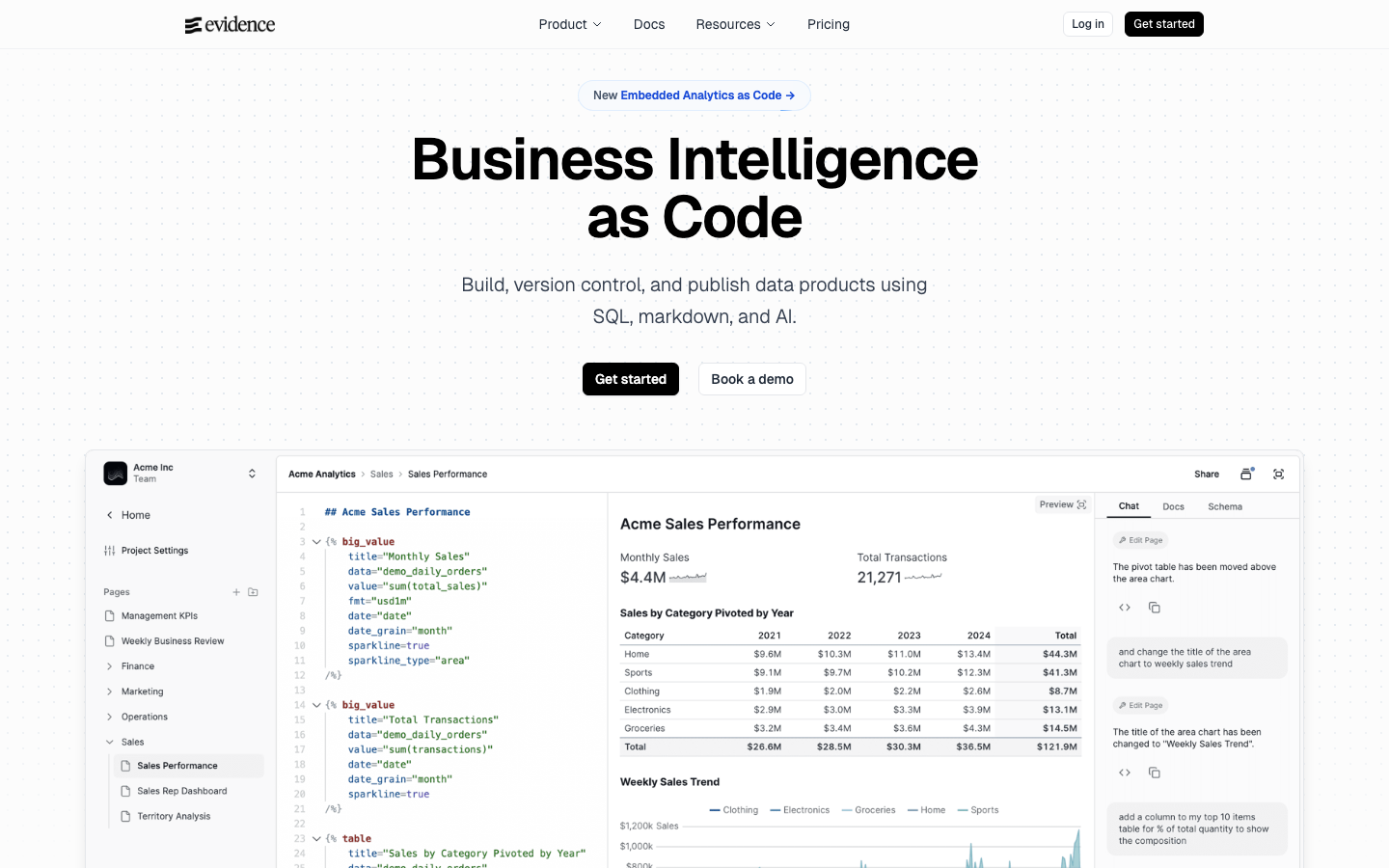
Evidence treats business intelligence as code: write dashboards in SQL and Markdown, version-control them in Git, and deploy with CI/CD. It's built for developers and data teams who want BI workflows that feel native to their engineering practices.
Pros:
- Version-controlled, code-first approach; integrates with Git workflows
- Fast iteration and collaboration for technical teams
- MIT licensed; highly customizable
Cons:
- Requires SQL and Markdown fluency; not suitable for non-technical users
- Smaller ecosystem than Superset or Metabase
Chartbrew
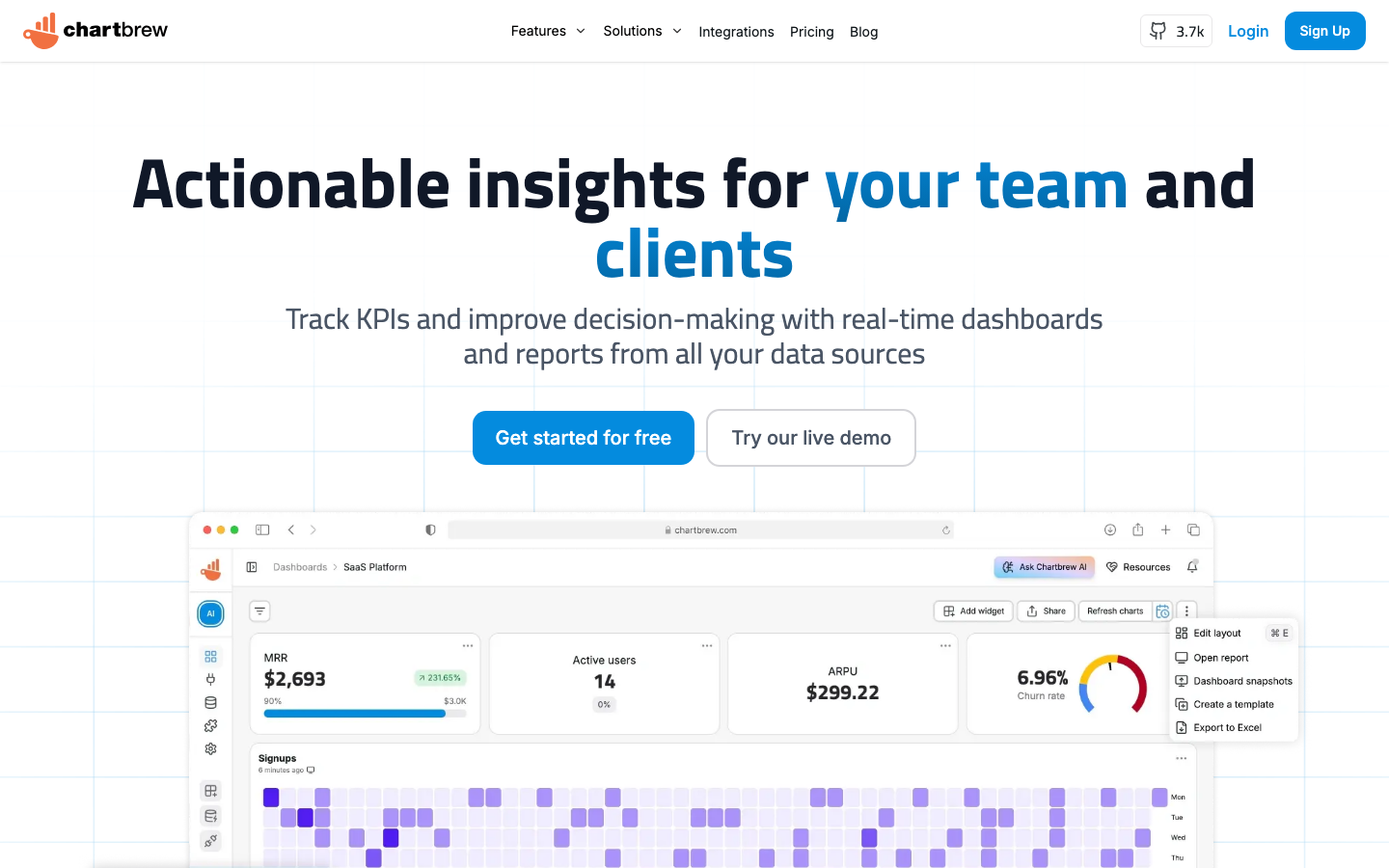
Chartbrew is an open-source reporting platform that connects to APIs, SQL databases, and NoSQL sources, then builds live dashboards with an AI-powered design assistant. It's purpose-built for embedding analytics into SaaS applications and multi-tenant scenarios.
Pros:
- AI-assisted chart and dashboard generation; fast design iteration
- Native support for APIs and NoSQL; ideal for modern data stacks
- Embeddable charts and dashboards for SaaS applications
Cons:
- Smaller community and fewer pre-built connectors than Superset
- Less mature for enterprise-scale self-hosted deployments
How to choose
Start with team size and SQL fluency. If you have non-technical business users and want BI live in days, Metabase is your fastest path. For large teams with data engineers and SQL-heavy workflows, Apache Superset or Redash offer more flexibility and scale. Consider your data stack. If you're embedding dashboards into a SaaS product or querying APIs, Chartbrew is purpose-built for that. If you're adopting AI-driven analytics, MindsDB adds predictive capabilities. Evaluate infrastructure constraints. All eight projects are self-hosted, but Datasette and Evidence are the lightest to deploy; Superset and Redash require more operational care. Finally, assess lock-in risk. Every option here gives you full data ownership and no per-user licensing—a fundamental advantage over Power BI's April 2025 pricing and Microsoft ecosystem entanglement.