







TL;DR
- Cost control matters most? Apache Superset eliminates per-user licensing entirely—deploy once, scale to your whole team at zero marginal cost.
- Data sovereignty is non-negotiable. Metabase runs fully self-hosted on your infrastructure, keeping dashboards and queries under your control, not Salesforce's cloud.
- You need query power without vendor lock-in. Redash connects to any data source and lets you version-control dashboards as code, making migration straightforward.
Why teams leave Tableau
Tableau's per-user pricing model creates a hard ceiling on team adoption. A 50-person organization pays $25,000–$40,000 annually just to get basic analytics access—and that's before scaling Creator seats, which jump to $75–$115/month per user. The cost compounds as teams grow: adding 10 more users can add $10,000+ to your annual bill.
Beyond cost, Tableau's ownership model raises serious concerns. Dashboards and data connections live inside Salesforce's proprietary platform, making it expensive and disruptive to switch tools. You don't own your analytics layer; you rent it. Data sovereignty becomes a problem for regulated industries: your dashboards and query logs sit on Tableau's infrastructure, not yours. And if Tableau changes pricing, deprecates features, or integrates more tightly with Salesforce products you don't use, you have limited recourse. Self-hosting the core engine requires enterprise licensing—there's no open alternative within Tableau's ecosystem.
Open-source alternatives flip this equation: they cost nothing to deploy, run on your servers, and let you own your dashboards as code or portable configurations.
Quick comparison
| Name | License | Self-Hosted | Data Ownership | Query Flexibility | Best For |
|---|---|---|---|---|---|
| Apache Superset | Apache-2.0 | ✓ Full | ✓ Yours | ✓ SQL, any DB | Teams wanting unlimited users, visual BI |
| Metabase | License not declared | ✓ Full | ✓ Yours | ✓ SQL, native queries | Non-technical users, ease-of-use first |
| Redash | BSD-2-Clause | ✓ Full | ✓ Yours | ✓ SQL, APIs, scripts | Data teams, query-driven workflows |
| Evidence | MIT | ✓ Full | ✓ Yours | ✓ SQL + markdown | Engineers, version-controlled BI |
| Datasette | Apache-2.0 | ✓ Full | ✓ Yours | ✓ SQL exploration | Data exploration, publishing, small teams |
| Chartbrew | License not declared | ✓ Full | ✓ Yours | ✓ APIs, SQL, NoSQL | Rapid dashboard prototyping, embeds |
| MindsDB | License not declared | ✓ Full | ✓ Yours | ✓ SQL + AI agents | AI-driven insights, predictive queries |
| WorldMonitor | License not declared | ✓ Full | ✓ Yours | ✓ Real-time feeds | Geopolitical monitoring, situational awareness |
Top open-source alternatives to Tableau
Apache Superset
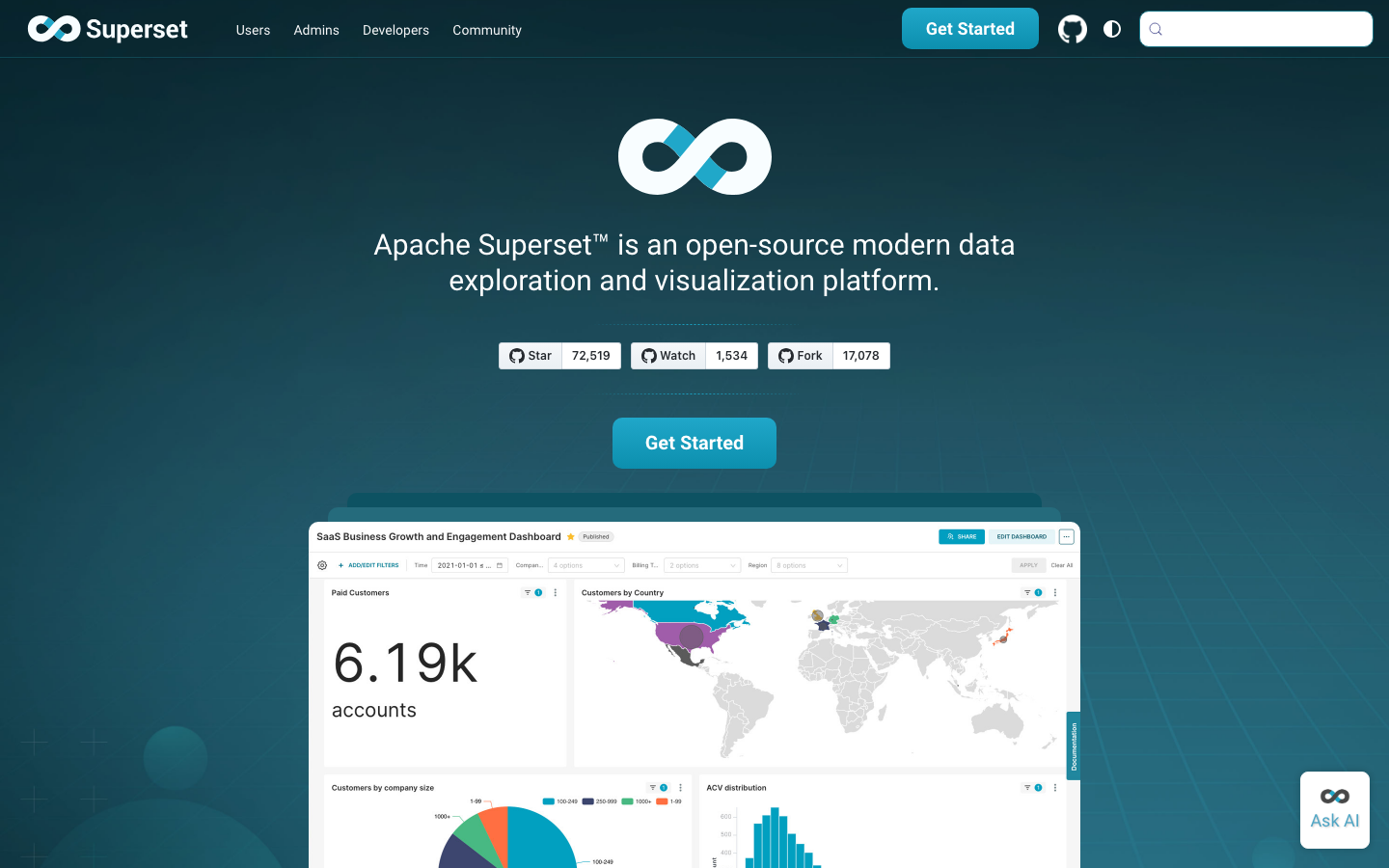
Apache Superset is a modern data visualization and exploration platform built for teams of any size. It connects to any SQL database, supports unlimited users with no per-seat licensing, and ships with a rich library of interactive charts and dashboards. Superset is the closest open-source equivalent to Tableau's core offering—minus the cost.
Pros:
- Zero per-user cost; scales from 1 to 1,000 team members at the same deployment price.
- Rich, interactive visualizations and drill-down exploration out of the box.
- Runs fully self-hosted; your dashboards and data never touch a SaaS vendor.
Cons:
- Steeper learning curve for non-technical users compared to Metabase.
- Requires more infrastructure setup and maintenance than managed alternatives.
Metabase
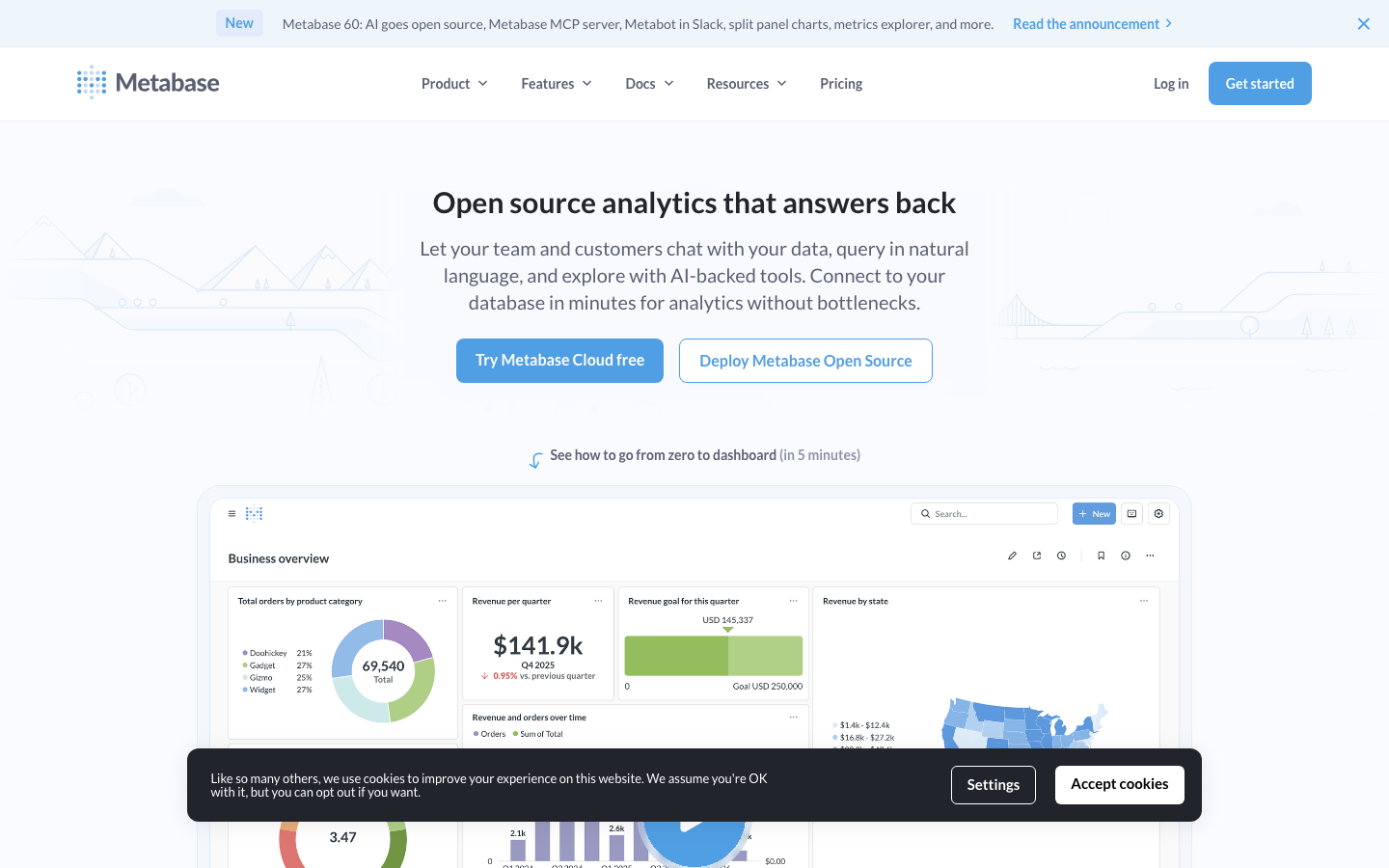
Metabase is an open-source business intelligence tool designed for ease of use. It lets non-technical users ask questions of data, build dashboards, and share insights without SQL knowledge. It ships with a clean UI, automatic data discovery, and native connectors to most databases.
Pros:
- Easiest onboarding for non-technical teams; no SQL required to start.
- Beautiful, intuitive interface reduces training overhead.
- Self-hosted or cloud options; full control over your data and dashboards.
Cons:
- Less powerful for complex, custom queries than SQL-first tools.
- Smaller ecosystem of plugins and extensions compared to Superset.
Redash
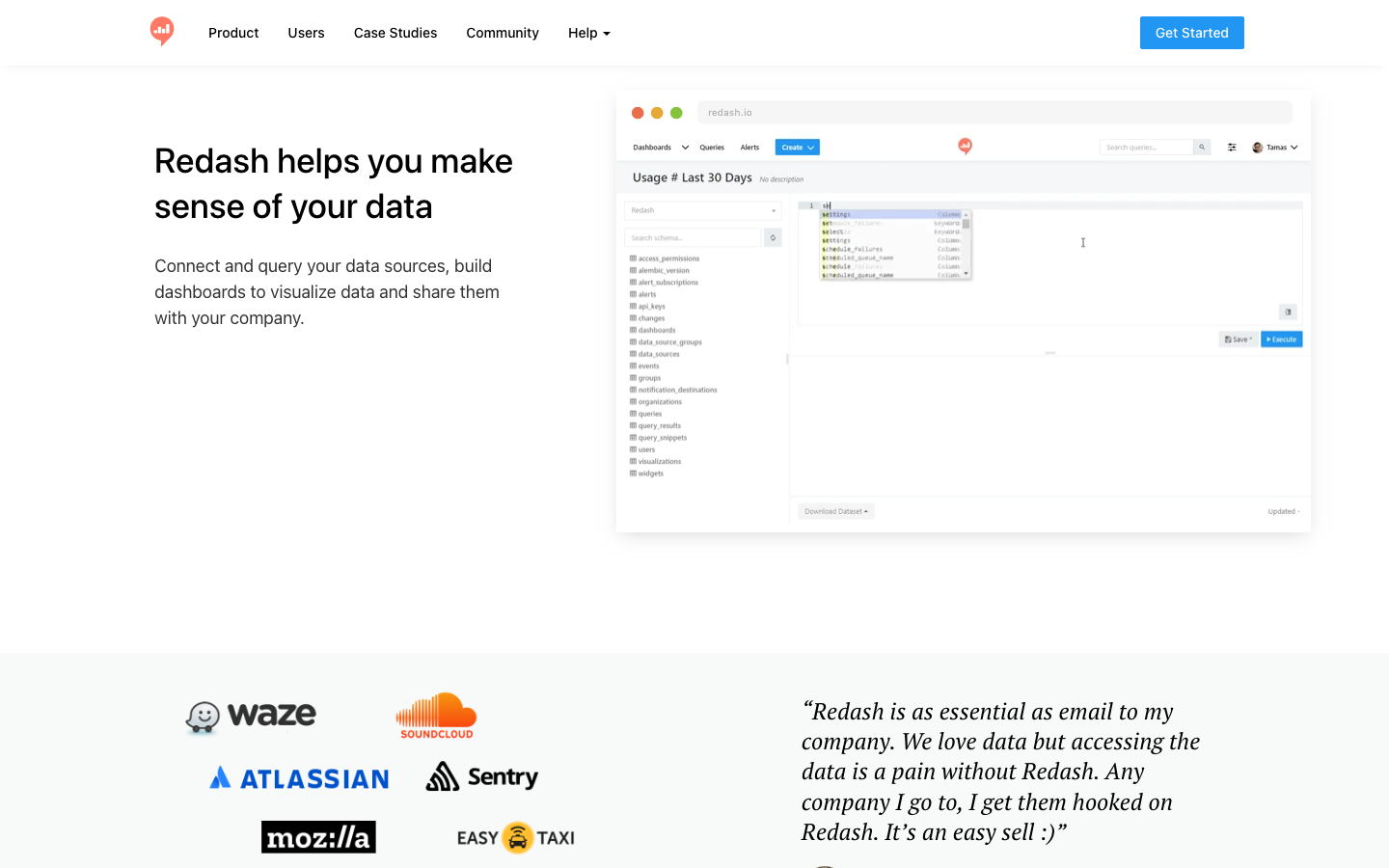
Redash is a query-driven analytics platform built for data teams. Write SQL, save queries, create dashboards, and share results—all with version control and collaborative workflows. It's designed for organizations where analytics is a team sport and reproducibility matters.
Pros:
- Queries are version-controlled and shareable; easy to audit who ran what and when.
- Connects to 50+ data sources; flexible enough for complex, multi-source analysis.
- Lightweight and fast; minimal overhead on your infrastructure.
Cons:
- Requires SQL literacy; not a visual query builder for non-technical users.
- Smaller community and fewer pre-built integrations than Superset.
Evidence
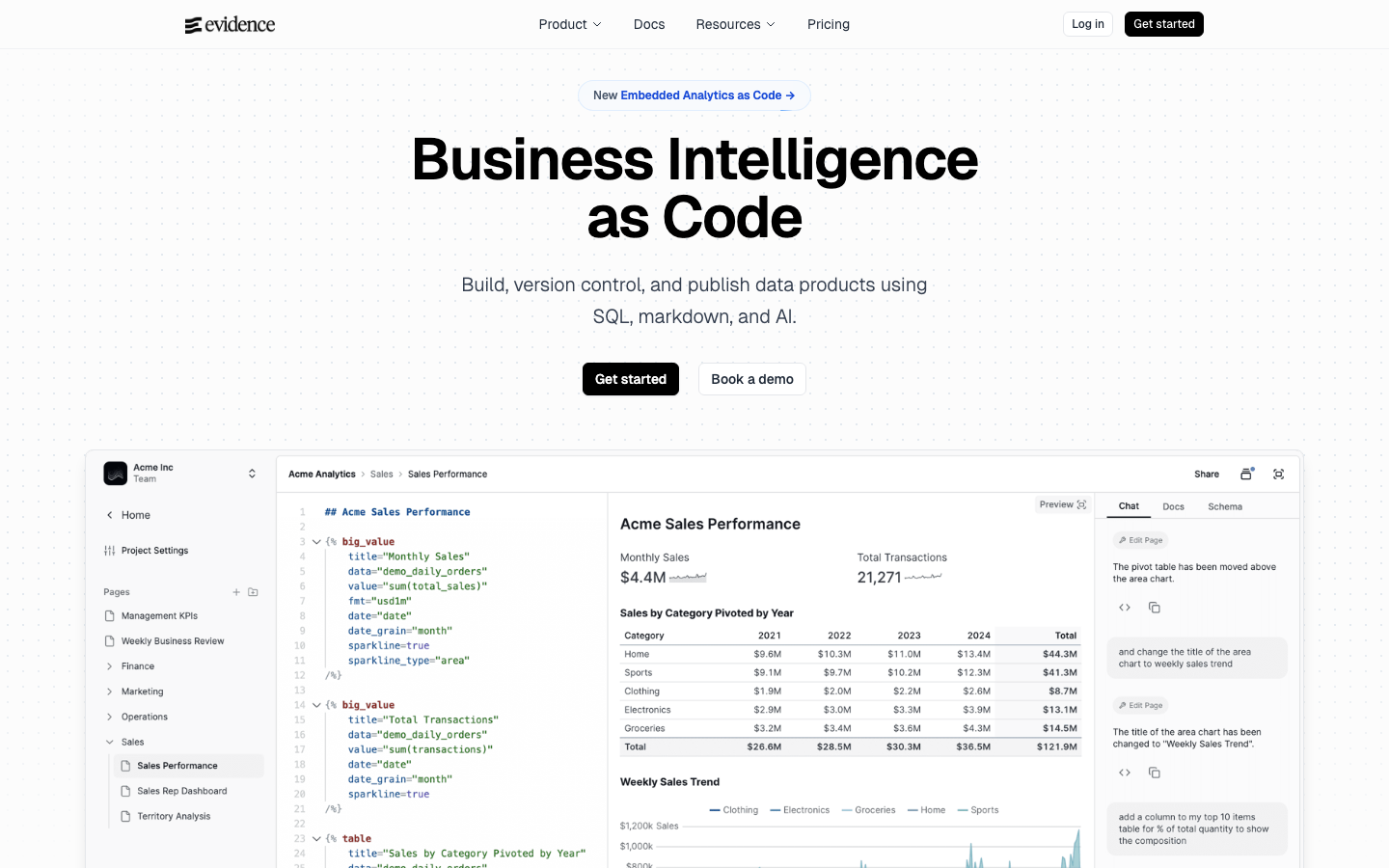
Evidence treats business intelligence as code. Write SQL and markdown, version-control your analytics in Git, and deploy dashboards like software. It's built for engineering teams and data engineers who want BI that fits into their development workflow.
Pros:
- Dashboards live in Git; full version history, code review, CI/CD integration.
- Lightweight and fast; compiles to static HTML for easy hosting.
- Perfect for teams already using version control and DevOps practices.
Cons:
- Requires familiarity with SQL, markdown, and Git; not for non-technical users.
- Smaller user base and fewer visual customization options than Superset.
Datasette
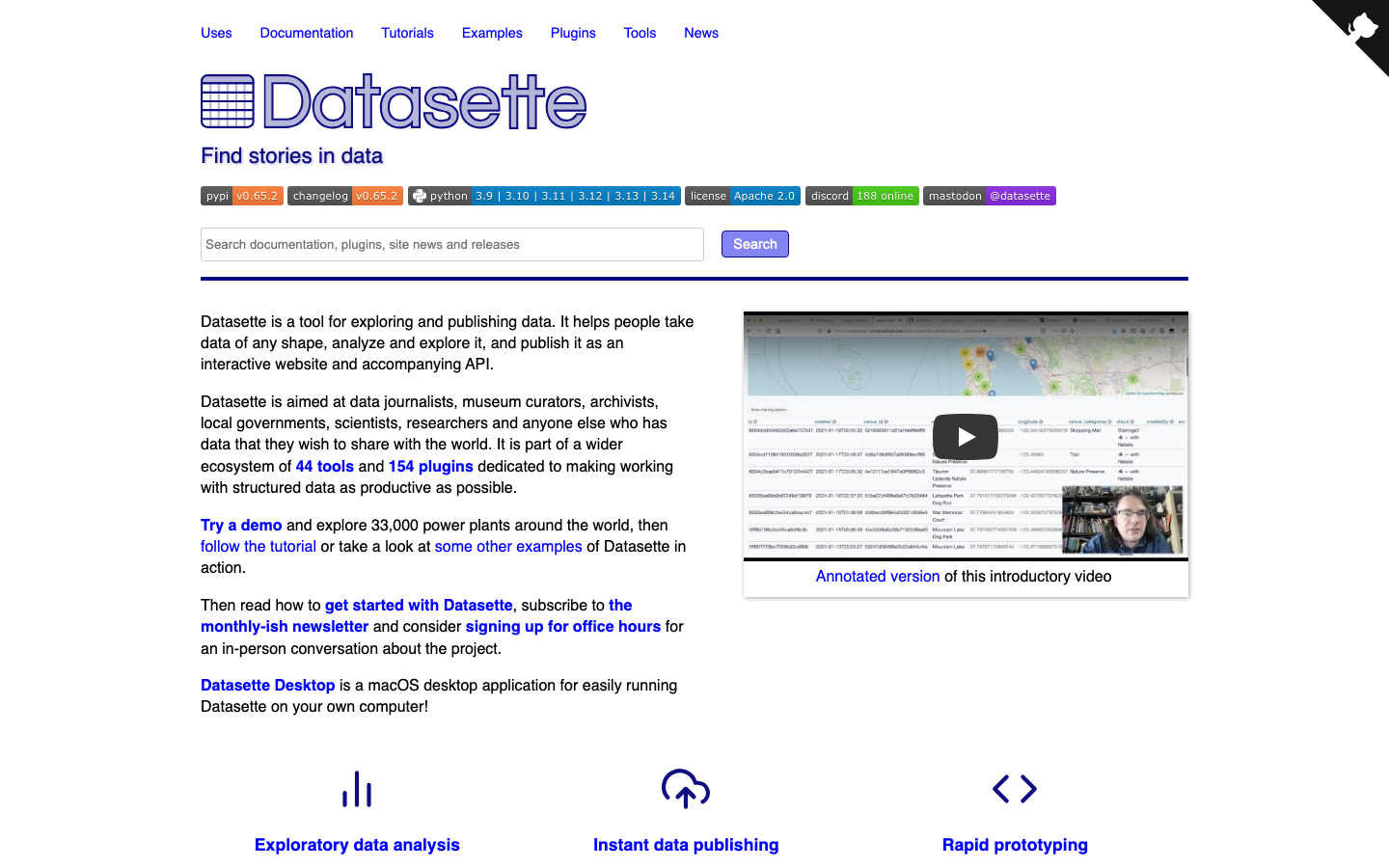
Datasette is a tool for exploring, analyzing, and publishing data. Upload a CSV or SQLite database, get instant SQL querying and visualizations, and publish a shareable interface—no backend code required. It's minimal, focused, and excellent for data exploration and public data publishing.
Pros:
- Minimal setup; works with SQLite files or remote databases.
- Great for exploratory analysis and publishing datasets to stakeholders.
- Lightweight and embeddable; easy to integrate into existing sites.
Cons:
- Fewer visualization types and dashboard features than Superset or Metabase.
- Better suited for exploration than production analytics workflows.
Chartbrew
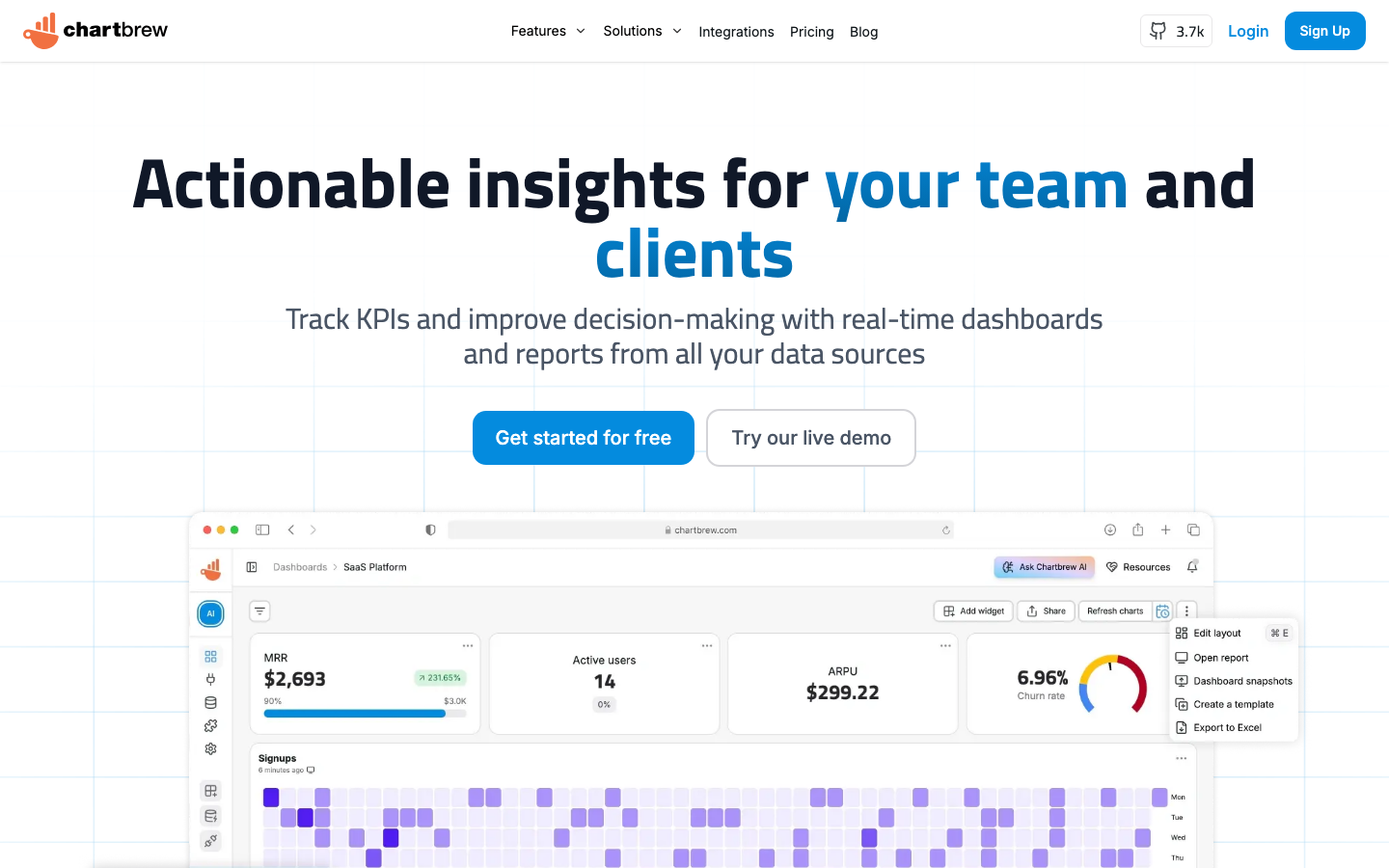
Chartbrew is a rapid-dashboard platform that connects to APIs, SQL databases, and NoSQL stores. It includes an AI assistant to help build charts faster, scheduling for automated reports, and embeddable dashboards for external sharing.
Pros:
- Fast dashboard creation with AI-assisted chart suggestions.
- Supports APIs and NoSQL; good for modern, distributed data stacks.
- Embeddable dashboards; easy to white-label for customer-facing analytics.
Cons:
- Smaller community and fewer advanced customization options.
- Less mature than Superset or Metabase for large-scale deployments.
MindsDB
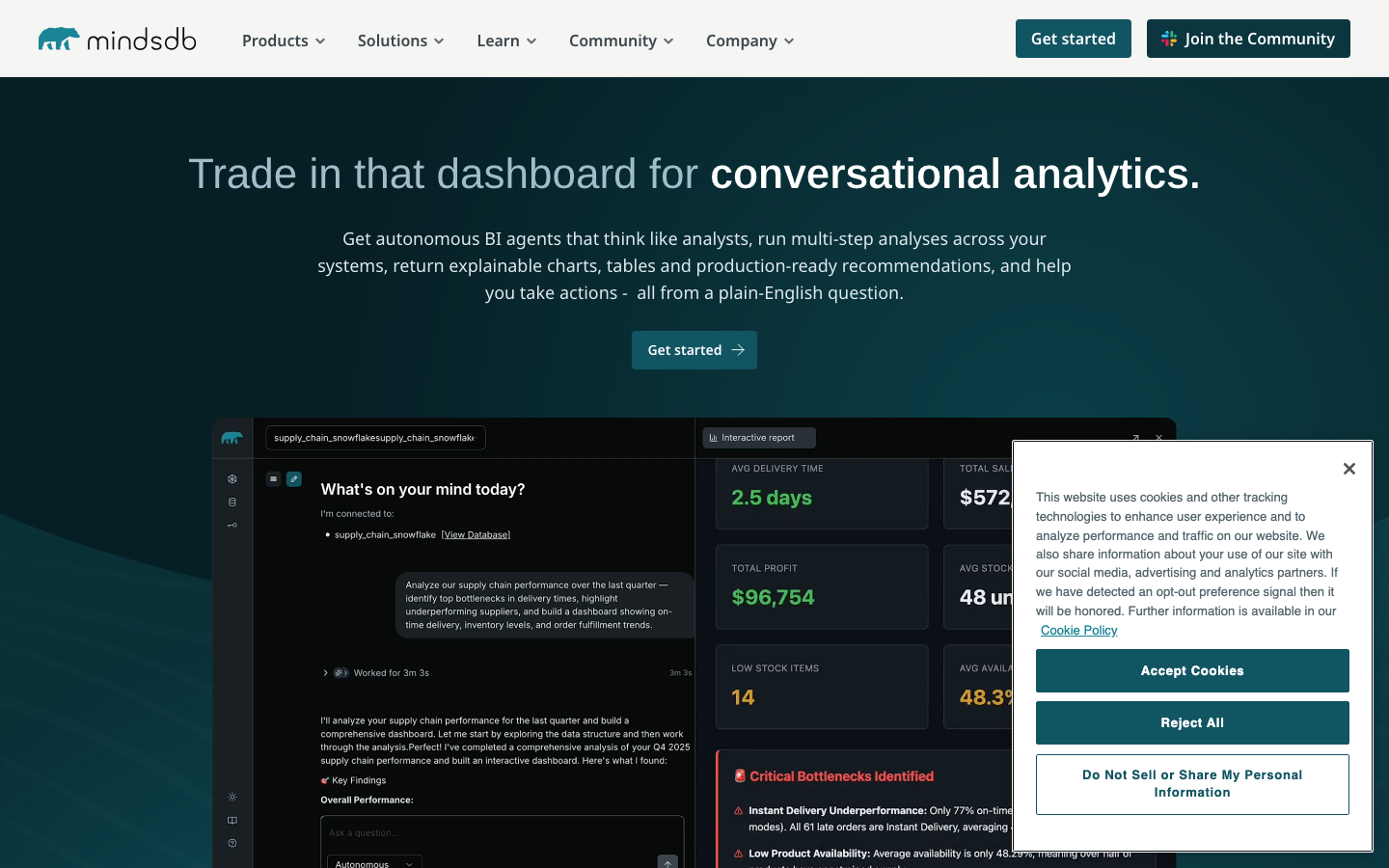
MindsDB is an AI Data Vault that acts as a query engine for AI agents. It lets you write SQL to access data from any source and augment queries with machine-learning predictions and AI reasoning—bridging analytics and AI.
Pros:
- Unique AI-first architecture; run predictions and AI reasoning directly in SQL.
- Works with any data source; unifies analytics and ML workflows.
- Enables non-experts to leverage AI for insights without Python.
Cons:
- Newer and less battle-tested than traditional BI tools.
- Best for teams already thinking about predictive analytics and AI integration.
WorldMonitor
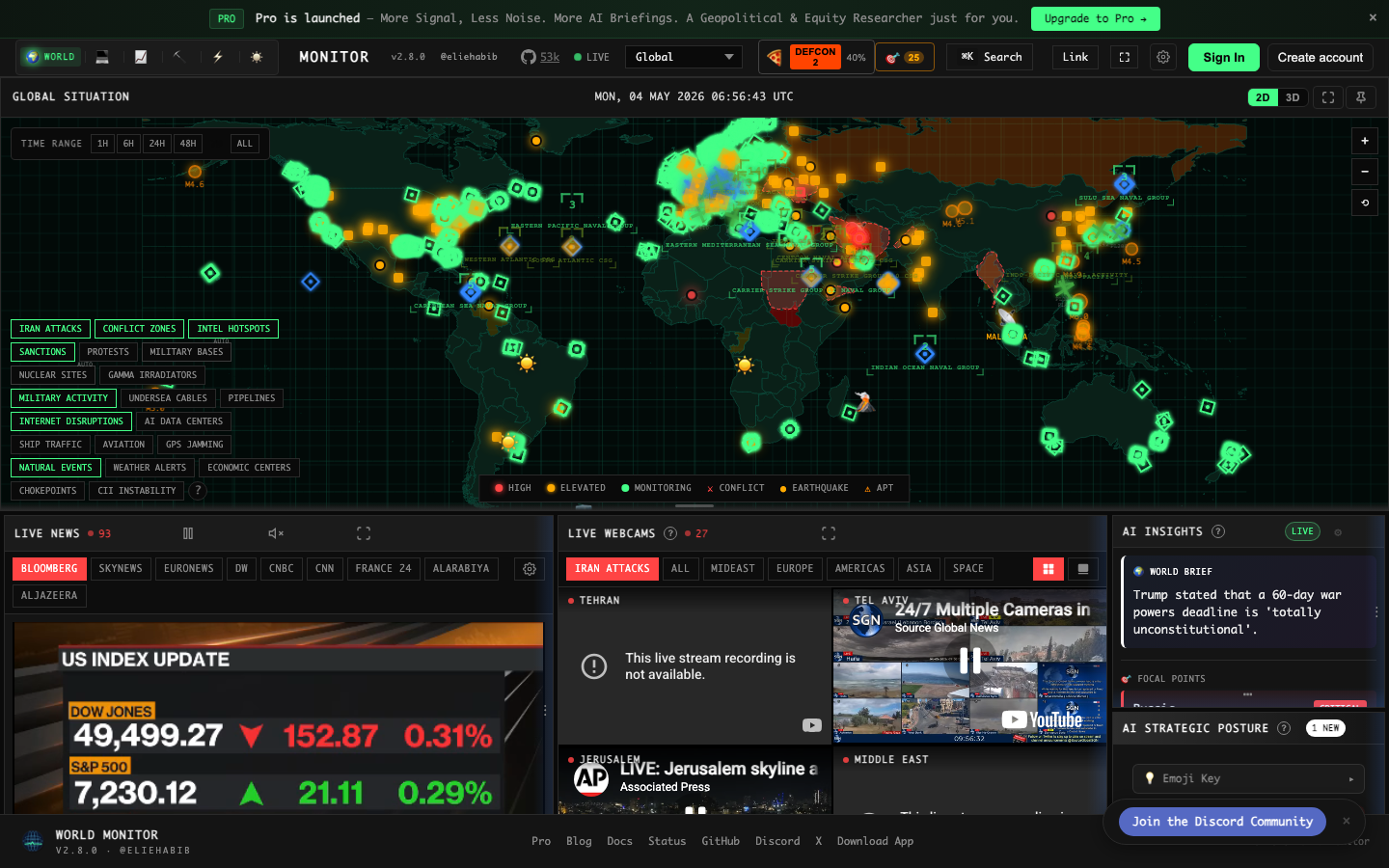
WorldMonitor is a real-time global intelligence dashboard powered by AI. It aggregates news, geopolitical data, and infrastructure monitoring into a unified situational awareness interface—designed for organizations tracking global events and risks.
Pros:
- Real-time, AI-powered intelligence aggregation; unique for geopolitical and event monitoring.
- Unified dashboard for multi-source, time-sensitive data.
- Self-hosted; control over sensitive intelligence and feeds.
Cons:
- Highly specialized for geopolitical and infrastructure use cases; not a general BI tool.
- Smaller community and fewer integrations with typical business databases.
How to choose
For cost-sensitive teams: Start with Apache Superset or Metabase. Both eliminate per-user licensing and run fully self-hosted. Superset scales to power-user teams; Metabase prioritizes ease for non-technical users.
For data teams and engineers: Choose Redash or Evidence. Redash excels at collaborative SQL workflows; Evidence is best if your team already uses Git and wants dashboards as code.
For specialized use cases: MindsDB if you need AI-driven predictions; WorldMonitor for geopolitical intelligence; Datasette for lightweight exploration and publishing; Chartbrew for rapid prototyping with APIs and NoSQL.
Size matters less than workflow: All eight projects self-host and scale. Pick based on your team's technical comfort, data sources, and how you want to work—not based on seat count.