








TL;DR
- Privacy & data sovereignty matter most? Mathesar keeps your Postgres data in your own infrastructure with zero cloud dependencies, and Corteza offers the same self-hosted guarantee with a lightweight footprint.
- Predictable costs over surprise billing? Appsmith and ToolJet eliminate per-seat licensing entirely—deploy once, scale without metered overages or enterprise gatekeeping.
- Maximum control and flexibility? JeecgBoot and Filament let you own the full stack: generate backend code, customize deeply, and avoid vendor lock-in by working with your own codebase.
Why teams leave Budibase
The open-source low-code space exists because proprietary builders like Retool trap teams in consumption-plus-Enterprise pricing: as your internal-tools footprint grows, so do per-user seats, API calls, and monthly surprise bills. You can't predict annual spend, you can't move your apps elsewhere without rebuilding, and you're always one feature-gate away from needing to upgrade your plan.
Budibase itself is open source, but many teams choosing it are specifically escaping managed SaaS builders—they want the app and the data to live in their own VPC, not someone else's cloud. The appeal is simple: no per-user licensing lock, no usage-metered overages, and no vendor lock-in. You trade the polish and managed convenience of a hosted platform for ownership, predictable cost, and full control of your deployment. For teams with data-sovereignty requirements or those who've been burned by SaaS pricing creep, that trade is non-negotiable.
The alternatives below share that ethos: they're all self-hostable, none charge per seat on core features, and they let you keep your infrastructure and data under your own roof.
Quick comparison
| Name | License | Self-Hosted | API / Extensibility | Stack / Language | Best For |
|---|---|---|---|---|---|
| Dify | — | ✓ | REST API, workflow SDK | TypeScript | AI agents & agentic workflows |
| JeecgBoot | Apache-2.0 | ✓ | REST API, code generation | Java | Full-stack Java apps, AI-assisted development |
| Appsmith | Apache-2.0 | ✓ | REST API, plugin system | TypeScript | Admin panels, dashboards, internal tools |
| ToolJet | AGPL-3.0 | ✓ | REST API, custom components | JavaScript | Internal tools, dashboards, AI agents |
| Filament | MIT | ✓ | Laravel ecosystem, full customization | PHP | Laravel apps, admin panels, rapid iteration |
| Mathesar | GPL-3.0 | ✓ | Postgres native, SQL access | Svelte | Data-first apps, spreadsheet-like interfaces |
| Corteza | Apache-2.0 | ✓ | REST API, workflow engine | Go | Lightweight low-code, minimal infrastructure |
| Kottster | Apache-2.0 | ✓ | Node.js extensible | TypeScript | Minimal Node.js admin panels |
Top open-source alternatives to Budibase
Dify
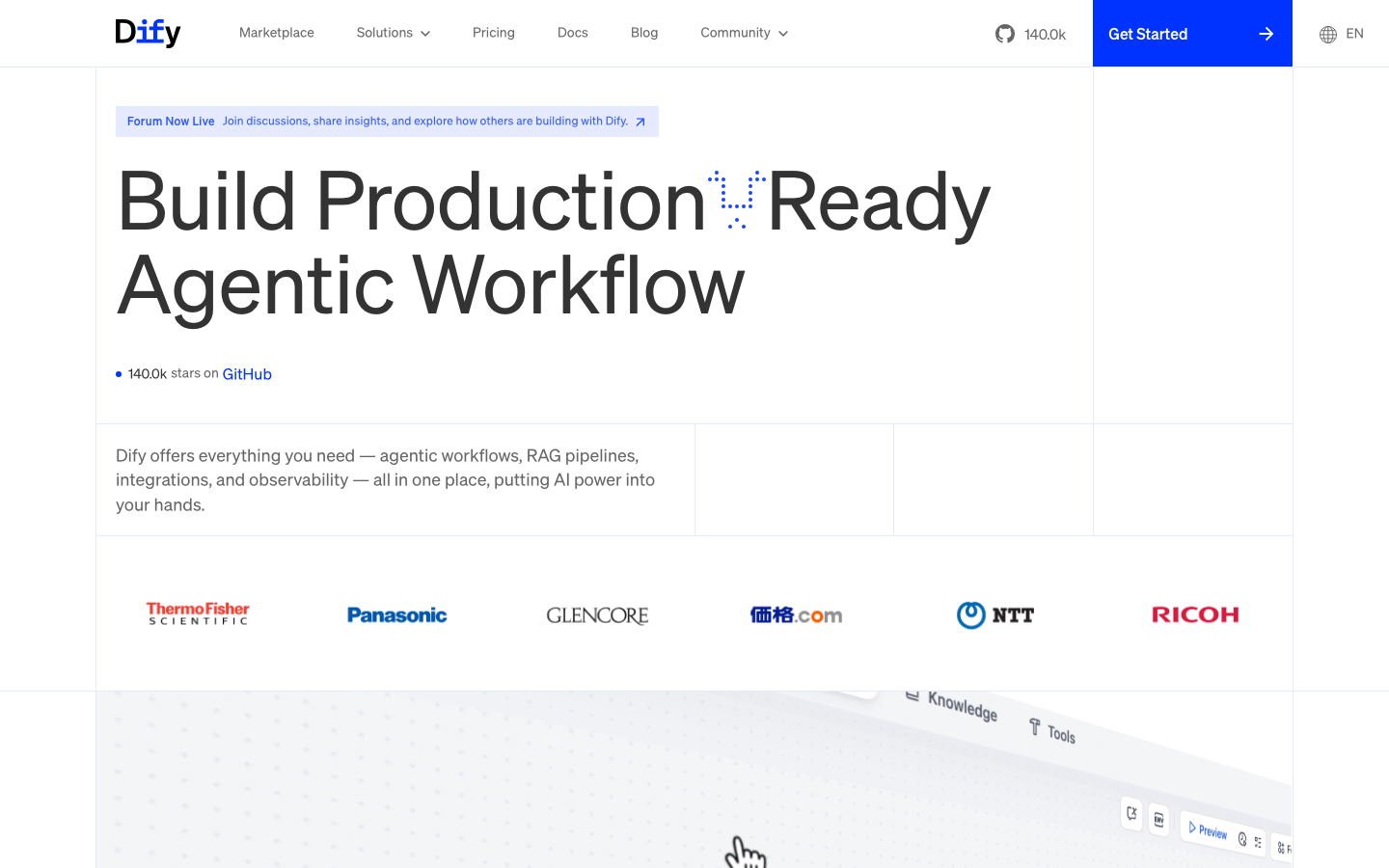
Production-ready platform for agentic workflow development. Built for teams shipping AI agents and complex automation workflows at scale. Dify combines a visual workflow builder with LLM integrations, knowledge bases, and plugin support—letting non-engineers and engineers collaborate on intelligent applications.
Pros
- Native multi-model support and agentic workflow orchestration out of the box
- REST API and SDK for deep integration and custom automation
- Rapidly maturing production deployments across enterprises
Cons
- Steeper learning curve if your use case is simple CRUD or dashboards
- License not declared; verify terms before enterprise deployment
JeecgBoot
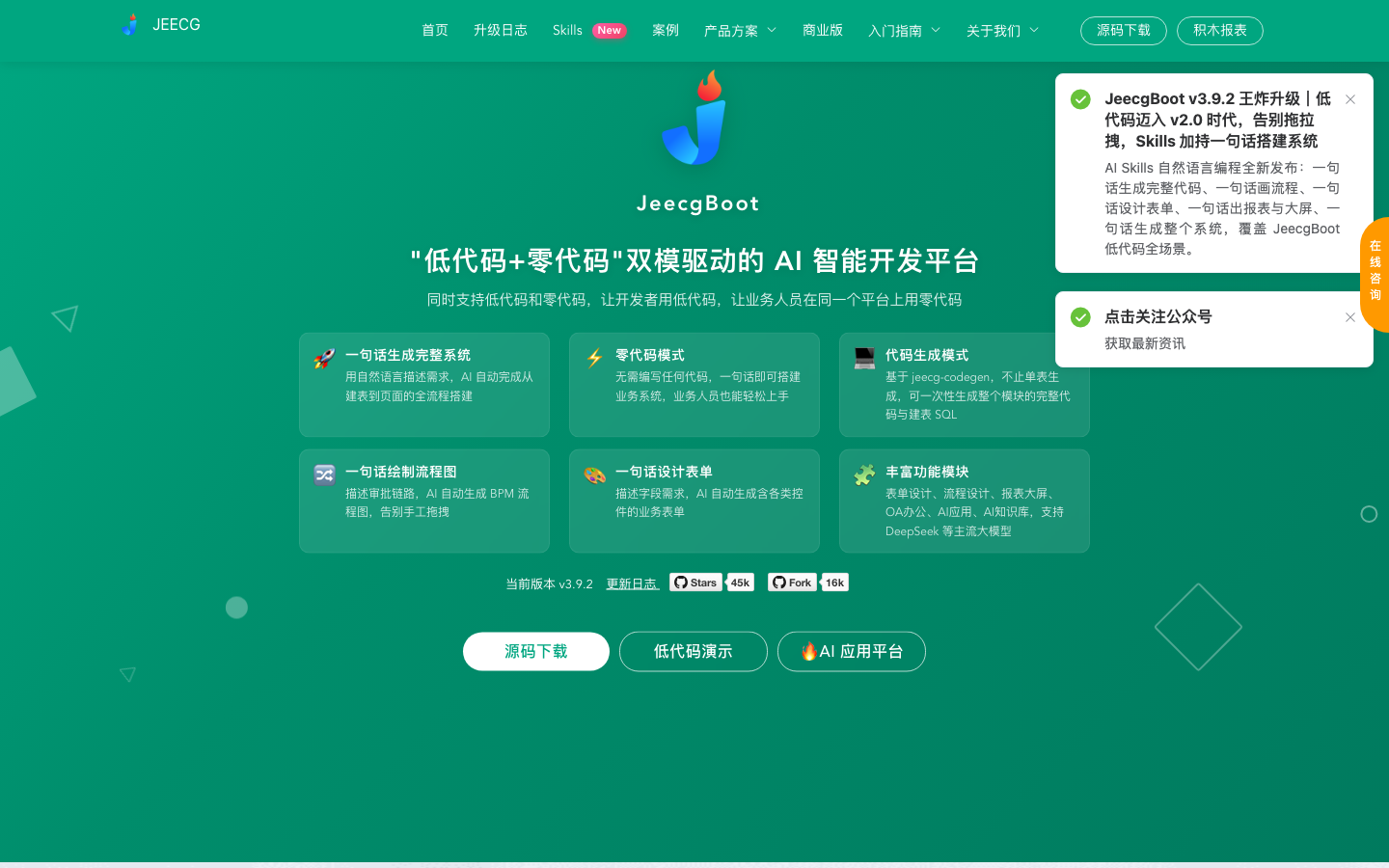
AI-powered low-code platform supporting both zero-code (5-minute system assembly) and low-code (auto-generated front/backend code) modes. Built on Java, it includes AI chat, knowledge bases, workflow orchestration, and MCP plugin support—designed to eliminate 80% of repetitive Java development.
Pros
- Full-stack code generation (front and back end) reduces hand-coding by orders of magnitude
- Integrated AI skills (flow diagrams, form design, system generation from natural language)
- Deep Java ecosystem integration for teams already committed to the JVM
Cons
- Requires Java expertise to customize and extend beyond generated code
- Documentation and community primarily Chinese-language
Appsmith
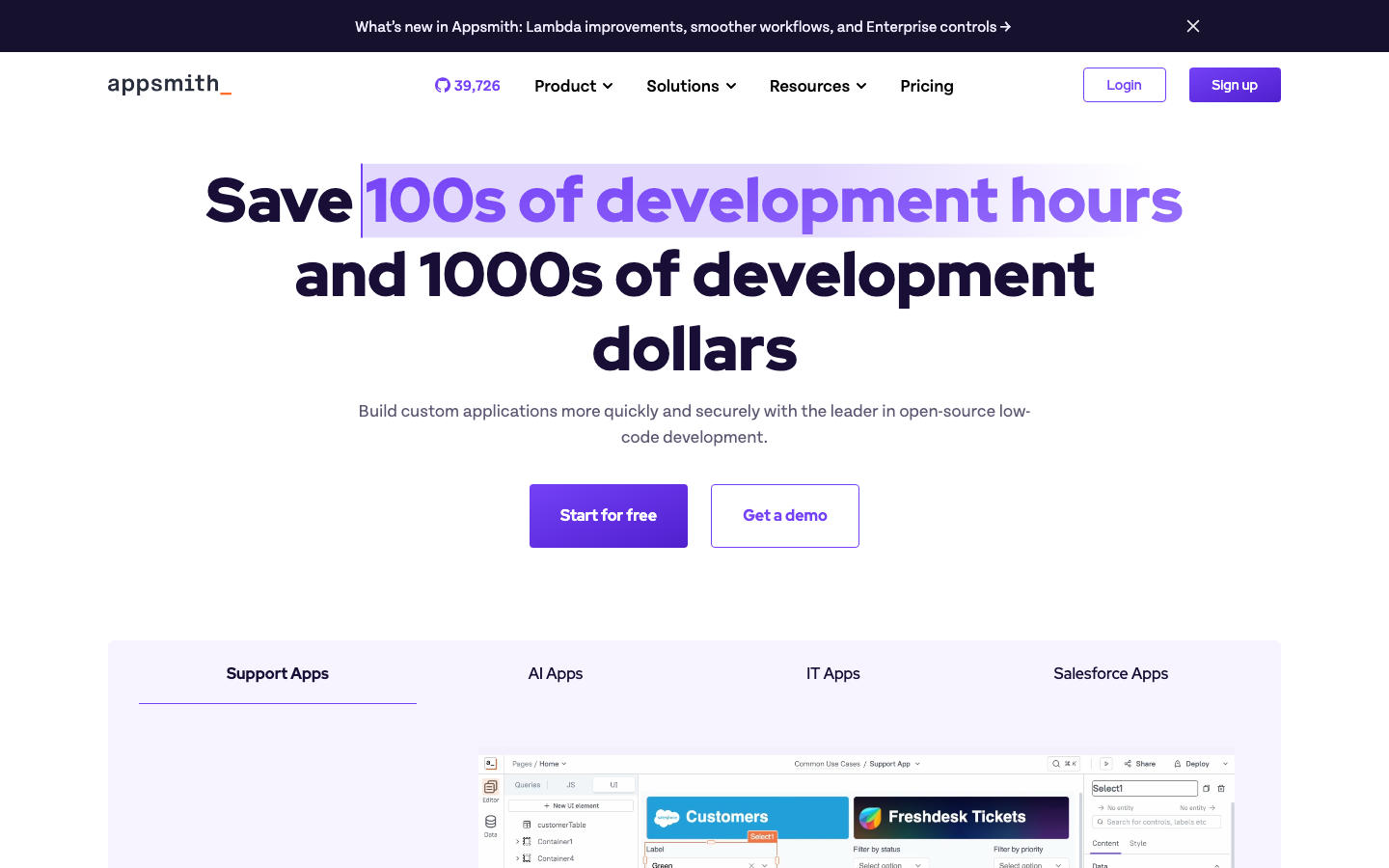
Platform to build admin panels, internal tools, and dashboards. Connects to 25+ databases and any REST API out of the box, with a visual builder for rapid UI composition and pre-built components.
Pros
- Widest database and API coverage in the open-source space; minimal custom connector work
- Apache-2.0 licensed and battle-tested across enterprises
- Minimal learning curve for teams familiar with traditional admin-panel builders
Cons
- Less opinionated on workflow automation or AI integration than newer platforms
- Customization beyond the visual builder requires JavaScript knowledge
ToolJet
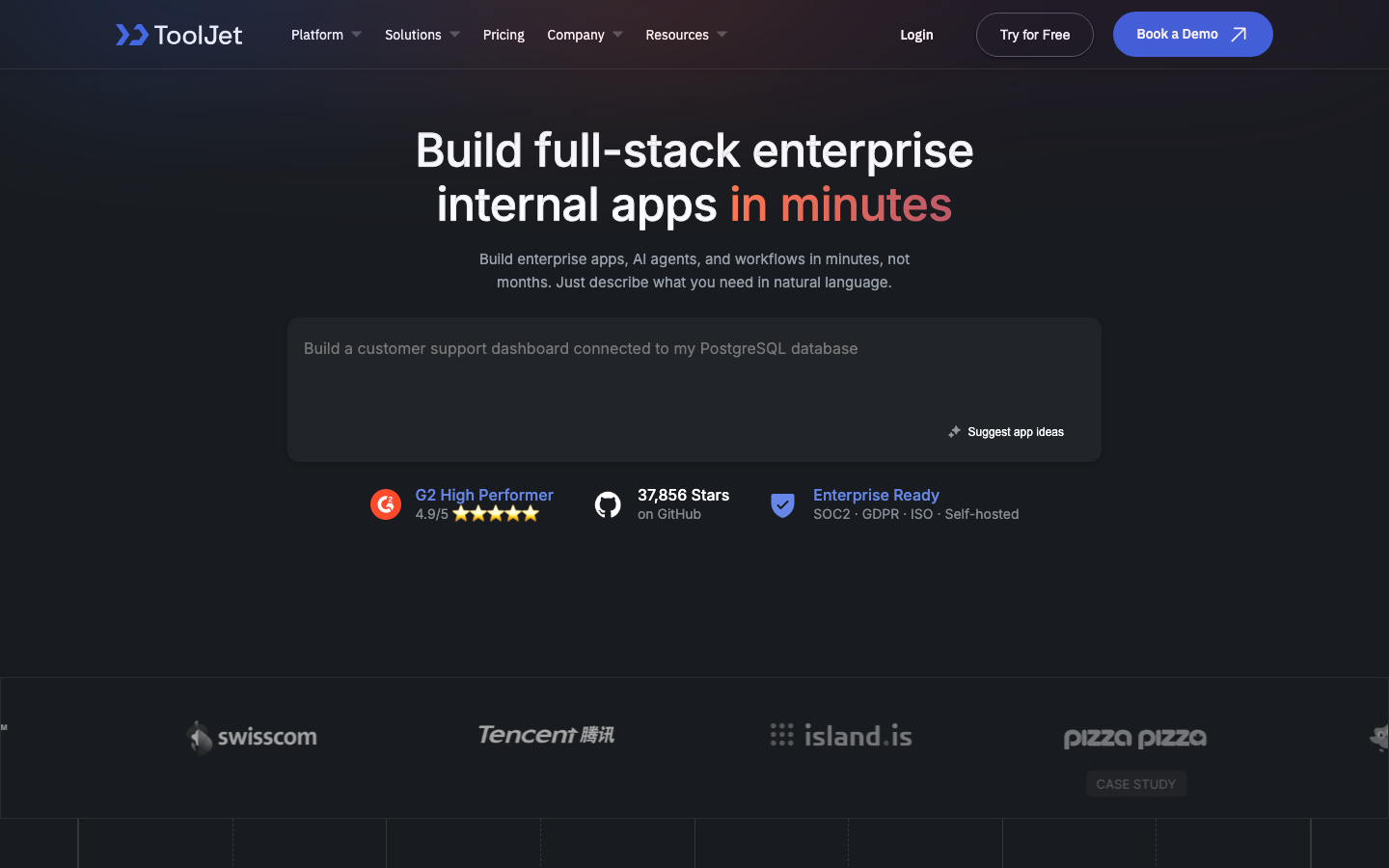
Open-source foundation of ToolJet AI—an enterprise app generation platform for internal tools, dashboards, business applications, workflows, and AI agents. AGPL-licensed, it emphasizes rapid iteration and native AI-agent capabilities.
Pros
- First-class AI agent and workflow support baked into the platform
- Strong REST API and custom component system for extensibility
- Active development and enterprise-ready deployment patterns
Cons
- AGPL-3.0 license requires careful review for proprietary use cases
- Smaller ecosystem than Appsmith for pre-built connectors
Filament
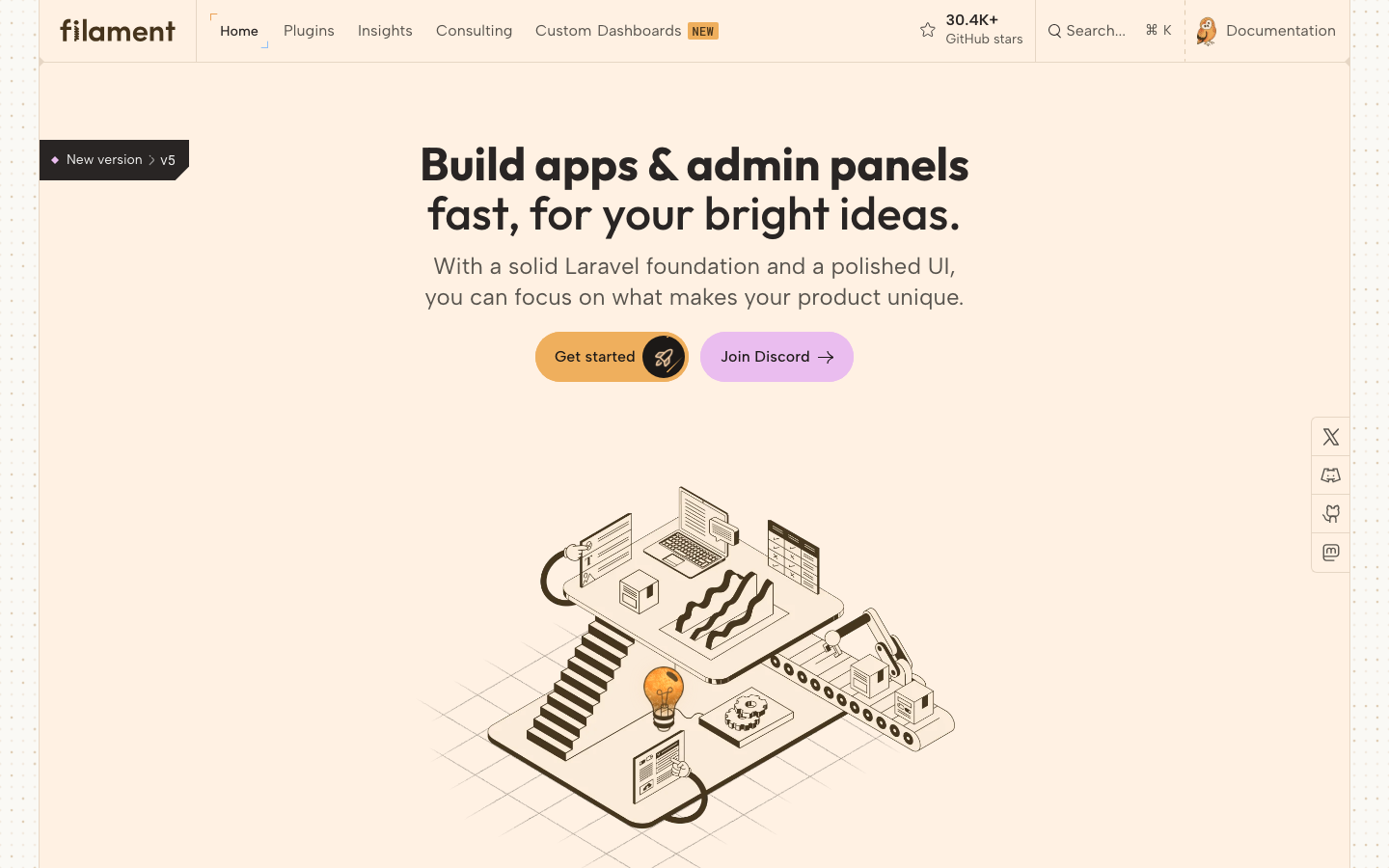
Powerful open-source UI framework for Laravel. Build admin panels, dashboards, and business applications fast using Livewire—a full-stack reactive framework that keeps PHP in the driver's seat.
Pros
- MIT licensed; zero restrictions on commercial use and modification
- Leverages Laravel ecosystem maturity and community; deep customization without leaving PHP
- Minimal JavaScript required; build interactive UIs with server-side PHP logic
Cons
- Laravel-specific; not suitable if your stack is Node.js, Java, or Go
- Less suitable for teams that want zero-code; code is always part of the story
Mathesar
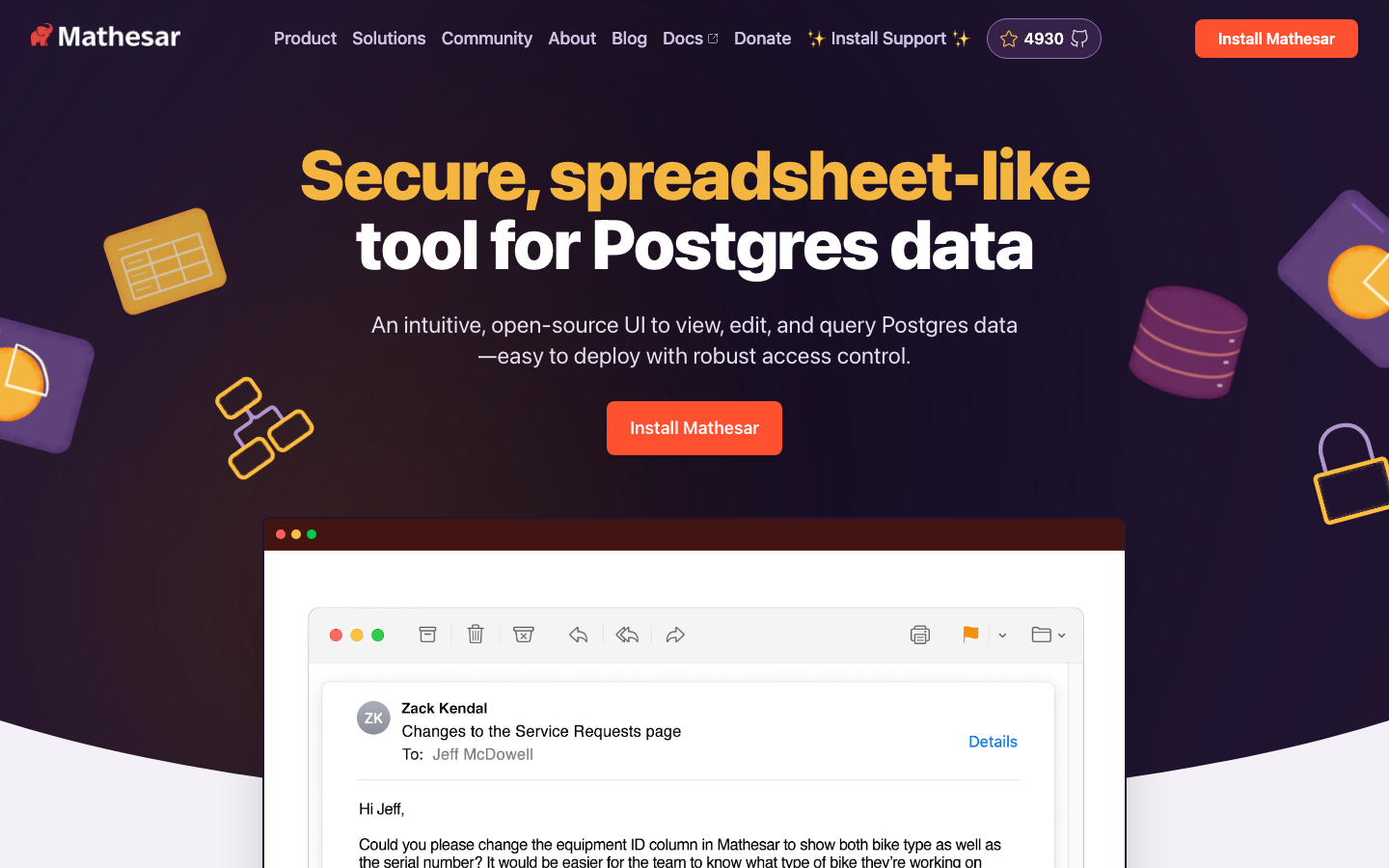
Intuitive spreadsheet-like interface for viewing, editing, querying, and collaborating on Postgres data directly. 100% open source and self-hosted, with native Postgres access control—no ORM or abstraction layer between you and your database.
Pros
- Postgres-native; full SQL access and control, no black-box query builders
- GPL-3.0 licensed; built for data sovereignty and transparency
- Minimal infrastructure footprint; runs anywhere Postgres runs
Cons
- Narrower scope: data management and exploration, not full application building
- Smaller community and ecosystem compared to broader low-code platforms
Corteza
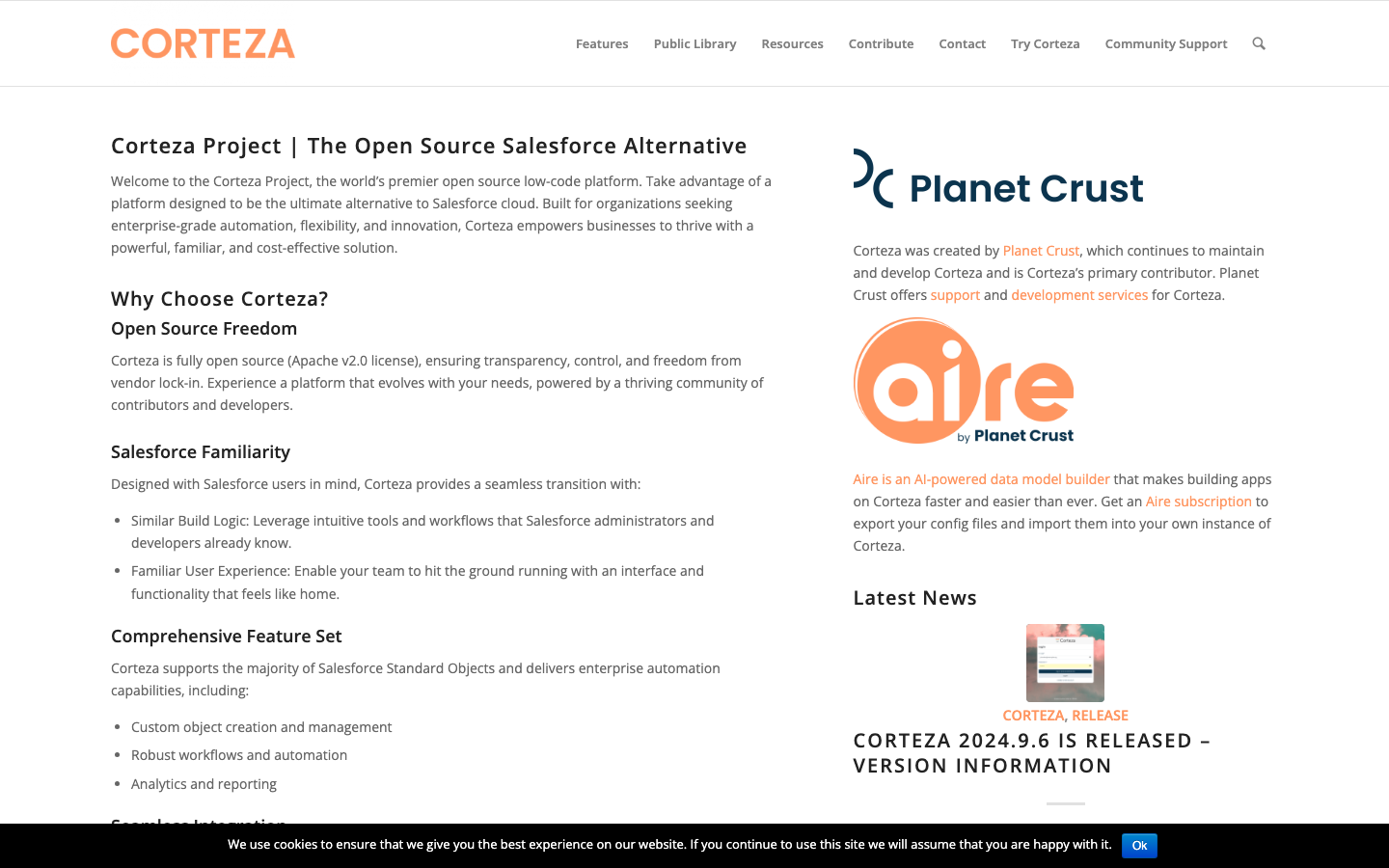
Low-code platform written in Go. Lightweight, fast, and designed for teams that want a minimal infrastructure footprint with a modular architecture.
Pros
- Apache-2.0 licensed and architected for self-hosting at scale
- Go-based; extremely low memory and CPU overhead compared to Node.js or Java alternatives
- Workflow engine and API-first design for integration-heavy environments
Cons
- Smaller community and fewer pre-built integrations than Appsmith or ToolJet
- Less visual polish; steeper learning curve for non-technical users
Kottster
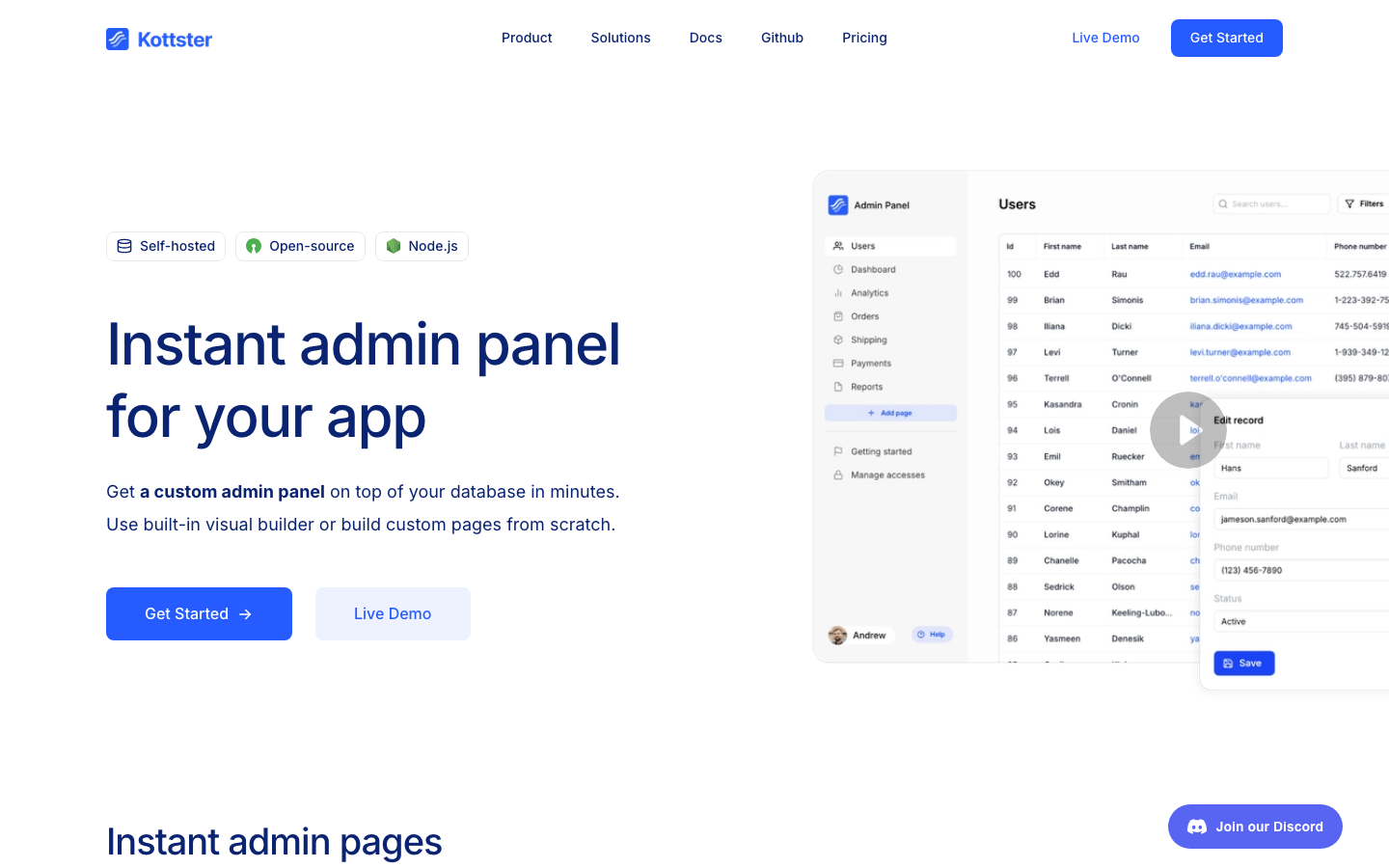
Instant Node.js admin panel. Secure, self-hosted, and easy to set up—designed for teams that need a lightweight, no-frills admin interface without the overhead of a full low-code platform.
Pros
- Minimal setup and dependencies; runs in any Node.js environment
- Apache-2.0 licensed; simple, auditable codebase
- Perfect for small teams or side projects that don't need visual builders
Cons
- Limited feature set compared to full low-code platforms; mostly CRUD operations
- Smaller ecosystem and community support
How to choose
Start with your primary constraint: data privacy? Choose Mathesar if you're Postgres-first, or Corteza if you want a full platform with minimal footprint. Cost predictability? Any of these eliminate per-seat licensing, but Appsmith and ToolJet offer the broadest feature set without gatekeeping. Full-stack ownership? JeecgBoot and Filament let you generate and customize code rather than staying locked in a visual builder. For AI-first workflows, Dify and ToolJet are your best bets. If you're a solo developer or small team on a shoestring budget, Kottster gets you a working admin panel in minutes. Evaluate based on your stack, team size, and how much customization you'll eventually need—the open-source advantage only pays off if you're willing to self-host and maintain.