








TL;DR
- Teams that forked away: Nextcloud is the direct successor—built by ownCloud's original founders after the 2016 split—and offers the same self-hosted file-sync experience without per-user licensing on core features.
- Cost-conscious self-hosters: Cloudreve strips away enterprise bloat and delivers a lightweight, fully open-source file manager with multi-storage support, ideal for small teams that want zero per-seat fees.
- Organizations seeking simplicity: OpenCloud positions itself as the straightforward alternative, combining file management and collaboration in a single Apache-licensed codebase without the complexity of larger platforms.
Why teams leave Owncloud
A team of 30 people sits down to budget their file-sync platform for the year. They calculate: 30 users × €5.24/month × 12 months. It's not astronomical, but then they ask: Why am I paying per seat for basic file storage when I'm running this myself? That moment of friction—realizing they're licensing software they host and control—is where ownCloud loses teams.
The structural issue runs deeper than price. ownCloud operates on an open-core model: core features live behind paid tiers, and enterprise capabilities (the ones that matter for serious collaboration) start at €15.67 per user per month with a 25-user minimum. For organizations that value both openness and sovereignty—the ability to run without restrictions on their own hardware—this creates a trust gap.
The history amplifies it. In June 2016, ownCloud's founder Frank Karlitschek and most core developers left to create Nextcloud, citing fundamental disagreement over whether the project should remain community-driven or prioritize commercial interests. Since then, ownCloud has focused on enterprise file collaboration while Nextcloud pulled ahead in community breadth (300+ apps vs. ~140). Teams that want unrestricted self-hosting without licensing negotiations gravitate toward fully open-source forks or alternatives that don't gate core functionality.
Quick comparison
| Name | License | Self-Hosted | E2E Encryption | Mobile / Desktop Sync | Best For |
|---|---|---|---|---|---|
| Nextcloud | AGPL-3.0 | ✓ | ✓ | ✓ | Teams migrating from ownCloud; broad app ecosystem |
| Cloudreve | GPL-3.0 | ✓ | — | — | Lightweight, multi-storage file management |
| OpenCloud | Apache-2.0 | ✓ | — | — | Simple file management and sharing |
| Cells | AGPL-3.0 | ✓ | — | — | Content collaboration and future-proof architecture |
| Bewcloud | AGPL-3.0 | ✓ | — | — | Teams preferring modern stack (TypeScript/Deno) |
| Sync-in Server | AGPL-3.0 | ✓ | — | — | File storage, sharing, and synchronization focus |
Top open-source alternatives to Owncloud
Nextcloud
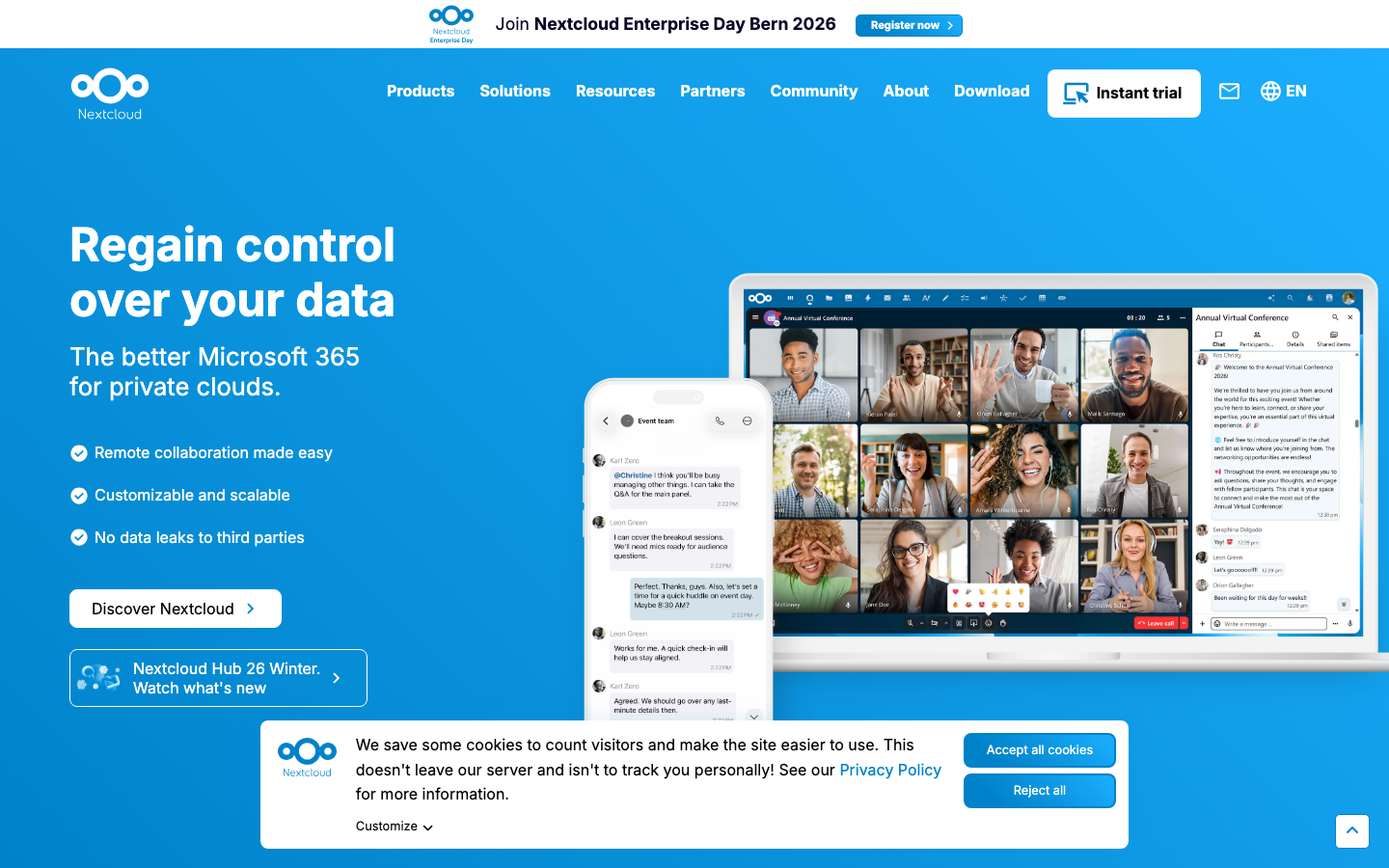
Nextcloud is the direct successor to ownCloud, forked by the original founders and maintainers in 2016. It's a fully open-source (AGPL-3.0) self-hosted platform for file sync, sharing, and collaboration, with 300+ community apps and no per-user licensing on core features. The project has become the de facto standard for teams seeking an ownCloud replacement without commercial constraints.
Pros:
- Zero per-seat licensing; run unlimited users on your own infrastructure
- Largest app ecosystem (300+) and most active community; battle-tested since 2016
- Native mobile and desktop sync clients; end-to-end encryption available
Cons:
- Steeper learning curve and more resource-intensive than lightweight alternatives
- Requires hands-on maintenance and updates if self-hosting
Cloudreve
Cloudreve is a lightweight, self-hosted file management and sharing system written in Go. It emphasizes simplicity and multi-storage provider support (local, S3, Aliyun OSS, and others), making it ideal for teams that want a nimble alternative to heavier platforms without complex dependencies.
Pros:
- Minimal resource footprint; fast performance even on modest hardware
- Multi-storage backend support; flexibility in where files actually live
- Fully open-source (GPL-3.0); no licensing fees or per-user costs
Cons:
- Smaller community and fewer built-in features compared to Nextcloud
- Mobile and desktop sync capabilities not explicitly documented
OpenCloud
OpenCloud is an open-source platform for file management, sharing, and collaboration, built on Go and licensed under Apache-2.0. It positions itself as a simpler, more sovereign alternative to both Nextcloud and ownCloud, with an emphasis on straightforward deployment and user experience.
Pros:
- Permissive Apache-2.0 license; no copyleft restrictions on derivative work
- Designed for ease of deployment and operation
- Fully open-source; no commercial tiers or per-user fees
Cons:
- Smaller user base and less mature than Nextcloud; fewer third-party integrations
- End-to-end encryption and mobile sync status unclear from public documentation
Cells
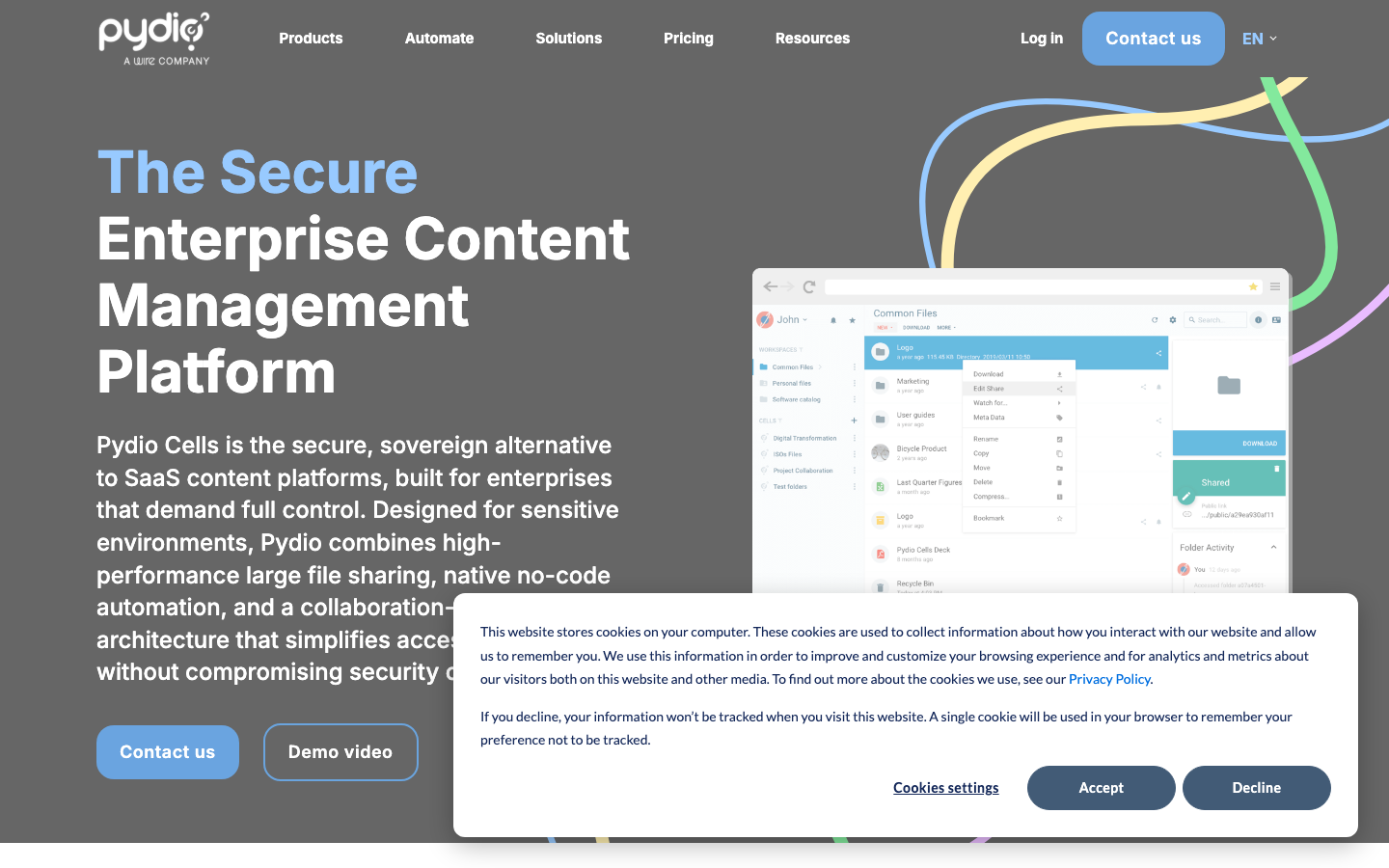
Cells is a content collaboration platform written in Go and licensed under AGPL-3.0. It's positioned as a future-proof alternative with an emphasis on modern architecture and secure file storage, designed for organizations that want a fresh approach to collaborative file management.
Pros:
- Modern, purpose-built architecture for content collaboration
- Fully open-source with no per-user licensing
- Built to scale and evolve with organizational needs
Cons:
- Smaller community and fewer integrations than Nextcloud
- Limited public documentation on mobile sync and encryption features
Bewcloud
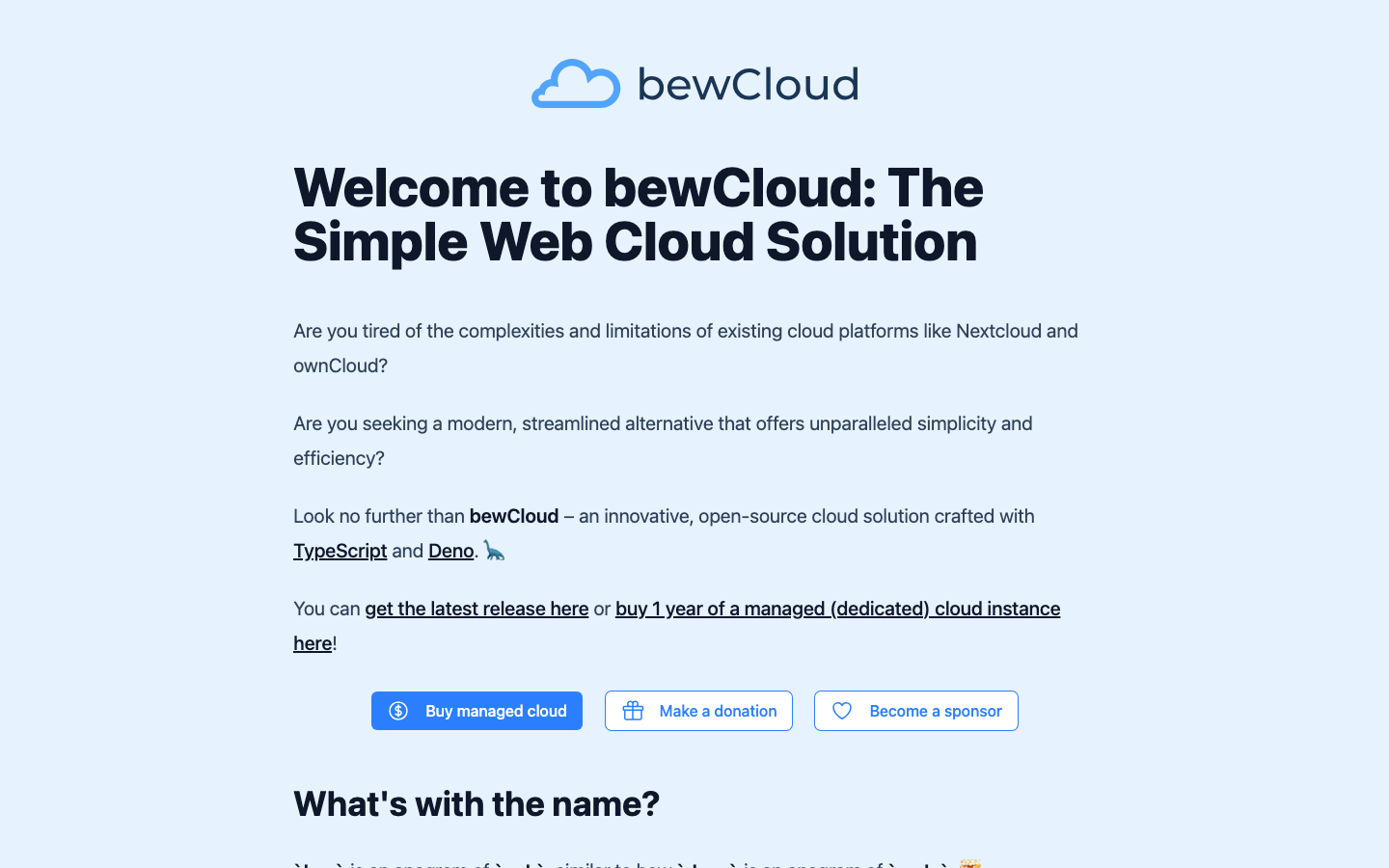
Bewcloud is a simpler alternative built with TypeScript and Deno, offering a modern tech stack for teams comfortable with JavaScript-based infrastructure. Licensed under AGPL-3.0, it targets users who want a lightweight, contemporary take on self-hosted file sync without the legacy complexity of older platforms.
Pros:
- Modern, developer-friendly stack (TypeScript/Deno); easier to extend and customize
- Simpler codebase than larger platforms; lower barrier to contribution
- No licensing fees; fully open-source
Cons:
- Very early-stage project; smaller community and fewer battle-tested deployments
- Sync and encryption capabilities not fully documented; use in production requires caution
Sync-in Server
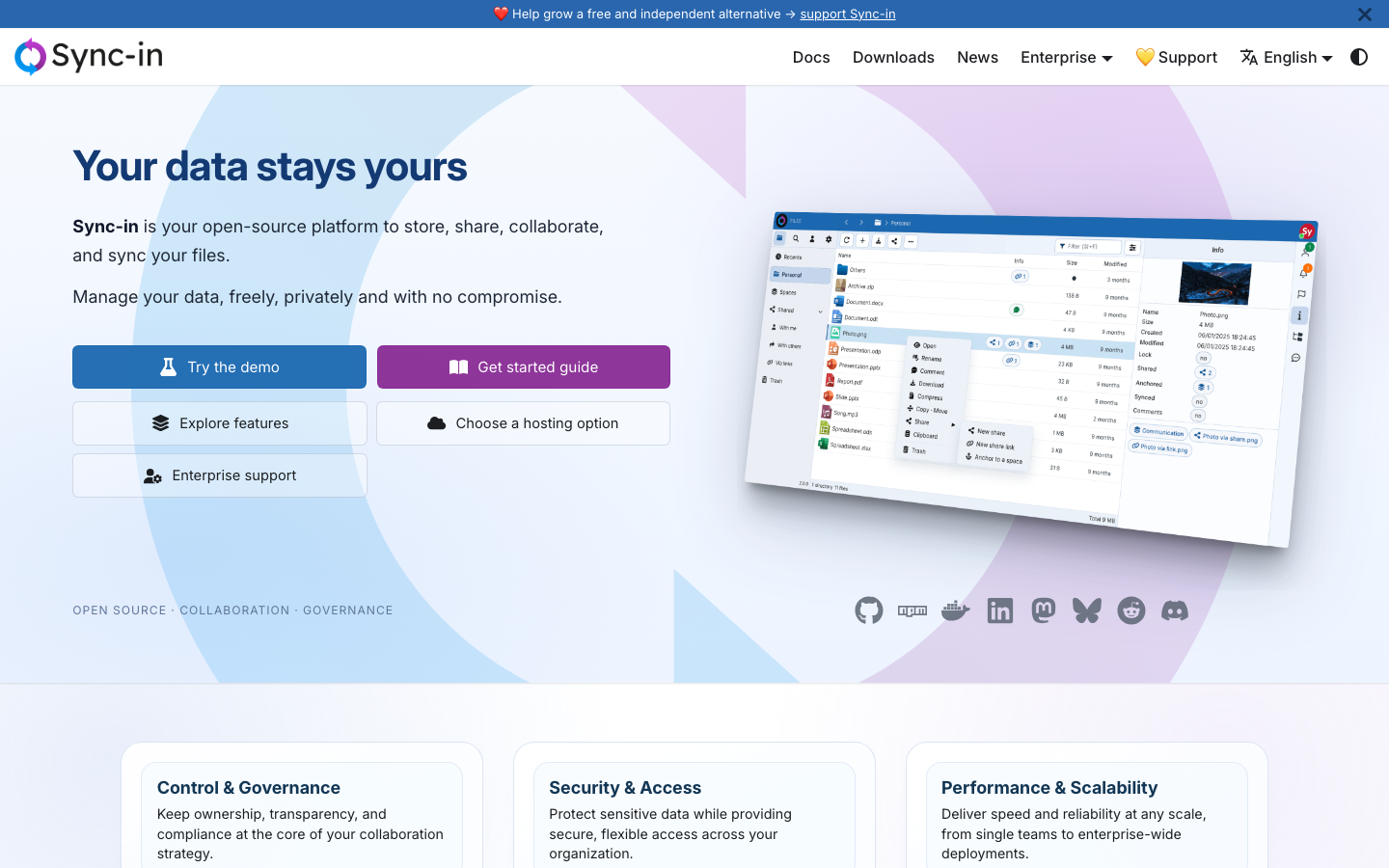
Sync-in Server is a secure, open-source platform for file storage, sharing, collaboration, and syncing, written in TypeScript and licensed under AGPL-3.0. It combines core file-sync features with a modern codebase, targeting teams that want a focused alternative without unnecessary complexity.
Pros:
- Fully open-source; no per-user licensing or commercial tiers
- Emphasis on synchronization and secure file handling
- Modern TypeScript codebase; maintainable and extensible
Cons:
- Early-stage project with limited public adoption and documentation
- Smaller ecosystem of integrations and extensions compared to established alternatives
How to choose
For teams migrating from ownCloud: Nextcloud is the obvious choice—it's literally the project ownCloud's founders built after leaving. You'll recognize the interface and get access to a mature ecosystem.
For cost-sensitive, self-hosted-only deployments under 50 users: Cloudreve or OpenCloud offer lightweight, zero-licensing alternatives. Cloudreve excels if you need multi-storage flexibility; OpenCloud if you want simplicity.
For teams with modern DevOps practices: Bewcloud or Sync-in Server appeal if you're comfortable with early-stage projects and want to shape the platform alongside the community. Both use contemporary stacks (TypeScript/Deno) that are easier to modify.
For enterprise-scale collaboration: Cells is worth evaluating if you need a purpose-built, future-proof platform without the legacy baggage of older systems.
Start with your team size, storage backend requirements (local disk, S3, object storage?), and appetite for early-stage projects. All six are genuinely open-source—none charge per user—so the decision comes down to maturity, feature completeness, and operational fit.