
Sync-in Server · Secure, open-source platform for file storage, sharing, collaboration, and syncing.
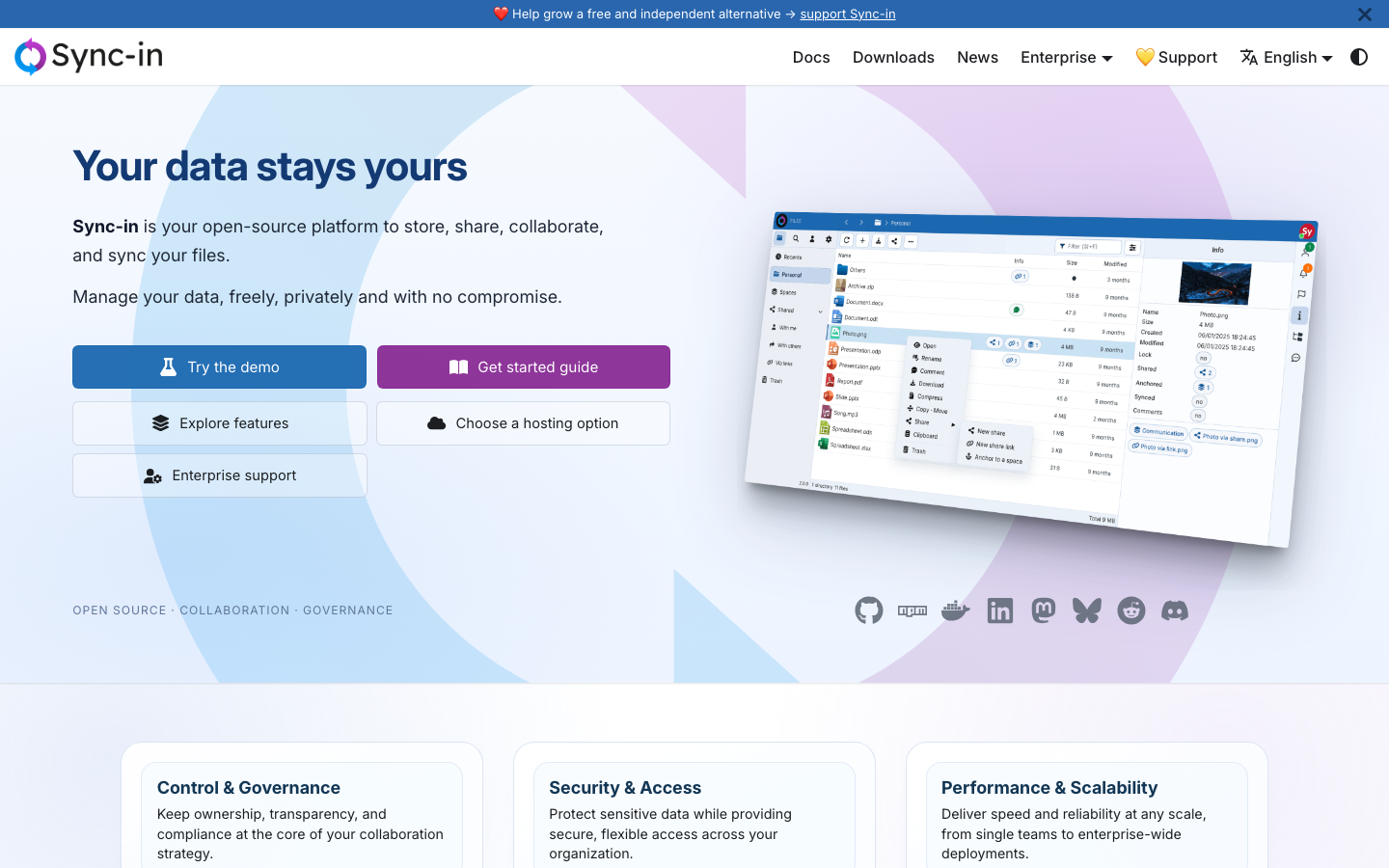
Sync-in Server is a self-hosted, open-source platform that gives you complete control over your data while enabling secure file sharing, real-time collaboration, and seamless synchronization. Built on open standards, it supports enterprise authentication, advanced access control, and flexible deployment across on-premise and private cloud environments.
Sync-in is designed for organizations and individuals who need a secure, self-hosted alternative to cloud storage services. It's ideal for enterprises requiring data sovereignty, teams prioritizing collaboration and security, and users wanting full control over their file storage infrastructure.

Open Source Continuous File Synchronization

🌐 The Internet Computer! Free, Open-Source, and Self-Hostable.
🌐 The Internet Computer! Free, Open-Source, and Self-Hostable.

☁️ Nextcloud server, a safe home for all your data

📂 Web File Browser

🌩 Self-hosted file management and sharing system, supports multiple storage providers
