
















TL;DR
- Need file sync across devices without vendor lock-in? Syncthing keeps your files in sync peer-to-peer, with full control and zero storage fees.
- Want a complete Google Drive replacement with web UI, sharing, and self-hosting? Nextcloud bundles storage, sync, collaboration tools, and encryption on your own infrastructure.
- Looking for lightweight file management on a single server or NAS? Filebrowser or Cloudreve give you web-based access without the complexity of a full ecosystem.
Why teams leave Google Drive
Google Drive's free tier—shared across Gmail, Drive, and Photos—offers just 15GB before you hit the wall. Paid tiers unlock more storage, but Google Workspace's 2025 limits (2TB shared-drive caps, 5TB My Drive limits) force teams into tiered plans that grow expensive fast. More fundamentally, your files live on Google's servers subject to its terms and scanning practices, raising privacy and data-sovereignty concerns for regulated industries and privacy-conscious teams.
Ecosystem lock-in compounds the problem. Google Docs, Sheets, and Forms use proprietary formats; moving to another platform means exporting, converting, and rebuilding integrations. Self-hosted alternatives flip the economics: per-GB storage costs drop dramatically when you own the hardware, encryption stays under your control, and you own your data outright—no terms of service, no surprise policy changes.
Quick comparison
| Name | License | Self-Hosted | E2E Encryption | Mobile / Desktop Sync | Best For |
|---|---|---|---|---|---|
| Syncthing | MPL-2.0 | Yes | Yes | Yes | Peer-to-peer sync, no server |
| Puter | AGPL-3.0 | Yes | — | — | Desktop-like OS experience |
| Nextcloud | AGPL-3.0 | Yes | Yes | Yes | Full-featured Drive replacement |
| Filebrowser | Apache-2.0 | Yes | — | No | Simple web-based file access |
| Cloudreve | GPL-3.0 | Yes | — | No | Multi-storage backend, sharing |
| Seafile | License not declared | Yes | Yes | Yes | File versioning & collaboration |
| Tinyfilemanager | GPL-3.0 | Yes | — | No | Minimal, single-file setup |
| OpenCloud | Apache-2.0 | Yes | — | Yes | File management & sharing focus |
Top open-source alternatives to Google Drive
Syncthing
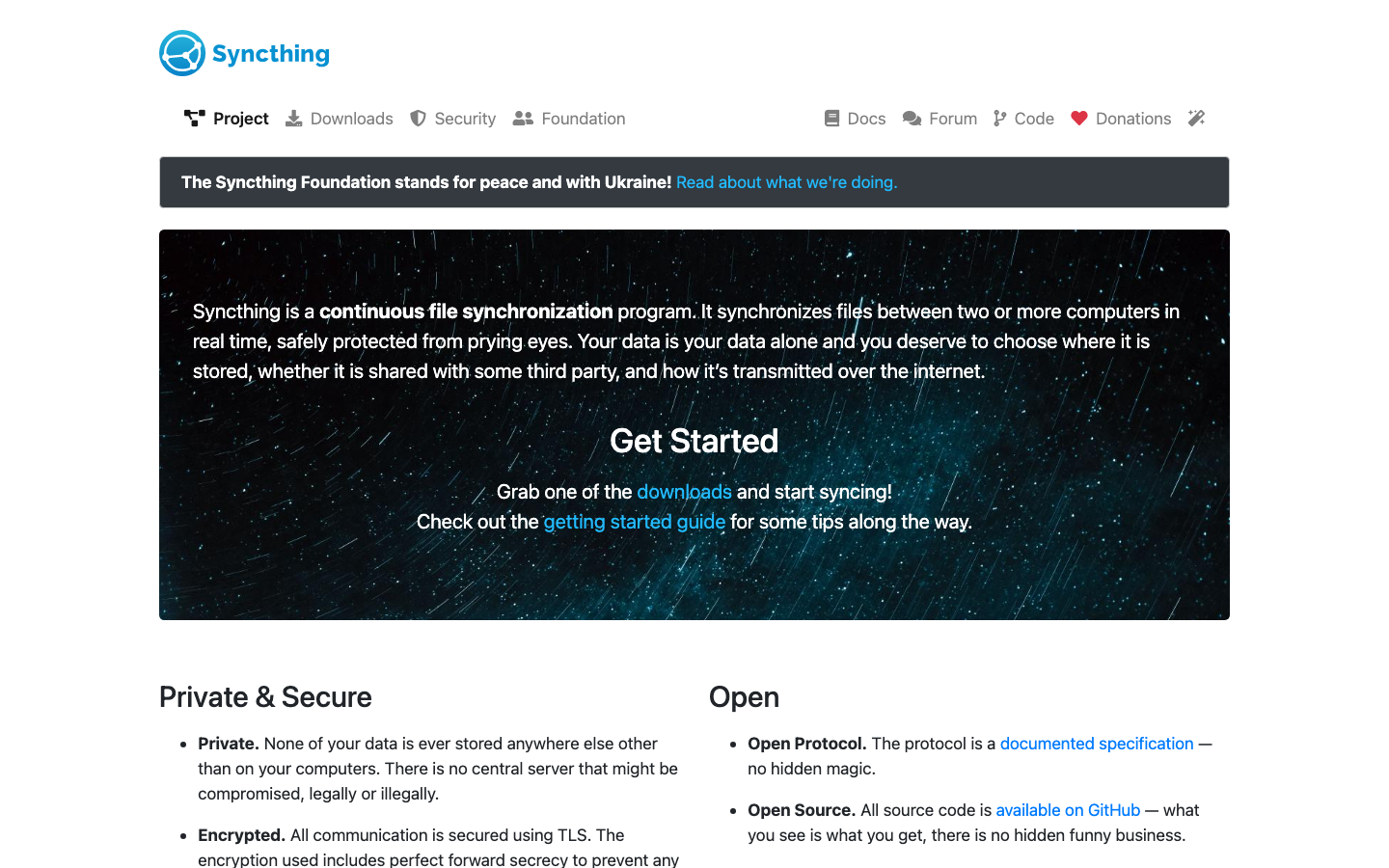
Syncthing is a peer-to-peer file synchronization tool that keeps folders in sync across devices without a central server. Files are encrypted in transit and at rest, and you retain complete control—no cloud vendor, no account, no terms.
Pros
- Zero server cost; sync happens directly between your devices
- End-to-end encrypted by default
- Works offline; syncs when devices reconnect
Cons
- Requires at least one device to always be online for other devices to sync
- No built-in web UI for file browsing or sharing (though third-party tools exist)
Puter
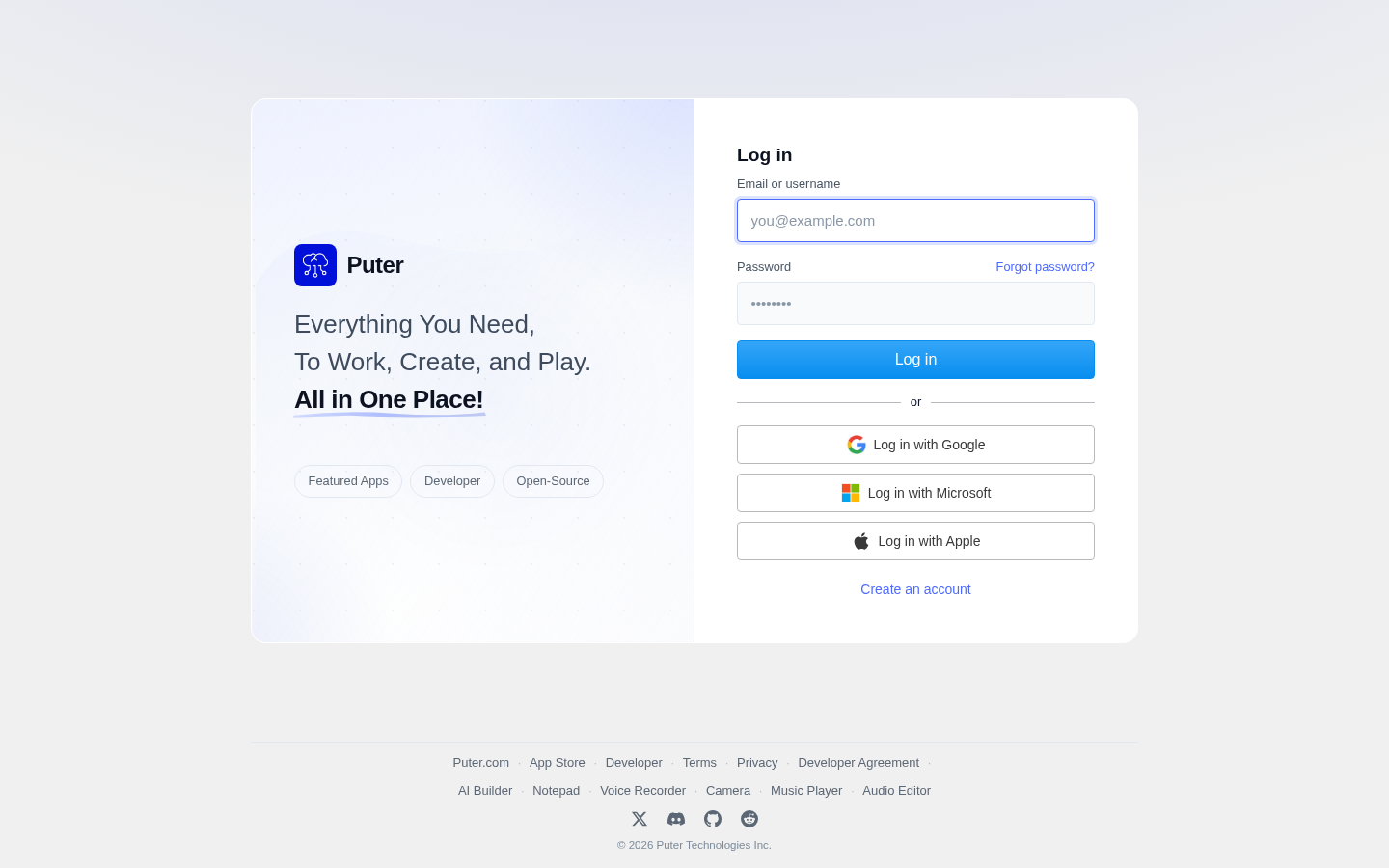
Puter is a self-hostable, browser-based operating system that mimics a desktop environment. It offers file management, built-in apps, and a familiar interface for users coming from traditional cloud storage.
Pros
- Desktop-like experience in the browser; low learning curve
- Self-hosted; full data sovereignty
- Includes native apps for productivity tasks
Cons
- Smaller community and fewer integrations than Nextcloud
- Mobile support status unclear from available data
Nextcloud
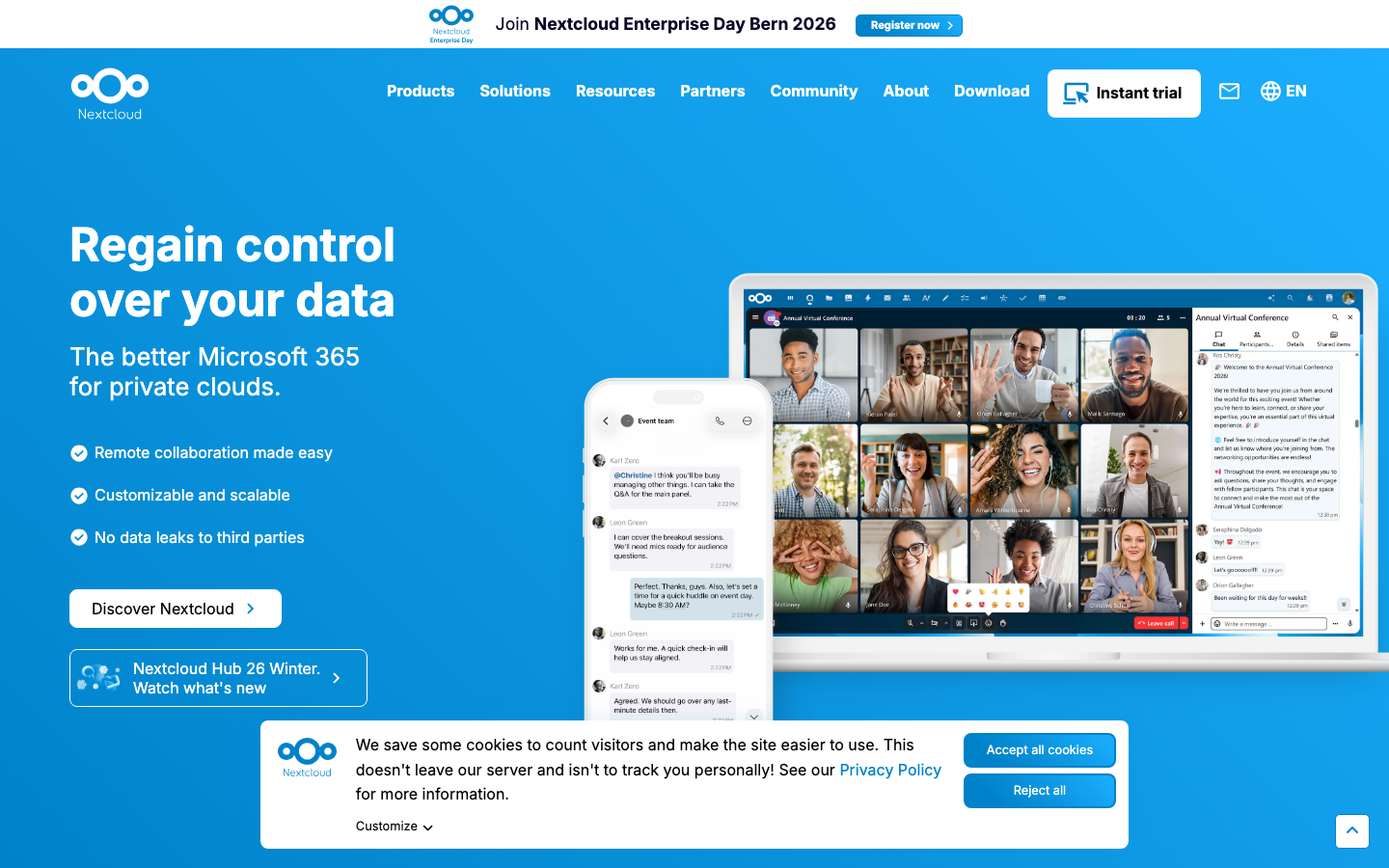
Nextcloud is a full-featured, self-hosted file storage and collaboration platform. It bundles file sync, sharing, calendar, contacts, and extensibility through apps—effectively a complete Google Drive, Photos, and Calendar replacement.
Pros
- Comprehensive feature set with desktop and mobile clients
- End-to-end encryption available; full data ownership
- Large ecosystem of apps and integrations; active community
Cons
- Steeper setup and maintenance burden than lighter alternatives
- Requires more server resources; not ideal for minimal hardware
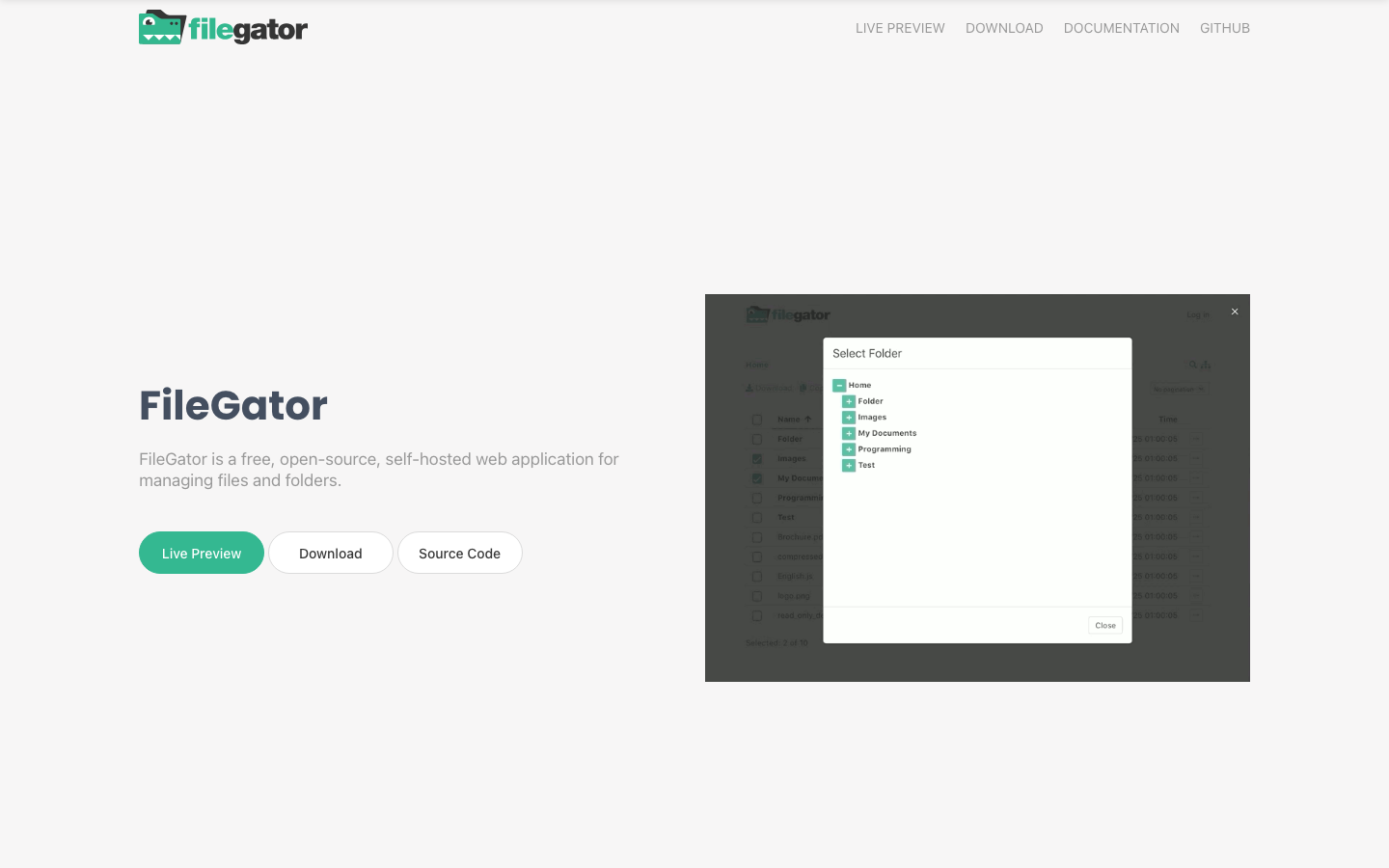
Filebrowser
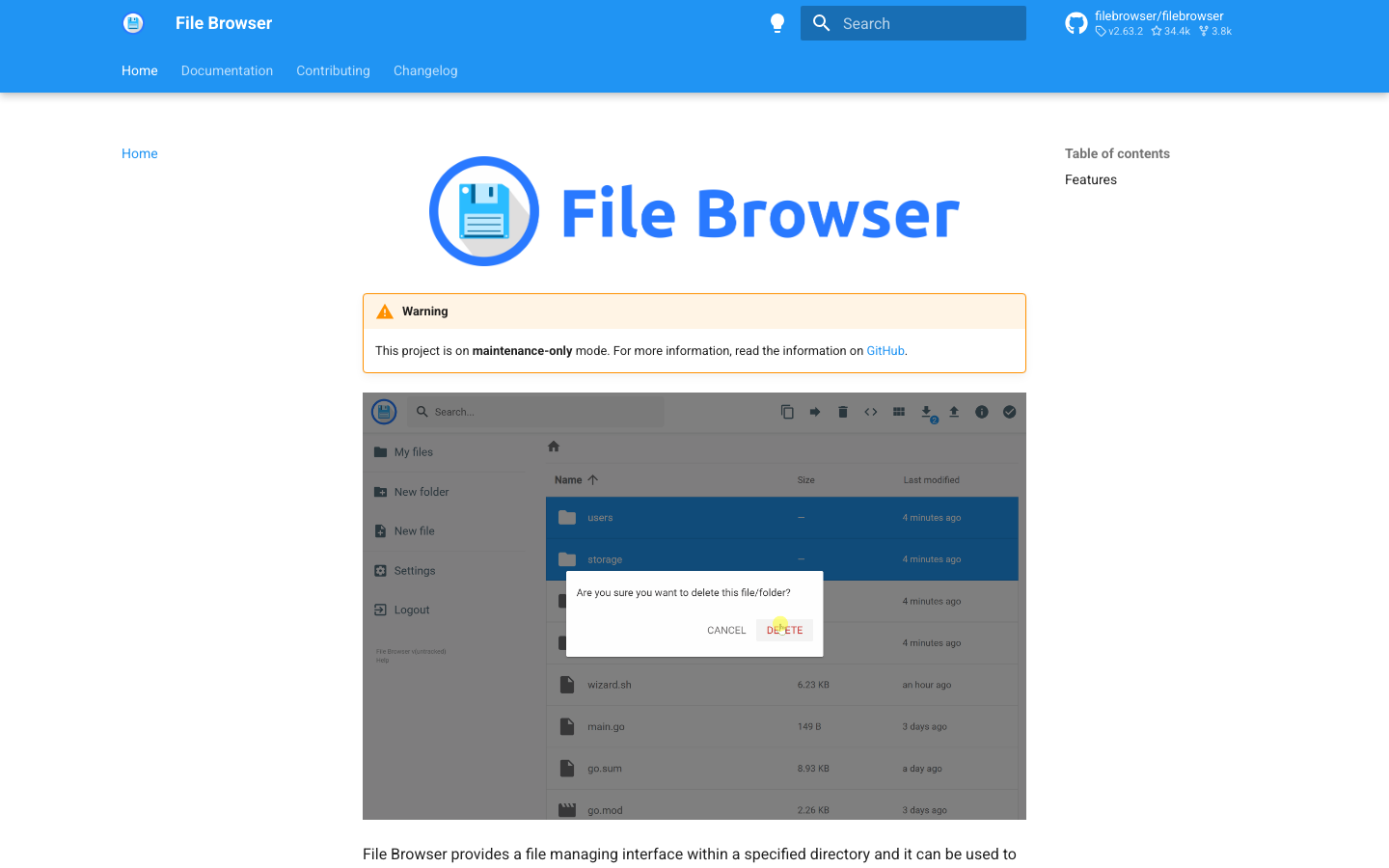
Filebrowser is a lightweight, single-binary web file manager. Point it at any directory and get instant web-based access to browse, upload, download, and manage files—no database or complex config needed.
Pros
- Minimal footprint; runs on tiny hardware (NAS, Raspberry Pi)
- Simple to deploy; single executable
- No vendor lock-in; pure file-system access
Cons
- No built-in sync clients or mobile apps
- No encryption; relies on HTTPS and network security
Cloudreve
Cloudreve is a self-hosted file management and sharing system that supports multiple storage backends (local, S3, Aliyun OSS, etc.). It provides web-based access, sharing links, and user management without locking you into a single storage provider.
Pros
- Flexible storage backends; use cloud providers as dumb storage
- User and permission management built-in
- Sharing and collaboration features
Cons
- No native desktop or mobile sync clients
- Encryption status not clearly documented
Seafile
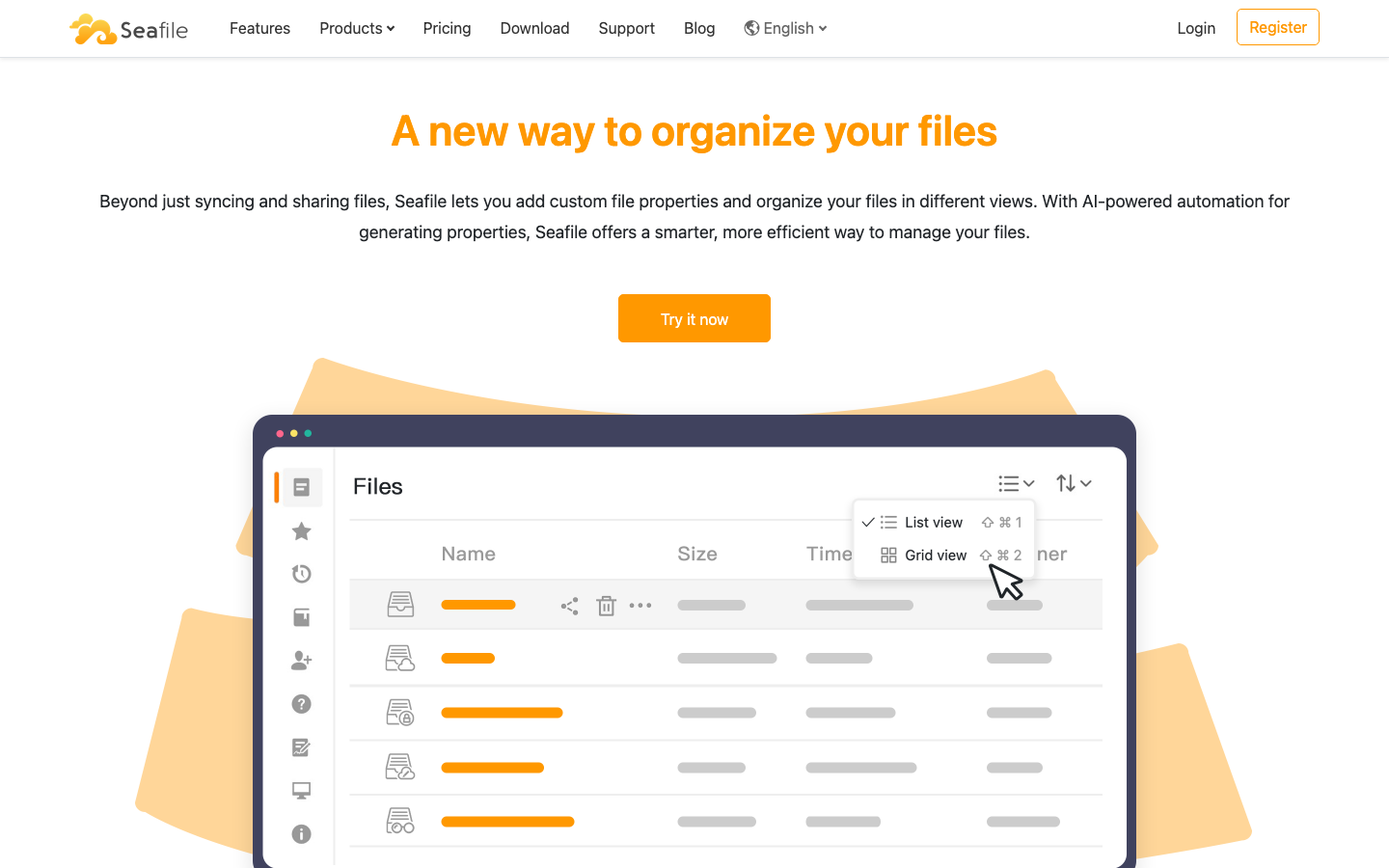
Seafile is a file hosting and sync platform emphasizing versioning, library organization, and team collaboration. It uses a library-based model (rather than flat folders) and supports extensible file properties for richer metadata.
Pros
- Strong versioning and rollback capabilities
- End-to-end encryption option available
- Desktop and mobile clients for sync
Cons
- License not publicly declared; less transparent than fully open alternatives
- Steeper learning curve due to library-based model
Tinyfilemanager
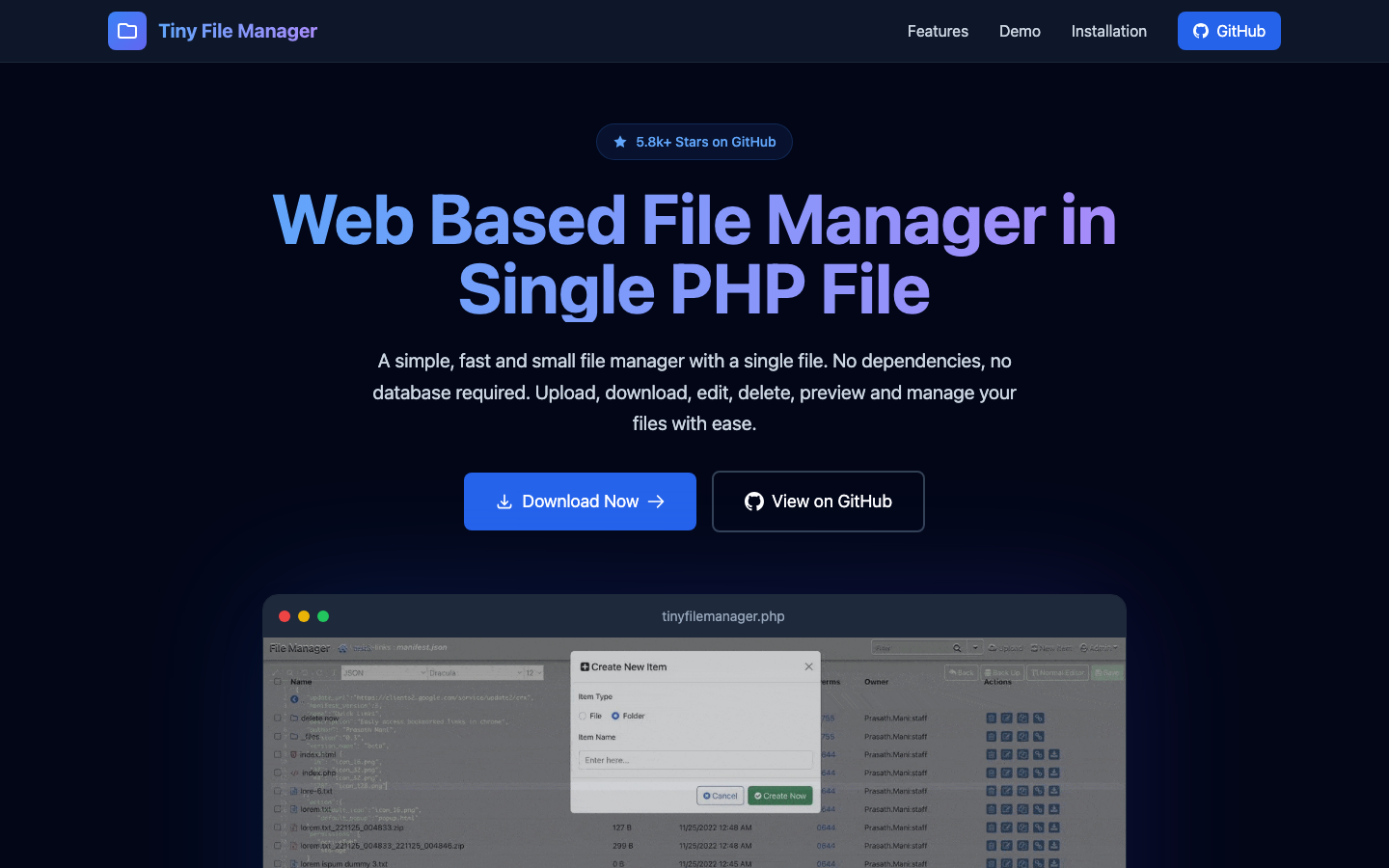
Tinyfilemanager is a single-file PHP file manager—literally one .php file you upload to any web host. It provides basic file browsing, uploading, and downloading with minimal dependencies.
Pros
- Extremely lightweight; works on shared hosting
- Zero setup; just drop the file and go
- No database or build process required
Cons
- Minimal feature set; no sync, encryption, or advanced sharing
- Not suitable for teams or complex workflows
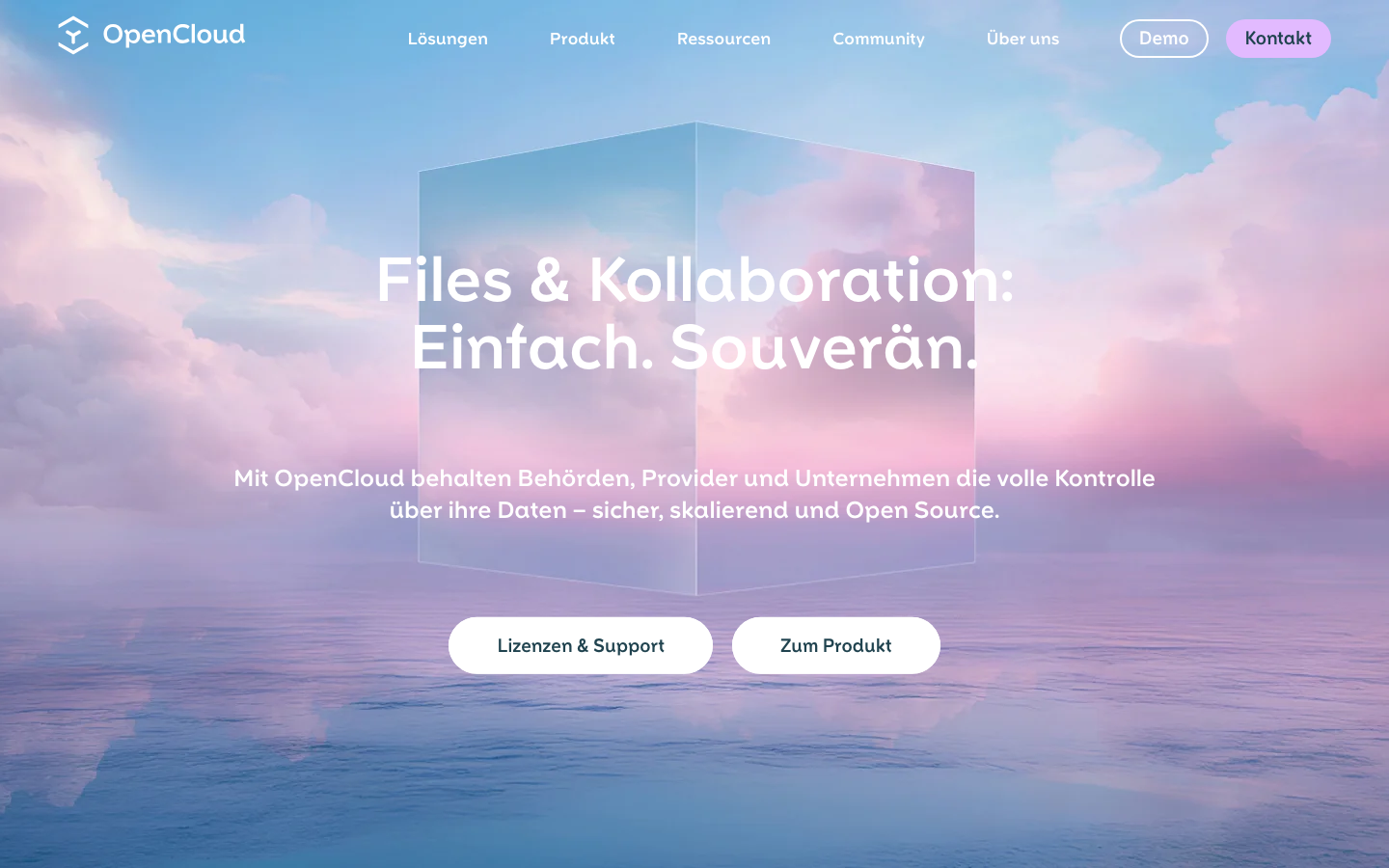
OpenCloud
OpenCloud is an open-source platform for file management, sharing, and collaboration. It emphasizes simplicity and sovereignty, offering web-based file access with sharing and permission controls.
Pros
- Focus on ease of use and data sovereignty
- Sharing and collaboration features built-in
- Mobile and desktop client support
Cons
- Smaller community and fewer integrations than Nextcloud
- Feature set less comprehensive than full-featured alternatives
How to choose
Solo users or small teams wanting sync without a server? Start with Syncthing—it's the simplest, cheapest path to escape Google Drive's storage limits.
Teams needing a complete, self-hosted replacement with web UI, mobile apps, and collaboration? Nextcloud is the closest equivalent, though it demands more setup and maintenance.
Running a NAS or minimal hardware? Filebrowser or Tinyfilemanager give you instant web access with almost no overhead.
Need multi-backend flexibility or advanced sharing? Cloudreve or Seafile let you decouple storage from management, useful for teams using S3 or other cloud providers as dumb backends.
Want a desktop-like experience? Puter bridges the gap between file manager and OS, though it's younger and less battle-tested than Nextcloud.