

















TL;DR
- Need file sync across devices without vendor lock-in? Syncthing keeps your files on your own infrastructure with zero cloud dependency.
- Looking for a full-featured cloud replacement with end-to-end encryption? Nextcloud offers calendar, contacts, collaborative editing, and mobile apps—all self-hosted.
- Want lightweight file sharing and management for a small team? Cloudreve or Filebrowser provide quick web-based access without the Microsoft 365 subscription overhead.
Why teams leave Microsoft OneDrive
OneDrive's tight coupling to Microsoft 365 subscriptions creates friction at multiple levels. Storage capacity and sharing features scale with paid tier selection, meaning organizations pay per-seat licensing even if not all users need the full suite. In 2025, Microsoft applied a 2TB cap on shared and pooled storage effective July 29, 2025—a move that tightened limits for organizations relying on collaborative storage pools.
The deeper issue is vendor lock-in. OneDrive integrates deeply with Office, Teams, and Windows, which simplifies workflows within the Microsoft ecosystem but makes extracting files, restructuring sharing permissions, and migrating to another platform non-trivial. Files and collaboration patterns become entangled with proprietary APIs and formats.
Self-hosted alternatives sidestep these constraints entirely. You avoid per-seat licensing, keep files on infrastructure you control, and eliminate the risk of sudden policy changes or capacity restrictions. For teams prioritizing privacy, cost predictability, and portability, that control is worth the operational overhead.
Quick comparison
| Name | License | Self-Hosted | E2E Encryption | Mobile / Desktop Sync | Best For |
|---|---|---|---|---|---|
| Syncthing | MPL-2.0 | Yes | No | Yes | Peer-to-peer sync without a central server |
| Puter | AGPL-3.0 | Yes | — | Limited | Full-featured OS-like desktop environment |
| Nextcloud | AGPL-3.0 | Yes | Optional (via apps) | Yes | Complete cloud suite with calendar, contacts, collaboration |
| Filebrowser | Apache-2.0 | Yes | No | No | Simple web-based file management and sharing |
| Cloudreve | GPL-3.0 | Yes | No | Partial | File management with multi-storage backend support |
| Ente | AGPL-3.0 | Yes | Yes | Yes | Privacy-first photo and document storage |
| Seafile | License not declared | Yes | No | Yes | File syncing with extensible metadata and flexible views |
| Filestash | AGPL-3.0 | Yes | No | No | Universal data access layer across multiple backends |
Top open-source alternatives to Microsoft OneDrive
Syncthing
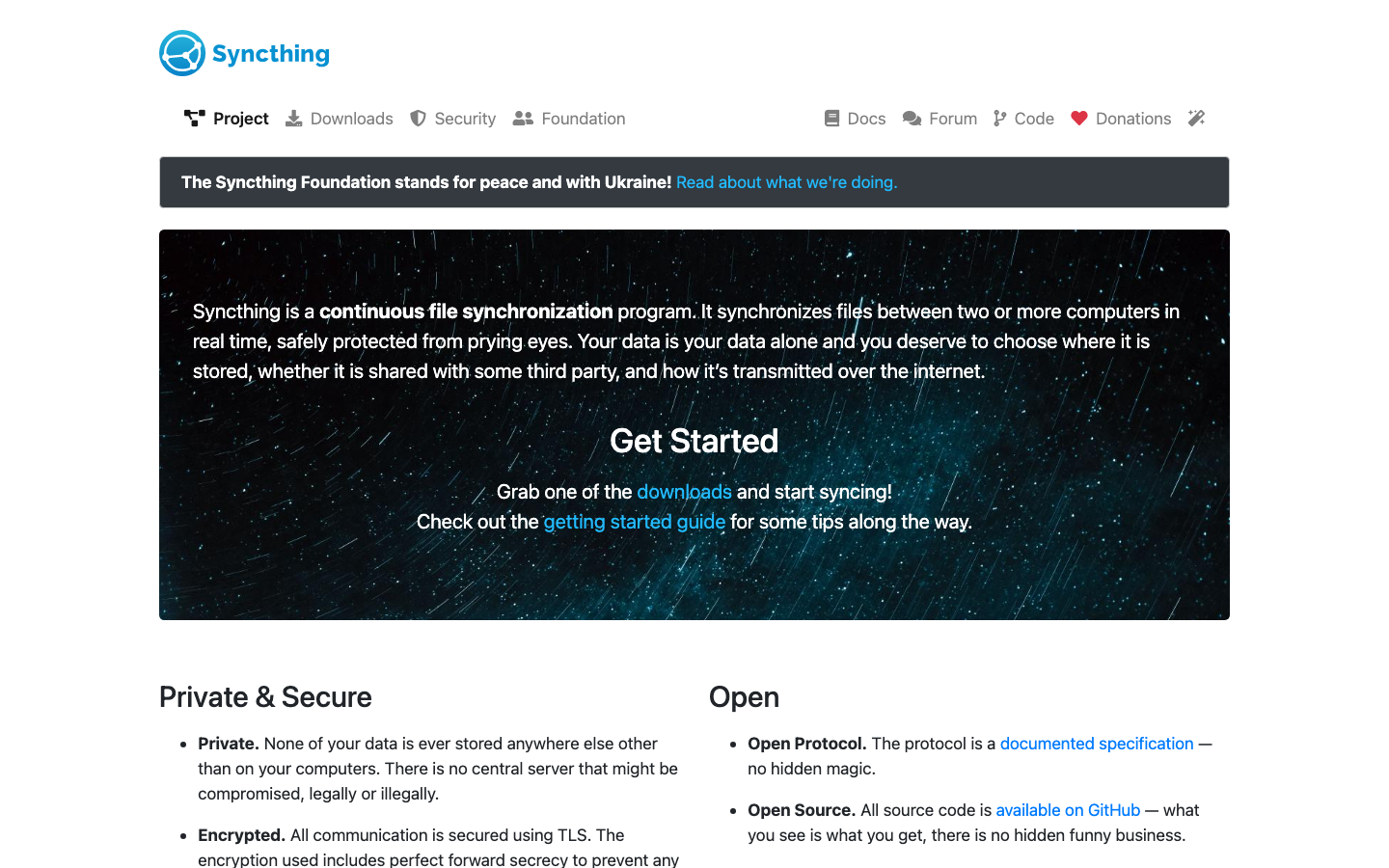
Syncthing is a peer-to-peer file synchronization tool that syncs files directly between your devices without requiring a central cloud server. It's lightweight, runs on Windows, macOS, Linux, iOS, and Android, and gives you complete control over where your data lives.
Pros
- Zero cloud dependency; files stay on your devices or your own server
- Efficient bandwidth usage with block-level syncing
- No per-user licensing or subscription model
Cons
- No built-in encryption in transit (though you can layer it)
- Requires manual device pairing and management; steeper setup than cloud-first solutions
- Limited web interface for access from browsers
Puter
Puter is a free, open-source, self-hostable operating system experience delivered through the browser. It includes a file manager, text editor, terminal, and other desktop-like tools, making it a full alternative to cloud desktops.
Pros
- Complete desktop environment in the browser; no client installation needed
- Self-hostable with full control over the instance
- Rich feature set beyond file storage (apps, terminal, settings)
Cons
- Encryption status unclear; requires careful review before production use
- Mobile support is limited compared to dedicated sync tools
- Steeper learning curve for teams accustomed to OneDrive's simplicity
Nextcloud
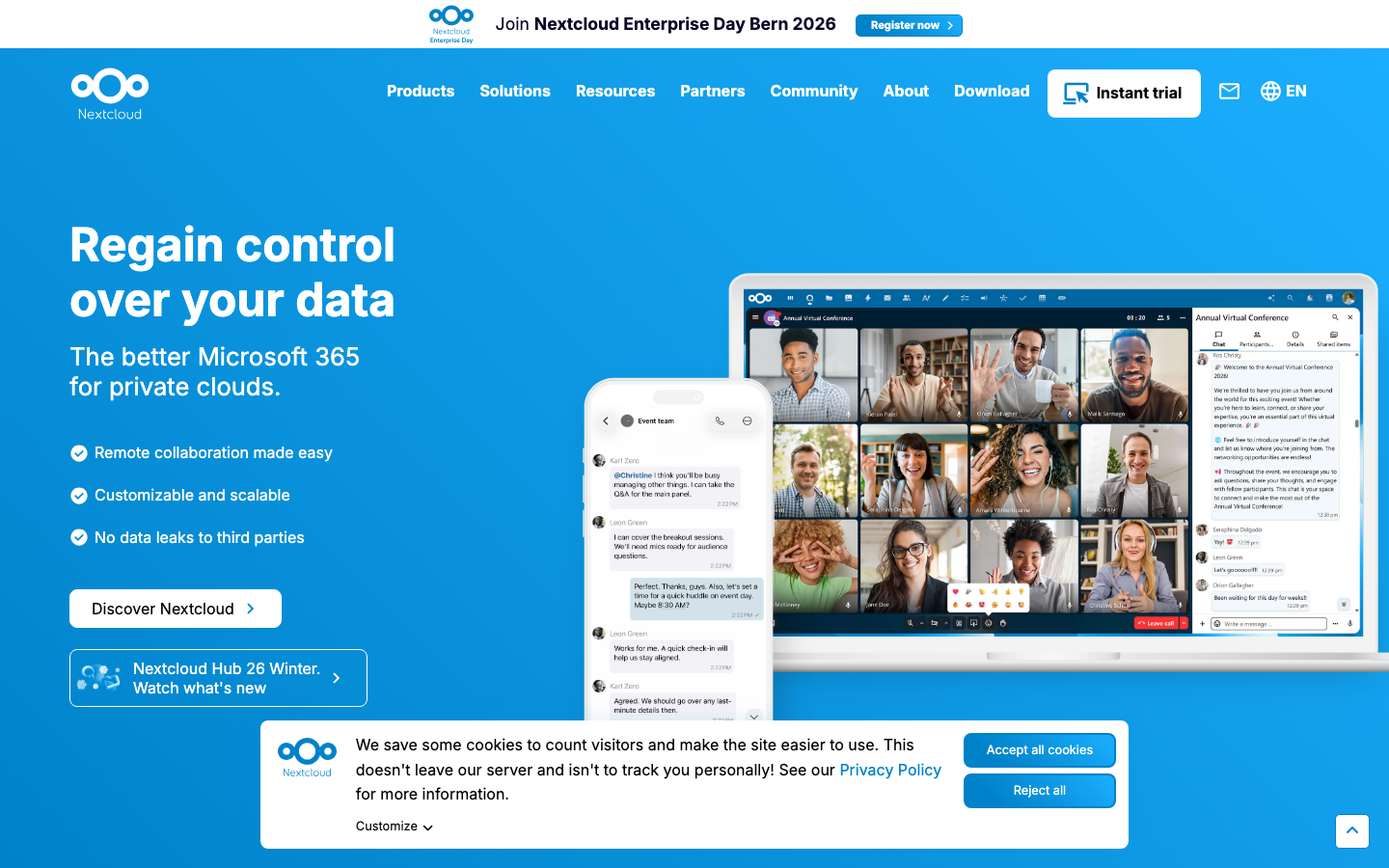
Nextcloud is a self-hosted cloud platform that bundles file sync and sharing with calendar, contacts, collaborative document editing, and dozens of community apps. It's the closest all-in-one replacement for Microsoft 365's file and collaboration features.
Pros
- Comprehensive suite (files, calendar, contacts, notes, tasks, collaborative editing via integrations)
- Strong mobile app support and desktop sync client
- Large community and extensive third-party app ecosystem
- E2E encryption available via app
Cons
- Requires more server resources and DevOps expertise than lighter alternatives
- Setup and maintenance overhead vs. managed SaaS
Filebrowser
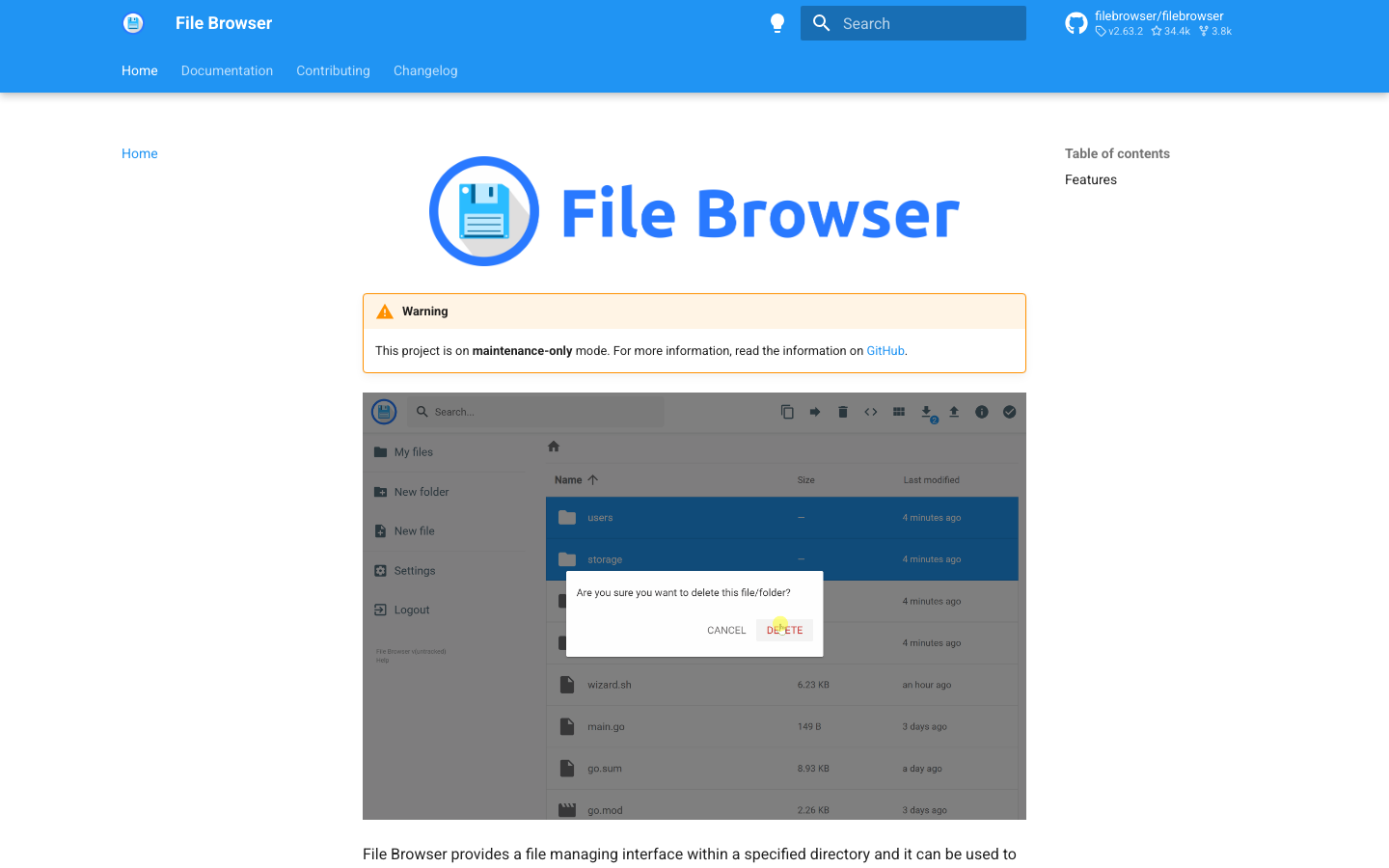
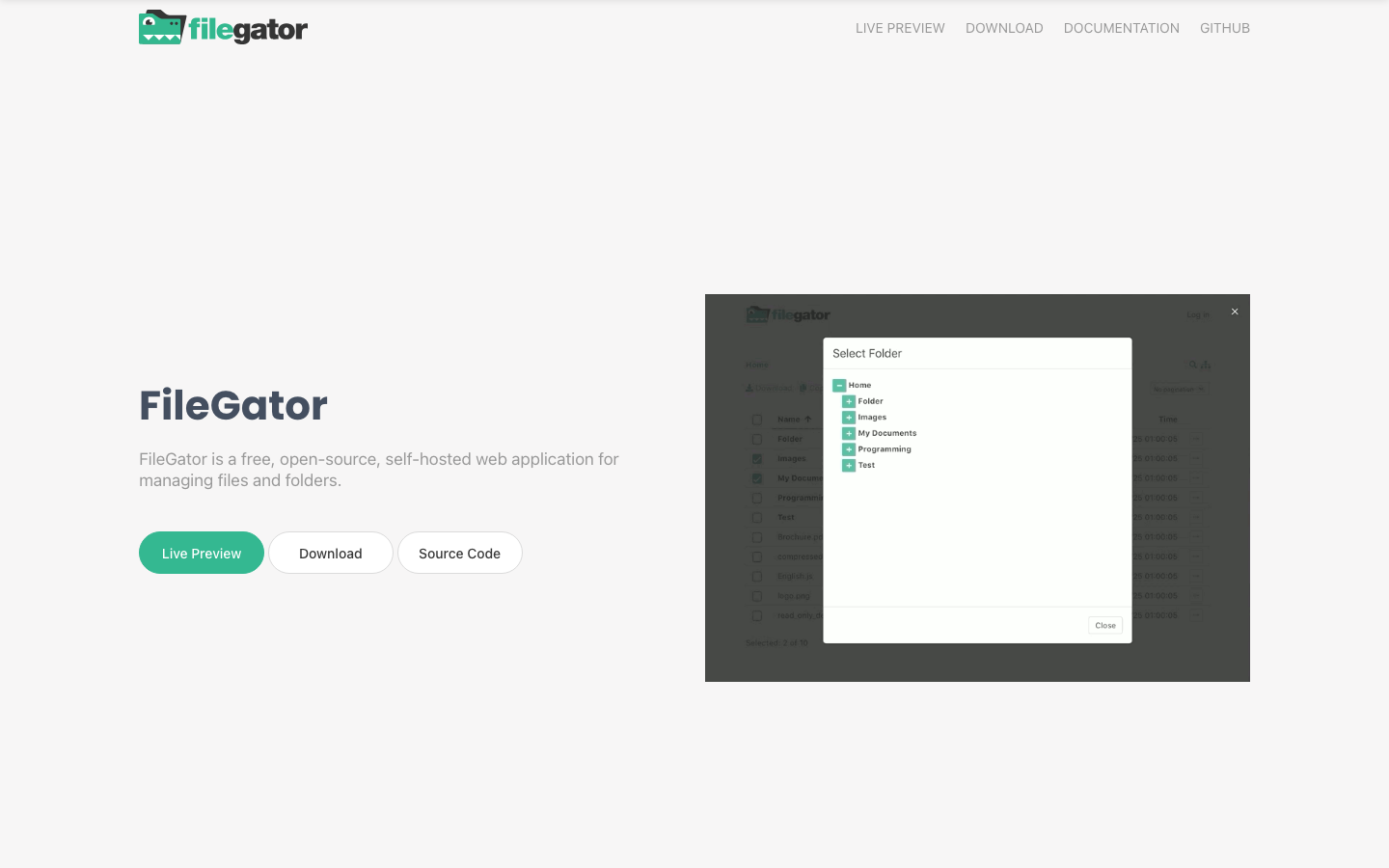
Filebrowser is a lightweight web-based file manager that lets you browse, upload, download, and share files from any device with a browser. It's minimal, fast, and ideal for simple file access without the overhead of a full cloud suite.
Pros
- Extremely lightweight and fast
- Simple deployment (single binary)
- Clean, intuitive web UI
Cons
- No desktop or mobile sync clients; browser-only access
- No encryption; relies on HTTPS and external authentication
- Limited sharing and collaboration features
Cloudreve
Cloudreve is a self-hosted file management and sharing system that supports multiple storage backends (local, S3, Aliyun OSS, etc.), letting you use your preferred storage infrastructure while keeping the management layer under your control.
Pros
- Multi-storage backend support; flexible infrastructure choices
- Lightweight and fast
- Built-in sharing and permission management
Cons
- Limited mobile sync (web and mobile app, but not native desktop sync like OneDrive)
- No end-to-end encryption
- Smaller community than Nextcloud
Ente
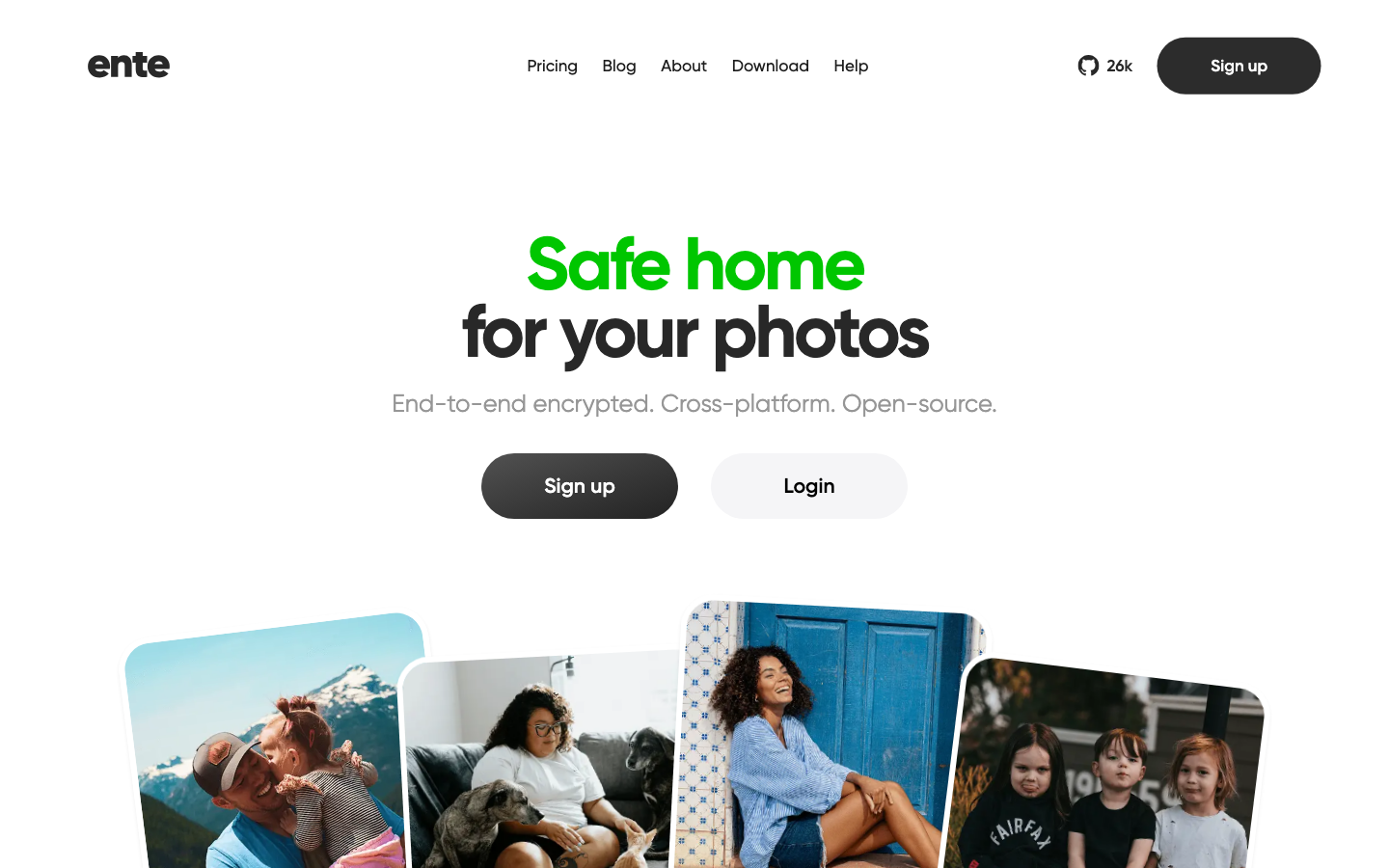
Ente is a privacy-first, end-to-end encrypted cloud platform focused on photos and documents. All data is encrypted on your device before upload, and Ente never has access to unencrypted files.
Pros
- Strong encryption by default; zero-knowledge architecture
- Excellent mobile and desktop clients
- Transparent about privacy; open-source security audits available
Cons
- Primarily photo and document focused; less suitable as a general file server
- Smaller ecosystem of third-party integrations vs. Nextcloud
Seafile
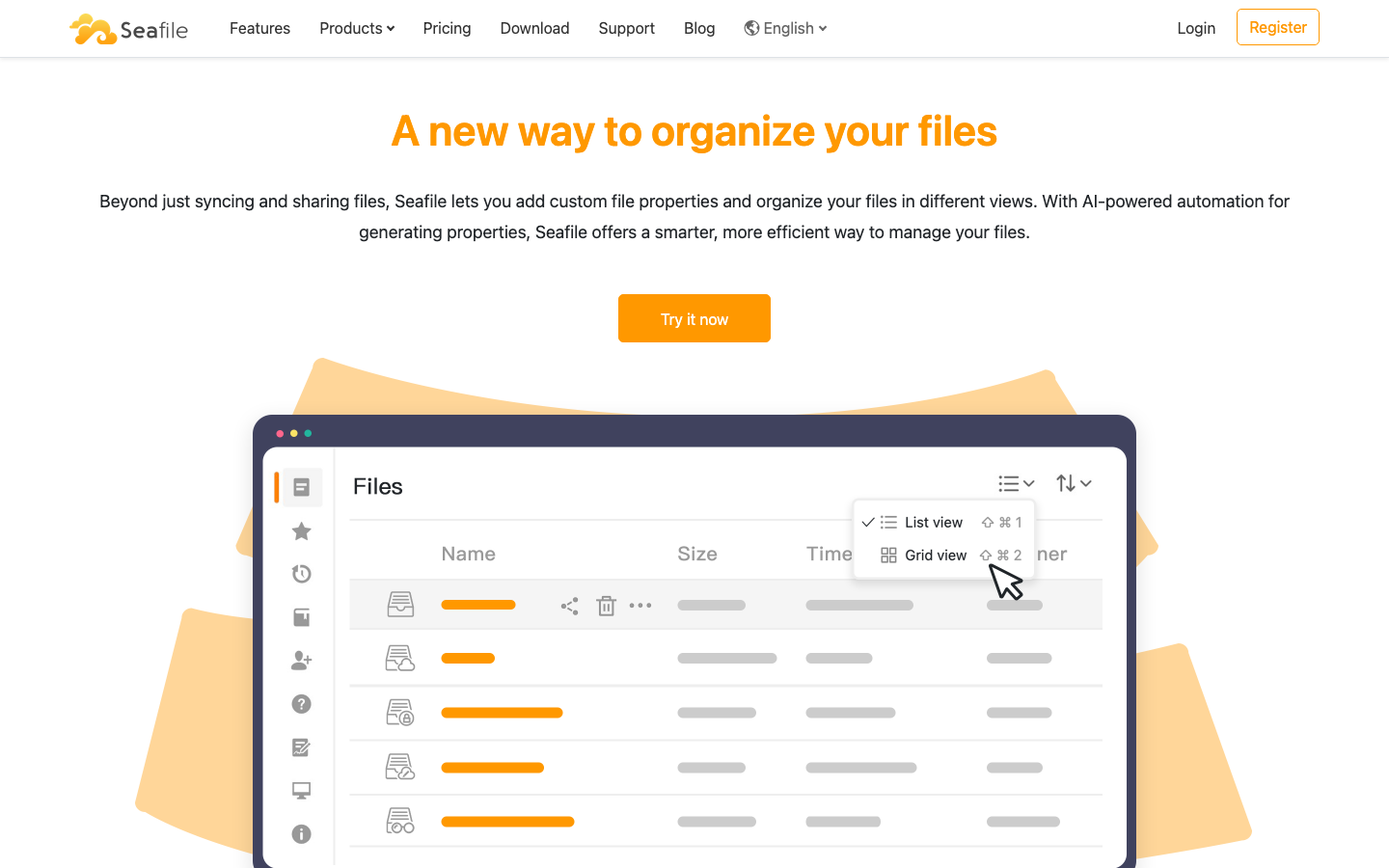
Seafile is a file sync and sharing platform that goes beyond basic storage by supporting extensible file properties and flexible views, allowing teams to organize and query files with custom metadata.
Pros
- Efficient sync with block-level deduplication
- Flexible file organization via properties and views
- Strong team collaboration features
Cons
- License not declared; check before production use
- No end-to-end encryption by default
- Smaller community than Nextcloud
Filestash
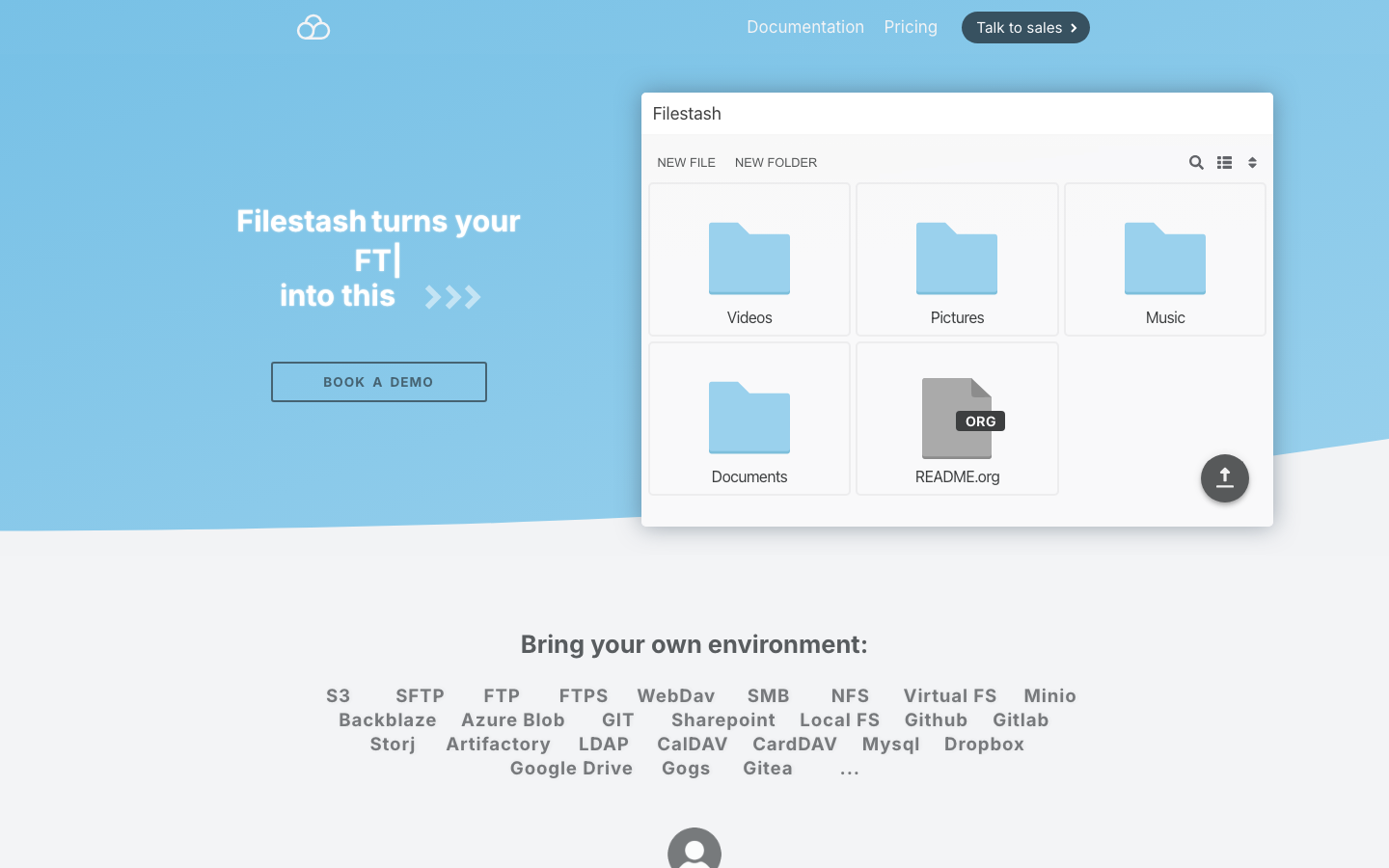
Filestash is a universal data access layer that connects to multiple storage backends (S3, FTP, SFTP, WebDAV, Git, Dropbox, etc.) and presents them through a unified web file manager, without requiring FUSE.
Pros
- Unified interface across heterogeneous storage
- No FUSE overhead; works via HTTP
- Lightweight and easy to deploy
Cons
- No native desktop or mobile sync
- No encryption; security depends on backend and transport
- Better for access and browsing than continuous synchronization
How to choose
For peer-to-peer sync across personal devices: choose Syncthing—it's the simplest escape from cloud lock-in.
For teams needing a full Microsoft 365 replacement: Nextcloud is the most feature-complete, though it requires more infrastructure investment.
For lightweight, browser-only file access: Filebrowser or Filestash are fast and minimal.
For privacy-first storage of photos and documents: Ente offers the strongest encryption guarantees.
For teams wanting file management with flexible metadata: Seafile or Cloudreve balance ease of use with organizational power.