



















TL;DR
- Need encrypted peer-to-peer sync without a server? Syncthing keeps your files synchronized across your own devices with zero cloud dependency.
- Want a full desktop OS alternative that's self-hosted? Puter gives you a browser-based workspace with built-in storage, file management, and collaboration—no Dropbox account needed.
- Running a team and need storage + sharing + calendars all together? Nextcloud bundles file sync, sharing, versioning, and productivity apps in one self-hosted platform.
Why teams leave Dropbox
Dropbox's pricing model has tightened significantly. The free tier caps out at just 2GB, forcing personal users and small teams onto paid plans quickly. Recent plan restructuring (2024–2025) cut real value: storage allocations dropped—Standard plans now include 5TB instead of 9TB—while signature requests and file upload limits were reduced across the board. For teams handling regulated data (healthcare, finance, legal), compliance features are locked behind the expensive Advanced tier, multiplying costs.
Beyond pricing, vendor lock-in is a real switching cost. Dropbox's ecosystem—desktop app, Paper, Sign, API integrations—creates friction when you want to leave. Privacy-conscious organizations also face the reality that Dropbox scans file content for features like smart search and malware detection, which some teams cannot accept under data governance rules.
Self-hosting isn't an option with Dropbox, so you're paying for their infrastructure indefinitely. Open-source alternatives flip this: you control where your data lives, avoid per-user licensing, and can audit every line of code handling your files.
Quick comparison
| Name | License | Self-Hosted | E2E Encryption | Mobile / Desktop Sync | Best For |
|---|---|---|---|---|---|
| Syncthing | MPL-2.0 | Yes | Yes | Yes (all platforms) | Decentralized sync across personal devices |
| Puter | AGPL-3.0 | Yes | — | Web-based (browser) | Full self-hosted OS alternative; teams wanting cloud workspace |
| Nextcloud | AGPL-3.0 | Yes | Yes (optional) | Yes (desktop & mobile) | Teams needing integrated storage, sharing, calendars, contacts |
| File Browser | Apache-2.0 | Yes | — | Web-based (browser) | Simple, lightweight file management and browsing |
| Cloudreve | GPL-3.0 | Yes | — | Web-based (browser) | Multi-storage backends; teams wanting flexible deployment |
| Seafile | License not declared | Yes | Yes | Yes (desktop & mobile) | Teams prioritizing sync speed and file versioning |
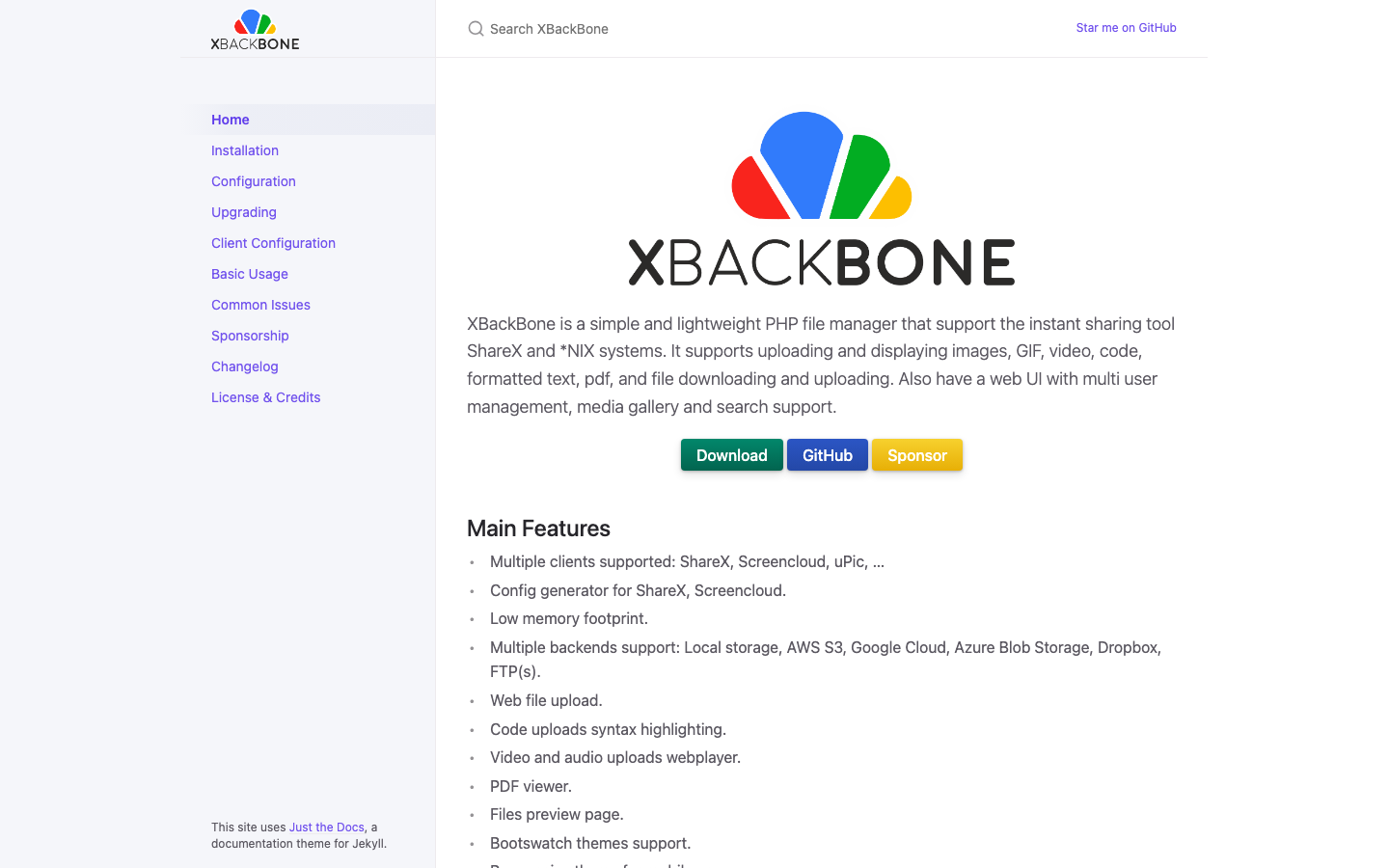
| Tiny File Manager | GPL-3.0 | Yes | — | Web-based (browser) | Minimal setup; single-file deployment for small teams |
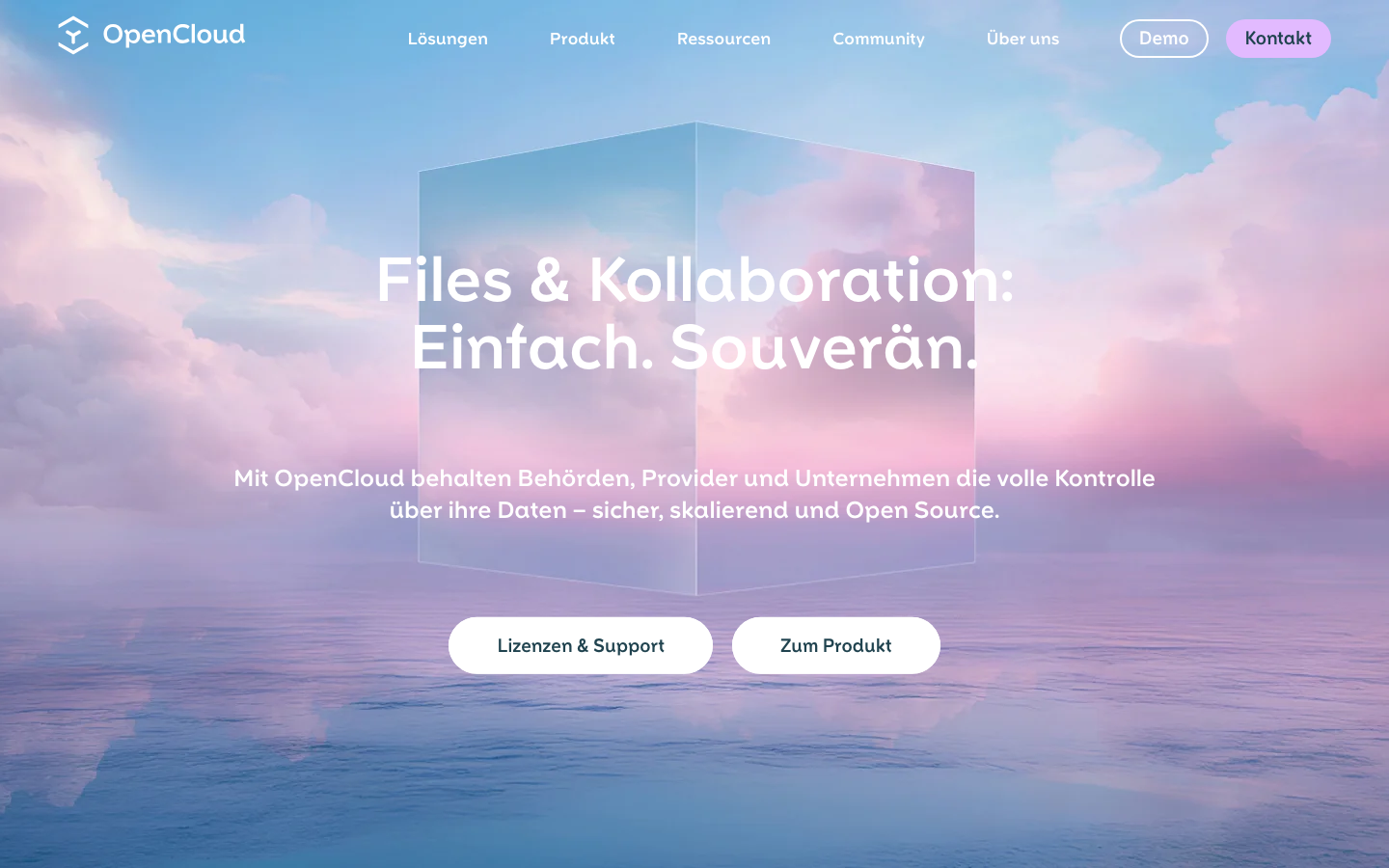
| OpenCloud | Apache-2.0 | Yes | — | — | File management, sharing, and collaboration; sovereign deployments |
Top open-source alternatives to Dropbox
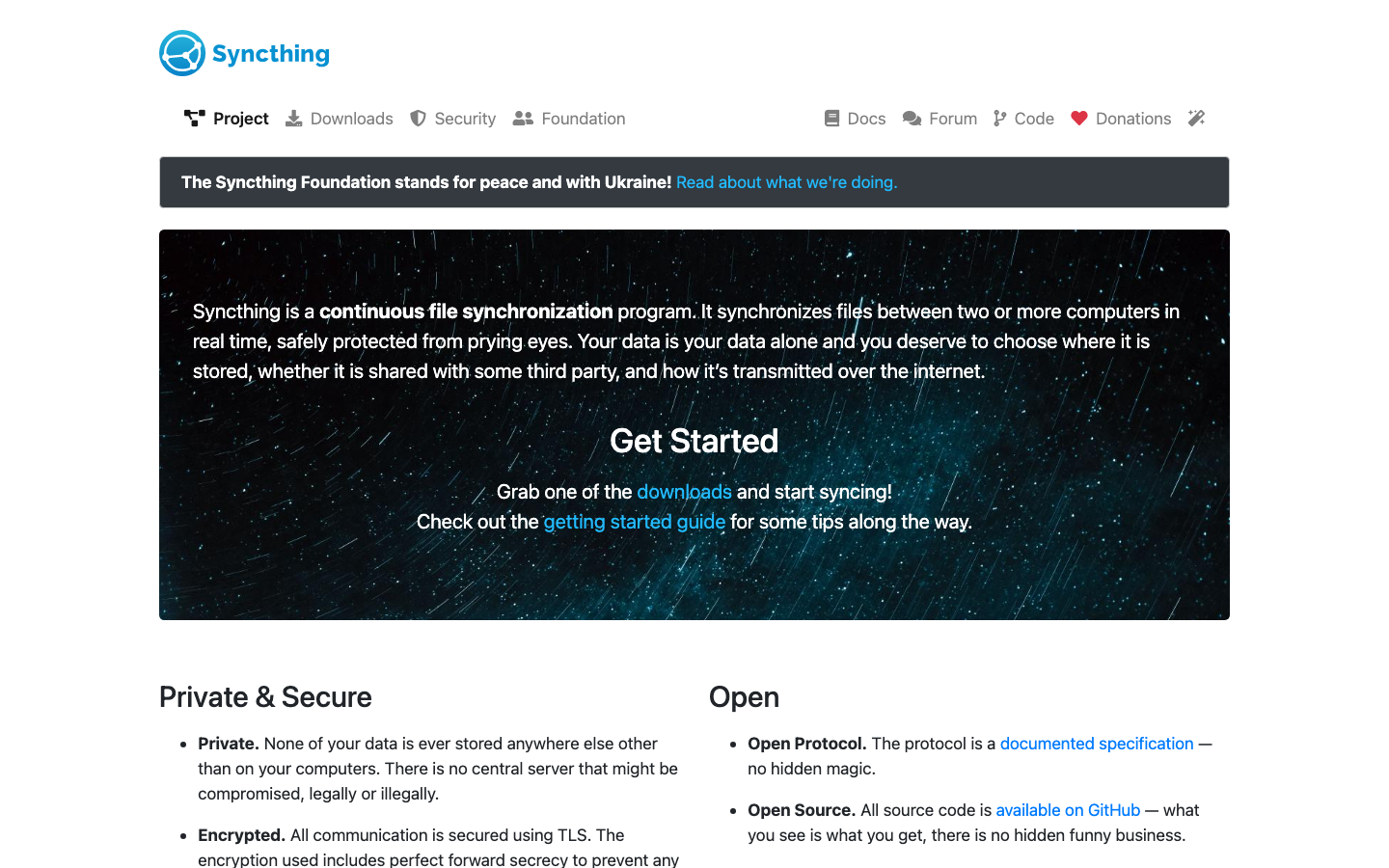
Syncthing
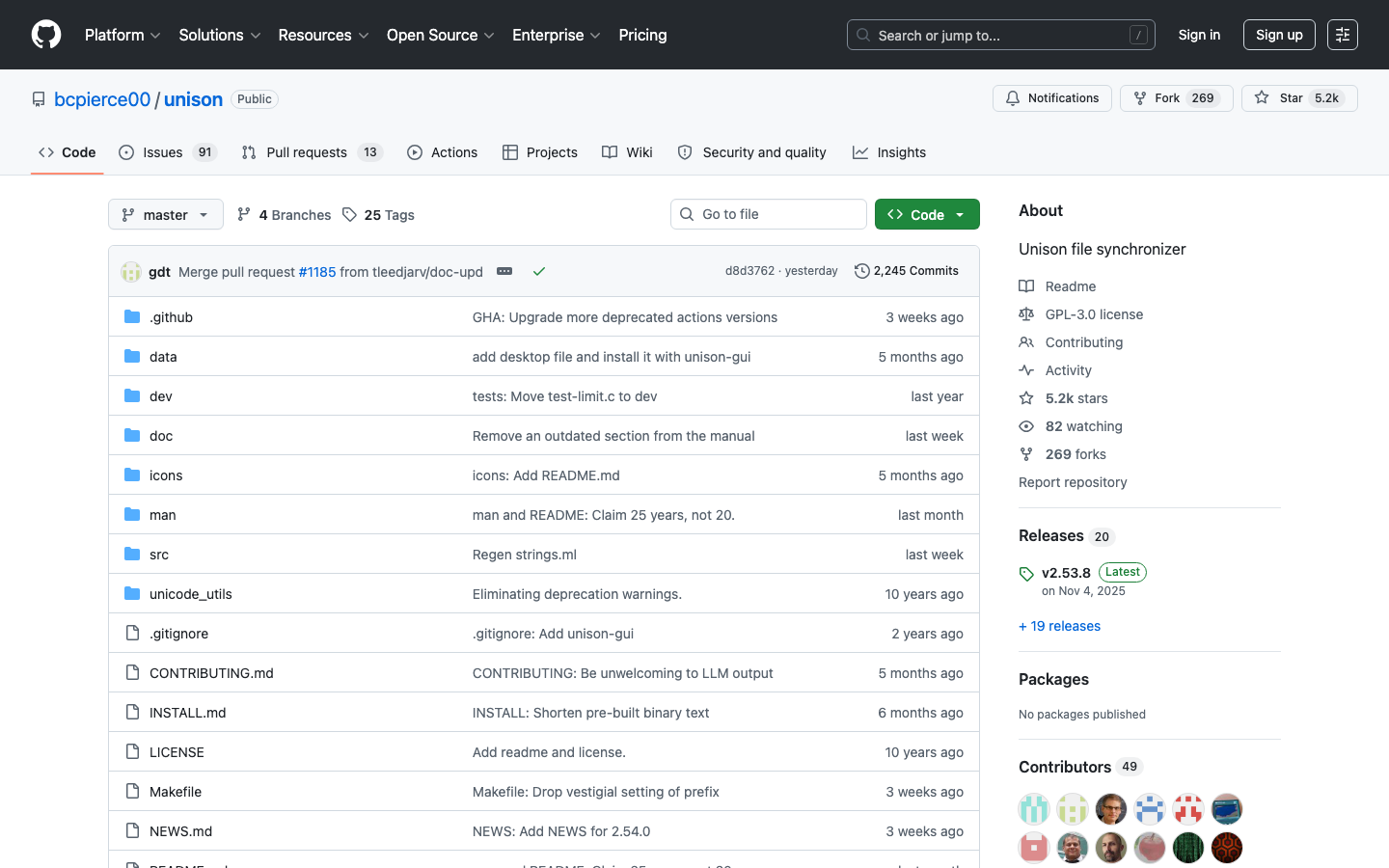
Syncthing is a peer-to-peer file synchronization tool that syncs folders across your devices without routing through a central server. It uses block-level syncing and strong encryption to keep your files in sync reliably and fast. With 82k+ GitHub stars, it's the most popular open-source sync engine.
Pros:
- True decentralized sync—no cloud infrastructure cost or privacy concerns
- End-to-end encrypted; your data never touches a third party
- Works across Windows, macOS, Linux, Android, and iOS
Cons:
- Requires manual setup and network configuration (not plug-and-play like Dropbox)
- No built-in sharing or collaboration features; purely a sync tool
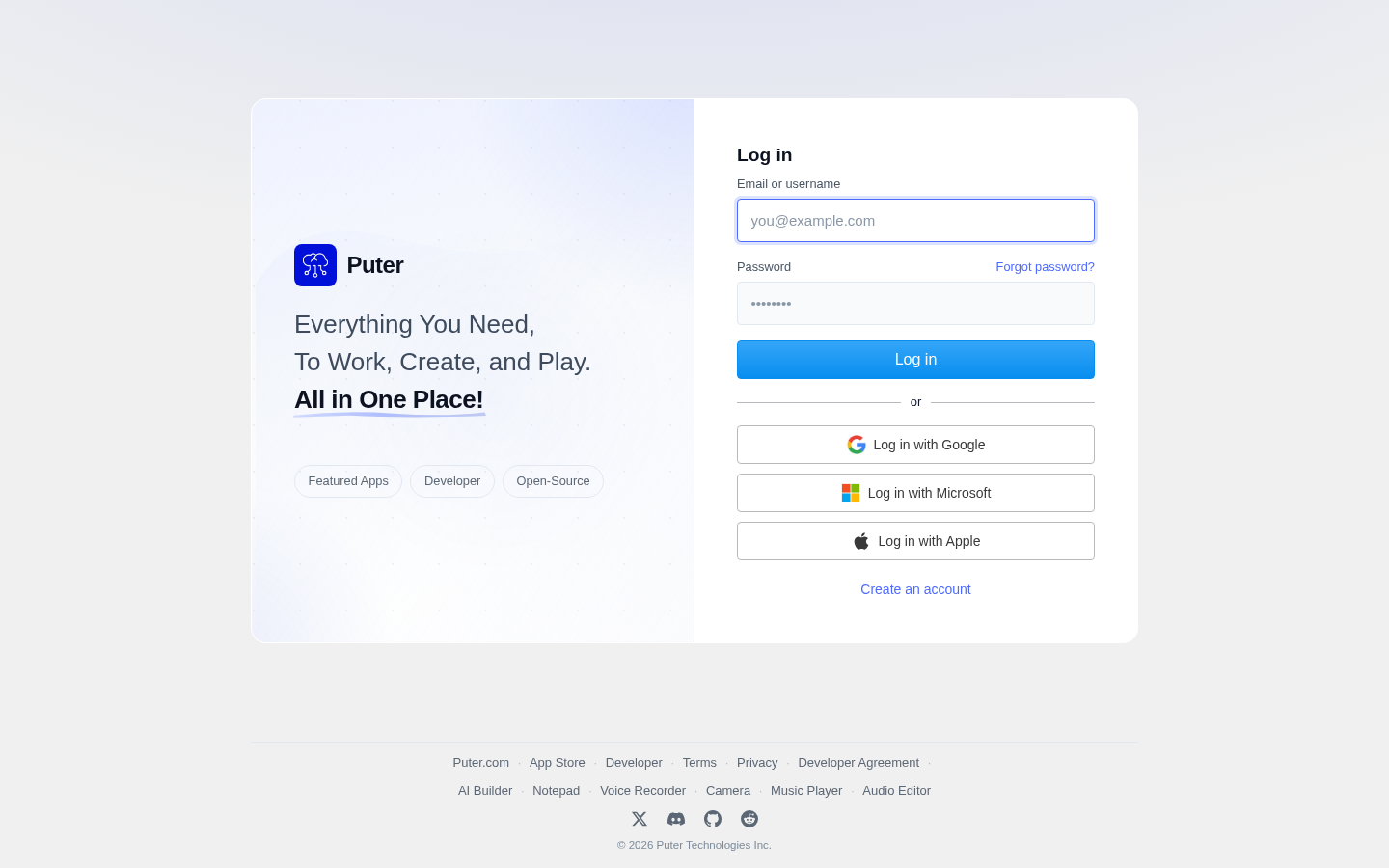
Puter
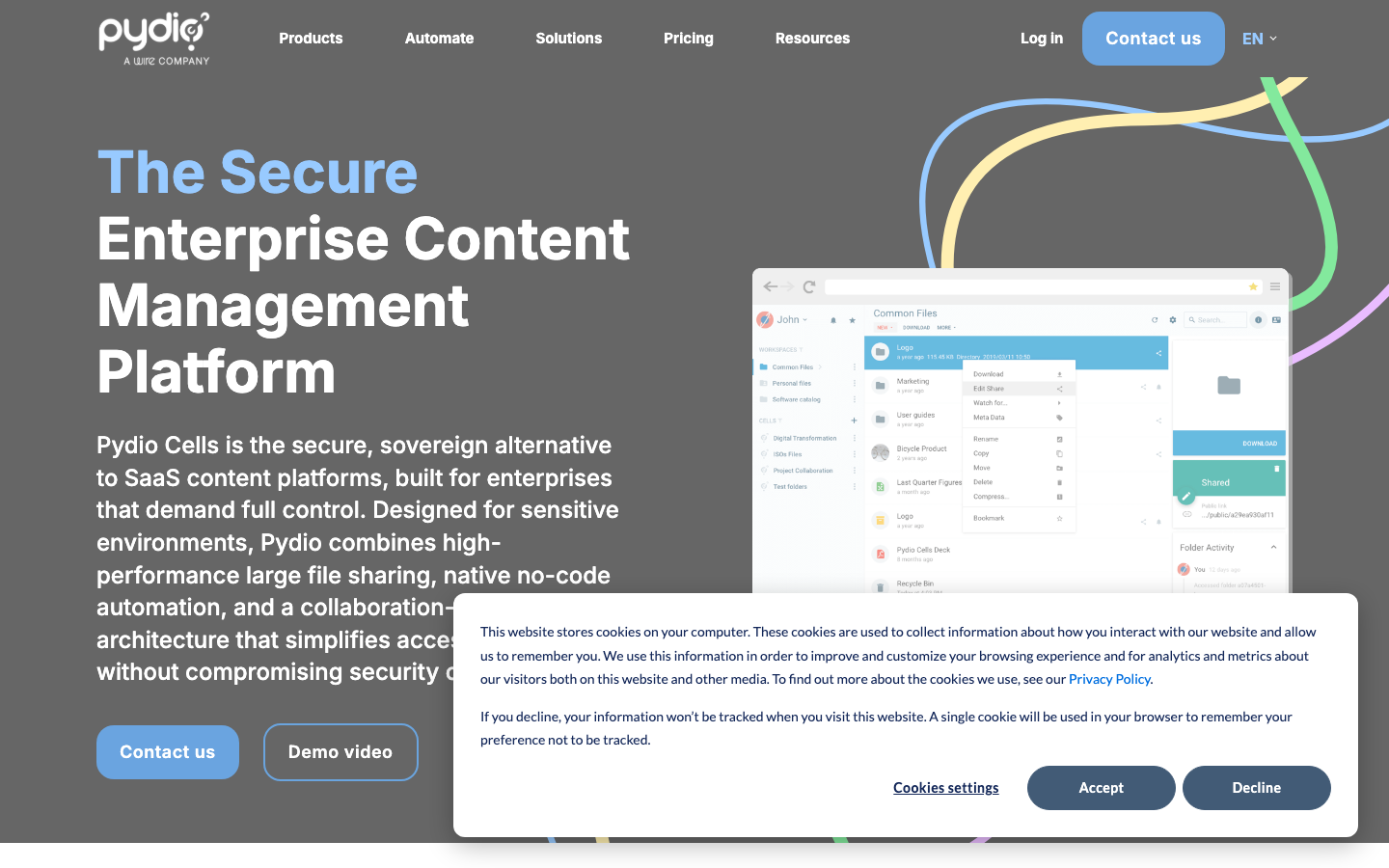
Puter is a browser-based operating system and computing environment that you can self-host. It includes file storage, a desktop interface, and app ecosystem—essentially a complete Dropbox replacement wrapped in a full OS experience. It's designed for teams and individuals who want a sovereign, self-hosted cloud workspace.
Pros:
- Full-featured desktop OS in the browser; no client installation needed
- Integrated file management, sharing, and collaboration workspace
- Self-hosted means complete control and privacy
Cons:
- Newer project (40k stars); ecosystem and third-party integrations still growing
- Requires server infrastructure and maintenance
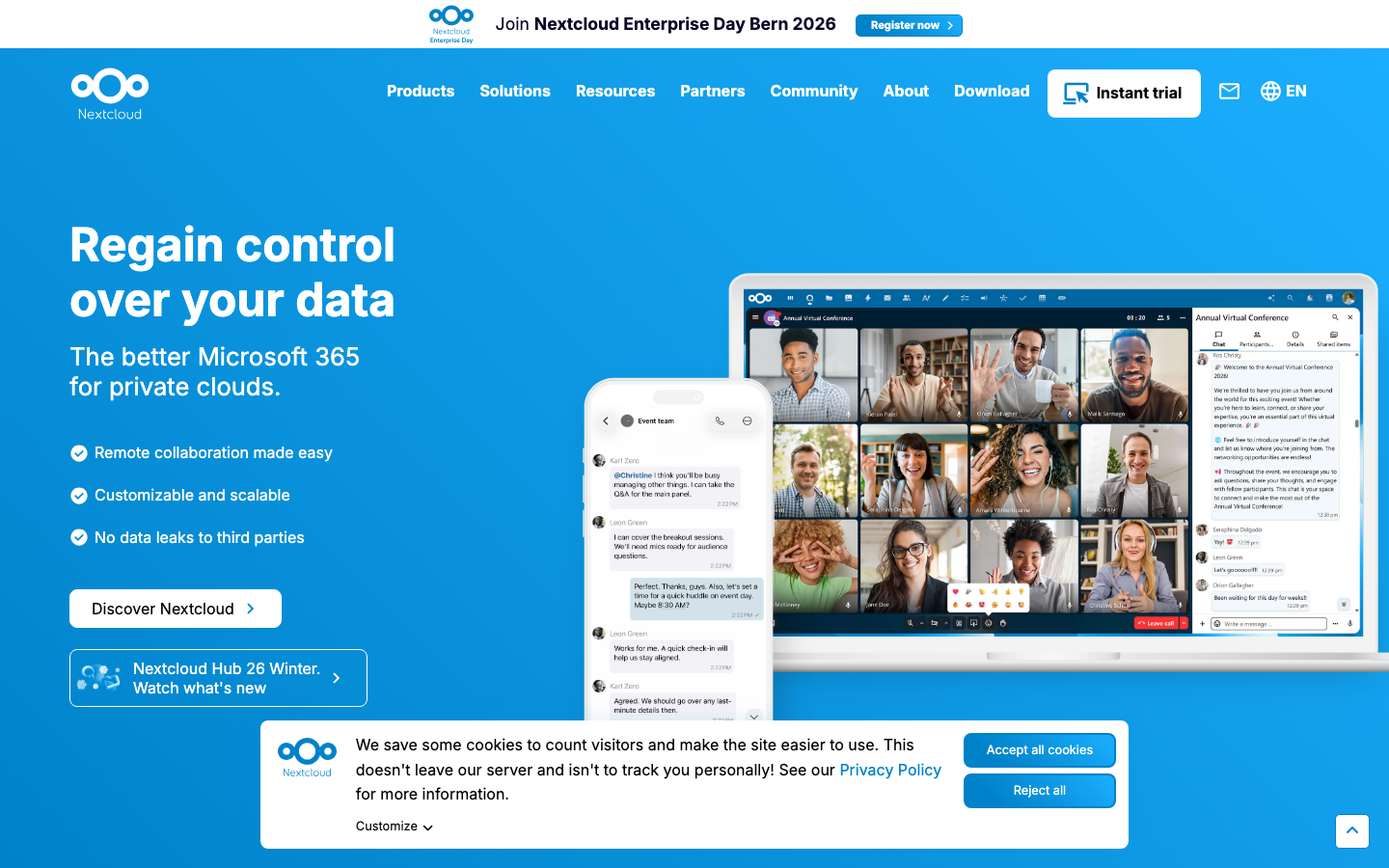
Nextcloud
Nextcloud is a self-hosted file sync and sharing platform built on PHP. Beyond storage, it includes calendars, contacts, email, document collaboration, and a rich app marketplace. It's the most feature-complete Dropbox alternative and widely deployed by enterprises and teams.
Pros:
- Unified platform: files, calendars, contacts, and productivity apps in one
- Strong community; extensive third-party app ecosystem
- Optional end-to-end encryption and fine-grained sharing controls
Cons:
- Requires server administration (database, PHP, web server setup)
- Performance depends on your hosting infrastructure
File Browser
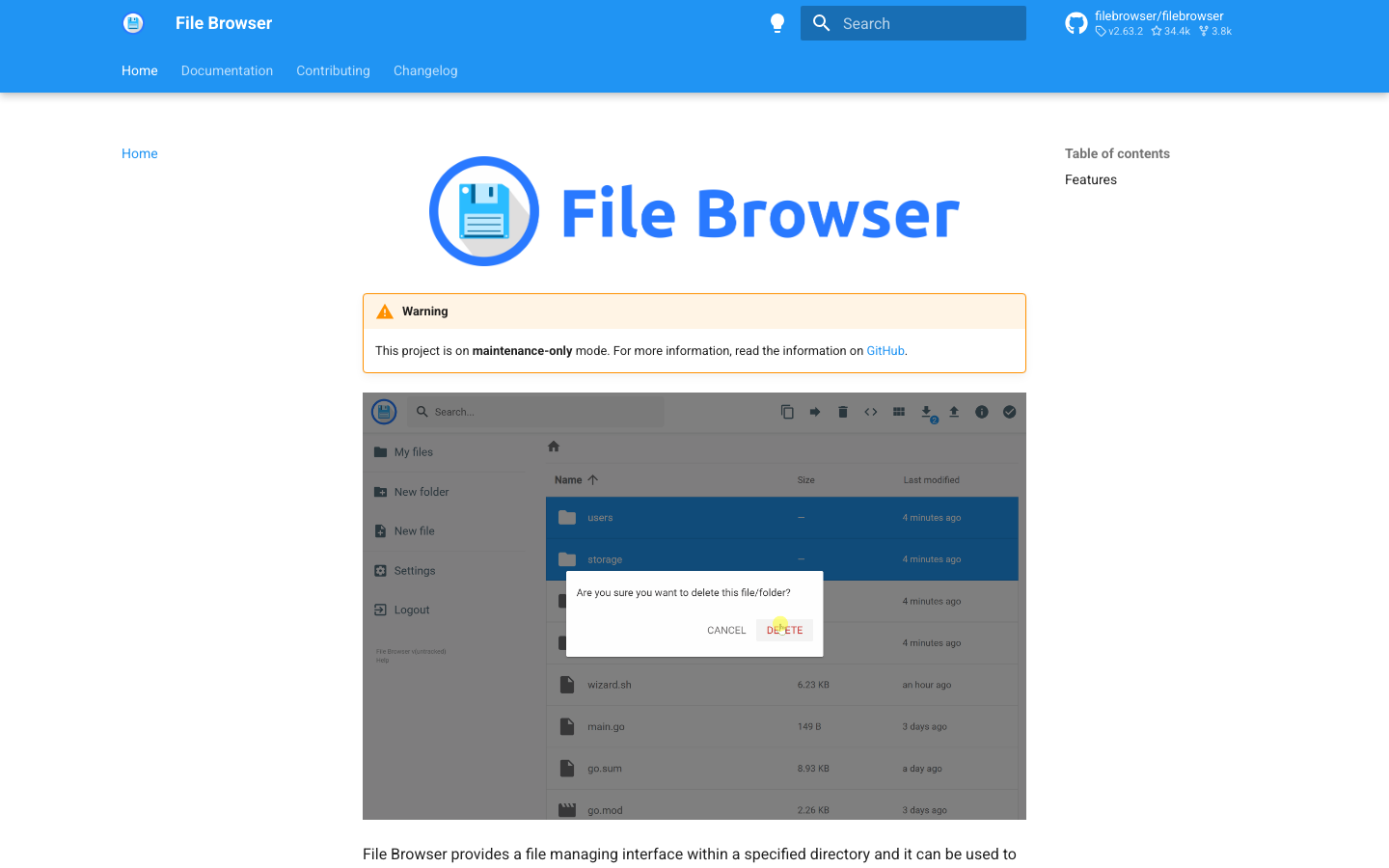
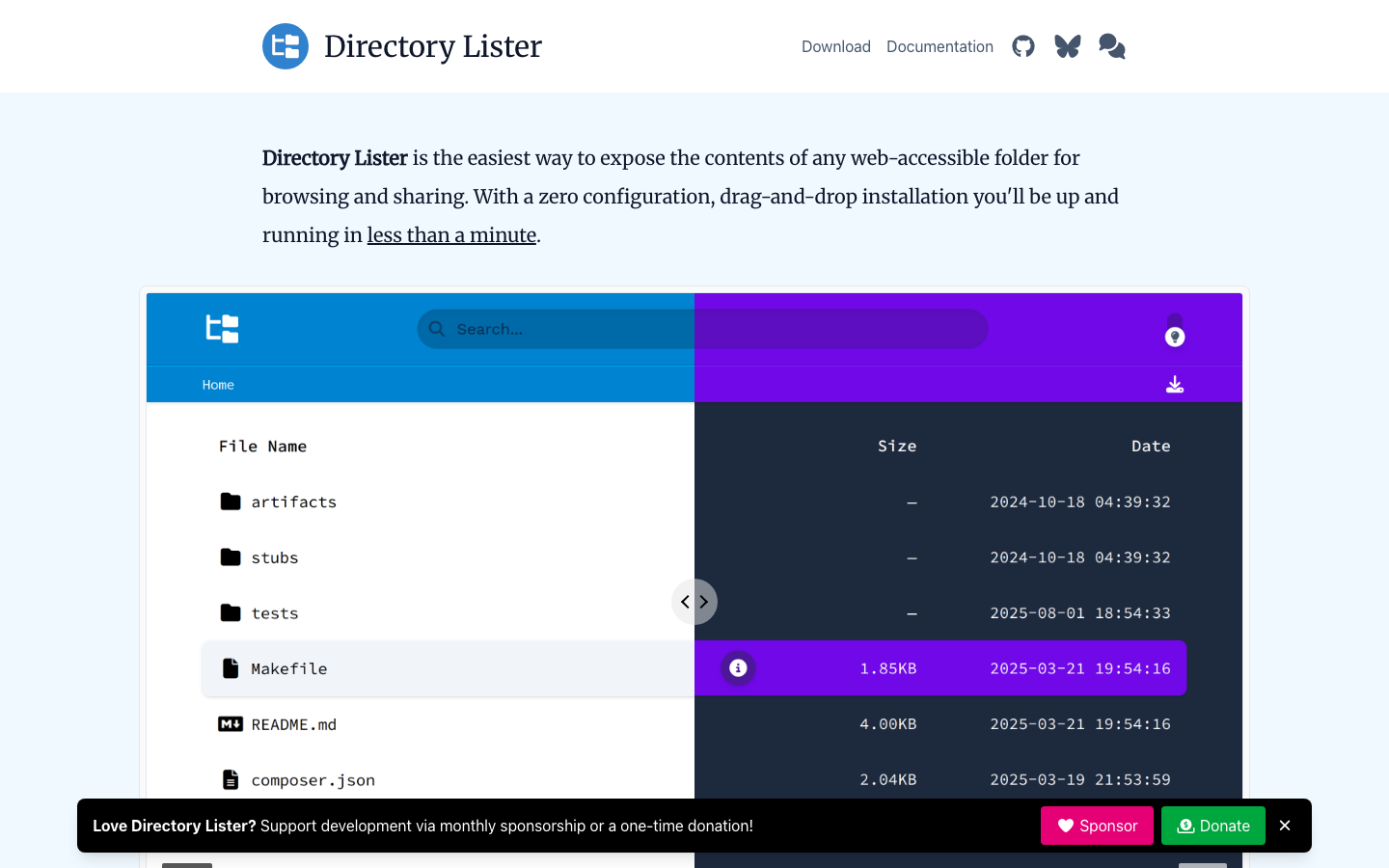
File Browser is a lightweight, single-binary web file manager. Drop it on a server, and you get a web interface to upload, download, and organize files. It's minimal, fast, and requires almost no configuration.
Pros:
- Extremely simple to deploy—one binary, no dependencies
- Low resource footprint; runs on cheap VPS or even Raspberry Pi
- Clean web UI for file browsing and sharing
Cons:
- No sync capability; it's a file manager, not a sync engine
- Limited collaboration features compared to Nextcloud or Syncthing
Cloudreve
Cloudreve is a self-hosted file management and sharing system with multi-storage backend support (local, S3, Alibaba OSS, Upyun, etc.). It's designed for teams that want flexible deployment and the ability to use cheap cloud storage as a backend.
Pros:
- Pluggable storage backends reduce lock-in to any single provider
- Web-based file management, sharing, and preview
- Lightweight and easy to deploy
Cons:
- No built-in sync client (web-only access)
- Smaller community than Nextcloud; fewer integrations
Seafile
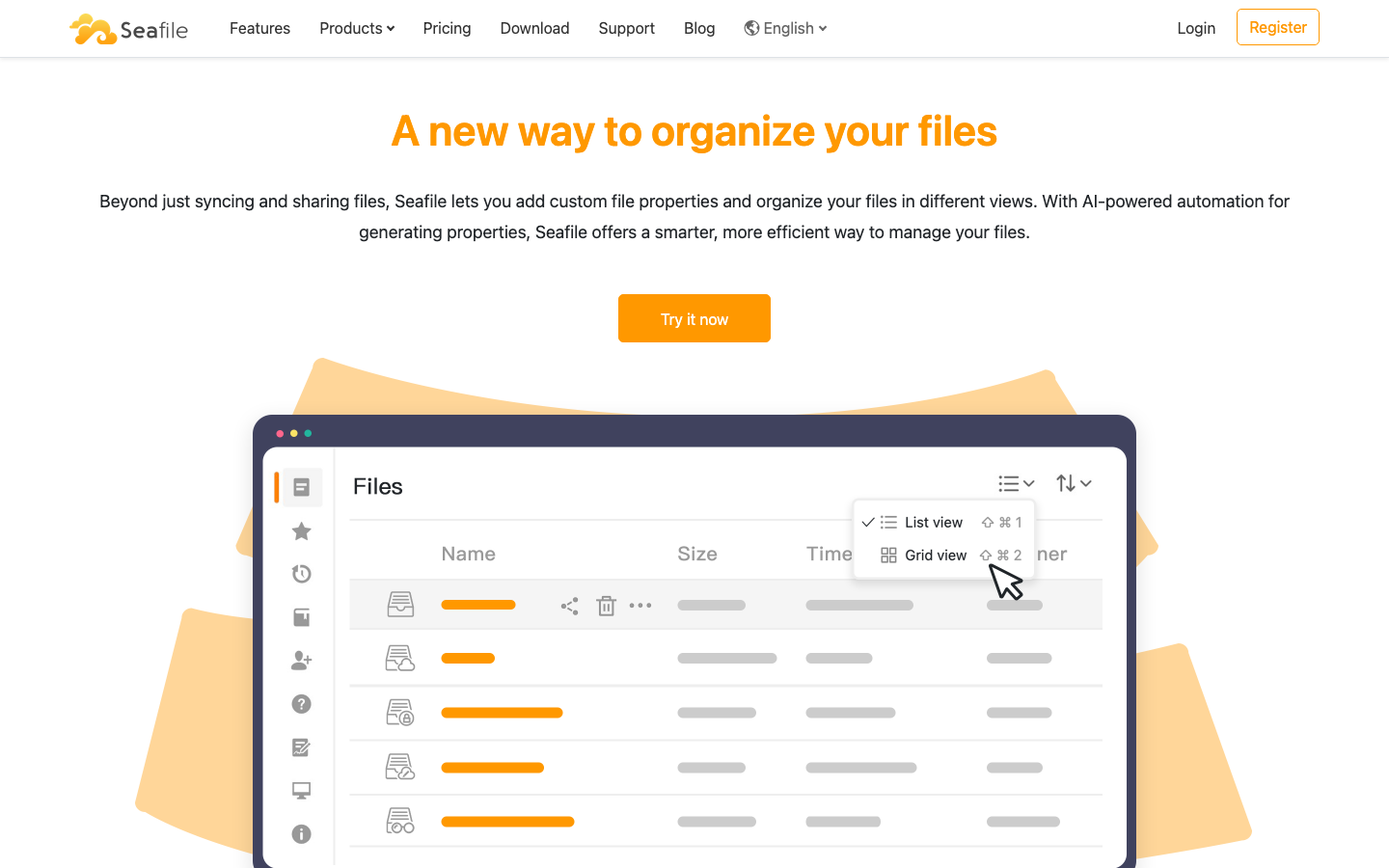
Seafile is a file sync and sharing platform optimized for performance and versioning. It uses a unique library-based architecture for fast incremental syncs and unlimited file history. Available in both community and professional editions.
Pros:
- Extremely fast incremental sync using block-level deduplication
- Unlimited file versioning and recovery
- End-to-end encryption option; desktop and mobile clients included
Cons:
- License not publicly declared; check the project site for terms
- Smaller ecosystem than Nextcloud; fewer third-party apps
Tiny File Manager
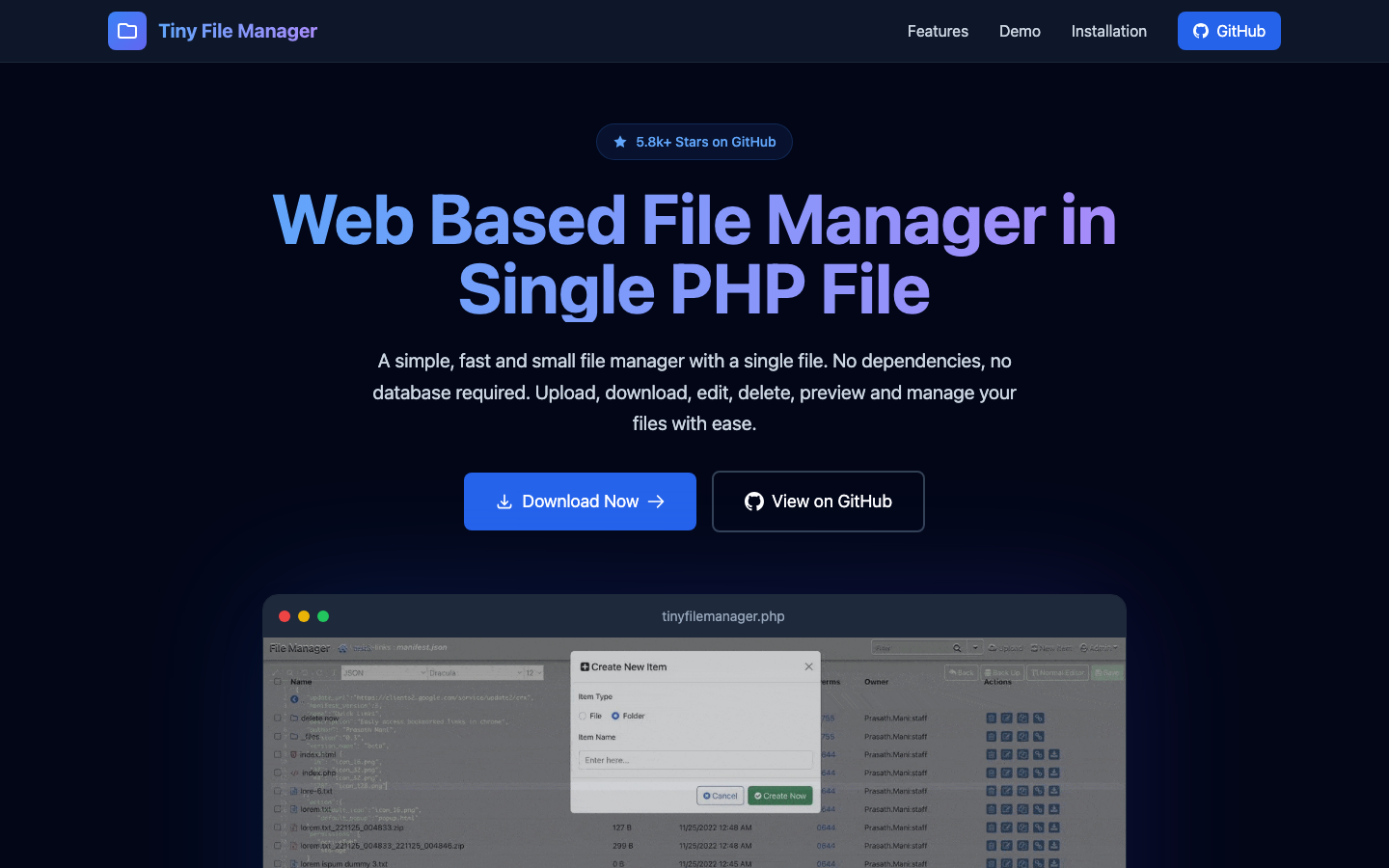
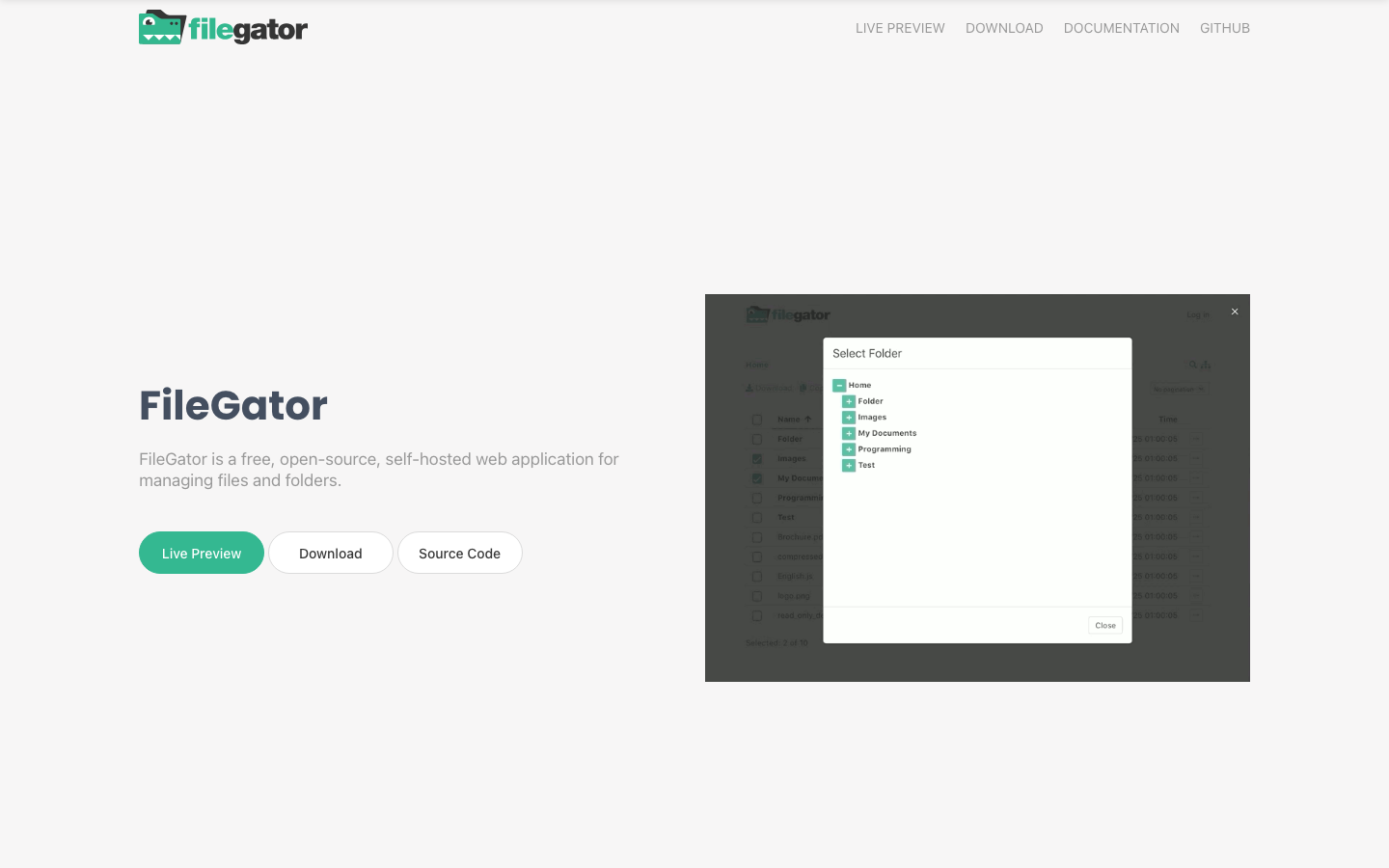
Tiny File Manager is a single-file PHP script that provides a web-based file browser and manager. Upload one PHP file to your server, and you have a functional file management interface with no installation.
Pros:
- Minimal setup: literally one file to deploy
- No dependencies or configuration needed
- Lightweight and suitable for shared hosting
Cons:
- No sync or mobile app; web-only
- Limited collaboration and sharing features; best for personal or small team use
OpenCloud
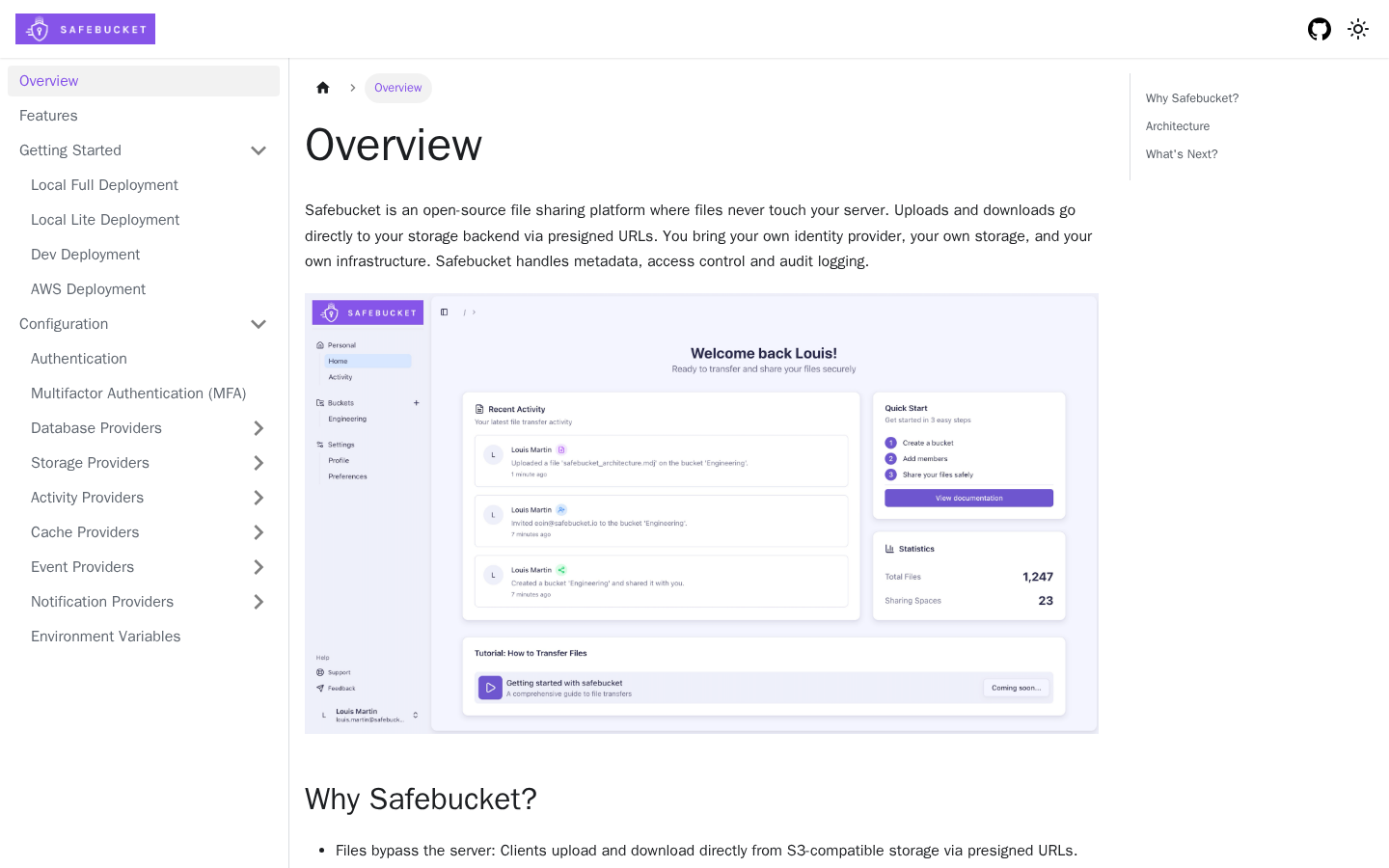
OpenCloud is an open-source file management, sharing, and collaboration platform designed for sovereign deployments. It emphasizes simplicity and data ownership, with a focus on organizations that need full control over their infrastructure.
Pros:
- Built for sovereignty and data independence
- Integrated file management and sharing
- Apache 2.0 license offers commercial flexibility
Cons:
- Smaller community (5k stars); less mature than Nextcloud
- Limited public documentation on mobile and desktop sync features
How to choose
For individuals syncing personal devices: Start with Syncthing—it's the simplest, most private option if you don't need a server.
For small teams with minimal setup appetite: File Browser or Tiny File Manager work if you just need web-based file access. Both deploy in minutes.
For teams needing storage + calendars + contacts + sharing: Nextcloud is the most mature, feature-rich option, though it requires server administration.
For teams wanting a full self-hosted workspace OS: Puter is the closest Dropbox alternative—a complete browser-based environment with integrated storage and apps.
For organizations using multiple storage backends (S3, object storage): Cloudreve gives you flexibility to avoid vendor lock-in while keeping costs low.