








TL;DR
- Building a fast static site or blog without hosting headaches? Hugo compiles to pure HTML with zero runtime dependencies, letting you host anywhere and own every byte.
- Need drag-and-drop simplicity with e-commerce built in? Microweber gives you a visual builder and shop features without Squarespace's transaction-fee tax or content lock-in.
- Running a growing business that demands SEO control and plugin flexibility? WordPress scales from blogs to full storefronts, with thousands of extensions and complete data portability.
Why teams leave Squarespace
The math hits first. Squarespace's standard plans charge 2–3% transaction fees on every sale until you upgrade to their Commerce tier—meaning a store doing $5,000/month pays an extra $100–$150/month purely in fees. That's real money that doesn't scale with your business; it scales with their cut.
But the fee structure is only half the problem. Squarespace's bigger cost is lock-in. Your site, templates, and all your content live on Squarespace's proprietary platform with no real export path. If you outgrow it, want to migrate hosts, or need custom integrations your builder doesn't support, you're rebuilding from scratch. You don't own your site—you rent it.
For e-commerce teams and growing businesses, this matters because SEO, performance, and hosting flexibility directly affect revenue. Open-source CMS and commerce platforms remove both the transaction-fee tax and the platform lock-in: you control your data, your hosting, your plugins, and your costs as you scale.
Quick comparison
| Name | License | Self-Hosted | Plugin Ecosystem | Headless / API | Best For |
|---|---|---|---|---|---|
| Hugo | Apache-2.0 | Yes | Minimal (static) | Yes (via APIs) | Fast static sites, blogs, docs |
| Halo | GPL-3.0 | Yes | Moderate | Yes | Blogs, knowledge bases, small stores |
| WordPress | License not declared | Yes | Extensive | Yes (REST API) | Blogs, business sites, e-commerce |
| Microweber | MIT | Yes | Moderate | Yes | Visual builder with e-commerce |
| Vvveb | AGPL-3.0 | Yes | Minimal | — | Simple websites, blogs, small stores |
| WonderCMS | MIT | Yes | Minimal | — | Lightweight blogs, small sites |
Top open-source alternatives to Squarespace
Hugo
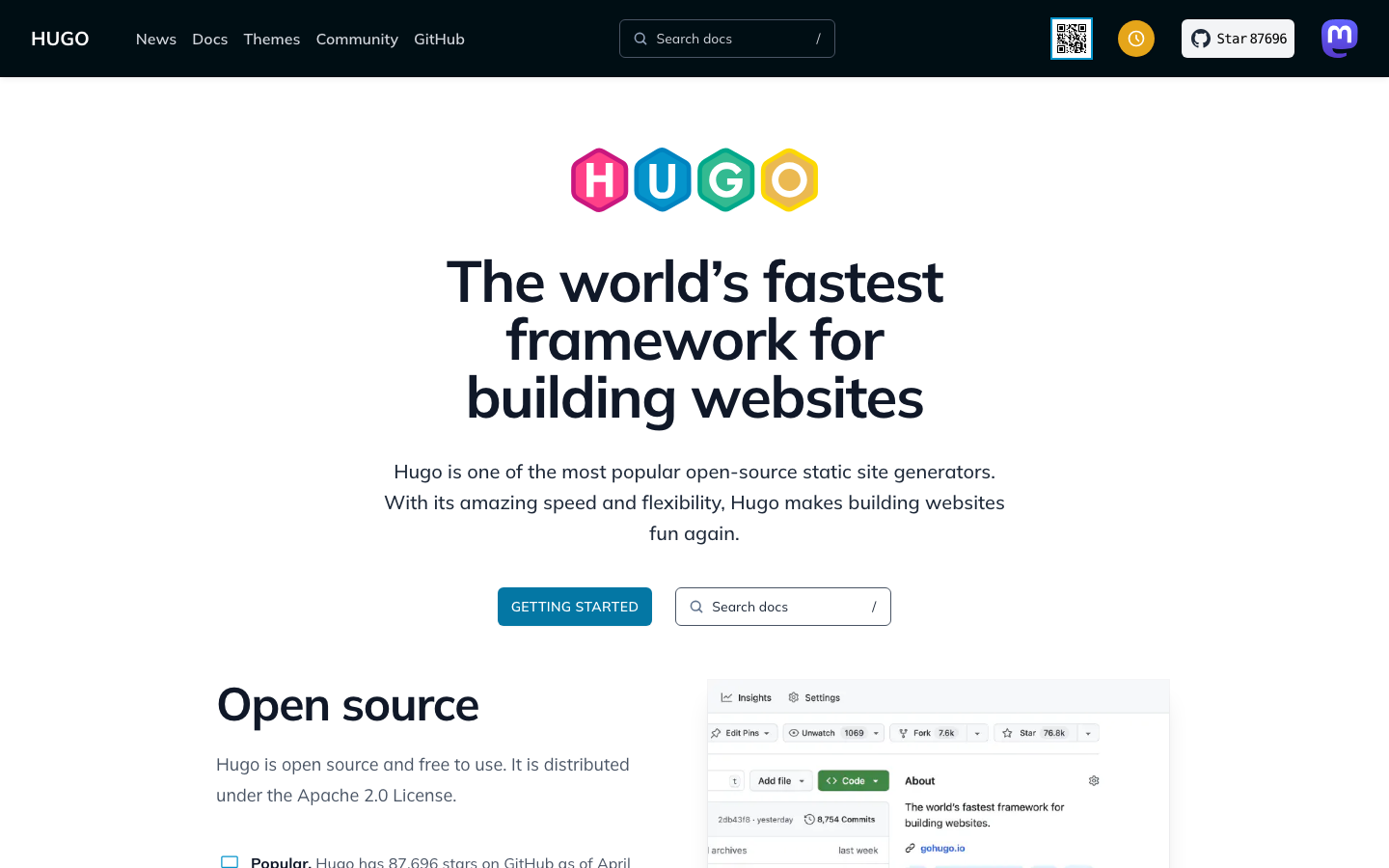
Hugo is a static site generator written in Go that builds websites faster than any competing tool. It compiles your content and templates into plain HTML, CSS, and JavaScript—no database, no runtime, no server-side processing needed. Host the output anywhere: GitHub Pages, Netlify, S3, or your own server.
Pros
- Blazing-fast builds and load times; excellent for SEO and user experience.
- Complete ownership: your content is markdown files, your config is version-controlled, migration is trivial.
- Zero hosting lock-in; deploy to any static host or your own infrastructure.
Cons
- Not a visual builder; requires comfort with markdown and templating.
- No built-in e-commerce or user authentication; best for content-first sites.
Halo
Halo is a powerful, user-friendly open-source site builder covering personal blogs, knowledge bases, corporate sites, and online stores. Built in Java, it offers a modern dashboard and template system designed for non-developers.
Pros
- Flexible across use cases: from blog to storefront without platform switching.
- Self-hosted means full data ownership and no Squarespace-style transaction fees.
- Moderate plugin ecosystem and customization depth.
Cons
- Smaller community than WordPress; fewer third-party extensions available.
- Documentation and English-language resources are limited.
WordPress
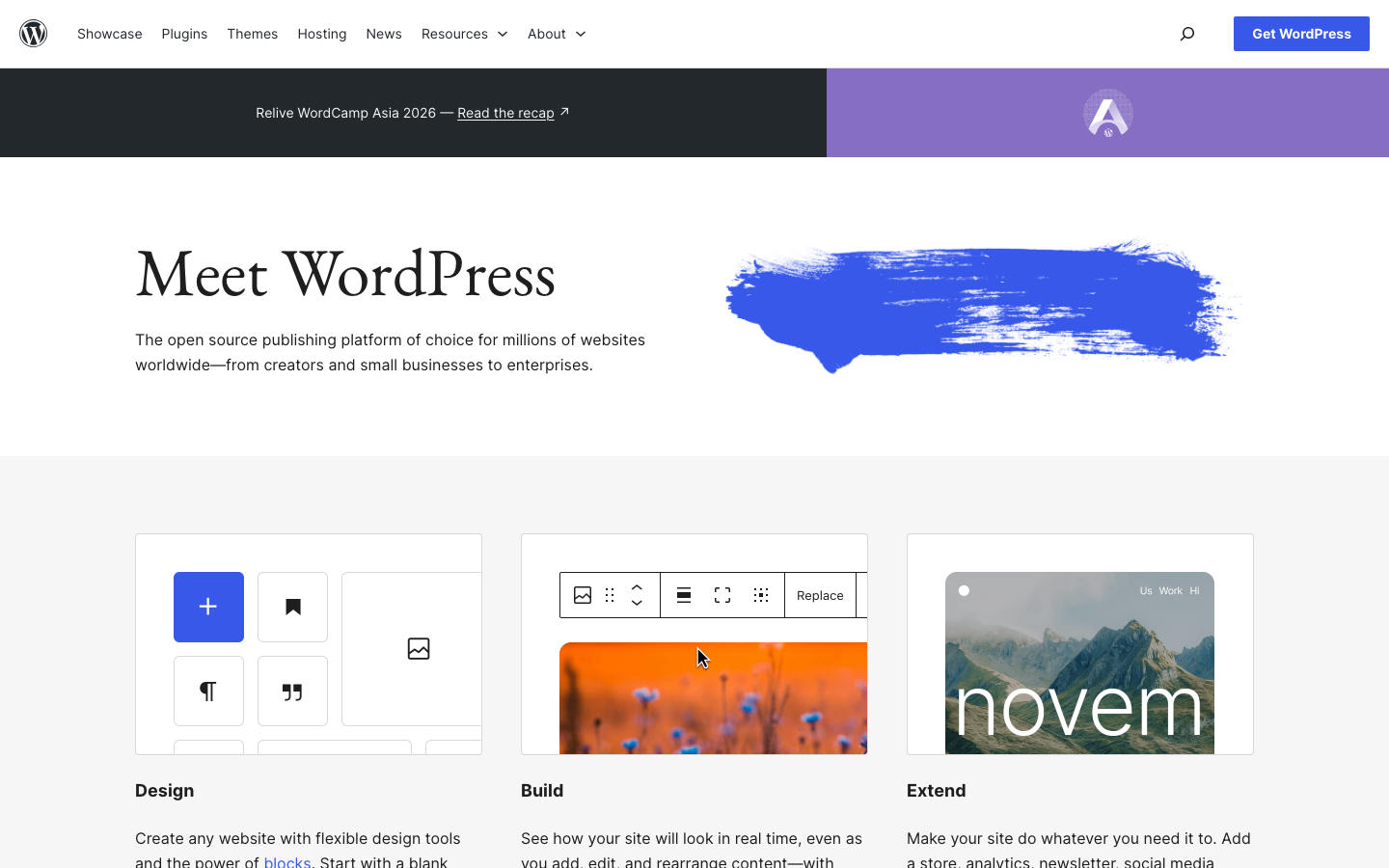
WordPress powers over 40% of websites globally. It's a PHP-based CMS that runs on any server, supports thousands of plugins and themes, and scales from single blogs to enterprise e-commerce operations.
Pros
- Unmatched plugin and theme ecosystem; nearly any feature you need exists.
- Mature e-commerce via WooCommerce; no per-transaction fees, just hosting costs.
- REST API and headless modes available; content is portable and yours.
Cons
- Requires server maintenance, security patching, and backups (or a managed host).
- Plugin quality varies; poorly coded extensions can slow or break your site.
Microweber
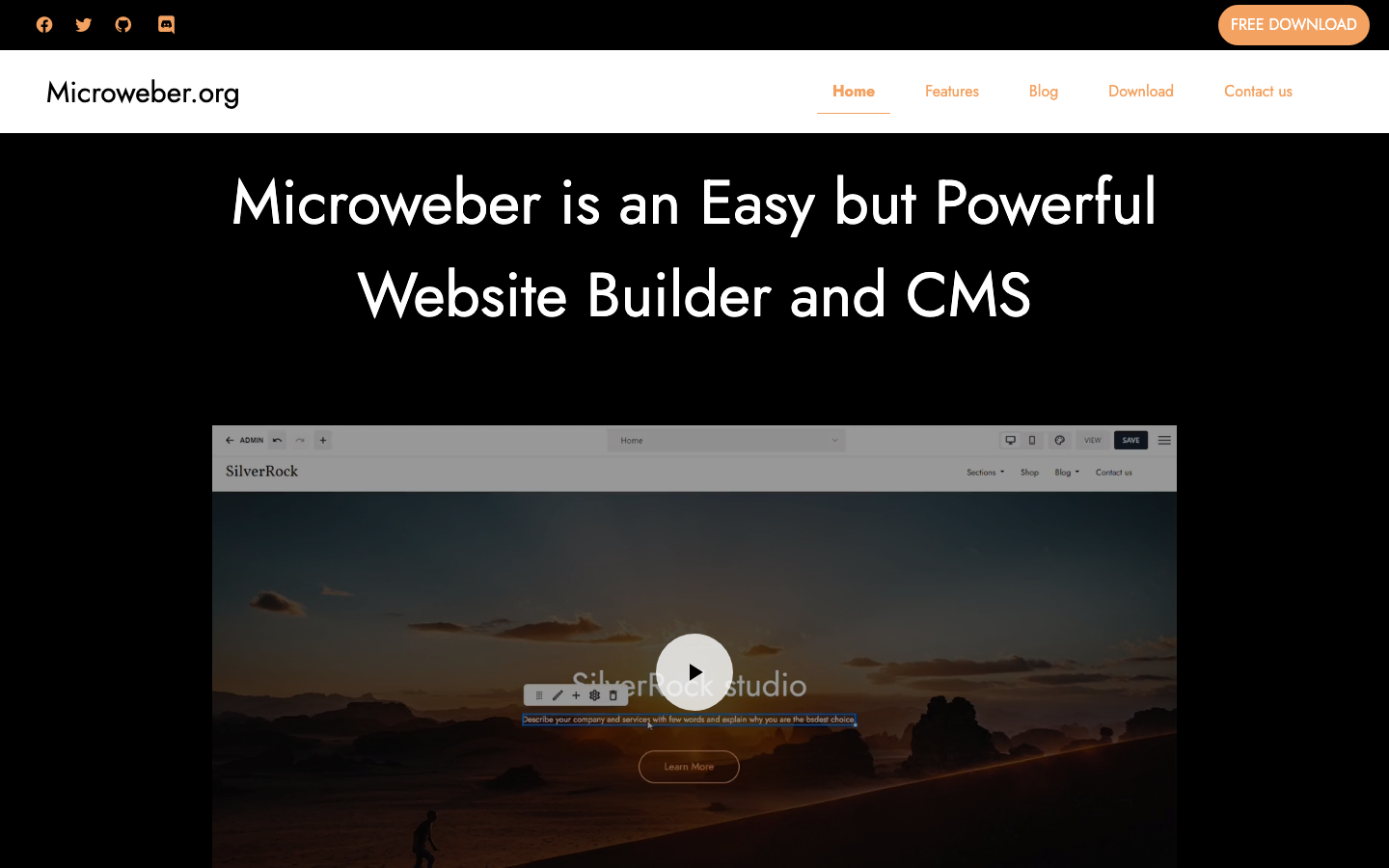
Microweber combines drag-and-drop visual editing with built-in e-commerce, giving you Squarespace's ease of use without the fees or lock-in. It's HTML-based and runs on your own server.
Pros
- Drag-and-drop builder; no coding required for basic sites and stores.
- E-commerce built in; no per-sale fees, just your hosting cost.
- MIT license and self-hosted; full control over your data and customizations.
Cons
- Smaller community than WordPress; fewer pre-built extensions.
- Less mature; fewer case studies and integrations in the wild.
Vvveb
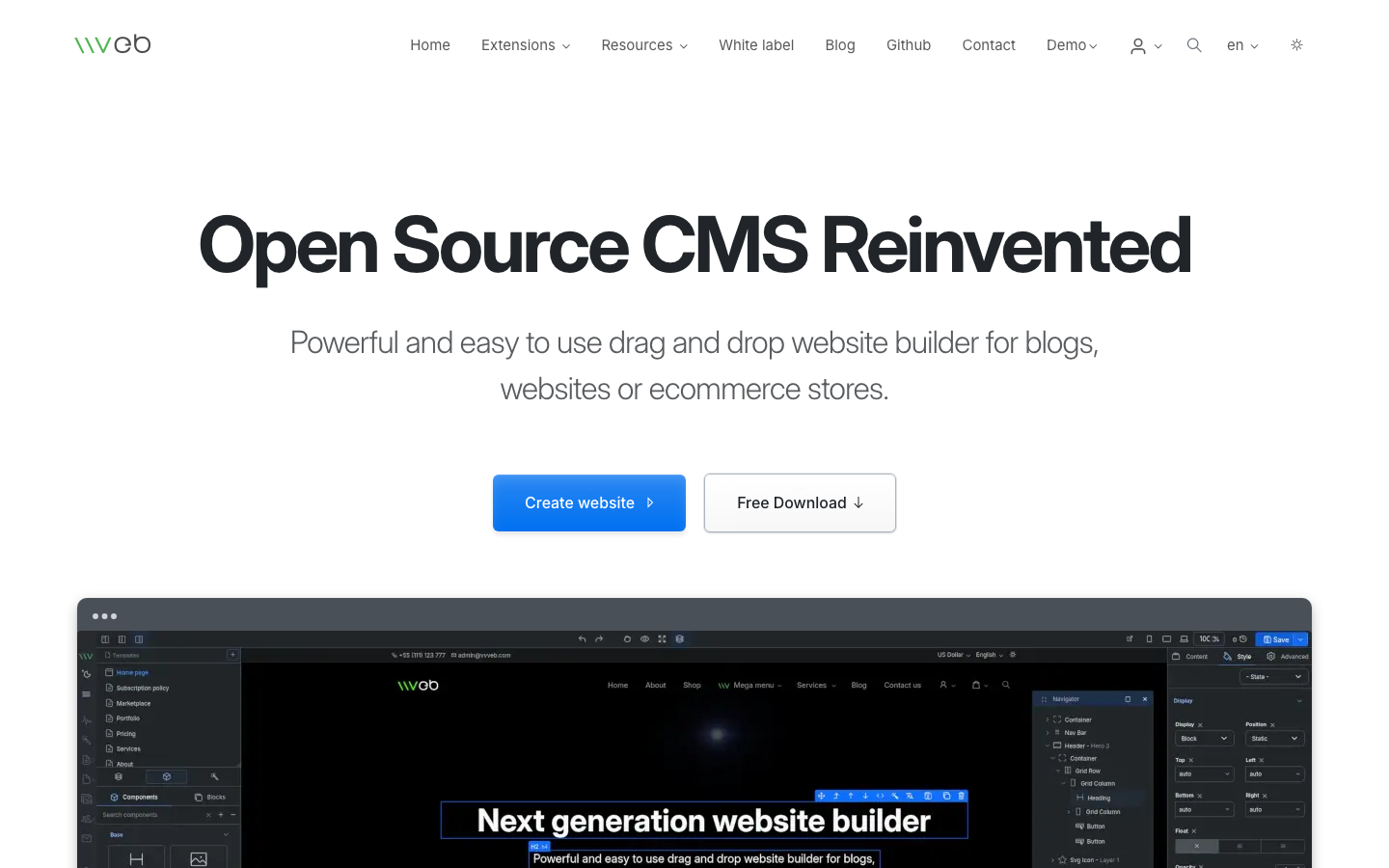
Vvveb is a lightweight, easy-to-use CMS for building websites, blogs, and small e-commerce stores. It emphasizes simplicity and quick setup with a visual editor.
Pros
- Low barrier to entry; visual editor requires no coding knowledge.
- AGPL-licensed; open development and community-driven.
- Suitable for small stores and blogs without complex requirements.
Cons
- Limited plugin ecosystem and third-party integrations.
- Smaller user base means fewer tutorials, templates, and community support.
WonderCMS
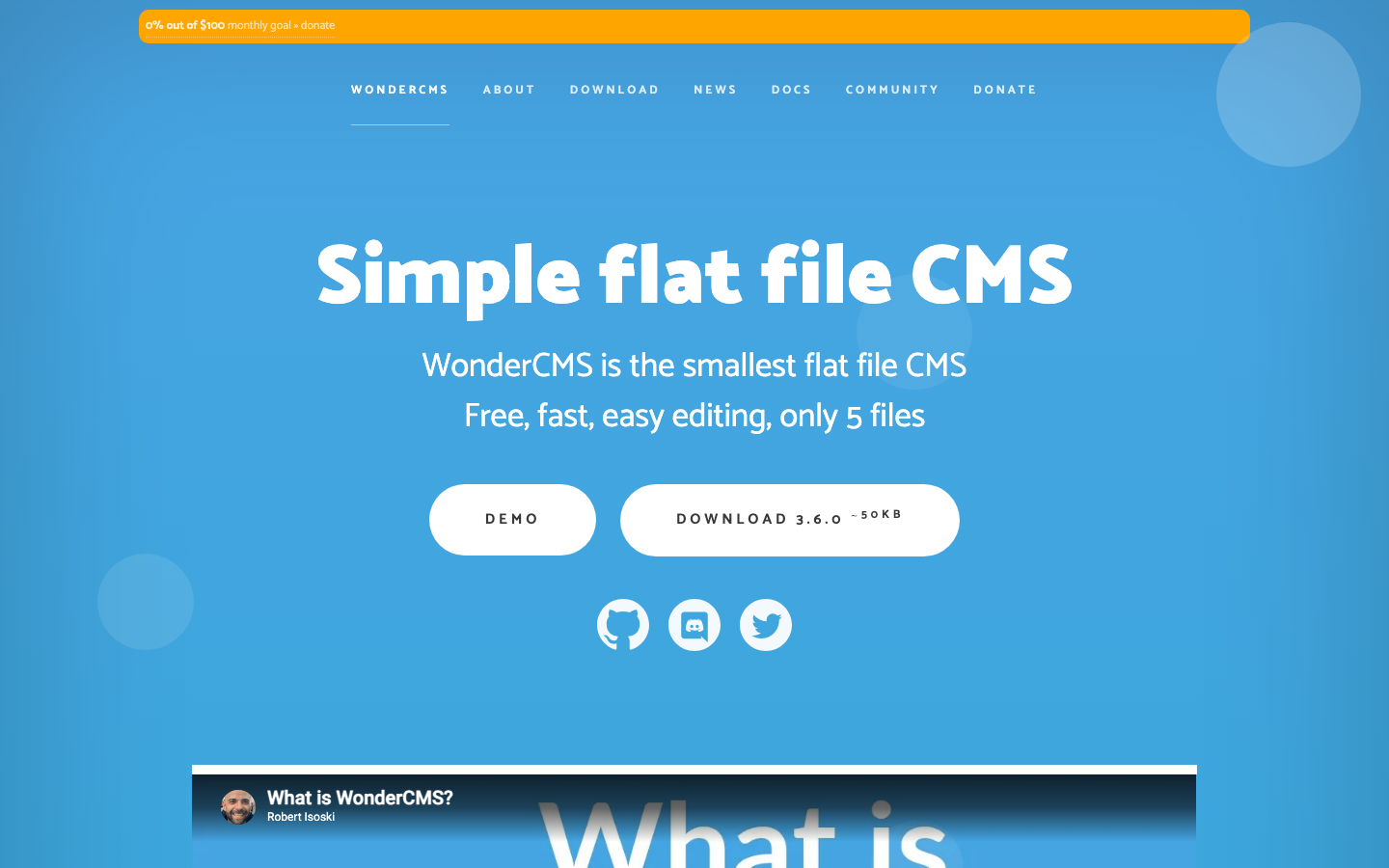
WonderCMS is a flat-file CMS built in PHP that prioritizes speed and simplicity. It uses JSON for data storage instead of a database, keeping the entire system to just 5 core files.
Pros
- Extremely lightweight and fast; minimal server requirements.
- Simple to understand and modify; flat-file structure is transparent.
- MIT license; no lock-in, easy to migrate or fork.
Cons
- Not suitable for large sites or complex e-commerce; flat-file architecture doesn't scale.
- No visual builder; editing requires direct file access or a basic admin panel.
How to choose
For speed and simplicity: if your site is content-first (blog, docs, portfolio) and you want the fastest load times, Hugo is unbeatable. You own everything, host anywhere, and migration is painless.
For a visual builder without fees: Microweber mirrors Squarespace's drag-and-drop ease while eliminating transaction fees and lock-in. It's the closest drop-in replacement for small to medium stores.
For power and scale: WordPress handles anything from a blog to a multi-vendor marketplace. The plugin ecosystem is deep, the learning curve is gentle, and you can find hosting and support almost anywhere.
For lightweight simplicity: WonderCMS suits tiny sites and blogs where you want to understand every line of code. Halo sits in the middle—more features than WonderCMS, less complexity than WordPress.
Choose based on your comfort with code, your site's complexity, and your team's ability to manage hosting and updates. All six remove Squarespace's fees and lock-in; the difference is in features and learning curve.