









TL;DR
Content teams and publishers should start with Hugo or WordPress — both have decades of battle-tested tooling and let you own your content and hosting from day one.
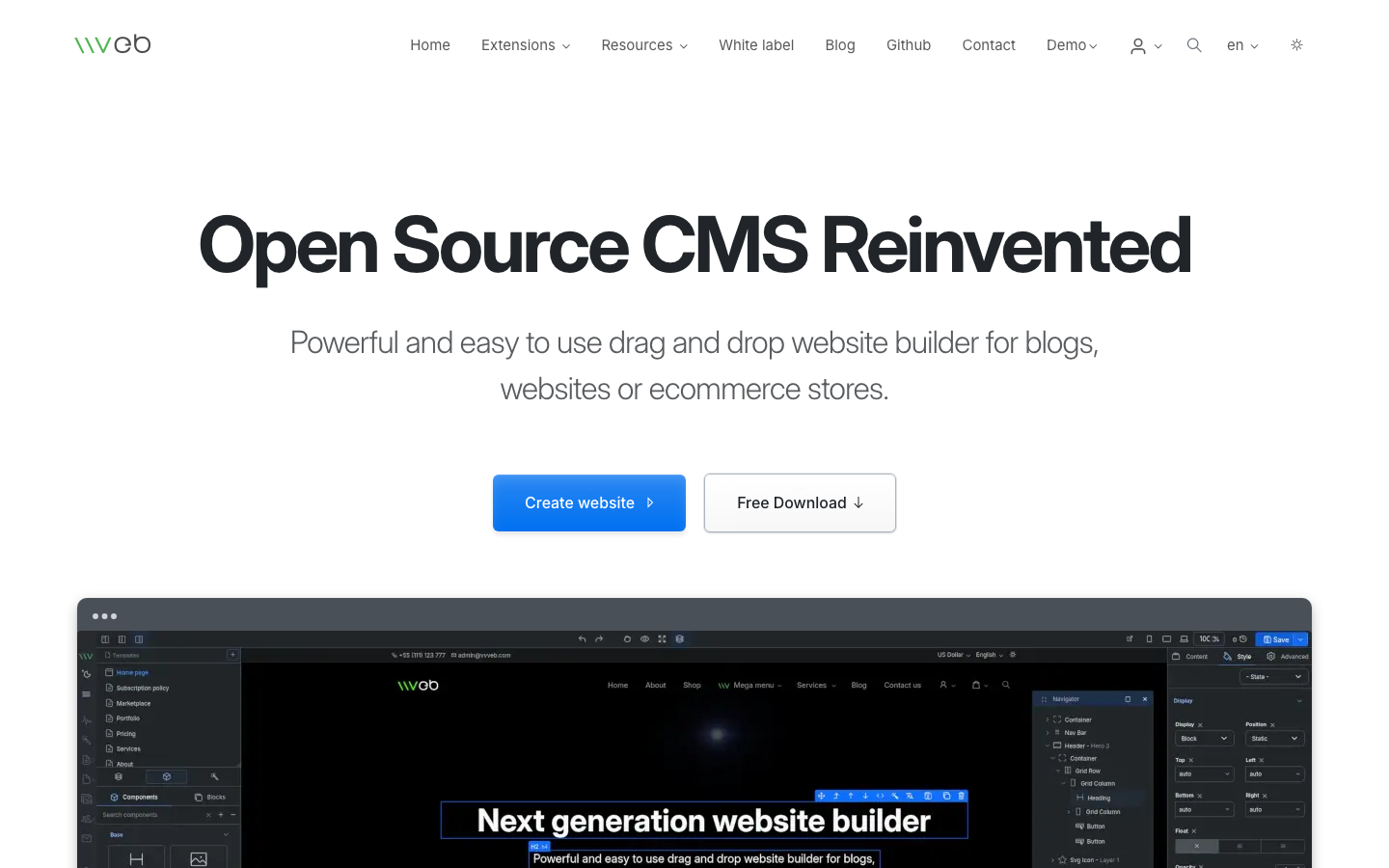
Designers who need drag-and-drop without code lock-in will find Microweber or Vvveb closer to Webflow's workflow, but with full export and self-hosting control.
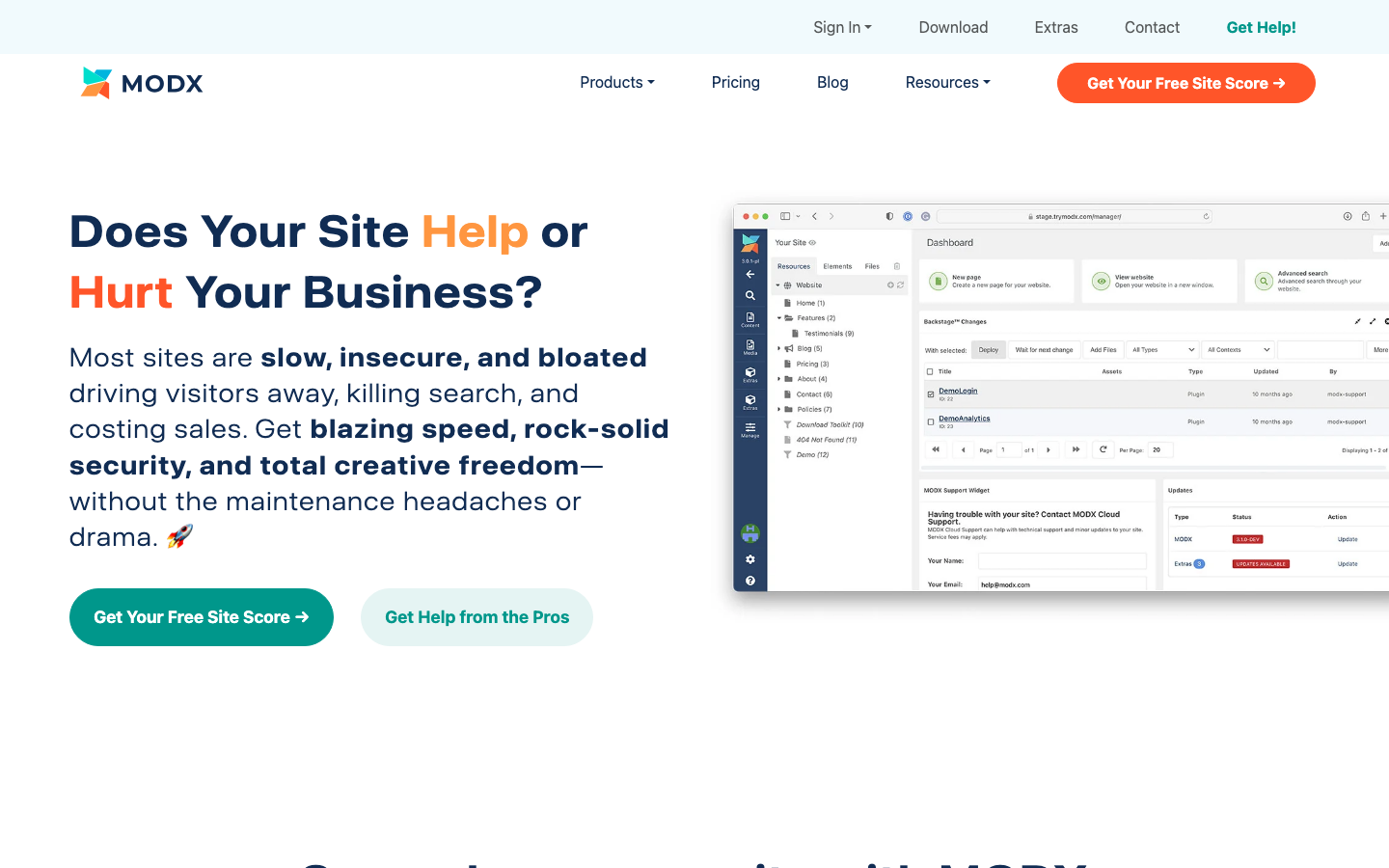
Enterprise teams managing complex content hierarchies and commerce workflows benefit from MODX Revolution or Halo, which scale without per-item or per-seat fees.
Why teams leave Webflow
A product team launches a small Webflow site for their SaaS documentation. Six months later, their CMS has 300 items. Webflow's plan tier no longer covers their item limit—they're forced to upgrade. Then they realize: if they ever want to move to another platform, they can't export the site in a working state. The visual editor's output and hosting are locked in.
This is the core tension with Webflow. It's not one problem—it's structural. Stacked pricing means you're paying separately for site plans, workspace seats, CMS tiers, form submissions, and bandwidth. As your content or team grows, each dimension triggers a new cost. CMS item limits force upgrades not because you need new features, but because you've simply created more content. Export restrictions mean a "full, functioning site"—especially one with CMS data—can't leave the platform. You're not renting a tool; you're renting the walls of your house.
For teams managing content ownership, scaling costs, or multi-site operations, that lock-in becomes expensive and risky. Open-source alternatives eliminate these constraints: you control your data, your hosting, and your destiny.
Quick comparison
| Name | License | Self-Hosted | Plugin Ecosystem | Headless / API | Best For |
|---|---|---|---|---|---|
| Hugo | Apache-2.0 | Yes | Minimal (static) | Yes (static output) | Fast blogs, docs, marketing sites |
| Halo | GPL-3.0 | Yes | Moderate | Yes (REST API) | Blogs, knowledge bases, small e-commerce |
| WordPress | — | Yes | Extensive | Yes (REST API) | Blogs, small business, content-heavy sites |
| Decap CMS | MIT | Yes (Git-based) | Limited | Yes (Git-backed) | Static site generators, headless workflows |
| Microweber | MIT | Yes | Moderate | Limited | Drag-and-drop sites, small e-commerce |
| Bludit | MIT | Yes | Minimal | Limited | Simple blogs, flat-file workflows |
| MODX Revolution | GPL-2.0 | Yes | Extensive | Yes (REST API) | Enterprise content, complex hierarchies |
| Vvveb | AGPL-3.0 | Yes | Minimal | Limited | Visual site builder, small stores |
Top open-source alternatives to Webflow
Hugo
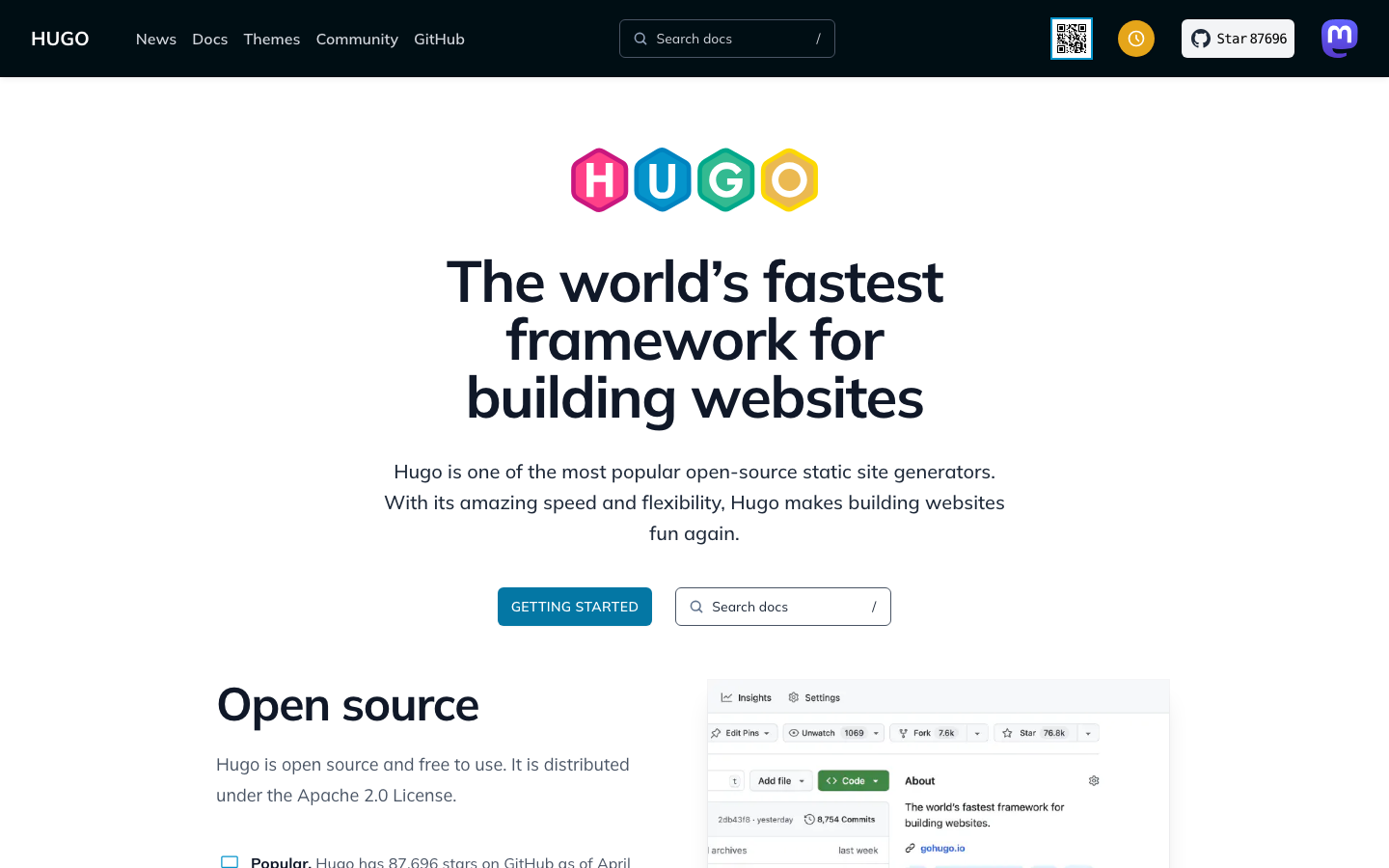
Hugo is a static site generator written in Go, known for blazing-fast builds and minimal dependencies. It generates HTML from Markdown or data files, making it ideal for teams that want speed, version control, and zero hosting overhead.
Pros:
- Fastest build times in its class; scales to thousands of pages without slowdown
- Full ownership: export, version-control, and host anywhere (GitHub Pages, Netlify, your own server)
- No per-item limits, no seat fees, no lock-in
Cons:
- Requires comfort with Git and command-line workflows; not a visual editor
- Not ideal for real-time collaborative content editing or complex e-commerce
Halo
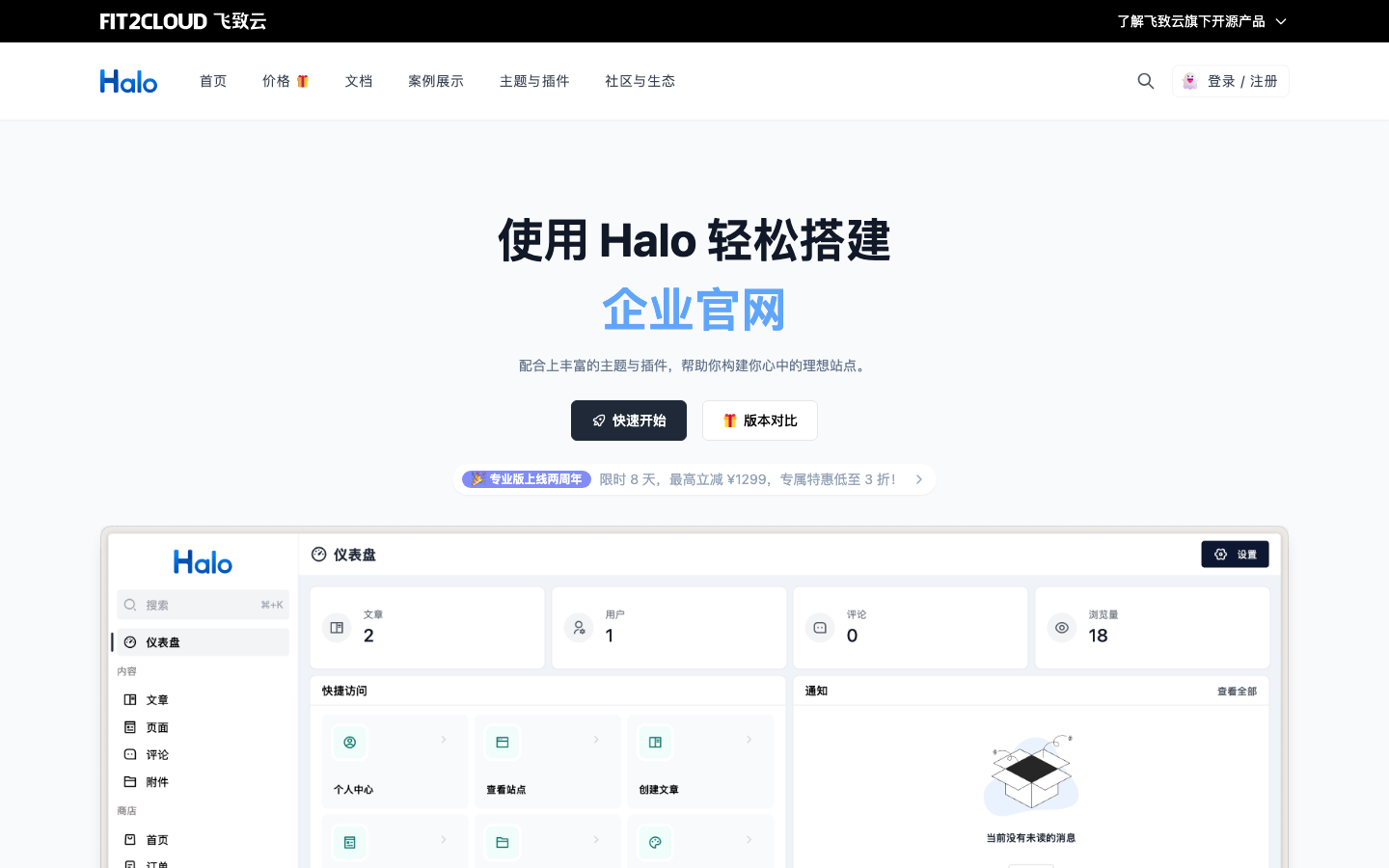
Halo is a Chinese-developed, all-in-one site builder supporting blogs, knowledge bases, corporate sites, and small e-commerce stores. It offers a modern admin interface and REST API, bridging visual ease and technical flexibility.
Pros:
- Single, unified platform for multiple content types and simple product catalogs
- REST API enables headless use; content is portable
- Self-hosted on your own infrastructure; no per-item or per-seat pricing
Cons:
- Smaller ecosystem than WordPress; fewer third-party themes and plugins
- Documentation and community primarily in Chinese; English resources are growing but limited
WordPress
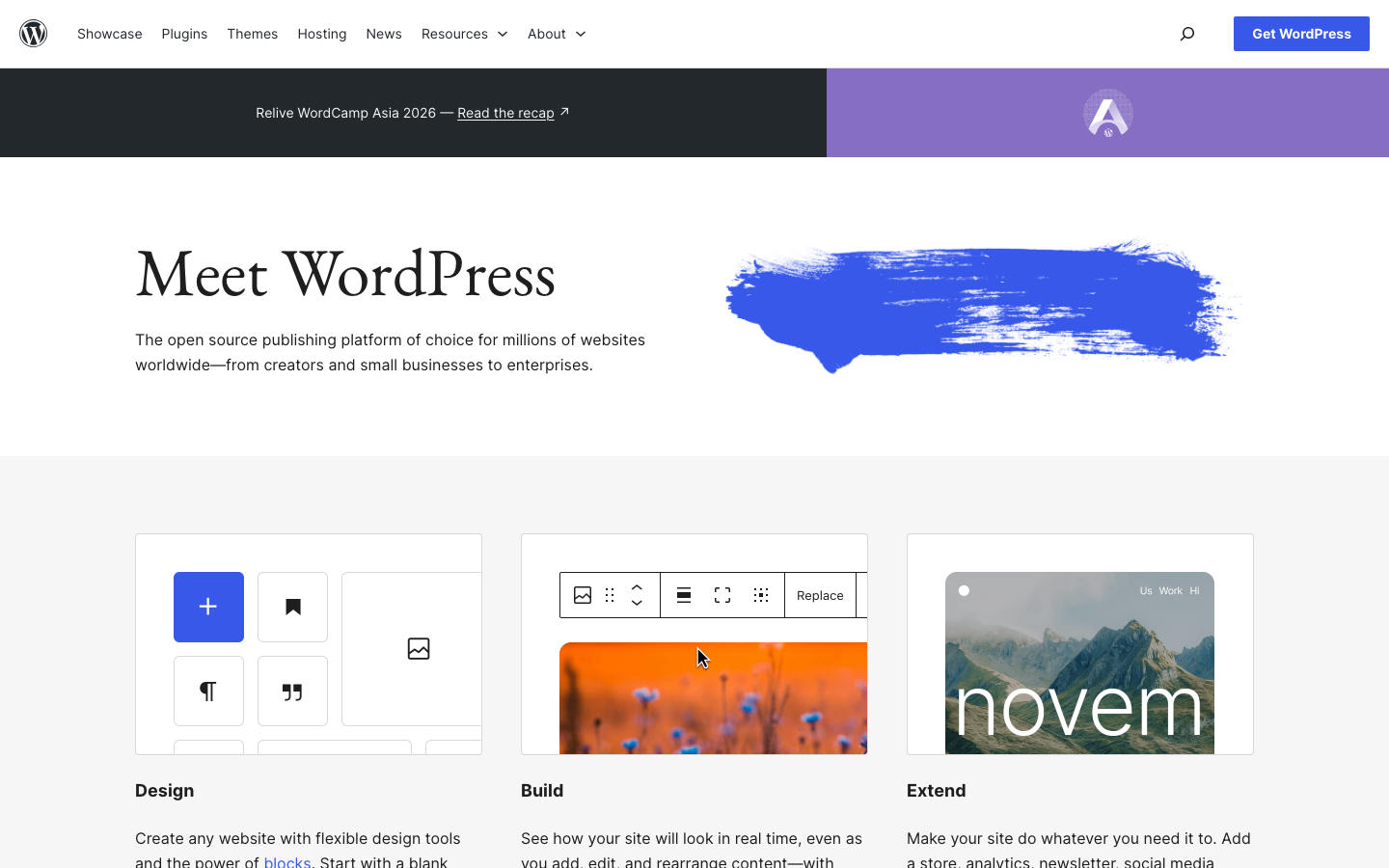
WordPress powers over 40% of the web. It's a mature PHP-based CMS with an enormous plugin and theme ecosystem, suitable for blogs, small business sites, and content-heavy applications.
Pros:
- Unmatched plugin and theme library; thousands of pre-built solutions
- REST API and headless capabilities; content is portable
- Huge community; documentation, tutorials, and hosting options everywhere
Cons:
- Requires server management or managed hosting (costs vary); not a fully hosted service like Webflow
- Security and performance depend on plugin quality and maintenance discipline
Decap CMS
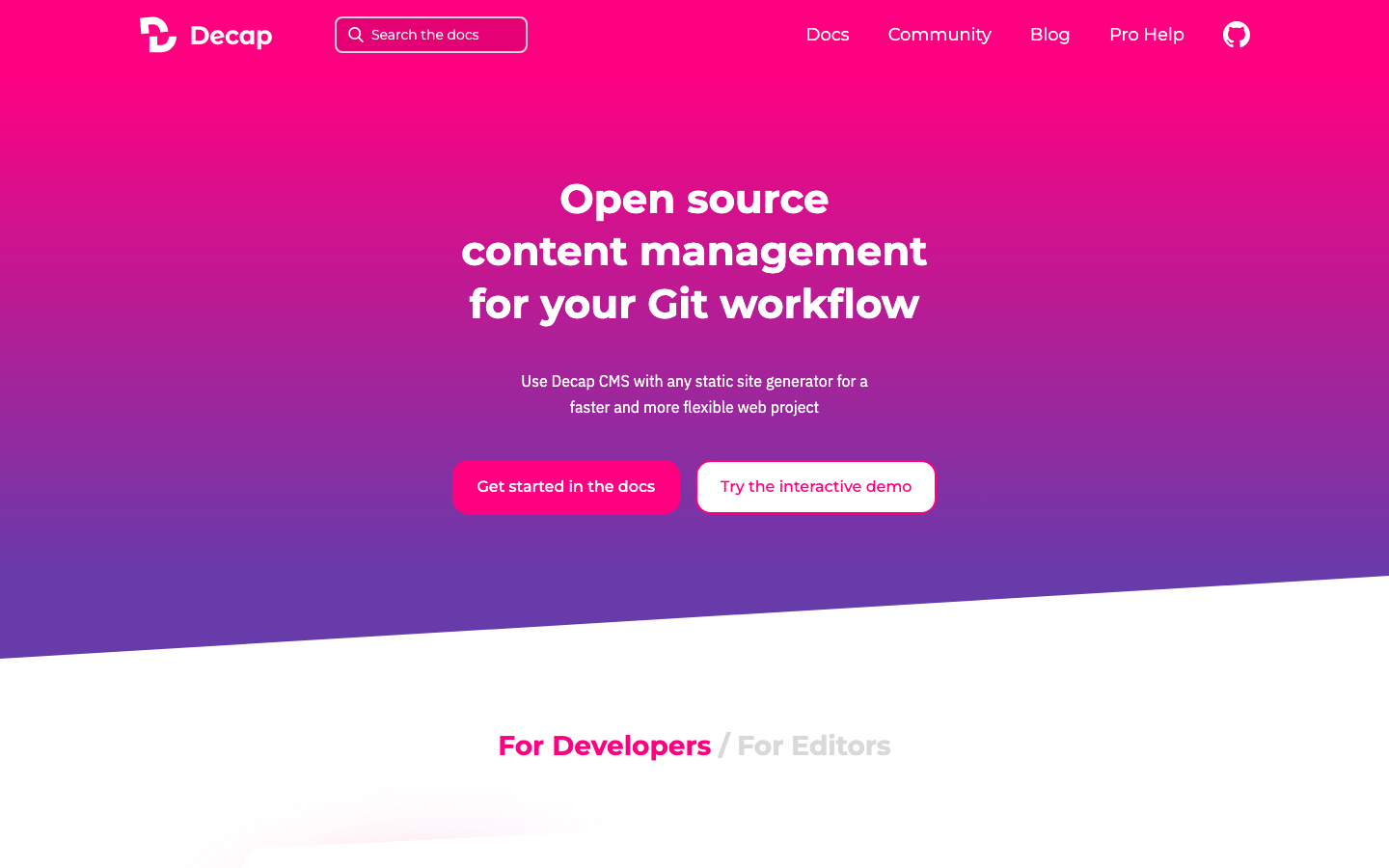
Decap CMS (formerly Netlify CMS) is a Git-based headless CMS that pairs with static site generators like Hugo or Jekyll. It provides a visual admin interface while keeping all content in Git repositories.
Pros:
- Content lives in Git; full version history and audit trail
- Lightweight and free; works with any static site generator
- Ideal for teams already using Git and CI/CD pipelines
Cons:
- Requires a static site generator; not a complete all-in-one platform
- Smaller plugin ecosystem; less suitable for complex e-commerce workflows
Microweber
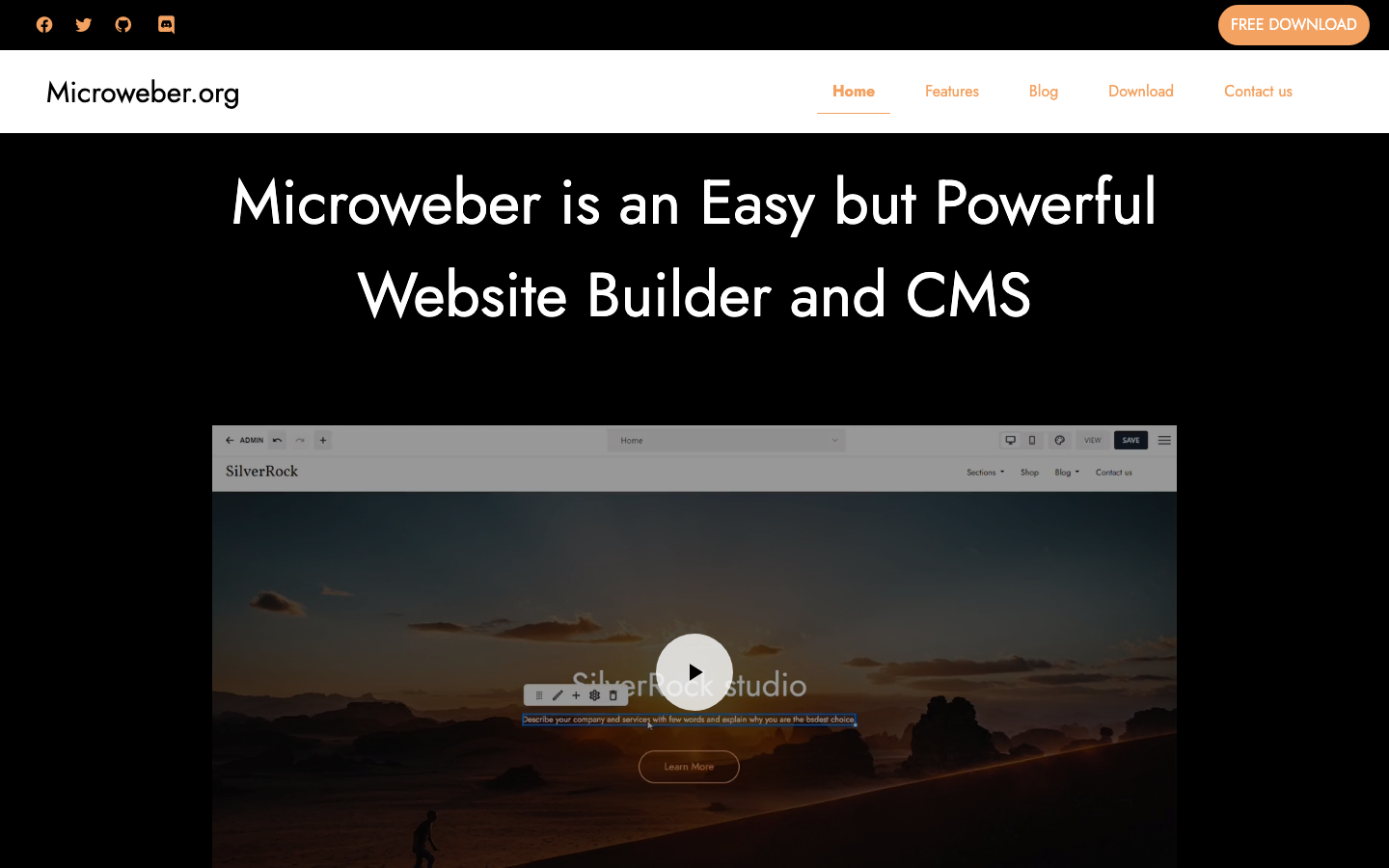
Microweber is a drag-and-drop website builder and CMS with built-in e-commerce features, designed to feel intuitive for non-developers while remaining self-hosted and open-source.
Pros:
- Visual drag-and-drop editor; closer to Webflow's ease of use
- Includes e-commerce, forms, and media management out of the box
- Self-hosted; full data ownership and no per-item limits
Cons:
- Smaller community and fewer third-party extensions than WordPress
- Performance and scalability depend heavily on your hosting infrastructure
Bludit
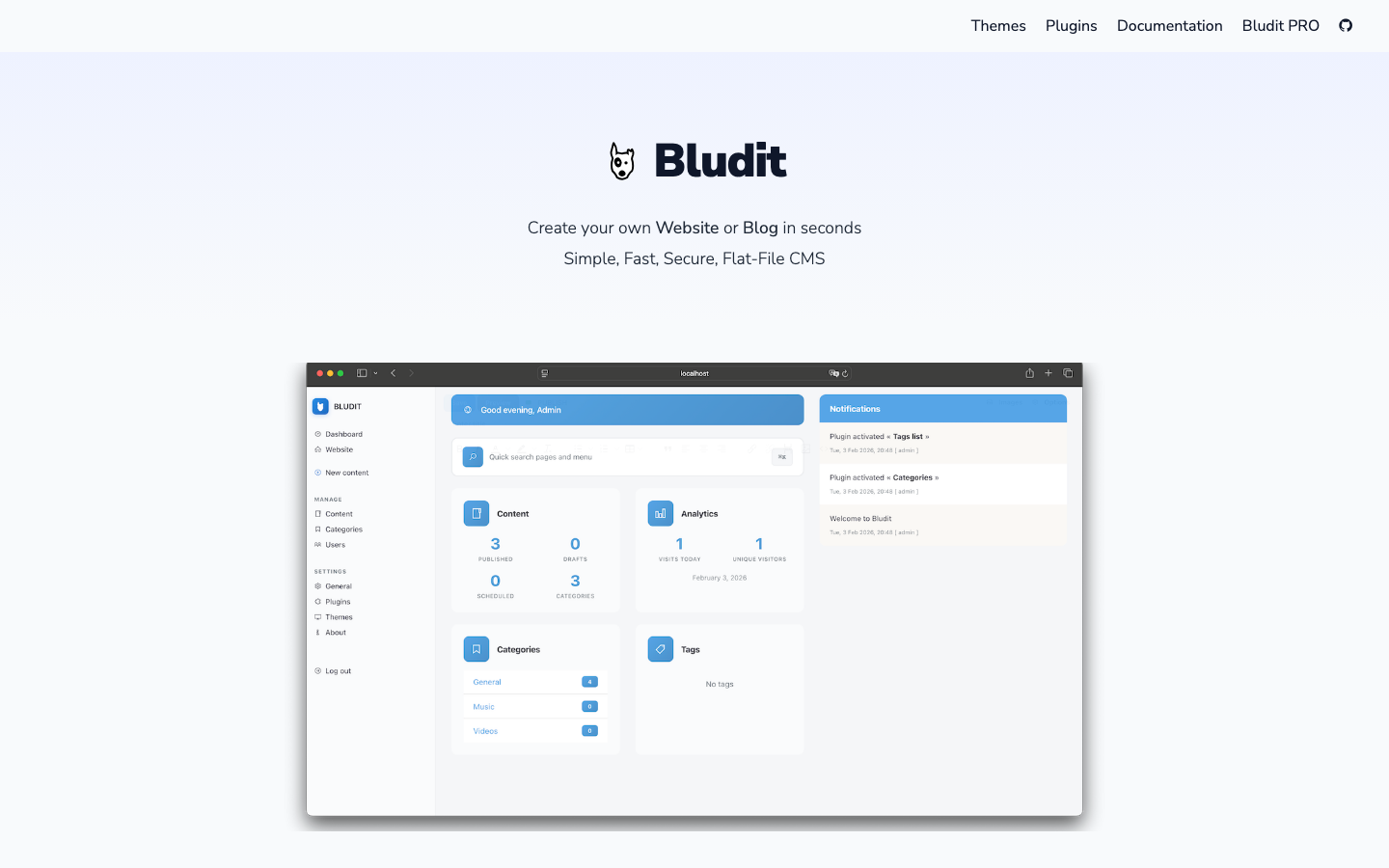
Bludit is a lightweight, flat-file CMS with no database requirement. It's designed for simplicity: drop files, write content, publish.
Pros:
- Minimal dependencies; runs on basic shared hosting
- No database to manage or back up; content is plain files
- Fast and secure by default
Cons:
- Limited to flat-file storage; not suitable for large, complex content hierarchies
- Smaller ecosystem; fewer plugins and themes than WordPress
MODX Revolution
MODX Revolution is an enterprise-grade content management framework built on PHP. It offers deep customization, flexible content modeling, and powerful APIs for complex workflows.
Pros:
- Highly flexible content structure; supports complex hierarchies and relationships
- Extensive REST API and headless capabilities; enterprise-ready
- No per-item or per-seat limits; scales with your content
Cons:
- Steeper learning curve; requires more technical expertise to set up and customize
- Smaller community than WordPress; fewer pre-built themes and plugins
Vvveb
Vvveb is a visual website builder and CMS with e-commerce support, aiming for ease of use without code. It offers a Webflow-like drag-and-drop experience in an open-source package.
Pros:
- Visual, intuitive editor; no coding required for basic sites
- Includes e-commerce, forms, and media tools
- Self-hosted; no lock-in or per-item limits
Cons:
- Smaller ecosystem and community; fewer extensions and integrations
- Less mature than WordPress; fewer real-world case studies and long-term stability data
How to choose
For speed and simplicity: If your team is comfortable with Git and Markdown, Hugo is unbeatable—it's free, fast, and gives you complete portability. For visual editing at scale: WordPress remains the safest bet; its ecosystem is unmatched, and thousands of hosting providers support it. For Webflow-like drag-and-drop without lock-in: Microweber or Vvveb are closer matches, though with smaller communities. For enterprise complexity: MODX Revolution or Halo handle intricate content models and scaling without per-item fees. For headless and static workflows: Decap CMS pairs elegantly with static generators. The key decision is whether your team prioritizes ease of use (favoring WordPress or Microweber) or technical control and portability (favoring Hugo or Decap CMS).