





TL;DR
- Cost control matters: Hugo eliminates hosting fees and platform lock-in entirely—you own the infrastructure and pay only for what you use.
- Ownership is non-negotiable: WordPress gives you full data portability, code access, and the ability to migrate hosts or customize without rebuilding.
- E-commerce + self-hosting: Microweber combines drag-and-drop simplicity with true ownership, letting you run a store on your own server.
Why teams leave Wix
Wix's all-in-one convenience masks a fundamental cost and control problem. While the platform advertises competitive pricing, you're locked into Wix's hosting, transaction fees, app marketplace, and proprietary editor—costs compound as your site grows. More critically, Wix does not allow content export: your site, templates, and customizations are trapped on their platform. If you want to migrate, you rebuild from scratch. This lock-in extends to SEO control, plugin choices, and hosting decisions—you cannot move to a faster server, use a CDN of your choice, or integrate third-party tools without Wix's approval.
For businesses serious about owning their digital presence, this is unacceptable. Open-source CMS platforms shift power back to you: your code, your data, your hosting, your rules. You can switch hosts, customize anything, and leave whenever you want.
Quick comparison
| Name | License | Self-Hosted | Plugin Ecosystem | Headless / API | Best For |
|---|---|---|---|---|---|
| Hugo | Apache-2.0 | Yes | Limited (static) | Yes (via JSON) | Fast static sites, blogs, docs |
| Halo | GPL-3.0 | Yes | Yes | Yes | Blogs, knowledge bases, small storefronts |
| WordPress | — | Yes | Extensive | Yes (REST API) | Blogs, business sites, WooCommerce stores |
| Microweber | MIT | Yes | Yes | Yes | Drag-and-drop sites, e-commerce, SMBs |
| Vvveb | AGPL-3.0 | Yes | Yes | — | Visual site builder, blogs, stores |
| WonderCMS | MIT | Yes | Limited | — | Lightweight, flat-file sites |
Top open-source alternatives to Wix
Hugo
Hugo is the world's fastest framework for building websites—a static site generator written in Go that compiles your content into blazing-fast HTML. It's ideal for blogs, documentation, portfolios, and marketing sites where performance and simplicity are priorities.
Pros
- Exceptional speed: static output means near-instant page loads and minimal server resources.
- Complete ownership: your content is plain files (Markdown), easily portable and version-controlled.
- No database, no plugins to break: just content, templates, and a build step.
Cons
- Not suited for dynamic e-commerce or real-time features without external services.
- Steeper learning curve than visual builders—requires comfort with command-line tools and templating.
Halo
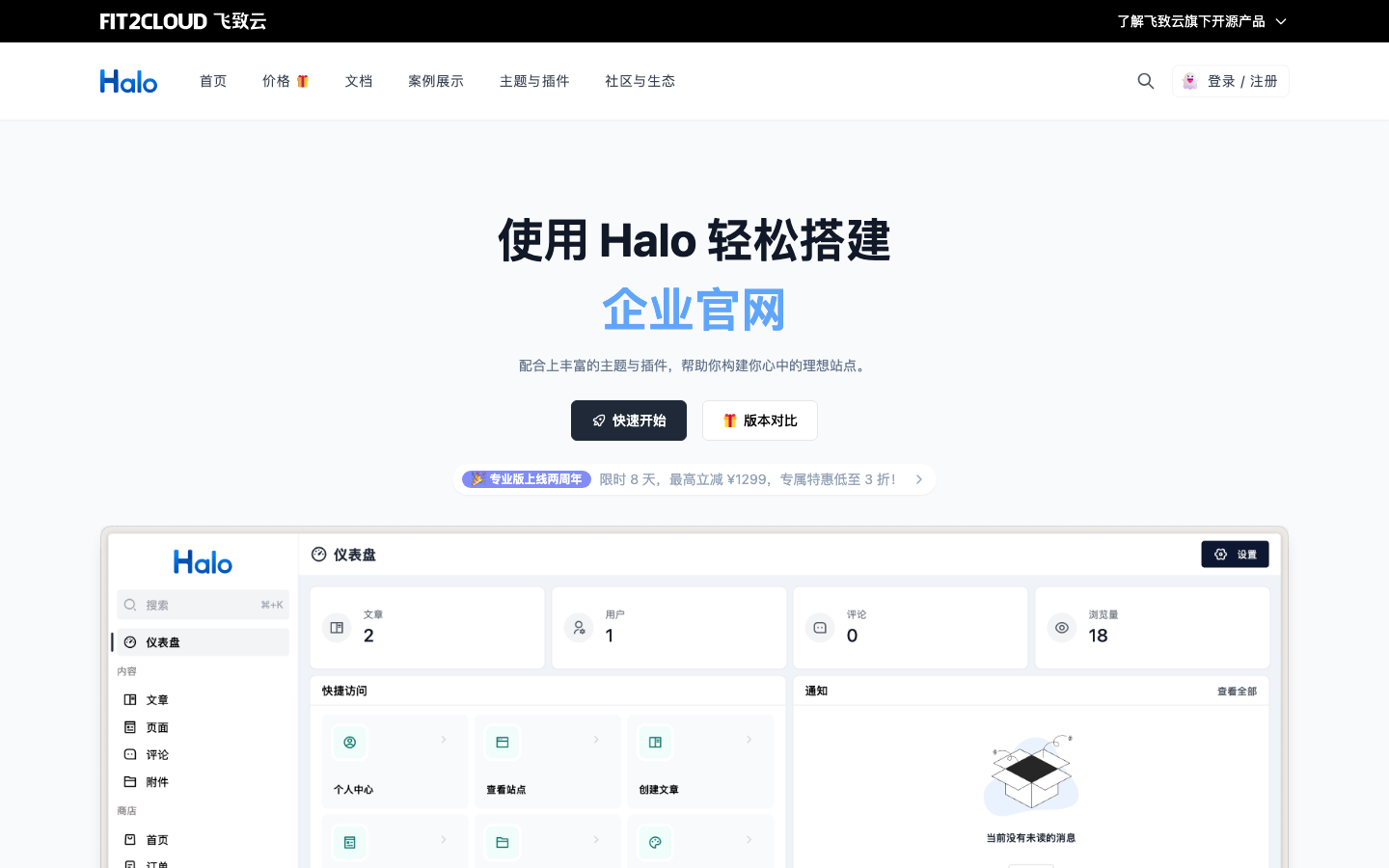
Halo is a powerful, user-friendly open-source site builder designed for blogs, knowledge bases, corporate websites, and online stores. Built in Java, it combines visual editing with flexibility and runs on your own infrastructure.
Pros
- Versatile: handles blogs, e-commerce, and documentation in one platform.
- Self-hosted and fully controllable: no platform fees or vendor lock-in.
- Active development and strong community support (38k+ GitHub stars).
Cons
- Requires Java hosting—not all budget hosts support it equally.
- Smaller ecosystem compared to WordPress, so some integrations may require custom work.
WordPress
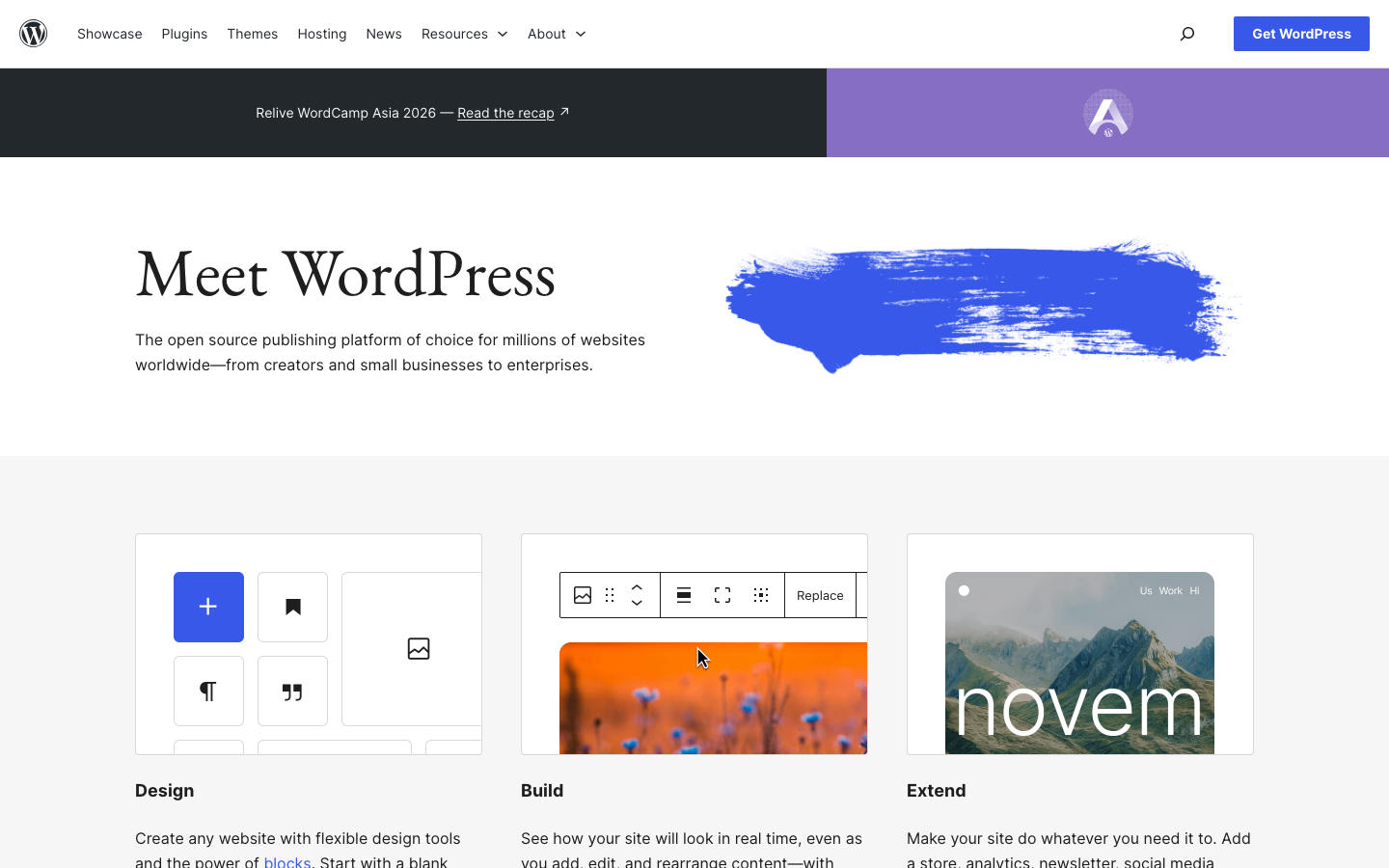
WordPress is the world's most widely deployed CMS, powering millions of sites. It's a self-hosted PHP application with an enormous plugin and theme ecosystem, suitable for blogs, business sites, and e-commerce (via WooCommerce).
Pros
- Unmatched ecosystem: hundreds of thousands of plugins, themes, and integrations.
- True data ownership: export your content anytime, migrate hosts freely.
- Mature REST API for headless use cases and third-party integrations.
Cons
- Requires active maintenance: security updates, plugin compatibility, and performance tuning are your responsibility.
- Plugin quality varies widely; poorly coded extensions can slow or break your site.
Microweber
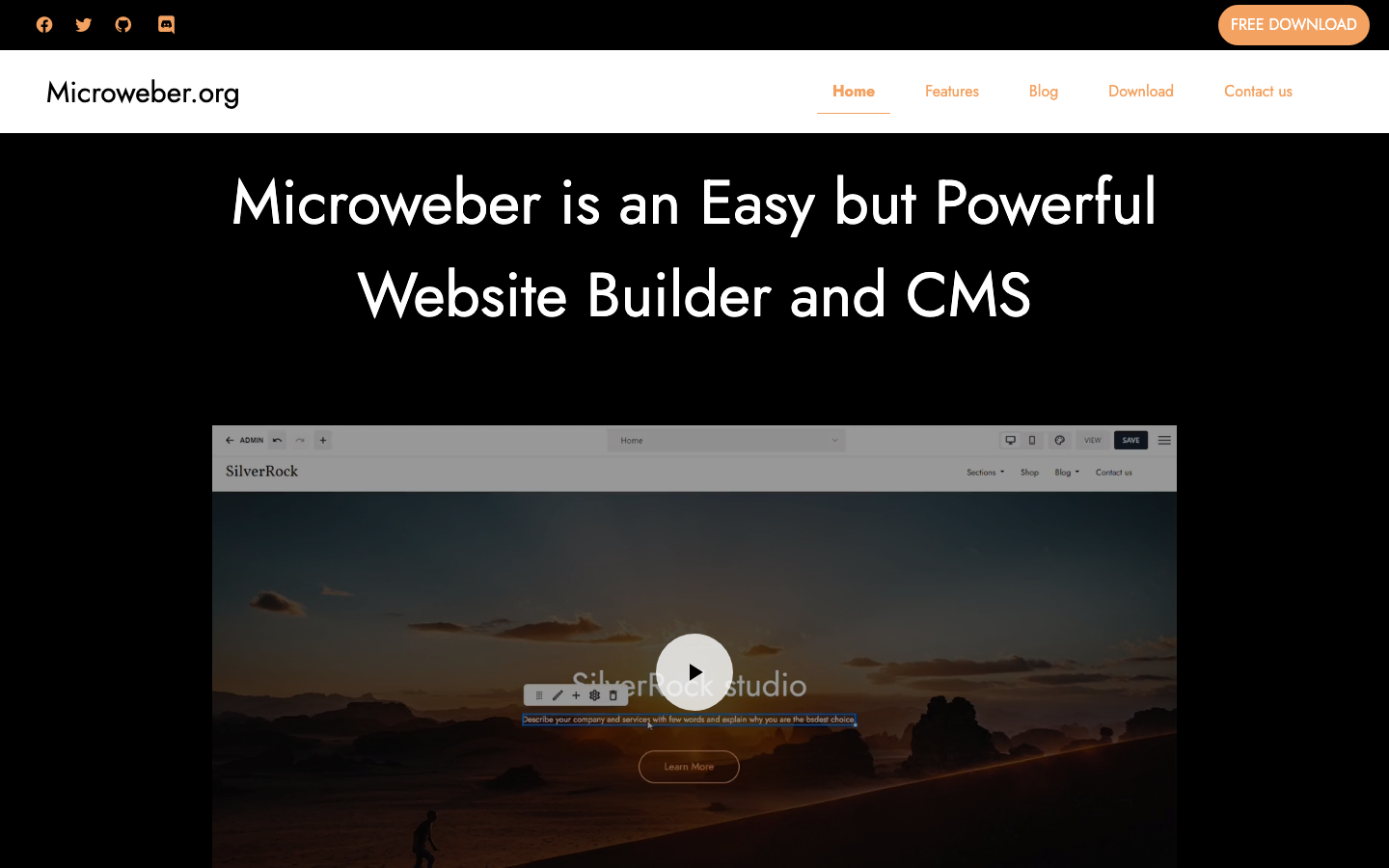
Microweber is a drag-and-drop CMS and website builder with built-in e-commerce capabilities. It's designed for small businesses and agencies who want visual simplicity without sacrificing control or self-hosting.
Pros
- Drag-and-drop editor: no coding required for basic sites.
- E-commerce ready: product management, shopping cart, and payments built in.
- MIT license and self-hosted: full transparency and control.
Cons
- Smaller community and fewer third-party extensions than WordPress.
- Documentation and support resources are less comprehensive.
Vvveb
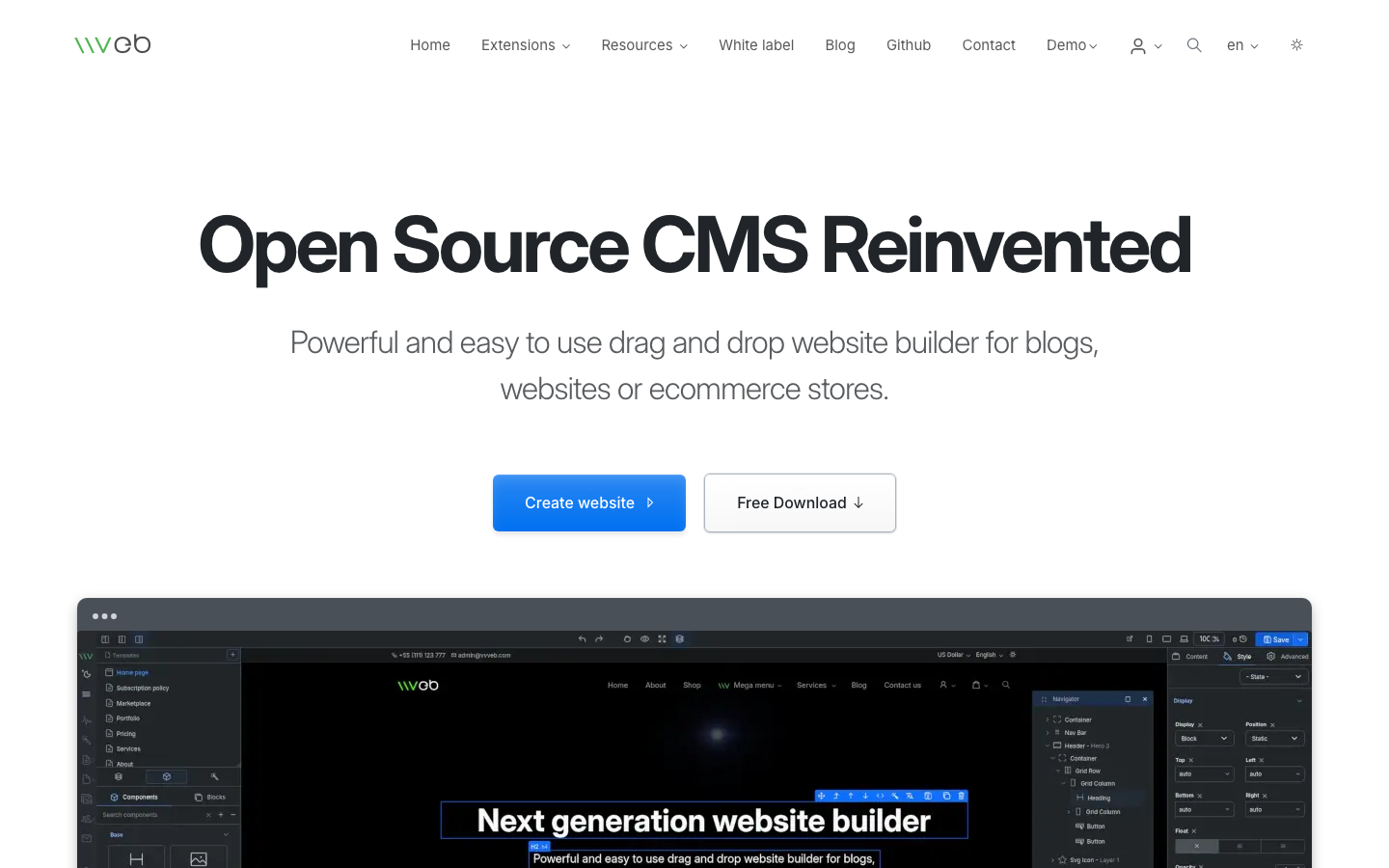
Vvveb is a visual, easy-to-use CMS for building websites, blogs, and e-commerce stores without coding. It emphasizes a straightforward visual editor and flat-file or database storage.
Pros
- Intuitive visual builder: WYSIWYG editing with minimal learning curve.
- Lightweight and flexible: works with both file-based and database backends.
- AGPL-3.0 license ensures transparency and community benefit.
Cons
- Smaller user base and ecosystem compared to WordPress or Hugo.
- Headless API support is not documented; primarily designed for traditional rendering.
WonderCMS
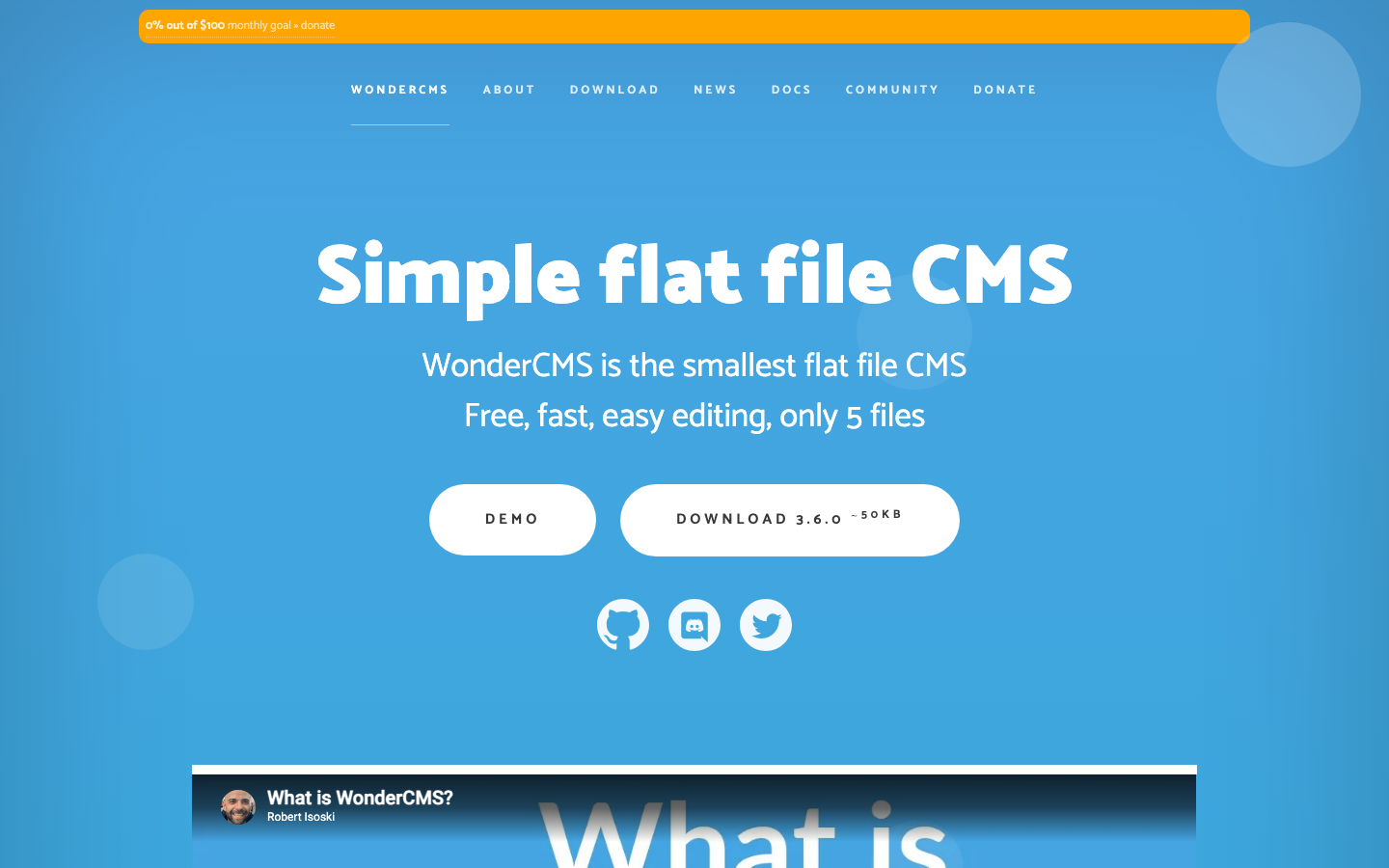
WonderCMS is a fast, minimal flat-file CMS consisting of just 5 core files. It uses PHP and JSON for storage, making it ideal for small sites, portfolios, and simple blogs where simplicity and speed are paramount.
Pros
- Extremely lightweight: minimal server requirements and fast performance.
- No database: flat-file approach means easy backups and portability.
- MIT license and trivial to customize or fork.
Cons
- Not suitable for large sites or complex e-commerce.
- Limited plugin ecosystem; customization requires PHP knowledge.
How to choose
Start with your use case: if you need blazing-fast static content (blog, docs, portfolio), Hugo is unbeatable. For small business sites with e-commerce and visual editing, Microweber or Halo offer the best balance of ease and control. If you need the largest ecosystem and longest-term support, WordPress is the safest bet, though it demands more maintenance. For ultra-lightweight sites, WonderCMS shines. In all cases, you gain what Wix denies: data ownership, hosting freedom, and a clean exit path. Choose the tool that fits your technical comfort level and growth trajectory—not the platform's lock-in strategy.