



























TL;DR
- Building a fast, SEO-friendly blog or documentation site? Hugo trades plugins for raw speed and full content ownership, perfect when you want zero hosting surprises.
- Running a membership or subscription publication? Ghost bundles publishing, memberships, and newsletters in one focused platform—no plugin hunt required.
- Need a flexible backend for custom applications or e-commerce? Strapi or Payload let you build headless APIs and admin panels without touching WordPress's plugin marketplace.
Why teams leave WordPress
WordPress.com's feature roadmap has historically locked advanced capabilities—custom plugins, WooCommerce integration, and custom code—behind expensive Business and Commerce tiers. Even the 2025 expansion of plugins to lower-paid plans leaves the free tier displaying WordPress.com ads and branding, making true ownership feel out of reach.
For self-hosted WordPress, the pain points differ but compound: bandwidth caps, traffic restrictions, and plugin limits force you into costly upgrades. More fundamentally, the plugin ecosystem creates dependency. You're locked into WordPress's architecture, theme compatibility matrices, and the ongoing cost of maintaining dozens of third-party integrations. Migration away from WordPress.com requires manual steps and carries real switching costs.
Open-source alternatives eliminate these lock-in vectors. They offer full content ownership, no per-seat licensing, and—critically—the ability to host anywhere, fork the code, or switch backends without losing your data. For teams managing e-commerce, memberships, or high-traffic content, the difference between "renting features" and "owning your platform" becomes a business decision, not a technical one.
Quick comparison
| Name | License | Self-Hosted | Plugin Ecosystem | Headless / API | Best For |
|---|---|---|---|---|---|
| Hugo | Apache-2.0 | Yes | Minimal (static) | No | Fast blogs, docs, static sites |
| Strapi | License not declared | Yes | Extensive (plugins & middleware) | Yes (native REST/GraphQL) | Headless CMS, multi-channel content |
| Ghost | MIT | Yes | Limited (focused on publishing) | Yes (REST API) | Memberships, subscriptions, newsletters |
| Payload | MIT | Yes | Yes (via plugins) | Yes (Next.js native) | Full-stack apps, headless CMS |
| Halo | GPL-3.0 | Yes | Yes | Yes (API available) | Blogs, knowledge bases, e-commerce (Chinese ecosystem) |
| Directus | License not declared | Yes | Yes (via extensions) | Yes (instant REST/GraphQL) | Database-first CMS, admin panels |
| Wagtail | BSD-3-Clause | Yes | Yes (Django ecosystem) | Yes (REST API) | Enterprise CMS, complex workflows |
| Decap CMS | MIT | Git-based | Minimal (static) | Yes (Git API) | Static site generators, JAMstack |
Top open-source alternatives to WordPress
Hugo
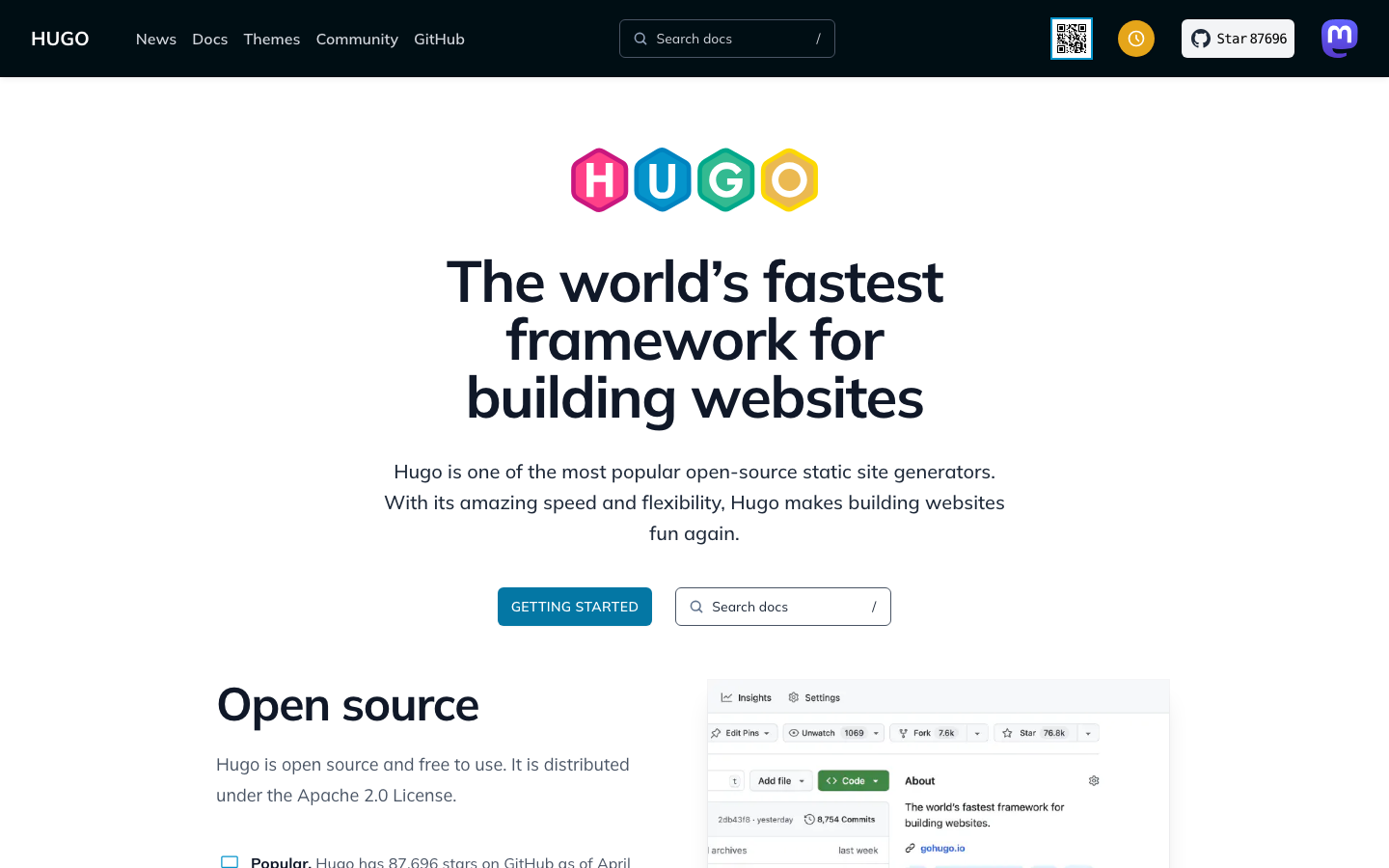
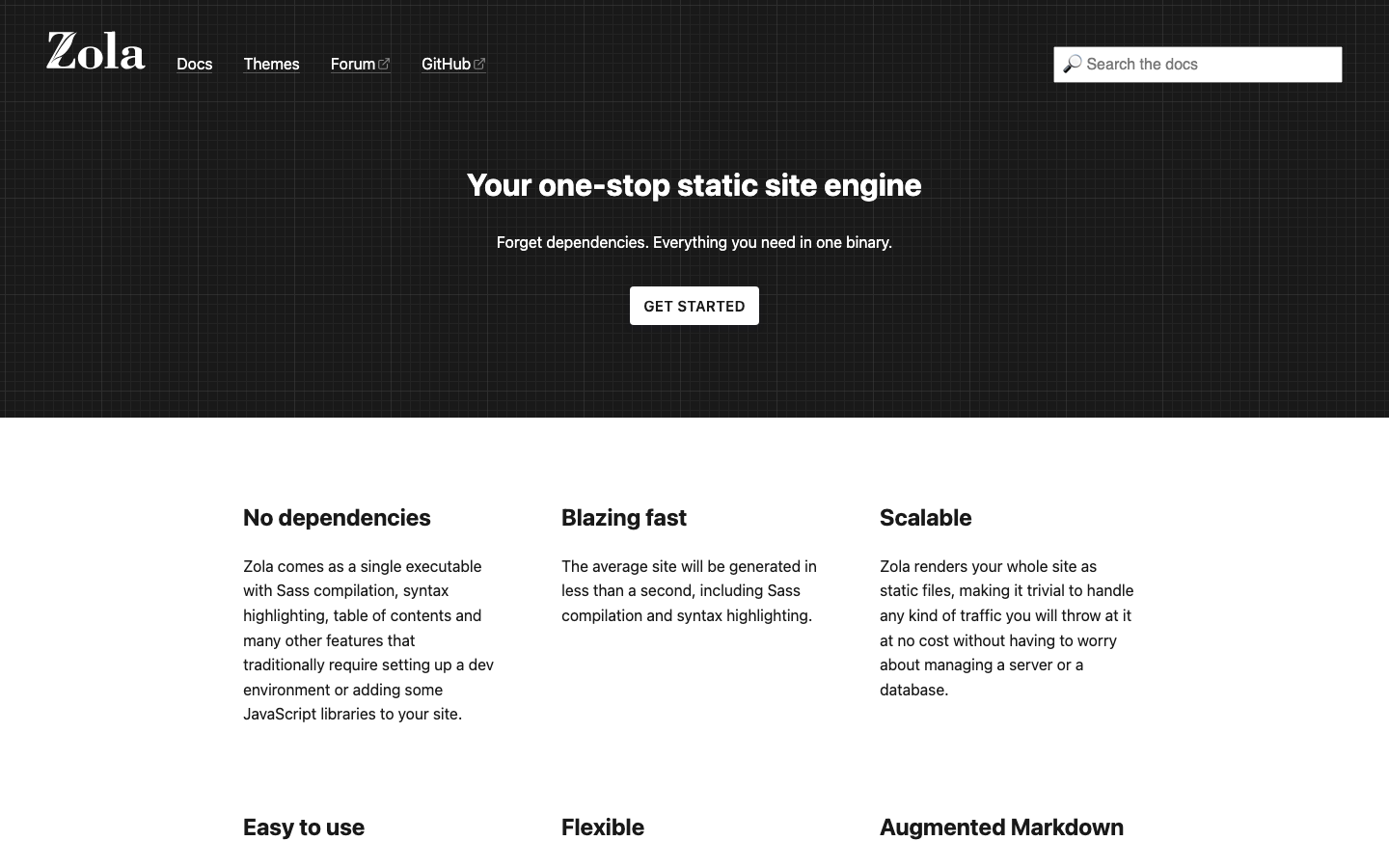
Hugo is a static site generator written in Go, designed for speed. It builds entire websites in milliseconds and requires no database, making it the fastest option for blogs, documentation, and marketing sites. It's self-hosted by definition (you deploy static files anywhere) and eliminates WordPress's bandwidth and traffic concerns entirely.
Pros:
- Extreme performance and zero hosting overhead—serve from any CDN or static host
- Complete content ownership; your site is portable markdown and HTML
- No plugins or theme lock-in; customize with templates and CSS
Cons:
- No built-in admin UI; requires writing/editing in markdown or a separate CMS layer
- Not suited for dynamic content, user-generated content, or e-commerce without external services
Strapi
Strapi is a headless CMS built entirely in JavaScript/TypeScript, giving developers instant REST and GraphQL APIs without writing backend code. It's fully customizable, open-source, and designed for teams who want a flexible content backbone for websites, apps, and multi-channel publishing.
Pros:
- Native REST and GraphQL APIs; decouple content from presentation
- Extensive plugin and middleware ecosystem; add features without forking
- Full TypeScript support; integrate seamlessly with modern JavaScript stacks
Cons:
- Steeper learning curve than WordPress for non-technical users
- Requires hosting infrastructure (Node.js); not a drop-in static file deploy
Ghost
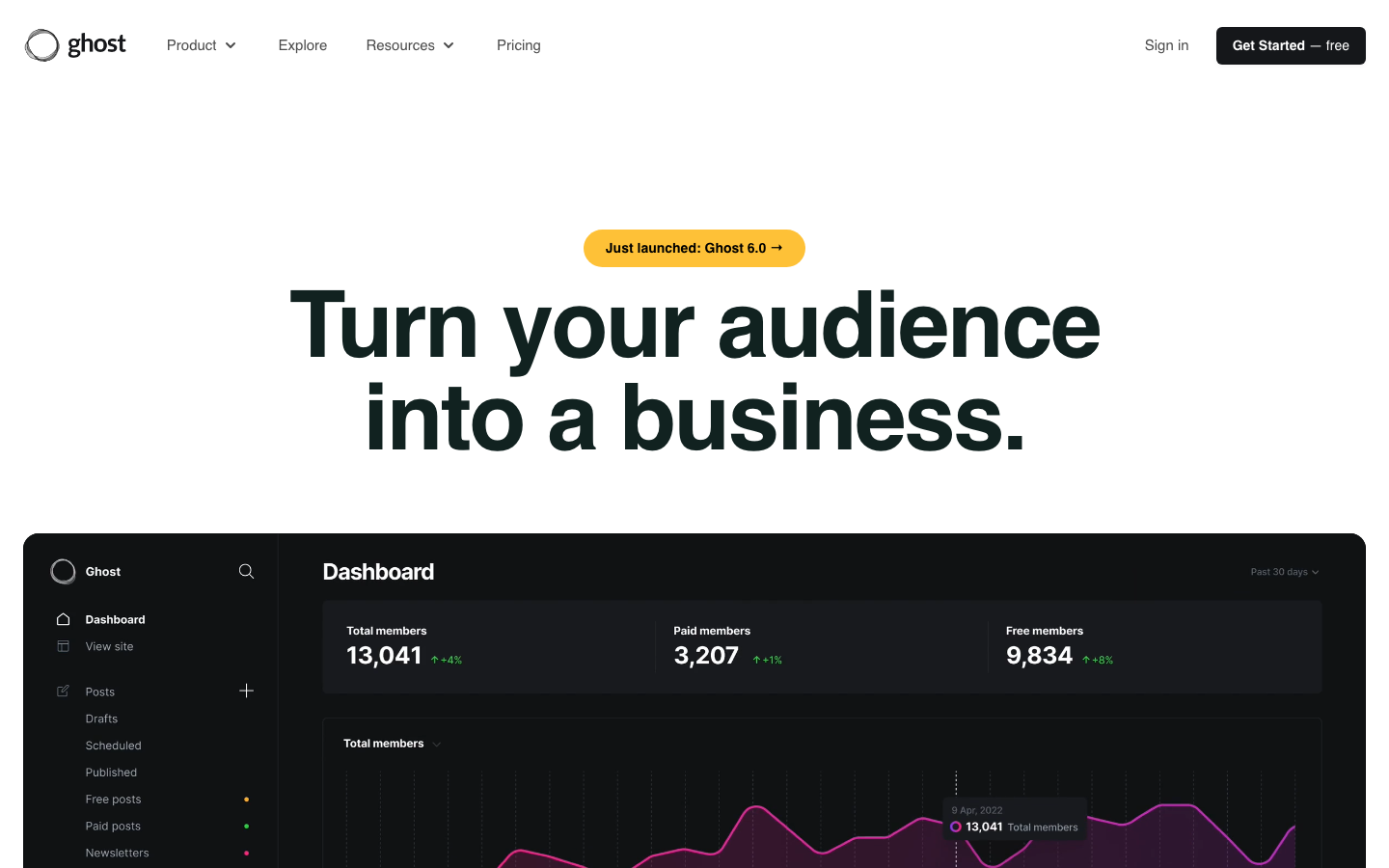
Ghost is a purpose-built platform for modern publishing, memberships, subscriptions, and newsletters. It's lightweight, fast, and focused on content creators rather than general-purpose websites. Self-hosted Ghost gives you full control over member data and revenue streams without WordPress.com's tiered paywall.
Pros:
- Built-in membership, subscription, and newsletter features—no plugin hunting
- Clean, distraction-free editor; designed for writers and publishers
- REST API for headless use; lightweight and fast
Cons:
- Less flexible than WordPress for custom post types and complex taxonomies
- Smaller plugin ecosystem; fewer third-party integrations available
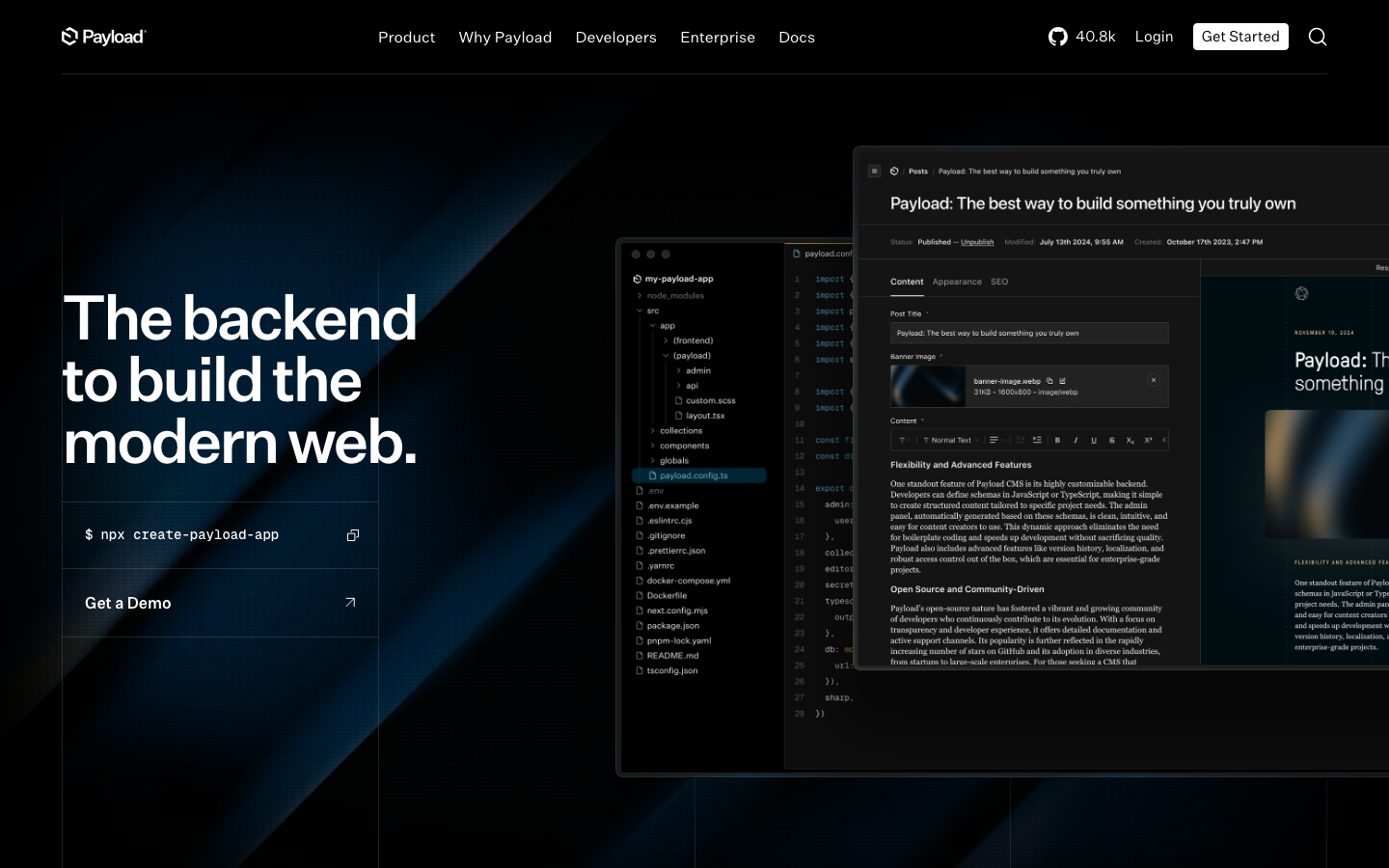
Payload
Payload is a full-stack Next.js framework that gives you a headless CMS, admin panel, and TypeScript backend in one. It's built for developers who want instant backend superpowers without the overhead of traditional CMS platforms.
Pros:
- Full TypeScript stack; modern development experience with Next.js
- Instant REST and GraphQL APIs; no boilerplate required
- Use as a headless CMS or build full applications on top
Cons:
- Requires developer expertise; not a visual builder for non-technical users
- Newer ecosystem; smaller community compared to WordPress or Strapi
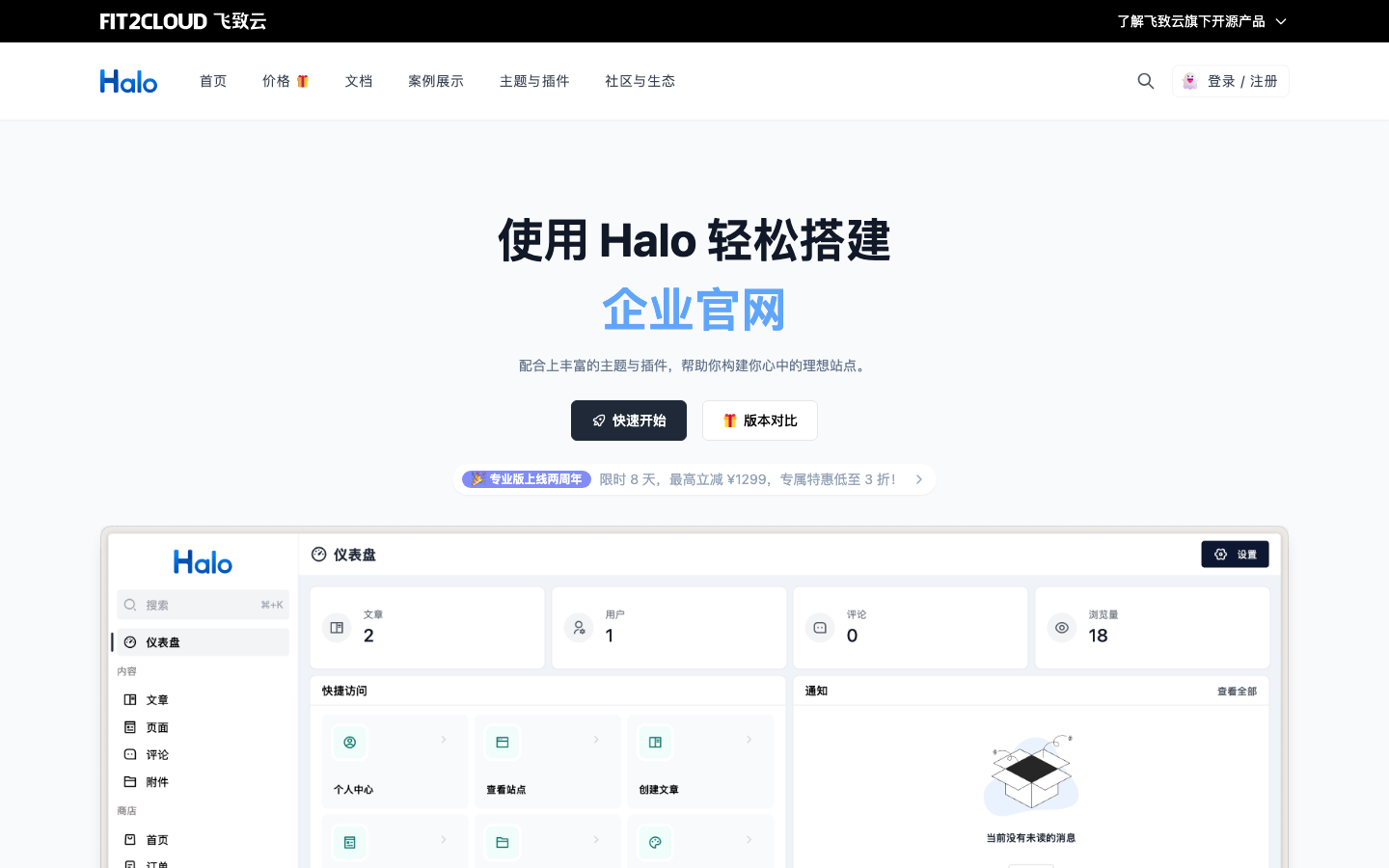
Halo
Halo is a powerful, user-friendly open-source website builder supporting blogs, knowledge bases, corporate sites, and online stores. Written in Java, it's popular in the Chinese ecosystem and offers an all-in-one platform for diverse building needs.
Pros:
- All-in-one platform; blogs, e-commerce, and knowledge bases in one system
- API available for headless use; flexible deployment options
- Active development and community support
Cons:
- Smaller international community; documentation and support primarily in Chinese
- Java-based; different operational profile than PHP or Node.js platforms
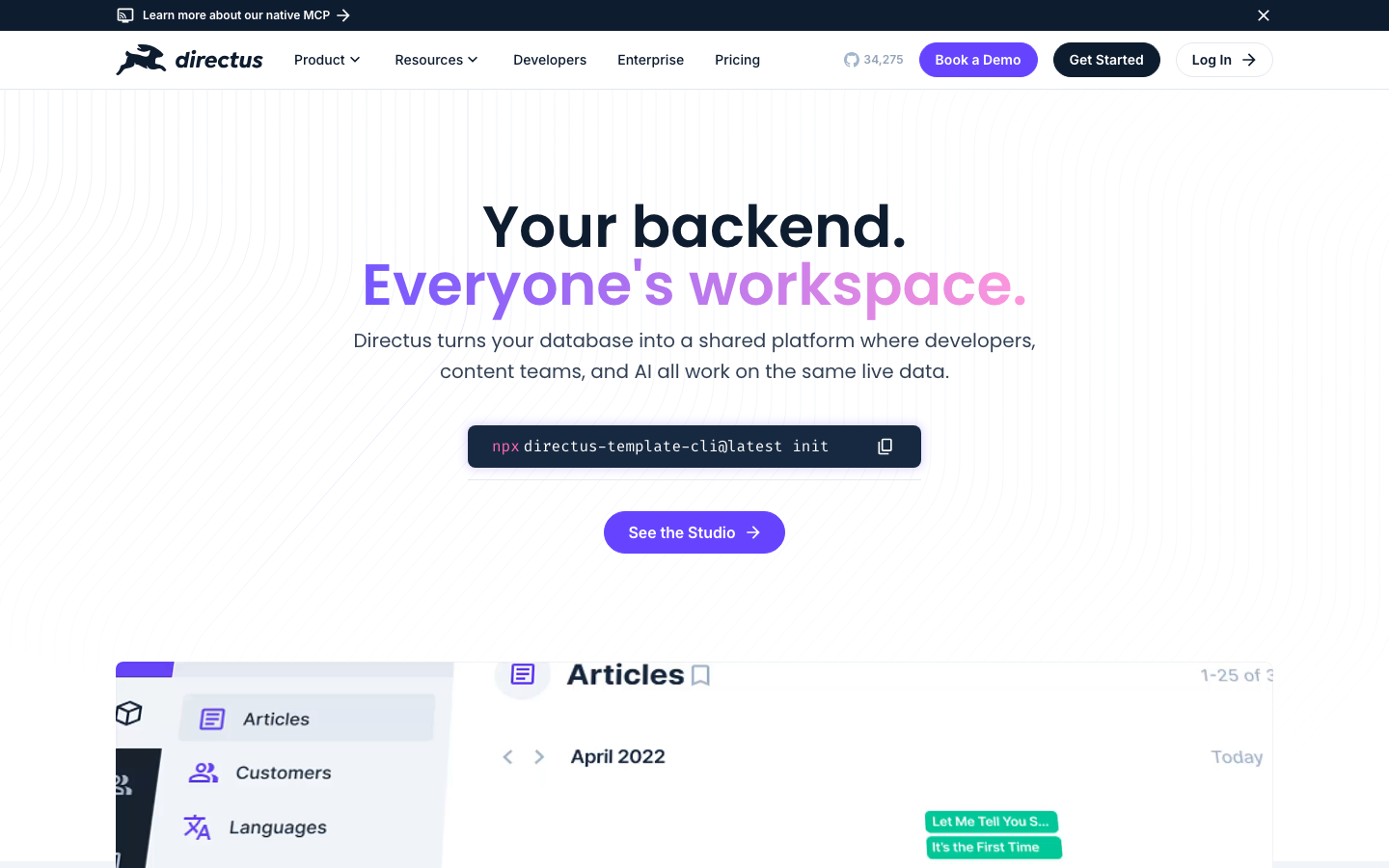
Directus
Directus is a database-first headless CMS that turns any SQL database into a REST and GraphQL API with an instant admin panel. It's ideal for teams who want to manage content and data through a visual interface without vendor lock-in.
Pros:
- Works with existing databases; no forced data migration
- Instant REST and GraphQL APIs; highly flexible for multi-channel content
- Minimal abstraction; direct database control and transparency
Cons:
- Requires understanding of databases; steeper setup than WordPress
- Smaller community than monolithic CMS platforms
Wagtail
Wagtail is a Django-based CMS focused on flexibility and user experience. It's built for enterprise teams managing complex content workflows, multiple sites, and custom functionality without sacrificing ease of use.
Pros:
- Enterprise-grade; excellent for large teams and complex workflows
- Full Django ecosystem; build custom features with Python
- Highly customizable; no artificial limits on content structure
Cons:
- Requires Python/Django expertise; steeper technical barrier than WordPress
- Smaller ecosystem than WordPress; fewer pre-built themes and plugins
Decap CMS
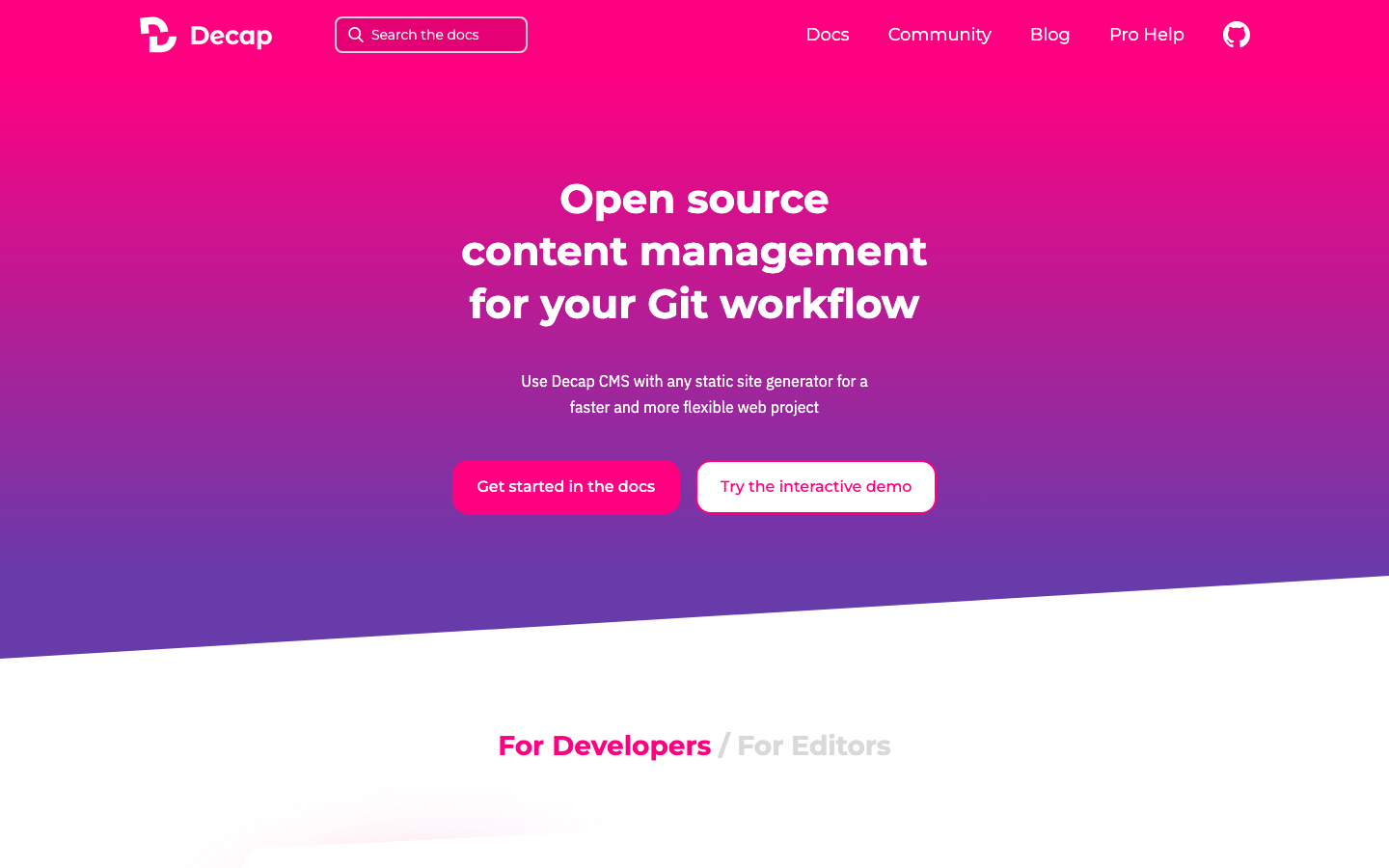
Decap CMS is a Git-based headless CMS that works with static site generators. It provides a visual editor on top of markdown files stored in Git, making it ideal for JAMstack workflows and teams already using version control for content.
Pros:
- Git-native; content lives in your repository with full version history
- Works with any static site generator (Hugo, Jekyll, Gatsby, etc.)
- Lightweight and free to host; no backend required
Cons:
- Limited to static sites; no dynamic content or database queries
- Smaller ecosystem; fewer integrations compared to traditional CMS platforms
How to choose
For speed and simplicity: Use Hugo if you're building a blog or documentation site and want zero hosting complexity. For publishing and memberships: Ghost is purpose-built and requires less configuration than WordPress. For developer teams building custom applications: Strapi or Payload provide modern, headless backends with full API control. For enterprise content workflows: Wagtail offers Django's flexibility and maturity. For database-first approaches: Directus eliminates migration friction. Choose based on whether you need a traditional admin UI (Wagtail, Ghost, Halo) or a decoupled API (Strapi, Payload, Directus), and whether your team is technical (Payload, Wagtail) or editorial (Ghost, Halo).