






TL;DR
- Cut per-seat costs entirely: Metabase eliminates user licensing fees with full self-hosting and direct warehouse connections, letting teams scale without compounding expenses.
- Own your analytics data and dashboards: Redash keeps your semantic models and query logic in open formats you control, not locked into vendor-proprietary schemas.
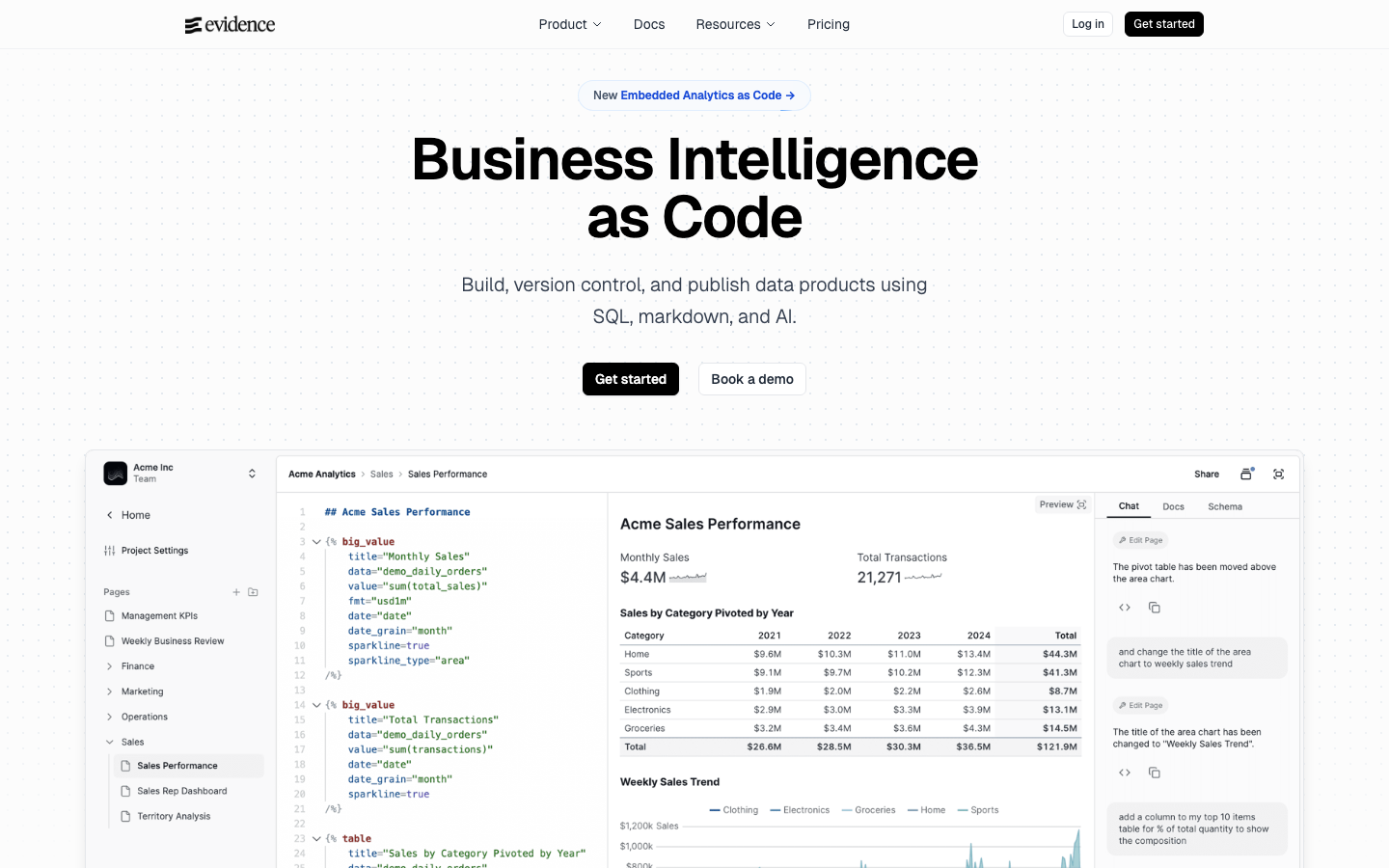
- Maximize query flexibility at scale: Evidence treats dashboards as code—SQL and markdown—so you can version-control, audit, and customize every visualization without platform restrictions.
Why teams leave Apache Superset
The economics of per-user licensing compound quickly. As teams grow, per-seat fees add up across analysts, executives, and stakeholders who need occasional access—turning what feels like a one-time purchase into ongoing operational drag. More fundamentally, proprietary BI platforms lock dashboards and semantic models into formats you cannot easily export or migrate. Your analytics become vendor property, not organizational assets.
Data sovereignty matters too. When analytics flow through a vendor's cloud or require their infrastructure, you lose direct control over sensitive datasets. Self-hosted open-source BI flips this: your data stays on your infrastructure, your warehouse becomes the source of truth, and you own the connection layer entirely. There's no sampling, no data movement tax, and no surprise restrictions on query volume or dashboard sharing as your usage scales.
Exit is hard. Switching away from a proprietary platform means rebuilding dashboards, re-mapping data models, and retraining teams on new tools. Open-source alternatives make migration tractable because dashboards and queries are portable, and your data never leaves your control in the first place.
Quick comparison
| Name | License | Self-Hosted | Data Ownership | Query Flexibility | Best For |
|---|---|---|---|---|---|
| Metabase | — | ✓ | ✓ | UI-driven, SQL native | Teams prioritizing ease of use and zero per-seat costs |
| MindsDB | — | ✓ | ✓ | SQL + AI agents | Querying multiple datasources with AI-assisted logic |
| Redash | BSD-2-Clause | ✓ | ✓ | SQL-first, open formats | SQL-native teams wanting portable dashboards |
| Datasette | Apache-2.0 | ✓ | ✓ | Exploratory, SQL | Publishing and exploring datasets at scale |
| Evidence | MIT | ✓ | ✓ | Code-as-config (SQL + markdown) | Teams comfortable with version-controlled, code-driven BI |
| CKAN | — | ✓ | ✓ | Data catalog + publishing | Organizations managing data portals and catalogs |
| Chartbrew | — | ✓ | ✓ | APIs, SQL, NoSQL + AI | Teams pulling from diverse sources with embedded charts |
| Shaper | MPL-2.0 | ✓ | ✓ | DuckDB-native SQL | Fast, lightweight SQL-driven dashboards |
Top open-source alternatives to Apache Superset
Metabase
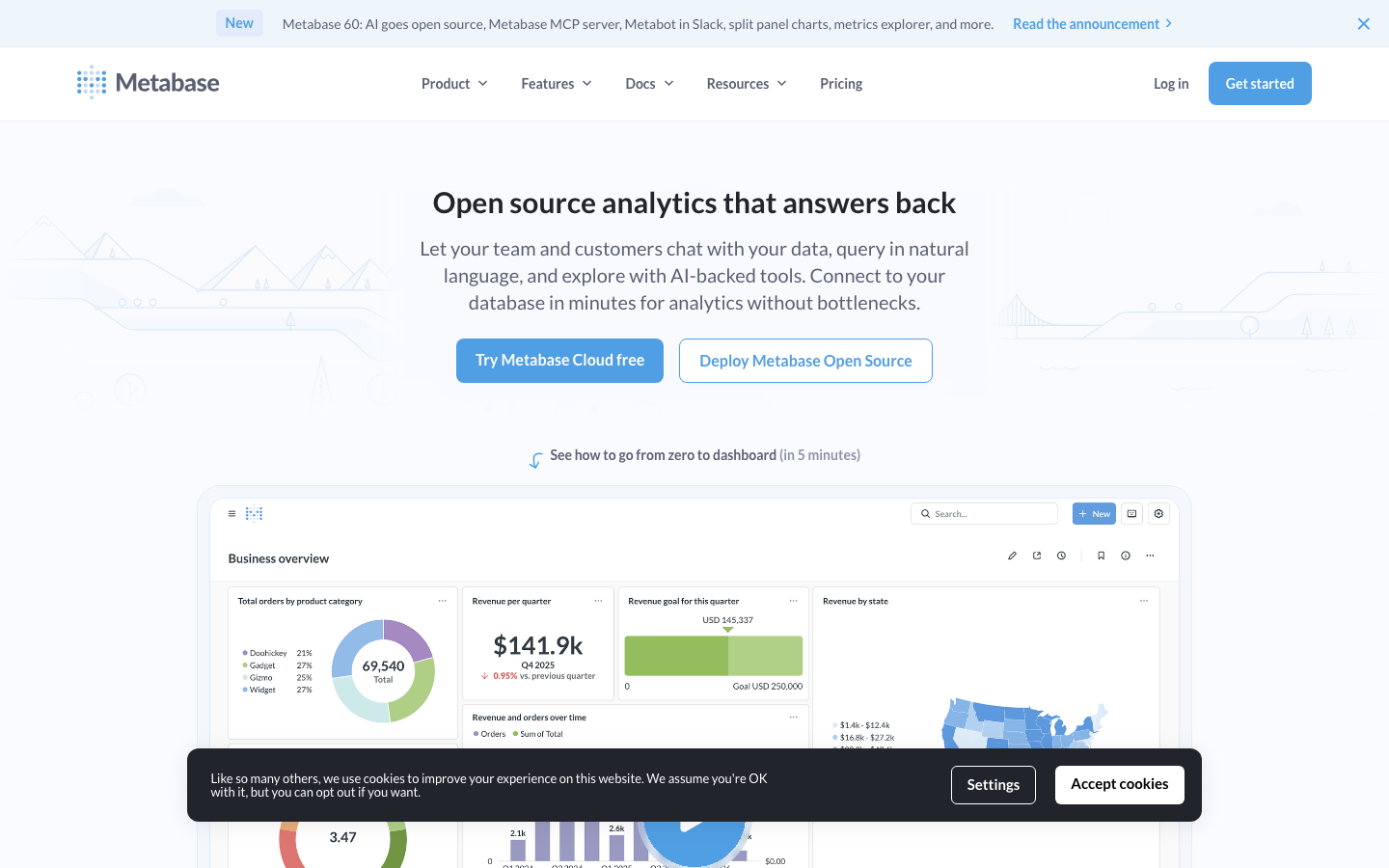
The most accessible open-source BI tool, Metabase emphasizes ease of use without sacrificing power. It connects directly to your data warehouse, supports native SQL queries, and lets non-technical users build dashboards through a visual interface. With 46,959 GitHub stars, it's the most adopted alternative in this category.
Pros
- Zero per-seat licensing; unlimited users on self-hosted instances.
- Intuitive UI reduces onboarding friction for non-technical teams.
- Native SQL support and direct warehouse connections keep data local.
Cons
- Visual query builder can feel limiting for complex, multi-step analytics.
- Semantic layer is simpler than enterprise BI platforms.
MindsDB
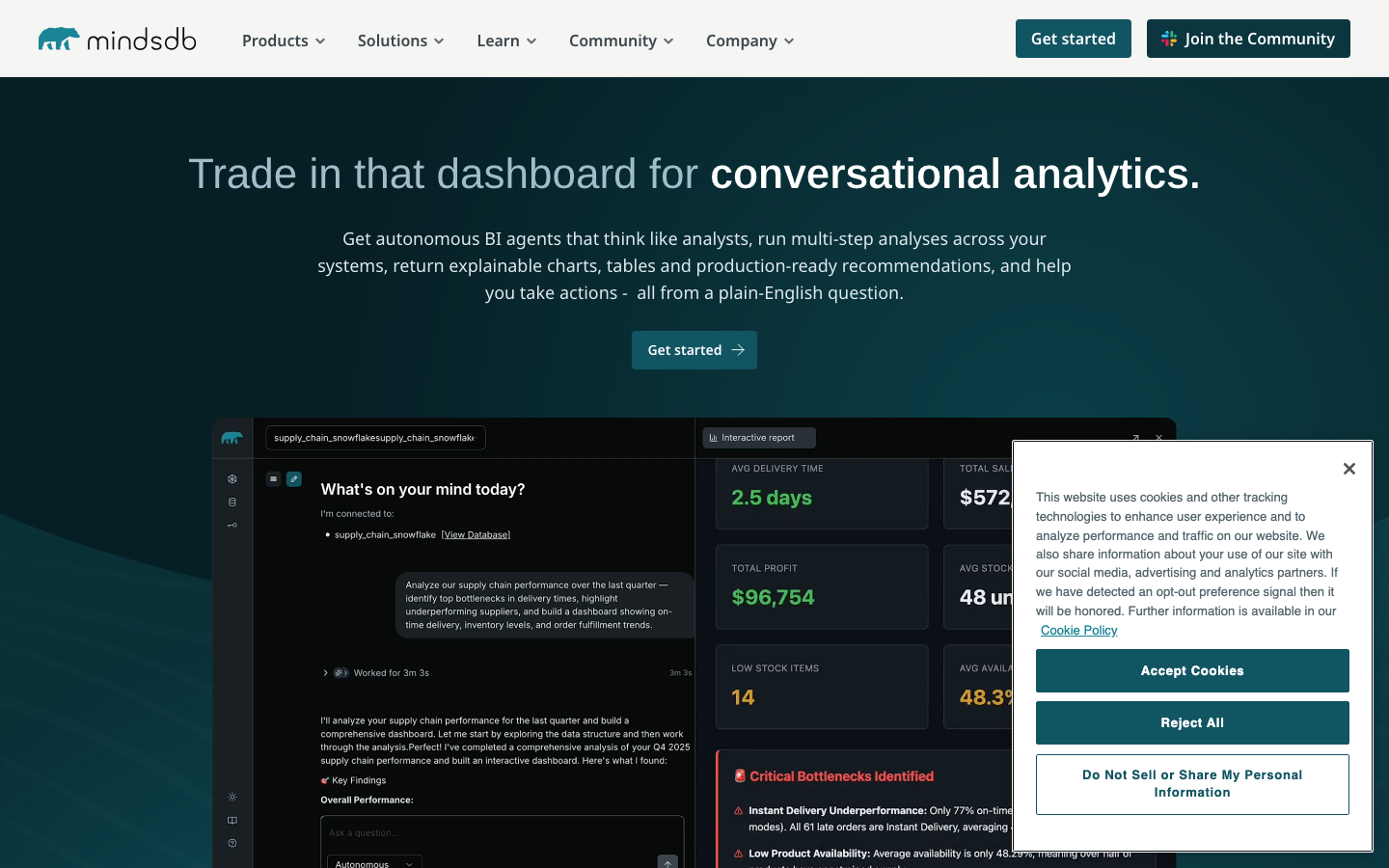
MindsDB is a query engine that bridges AI agents and data sources, letting you write SQL queries against APIs, databases, and ML models as if they were tables. It's designed for teams that need to query diverse datasources through a unified interface.
Pros
- Unifies queries across SQL databases, APIs, and NoSQL in one SQL layer.
- AI-assisted query generation reduces manual SQL writing.
- Self-hosted, so sensitive data never leaves your infrastructure.
Cons
- Steeper learning curve; best suited for teams comfortable with SQL and AI concepts.
- Dashboard capabilities are lighter than traditional BI platforms.
Redash
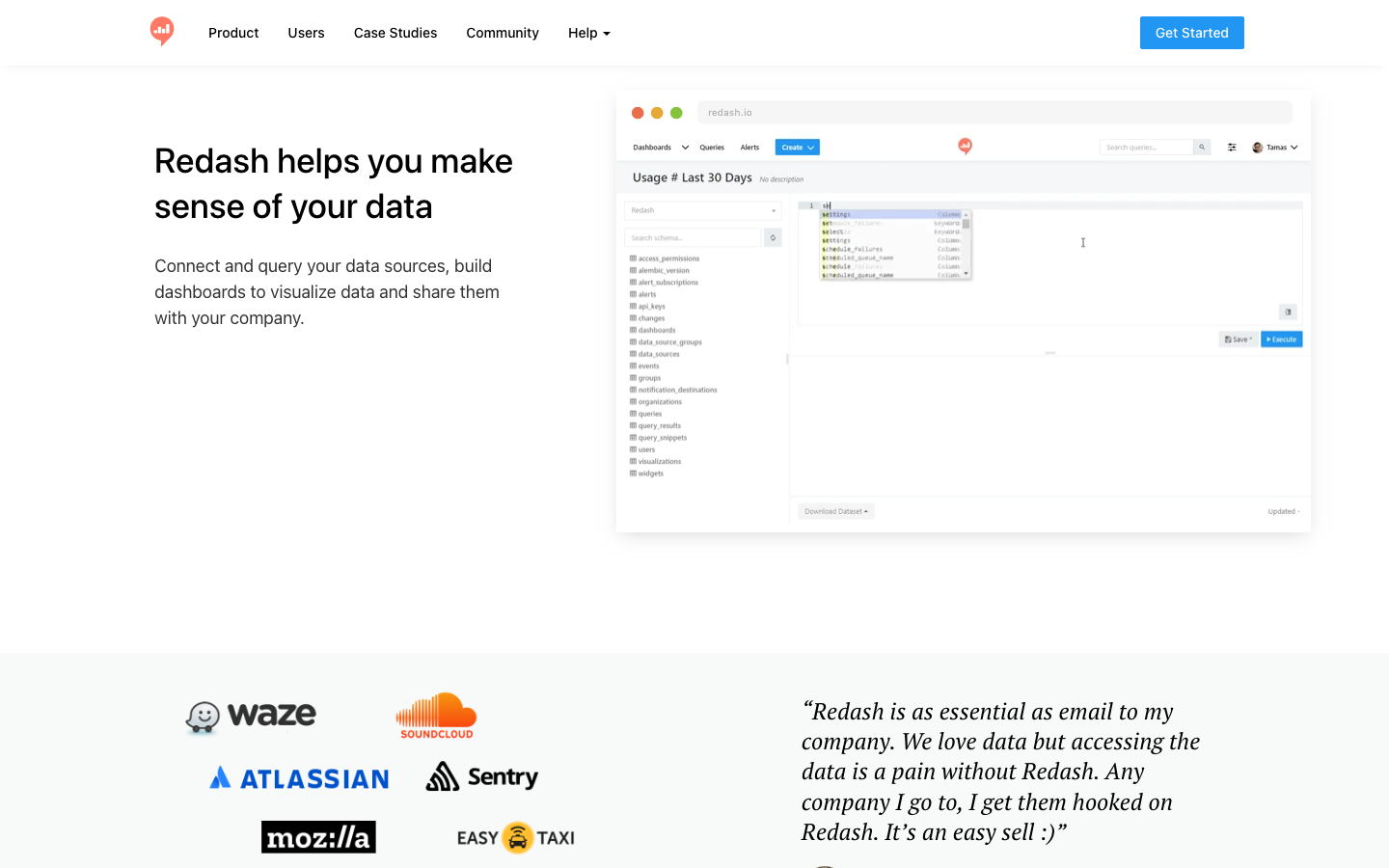
Redash is a mature, SQL-first platform for teams that live in queries and dashboards. It emphasizes sharing, collaboration, and open data formats—your queries and visualizations are portable, not locked into proprietary schemas.
Pros
- BSD-2-Clause licensed; fully open-source with no vendor lock-in.
- Query results and dashboards stored in open formats you can export.
- Strong permissions model and audit trails for compliance-heavy teams.
Cons
- Less polished UI compared to newer tools like Metabase.
- Requires SQL fluency; not ideal for fully non-technical users.
Datasette
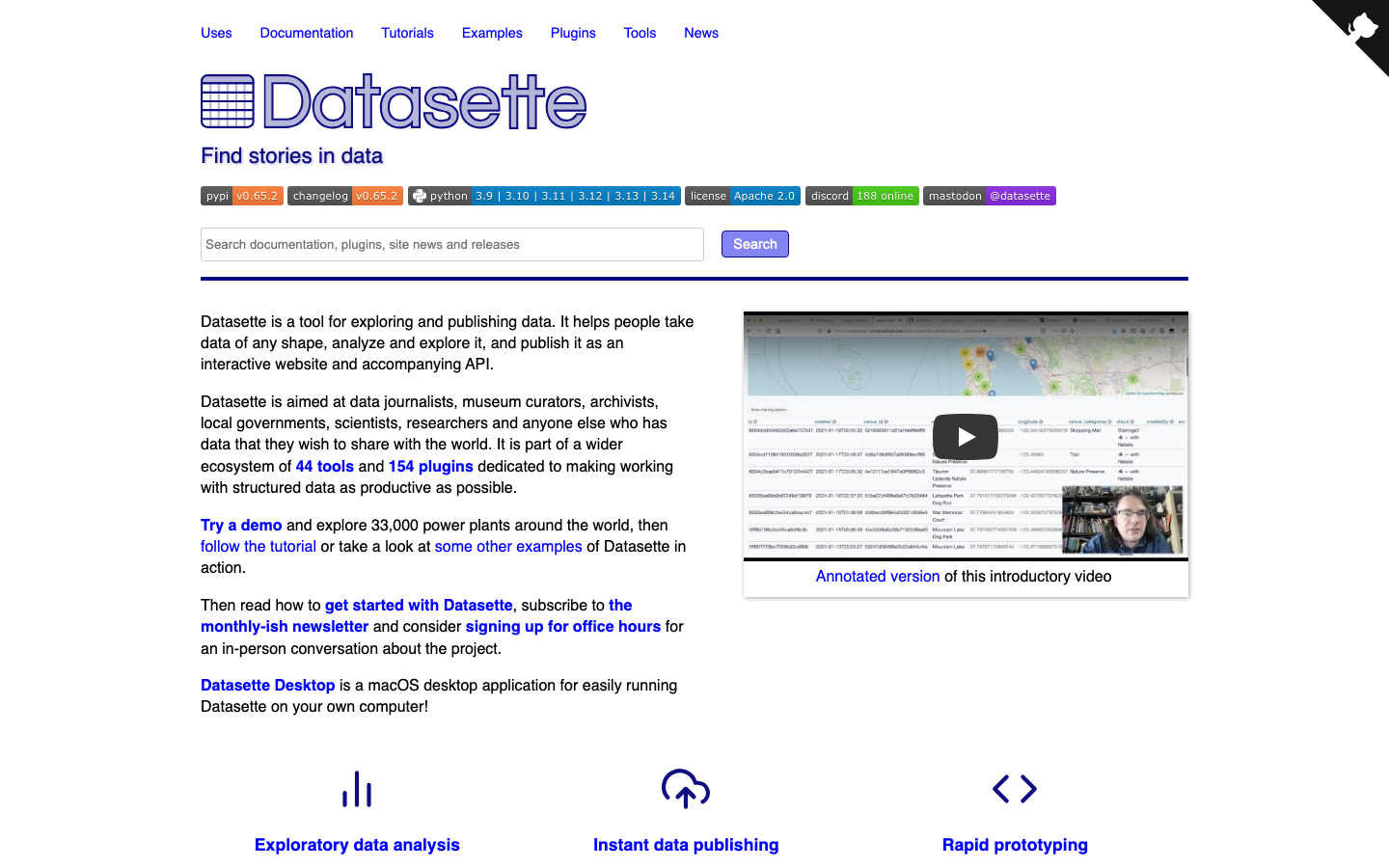
Datasette is a multi-tool for exploring, analyzing, and publishing datasets. It's lightweight, designed to run on modest hardware, and excels at making datasets discoverable and queryable without heavy infrastructure.
Pros
- Apache-2.0 licensed; fully permissive.
- Minimal dependencies; runs on low-resource servers.
- Excellent for publishing and exploring public or semi-public datasets.
Cons
- Not designed as a team dashboard platform; better for data exploration than BI dashboards.
- Limited scheduling and alerting features.
Evidence
Evidence treats BI as code: you write dashboards in SQL and markdown, version-control them in Git, and deploy them as static or dynamic sites. It's built for teams that want full control, auditability, and the ability to treat analytics infrastructure like software engineering.
Pros
- MIT licensed; code-as-config approach enables version control and code review.
- SQL and markdown make dashboards portable and auditable.
- No UI-driven "black box" logic; every visualization is explicit and reviewable.
Cons
- Requires comfort with Git, SQL, and markdown; not suitable for fully non-technical users.
- Smaller ecosystem and fewer pre-built connectors than larger platforms.
CKAN
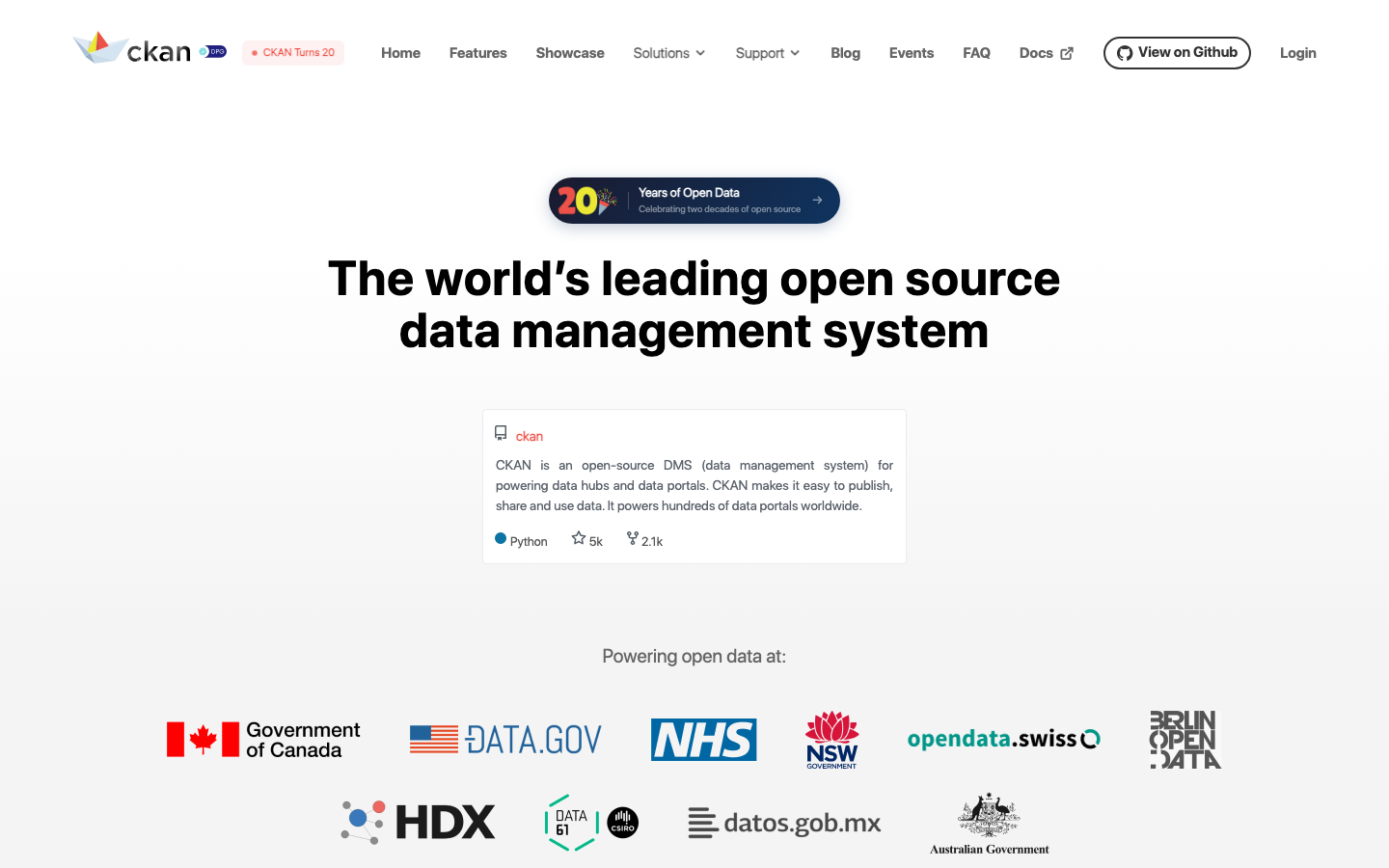
CKAN is a data management system and portal for publishing, cataloging, and sharing datasets at scale. It powers major government and organizational data hubs and is ideal for teams managing data catalogs rather than building dashboards.
Pros
- Purpose-built for data portals and catalogs; unmatched for dataset discovery.
- Self-hosted; full control over data and metadata.
- Mature, battle-tested on large public datasets.
Cons
- Not a BI or dashboard tool; focused on data catalog and publishing.
- Steeper setup and maintenance overhead than dashboard-focused tools.
Chartbrew
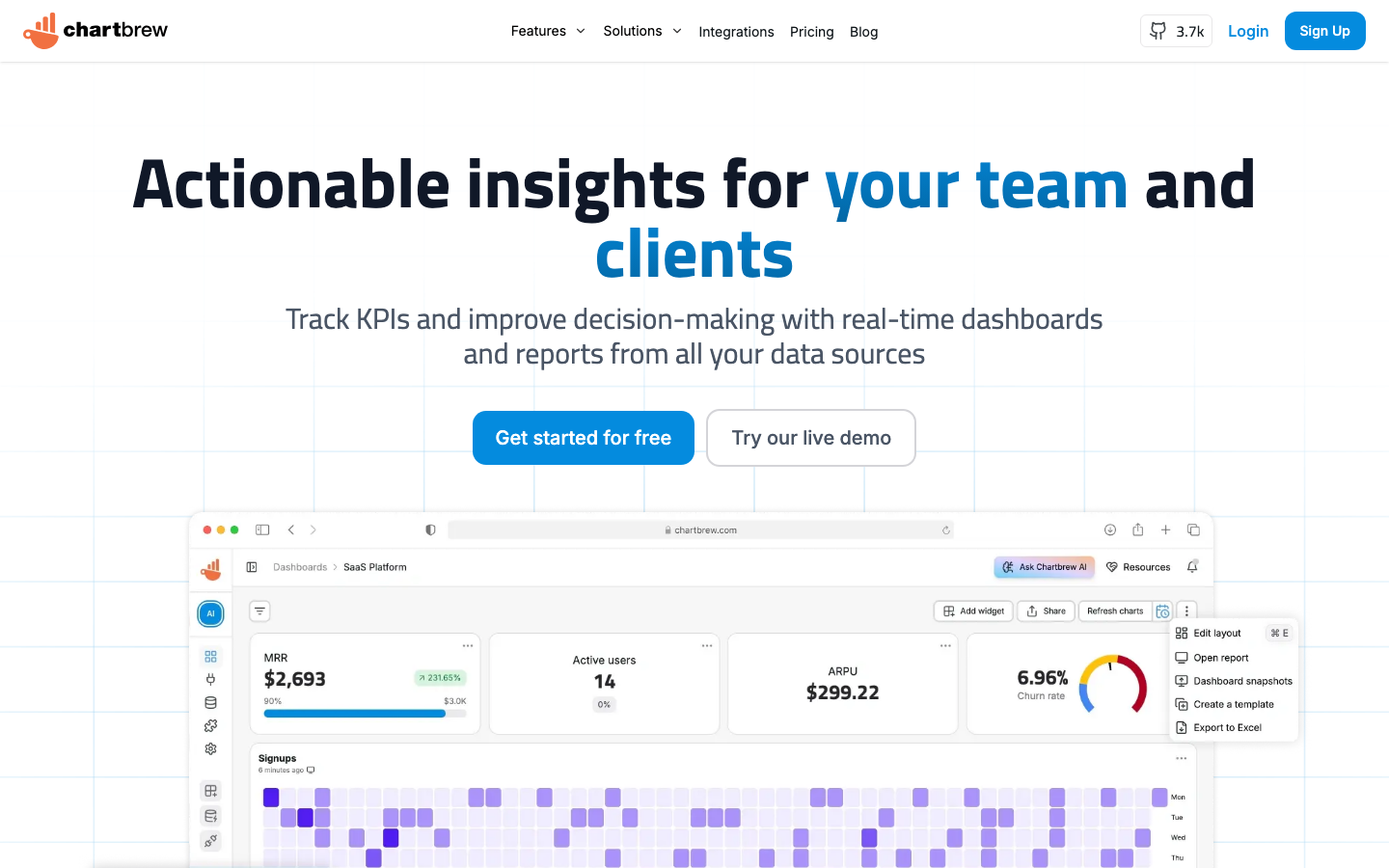
Chartbrew connects to APIs, SQL databases, and NoSQL stores to build dashboards and embeddable charts. It includes an AI assistant for query generation and supports scheduling and alerts.
Pros
- Multi-datasource support (APIs, SQL, NoSQL) in one platform.
- AI-assisted query generation lowers SQL barriers.
- Embeddable charts and scheduling for operational dashboards.
Cons
- Smaller community and fewer integrations than Metabase or Redash.
- Limited semantic modeling compared to enterprise BI tools.
Shaper
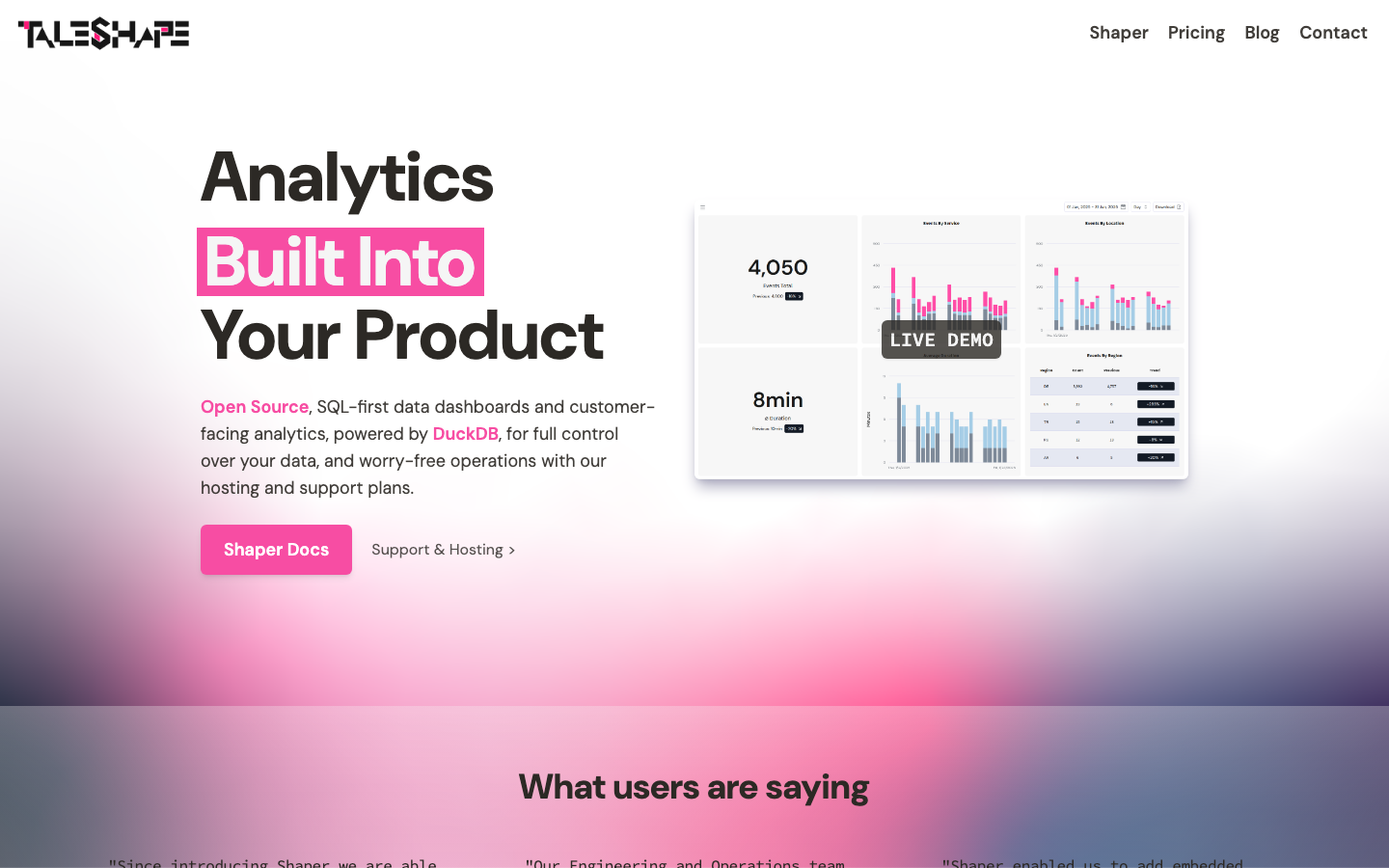
Shaper is a lightweight, SQL-first dashboard tool powered by DuckDB, designed for fast, interactive analytics on local or remote data. It's minimal and opinionated: if you want pure SQL-driven dashboards without UI complexity, Shaper delivers.
Pros
- MPL-2.0 licensed; open and permissive.
- DuckDB backend enables fast analytics on large datasets without heavy infrastructure.
- Minimal, focused tool; no unnecessary features.
Cons
- Smallest community in this list; fewer integrations and third-party extensions.
- Best suited for teams already comfortable with SQL and DuckDB.
How to choose
Start with team size and SQL fluency. Metabase is the obvious choice if you want the easiest onboarding and have non-technical users; it scales from five people to hundreds with zero licensing pain. If your team is SQL-native and values portability, Redash or Evidence are stronger: Redash for traditional BI workflows, Evidence if you want dashboards in version control. For multi-datasource complexity, consider MindsDB or Chartbrew. If you're building a data catalog or portal rather than team dashboards, CKAN is purpose-built. Datasette and Shaper are excellent for lighter use cases—exploration, publishing, or internal tools—where you don't need a full BI suite.