








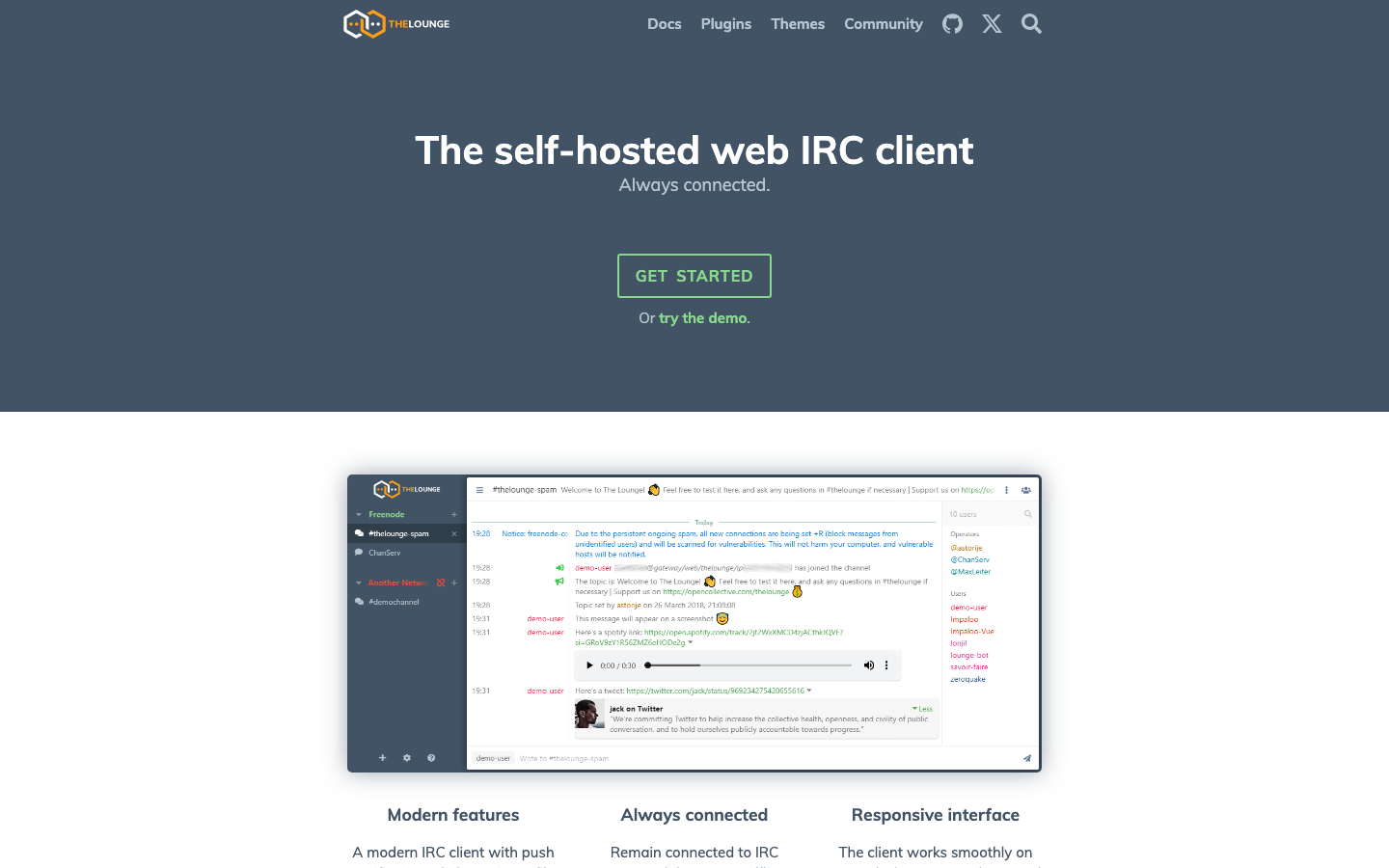

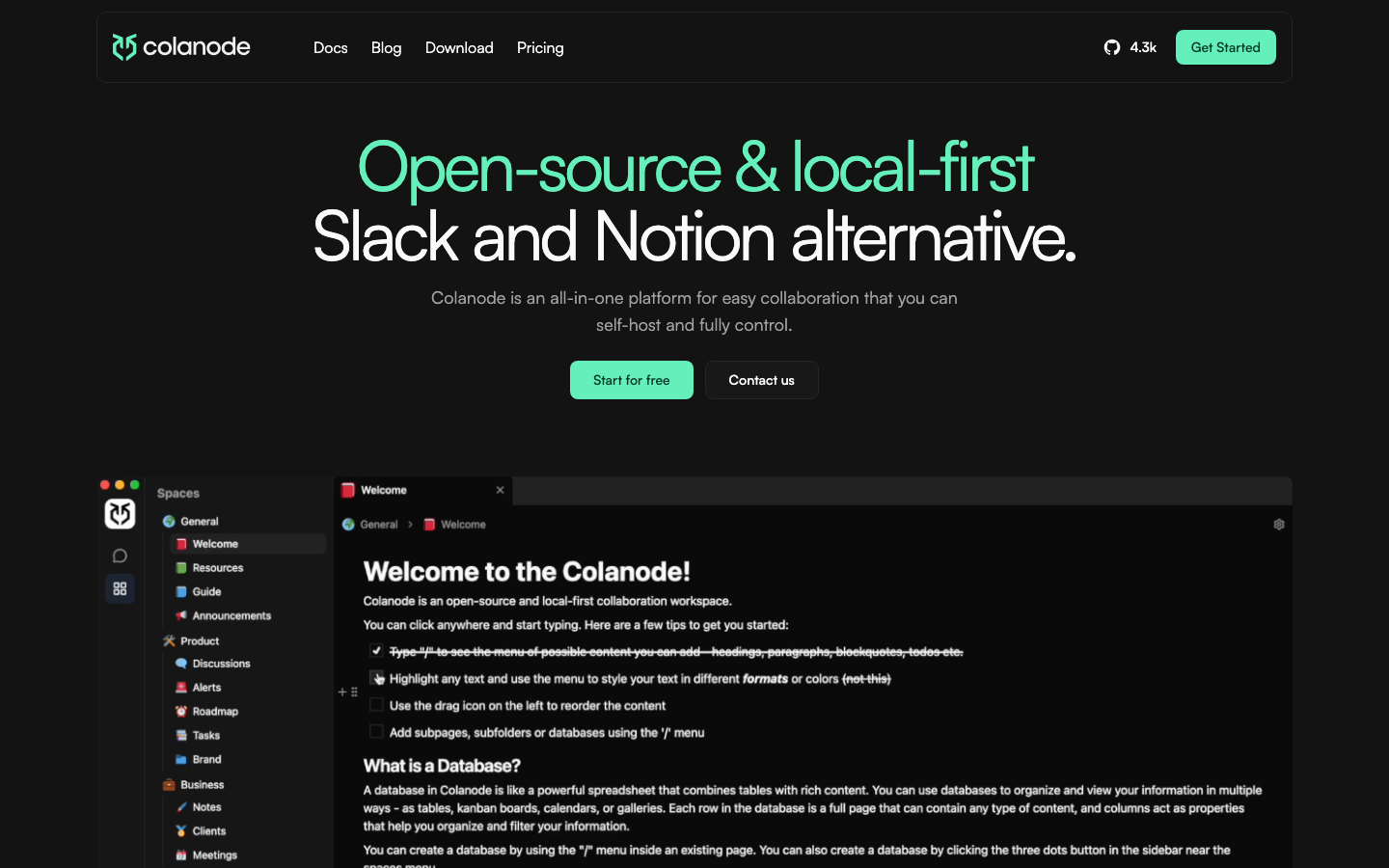



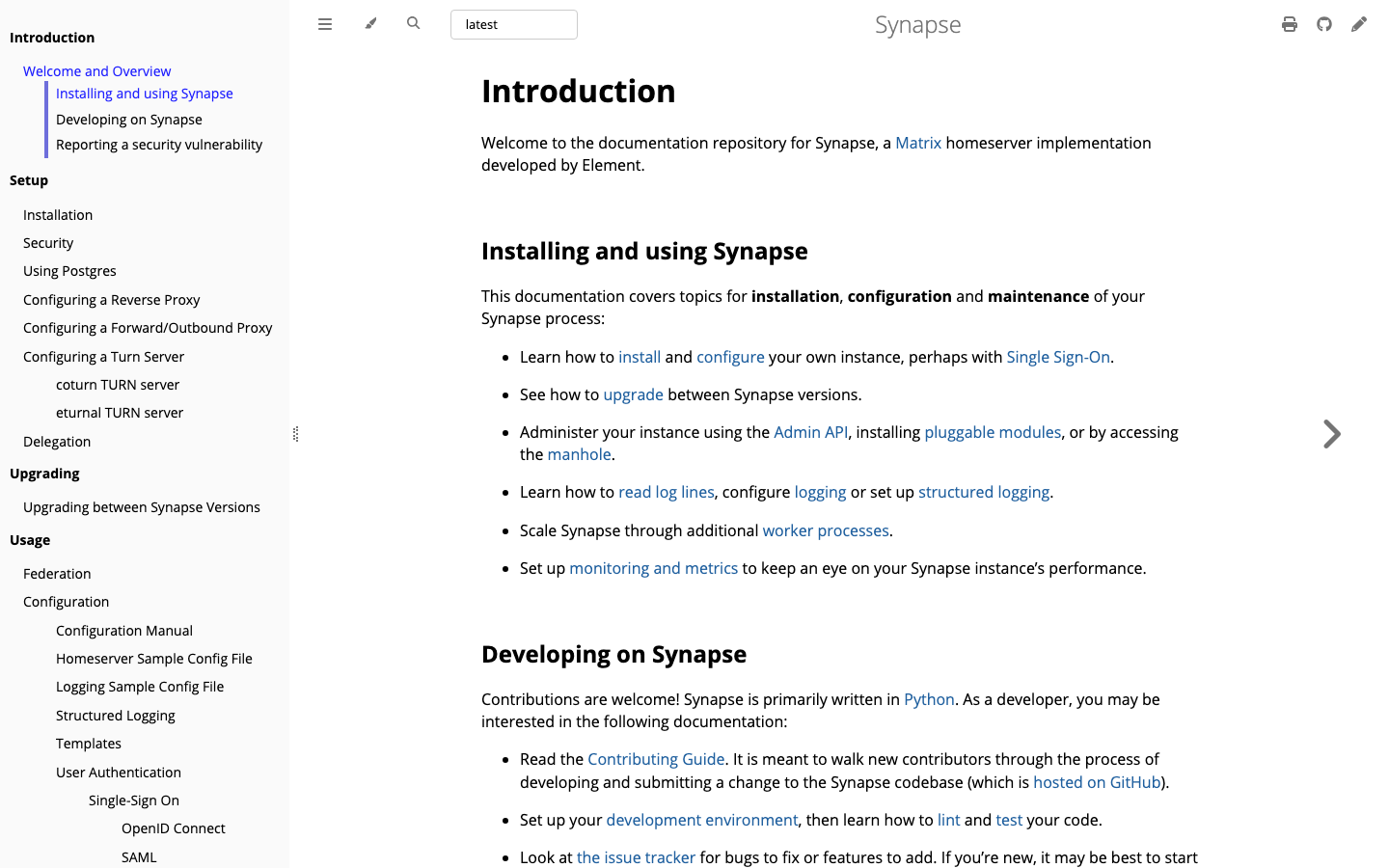

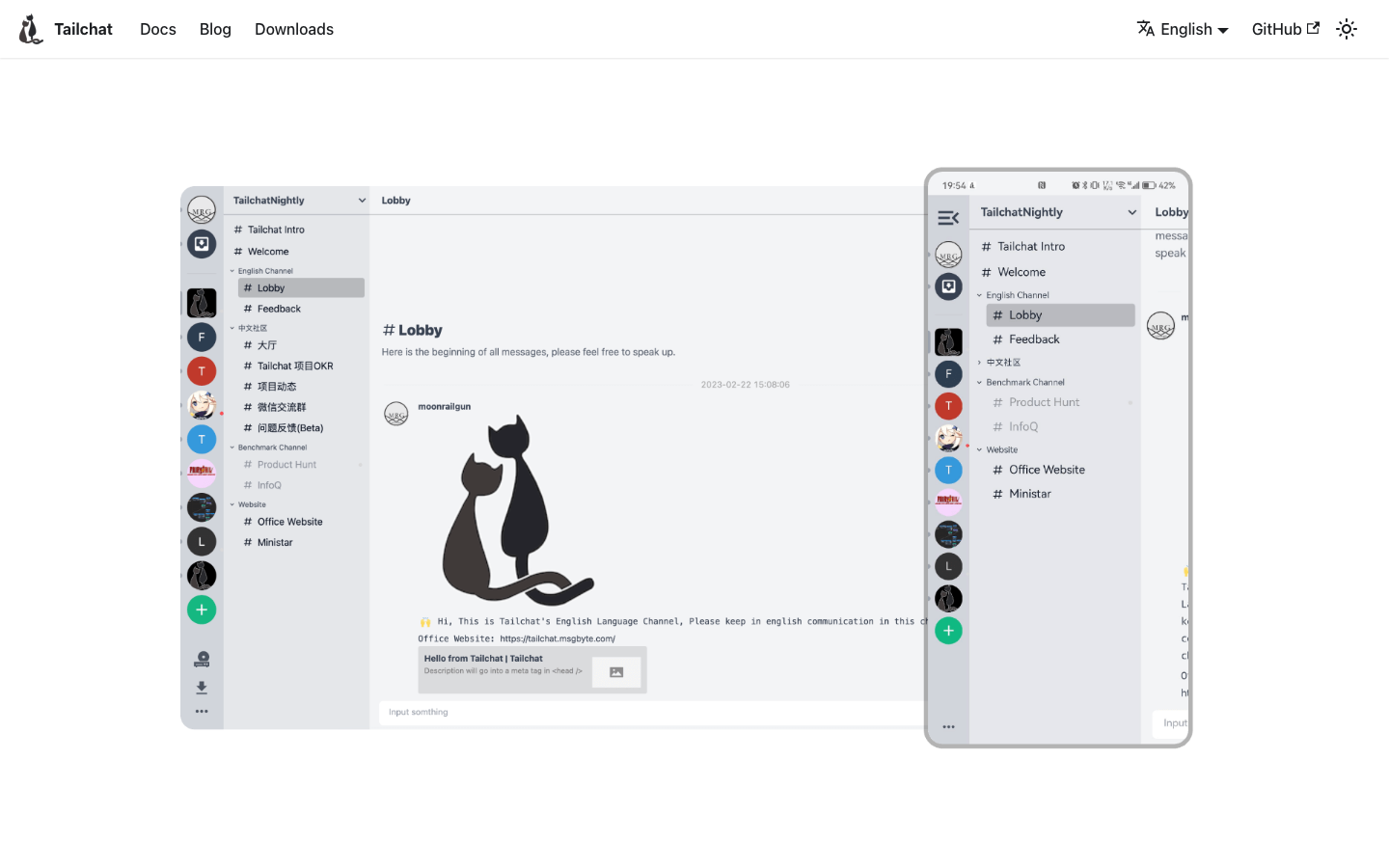













TL;DR
- Need encrypted team chat with full data control? chat gives you a self-hosted messaging platform with iOS, Android, and web clients—no per-seat licensing.
- Running a company-wide social network? HumHub replaces Teams' collaboration features as an enterprise social platform you host yourself.
- Want a lightweight voice-first alternative? Mumble offers low-latency audio chat ideal for teams that prioritize voice over sprawling feature bloat.
Why teams leave Microsoft Teams
Microsoft Teams' tight integration with Microsoft 365 creates friction when you want to own your communication infrastructure. The platform bundles useful features into paid business tiers, meaning a "free" Teams setup lacks capabilities your team needs, forcing per-seat Microsoft 365 licensing at scale. More critically, exporting chat history, user data, or migrating away from the Microsoft ecosystem is non-trivial—your messages, files, and compliance records remain locked within OneDrive and Exchange.
For teams handling sensitive data, regulatory compliance, or multi-region deployments, Teams' cloud-only model and vendor lock-in across Word, Excel, Outlook, and OneDrive create operational and legal friction. Self-hosted open-source alternatives flip this model: you control where data lives, who accesses it, and whether it stays on your infrastructure or moves elsewhere without Microsoft's friction.
Quick comparison
| Name | License | Self-Hosted | Federation | E2E Encryption | Best For |
|---|---|---|---|---|---|
| hubot | MIT | Yes | — | — | Chatbot automation & workflow integration |
| open-im-server | Apache-2.0 | Yes | — | — | IM infrastructure & custom messaging apps |
| chat | GPL-3.0 | Yes | — | — | Full-featured encrypted team messaging |
| server | GPL-3.0 | Yes | — | — | Developer screen sharing & pair programming |
| janus-gateway | GPL-3.0 | Yes | — | — | WebRTC infrastructure & live streaming |
| Mumble | License not declared | Yes | — | — | Low-latency voice chat & gaming |
| HumHub | License not declared | Yes | — | — | Enterprise social networking & team collaboration |
| ejabberd | License not declared | Yes | Yes | — | Scalable XMPP/MQTT messaging infrastructure |
Top open-source alternatives to Microsoft Teams
hubot
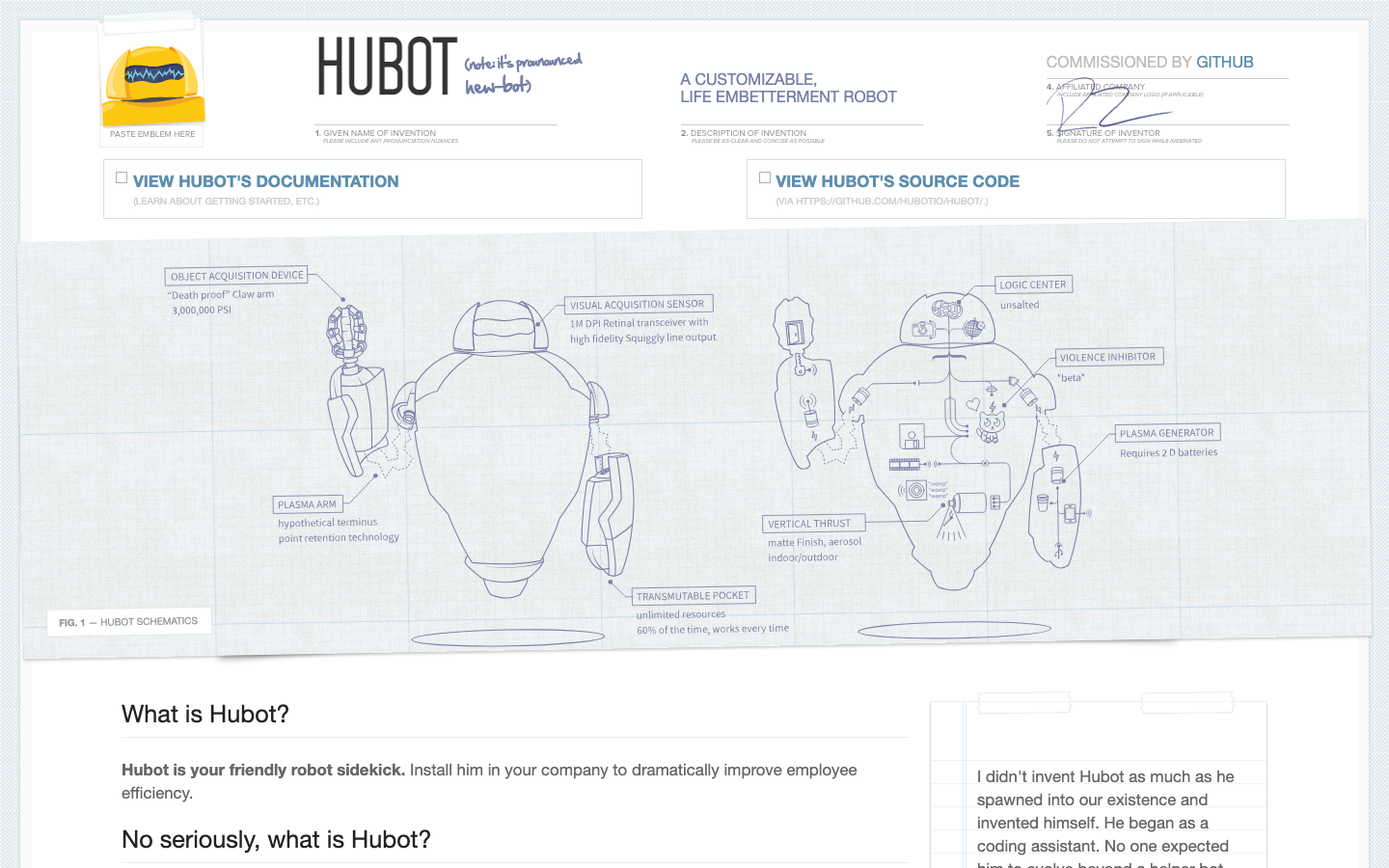
Hubot is a customizable chatbot framework that automates workflows and integrates with your chat infrastructure. It's JavaScript-based and designed to extend messaging platforms with custom logic—deployable on your own servers.
Pros:
- Lightweight automation layer for chat commands and integrations
- MIT license allows commercial use and modification
- Reduces manual tasks by scripting chat interactions
Cons:
- Not a standalone chat platform—requires a chat system to integrate with
- Requires JavaScript/Node.js operational knowledge
open-im-server
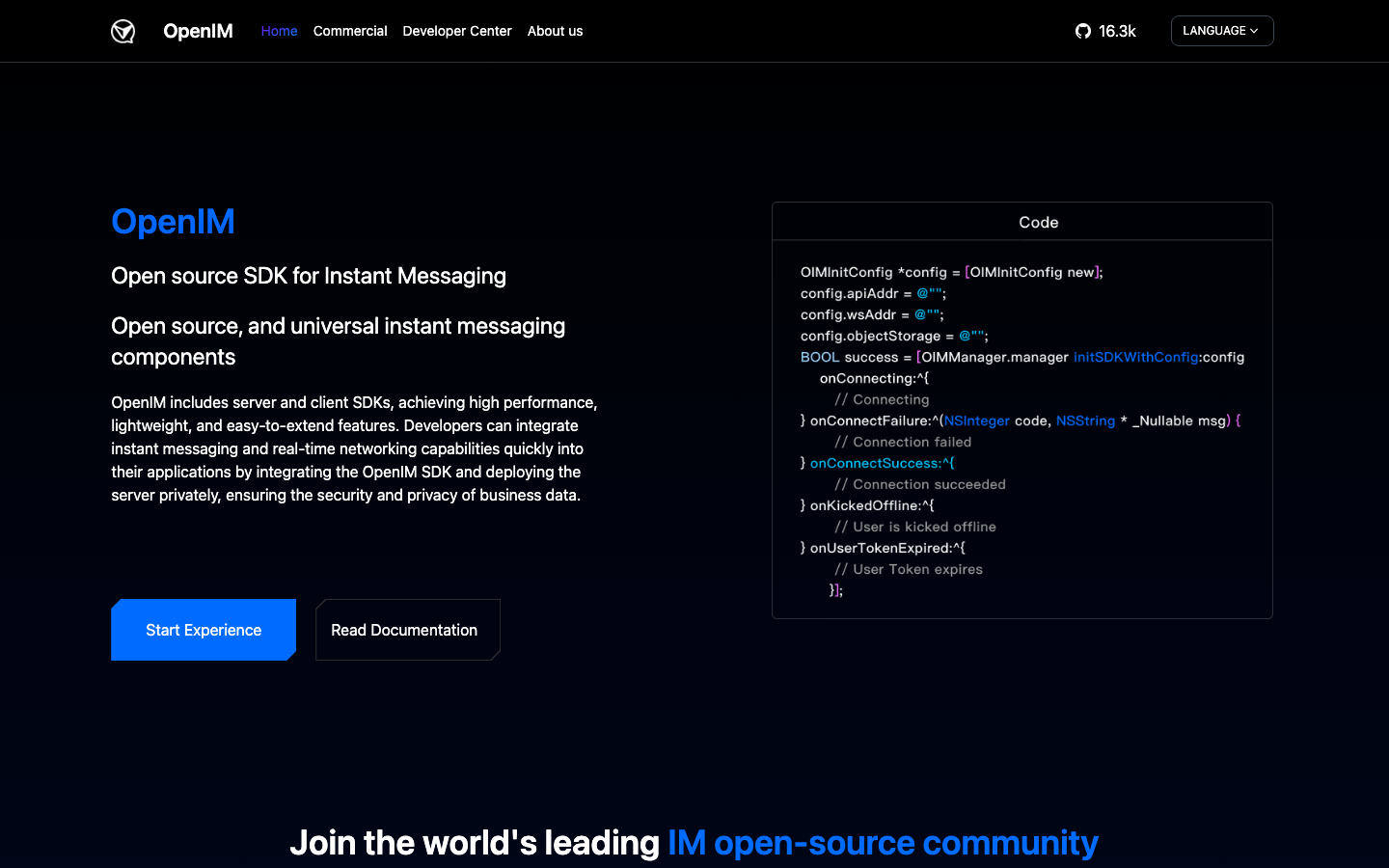
Open-IM-Server is a messaging infrastructure built in Go, designed for teams building custom IM applications. It provides backend APIs for chat, user management, and message routing without forcing you into a pre-built client.
Pros:
- Apache-licensed and built for scalability
- Language-agnostic API—integrate any frontend
- Suitable for organizations needing a messaging backbone without UI lock-in
Cons:
- Requires custom client development or integration work
- Steeper setup than all-in-one platforms
chat
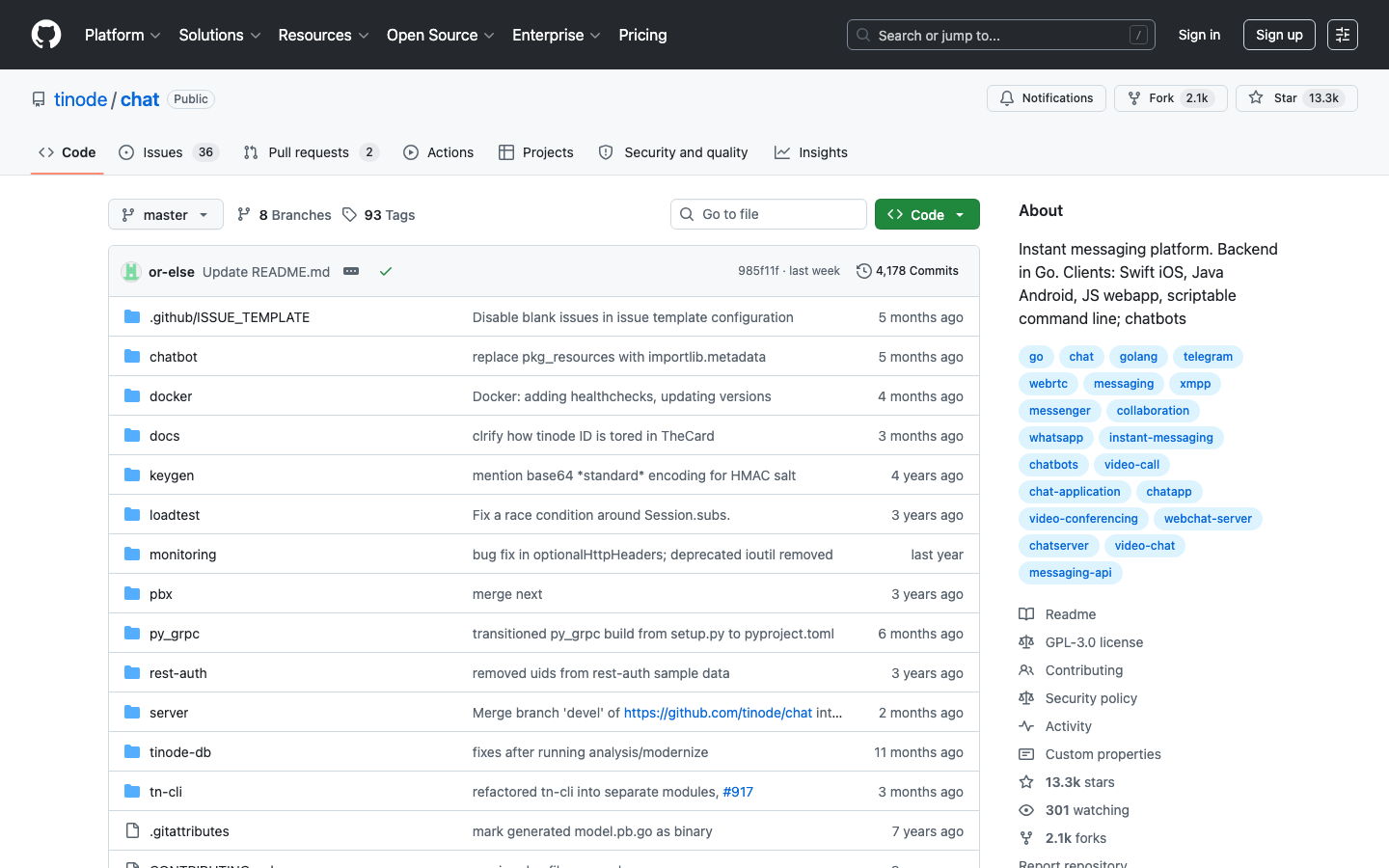
Chat is a full-featured instant messaging platform with native clients for iOS, Android, JavaScript web, and a scriptable command-line interface. Built in Go and licensed under GPL-3.0, it's designed for teams wanting encrypted messaging without cloud dependency.
Pros:
- Multi-platform clients out of the box (mobile, web, CLI)
- Chatbot support for automation
- Self-hosted with no per-user fees
Cons:
- GPL-3.0 license restricts proprietary modifications
- Smaller ecosystem compared to Teams' integrations
server
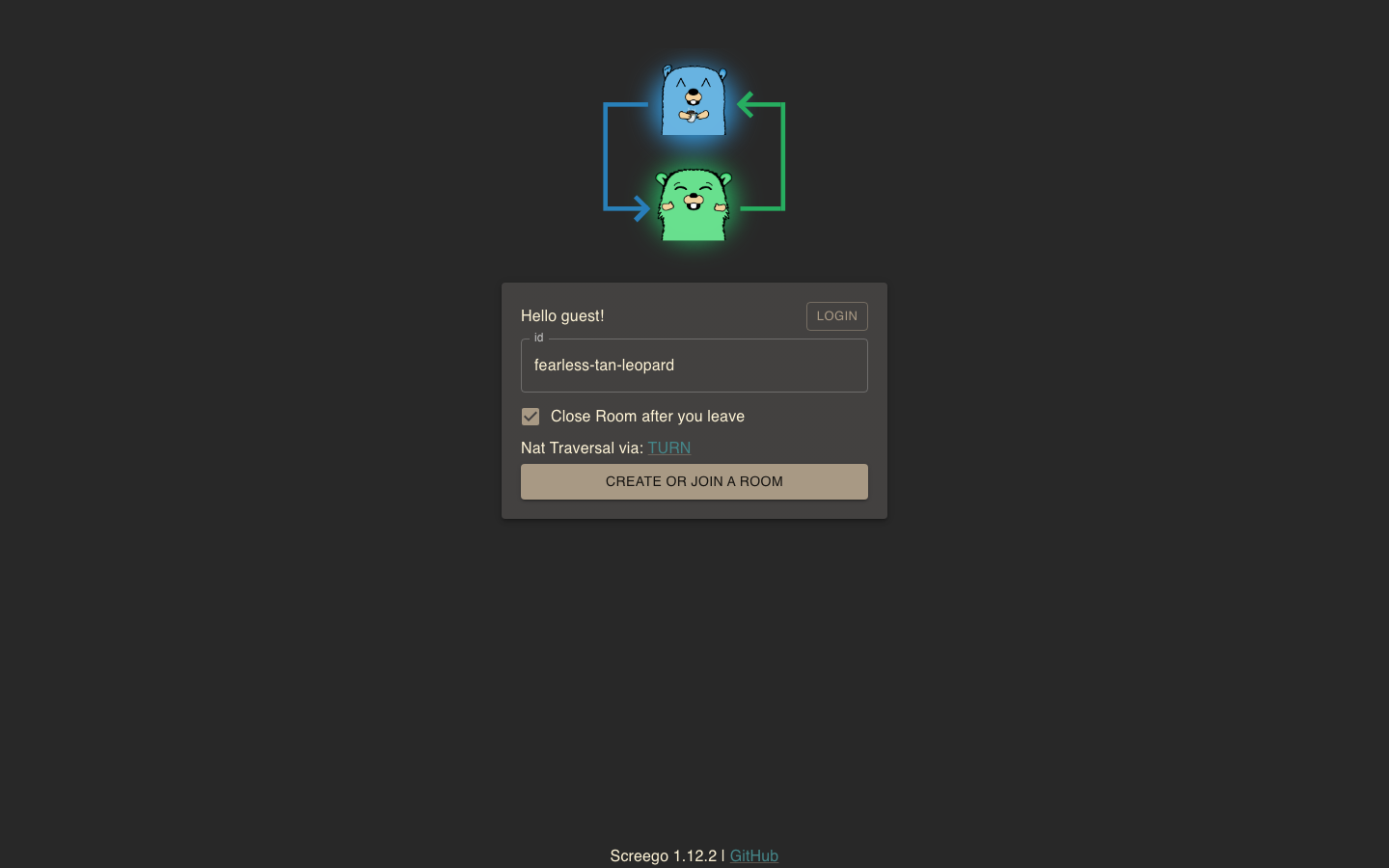
Server (Screego) is a screen-sharing tool for developers, built in Go. It focuses on peer-to-peer screen sharing without requiring browser plugins or external services, ideal for pair programming and remote debugging.
Pros:
- Simple, plugin-free screen sharing
- GPL-3.0 licensed for transparency
- Low-latency for real-time collaboration
Cons:
- Focused narrowly on screen sharing—not a full chat/collaboration suite
- Requires complementary tools for messaging
janus-gateway
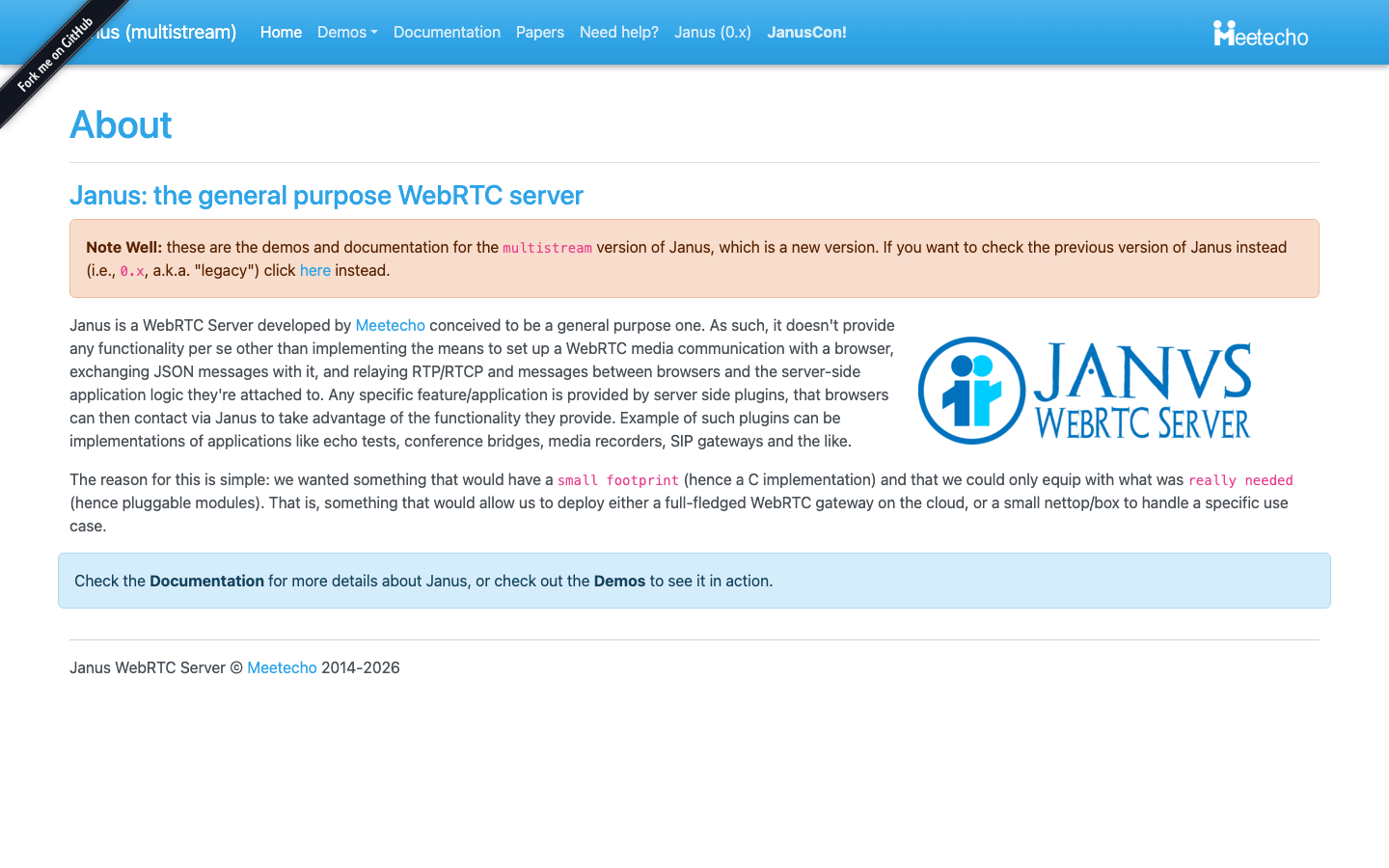
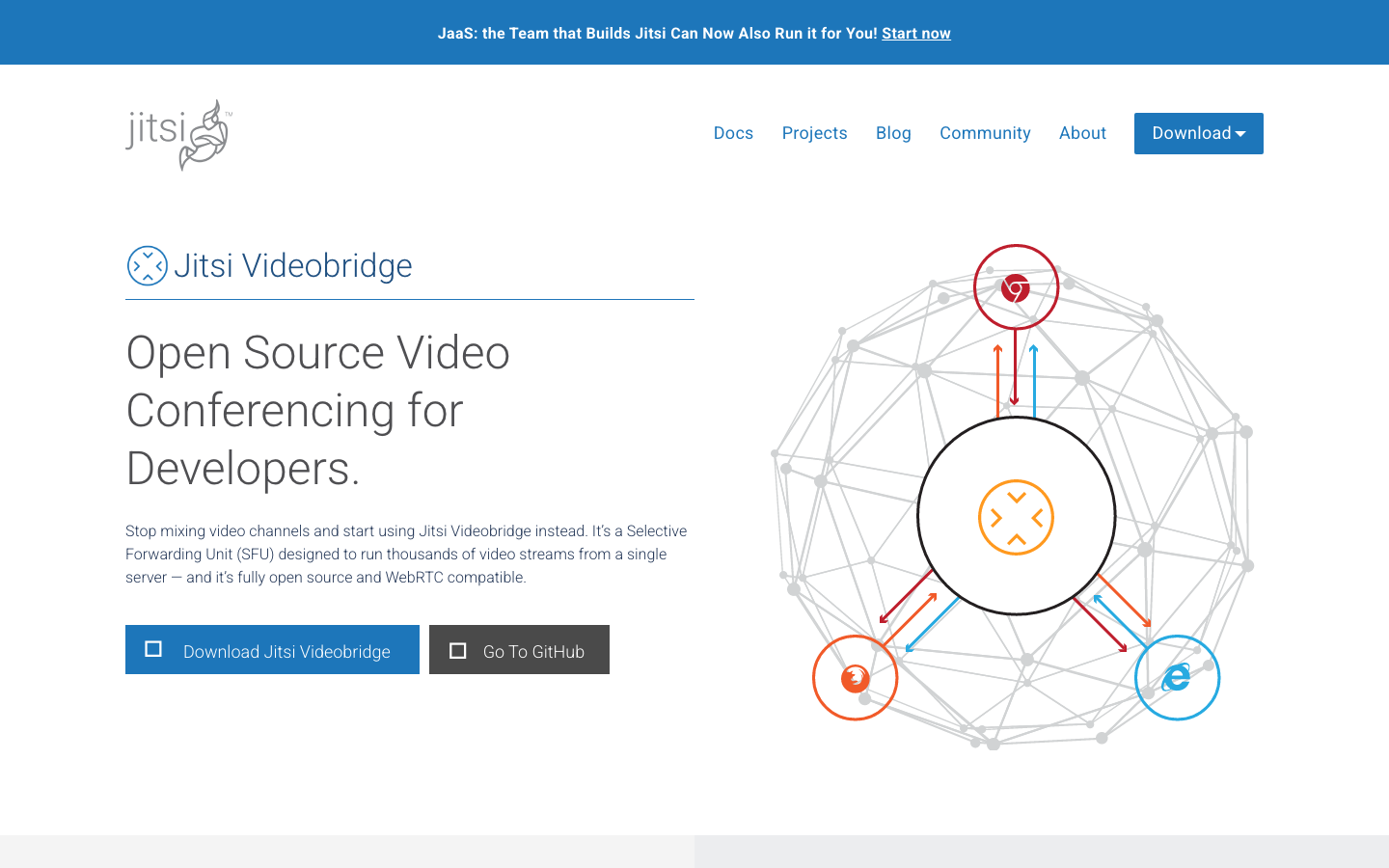
Janus Gateway is a WebRTC server written in C, enabling real-time audio, video, and data streaming. It's a low-level infrastructure tool for building video conferencing, live streaming, and peer-to-peer applications.
Pros:
- GPL-3.0 licensed, battle-tested in production
- Highly flexible for custom real-time applications
- Handles complex media routing and SFU (Selective Forwarding Unit) patterns
Cons:
- Requires significant development effort—not a ready-to-use video conference tool
- Steep learning curve for WebRTC concepts
Mumble
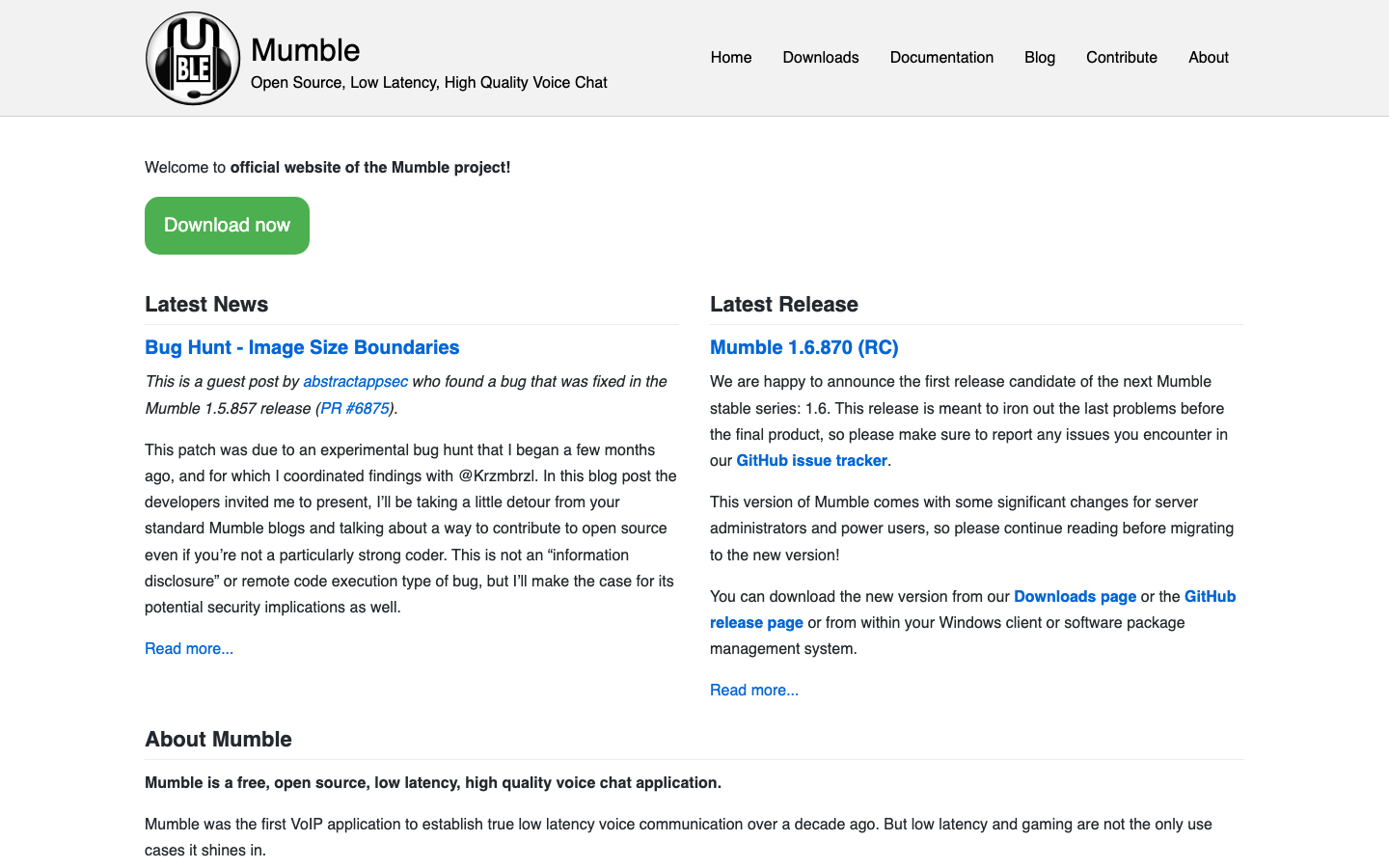
Mumble is a low-latency, open-source voice chat application with clients for Windows, macOS, Linux, iOS, and Android. Originally built for gaming, it's equally suited to teams needing crystal-clear voice communication without video overhead.
Pros:
- Extremely low latency and high audio quality
- Lightweight and runs on modest hardware
- Self-hosted servers with no per-user licensing
Cons:
- Voice-only—no text chat or video (though can be paired with other tools)
- Smaller ecosystem of third-party integrations
HumHub
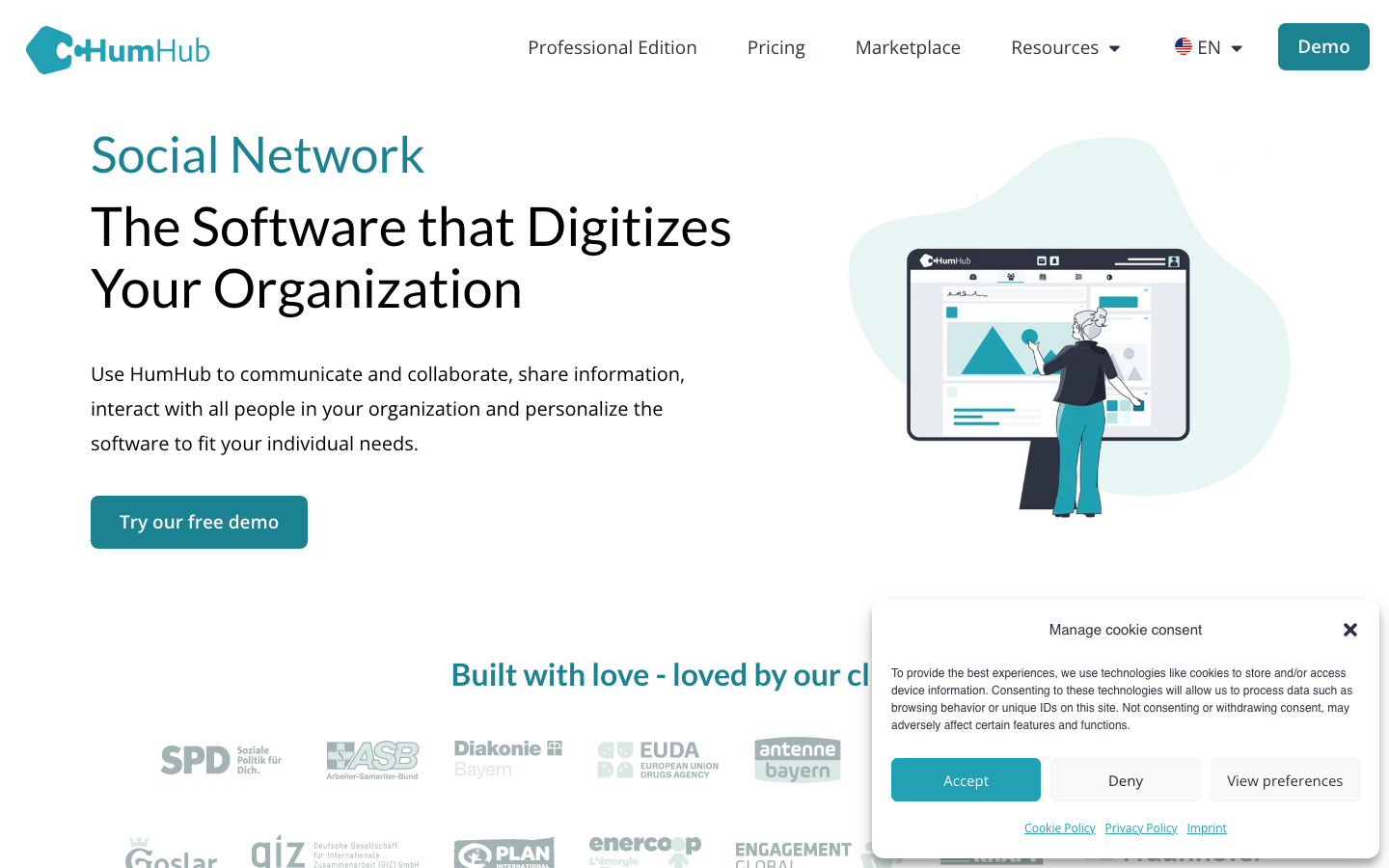
HumHub is an enterprise social network platform combining messaging, activity streams, file sharing, and team collaboration. Self-hosted and modular, it replaces Teams' broader collaboration features with a social-network-first model.
Pros:
- All-in-one social collaboration—chat, files, activity feeds, and community features
- Extensive module marketplace for extending functionality
- PHP-based, straightforward to deploy and customize
Cons:
- Larger footprint than lightweight messaging-only tools
- Requires more server resources than minimal alternatives
ejabberd
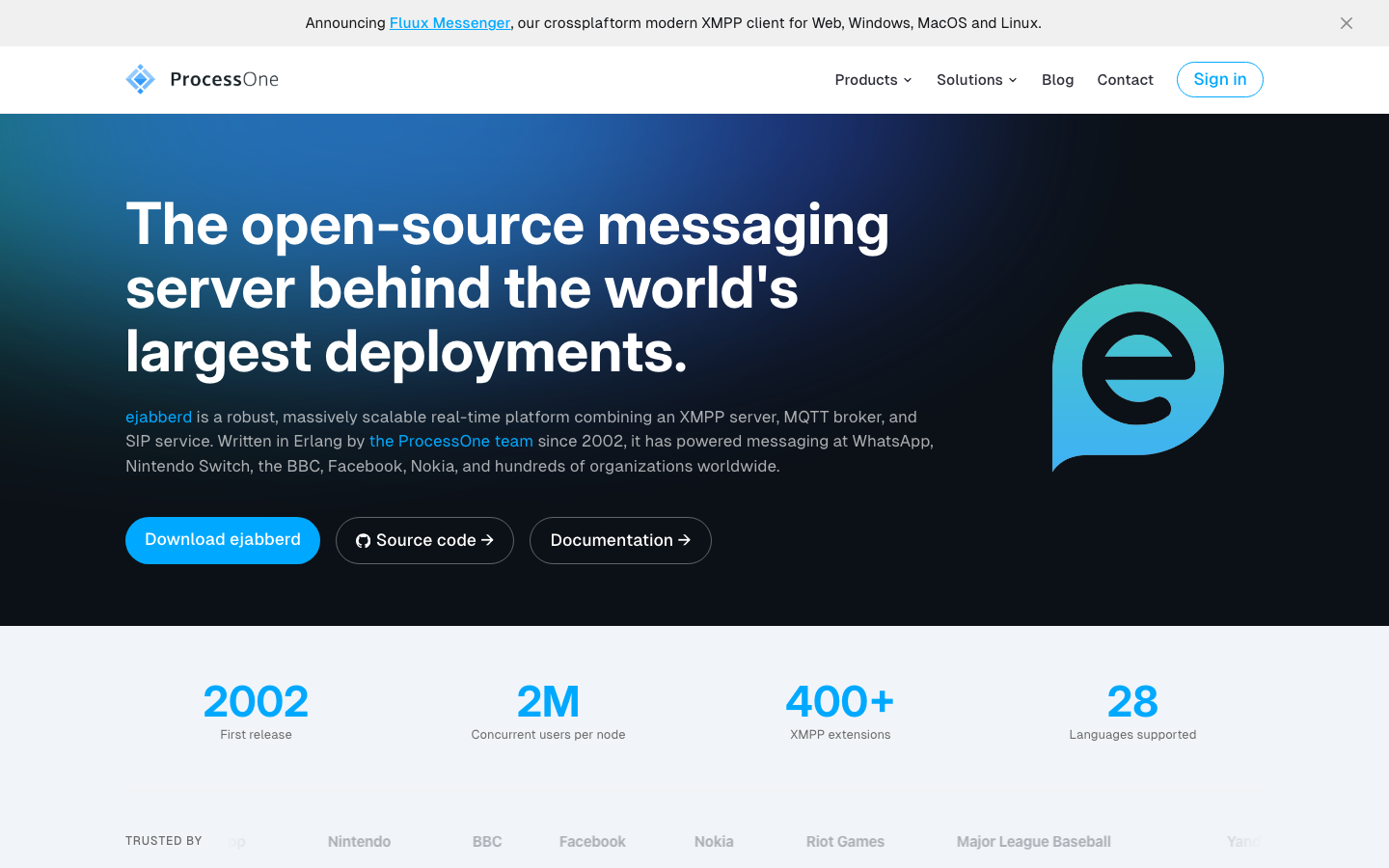
Ejabberd is a robust, massively scalable messaging platform built in Erlang that implements XMPP, MQTT, and SIP protocols. It's enterprise-grade infrastructure for organizations needing federation, standards compliance, and carrier-class reliability.
Pros:
- Federated messaging—users can communicate across different XMPP servers
- Supports multiple protocols (XMPP, MQTT, SIP) in one platform
- Built for massive scale and high availability
Cons:
- XMPP is standards-based but less intuitive than modern chat UIs
- Requires operational expertise for production deployment
How to choose
For a drop-in Teams replacement with messaging, files, and social features, start with HumHub—it covers the broadest use cases and requires minimal integration work.
If your priority is encrypted, portable team chat without vendor lock-in, chat provides native clients across platforms and is purpose-built for messaging.
For voice-first teams or low-latency real-time collaboration, Mumble excels where video is secondary and audio quality matters most.
If you're building custom applications or need infrastructure-level flexibility, ejabberd (federation & scale), janus-gateway (WebRTC), or open-im-server (API-first) provide the foundation to build on.
For workflow automation layered onto any chat system, hubot and server (screen sharing) are best used alongside a primary messaging tool.