








TL;DR
Data teams managing multiple analysts benefit most from Apache Superset, which scales visualization and dashboard creation without per-seat licensing friction. For internal-tool builders who need dashboards alongside CRUD interfaces, Appsmith bundles both capabilities in one platform, cutting tool sprawl. Organizations prioritizing data sovereignty and catalog-first governance should evaluate CKAN, which treats data publishing and access control as first-class concerns rather than an afterthought.
Why teams leave Metabase
A team's analytics team grows from two people to ten. Suddenly, the per-seat licensing bill triples. But that's not the real frustration—it's that they can't control where their data lives, can't audit how queries are constructed, and hit walls when analysts want to customize dashboards in ways the UI doesn't permit.
The structural problem is that Metabase, like most proprietary BI tools, monetizes headcount. Each new analyst means a new seat cost. Beyond pricing, teams lose data sovereignty: their warehouse connection lives in a vendor's infrastructure, and there's no transparency into how queries are optimized or cached. When a team's query patterns get complex or they need to integrate BI with custom internal tools, the platform's opinionated design becomes a constraint rather than a feature.
Open-source BI tools flip this model. Self-hosting means your data warehouse connection stays yours. No per-user billing means you can grow your analytics team without triggering licensing negotiations. And because the code is open, teams can fork, extend, or integrate BI logic directly into their own infrastructure.
Quick comparison
| Name | License | Self-Hosted | Data Ownership | Query Flexibility | Best For |
|---|---|---|---|---|---|
| Apache Superset | Apache-2.0 | ✓ | ✓ | High | Multi-analyst teams, rich visualizations |
| Appsmith | Apache-2.0 | ✓ | ✓ | High | Internal tools + dashboards, rapid dev |
| Minds Platform | License not declared | ✓ | ✓ | High | Production AI systems, controlled deployment |
| MindsDB | License not declared | ✓ | ✓ | High | AI-driven queries, multi-datasource access |
| Redash | BSD-2-Clause | ✓ | ✓ | High | Query-first teams, collaborative dashboards |
| Datasette | Apache-2.0 | ✓ | ✓ | High | Data exploration, lightweight publishing |
| Evidence | MIT | ✓ | ✓ | Very High | Code-driven BI, version-controlled reports |
| CKAN | License not declared | ✓ | ✓ | Medium | Data catalogs, governance, multi-org access |
Top open-source alternatives to Metabase
Apache Superset
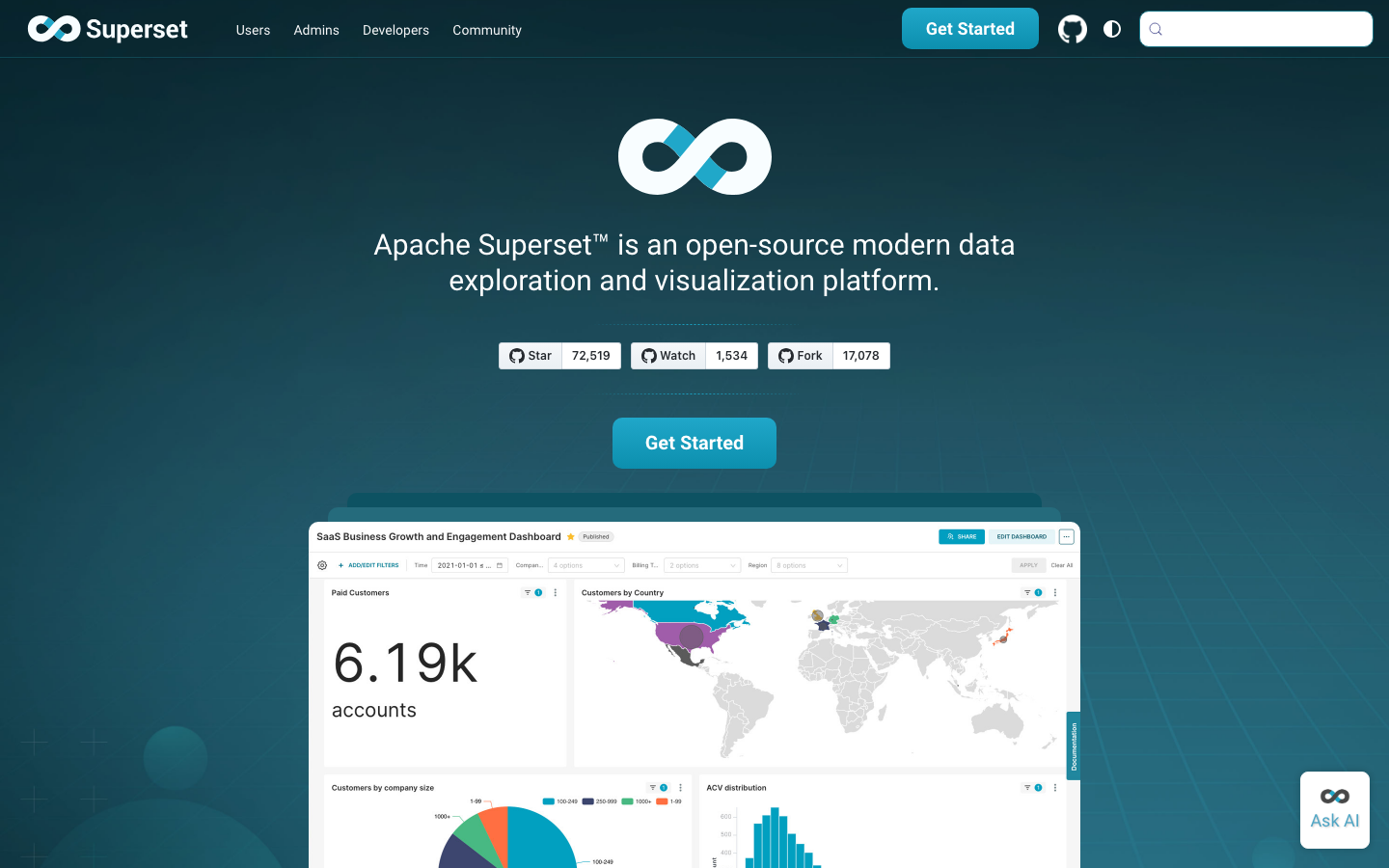
Apache Superset is a data visualization and exploration platform that lets teams build interactive dashboards without per-seat licensing. It connects to SQL databases, data warehouses, and APIs, and prioritizes a rich, user-friendly interface for both technical and non-technical analysts. With the largest community among Metabase alternatives (72k+ GitHub stars), Superset is battle-tested across enterprises.
Pros:
- No per-user licensing; scales with your data, not your headcount
- Extensive visualization library and dashboard customization
- Strong SQL editor and query caching for performance at scale
Cons:
- Steeper learning curve for UI customization compared to Metabase
- Requires more infrastructure overhead to self-host reliably
Appsmith
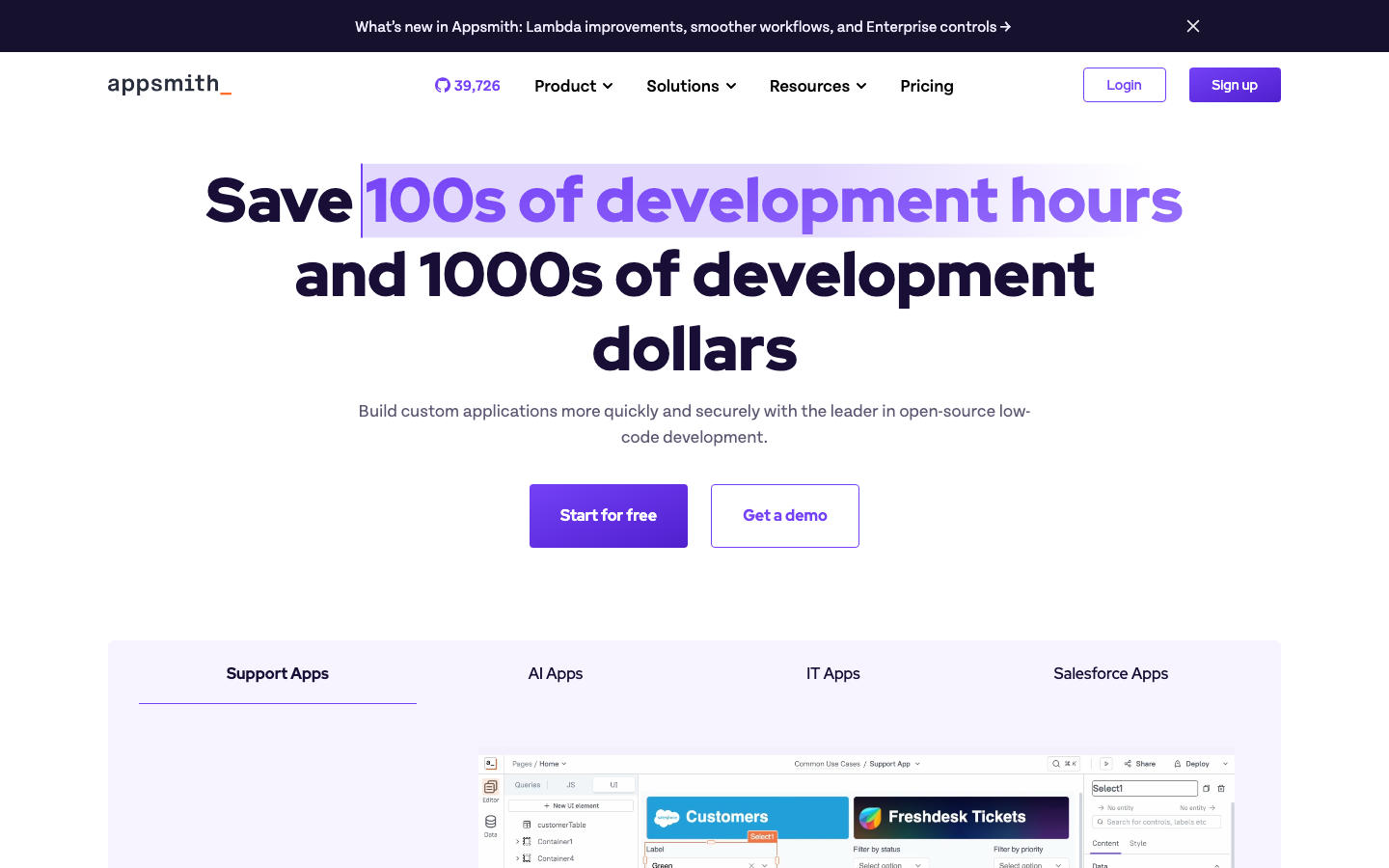
Appsmith is a platform for building admin panels, internal tools, and dashboards in one place. It integrates with 25+ databases and any REST API, letting teams avoid juggling separate tools for CRUD operations and analytics. Built on open standards, it's designed for teams that want to own their internal-tool stack.
Pros:
- Unified platform for dashboards and operational UIs
- Rapid low-code development; minimal boilerplate
- Direct database connections with no vendor intermediary
Cons:
- Smaller community than Superset; fewer pre-built integrations
- UI customization requires more hands-on configuration
Minds Platform
Minds Platform is a dedicated foundation for building production-ready AI systems that teams can truly control, extend, and deploy anywhere. It emphasizes data sovereignty and reproducible AI workflows, making it ideal for organizations where AI governance and model transparency are non-negotiable.
Pros:
- Full control over model deployment and data flow
- Built for production AI from the ground up
- No vendor lock-in on AI infrastructure
Cons:
- Narrower focus (AI systems) than general-purpose BI
- Smaller ecosystem and fewer pre-built templates
MindsDB
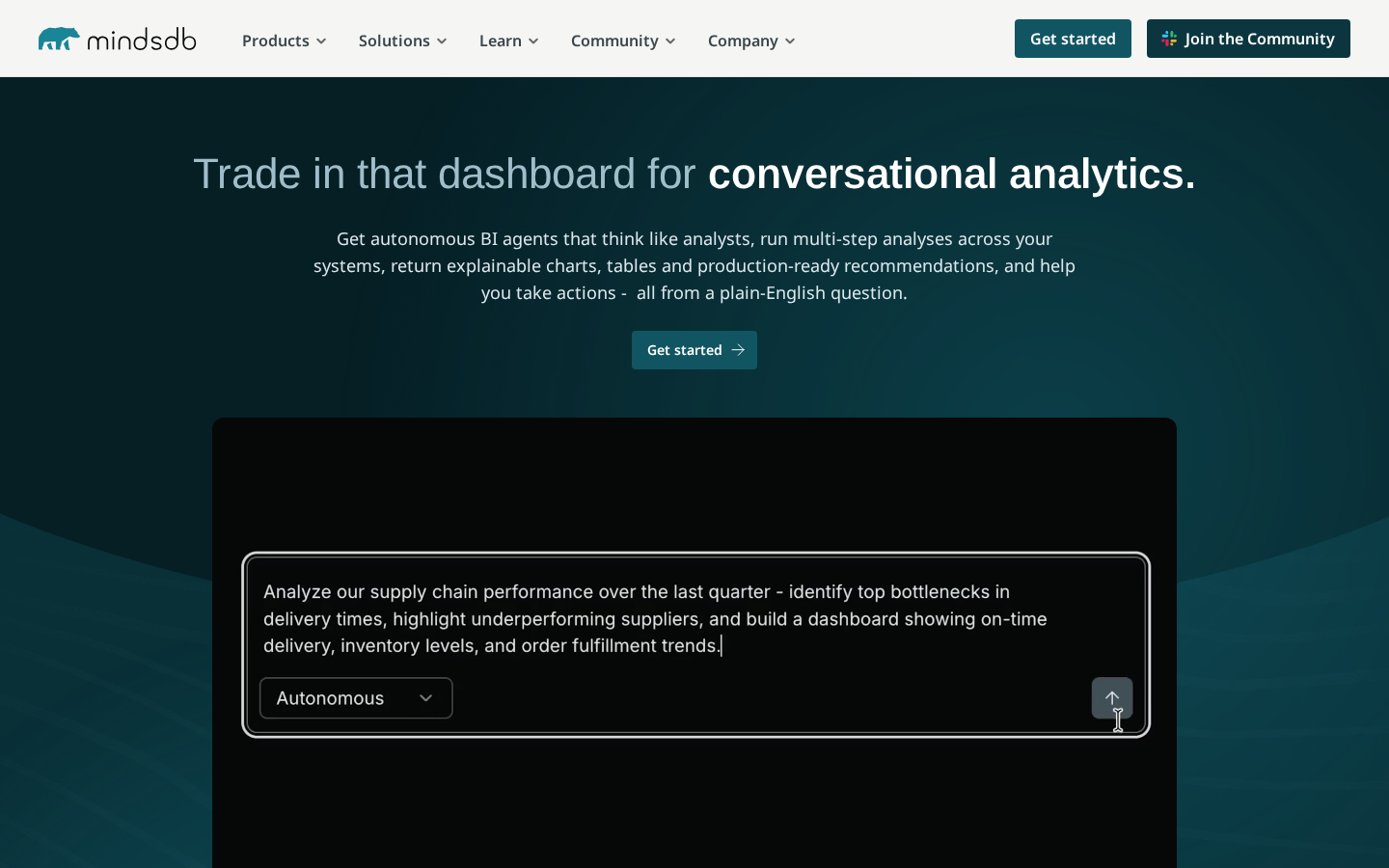
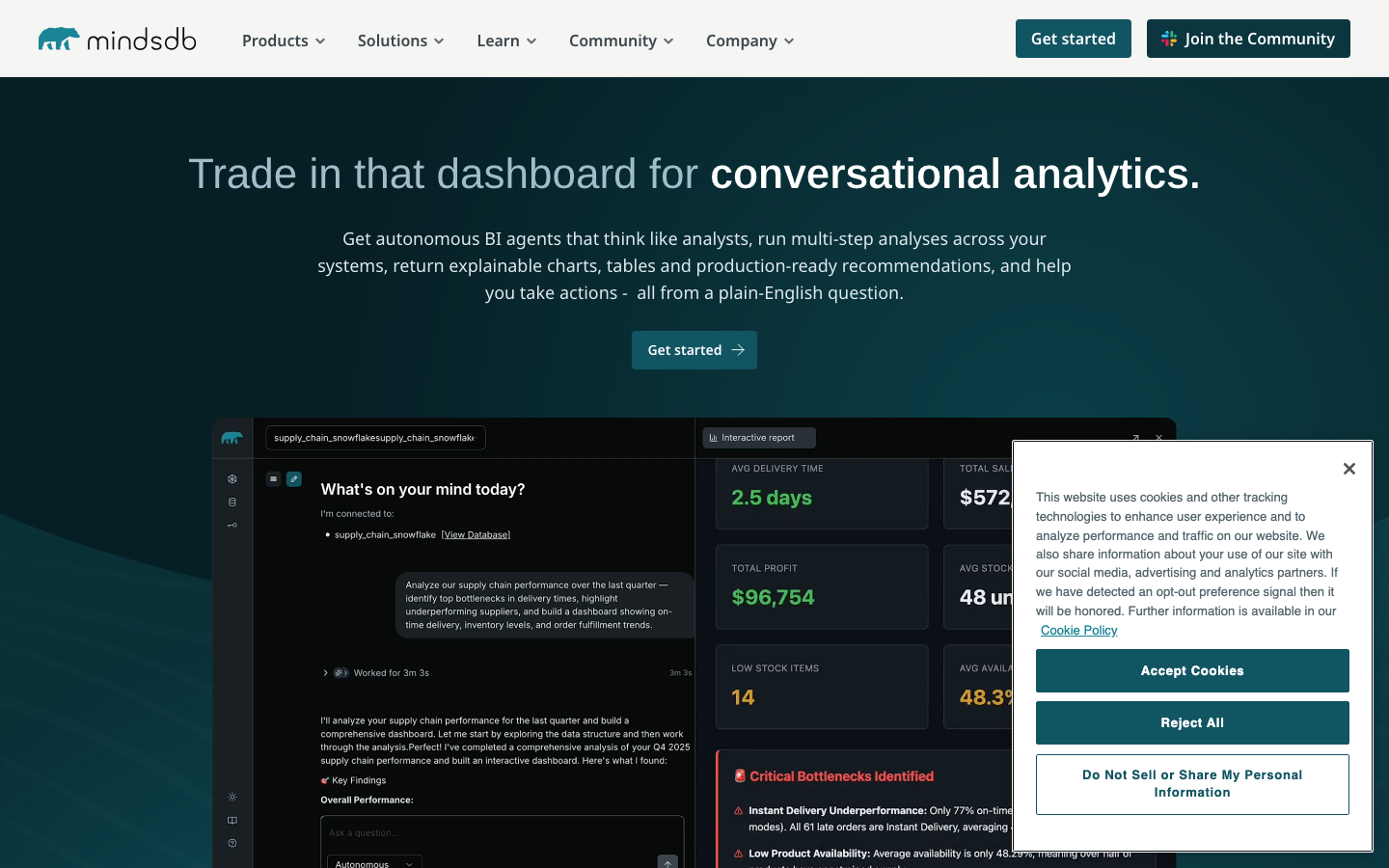
MindsDB is an AI Data Vault that acts as a query engine for AI Agents, allowing secure queries across any datasource. It bridges traditional databases and AI models, letting teams use SQL-like syntax to run predictions and integrate AI into BI workflows without building custom pipelines.
Pros:
- Native AI/ML integration into SQL queries
- Multi-datasource support with unified query interface
- Reduces time to operationalize AI models
Cons:
- Requires familiarity with AI concepts; steeper learning curve for traditional BI teams
- Still evolving; fewer reference implementations than Superset
Redash
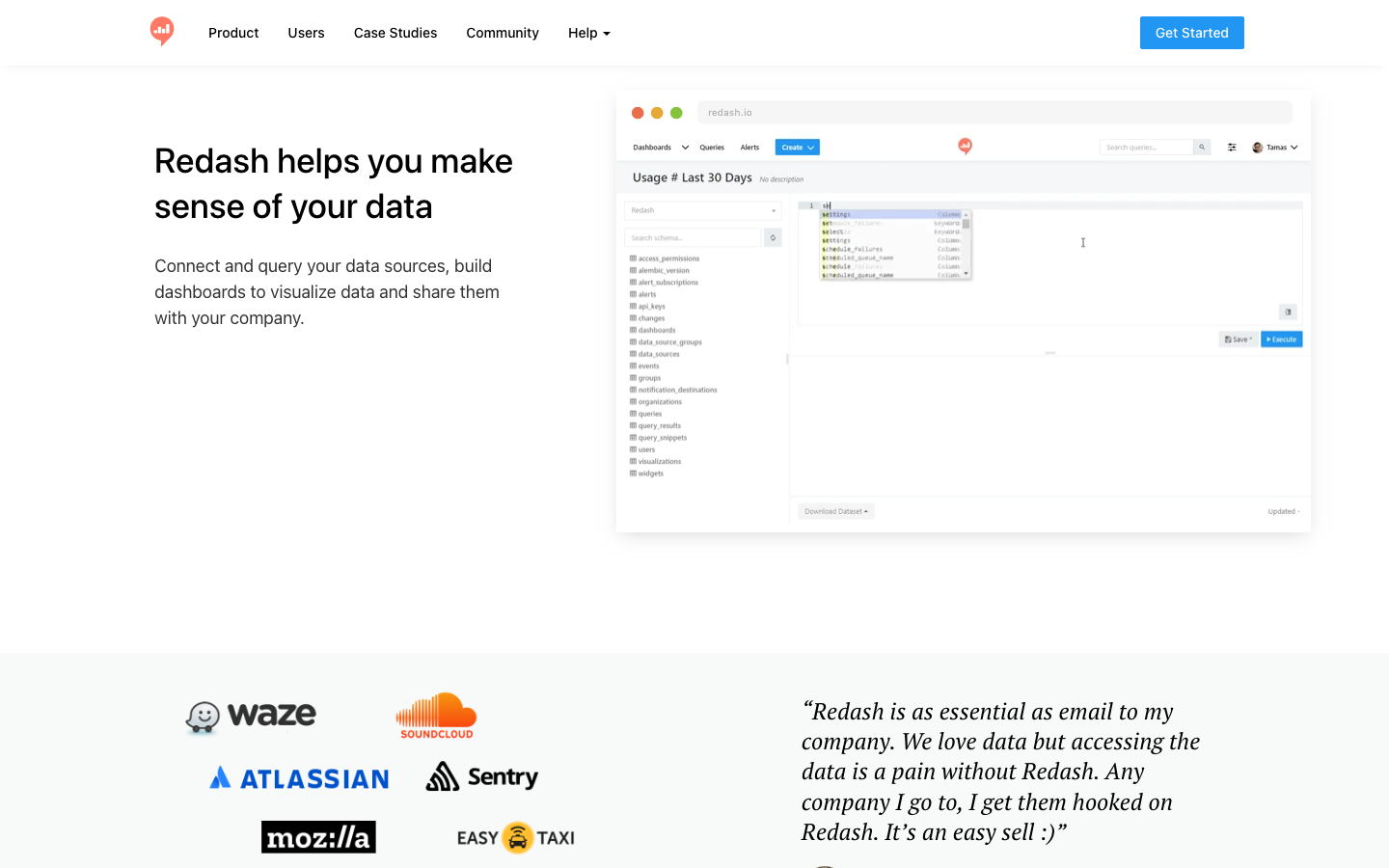
Redash makes companies data-driven by connecting to any data source and enabling teams to visualize, dashboard, and share data collaboratively. It's query-first, meaning analysts write SQL and build dashboards from results, which appeals to teams with strong SQL skills.
Pros:
- Simple, SQL-native workflow; minimal UI overhead
- Strong query editor and collaborative features
- Lightweight self-hosting footprint
Cons:
- Visualization library less extensive than Superset
- Smaller active community means fewer third-party integrations
Datasette
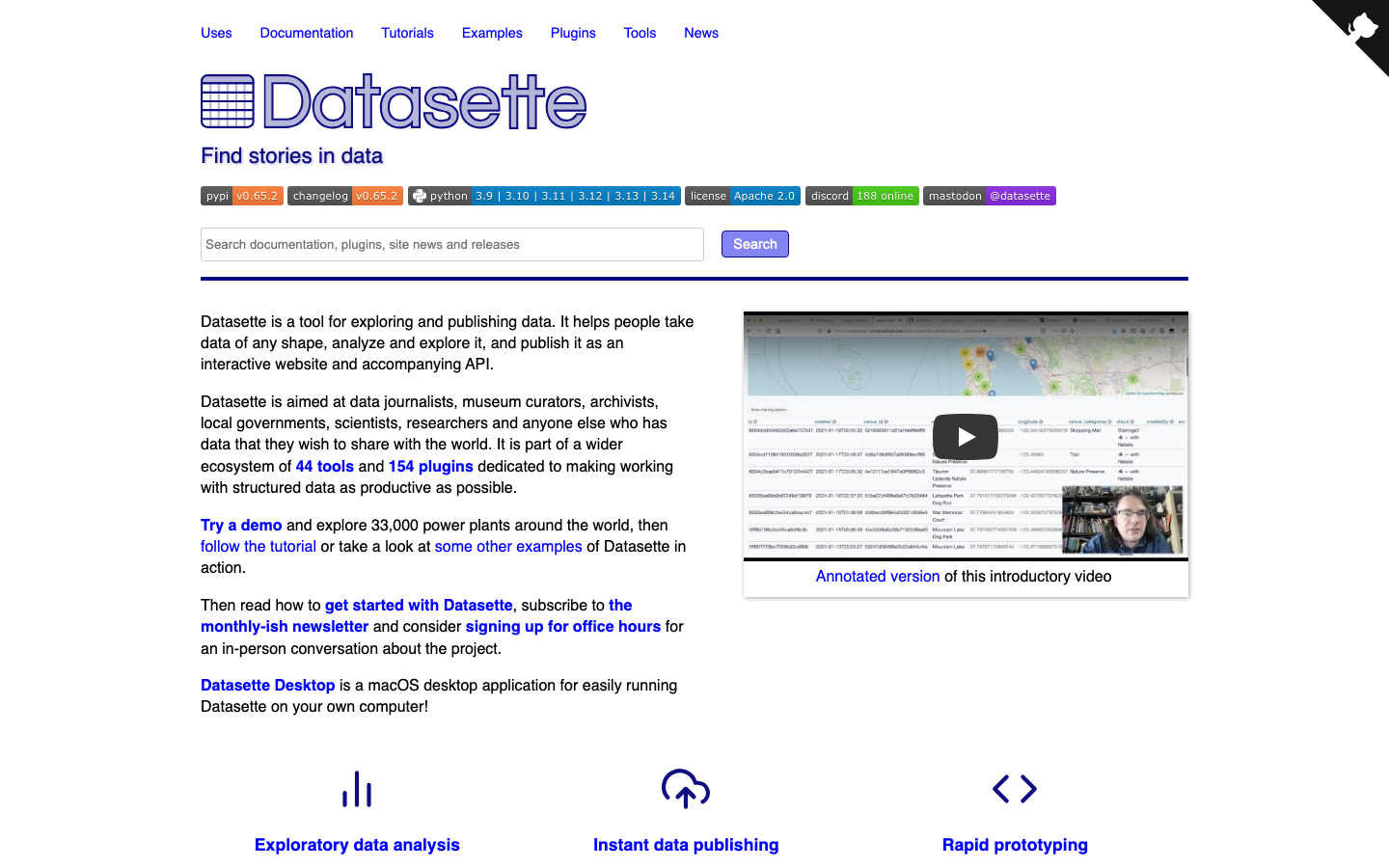
Datasette is an open-source multi-tool for exploring and publishing data. It's designed to be lightweight and self-contained, making it ideal for teams that want to publish data tables, run ad-hoc queries, and share results without heavy infrastructure.
Pros:
- Minimal dependencies; easy to deploy and maintain
- Great for data exploration and quick publishing
- Scriptable and extensible via plugins
Cons:
- Lighter-weight than Superset; fewer visualization types
- Better suited for exploration than large-scale production dashboards
Evidence
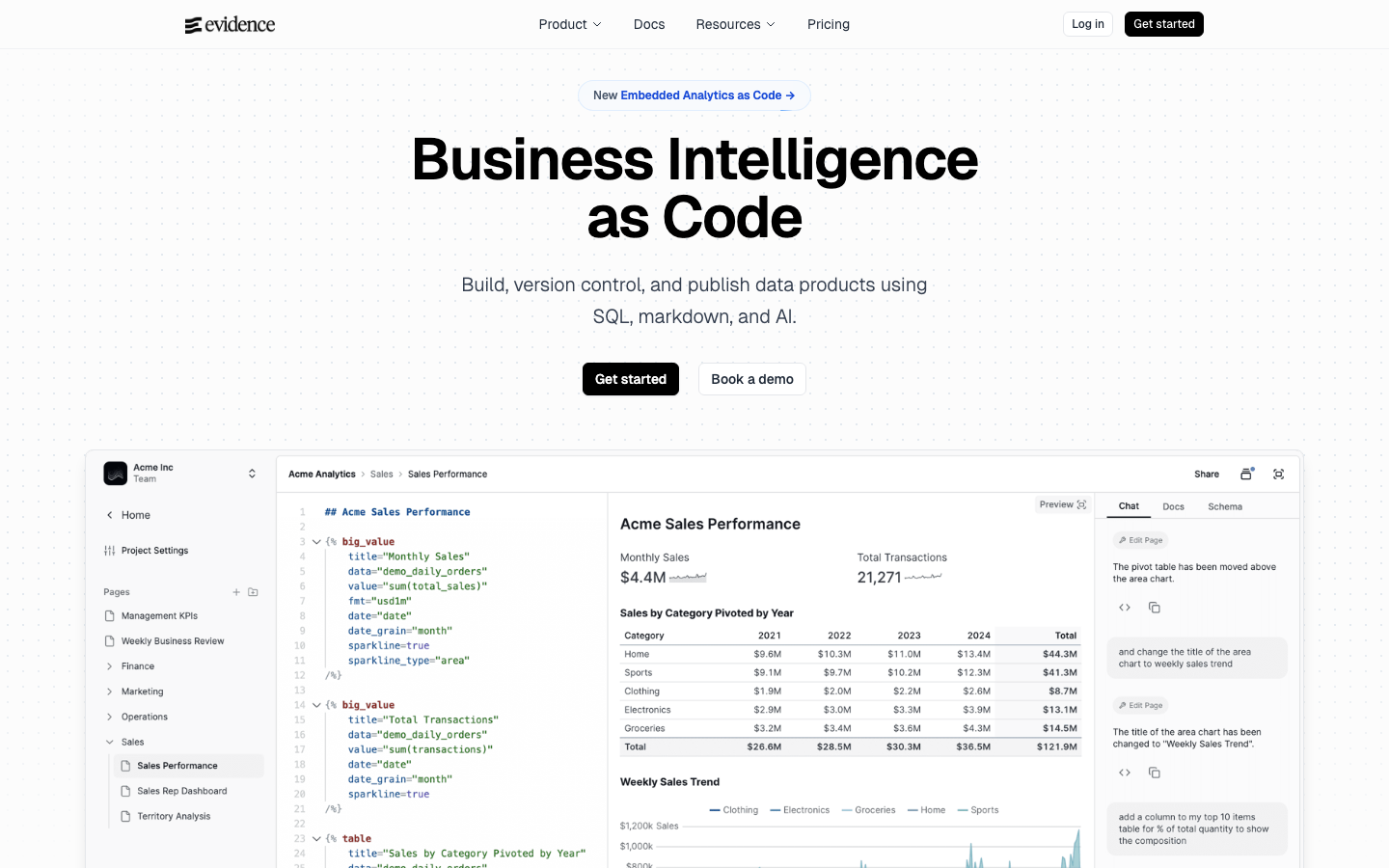
Evidence is business intelligence as code: teams build fast, interactive data visualizations in SQL and markdown, then version-control and deploy them like software. It's purpose-built for teams that want dashboards to live in Git alongside their codebase.
Pros:
- Dashboards as code; full Git integration and CI/CD support
- SQL + markdown = minimal context switching
- Ideal for teams with engineering-forward cultures
Cons:
- Requires comfort with code and version control; not a drag-and-drop UI
- Smaller community; fewer pre-built templates
CKAN
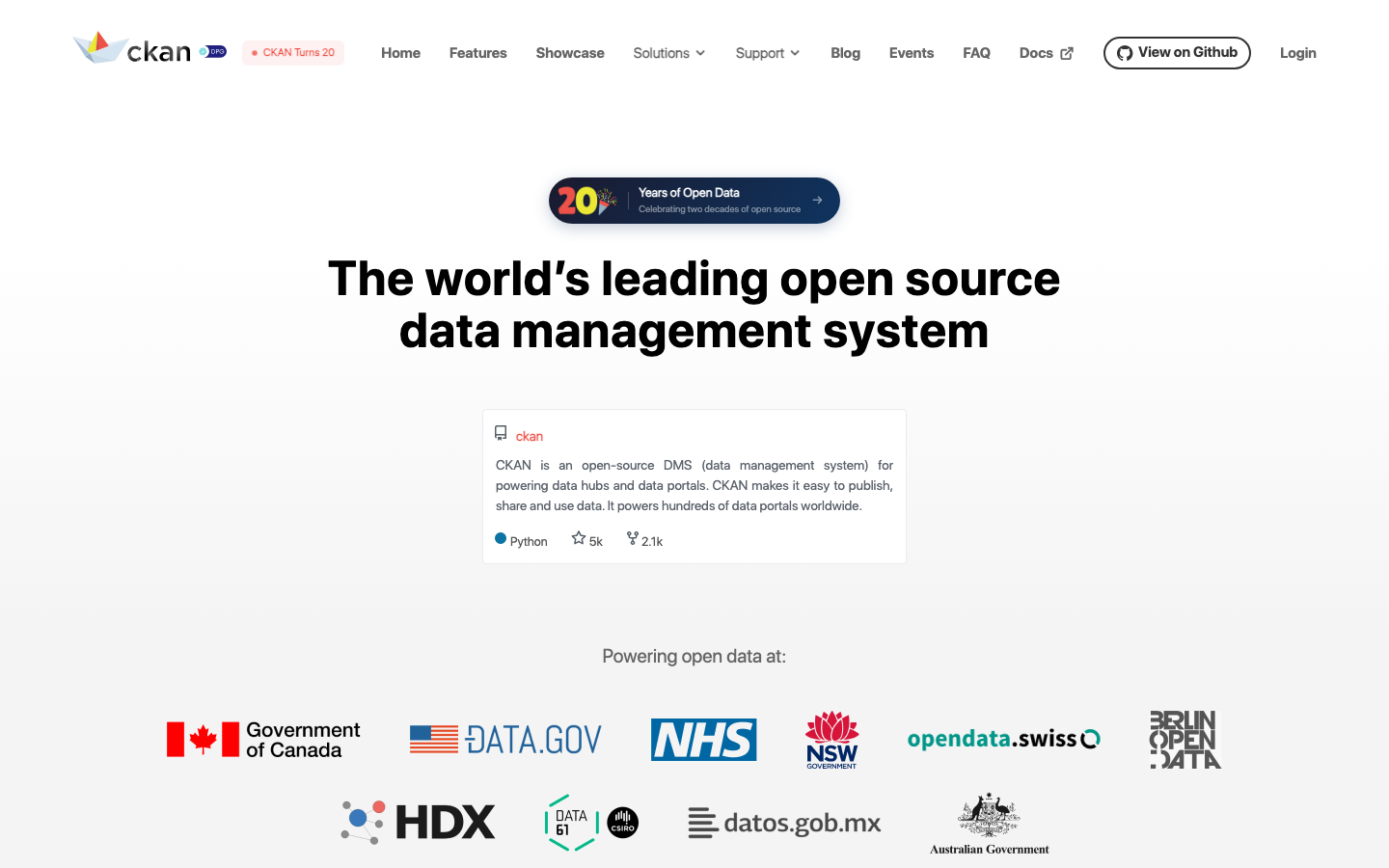
CKAN is an open-source data management system for powering data hubs and data portals. It's the backbone of major government and humanitarian data catalogs, and it prioritizes data discovery, governance, and multi-organizational access over interactive dashboarding.
Pros:
- Purpose-built for data governance and cataloging
- Multi-organization support with fine-grained access control
- Proven at scale across public and private sectors
Cons:
- Not a dashboard tool; focuses on data publishing and discovery
- Requires more setup for analytics workflows
How to choose
Start by asking: Is your bottleneck dashboarding speed, or data governance? If your team is growing and you're tired of per-seat licensing, Apache Superset is the safest bet—it's the most feature-complete Metabase replacement. If you're building internal tools alongside dashboards, Appsmith collapses tool sprawl. For teams where data sovereignty and catalog management are critical, CKAN is purpose-built. If your team codes in SQL and Git, Evidence turns dashboards into version-controlled artifacts. For smaller teams or rapid exploration, Datasette is lightweight and fast. Finally, if AI-driven queries or multi-datasource complexity are in your roadmap, MindsDB or Minds Platform warrant evaluation—but expect a steeper onboarding curve.